Many watches are judged while standing, photographed with the wrist turned upward, or tried on for a few minutes at a counter. Desk work tells a different truth. A watch that looks perfect in a mirror can press against a laptop edge, slide toward the wrist bone while typing, catch on a cuff, or put the clasp exactly where your wrist rests. Daily comfort is often decided by a keyboard, not a camera.
This is not a medical guide or an ergonomic prescription. It is a watch-wearing guide for ordinary workdays: typing, writing, moving between desk and meeting, using a laptop, resting your forearm, and taking the watch on and off without turning comfort into a project. If a watch bothers you for eight hours at a desk, it will not become a better daily watch because the dial is beautiful.
The desk test begins with wrist position
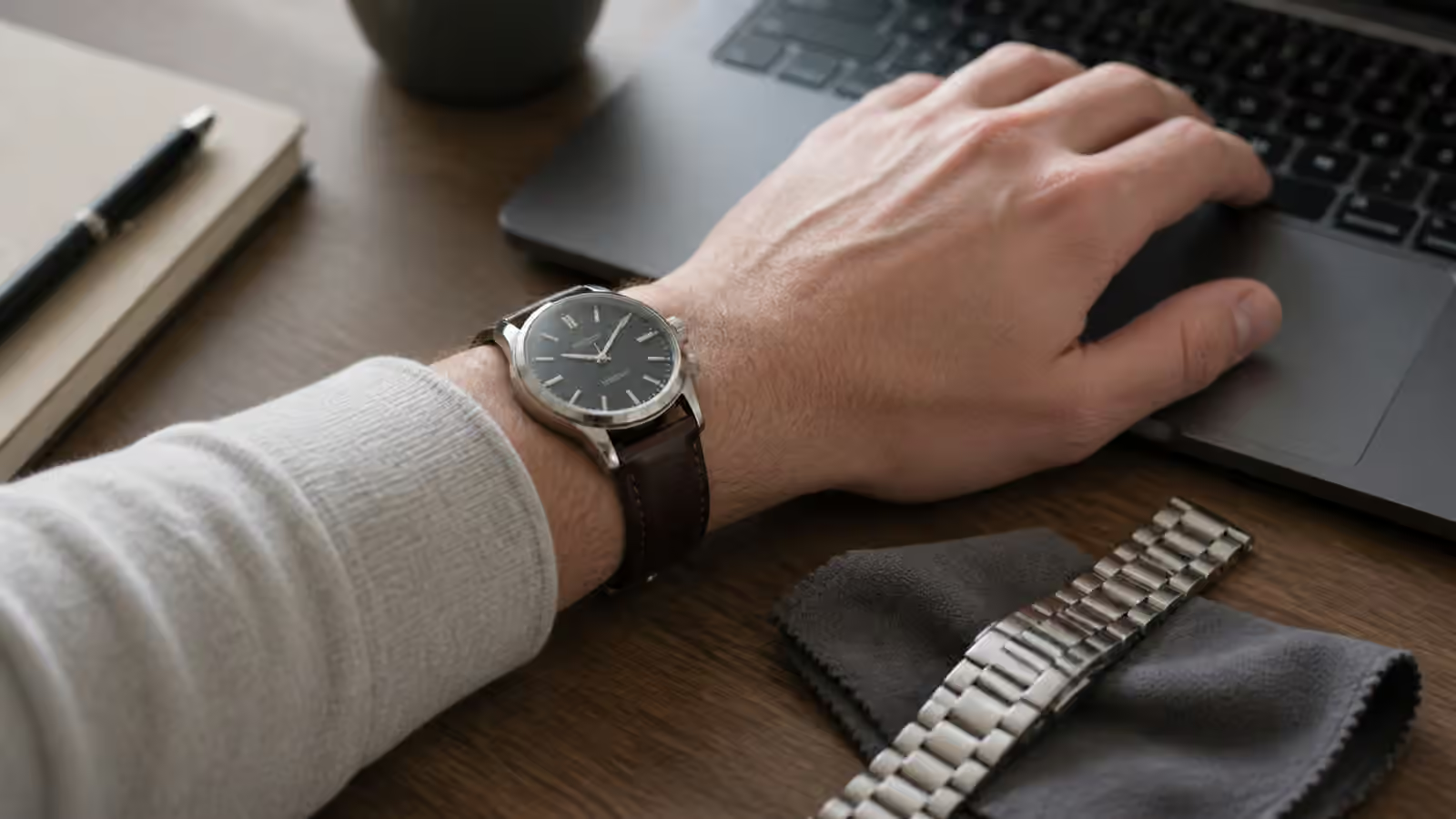
When you type, your wrist is not in the same position as it is in a wrist shot. The hand angles downward, the wrist may rest near a laptop edge, and the watch case can shift toward the back of the hand. A tall case that felt fine while standing can begin to bump the keyboard deck. A large crown can press into the hand when the wrist bends. A loose bracelet can let the watch head slide until it becomes an obstacle.
Watch Sizing explains diameter and lug-to-lug, but desk comfort adds motion. The watch should stay centered enough that you are not constantly shaking it back into place. It should allow your wrist to bend naturally enough for your work setup. If a watch only feels good when worn very tight, it may be too heavy, too top-heavy, or on the wrong strap for desk use.
Try the watch in the position where you actually work. Rest your forearm on the desk. Type a sentence. Move from keyboard to trackpad or mouse. Reach for a notebook. The test takes less than a minute and reveals more than a mirror pose.
Case thickness is felt before it is measured
Thickness is usually quoted as a number, but the wrist feels shape. A 12mm watch with a curved caseback, short lugs, and a balanced bracelet can feel easier than a thinner watch with a slab-sided case and stiff strap. A domed crystal may add height visually without adding the same kind of pressure at the wrist. A protruding caseback can make the watch rock.
Watch Case Thickness and Wrist Comfort gives the deeper framework. At the desk, thickness matters because the watch is near hard surfaces. Laptop edges, table tops, armrests, and sleeves all meet the case. A thick dive watch can be perfectly wearable if you type with wrists floating, but irritating if your wrist rests on the desk.
The solution is not always to buy thinner watches. Sometimes the solution is a bracelet that stabilizes the case, a strap that holds the watch higher or lower on the wrist, or a slightly snugger fit that prevents sliding. The right answer depends on the watch’s weight and your work posture.
Crowns can become pressure points
Crowns are easy to ignore until they touch skin. A large screw-down crown, onion crown, or sharp crown guard can dig into the back of the hand when typing, especially if the watch is worn low toward the hand. Left-handed owners or people who wear watches on the right wrist may experience the pressure differently depending on crown position.
Watch Crowns and Pushers explains crown design as a functional part. Desk comfort adds the body side of that design. A crown that is easy to grip for winding may also be more noticeable during wrist flexion. A recessed crown may be less intrusive but harder to operate. Chronograph pushers can add width and contact points.
Before blaming your wrist, change the position of the watch slightly. Wearing the watch a little higher, above the wrist bone, can reduce crown pressure. A better-fitting strap can keep it there. If the watch always migrates downward, the issue may be fit or weight distribution rather than crown shape alone.
The underside matters as much as the watch head
Clasp pressure is one of the most common desk complaints. A clasp can sit exactly where the wrist meets the table, creating a hard pressure point even when the watch head feels perfect. Deployant clasps on leather straps can be especially sensitive because the metal folding structure may land under the wrist in a way a simple pin buckle would not.
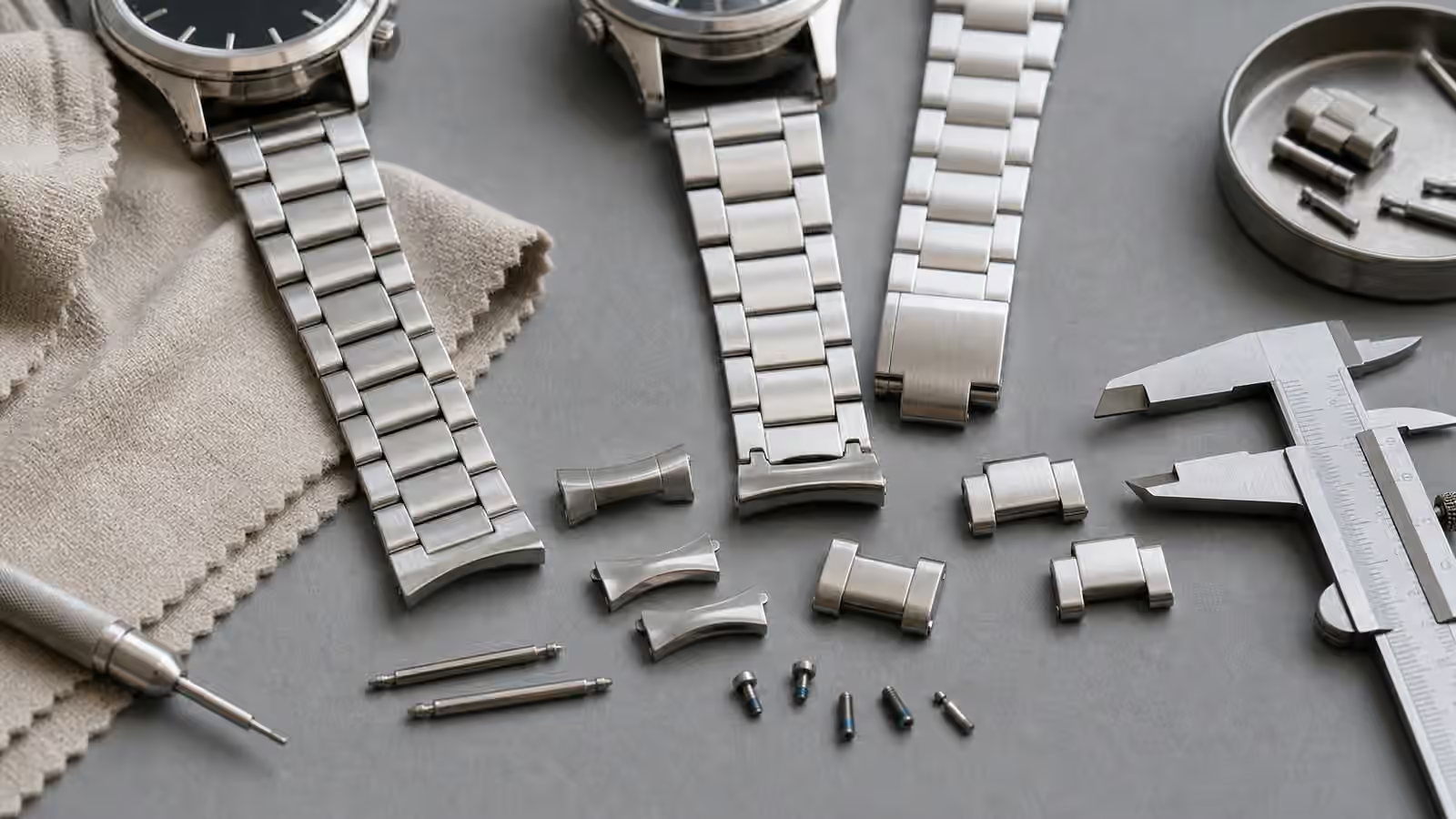
Watch Clasps and Bracelet Fit is the natural follow-up. Bracelet sizing should center not only the watch head but also the clasp. Removing links evenly is not always the best method. Many wrists need more links on one side than the other so the clasp sits comfortably. Micro-adjustment can change the whole experience during a long day.
Laptop users should be especially attentive to clasp height. A thick clasp can scrape or tap against a metal laptop deck. That sound and pressure may not matter during a short try-on, but it can become annoying over months. If a bracelet is otherwise excellent, a small sizing change may solve it. If the clasp remains a hard lump no matter what, the watch may be better on a strap for desk days.
Strap material changes the workday
Leather, rubber, fabric, and bracelets behave differently at a desk. Leather can be comfortable and quiet, but a thick padded strap may resist wrist movement. Thin leather can make a dress watch disappear, though sweat and daily bending will age it. Rubber can grip the wrist and stabilize a heavier watch, but some rubber straps trap heat during long sessions. Fabric can be light and forgiving, but single-pass straps add height under the case.
Watch Straps and Bracelets covers the broad trade-offs. For desk work, listen to small irritations. Does the strap tail catch? Does the keeper sit where your wrist rests? Does the buckle create a pressure point? Does the bracelet pull hair? Does the watch slide when your wrist warms up in the afternoon?
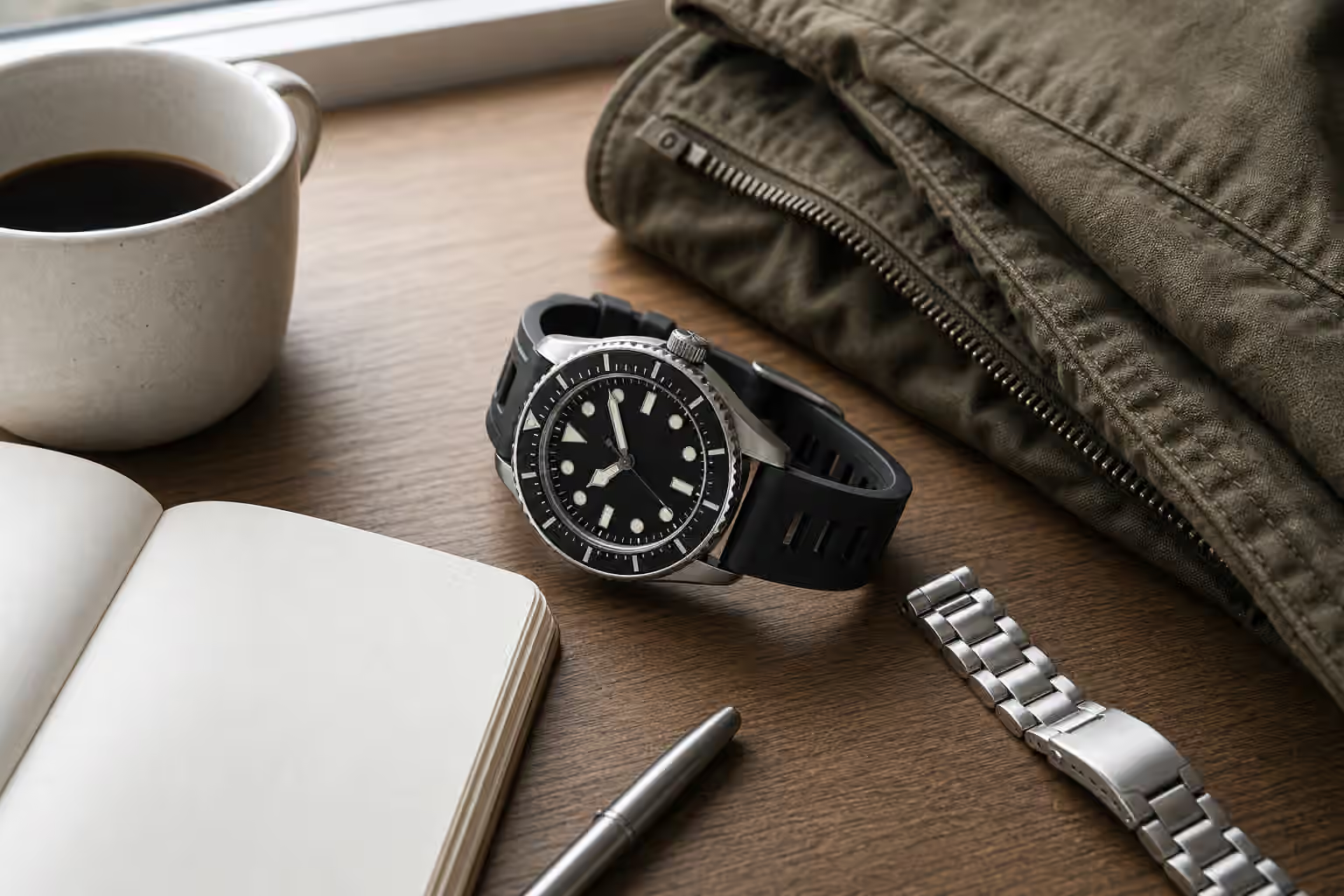
A watch that is uncomfortable on one attachment may become excellent on another. A top-heavy diver can settle down on a bracelet. A slim dress watch can feel freer on a simple pin-buckle strap than on a deployant. A field watch can become a better writing companion on soft fabric. The watch head is only half the interface.
Cuffs, sleeves, and keyboards interact
Desk wear often happens with sleeves. A watch that fits under a cuff while standing may catch when reaching for a keyboard. A thick cuff can push the watch down toward the hand. A bracelet can snag a sweater. A rubber strap can grip fabric. A high polished bezel can collect marks from desk contact.
Watch Dress Watch Cuff Fit focuses on formal clothing, but the same principle applies to work clothes. The watch should move with the sleeve instead of fighting it. If you spend most days in shirts with tight cuffs, thickness and crown profile matter more than they might on weekends.
Marks are part of desk life too. Clasps often gather hairline scratches from laptops and tables. Coated bracelets may show edge wear where they contact hard surfaces. Watch Scratches, Polishing, and Refinishing can help set expectations. A daily work watch should be chosen with the first desk mark already imagined.
The best desk watch may not be the smallest watch
It is tempting to solve desk comfort by choosing the smallest watch possible. Sometimes that works. A thin, light watch on a soft strap can be nearly invisible. But a watch that is too small for its bracelet, too loose, or too fiddly can still annoy. Stability matters as much as size.
A good desk watch usually has balanced weight, moderate thickness, a comfortable underside, a crown that does not dig, and an attachment that keeps the case where you want it. It may be quartz, automatic, manual, sport, dress, or field. Quartz Watch Ownership is relevant because grab-and-go accuracy can pair nicely with a workday role, but mechanical watches can be just as comfortable if the case and strap cooperate.
The final test is forgetfulness. During focused work, the watch should fade into the background until you need it. If you keep adjusting it, removing it, or protecting the desk from it, the watch is asking for too much attention in the wrong setting.
Build a workday rotation around comfort
Not every watch needs to be a desk watch. A thick diver may be perfect for weekends. A large chronograph may be worth its presence for days when you are moving around more than typing. A delicate dress watch may suit meetings but not long sessions at a laptop. Ownership gets easier when each watch is allowed to have a role.
For a daily office watch, prioritize the parts you feel most: case height, crown contact, clasp placement, strap flexibility, and how the watch behaves as your wrist changes through the day. Try small adjustments before giving up. Move a link, change the strap, use micro-adjustment, or wear the watch slightly higher. If those changes do not help, the design may simply be wrong for that part of your life.
A watch at the desk is still a watch, but it is also a tool you wear while doing other work. The best one respects that. It reads quickly, sits quietly, and lets your hand move without negotiation.