A prompt that says cozy professional image may produce something pretty once and unusable the next time. The problem is not creativity. The prompt has no parts you can inspect.
Visual Prompt Lab treats image generation as a briefing and review skill. A generated picture is useful only when it helps the reader, respects the audience, and survives a calm quality check. The goal is not to produce more images. The goal is to produce clearer, safer images that match the page.
The useful move
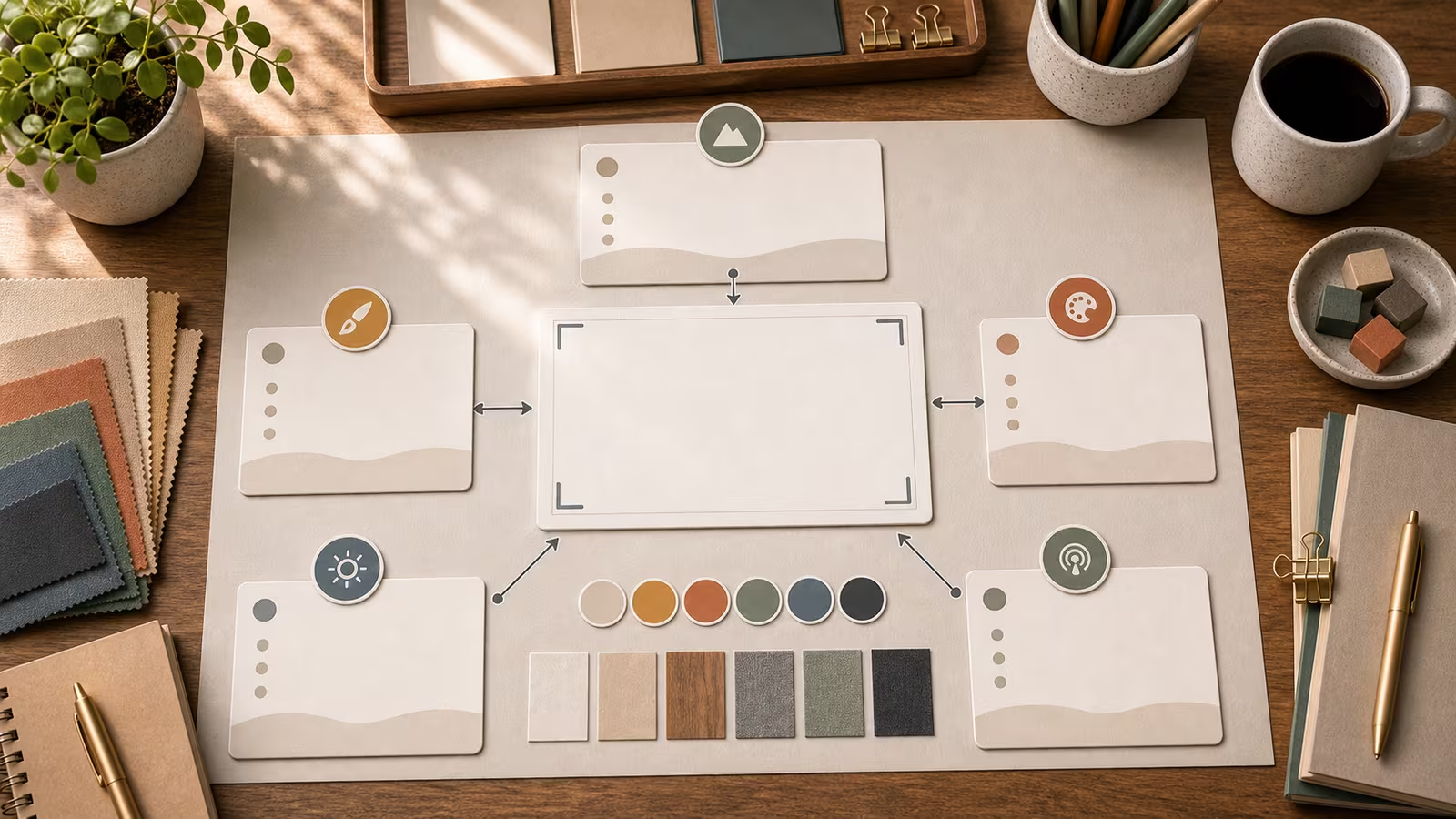
Use five anchor parts: subject, setting, action, medium, and constraints. Subject tells the model what matters. Setting gives context. Action creates purpose. Medium sets the visual lane. Constraints protect quality and trust. This is also where constraints belong. If the image should be unbranded, say so. If it should avoid readable text, say so. If disclosure is expected, plan that before the image reaches the page.
Use this guide beside Visual Prompt Lab when you are building a reusable image habit. For verification, deepfakes, and suspicious media, use Reality Check Desk instead; this topic is about responsible creation, not proving whether a viral image is real.
What to practice
Rewrite a one-line prompt into a five-part brief. Then remove one part and predict what will drift. This makes weak prompts easier to debug without changing everything at once. Keep the exercise small enough that you can compare versions. If you change subject, style, lighting, crop, and safety boundary at once, you will not know which change helped.
For repeatable work, keep a short note using the Startable Life Lab habit: what you tried, what worked, what failed, and what you will reuse. That small record is often more valuable than a giant prompt library.
Quality check
The final prompt should make the subject, environment, and intended use clear before style words appear. If a stranger cannot tell what should be in frame, tighten the anatomy. Also inspect hands or small details when people appear, fake text, accidental logos, impossible shadows, odd object counts, and whether the final image still matches the article or guidebook promise.
When the stakes are high, this check is only the first pass. It can reduce risk, but it does not make an output legally safe, factually verified, or platform-approved.
Safety and disclosure note
Constraints should include no logos, no readable gibberish, no public figures, no living artist style, and no evidence-like realism when the image is illustrative. Use safer language such as original, fictional, unbranded, product-neutral, no readable text, no logos, broad genre traits, and editorial illustration. Avoid requests that would create fake evidence, impersonation, scam assets, political persuasion imagery, non-consensual likeness use, or brand confusion.
Try this
Write one prompt using this pattern:
Create [medium] showing [subject] [action] in [setting], with [composition], [lighting], [constraints], for [output use].
Then write a one-sentence review: what should stay, what should change, and whether the image needs disclosure before use.
Related guidebooks
- Visual Prompt Lab Quickstart: From Vague Idea to Useful Image
- Describe the Shot, Not the Vibe
- Editing One Thing at a Time
- AI Agents for review workflows and human approval habits.
- Reality Check Desk for checking suspicious AI images, provenance, and deepfake claims.