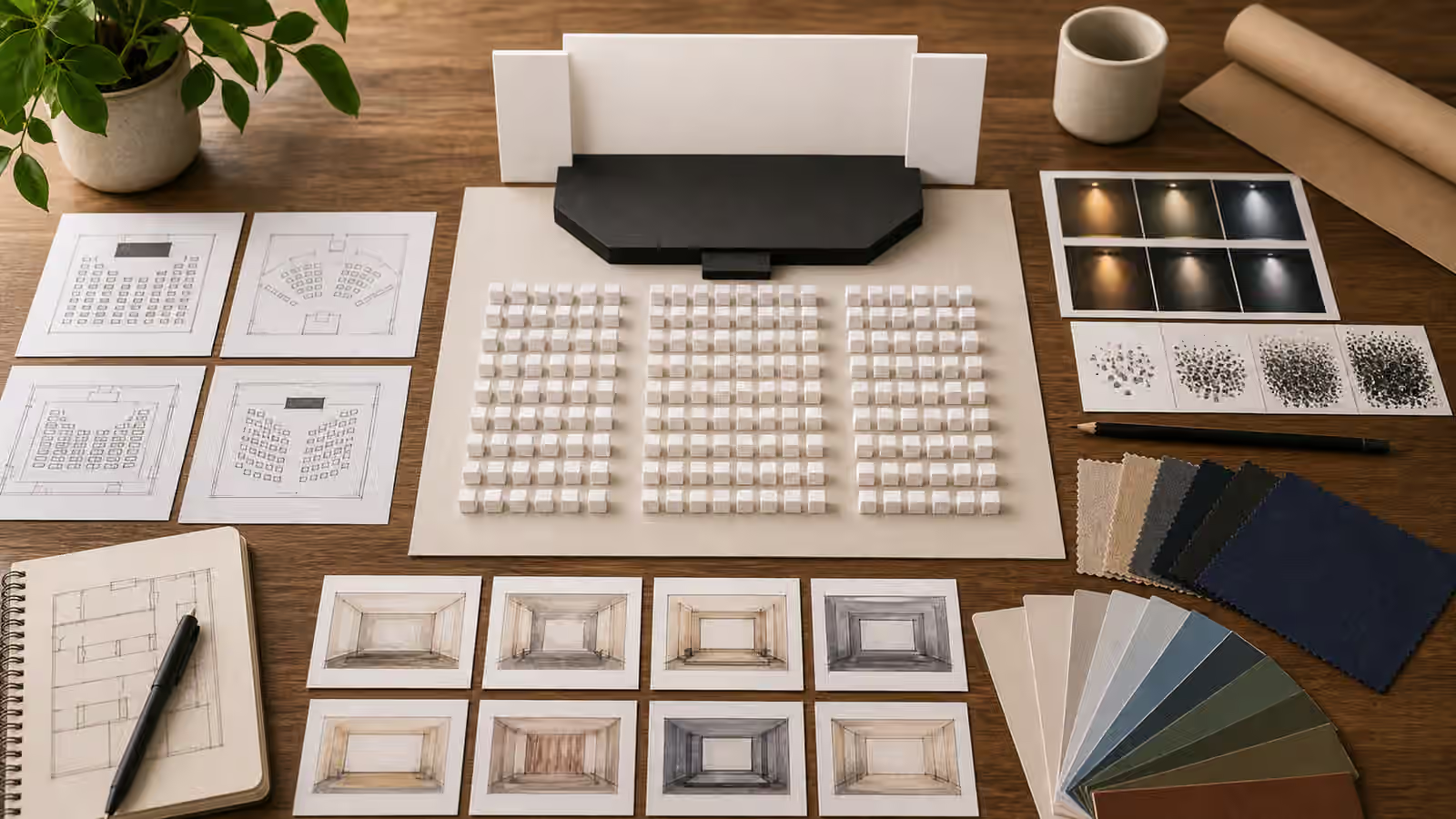
Repair visuals can look helpful before they are safe. A hand near a wire, a tool inside a machine, a cutaway of a device, a disassembled appliance, or a sequence of parts can imply instruction. If the image is decorative, that implication is a problem. A generated workbench should not teach someone how to work on live systems, bypass safety devices, repair regulated equipment, or handle hazards that need qualified guidance.
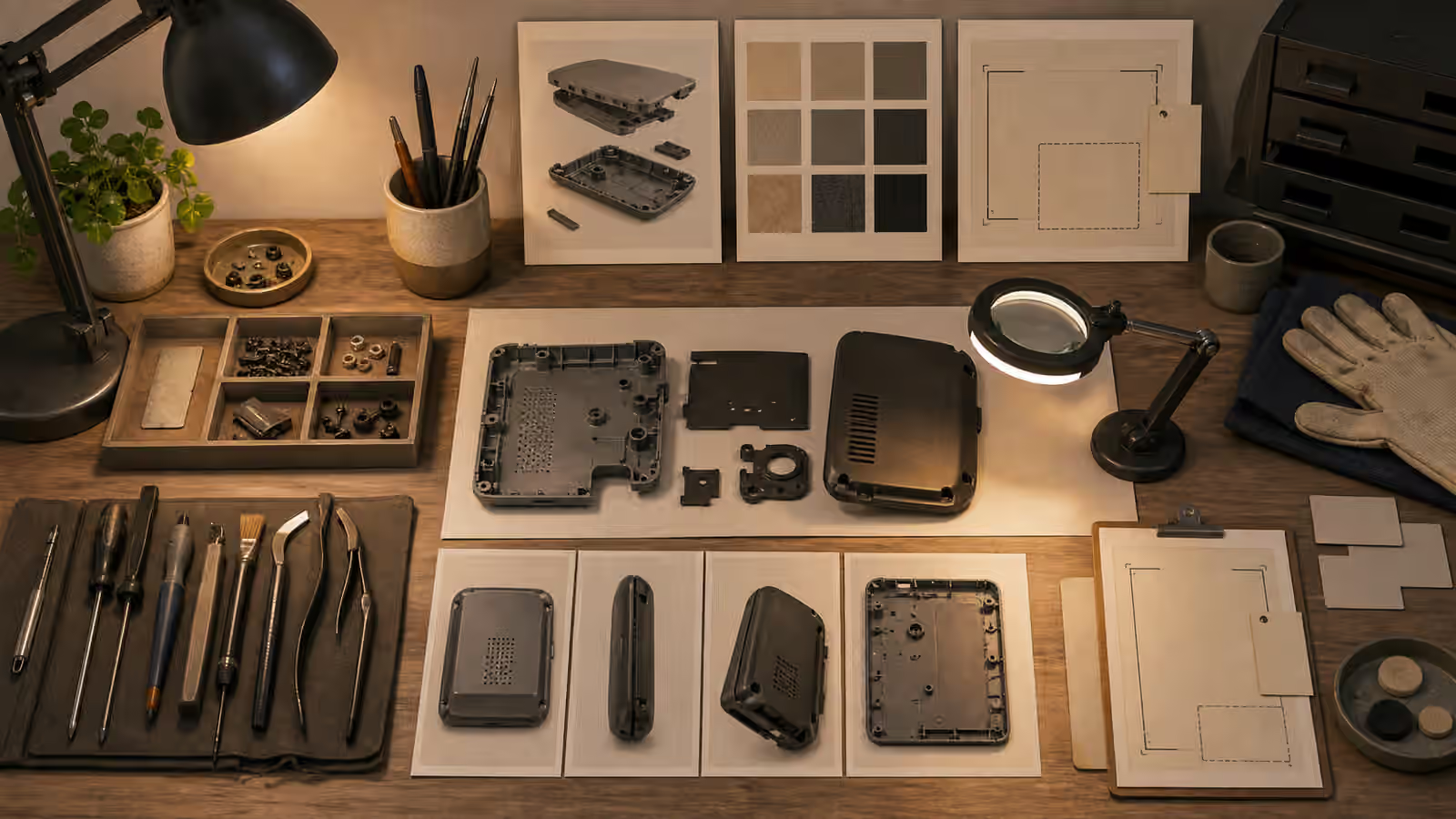
A safer repair prompt shows context and inspection. It can show a clean bench, disconnected generic object, parts tray, light, gloves, soft tool silhouettes, fasteners, brush, cloth, and blank caution markers. It can communicate patience, preparation, and review. It should not show a real wiring diagram, exact disassembly route, official warning label, weapon component, medical device, vehicle safety system, or live electrical work.
Show The Workbench, Not The Procedure
The most useful repair image often sits one step before the repair. The object is powered down, disconnected, cleaned, and placed on a bench. Tools are visible but not in motion. Parts are organized, not being forced. The scene suggests inspection rather than instruction. This gives the reader a practical visual without turning the image into a how-to sequence.
Prompt the scene as a safety-conscious setup. A fictional small appliance housing can sit open beside a brush, cloth, tray, and inspection lamp. A furniture maintenance article can show wood swatches, screws, a hand tool, and a blank note card. A textile repair article can show fabric, thread, clips, and scissors set aside, not cutting. The image should make room for the article to explain what is safe, what is not, and when to stop.
Object-in-Use Prompts is helpful because repair images depend on contact points. Where a tool touches an object can change the meaning of the image. A tool resting beside a part says inspection. A tool inserted into a live panel may say instruction.
Keep Technical Detail Generic
Generated technical detail is often wrong. Screws appear where they cannot work. Wires connect to nothing. Tools melt into parts. Diagrams invent unsafe logic. If the image is not a reviewed technical diagram, do not ask it to be one. Use generic housings, simple part shapes, abstract cutaways, and unbranded objects. Avoid exact models, serial plates, connector pinouts, schematics, circuit traces, lock mechanisms, alarm panels, gas lines, blades in motion, and pressure systems.
This boundary also protects the page from false authority. A precise-looking exploded view can imply buildable knowledge. A fake warning label can imply compliance. A detailed circuit can imply instruction. Cutaway and Exploded View Prompts covers conceptual diagrams more broadly, and repair visuals should stay on the conceptual side unless real expert-reviewed illustration is available.
If the article needs exact repair steps, the generated hero image is not the place for them. Use reviewed text, real photography, diagrams from trusted documentation, or professional guidance. Let the generated image show the topic environment, not the procedure.
Avoid High-Risk Categories
Some repair subjects should be kept out of generated decorative imagery or handled only with expert oversight. Electrical panels, gas appliances, vehicles, medical devices, weapons, locks, alarms, fall-protection gear, pressure vessels, batteries, structural elements, and child-safety equipment can all involve serious harm. A generated image can make unsafe work feel ordinary by placing it in a friendly illustration.
If the page discusses one of these subjects in a general safety way, prompt safer context. Show a phone next to a blank service appointment card, a closed generic panel with a caution marker, or a person stepping back from a work area rather than opening it. For many topics, the most responsible image shows the decision to pause, document, and seek qualified help.
This does not make the visual dull. A clean inspection desk, labeled only through real page text, can be more trustworthy than a dramatic repair scene. The image’s job is to support judgment, not to provide procedural confidence.
Keep Warnings And Labels Blank
Repair scenes naturally include labels. Tool brands, warning stickers, model plates, instruction sheets, serial numbers, service tags, and safety icons can appear on objects. Generated versions are unreliable and can imply false compliance. Ask for no readable text, no official labels, no logos, no model numbers, and no certification marks. If a visual cue is needed, use blank caution shapes rather than real symbols.
Blank labels also make the image easier to use across contexts. A generic workbench can support a guide about careful maintenance, documentation, cleaning, or deciding when not to DIY. A fake brand or warning mark narrows the meaning and increases risk. Copyright, Trademarks, and Brand-Like Outputs applies to tools and appliances as much as it does to packaging.
When reviewing, zoom in on every tool and object. Generated logos often hide in handles and labels. Pseudo-text may look like a warning. A small badge can make the image feel official. Remove or rerender rather than relying on the reader not to notice.
A repair handoff should also name what the image is not showing. If the visual is only a planning or inspection scene, record that before reuse. That prevents later crops, captions, or social posts from turning a safe setup into a how-to promise. Alt text can say that the workbench shows disconnected housings and idle tools. It does not need to describe a procedure, identify parts, or imply that the pictured arrangement is sufficient for real repair.
Review For Unsafe Confidence
The final review question is not only whether the image looks correct. Ask whether it gives unsafe confidence. Does it make live electrical work look casual? Does it show a tool inside a hazardous system? Does it imply a repair can be performed without training? Does it show a regulated device opened on a home bench? Does it contain a diagram someone might copy?
If so, change the assignment. Pull back to the bench. Remove the action. Make the object fictional. Keep tools idle. Show inspection, documentation, cleaning, or a decision point. The image can still be useful. It just should not teach by accident.
Repair visuals are strongest when they respect the boundary between illustration and instruction. A generated image can show order, care, and context. It should leave hazardous procedures to qualified sources.