Generated images often fail in the handoff, not in the prompt. One person creates several options, another chooses the strongest one, a third asks for a crop, and someone later notices that the image has fake text, odd shadows, or a disclosure problem. Without useful notes, the next person has to infer which version mattered, what should be preserved, and what kind of fix is allowed. That is how a good image drifts into a worse one.
An image review handoff is a short editorial record. It explains the image’s job, what is working, what needs review, what must not change, and what decision has been made. It sits between the prompt practice in Prompt Iteration Logs and the revision discipline in Edit Briefs . The goal is not paperwork. The goal is to keep the next edit from erasing the useful parts.
Name the Page Purpose First
A reviewer cannot judge an image without knowing what the page needs from it. A guidebook card, article hero, explainer diagram, social cover, and inline example all have different standards. The same image can be too plain for one placement and too busy for another. The handoff should begin with purpose: this image orients a reader to a guide about visual review, supports a crop-friendly hero, demonstrates a conceptual workflow, or shows a product-neutral shape without implying a real brand.
Purpose keeps aesthetic feedback from taking over. “Make it more dramatic” is not useful if the page needs a quiet trust-building visual. “Make it more realistic” may be harmful if the image is only conceptual. “Add a sign” may solve a perceived emptiness problem while creating unreadable text and localization trouble. When purpose is visible, the reviewer can ask whether a proposed change helps the page rather than whether it makes the image more impressive.
This is the same editorial promise described in Article Hero Images . A hero image should confirm that the reader is in the right place. It does not need to show every detail of the topic, and it should not promise facts the page does not contain. A handoff note anchors the image to that promise so later revisions stay aligned.
Preserve What Works
Most weak revision cycles begin by reprompting too broadly. A reviewer sees one flaw and rewrites the whole image. The next result fixes the flaw but loses the crop, changes the lighting, adds a logo-like mark, or makes the subject harder to read. A good handoff prevents that by naming the parts that should stay.
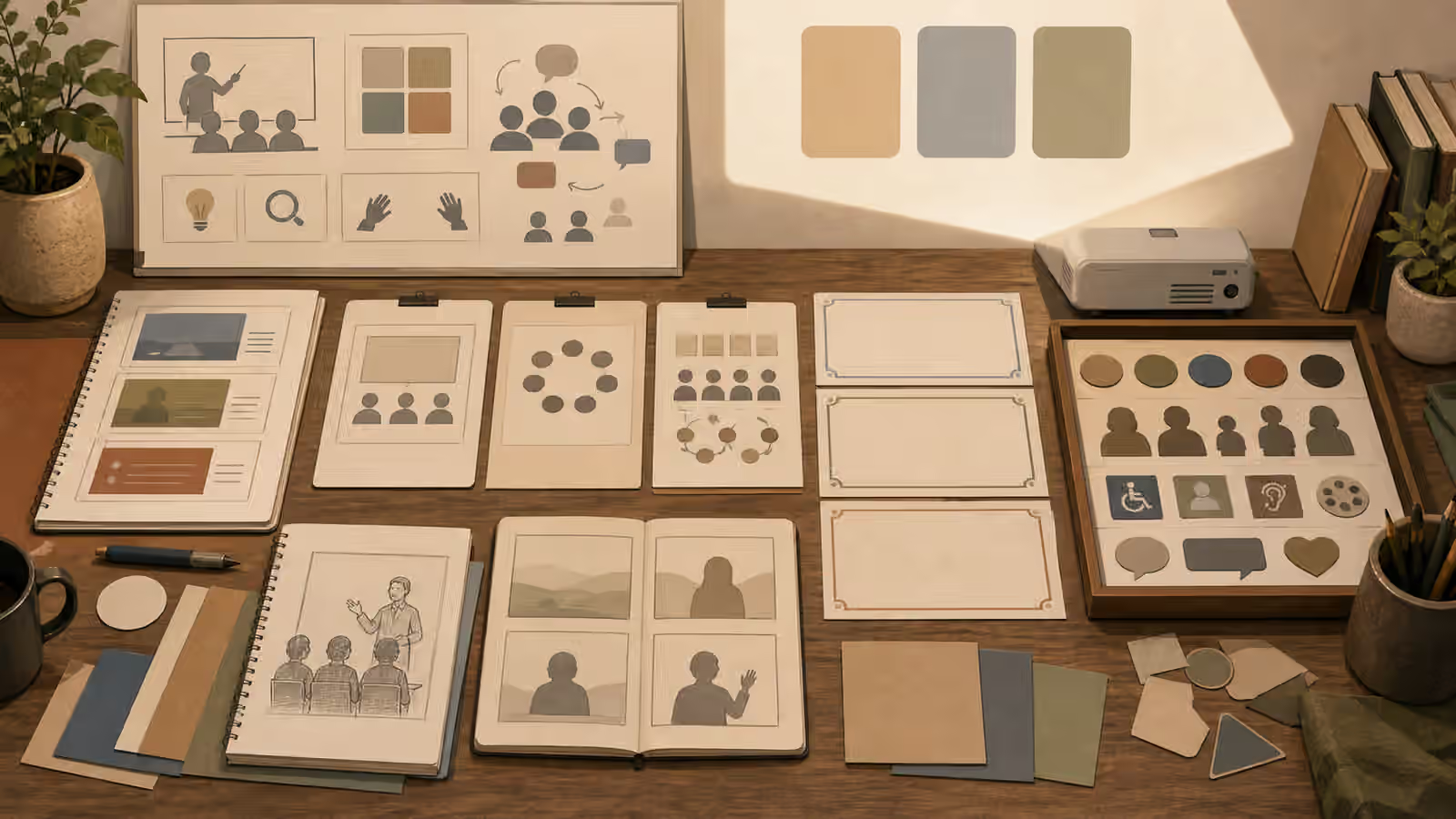
Preserve notes should be visible and concrete. Keep the wide crop with quiet corners. Keep the blank proof cards and magnifier. Keep the warm paper texture, soft side light, and unbranded materials. Keep people out of the frame. Keep the center clear for a guidebook card crop. These instructions are more useful than “keep the mood” because they tell the next person what to protect.
Preservation also makes responsibility easier. If the safest part of the image is that it contains no people, no readable text, and no official-looking documents, say so. Otherwise someone may add a face, a badge, a form, or a fake interface panel in the name of detail. The guide on What Not to Generate is easier to follow when safe absences are treated as design choices, not empty space waiting to be filled.
Separate Observation From Decision
A useful review note does not collapse every reaction into a command. Observations describe what is visible. Decisions say what the team has chosen. Actions say what happens next. Keeping those apart prevents confusion.
An observation might say that the image has strong central composition, but the lower corner includes pseudo-writing. A decision might say the current version is not publishable until that corner is cleaned. An action might ask for an edit that preserves the composition, lighting, and blank card layout while removing all pseudo-writing and avoiding new props. The next person can act on that without guessing whether the entire image has been rejected.
This matters because generated images can have mixed quality. One version may have the best subject placement and the worst detail artifact. Another may be clean but dull. Another may be visually strong but too realistic for the page. Handoff notes let the team combine judgment without pretending that a single image is simply good or bad. They also create a small record for future prompts, which is exactly the value of Prompt Iteration Logs .
Include the Risk Check
Every handoff should mention the risks that matter for the image type. For many Visual Prompt Lab assets, the standard risks are fake text, logos, watermarks, brand-like packaging, official-looking seals, accidental likeness, impossible shadows, cluttered crops, and image-origin disclosure. For people images, likeness and consent become more important. For charts, invented data is the risk. For place images, false evidence and cultural shortcuts matter. The handoff should not require the next person to remember every related guidebook.
The AI Image Quality Checks guide is a good baseline, but a handoff makes the check specific. “Inspect the small cards for pseudo-writing before final export” is stronger than “check quality.” “Do not add a badge, label, or dashboard metric” is stronger than “avoid misleading details.” “Use disclosure near the image if it appears photo-like” is stronger than “be transparent.” Specific risk notes are easier to obey.
Risk checks also protect downstream work. A designer may crop the image without seeing a small fake mark near the edge. An editor may write alt text that accidentally describes a fictional detail as fact. A publisher may compress the image and make pseudo-text look more like real text. Handoff notes catch these issues before they become someone else’s hidden problem.
Decide What Counts as Done
Teams lose time when “final” means different things to different people. One person may mean visually approved. Another may mean safe to publish. Another may mean resized, encoded, named, alt-texted, and placed on the page. A handoff should state what kind of done has been reached.
For a generated guidebook image, done might mean the source prompt has been saved, the image has passed a visual review, the AVIF file exists in the right folder, the Markdown front matter points to it, the body image path resolves, the alt text describes what is visible, and disclosure has been considered. The AVIF and WebP guide covers the delivery layer, while Disclosure and Content Credentials covers the trust layer. A handoff connects those layers to the actual asset.
This does not require a long checklist in the page body. It requires a clear record where the team works. The review note can be a paragraph: this version is approved for the guidebook hero because the blank proof cards, wide crop, and warm editorial style match the page; preserve the composition and no-text boundary; before publishing, remove the small pseudo-mark in the corner, export as AVIF, use concise alt text, and do not add people, logos, or official-looking forms. That note is plain, but it prevents a lot of waste.
Handoff Notes Make Better Prompts Later
The best reason to write handoff notes is not audit anxiety. It is reuse. When a later image needs the same quiet editorial style, the team can see what worked: blank cards, warm side light, no readable text, no people, centered crop, material swatches, and a magnifier. When a later image fails, the team can see familiar risks: pseudo-writing on small cards, overly realistic proof sheets, official-looking symbols, or a crop that breaks in a square card.
This is how prompt craft becomes institutional knowledge instead of personal memory. The prompt is only one part of that knowledge. The review decision matters just as much. A model can generate variations endlessly, but a team still needs to say which image serves the reader, which risks are unacceptable, and which details are worth preserving. A good handoff makes that judgment visible enough for the next person to continue without starting over.