Image editing prompts fail when they behave like new image prompts. A full reprompt may change the background, camera angle, lighting, subject proportions, material, and mood while also making the requested fix. The image can look better in isolation and worse for the project because the parts that already worked have been lost. A useful edit brief separates preservation from change.
The companion guide Editing One Thing at a Time explains why narrow changes produce cleaner iterations. This guide gives that habit a practical writing form. A strong edit brief tells the model what to keep, what to change, what to avoid, and how the result will be judged. It sounds less exciting than a fresh prompt, but it protects the work already done.
Preserve Comes First
Before asking for a change, name what already works. The useful parts might be the camera angle, subject scale, crop, lighting direction, material, color palette, background quietness, pose, object count, or absence of text and logos. If those details matter, they belong in the edit brief. Otherwise the editing model may treat them as optional.
Preservation language should be concrete. “Keep the same composition” is useful, but “keep the same overhead camera angle, centered blank card, warm paper background, and quiet upper margin” is stronger. “Keep the subject” is weaker than “keep the same unbranded ceramic cup in the same position and scale.” The goal is not to write a long legal document. The goal is to make the edit target clear enough that the unchanged parts are not accidentally traded away.
This matters most when the image already fits a layout. If the subject is placed correctly for a hero crop, preserving crop and negative space may be more important than improving decorative details. If the lighting matches a visual set, preserving light direction and color temperature protects cohesion. If the image avoids brand marks, preserving blank surfaces prevents the edit from adding fake labels. The building a cohesive visual set guide depends on this discipline across a group of images.
Make the Change Small Enough to Judge
A good edit request can be judged without guessing. Change the cup color from blue to warm white. Remove the extra spoon. Add more empty space on the right. Make the background less busy. Replace the glossy surface with matte paper. Straighten the table edge. Reduce the number of cards from six to three. These are narrow changes with visible outcomes.
Broad edit requests invite drift. “Make it cleaner” can remove useful props. “Make it more professional” can add fake logos, glassy surfaces, and sterile lighting. “Make it more realistic” can create evidence-like details that the page does not need. If a broad quality is genuinely the issue, translate it into visible parts. Cleaner might mean fewer background objects and lower texture. More professional might mean aligned cards, consistent shadows, and no accidental text. More realistic might mean natural contact shadows and plausible material scale.
The change should also match the tool’s likely strengths. Some edits are easy because they affect a localized object. Others are hard because they require rebuilding the whole image. Replacing one background prop may be manageable. Changing viewpoint from overhead to eye level is closer to generating a new image. If the desired edit would alter camera, lighting, subject layout, and context all at once, create a new prompt instead of pretending it is a small edit.
Write the Avoid Sentence
The avoid sentence is not an afterthought. It protects the edit from common side effects. If you ask for a cleaner background, the model may add new decorative shapes. If you ask for a product-neutral container, it may add fake labels. If you ask for a brighter image, it may wash out the subject. If you ask to fix a hand, it may change the entire person. The avoid sentence names what should not happen.
For Visual Prompt Lab images, common avoid details include readable text, logos, watermarks, brand marks, extra people, altered camera angle, changed crop, new props, fake interface panels, and stronger realism than the page needs. If the image involves people, avoid identity changes and real-person resemblance. If the image involves references, avoid copying the reference too closely. If the image is for a guidebook shelf, avoid decorative clutter that makes the topic harder to scan.
This is also a safety habit. Editing can make an image more misleading by removing disclosure context, changing a person’s apparent action, adding official-looking details, or making a fictional object look like a real product. The reference and mood board guide is relevant here because edit briefs often begin with an existing image. The edit should improve the image’s usefulness, not move it closer to copying, impersonation, or false evidence.
Masks and Regions Need Plain Language
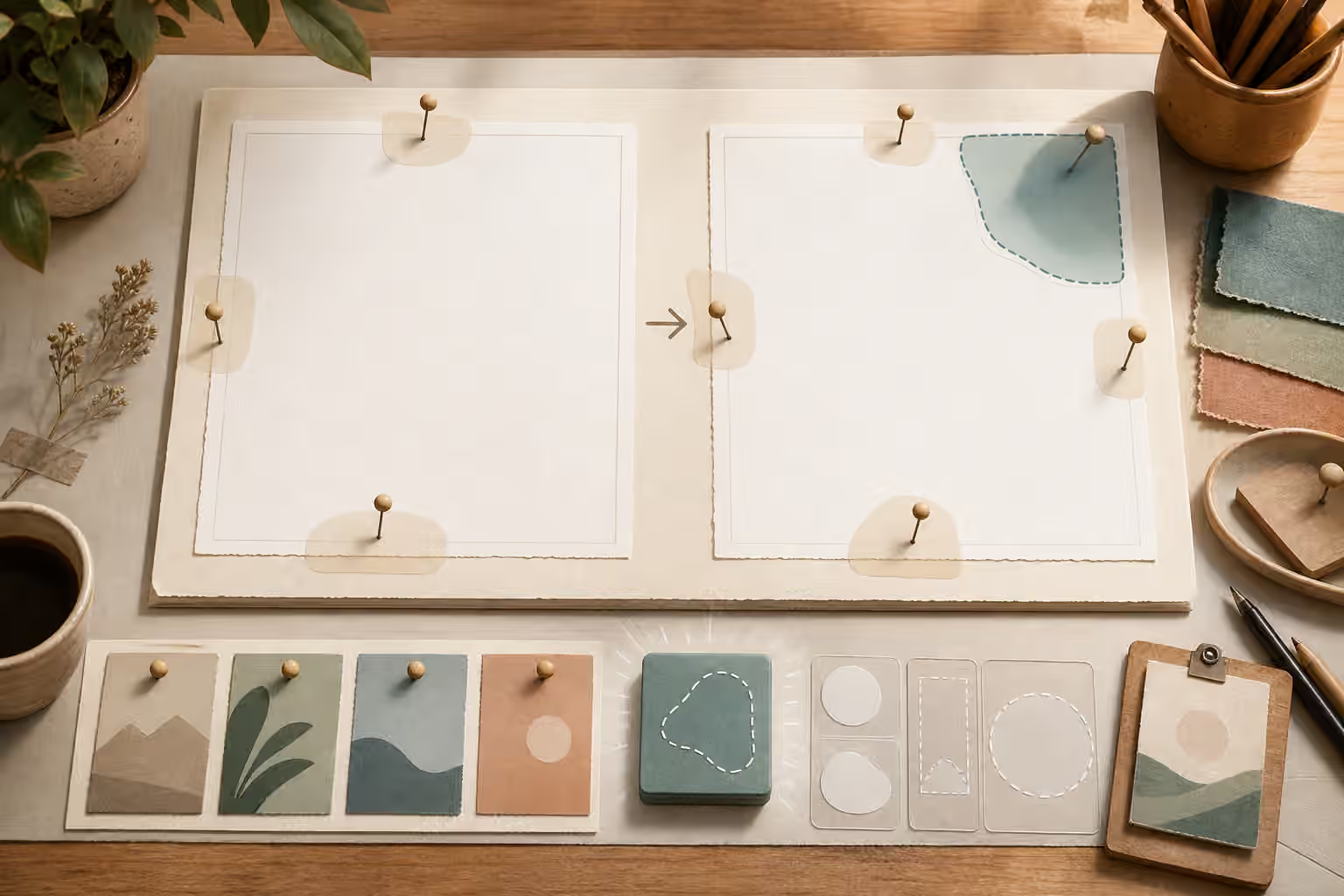
Some editing tools let you mark a region. Others rely mostly on text. Either way, the brief should describe the region in ordinary visual language. “Change only the small blue card in the upper right” is easier to follow than “adjust the accent.” “Preserve all objects outside the masked background area” is clearer than “keep everything else.” If a mask is used, the written prompt should still say what the mask means.
Region language is especially useful when similar objects repeat. If there are several cards, name the card by position, color, or relation to the subject. If there are several props, name the one to change and the ones to preserve. If there is a person in the image, describe the garment, pose, or location rather than identity. Avoid asking the edit to infer your intention from a vague area.
After editing, inspect the boundaries of the changed region. Look for halos, mismatched shadows, broken edges, repeated textures, or objects that no longer contact the surface correctly. An edit can succeed conceptually and fail physically. If the boundary fails, the next brief should address the boundary instead of adding a new creative change.
Preserve the Review Standard
An edited image must pass the original review again. It is not enough for the requested change to appear. The image still needs readable composition, plausible materials, clean edges, no accidental text, no logos, and a background that fits the layout. The AI image quality checks guide should be repeated after edits because edits can introduce new failures in areas that were previously fine.
This is where prompt iteration notes pay off. The prompt iteration logs guide recommends keeping small records of useful choices. For edits, record what was preserved, what changed, and what side effect appeared. A note such as “preserved overhead crop and paper texture, changed cup color, edit added fake marks on lower card” gives you a precise next move. Without that note, it is easy to keep rewriting the whole prompt and lose the path back to the good version.
A final edit brief can be only a few sentences. Keep the same overhead composition, warm paper background, centered blank card, soft side light, and unbranded ceramic subject. Change only the small accent tile from blue to muted clay. Do not add readable text, logos, extra props, people, stronger shadows, or a new camera angle. That structure is plain, reviewable, and respectful of the image that already worked.