Generated images often arrive with a prompt, a file name, and a strong visual mood. None of those automatically helps a reader who cannot see the image, a skim reader trying to understand why it is on the page, or an editor checking whether the image is honest. Alt text and captions are where a generated visual becomes part of the page instead of a decorative object floating near the article.
Visual Prompt Lab treats description as part of the image workflow. If you can describe the useful visible content in one or two clear sentences, the image probably has a job. If the best description is only “cool abstract AI art,” the image may be too vague for the page.
Start With The Page Job
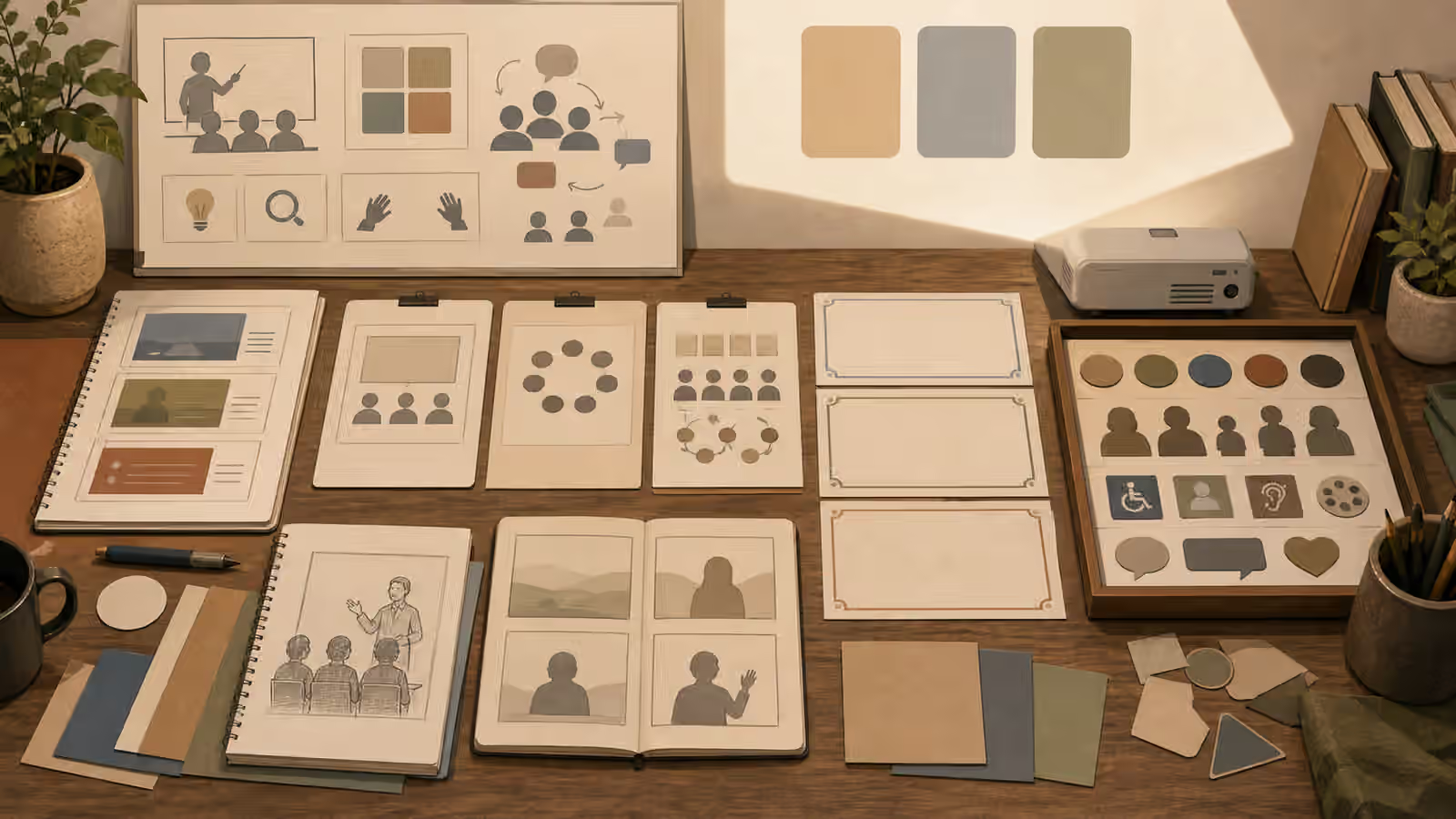
Alt text is not a place to paste the prompt. The prompt may contain lighting notes, avoid lists, style constraints, and production details that never need to reach the reader. Alt text should describe the visible content that matters in context. A hero image for a guide about prompt review might become “Blank image cards, crop frames, and color swatches arranged on a review desk.” That description tells the reader what the image contributes without dragging them through every production choice.
Captions do a different job. A caption can explain why the image is present, how it was made, or what the reader should notice. If the image is generated, the caption may be the right place to say that it is an AI-generated illustration, especially when the surrounding page could otherwise make the image feel documentary. The Disclosure and Content Credentials guide covers provenance signals in more detail, but the practical habit is simple: do not make the reader guess when the image’s origin changes how they should interpret it.
The cleanest workflow starts before generation. Write a draft sentence that says what the final image should show. Then generate the image. After review, rewrite the alt text from the actual output, not from the ideal you had in mind. This protects you from describing an object that disappeared, a prop that changed, or a setting that the model softened into generic decoration.
Describe What Is Visible, Not What You Hope It Means
Generated visuals can tempt writers into interpretation. A person looking at a notebook becomes “a focused strategist.” A group around a table becomes “a diverse team solving problems.” A glowing chart becomes “accurate analytics.” Those claims may not be visible, and in some cases they add risk. A safer description names the visible scene: a person at a desk, several people reviewing cards, an unlabeled chart-like display, a blank product package, or a set of crop frames.
This is especially important with people. If age, identity, disability, profession, emotion, or relationship is not clear and relevant, avoid guessing. The People, Likeness, and Consent guide focuses on safer people imagery, and the same restraint belongs in image description. Do not use alt text to turn a fictional face into a real person, a generic helper into a medical professional, or a staged visual into proof that an event happened.
For purely decorative images, the better answer may be empty alt text in the rendered HTML rather than a forced description. In guidebook Markdown, though, most images carry meaning because they introduce a concept. If the image appears near the opening section, give it a useful description that supports the guide’s promise. A visual about cropping can name crop frames and safe zones. A visual about fake labels can name blank packaging and review tools. A visual about chart-like images can name unlabeled chart cards rather than fake numbers.
Keep The Caption Honest
A caption can carry context that would be awkward in alt text. It can say that an illustration is conceptual, AI-generated, edited, or not a real product photo. It can also clarify what part of the image matters. For example, a guide about Article Hero Images might use a caption to say that the image is meant to confirm the page topic, not to document a real workspace.
The caption should not launder uncertainty. If a generated image shows a chart-like panel, do not caption it as a real chart unless the numbers came from a real dataset and were rendered by a trustworthy charting process. If an image shows packaging, do not caption it as a product available for purchase. If it shows a room, do not imply that the space exists. The caption should reduce confusion, not dress up the image as stronger evidence than it is.
This matters for search as well. The Image SEO for Generated Visuals guide explains filenames, surrounding text, and crawlable context, but search-friendly language should still be reader-friendly language. Stuffing alt text with repeated keywords makes the page worse for assistive technology and rarely improves the image. A concise, accurate description placed near relevant article copy is usually stronger than a phrase pile.
Make Description A Review Tool
Alt text can expose weak images. If your draft says “unbranded product packaging with blank labels,” but the output has a fake mark that looks like a logo, the alt text review has caught a real problem. If your draft says “six consistent storyboard frames,” but each frame changes the object beyond recognition, the image needs another pass. If your draft says “a safe-zone crop planning board,” but the subject fills every edge, the prompt and output disagree.
Treat that mismatch as useful evidence. Go back to AI Image Quality Checks and inspect the image before publishing. The issue may be a small edit, a full regeneration, or a reason to use a simpler visual. Do not keep a confusing image and hope the alt text can rescue it. Description can clarify, but it cannot make a mismatched visual honest.
The habit also helps teams. A designer, editor, or developer can review a short alt sentence and see whether the image’s job is clear. The conversation becomes less subjective than “make it warmer” or “make it more premium.” The team can ask whether the visible content supports the article, whether disclosure is needed, and whether the caption creates any unsupported claim.
Write Less, Mean More
Good alt text for generated visuals is usually plain. It names the subject, the visible setting, and the relevant action or objects. It skips prompt mechanics, hidden intent, vague praise, and legal overconfidence. Good captions are also plain. They give context when origin, purpose, or limits matter.
A strong image workflow can therefore end with a small test. Read the alt text without seeing the image. Then look at the image without reading the prompt. If those two experiences disagree, revise the image, the description, or both. The goal is not perfect prose. The goal is a visual that helps readers and a description that tells the truth about what is there.