Visual Prompt Lab is a guidebook shelf for creating useful images responsibly. It focuses on prompts, visual briefs, editing, camera perspective, palette and texture, references, avoid lists, rough layouts, visual metaphors, prompt matrices, visual hierarchy, animal scenes, apparel, patterns, events, research visuals, sustainability visuals, historical scenes, editorial portraits, packaging concepts, training visuals, repair visuals, exhibit design, shadows, inline explainers, cutaways, floor plan concepts, quality checks, alt text, captions, disclosure, image SEO, AVIF publishing, and safety boundaries.
For quick practice between guides, use the Visual Prompt Lab game track . It turns visual briefs, safe prompts, alt text, disclosure, and AVIF publishing into short drills.
Start here
Begin with Visual Prompt Lab Quickstart , then read Prompt Anatomy and Describe the Shot, Not the Vibe . Those three make the rest of the shelf easier.
Full path
- Visual Prompt Lab Quickstart: From Vague Idea to Useful Image - Turn a vague image idea into a clear visual brief, safe prompt, quality check, and reusable publishing note.
- Prompt Anatomy: Subject, Setting, Action, Medium, and Constraints - Learn the five prompt parts that make image requests easier to repeat, review, and improve.
- Describe the Shot, Not the Vibe - Turn fuzzy mood language into frameable details a model can render and a human can review.
- Composition Basics for AI Images - Use framing, hierarchy, negative space, and safe zones so generated images support the page instead of fighting it.
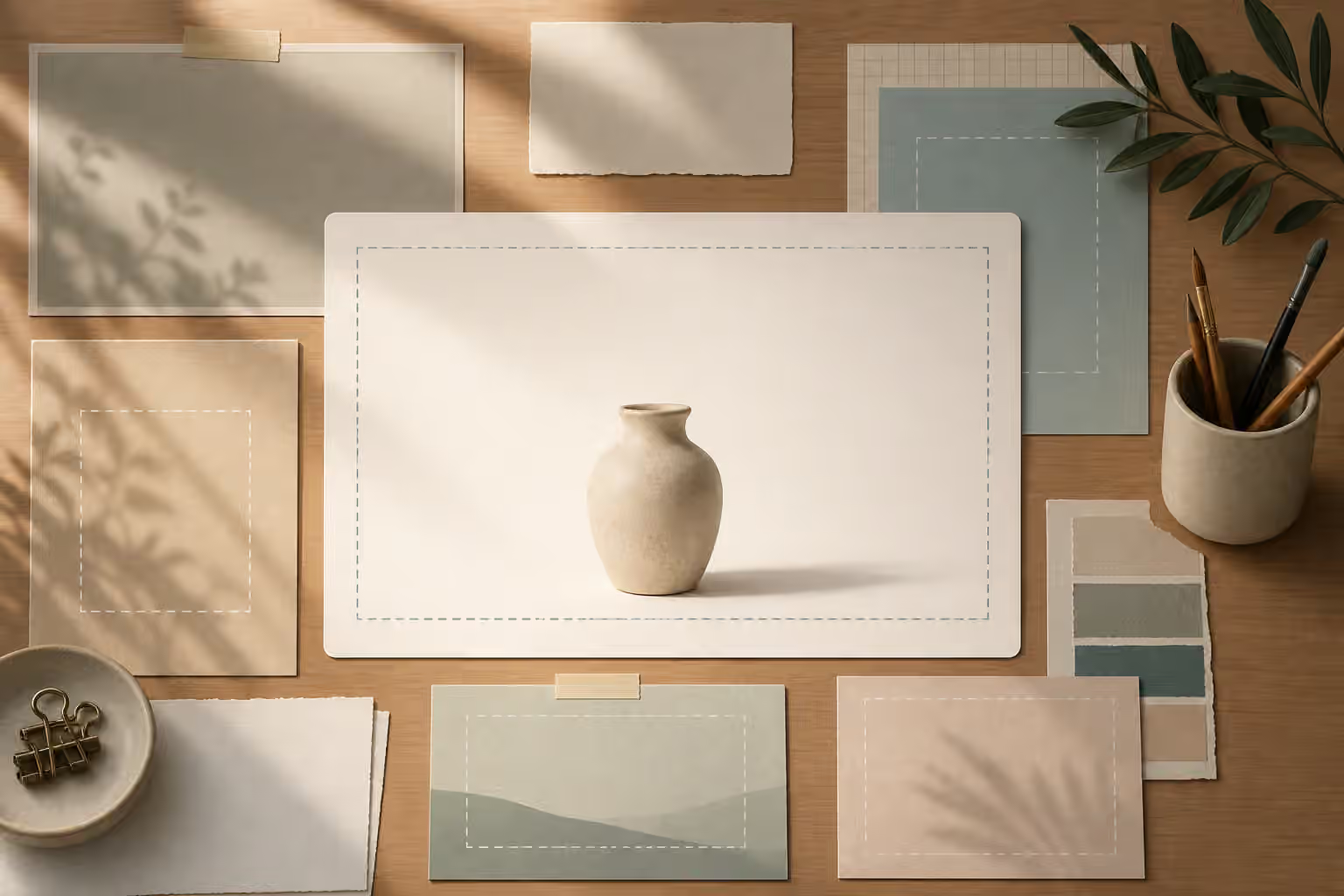
- Backgrounds and Negative Space for AI Image Prompts - Control backgrounds, margins, and quiet zones so generated images have room for crops, headlines, and page layout.
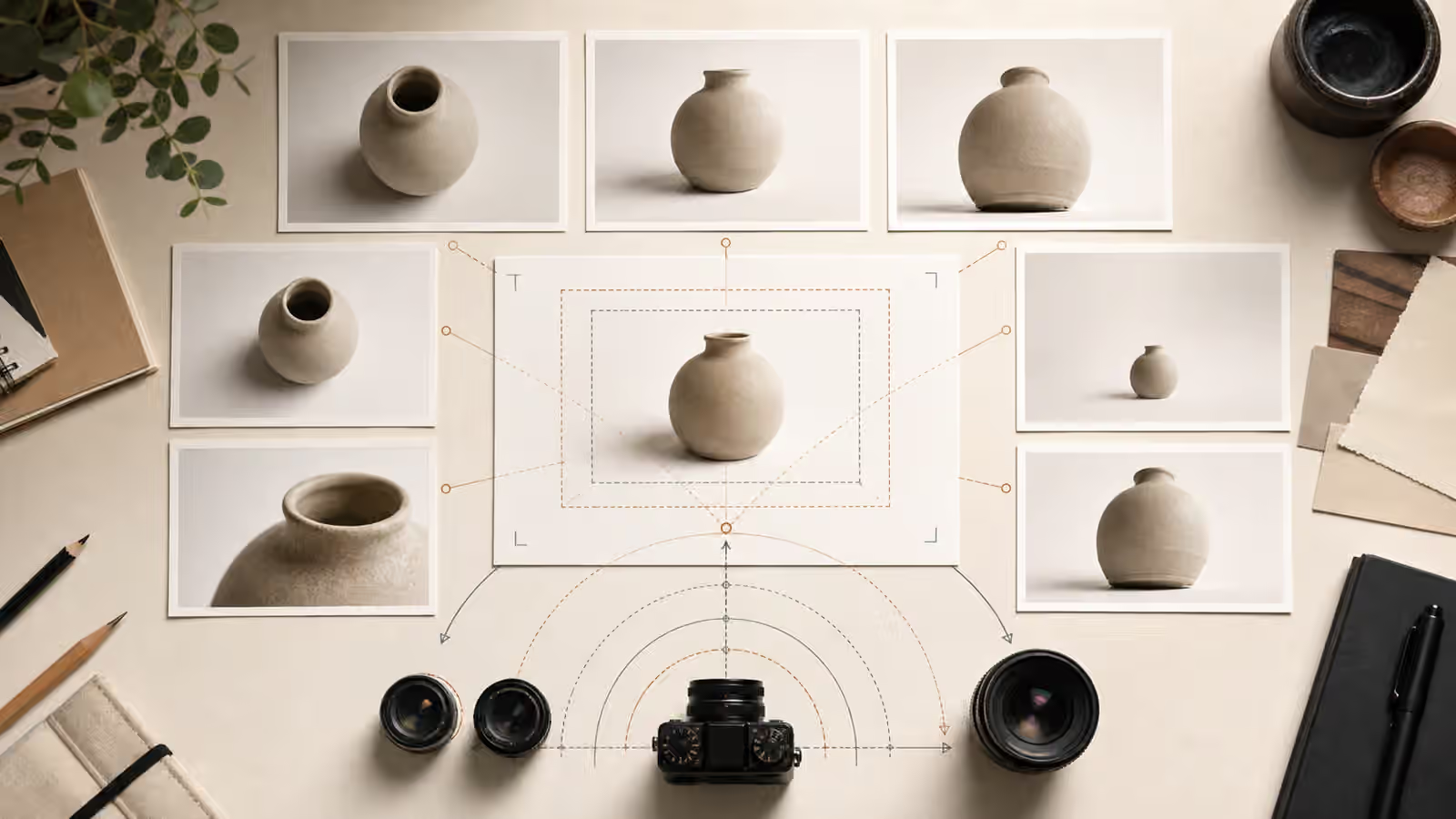
- Camera Angle, Lens, and Perspective Prompts - Use viewpoint, lens language, camera distance, and perspective constraints so generated images feel intentional instead of accidental.
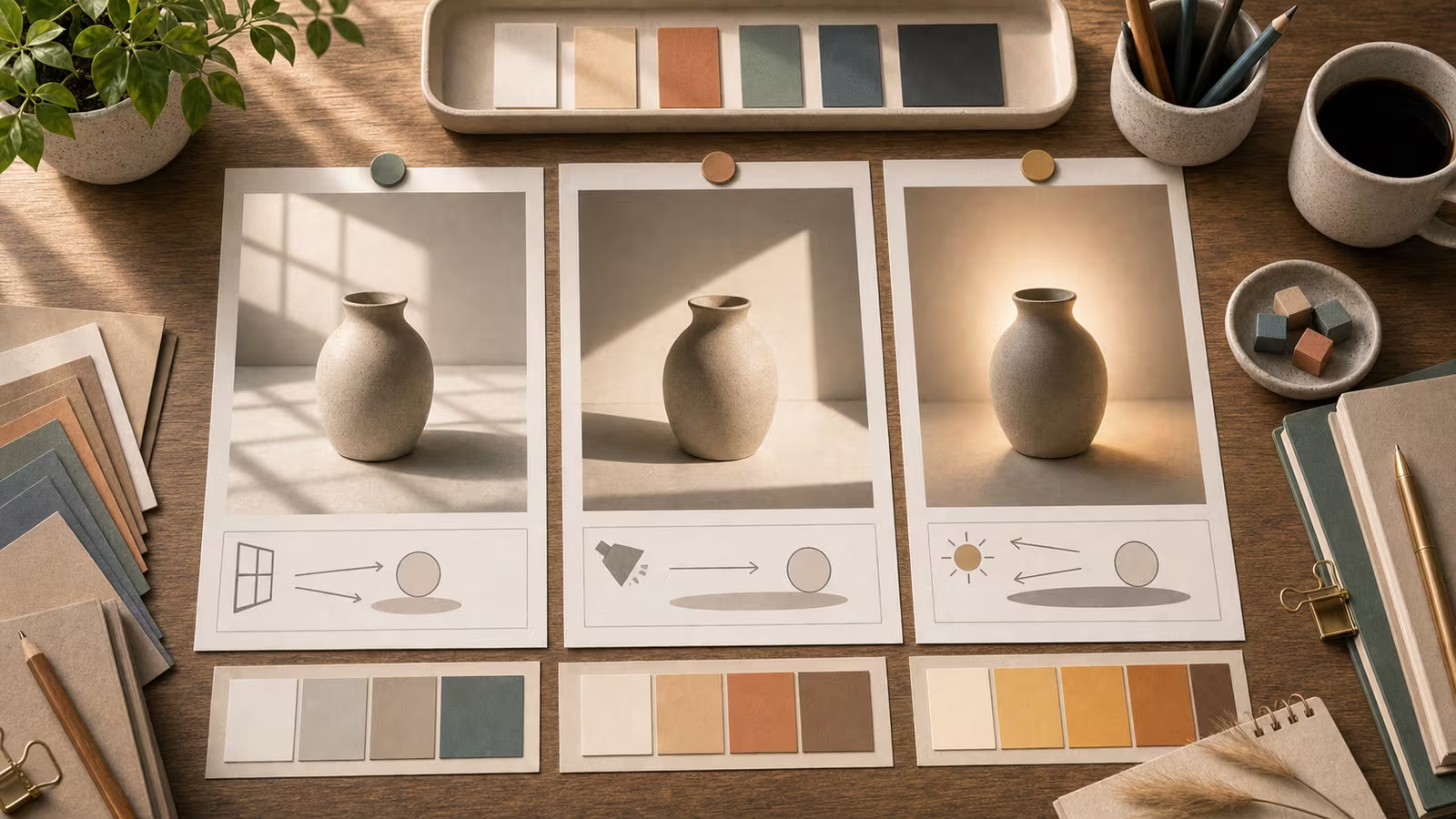
- Lighting Words That Actually Change Images - Choose lighting terms that affect the picture: direction, softness, time of day, contrast, and color temperature.
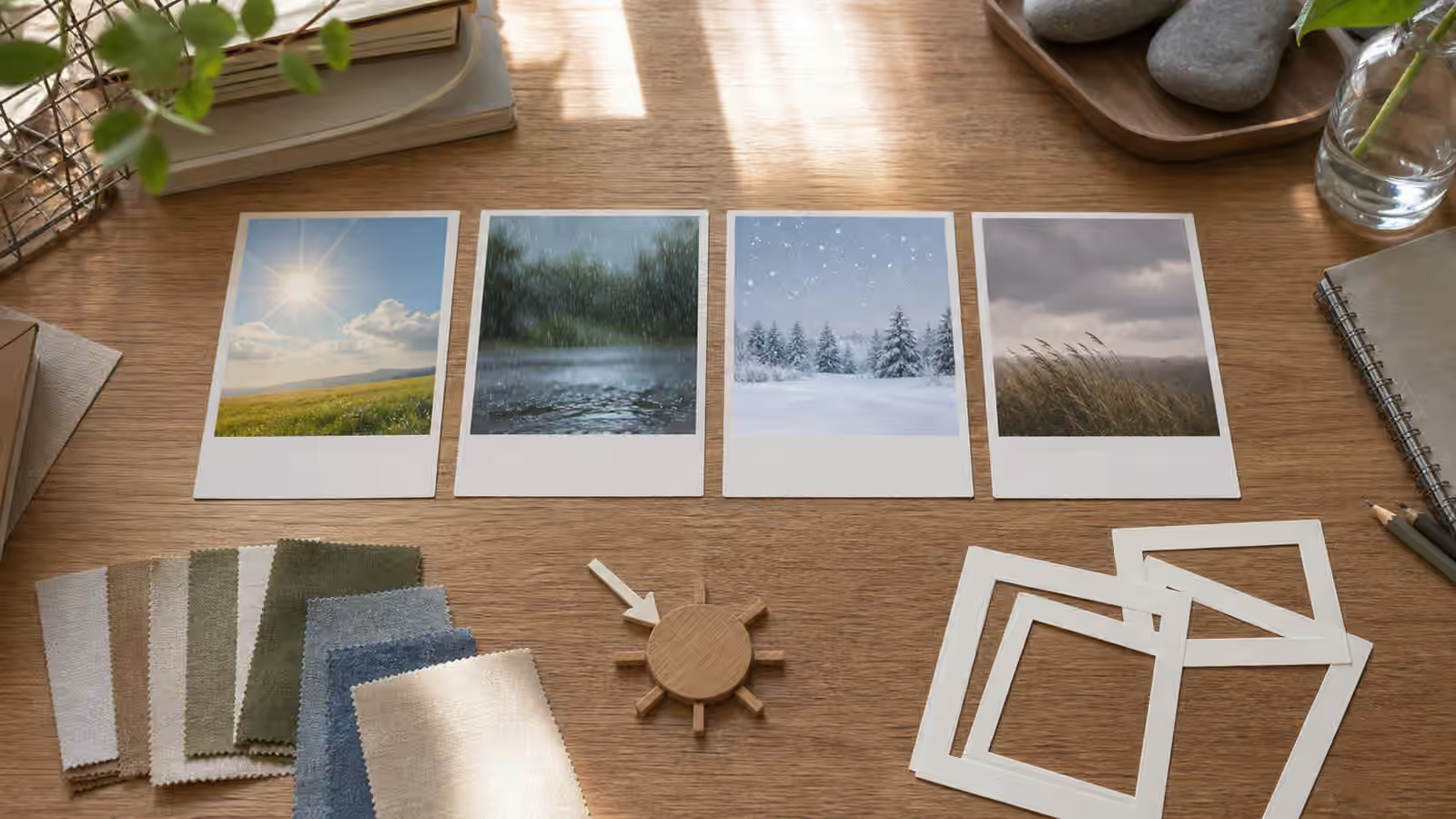
- Weather and Season Prompts That Stay Plausible - Control rain, snow, wind, heat, and seasonal cues so generated scenes feel coherent without turning weather into fake evidence.
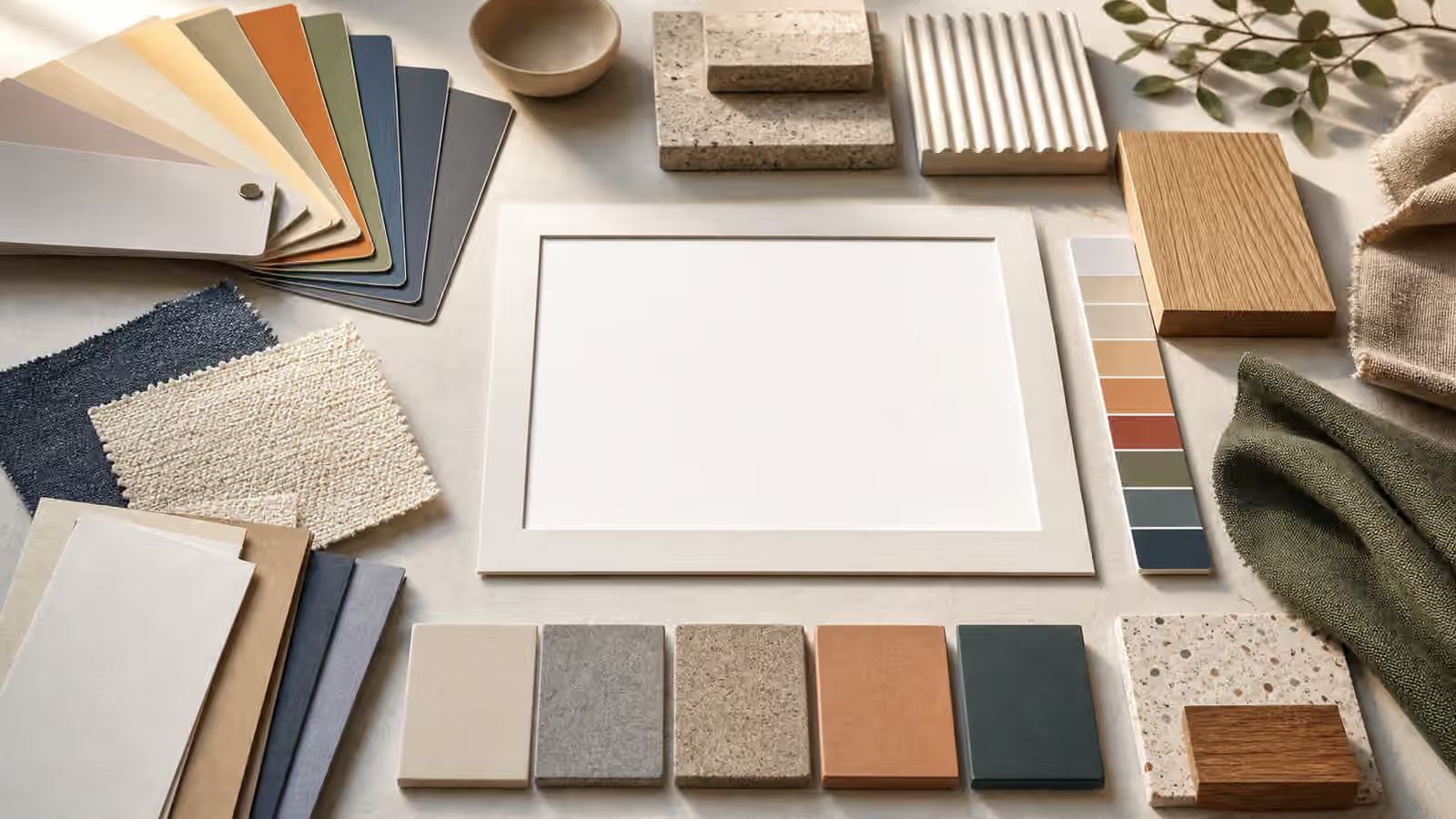
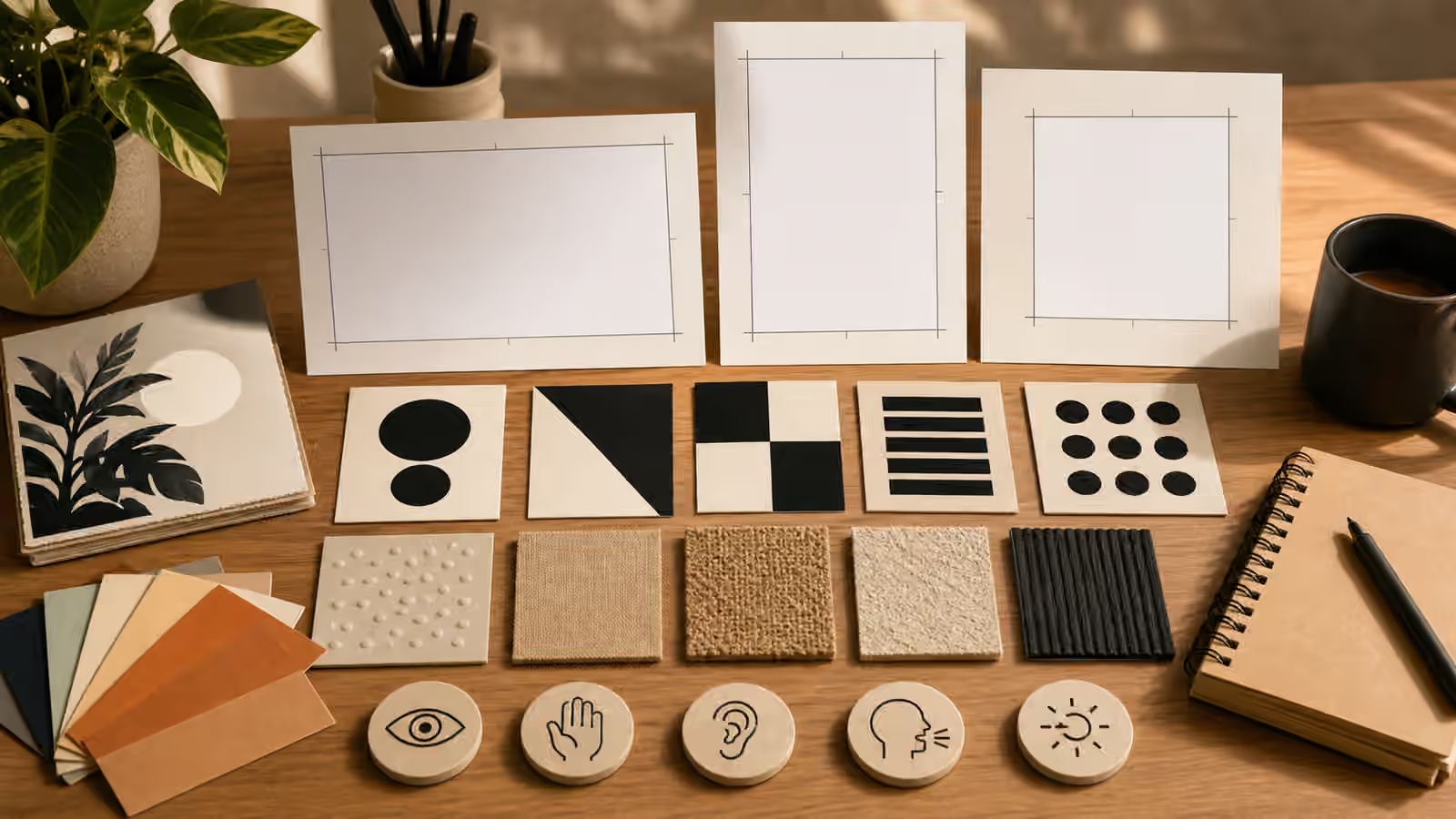
- Color, Material, and Texture Prompts - Describe palette, surface, finish, and texture so generated images feel specific without copying a brand or artist.
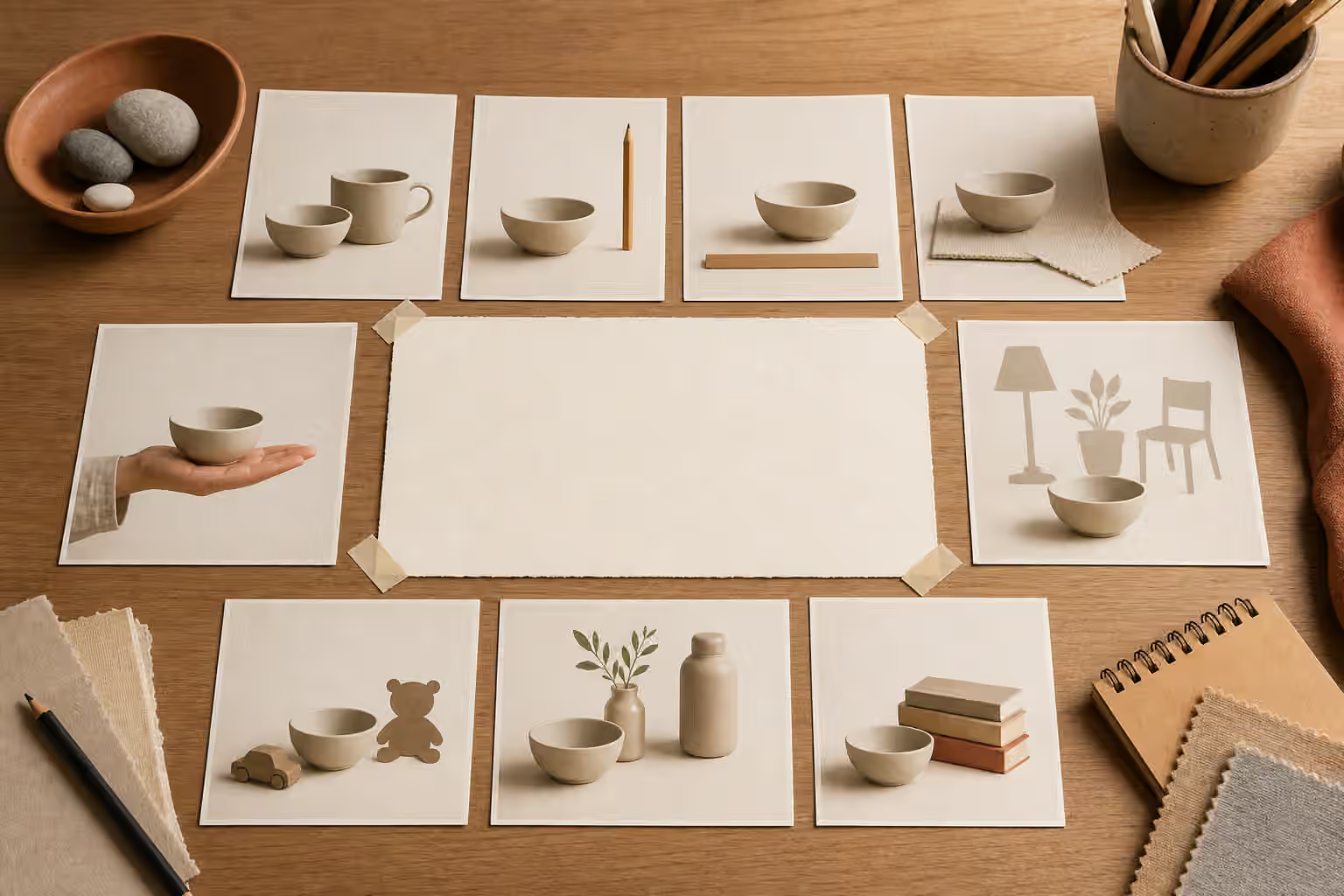
- Scale, Props, and Context Clues in AI Image Prompts - Use scale cues, practical props, and context details so generated images show size, use, and setting without becoming cluttered.
- Style Without Stealing: References, Genres, and Ethical Influence - Use broad visual language without asking for living-artist imitation or confusing copies.
- Reference Images and Mood Boards Without Copying - Use references to clarify direction while avoiding near-duplicates, private material, and unlicensed brand borrowing.
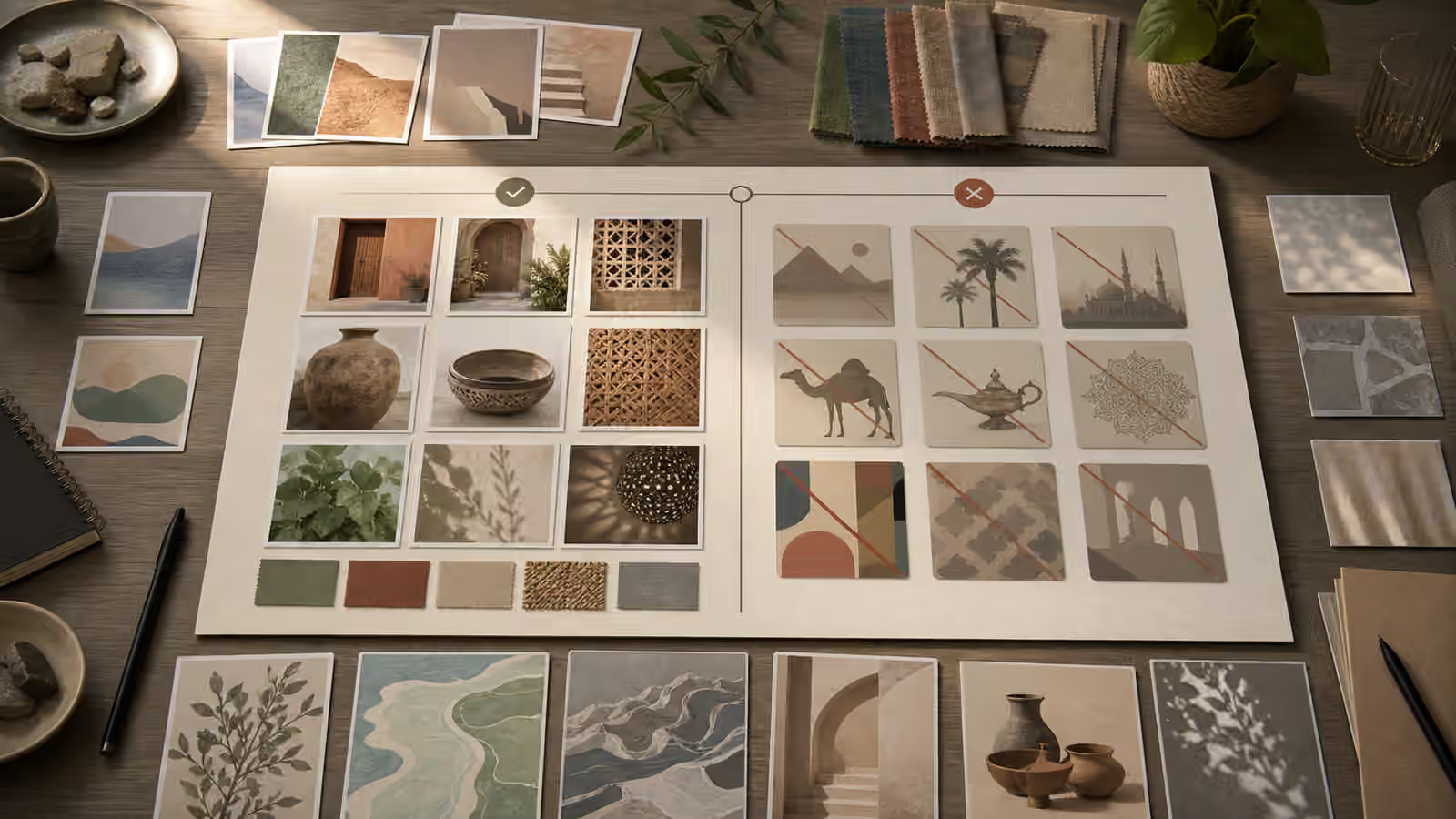
- Cultural Context Without Stereotype Shortcuts - Write culturally specific visual briefs with concrete scene details instead of costume cues, caricatures, flags, or generic symbols.
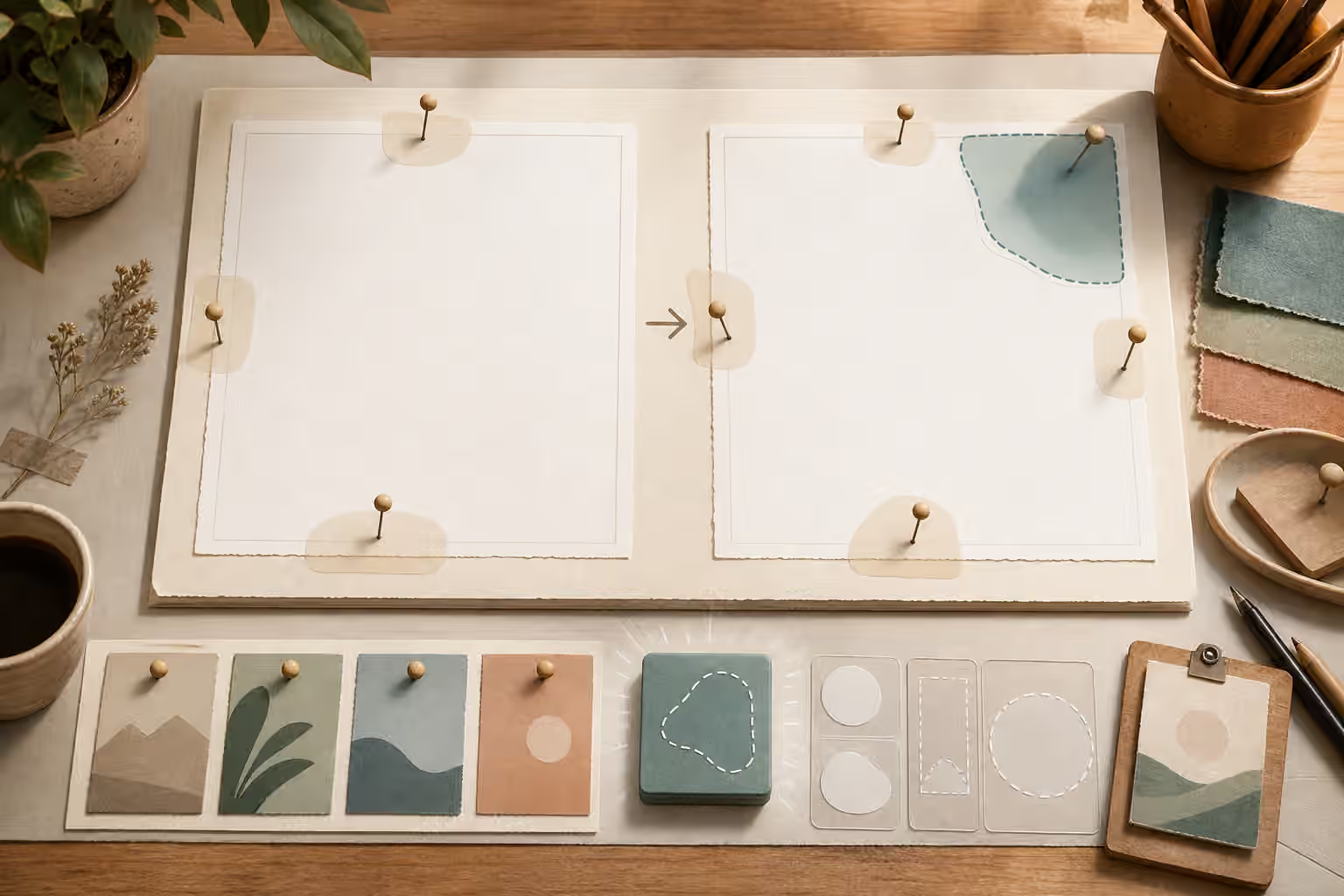
- Editing One Thing at a Time - Improve generated images by isolating the next edit instead of rewriting the whole prompt after every result.
- Edit Briefs: Preserve What Works, Change One Thing - Write AI image edit briefs that protect useful parts of an image while changing one clear element at a time.
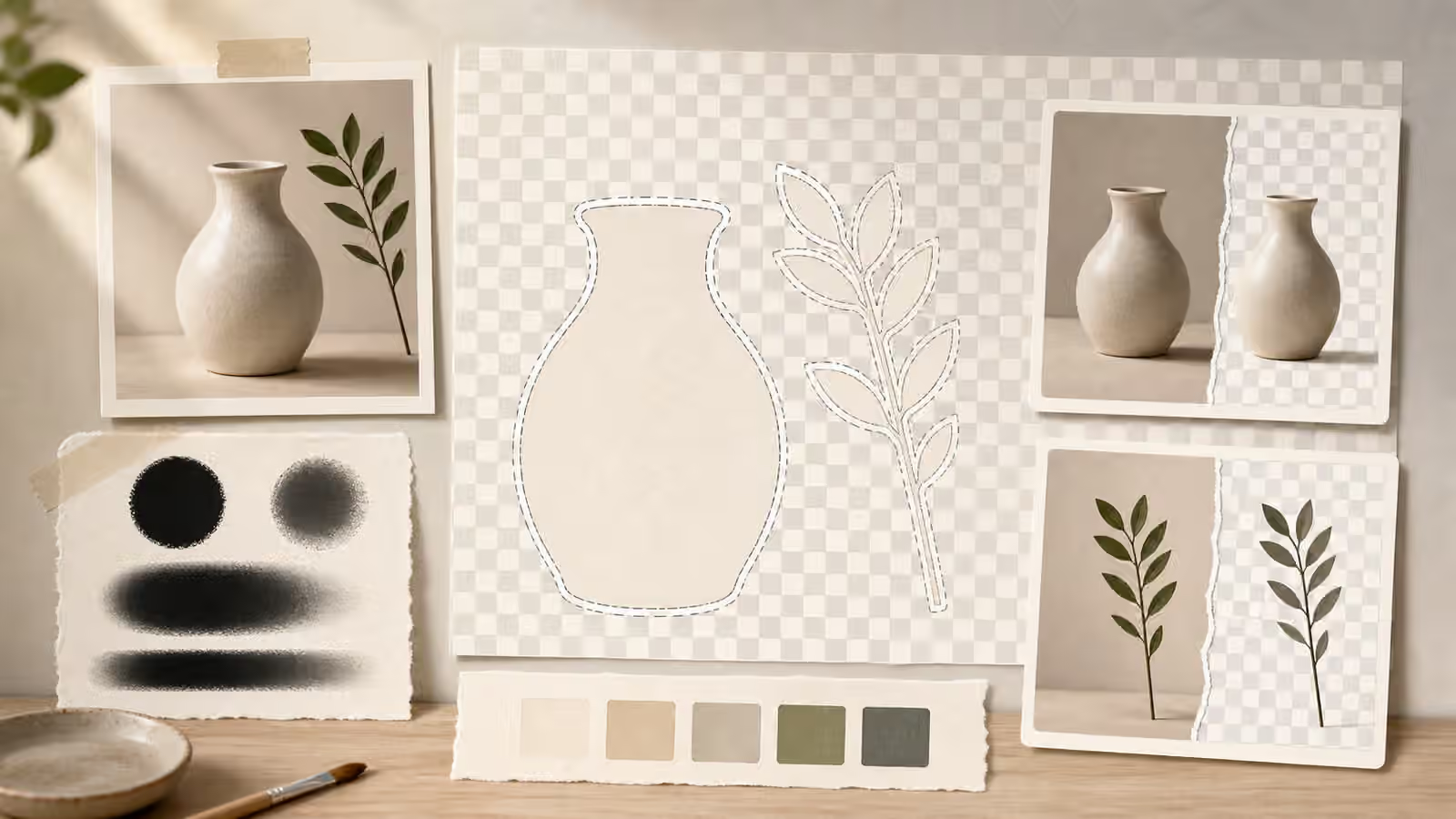
- Masks, Cutouts, and Transparent Background Briefs - Write image briefs that make cutouts, masks, alpha edges, and background removal easier to review and publish.
- Character Consistency for Beginners - Keep illustrated characters consistent without copying real people or turning a prompt into a surveillance request.
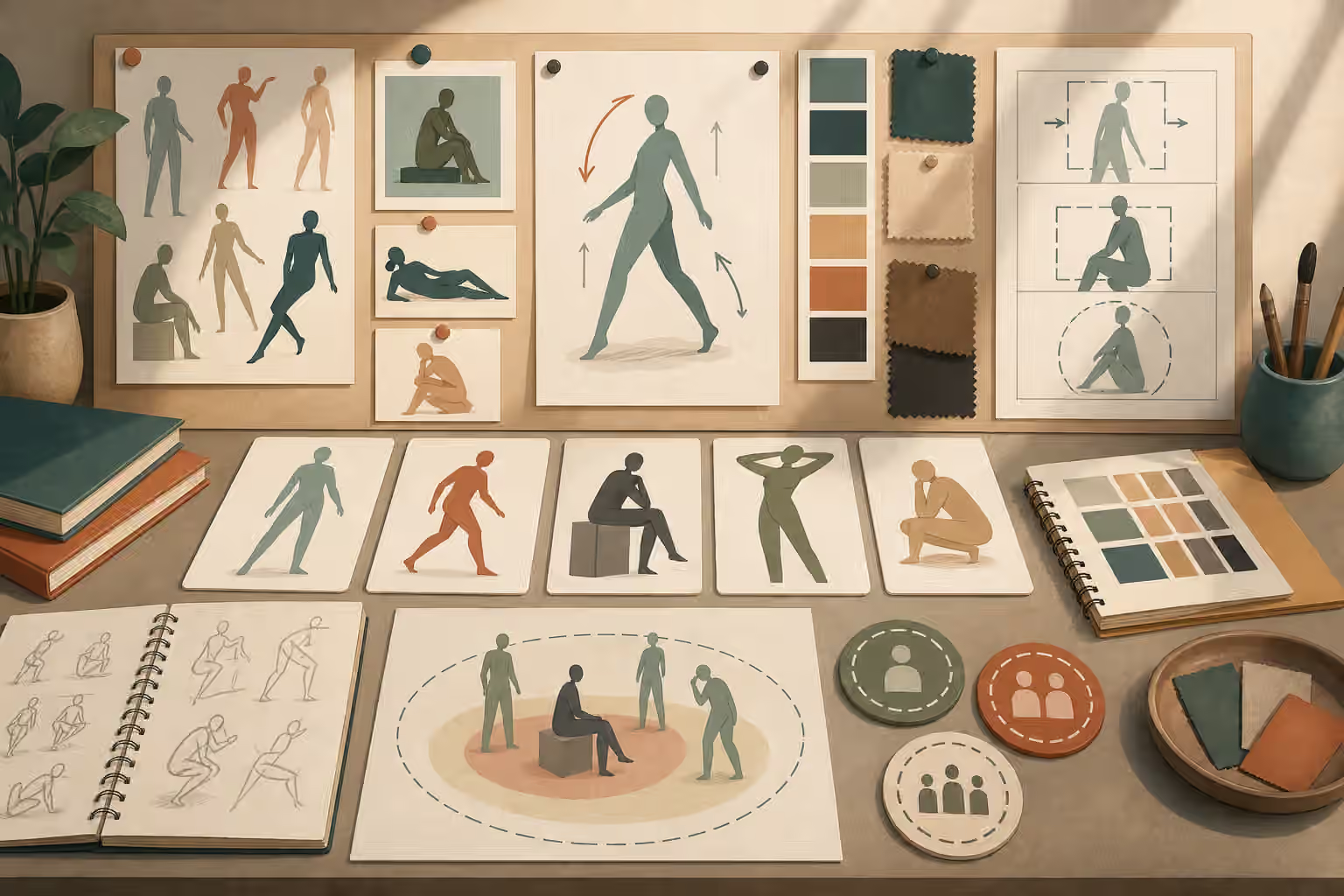
- People, Pose, and Gesture Prompts Without Likeness Risk - Prompt human figures by role, pose, gesture, and scene purpose while avoiding non-consensual likeness and unnecessary realism.
- Product Mockups Without Fake Brands - Make useful product-style visuals without fake logos, fake packaging claims, or brand-confusing details.
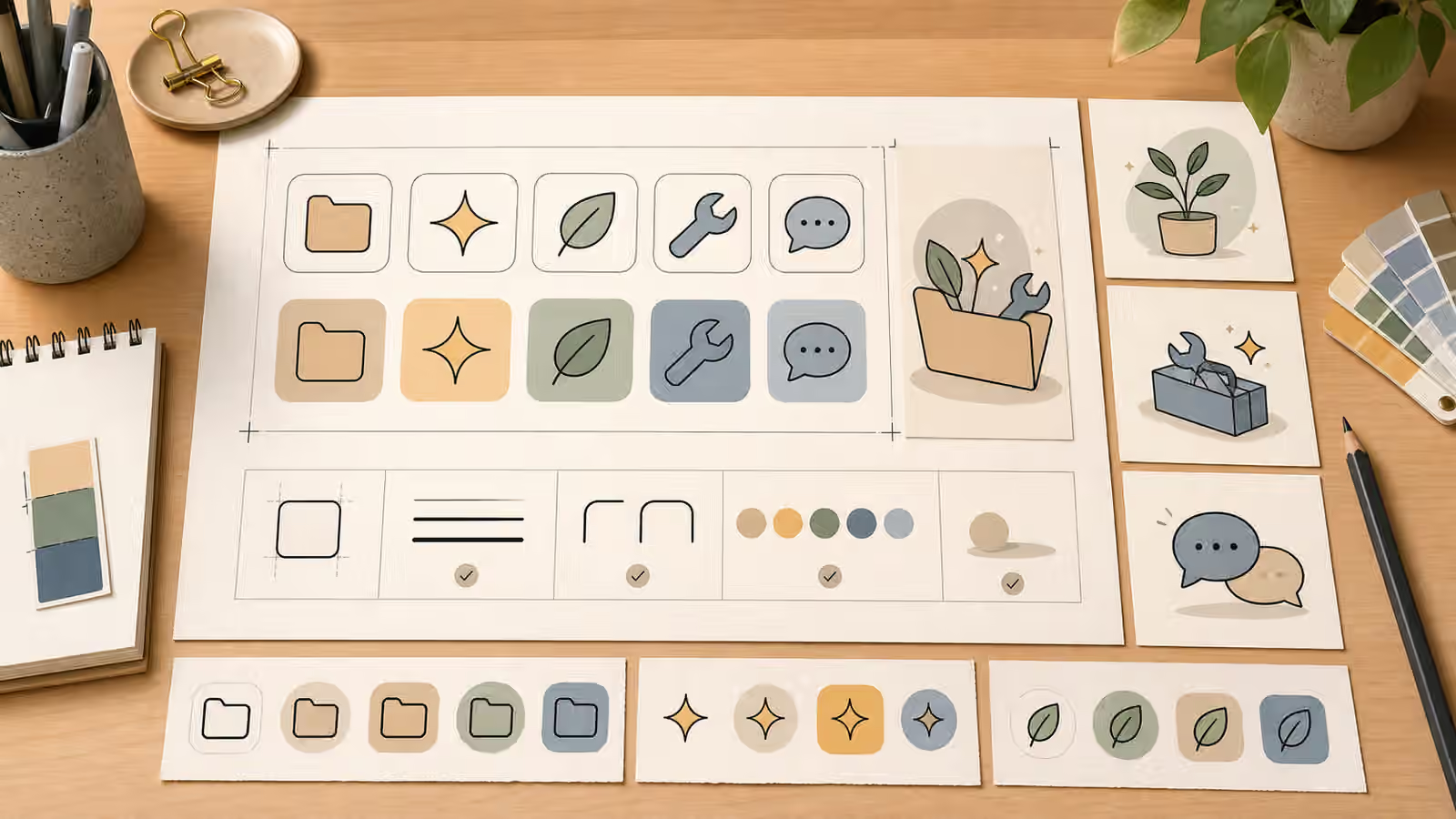
- Icon Sets and Spot Illustrations Without Fake Logos - Create small visual systems with consistent icons and spot illustrations while avoiding real app marks, fake brands, and confusing symbols.
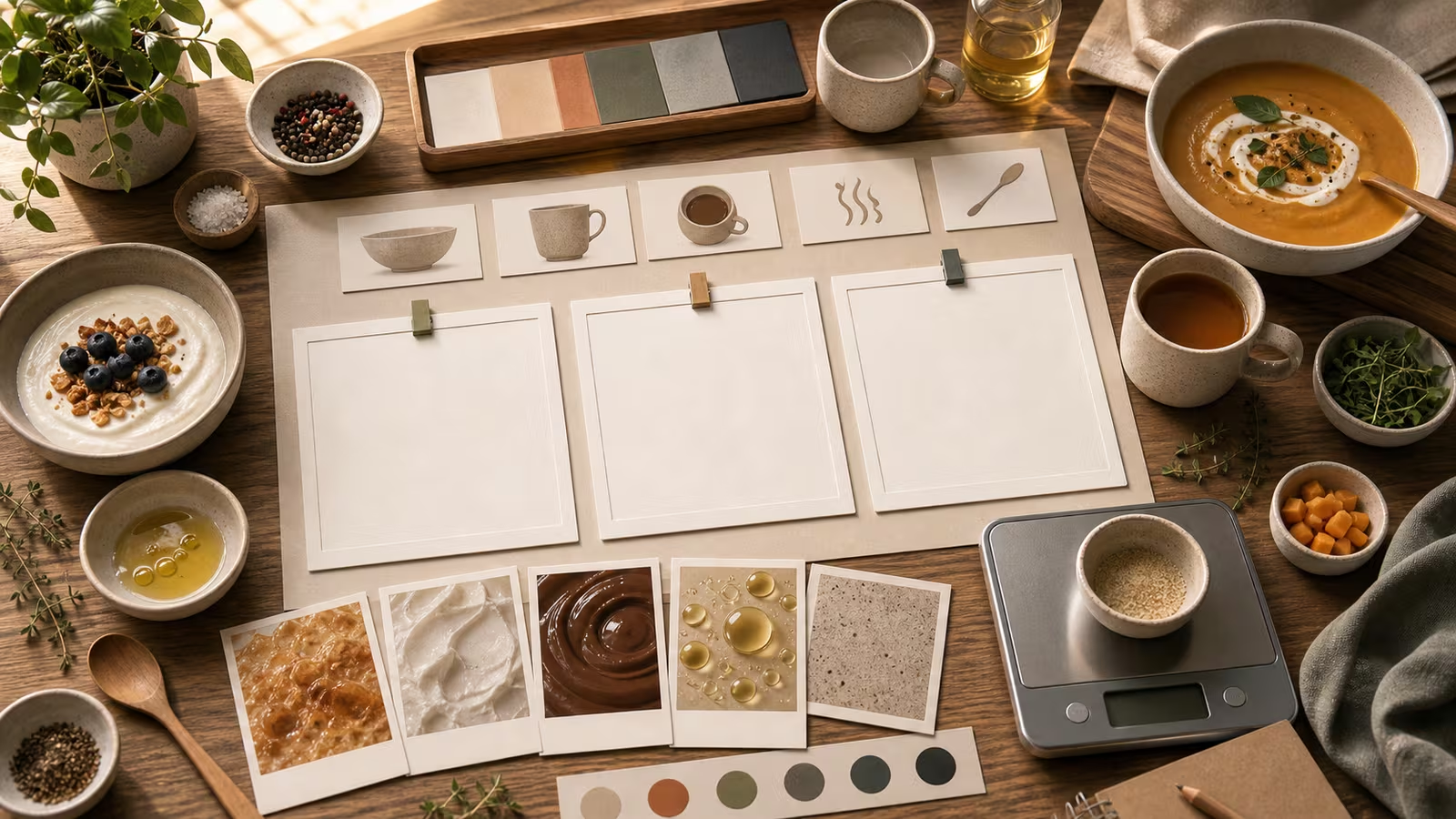
- Food and Drink Prompting: Texture, Table, Steam, and Scale - Prompt food and drink images that look useful, appetizing, and honest without fake labels or impossible textures.
- Interior and Room Setup Prompts - Describe rooms with layout, light, scale, materials, and use so generated interiors feel practical instead of decorative.
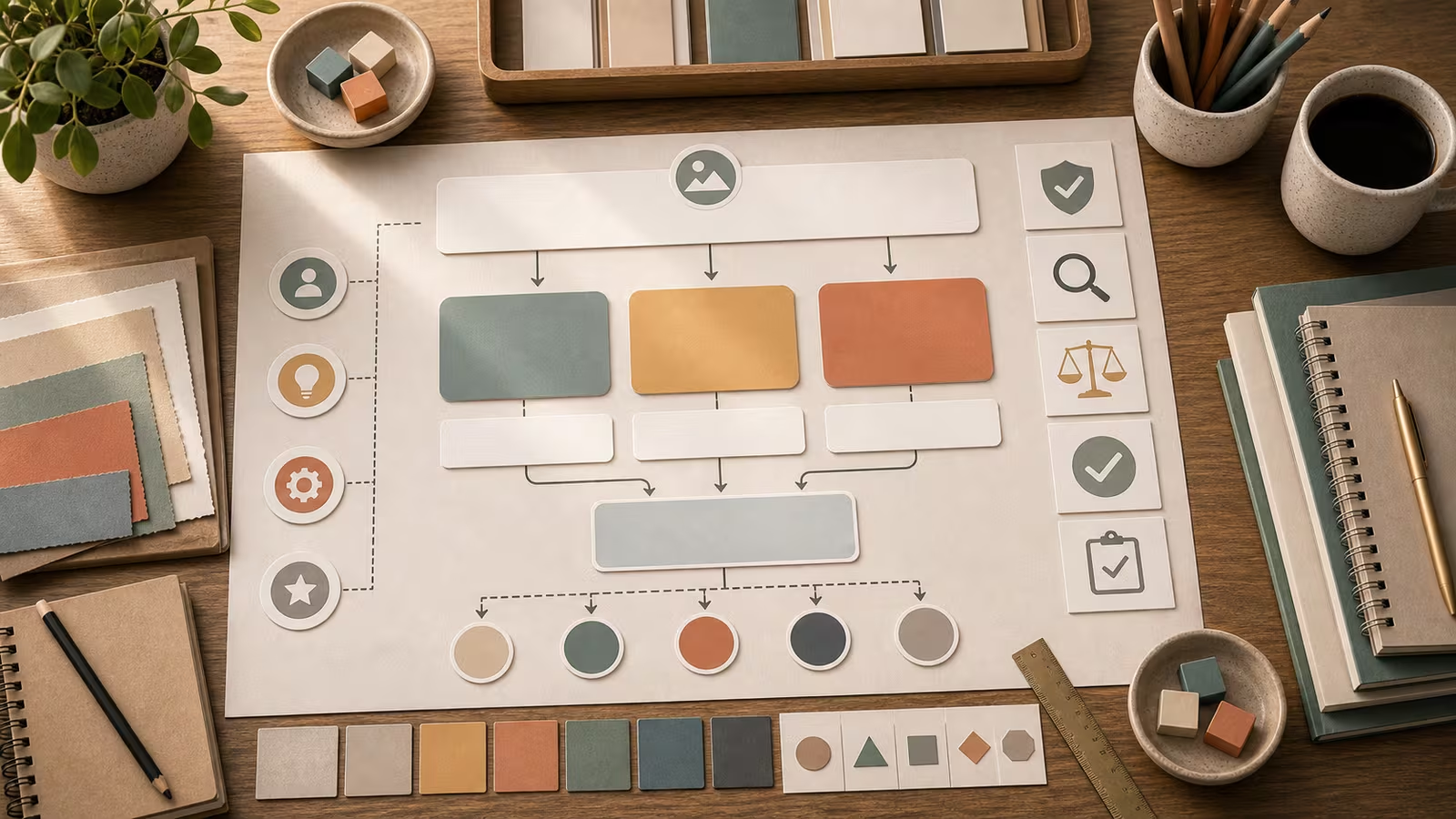
- Educational Infographics: Diagrams, Labels, and Accuracy Checks - Plan AI-assisted diagrams carefully, especially when labels, sequences, or factual relationships matter.
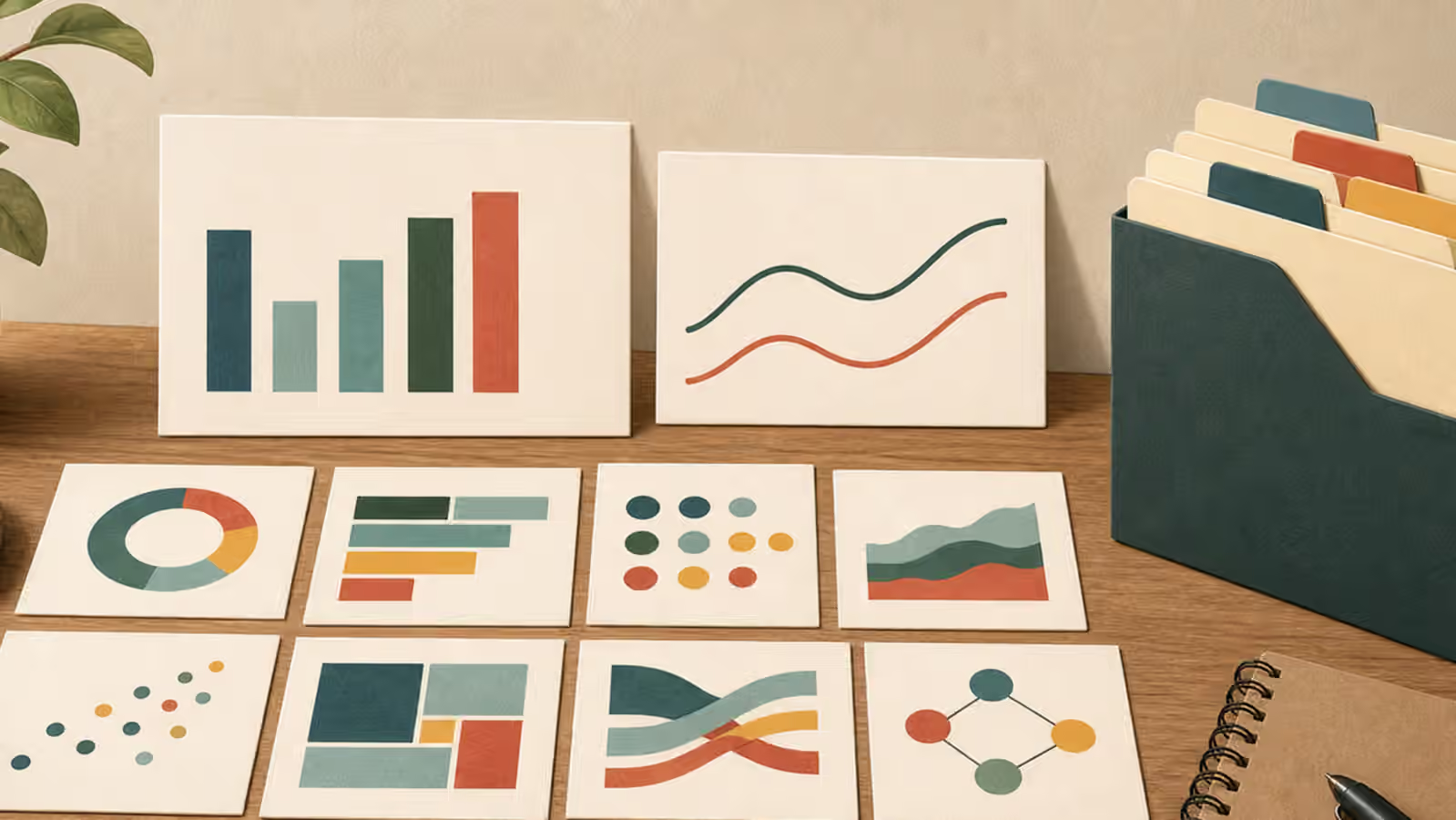
- Charts and Data Visuals Without Fake Numbers - Use AI-generated chart-like visuals responsibly by separating conceptual illustration from exact data, labels, and evidence.
- Before-and-After Comparisons Without Fake Evidence - Use comparison-style generated images for concepts and planning without implying that a real transformation happened.
- Social Thumbnails and Covers: Safe Zones, Contrast, and Hooks - Prompt thumbnails that remain readable when cropped, compressed, and shown beside competing posts.
- Text-Free Poster and Signage Concepts - Plan generated posters, signs, covers, and campaign visuals with blank spaces for real typography added later.
- Article Hero Images: Match the Search Promise - Create article heroes that confirm the reader is in the right place instead of chasing generic decoration.
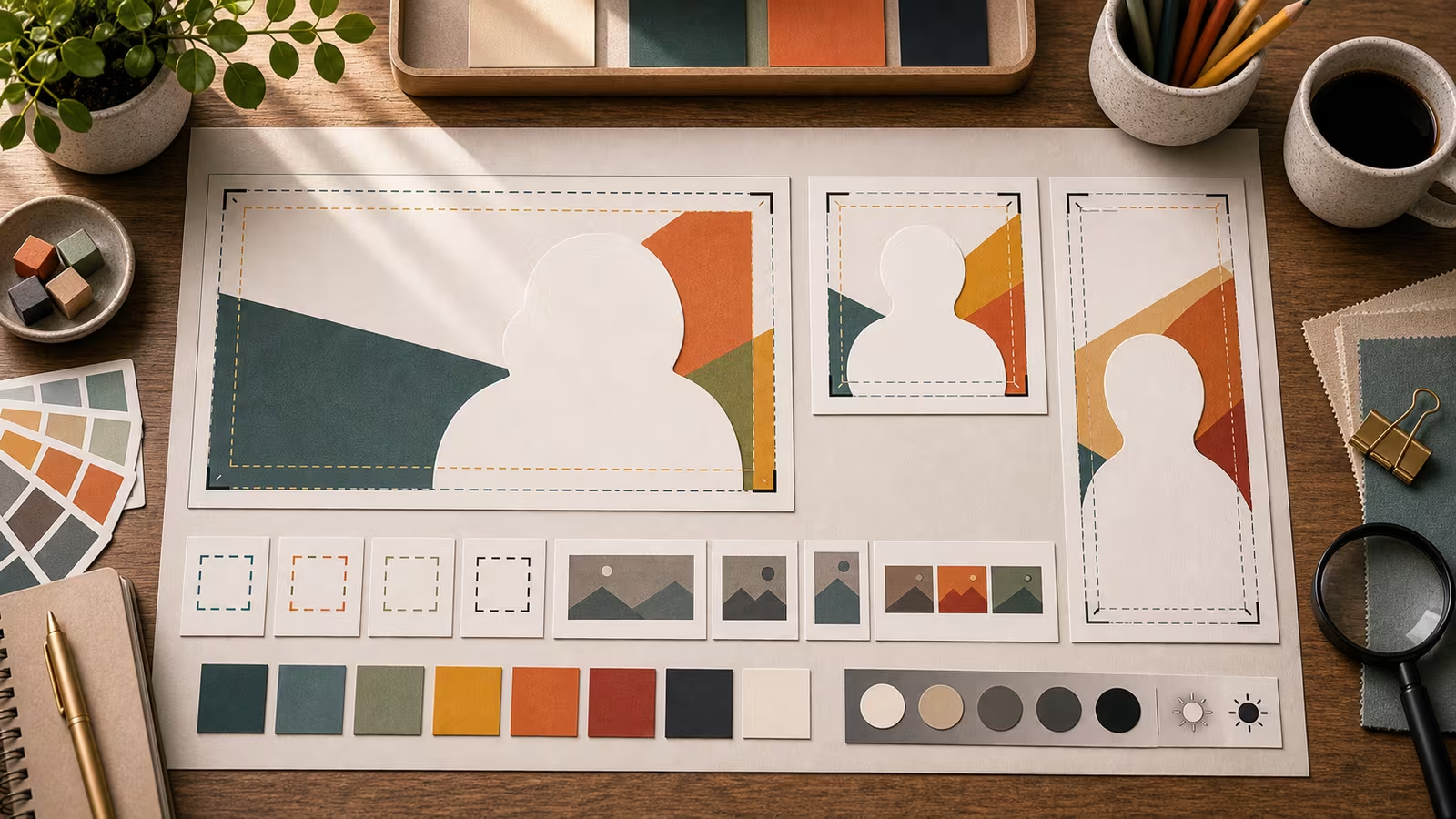
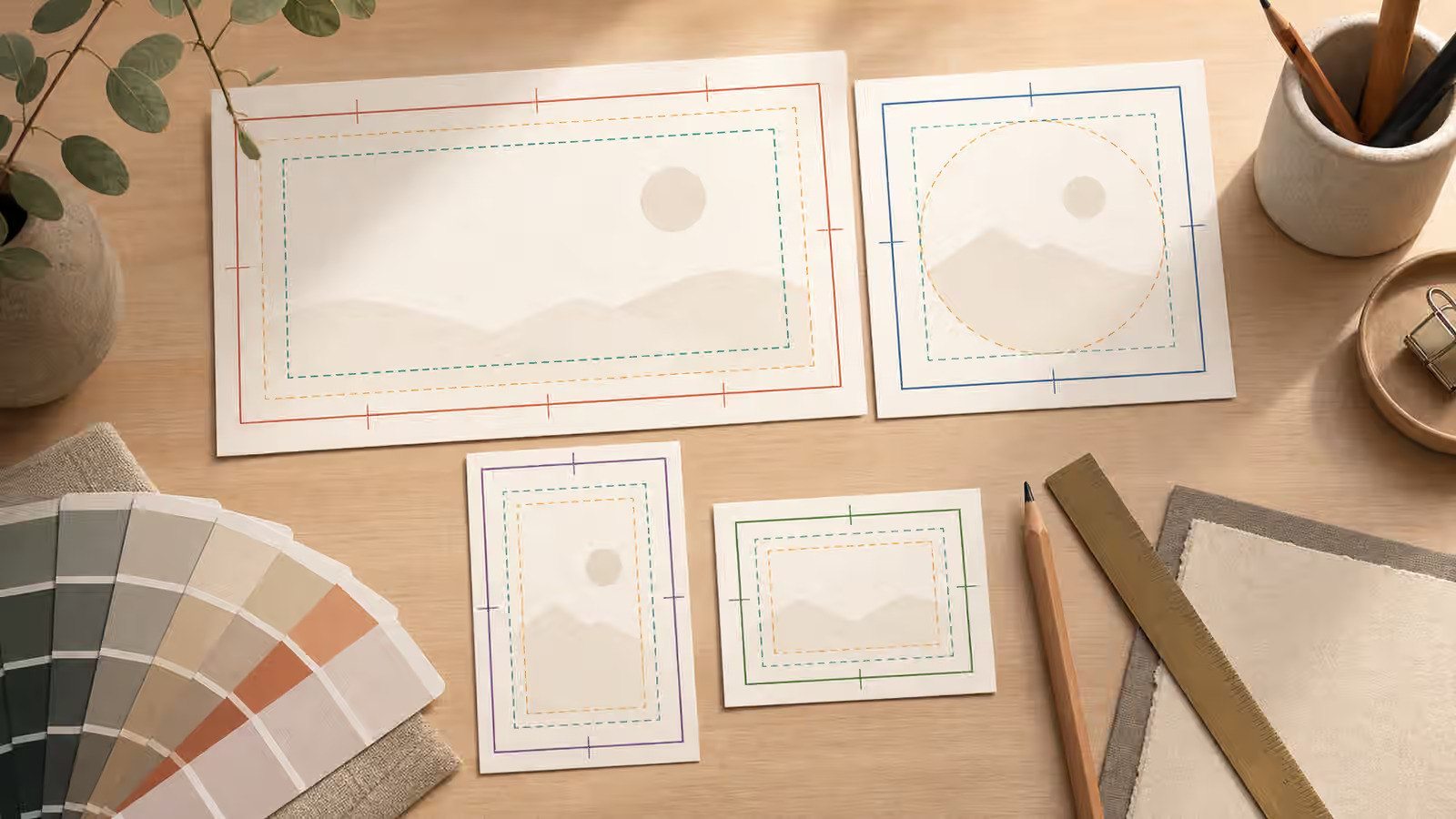
- Aspect Ratio, Cropping, and Responsive Reuse for AI Images - Plan AI-generated images for wide heroes, square cards, vertical crops, and small thumbnails before the first render.
- AI Image Quality Checks: Hands, Text, Logos, Physics, and Context - Use a practical review pass for common AI image failures before publishing or sharing.
- Prompt Iteration Logs: Reuse What Worked - Keep small prompt notes so successful image choices become reusable instead of accidental.
- Disclosure and Content Credentials for AI Images - Decide when to disclose AI-generated visuals and how provenance signals can support trust without proving everything.
- People, Likeness, and Consent - Use safer people imagery by avoiding non-consensual likeness, public-figure deception, and private-person lookalikes.
- Copyright, Trademarks, and Brand-Like Outputs - Reduce risk around generated images by avoiding protected characters, logos, confusing packaging, and unlicensed style borrowing.
- Image SEO for Generated Visuals - Give generated images useful filenames, alt text, page context, dimensions, and honest metadata.
- Alt Text and Captions for Generated Images - Write useful alt text, captions, and disclosure notes for AI-generated images without repeating the prompt or inventing details.
- AVIF, WebP, and Fast Image Delivery - Prepare generated images for fast pages with sensible formats, dimensions, compression, and crawlable image markup.
- Building a Cohesive Visual Set - Make a group of generated images feel related through shared constraints, palette, crop, and review rules.
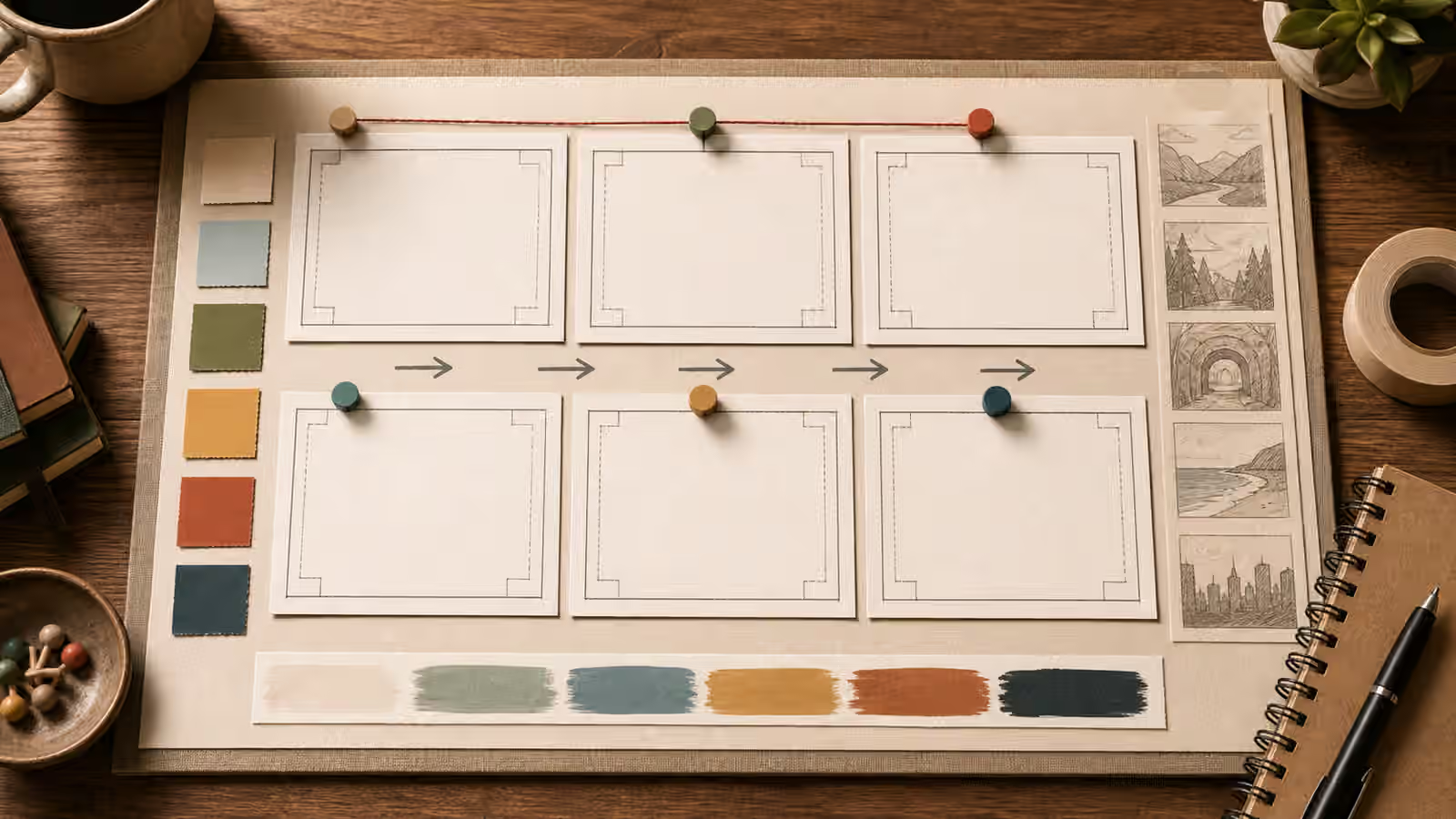
- Storyboards and Sequential Scenes in AI Image Prompts - Plan multi-image sequences, storyboards, and step-by-step visuals with continuity rules instead of treating every frame as a separate accident.
- What Not to Generate: Safety Boundaries for Visual AI - Set clear no-go lines for deceptive evidence, impersonation, brand confusion, unsafe instructions, and exploitative imagery.
- Negative Prompts and Avoid Lists for AI Images - Write practical avoid lists for generated images without turning the prompt into a pile of vague prohibitions.
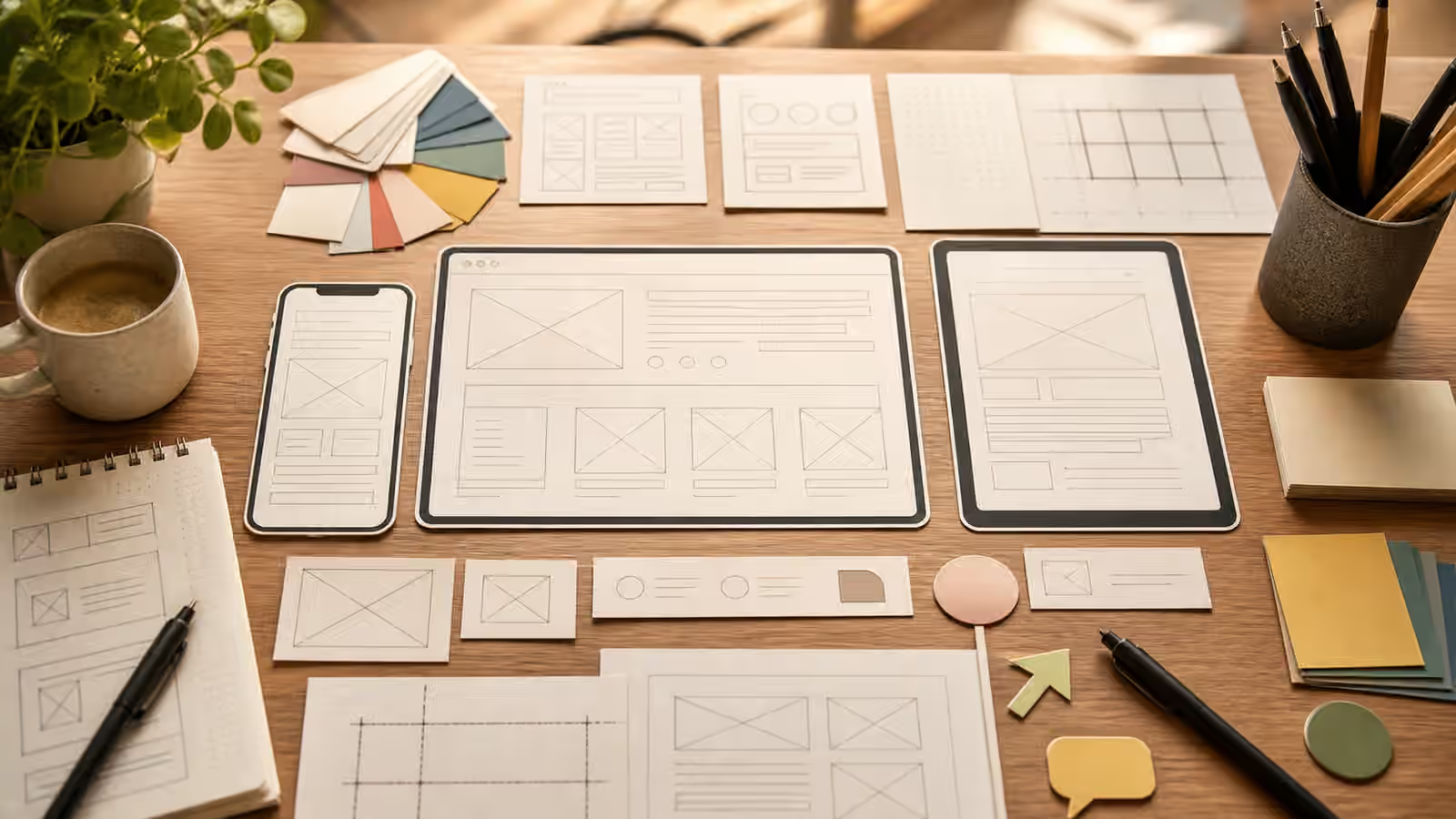
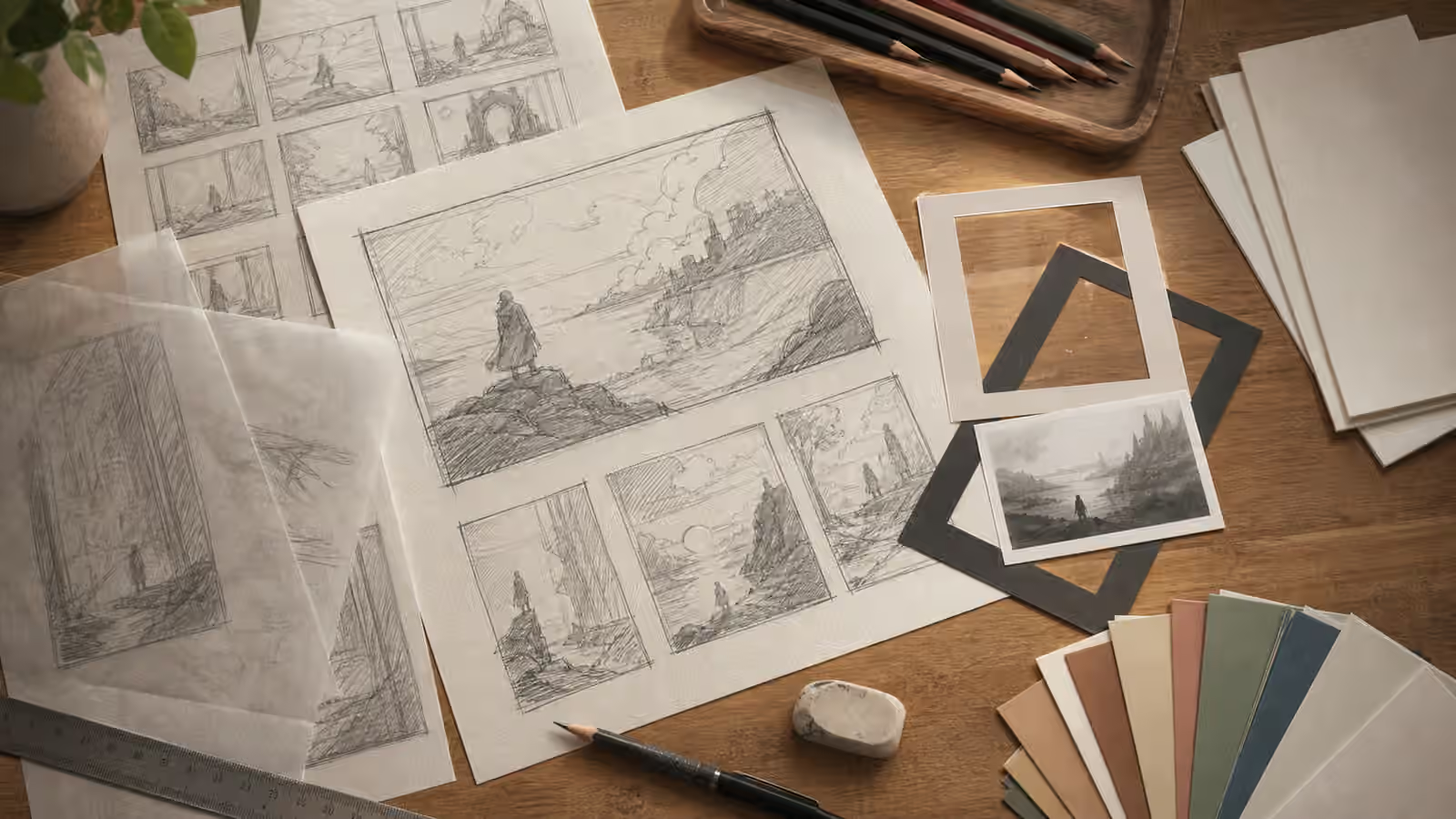
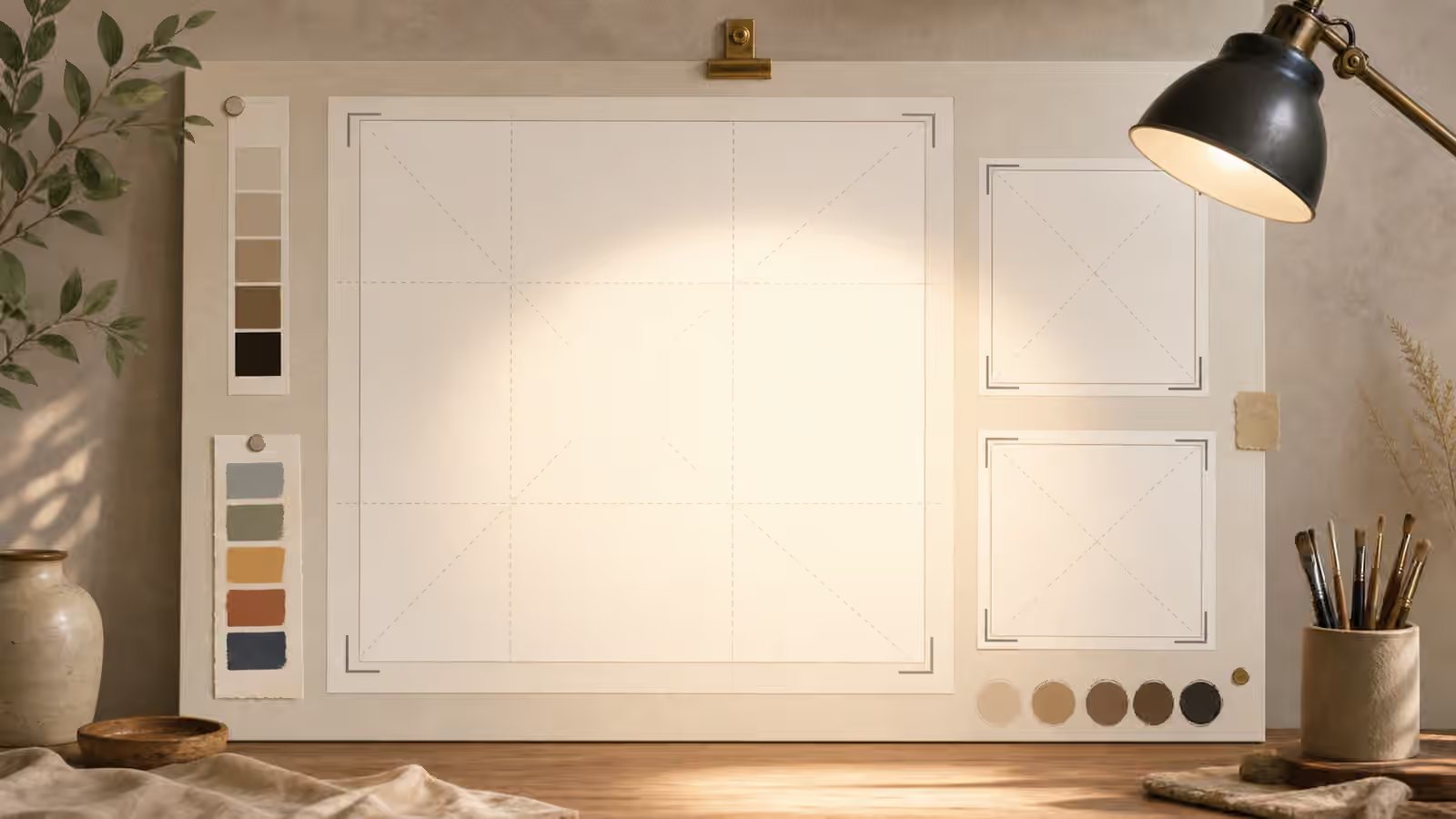
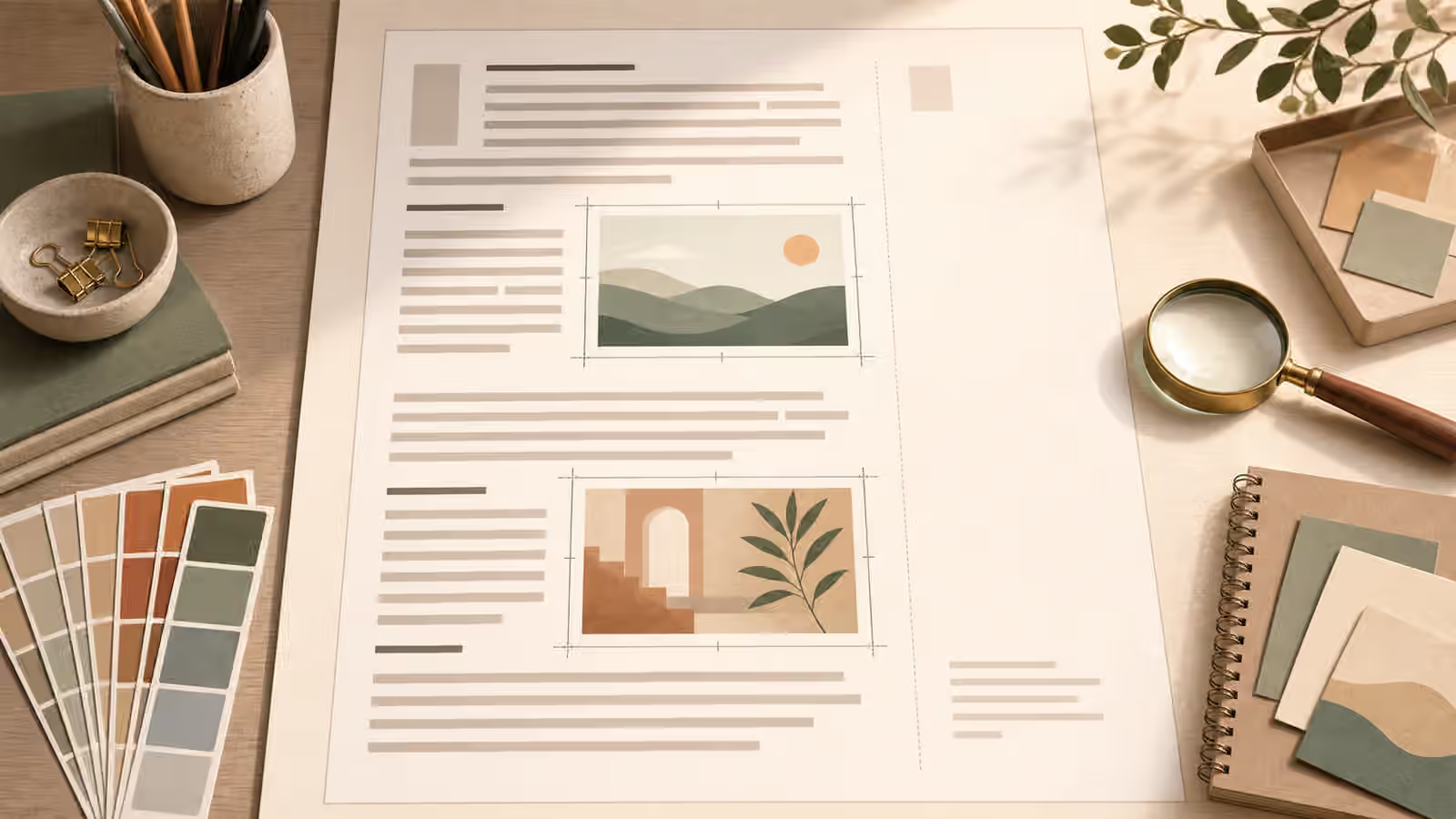
- Rough Sketches and Layout Prompts - Use rough thumbnails, sketch notes, and layout shapes to guide generated images without copying a finished design.
- Visual Metaphors for Abstract Ideas - Choose concrete, reviewable visual metaphors for abstract concepts without falling back on generic glowing symbols.
- Object-in-Use Prompts: Contact Points, Hands, and Props - Prompt believable use scenes by naming contact points, support, scale cues, and hand-placement review risks.
- Motion and Action Scene Prompts That Stay Readable - Freeze action at one understandable phase with restrained motion cues and clear safety boundaries.
- Exterior and Streetscape Prompts Without Fake Place Claims - Build outdoor scenes from neutral place cues without inventing addresses, signs, or documentary claims.
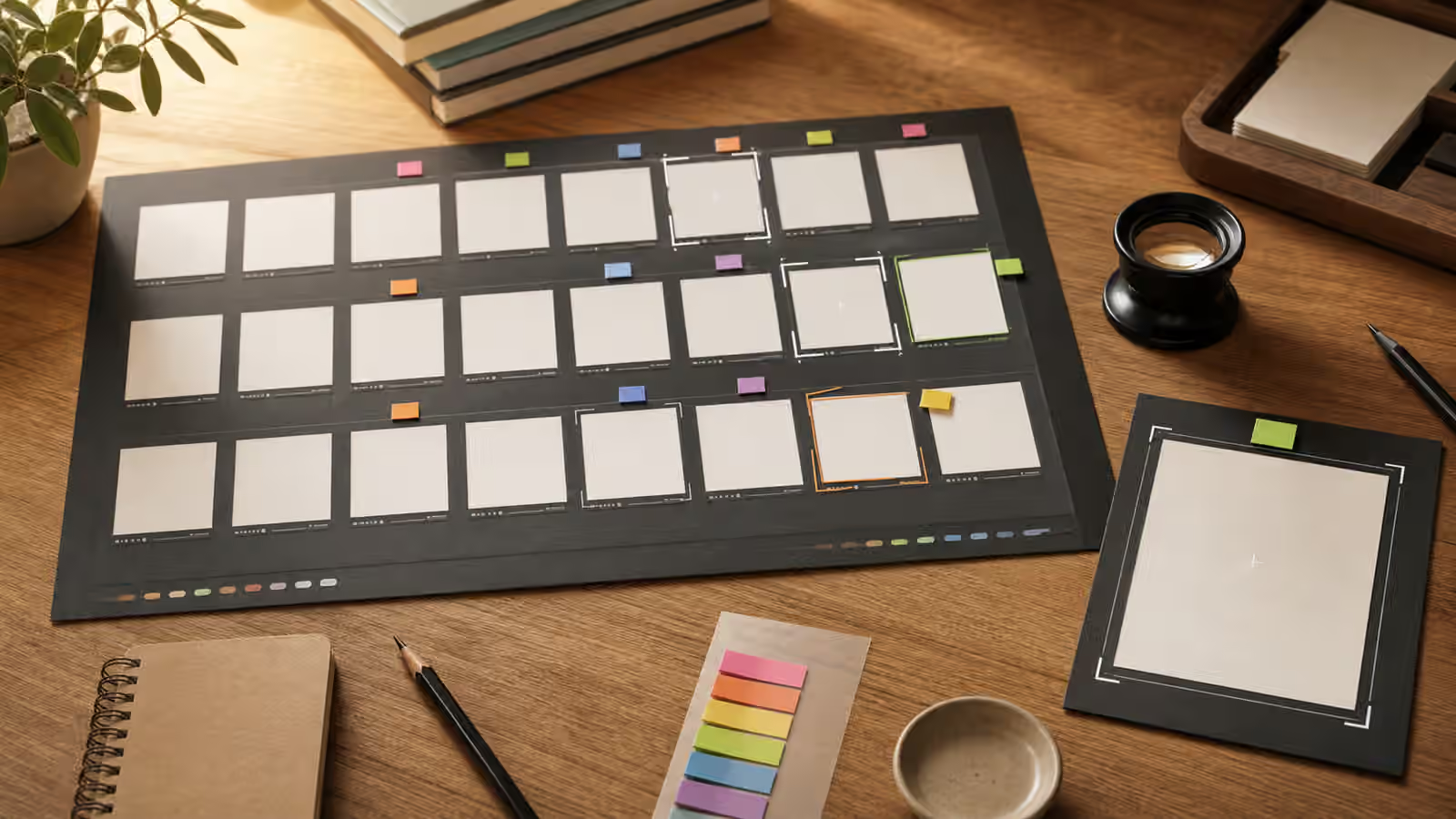
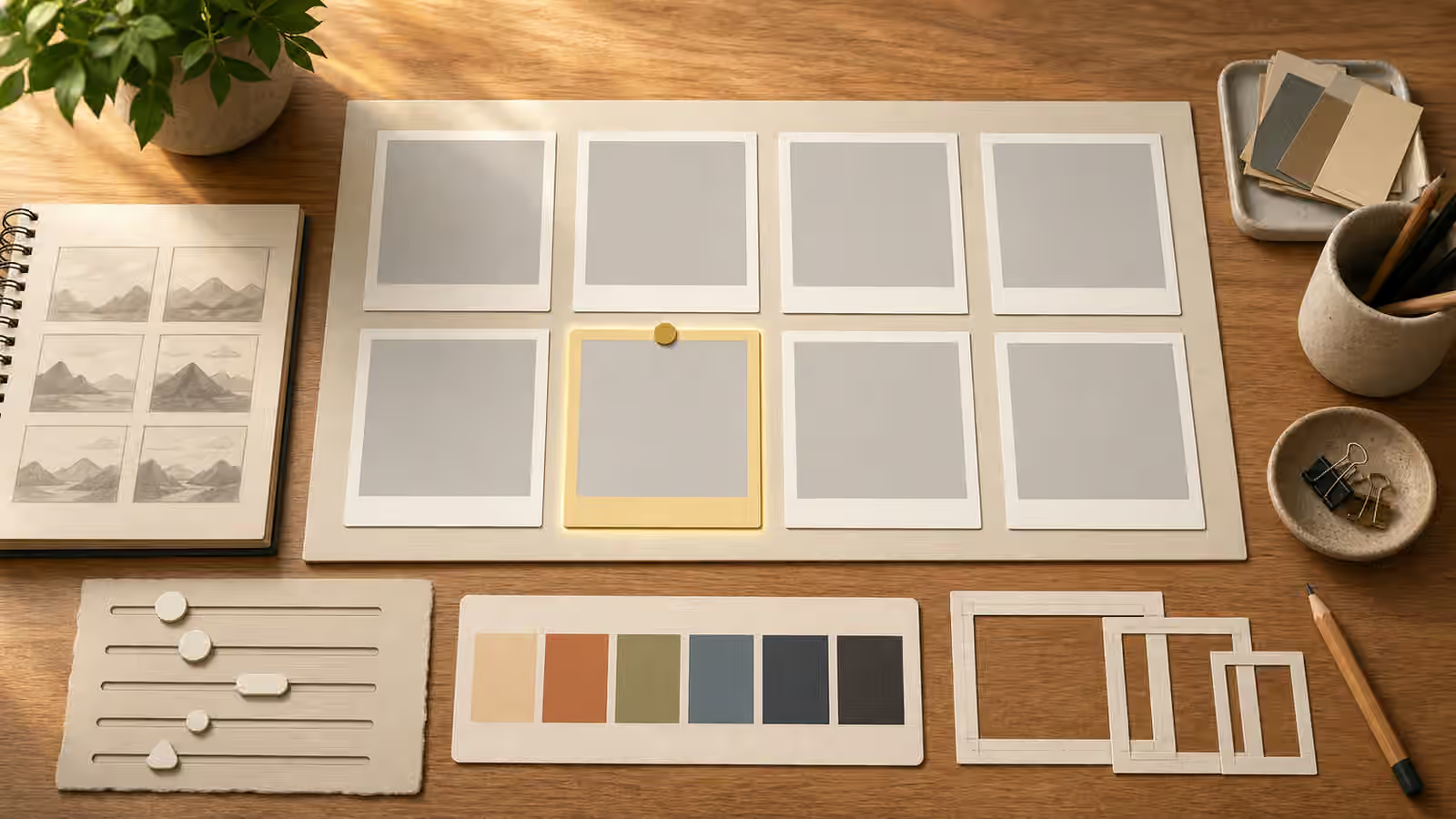
- Contact Sheets and Variant Review for AI Images - Compare generated image variants calmly with contact sheets, review notes, and selection criteria before asking for edits.
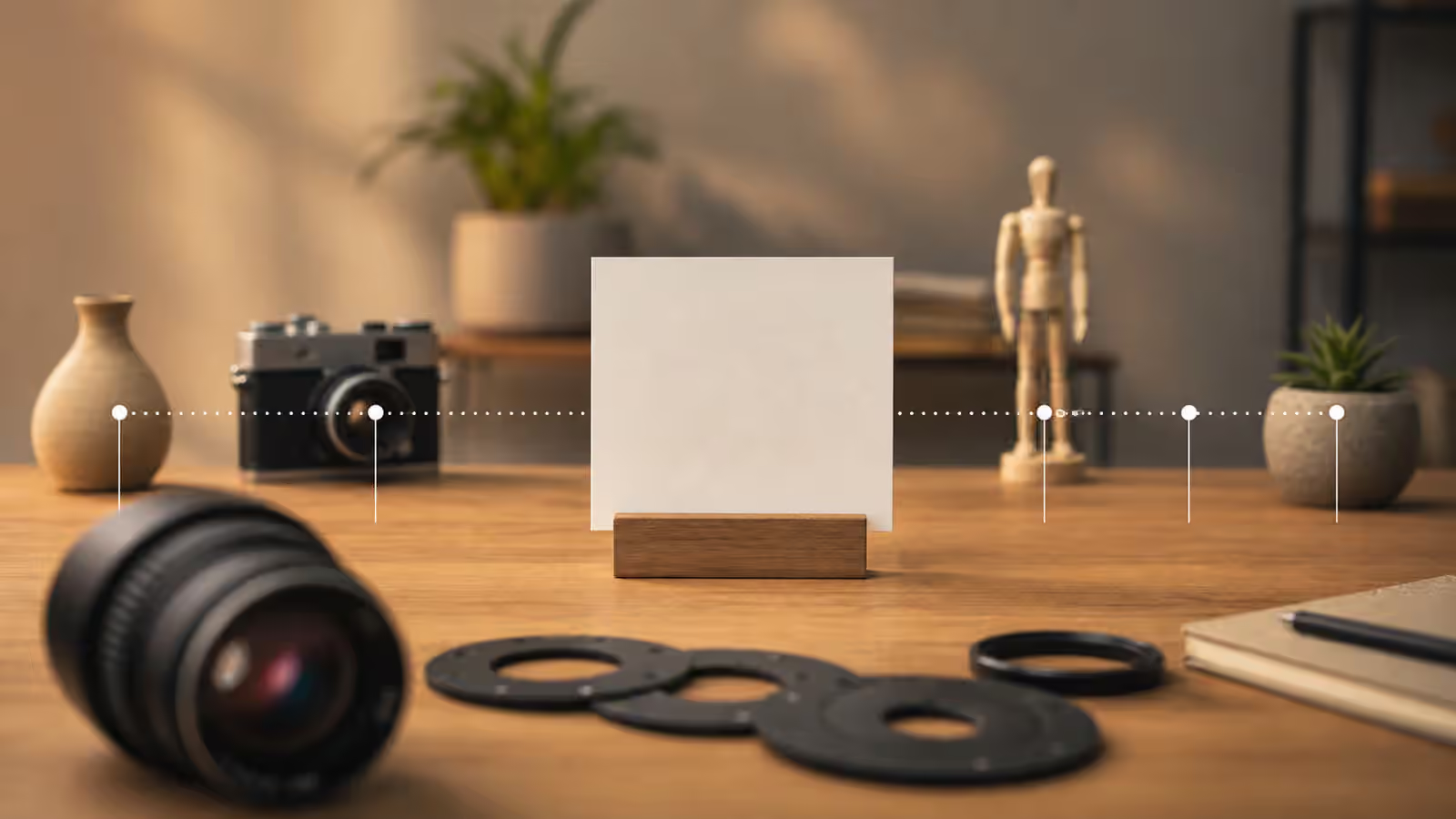
- Depth of Field and Focus Prompts - Use focus plane, depth of field, foreground, background, and sharpness language so AI images guide attention without optical confusion.
- Accessible Visual Briefs Before Alt Text - Plan generated images with clarity, contrast, redundancy, and calm composition before relying on alt text to repair weak visuals.
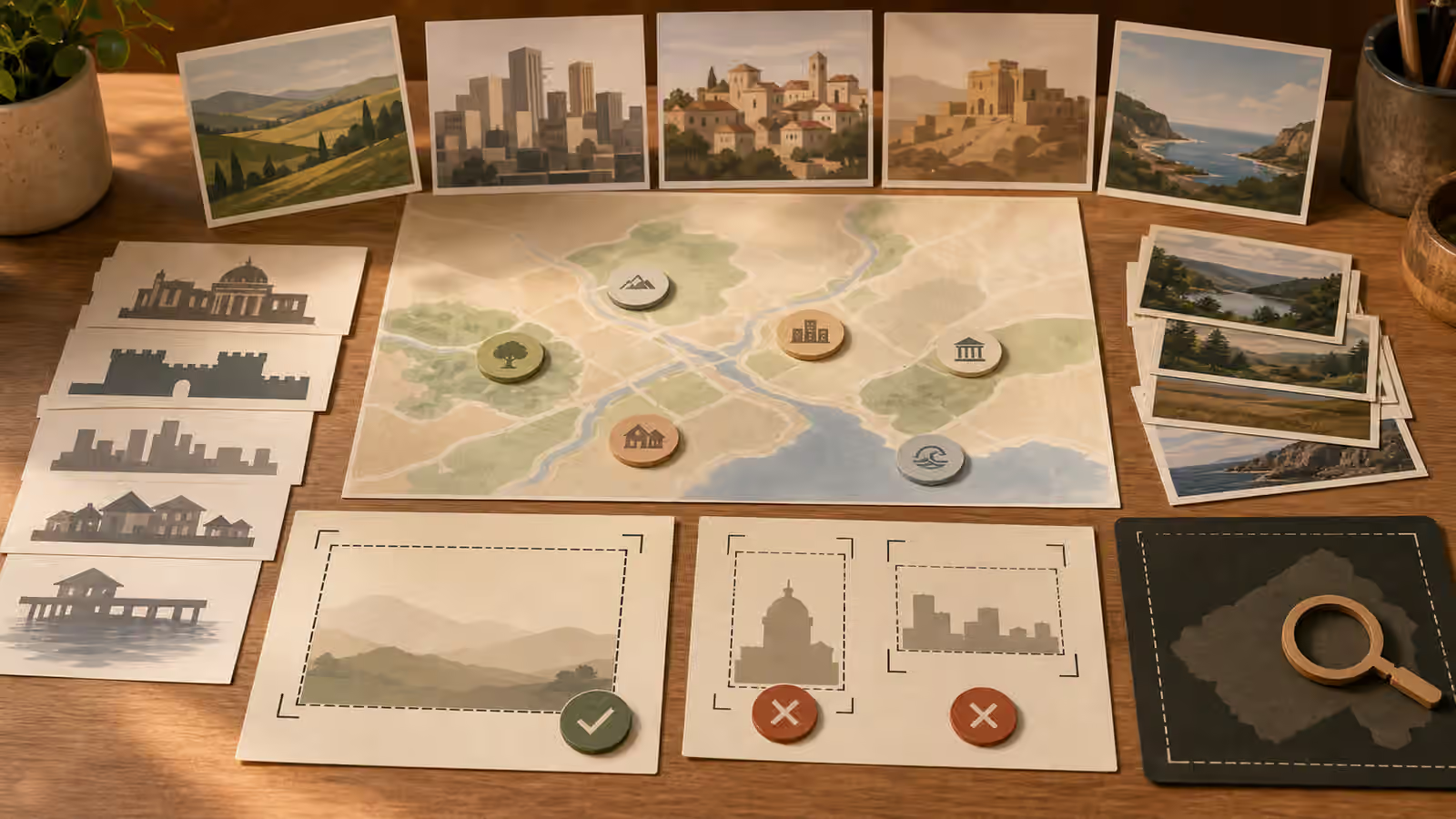
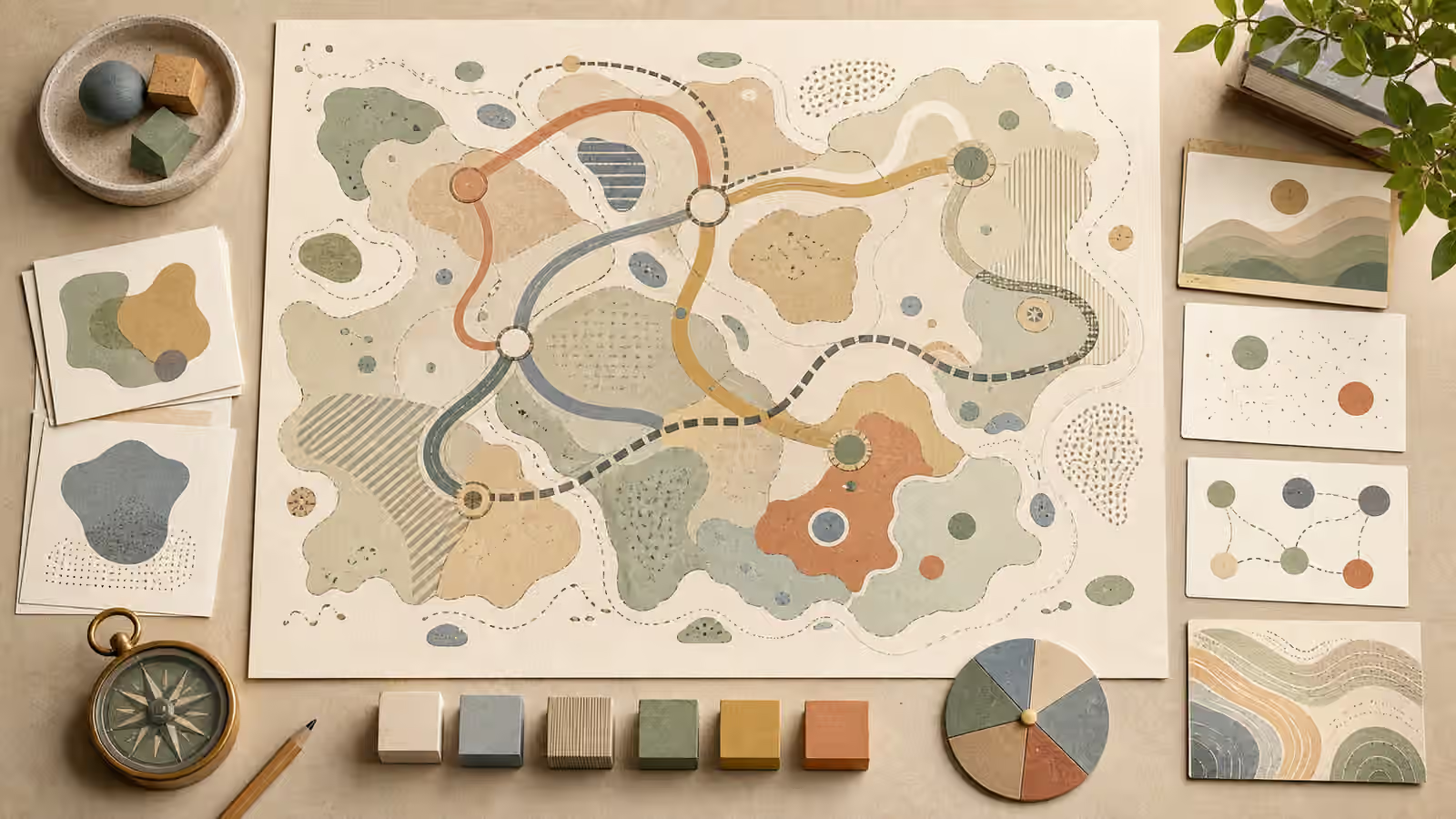
- Map-Like Illustrations Without Fake Geography - Use fictional, diagrammatic map-like visuals without inventing routes, place names, borders, or evidence that a real location exists.
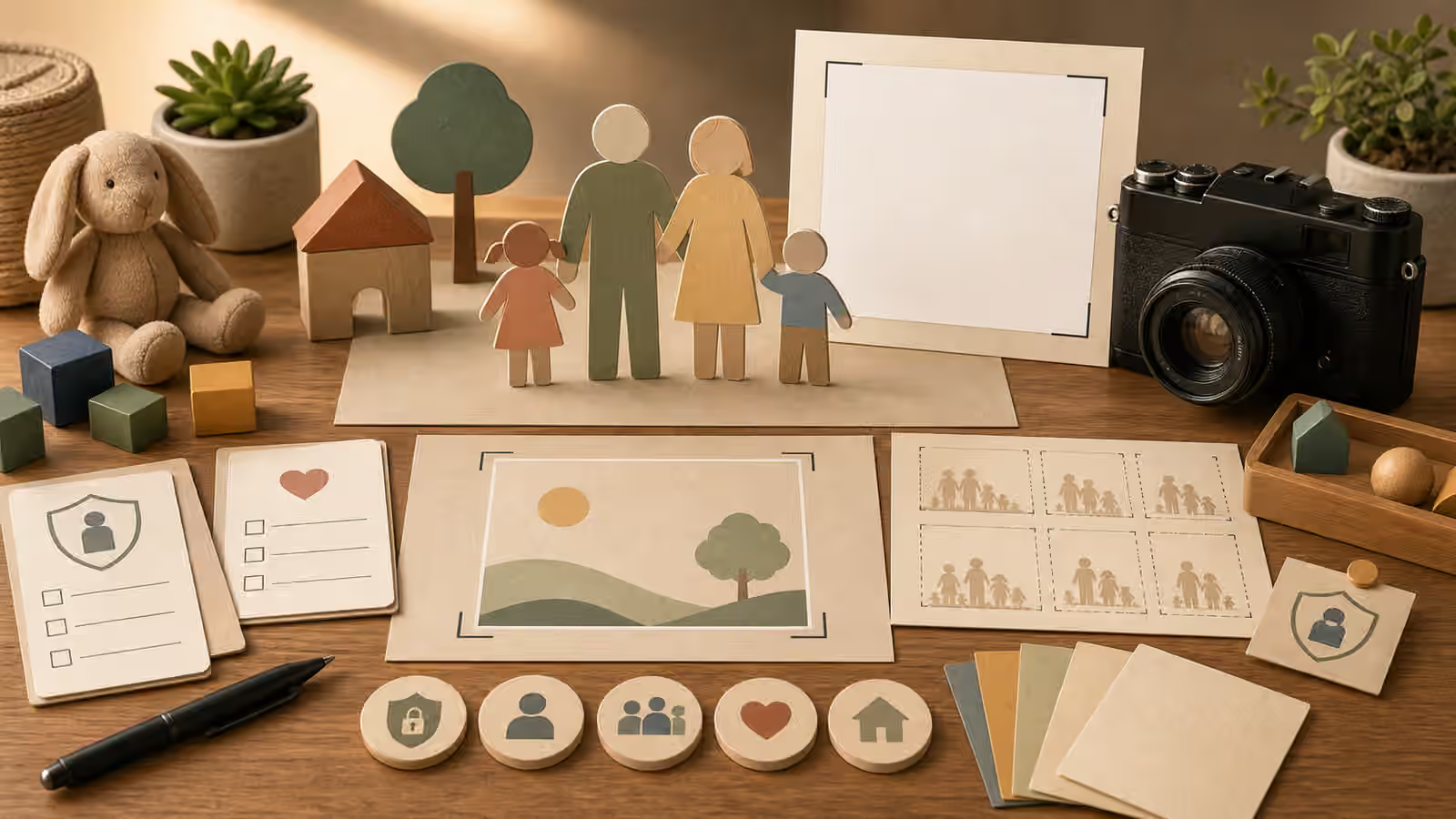
- Children and Family Scene Prompts Without Likeness Risk - Prompt children and family scenes with privacy, consent, generic characterization, and restrained context instead of identity-like detail.
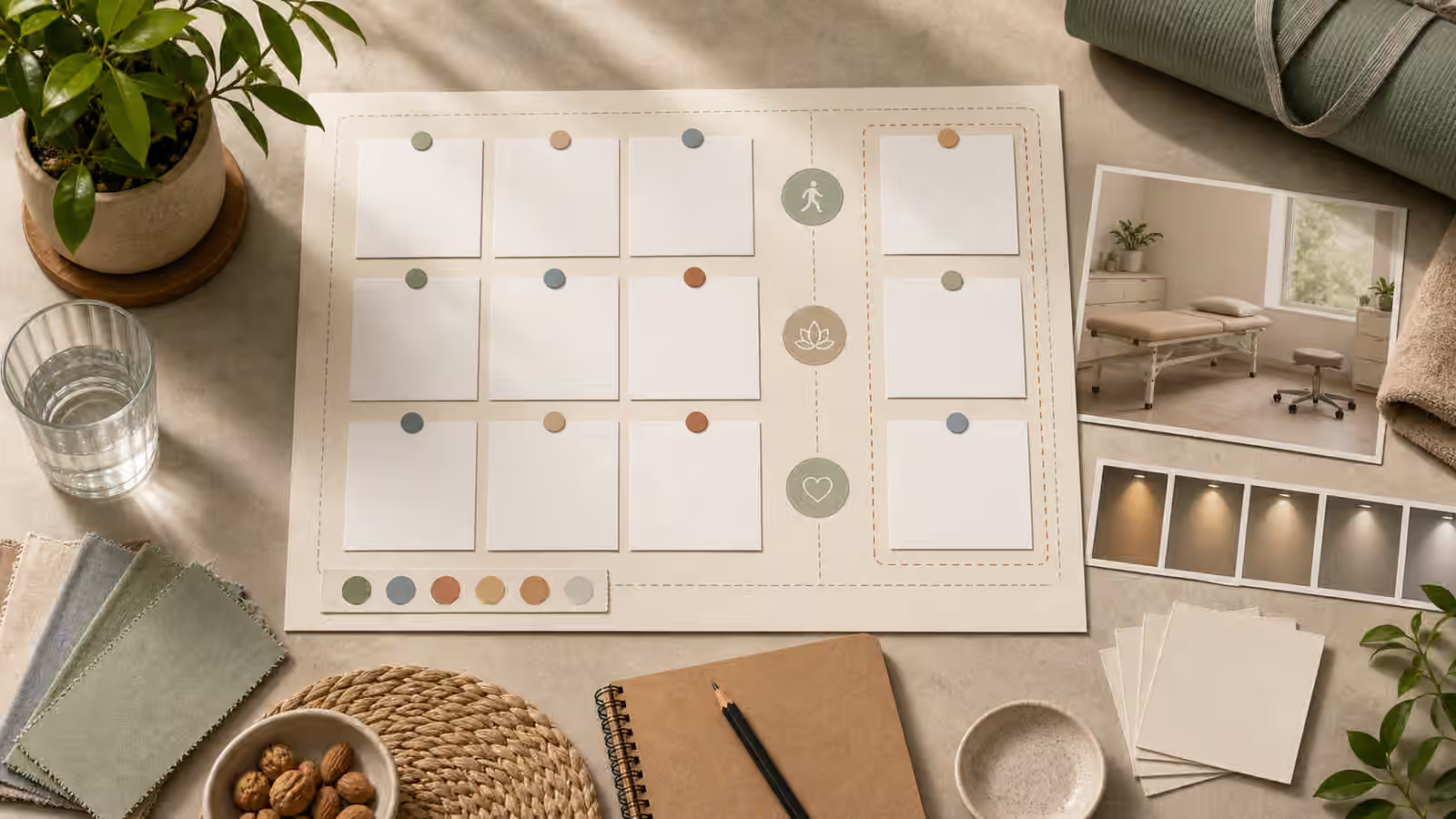
- Health and Wellness Visuals Without Fake Clinical Evidence - Create restrained health and wellness visuals that avoid diagnosis scenes, fake data, cure claims, clinical authority, and misleading before-and-after evidence.
- Prompt Matrices: Test One Visual Variable at a Time - Use small prompt matrices to test crop, lighting, style, and safety constraints without losing the image assignment.
- Focal Point and Visual Hierarchy Prompts - Write image prompts that tell the viewer where to look first, what supports the subject, and what should stay quiet.
- Shadows, Reflections, and Contact Light in AI Images - Review generated images for grounded shadows, restrained reflections, surface logic, and light direction before publishing.
- Inline Explainer Images That Support the Paragraph - Create small supporting generated images that clarify one idea in the surrounding text without pretending to be evidence.
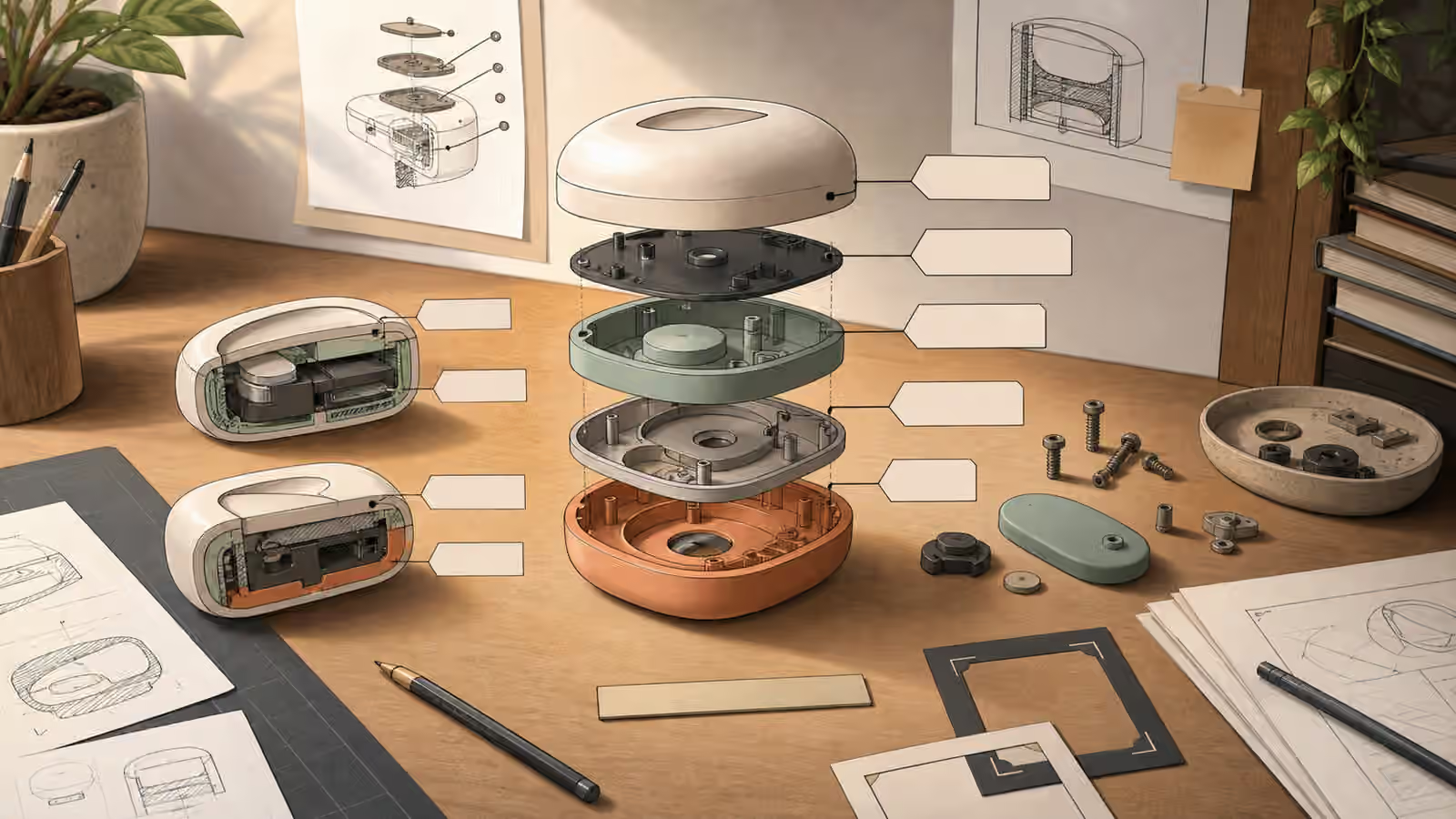
- Cutaway and Exploded View Prompts Without Fake Engineering - Use cutaway and exploded-view visuals for conceptual explanation without inventing buildable diagrams, labels, or technical proof.
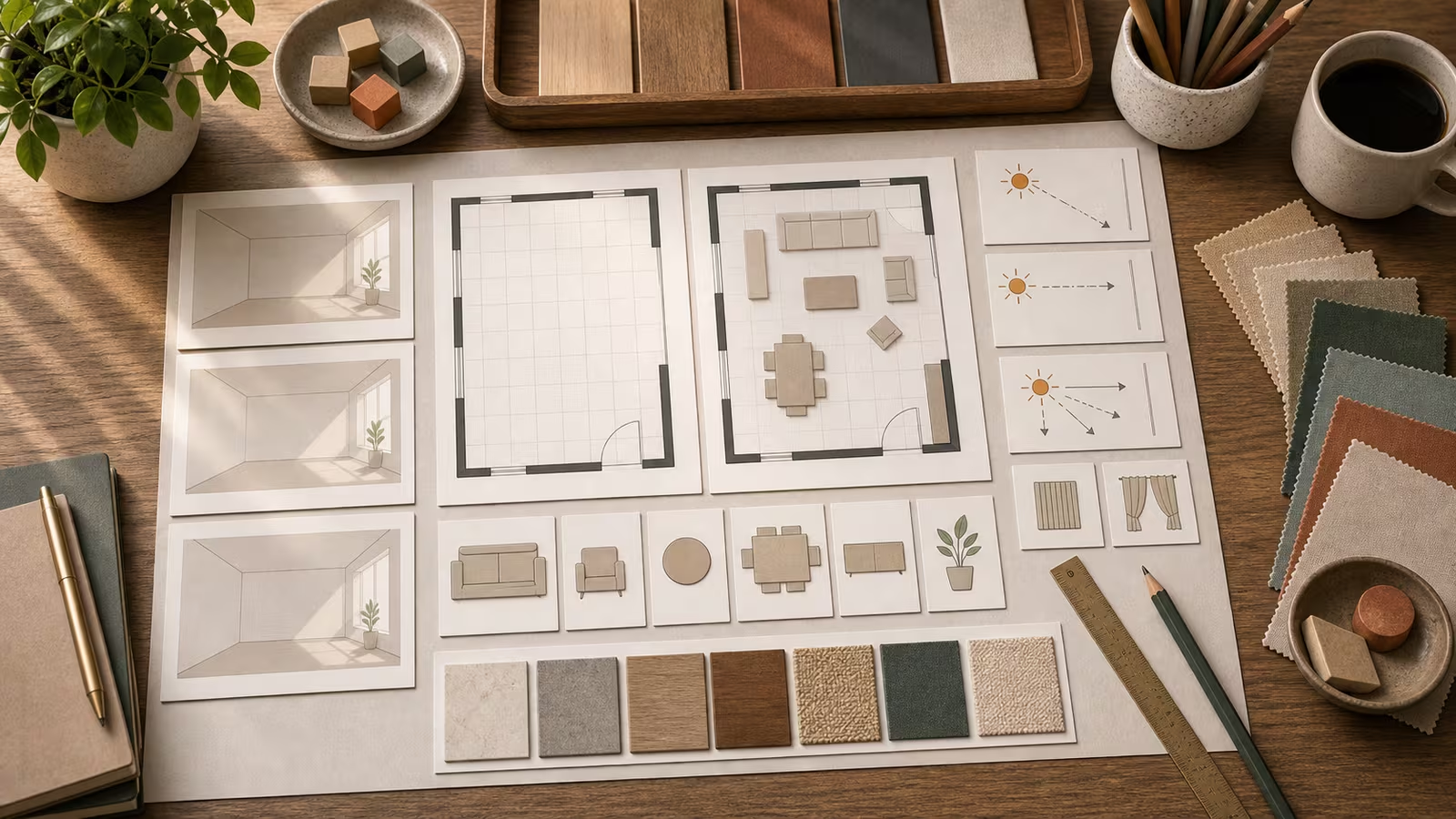
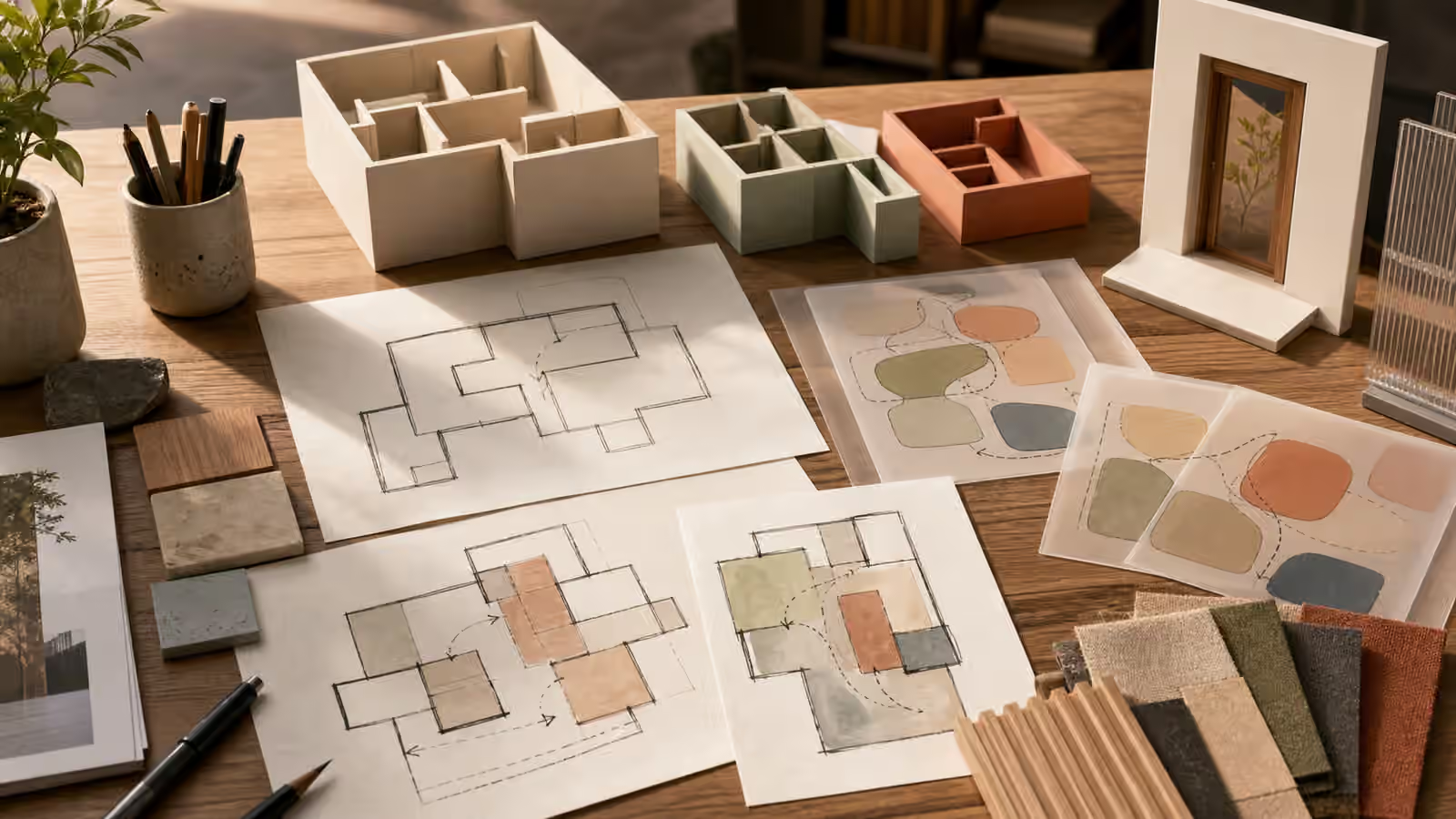
- Architecture and Floor Plan Concepts Without Fake Blueprints - Prompt conceptual room layouts, zoning diagrams, and architecture-inspired visuals without inventing buildable plans or real addresses.
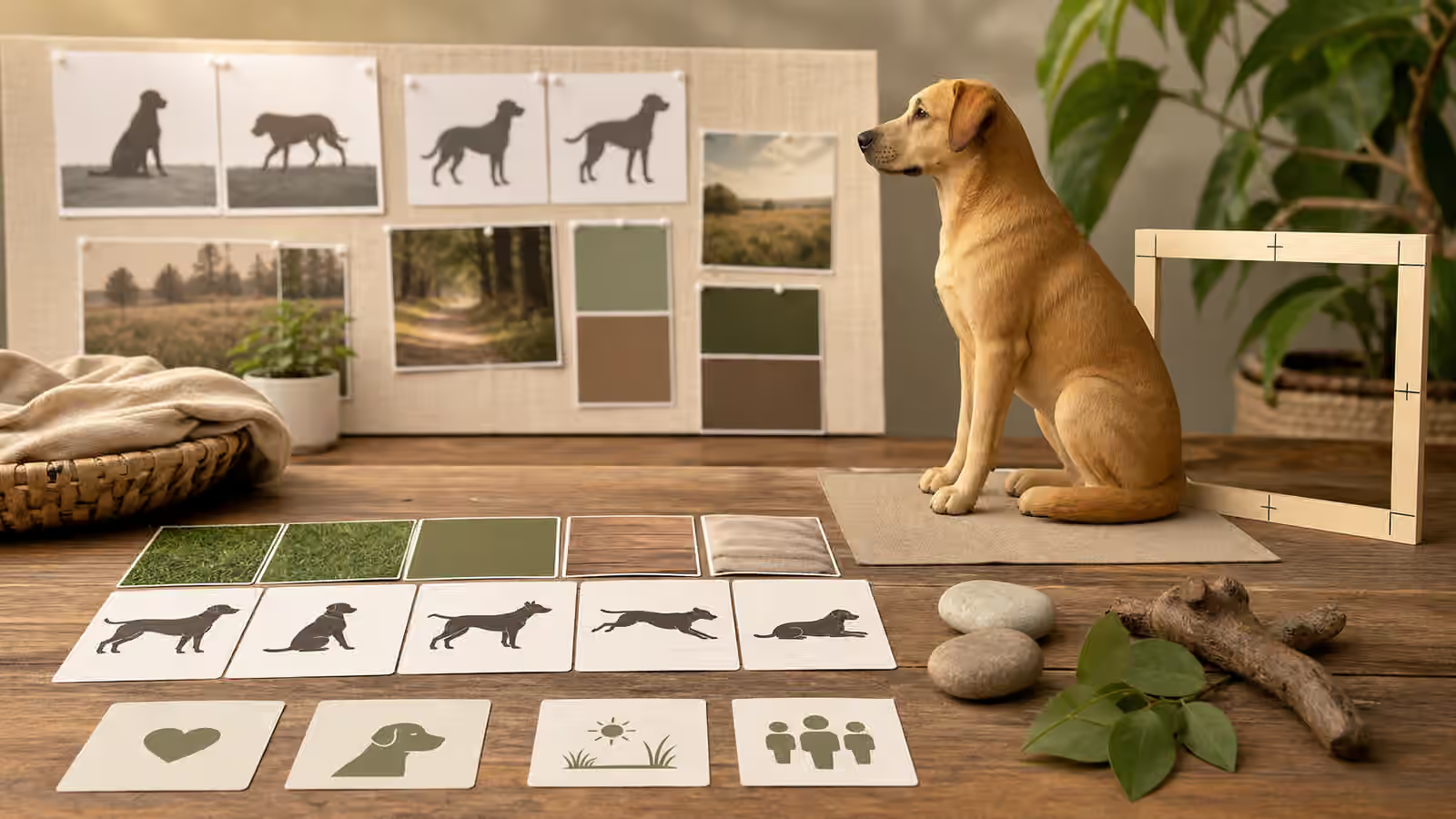
- Pet and Animal Scene Prompts Without False Rescue Stories - Create animal and pet visuals with believable pose, scale, welfare cues, and clear fictional framing instead of fake rescue, veterinary, or documentary evidence.
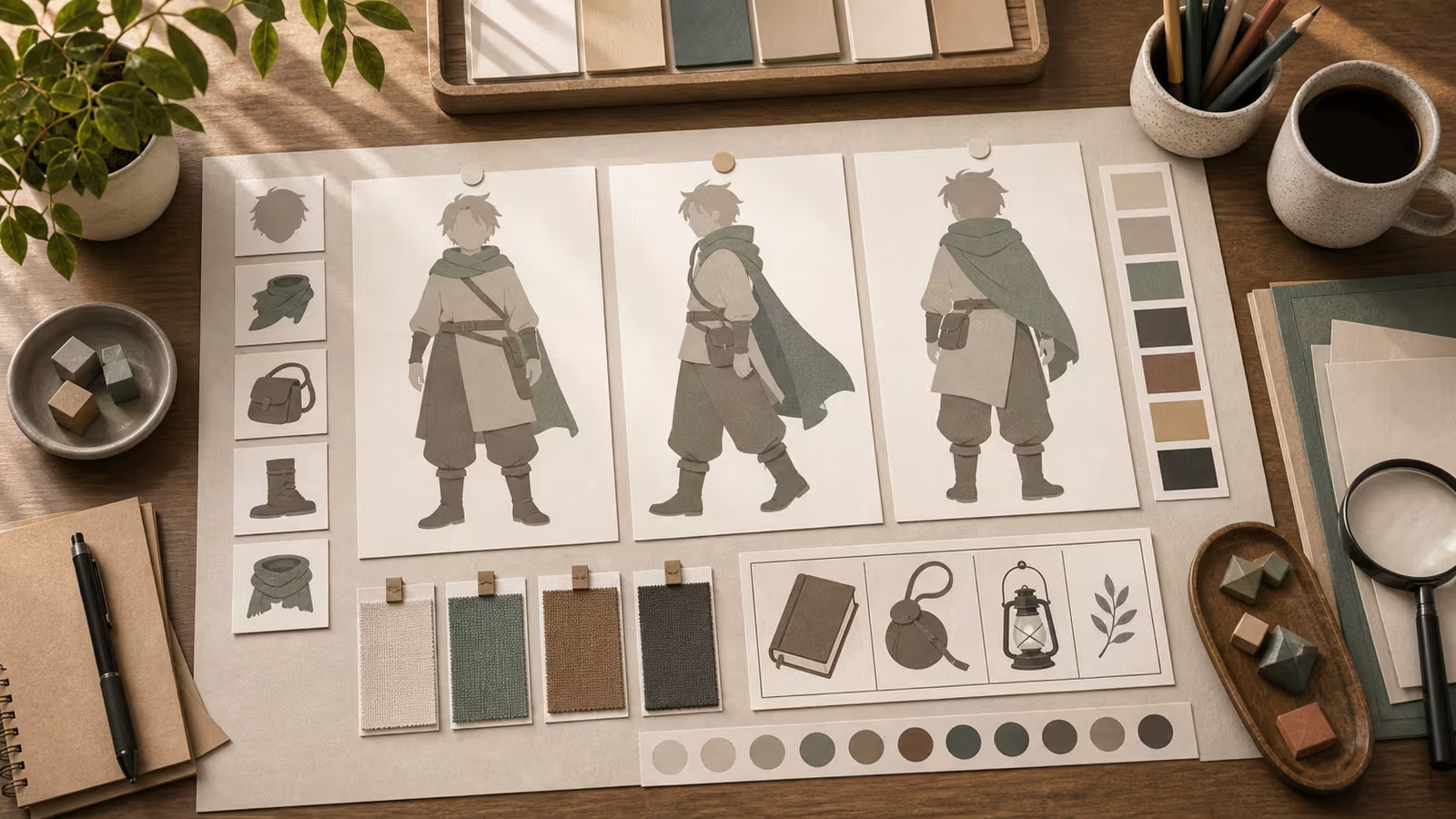
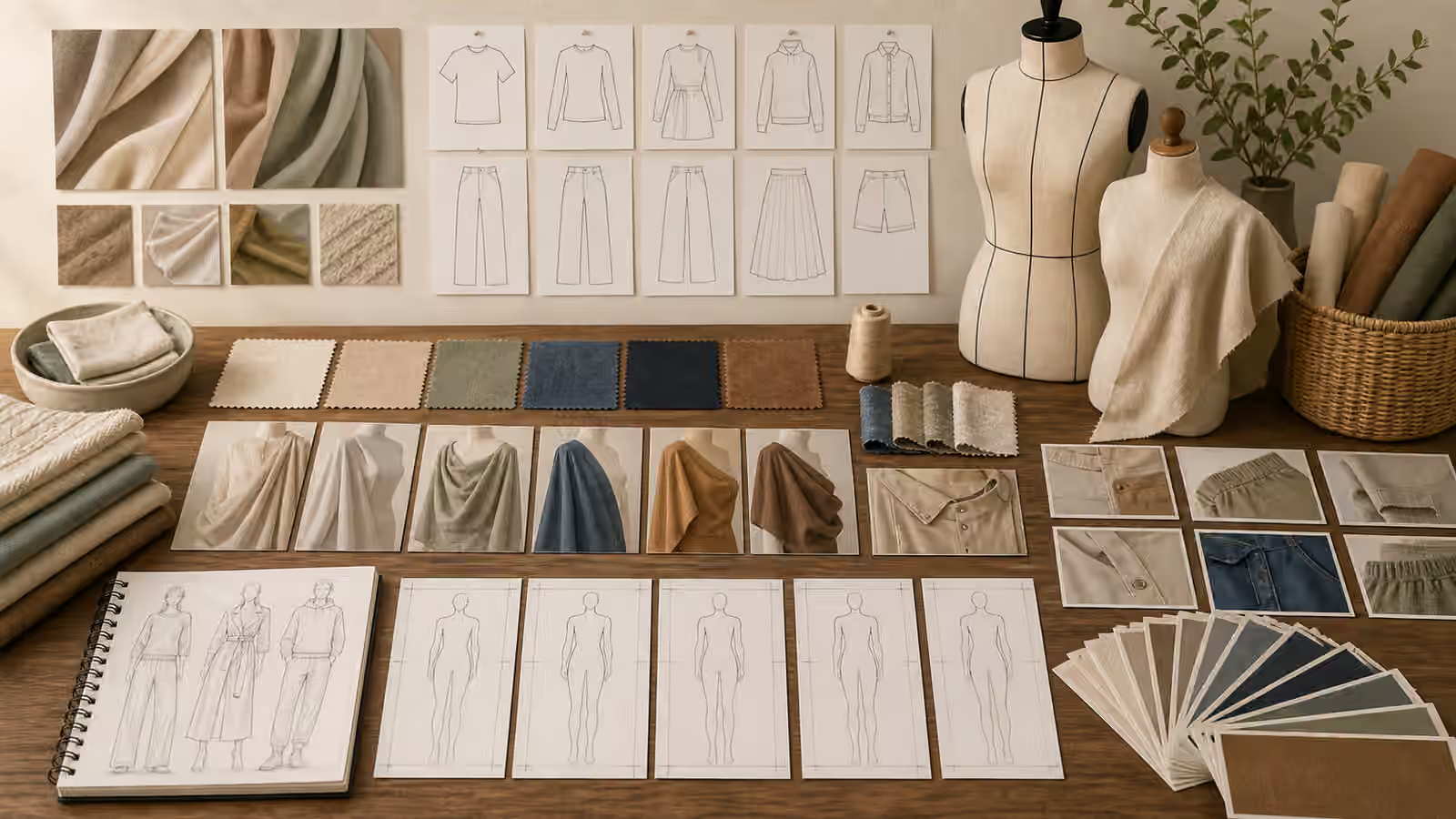
- Textile and Apparel Prompting: Fabric, Fit, and Motion - Prompt clothing, fabric, and textile visuals through material, drape, fit, movement, and unbranded details instead of logos, body claims, or fashion lookalikes.
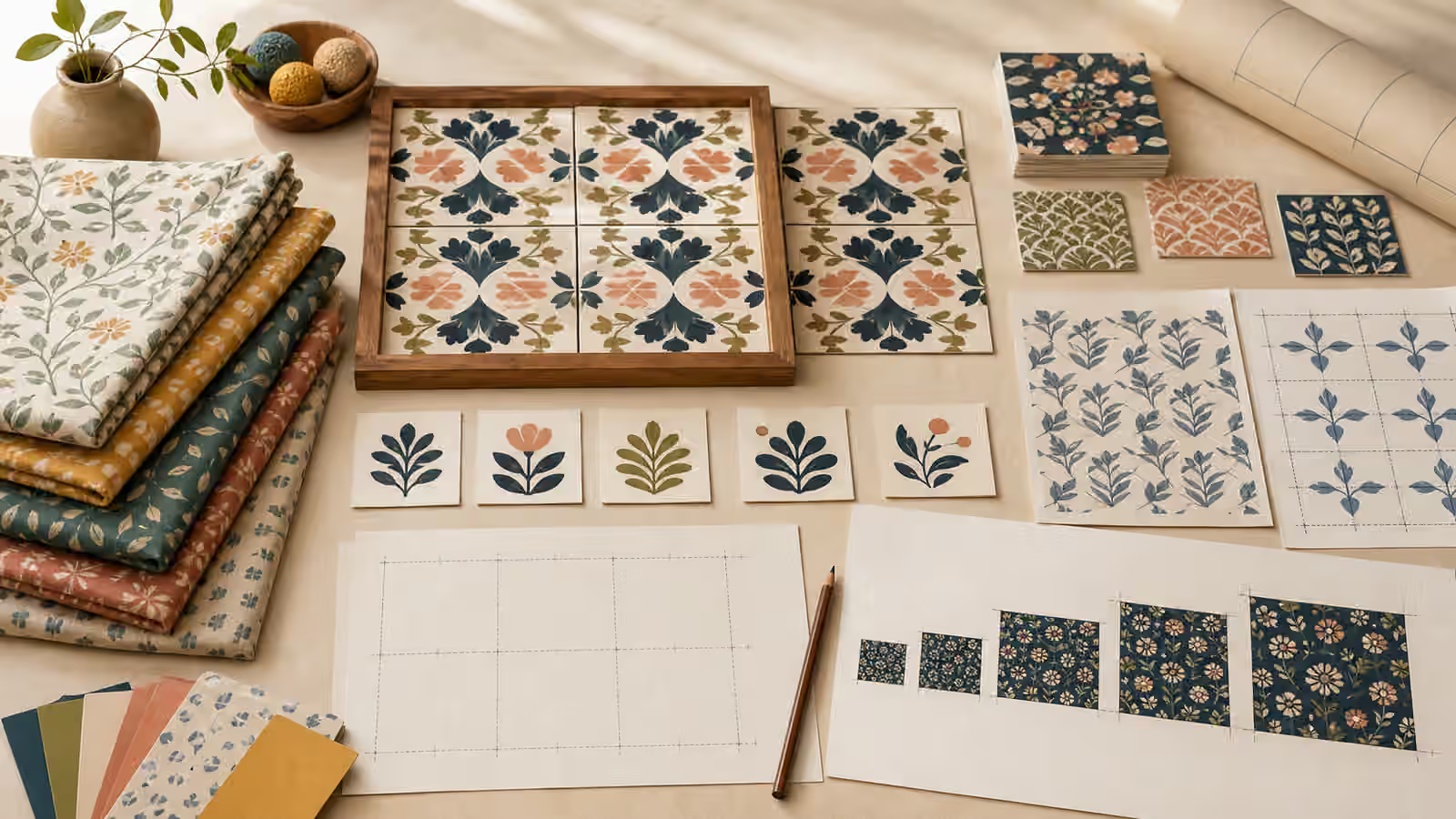
- Patterns and Surface Design Prompts That Repeat Cleanly - Plan generated patterns, wallpapers, wrapping paper, textiles, and surface textures with repeat logic, scale, motif restraint, and original unbranded references.
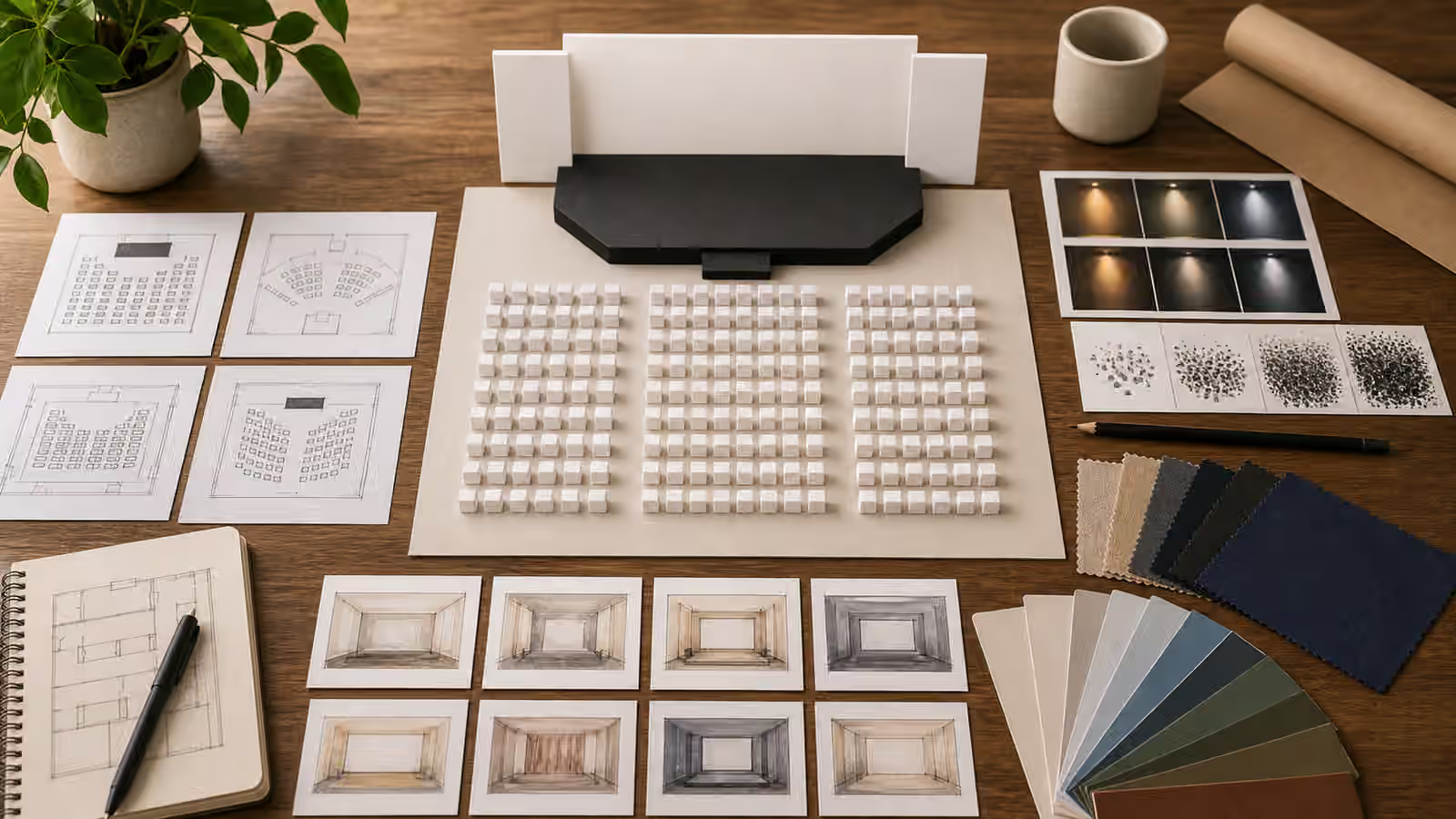
- Event and Venue Prompts Without Fake Attendance - Prompt event, venue, workshop, and conference visuals that show layout and atmosphere without inventing crowds, sponsors, speakers, badges, or real venue proof.
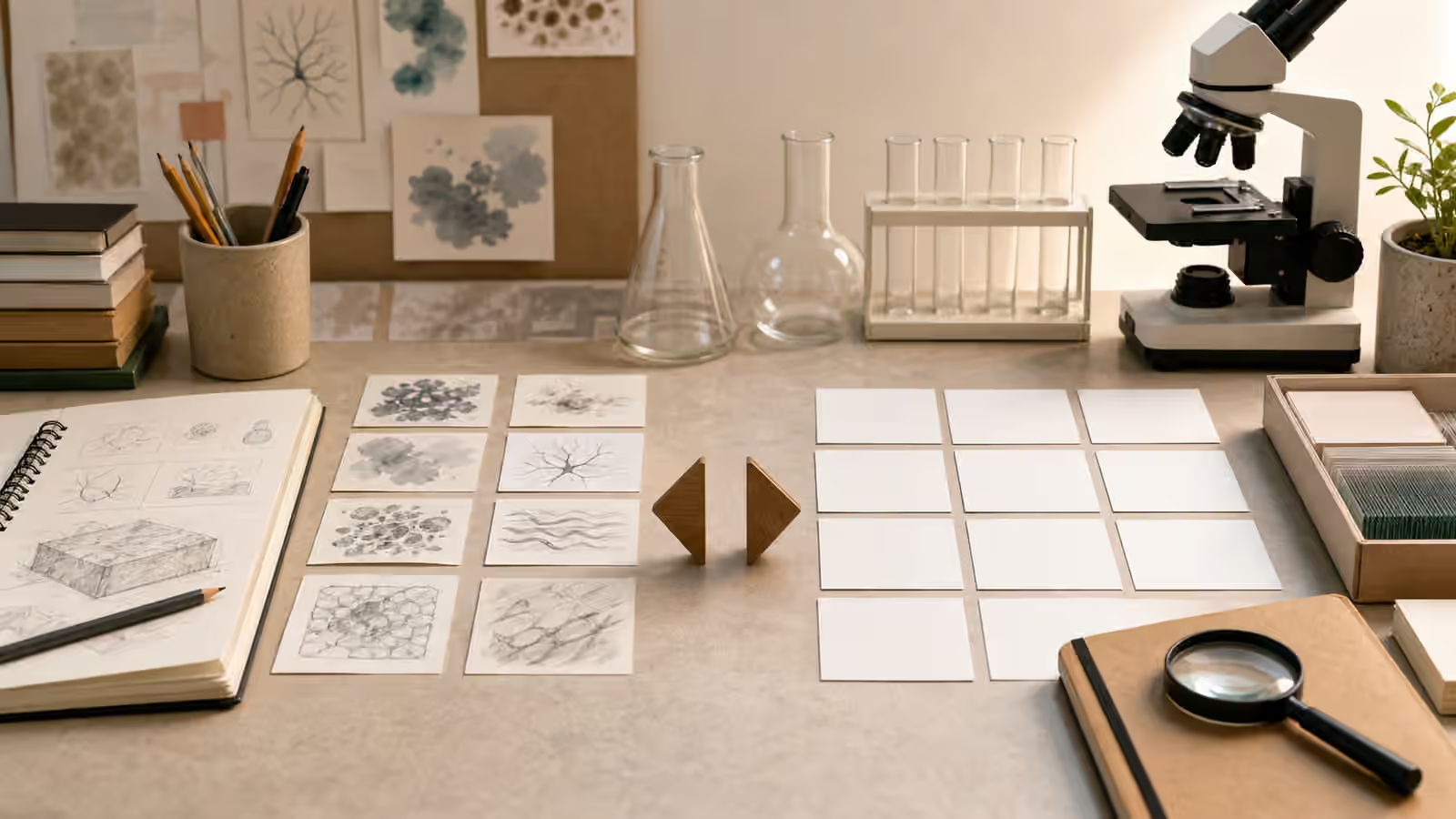
- Lab and Research Visuals Without Fake Results - Create science-themed visuals that suggest inquiry, observation, and learning without fabricating data, clinical proof, official reports, or dangerous instructions.
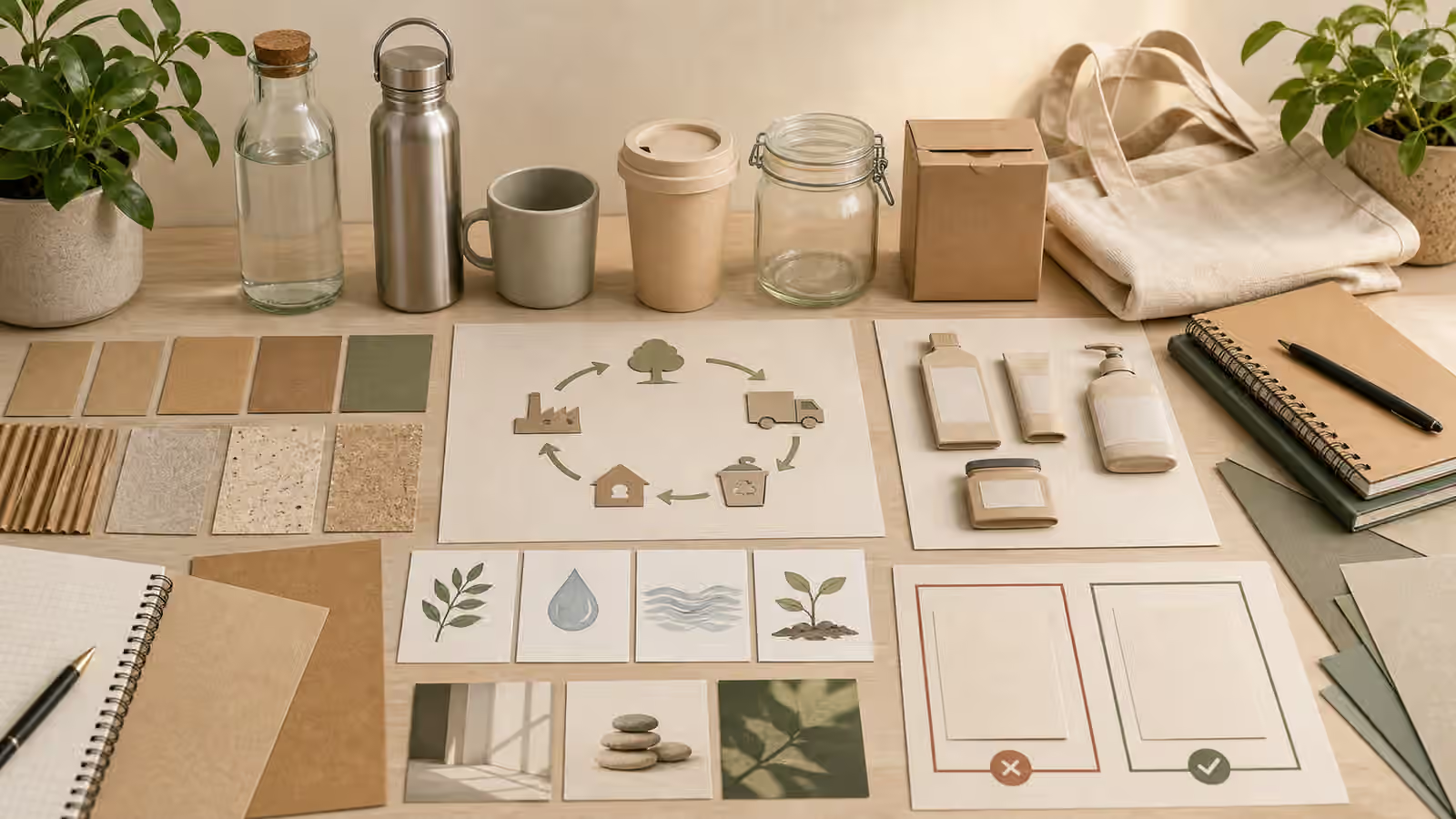
- Sustainability Visuals Without Greenwashing - Create environmental and sustainability visuals that support clear ideas without fake certifications, exaggerated nature claims, disaster spectacle, or misleading proof.
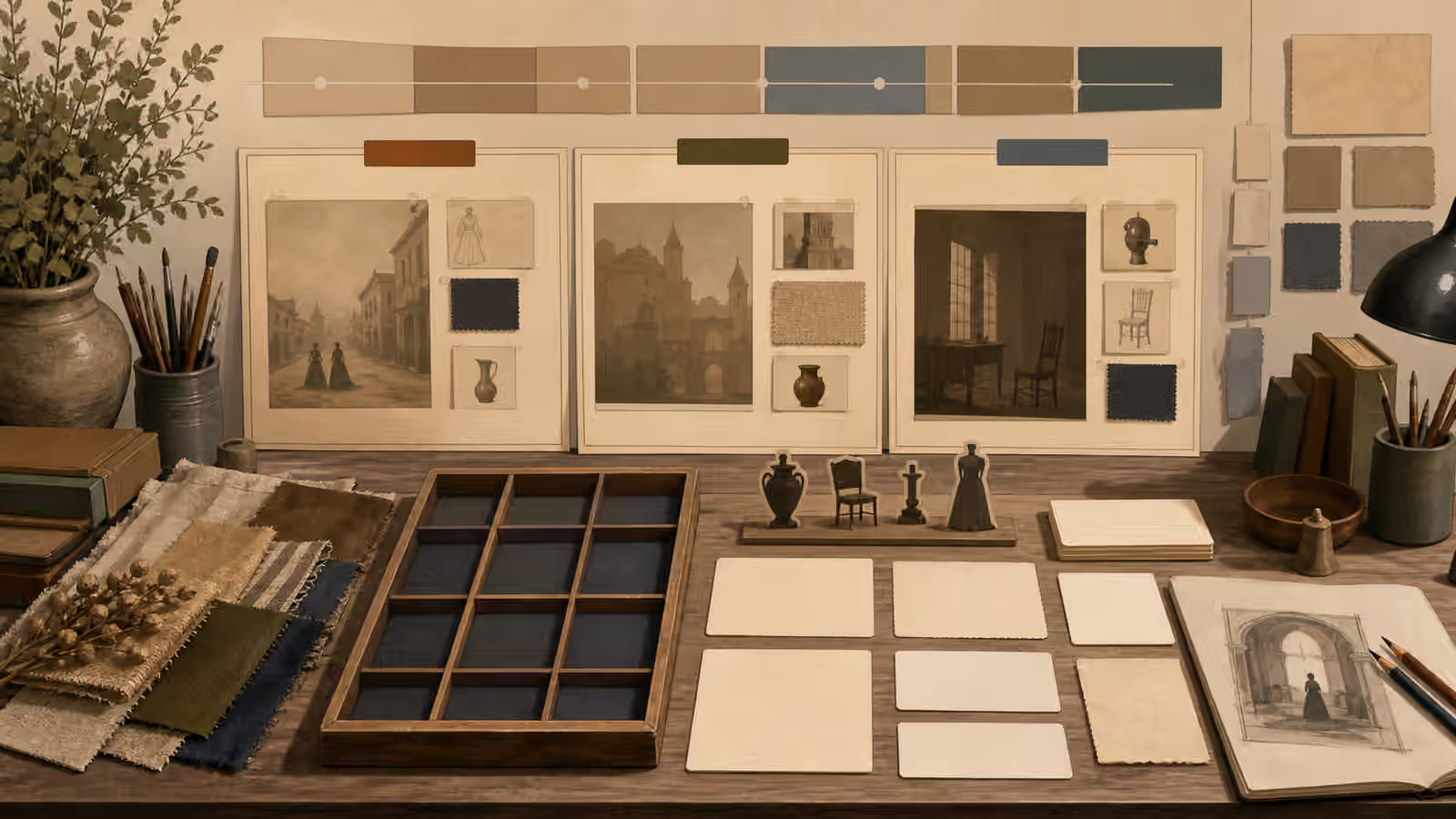
- Historical Scene Prompts Without Fake Archives - Create period-inspired visuals that feel researched and clearly illustrative without pretending to be archival proof, documentary photography, or sourced historical evidence.
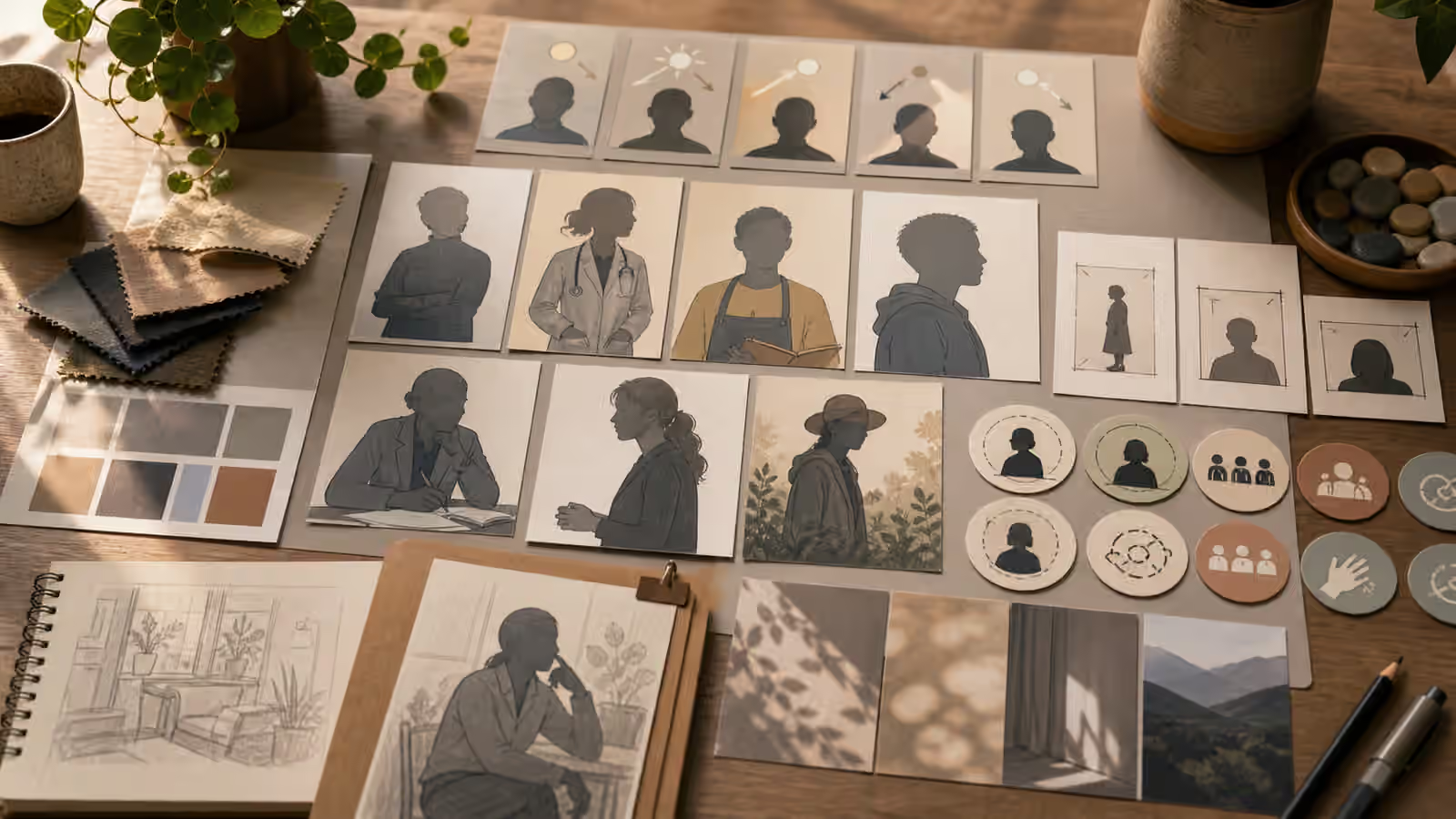
- Editorial Portrait Prompts Without Real Likeness - Prompt fictional editorial portraits by role, posture, lighting, and setting without copying private people, public figures, credentials, or endorsement cues.
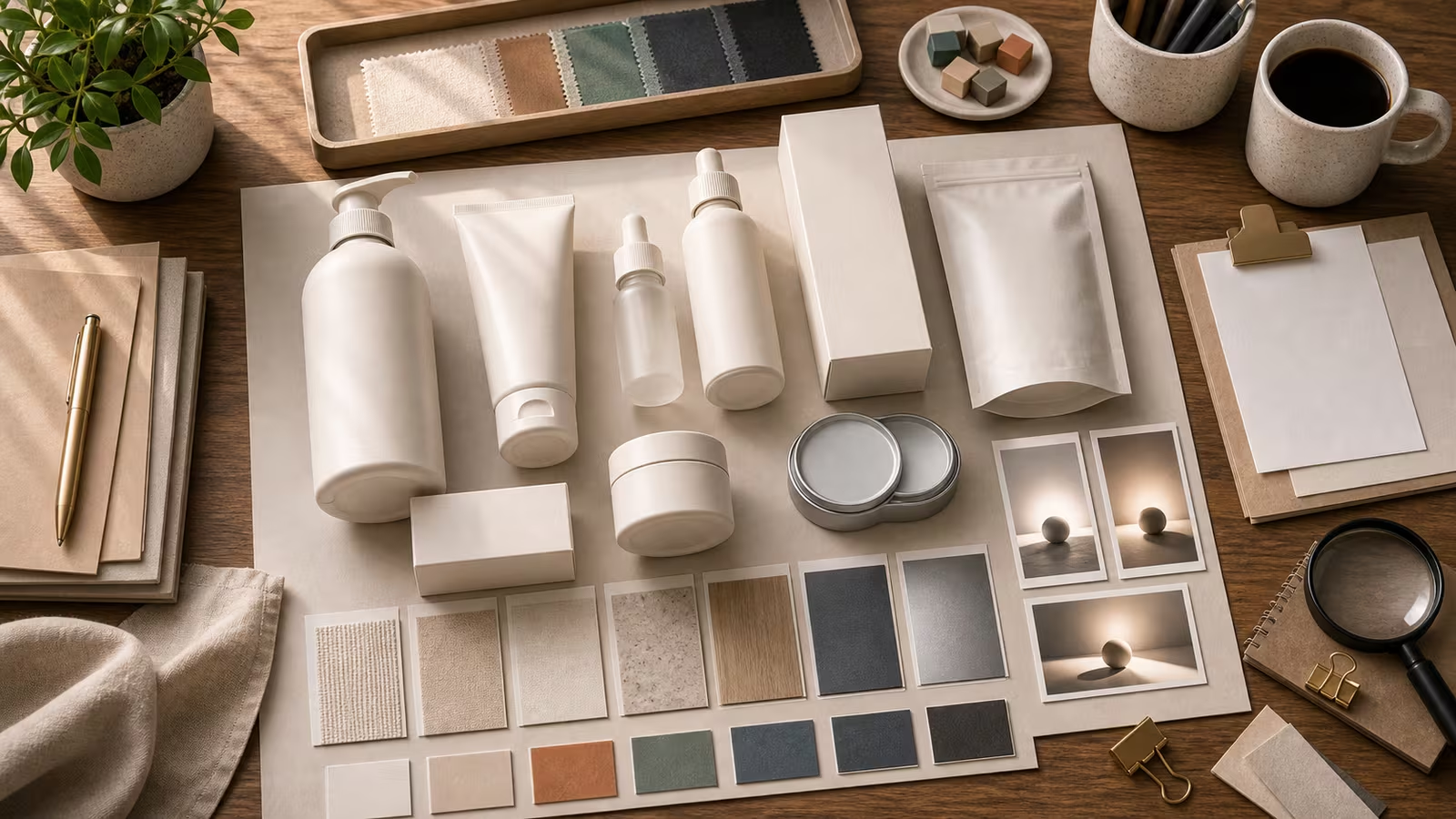
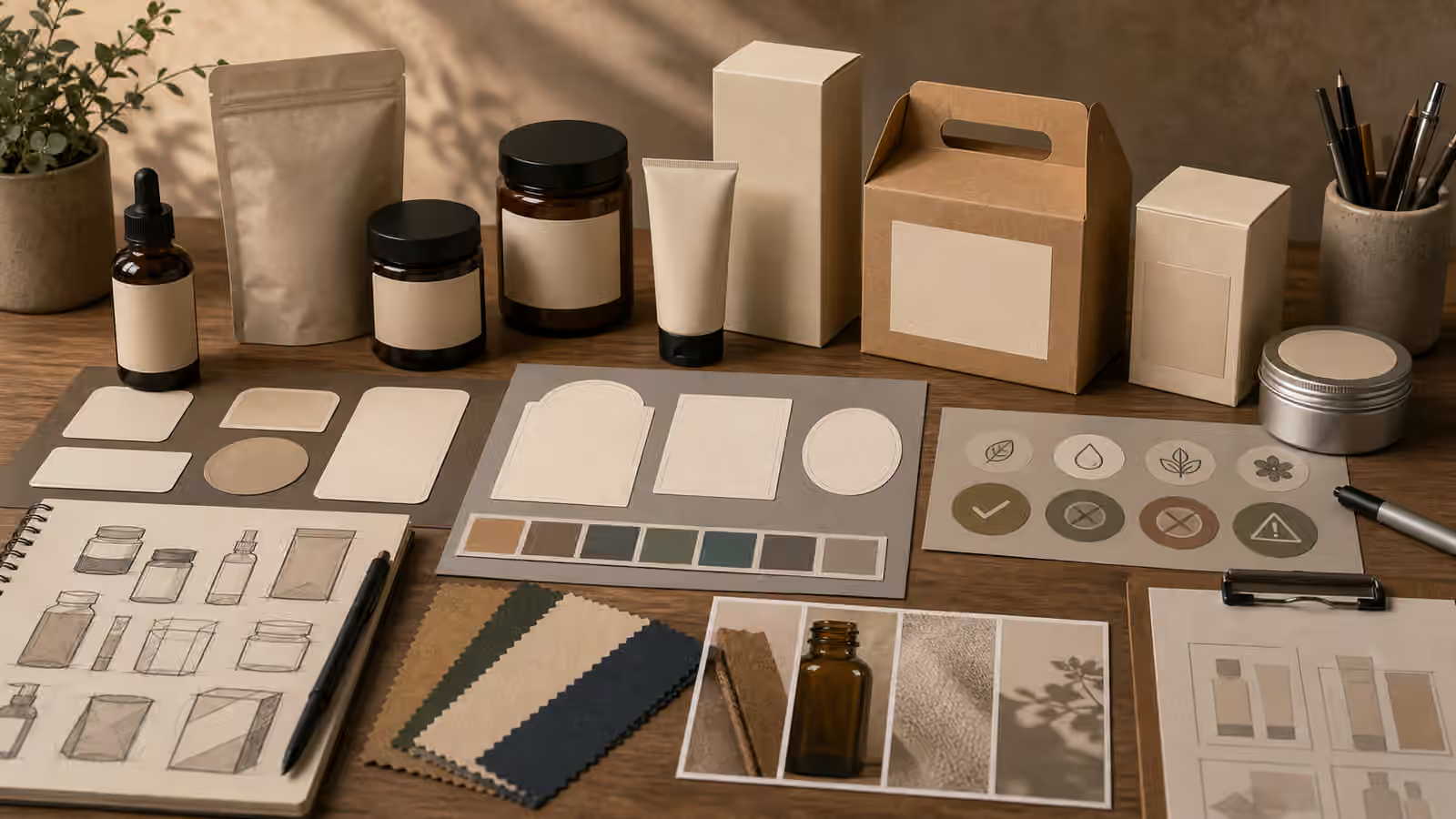
- Packaging and Label Prompts Without Fake Claims - Create unbranded packaging and label concept visuals without fake certifications, product claims, regulated details, or brand-confusing marks.
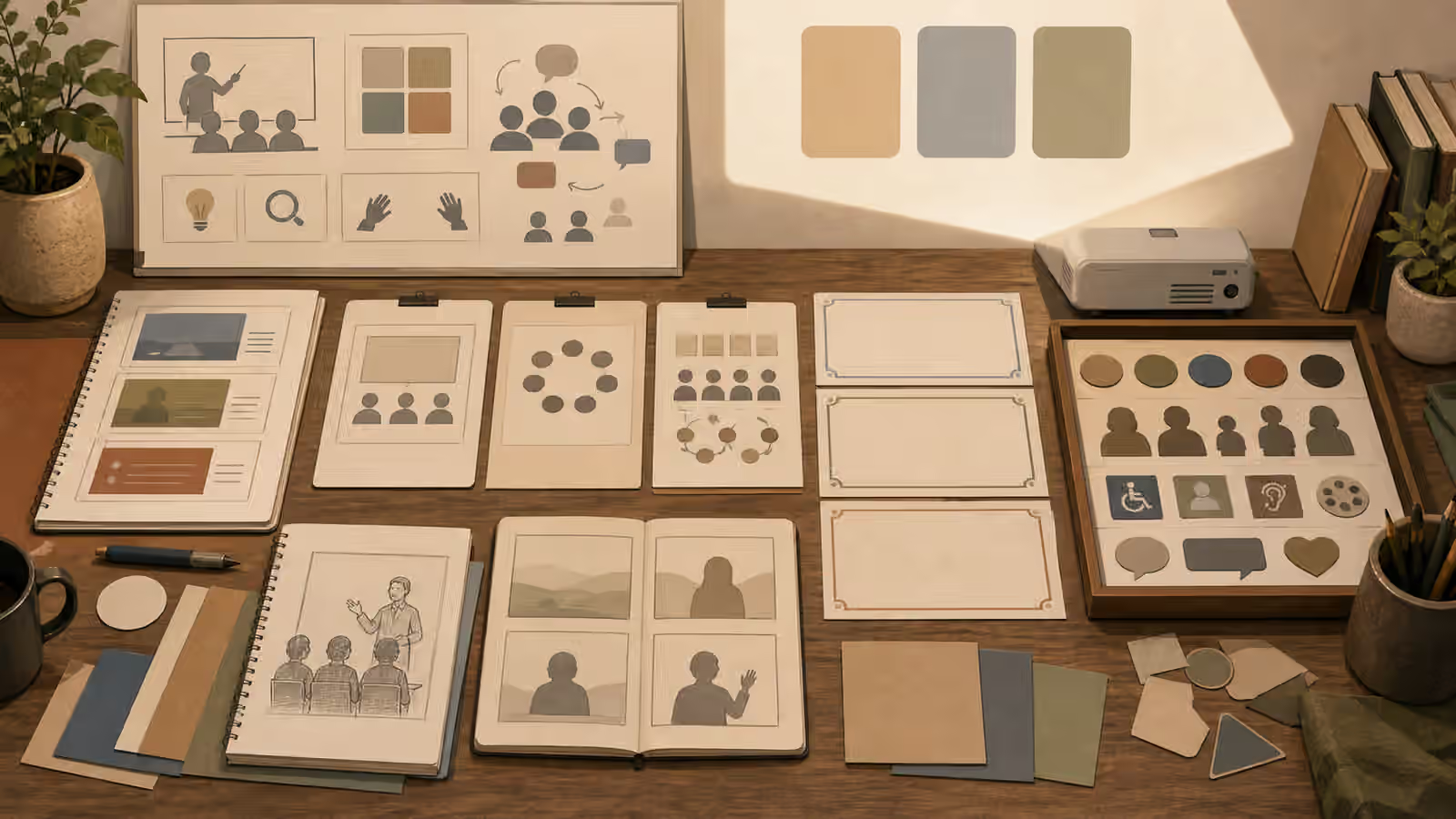
- Classroom and Training Visuals Without Fake Certificates - Prompt learning, workshop, and training visuals that show materials and setting without inventing attendance, grades, school approval, certificates, or credentials.
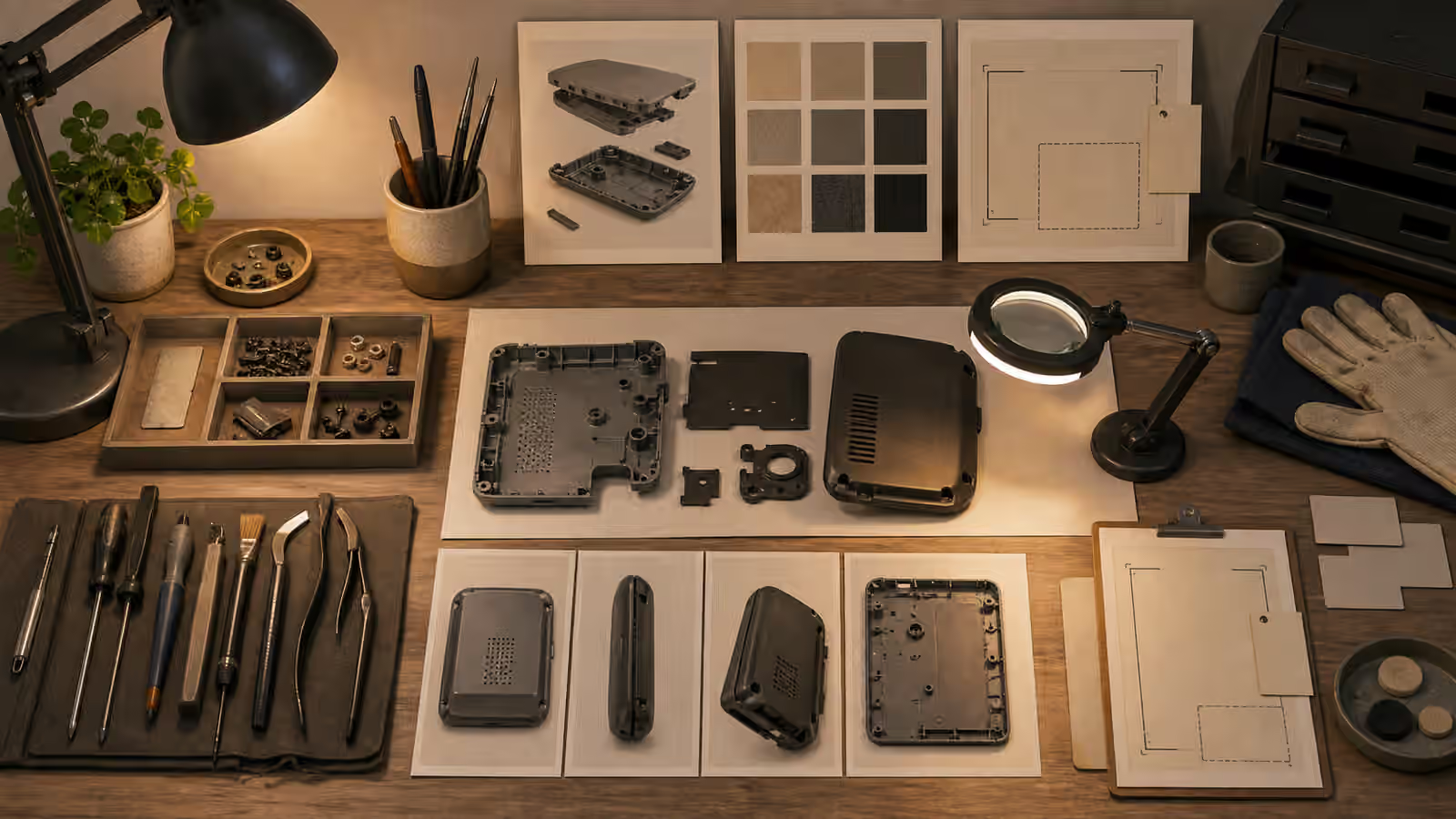
- Maintenance and Repair Visuals Without Unsafe Instructions - Create repair, maintenance, and workbench visuals that show context and inspection without inventing hazardous steps, live systems, official warnings, or false proof.
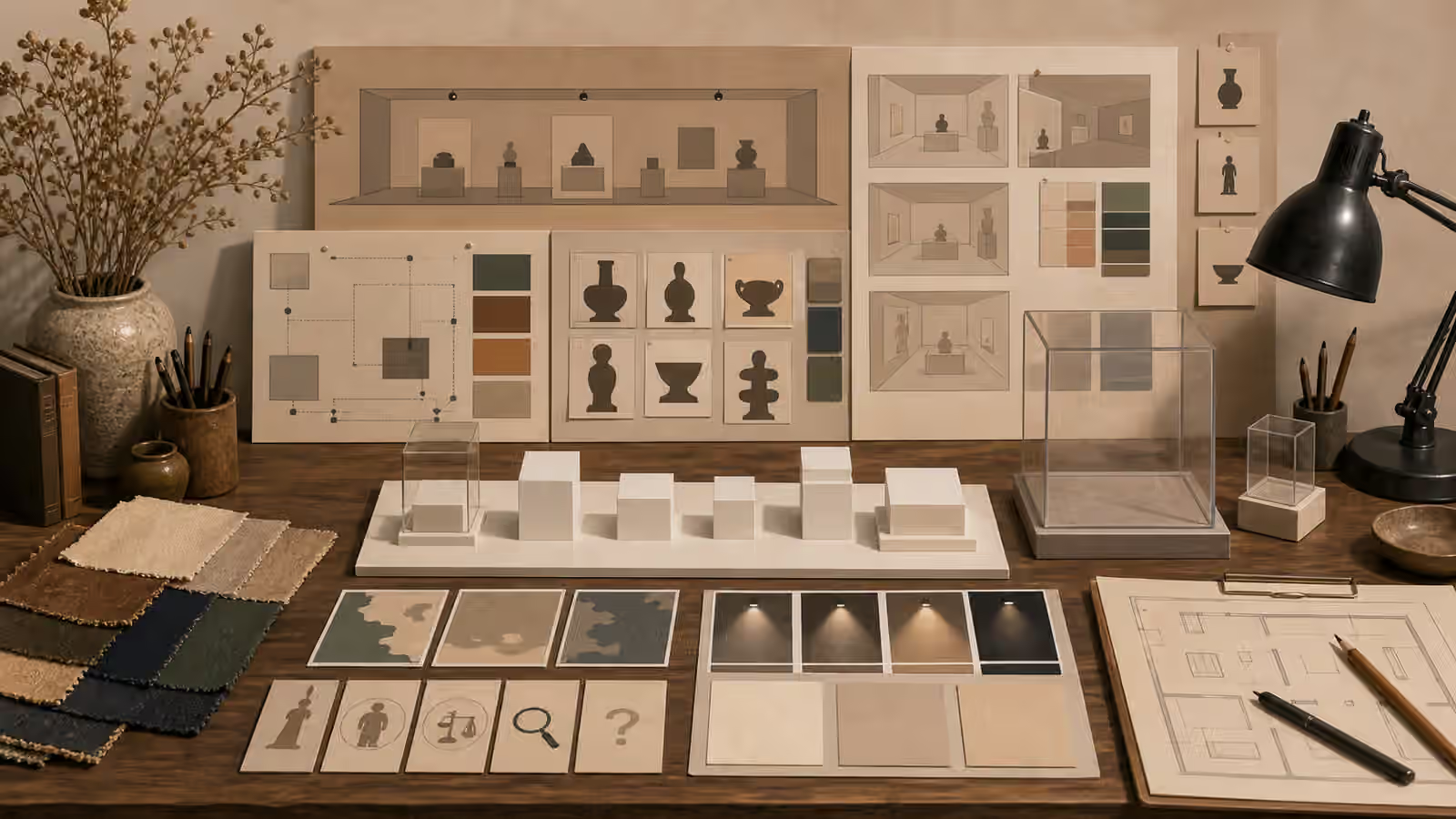
- Museum and Exhibit Prompts Without Fake Artifacts - Create museum-like and exhibit-design visuals that stay clearly fictional without inventing artifacts, provenance, labels, cultural claims, or institutional proof.
Safety boundary
This shelf does not teach deceptive deepfakes, fake evidence, impersonation, scam assets, political persuasion imagery, non-consensual likeness use, or brand-confusing mockups. It favors original, unbranded, disclosed, reviewable visuals.