
Fondsites Tools
Mechanical Keyboards
Mechanical Keyboard Switch Finder
Narrow mechanical keyboard switch choices before buying a full set.
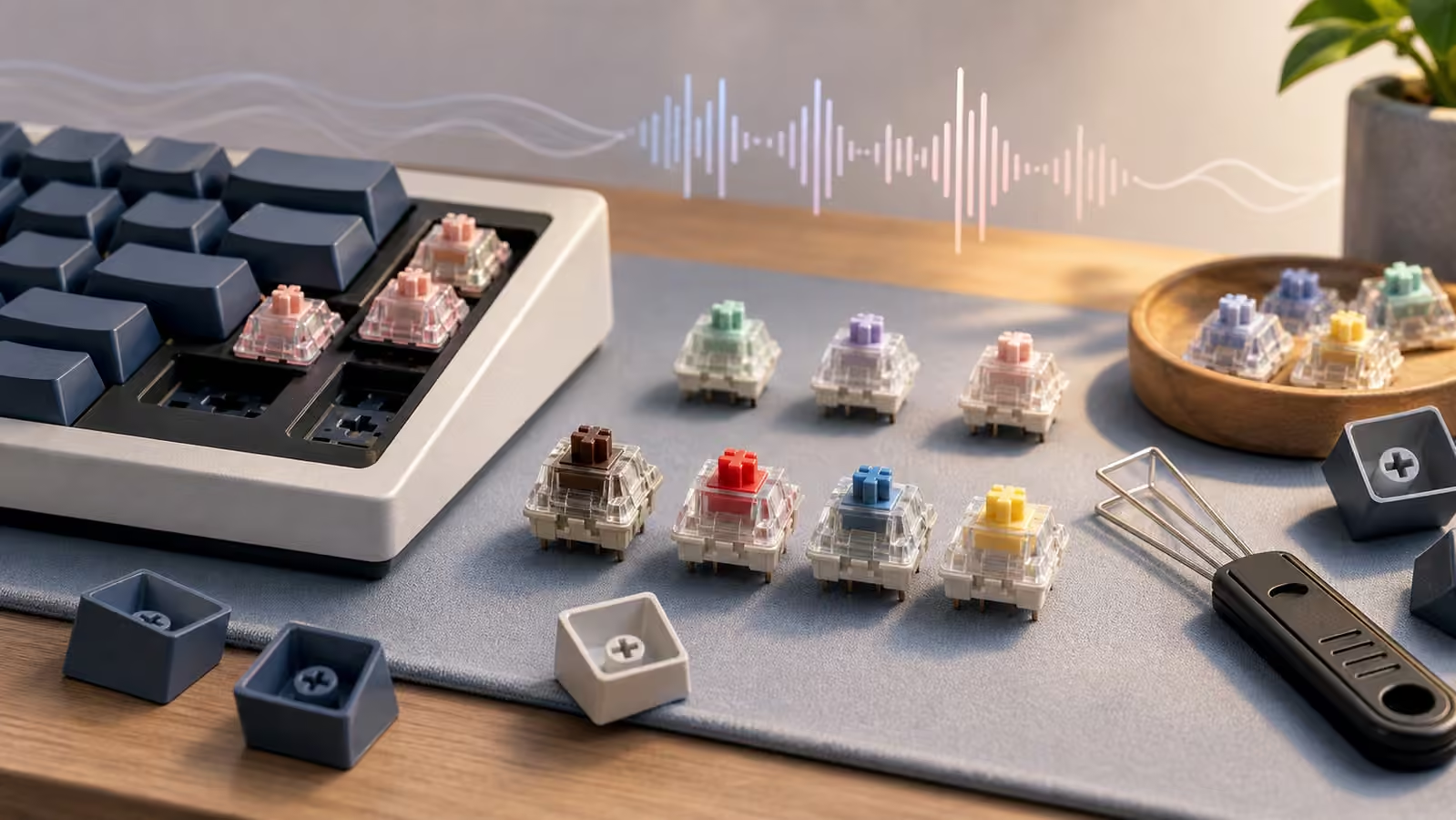
Switch choice is where keyboard advice often becomes vague. Linear, tactile, and clicky are useful families, but sound, springs, case, plate, keycaps, desk mat, and typing style all change the final feel.
This finder gives a practical first family and a sampling plan. It is most useful when you are choosing what to test next rather than trying to crown one perfect switch.
Use Mechanical Keyboard Switch Finder as a planning checkpoint for Mechanical Keyboards. The form is intentionally paired with assumptions, limits, and related reading so the result stays tied to a real decision instead of becoming a standalone score.
Interactive Tool
Mechanical Keyboard Switch Finder
Change the inputs and the result updates in your browser. Results are not saved, shared, or added to the URL.
Result
Adjust the fields to calculate a result.
How to use this tool
- Choose the feel, noise tolerance, typing and gaming split, force preference, board compatibility, and budget.
- Read the recommendation as a short list direction, not a single product prescription.
- If you are unsure, sample a few switches before ordering a full board.
What the result means
Linear usually fits smooth, quiet, gaming-heavy preferences. Tactile fits feedback without click noise. Clicky only makes sense when noise is welcome.
Hot-swap support lowers the cost of experimentation. Soldered boards make switch choice more expensive to reverse.
Assumptions and limitations
The tool recommends switch families, not exact brands or models.
Keyboard sound depends on more than switches: case, plate, foam, stabilizers, keycaps, desk, and room all matter.