Connectivity Is a Utility, Not an Afterthought
Tiny home internet planning often waits until the furniture is in place. Then the resident discovers that the router sits on the only prep counter, the best signal is by the wrong window, the work desk has no cable path, the exterior wall was never prepared for an antenna, and the power backup ignores the one device needed for work calls. Connectivity deserves a place beside water, power, heat, and ventilation because many tiny homes are also offices, classrooms, studios, and communication hubs.
The goal is not to chase a specific provider or device. Those choices change by region and over time. The evergreen work is to understand where service can come from, where equipment should live, how cables cross the shell, what power it needs, and how the home behaves when the primary connection fails. This guide pairs with Tiny Home Workspace Planning , Tiny Home Electrical Planning , Site Prep and Setup , and Tiny Home Privacy and Security Planning .
Start With the Site, Not the Router
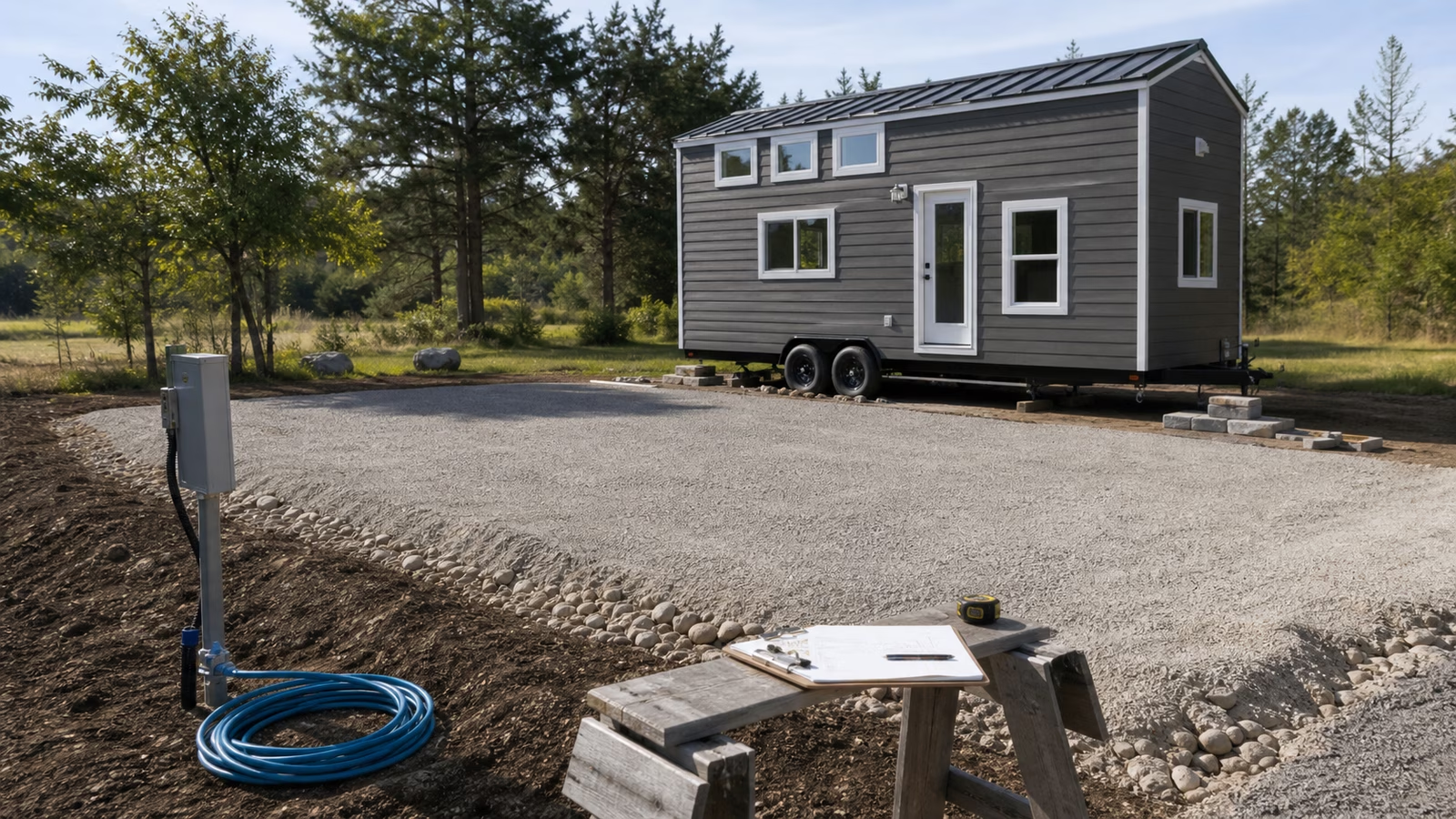
The first internet question is where the home will sit. A backyard unit, a rural foundation build, a mobile tiny house, a seasonal cabin, and a pad in a small community all have different options. Some sites can receive a wired connection from a main house or utility provider. Others rely on cellular, fixed wireless, satellite, shared community service, or a mix. A tiny house on wheels may move between all of those patterns.
The site survey should happen before walls close. Walk the property with a phone or temporary hotspot, but treat that as a clue rather than a guarantee. Signal can change with weather, foliage, nearby buildings, vehicle position, and equipment height. Ask where a cable could enter without creating leaks. Ask where an exterior antenna could mount without interfering with road travel, roof maintenance, solar panels, or neighborhood sightlines. Ask where the router would sit if the best signal and best desk location are not the same place.
If the home will share service from another building, the route between buildings matters. A casual cable across the yard is not a durable plan. Buried conduit, exterior-rated cable, point-to-point wireless, or a professionally planned extension may be more appropriate depending on distance and site conditions. Local rules, landlord agreements, and utility requirements can affect what is allowed, so the plan should stay general until the actual site is known.
Equipment Needs a Dry, Powered, Reachable Home
Routers, modems, cellular gateways, antennas, battery backups, network switches, and smart home hubs are small, but they still need a home. That home should be dry, ventilated enough for the equipment, reachable for resets, and close to power. It should not be buried behind stacked pantry goods or mounted where condensation collects. A high shelf can improve Wi-Fi coverage, but only if the device can still be reached without a ladder.
The equipment location should also respect daily life. A router with blinking lights beside the bed can become annoying. A gateway on the kitchen counter can collect grease and spills. A device inside a metal cabinet may perform poorly. A cable crossing the floor to reach the desk is a trip hazard and a sign that planning stopped too soon. The best location is usually boring: near a cable path, close to power, above splash zones, away from sleep glare, and visible enough that status lights can be checked when something fails.
Power backup is worth considering even for a simple setup. If remote work, medical communication, security devices, or travel coordination depend on connectivity, the network equipment may deserve a small backup power plan. This does not need to be elaborate, but it should be named in the electrical conversation. A tiny home can have batteries for lights and a laptop while accidentally leaving the router on an unprotected outlet.
Cable Paths Are Easier Before Finish Work
Wireless devices still need wires somewhere. A service line may enter the home. An antenna may need a coaxial or Ethernet run. A router may need power. A desk may benefit from a wired connection. A camera or exterior device may need a route. Planning those paths early prevents ugly surface runs later.
Good cable paths protect both performance and the building shell. Penetrations through walls or roofs should be flashed, sealed, and placed where they can be inspected. Cable bends should be gentle enough for the cable type. Low-voltage runs should be separated from power wiring as appropriate, and a professional should be involved where electrical boundaries or code requirements apply. Leave pull paths, conduit, or access panels where future upgrades are likely.
This is also a resale and maintenance issue. Future residents may use a different service. A cable route that accepts replacement is more useful than one device-specific hole hidden behind trim. The guide to Tiny Home Resale and Future Flexibility is relevant because connectivity ages quickly. Flexible pathways age better than embedded assumptions.
Remote Work Changes the Standard
A casual browsing setup is different from a work setup. Remote work may require stable video calls, file transfers, virtual meetings, secure access, and reliable power. A tiny home office should be planned with the connection, desk, lighting, sound, and privacy together. The fastest service on paper will still feel poor if the work area has glare, background noise, weak Wi-Fi, or no place to keep a headset.
Tiny Home Workspace Planning covers the desk and daily focus side. The connectivity layer asks what happens when the call matters. Is there a wired option at the desk? Can the router be reset without crawling under the bed? Is there a secondary connection for urgent work if the primary service drops? Can the laptop and network stay powered through a short outage? Does the work nook have enough acoustic separation that the resident is not forced outside for every call?
Backup connectivity does not have to be extravagant. It may be a phone hotspot, a secondary cellular plan, a nearby shared space, or a planned travel routine. What matters is deciding before the outage. A backup plan written in calm weather is far better than discovering during a meeting that the only signal is on the porch in rain.
Antennas and Exterior Gear Need Building Logic
Exterior antennas, dishes, and receiver equipment can improve service, but they must be treated as building components. They add wind exposure, penetrations, cable routes, maintenance needs, and sometimes visual concerns. On a tiny house on wheels, they may also affect travel height, road vibration, and setup time. Equipment that is perfect when parked can be vulnerable when the home moves.
Mounting should respect the envelope. Do not let a connectivity upgrade become a leak path. Avoid locations that block solar panels, roof access, gutters, doors, windows, or ventilation openings. Think about snow, branches, cleaning, and whether a person can safely reach the equipment. For a mobile home, think about whether the antenna is permanent, removable, foldable, or stored during travel.
The best exterior plan also avoids making the home look temporary if the goal is long-term placement. A clean cable entry, protected equipment, and sensible mounting can make the system feel integrated. A tangle of cords and improvised brackets can undermine both durability and neighborhood acceptance.
Privacy and Security Are Part of Connectivity
Network planning is also privacy planning. A tiny home may sit close to a main house, a neighbor, a campground, a community pad, or a public road. Shared service, guest networks, cameras, smart locks, voice assistants, and remote-work devices all raise questions about who can access what. The answers depend on the household and the site, but the habit should be intentional rather than accidental.
At a basic level, keep network equipment documented, update devices when possible, separate guest access from personal devices when the equipment supports it, and avoid leaving default credentials in place. Be careful with cameras and microphones in small interiors because there is little private background space. A device placed for convenience can capture the whole home. Tiny Home Privacy and Security Planning covers sightlines, locks, and thresholds; networked devices belong in that same conversation.
Smart home gear should earn its place. It can help with temperature, security, lighting, and energy monitoring, but each device adds power draw, setup complexity, update needs, and possible failure points. In a tiny home, simple controls that keep working offline may be more valuable than a device that requires an account and a strong signal for ordinary comfort.
Test the Connection Where Life Happens
Before calling the plan finished, test connectivity in the places it will be used. Sit at the desk with the laptop. Stand by the kitchen if recipes or calls happen there. Check the loft if devices charge upstairs. Test with doors closed, window coverings in place, and the router in its intended location. If the home is mobile, test after a move because small changes in orientation and site can matter.
Record the service path and equipment location with the rest of the home documentation. Note where the cable enters, where the router lives, where backup power is connected, and how to switch to a backup connection. This is not busywork. It helps during outages, moves, repairs, and future ownership.
Good tiny home connectivity is not impressive because it is complicated. It is useful because it is placed well, powered thoughtfully, documented clearly, and matched to the way the resident actually communicates. When the network is planned as part of the home, the desk can stay clear, the cable paths can stay tidy, and a dropped connection becomes a solvable problem rather than a daily mystery.