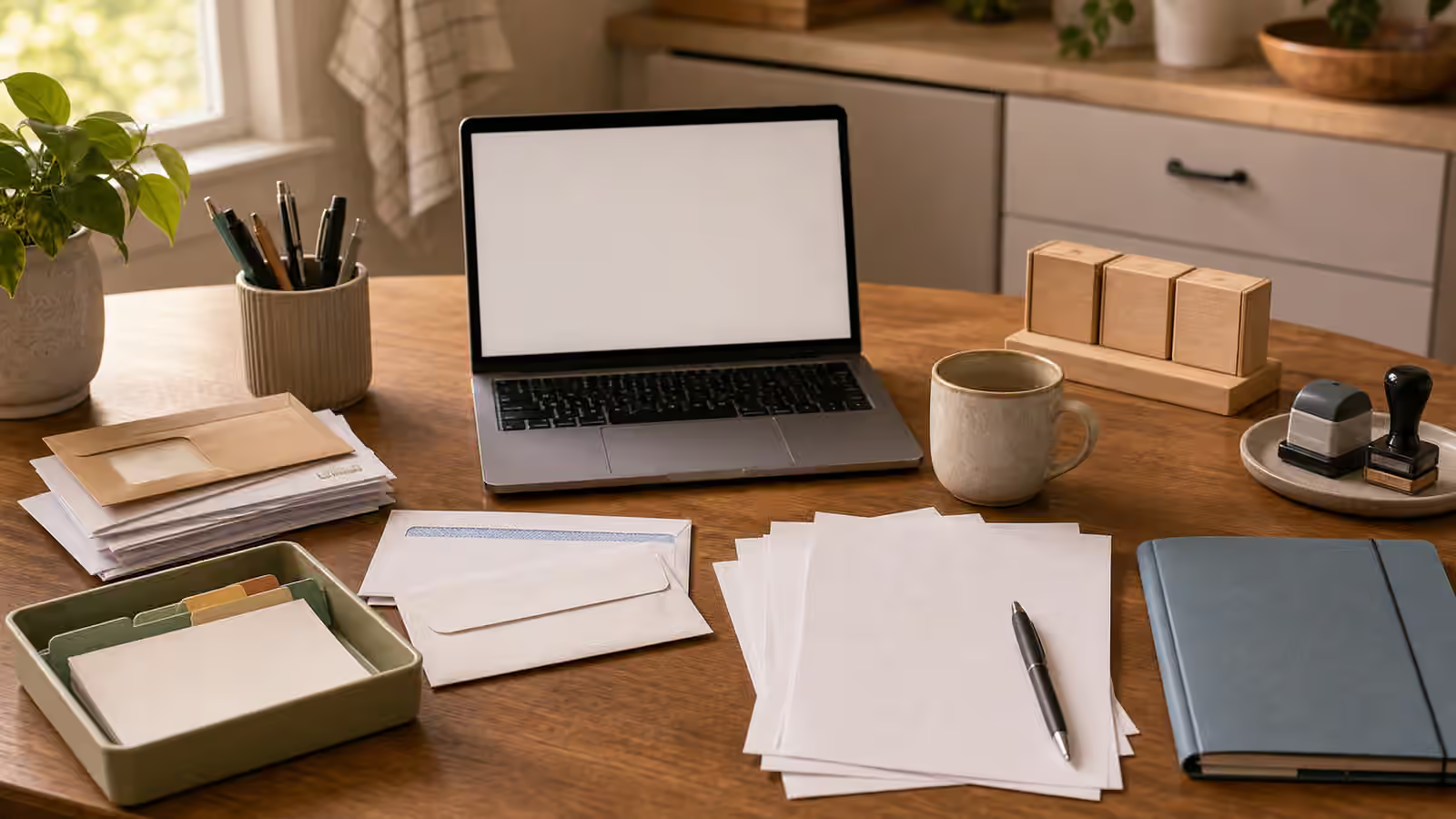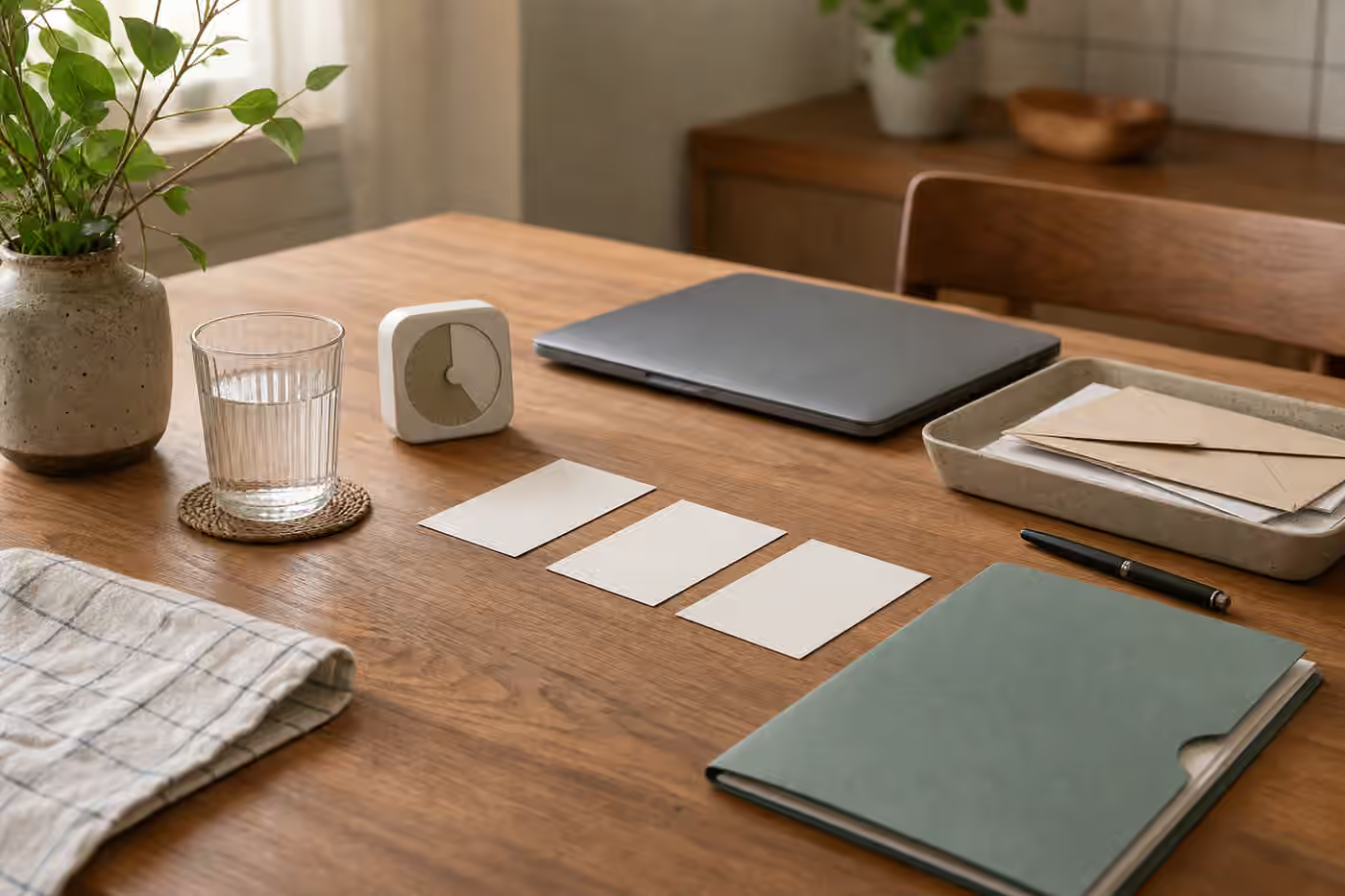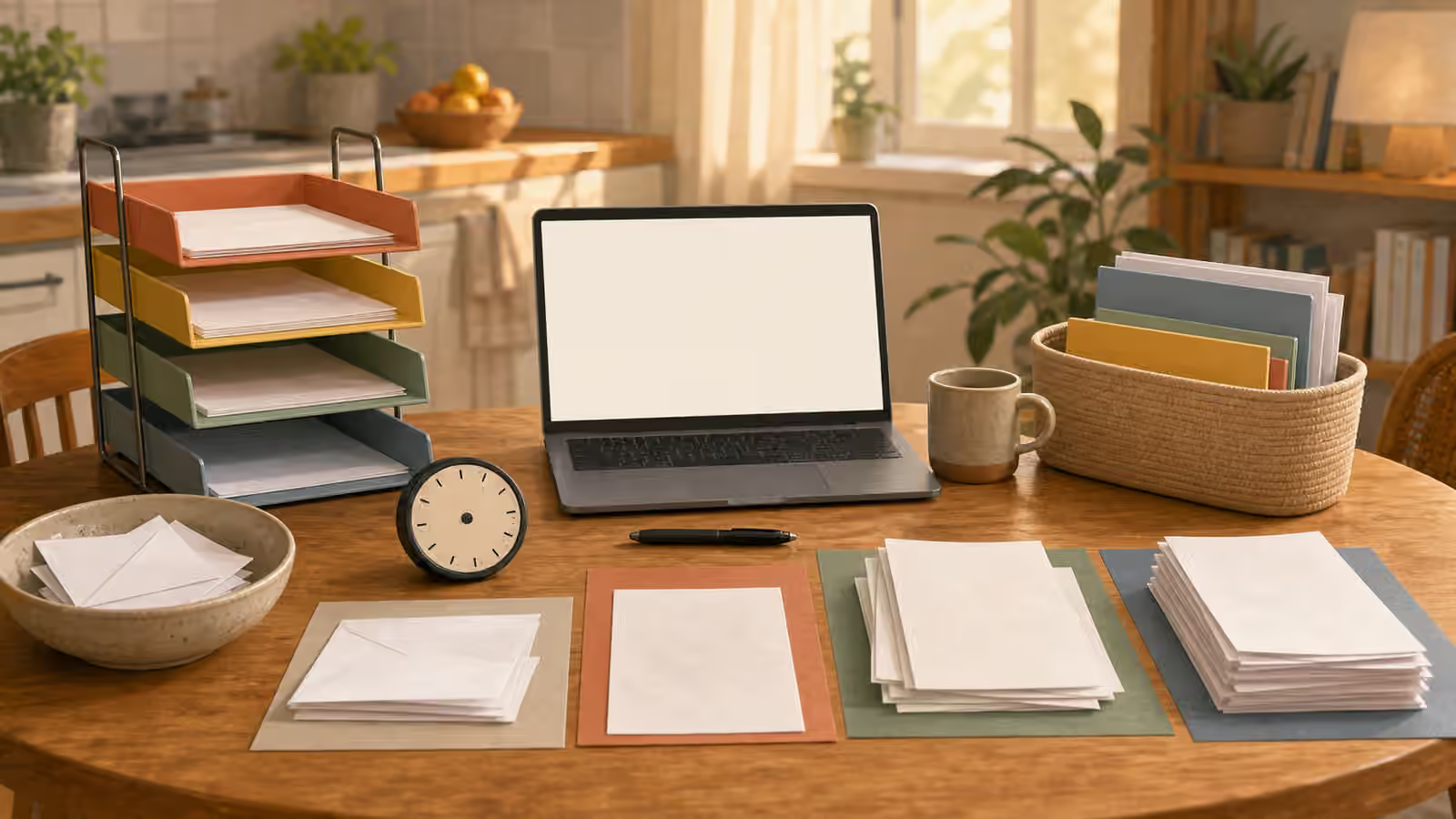
Paperwork has a special talent for becoming scenery. A letter lands on the counter because you cannot answer it yet. A school form waits near the backpack. A receipt stays in a pocket. A document needs a password, an account number, a signature, or a decision. Soon the pile is no longer one task. It is a quiet stack of unresolved starts.
This guide is not about what a form should say, how to handle a legal matter, or how to make financial decisions. It is about the setup around the paper: how to make the first action visible, keep documents from blending together, and leave enough context that the next session can begin without dread.
What this helps you make visible
Use this guide when mail, forms, school papers, receipts, medical papers, household notices, or account tasks keep merging into one pile. The pile is difficult because it hides the task boundary. Some papers need action. Some need storage. Some need someone else’s answer. Some can be discarded. Some only look important because they are physically present.
A paperwork start station separates those states before you try to finish anything. It gives paper a short path from vague object to visible next move. That path pairs naturally with Task Triage When Everything Feels Urgent , because paperwork often feels urgent even when the next action is simply to identify what kind of paper it is.
Start with sorting for action, not identity
Many paperwork systems fail because they begin with perfect categories. The file names sound responsible, but the first session becomes a filing project. When the real block is starting, sort for action instead. Ask what the paper needs from you next. It may need to be opened, read, signed, scanned, answered, paid, discussed, stored, or discarded. Those action states matter more at the beginning than a beautiful archive.
This does not mean ignoring careful record keeping. It means not demanding a complete filing philosophy before touching the first envelope. You can create a cleaner archive later. The first start only needs a surface, a pen, a timer, a place for papers that need action, and a place for papers that do not.
If a paper requires judgment, slow down and use the right help. Practical setup should not become a substitute for professional advice when the document is medical, legal, financial, tax-related, or otherwise high-stakes. The startable move may be to gather the document, write the question, and contact the appropriate person, not to decide the matter alone.
Make the missing piece visible
Paperwork often stalls because one missing piece blocks the whole document. You need a password, a date, an account number, a school ID, a doctor’s name, a receipt, a signature, or a second person’s input. When the missing piece stays inside the pile, the task feels like failure. When it is named, the task becomes smaller.
Write the missing piece on a plain note and keep it with the paper. If you do not want to write sensitive information on paper, write only the cue, such as “find account login” or “ask about date.” The cue is not the answer. It is the return path. Without it, every session begins by rediscovering the same obstacle.
Working Memory Offloading is especially useful here. Paperwork asks memory to hold too much: what the document is, why it matters, what is missing, where the account lives, and what you already tried. A tiny offload note can save the next session from repeating the previous one.
Keep digital doors from taking over
Many paper tasks eventually move to a screen. That is where the task can drift. You open the laptop to find a form, then an inbox appears, then a password reset begins, then a notification steals the thread. The paper is still on the table, but the start has dissolved into tabs.
Before opening the device, name the digital door you need. If the task is to upload one form, the device is there for that form. If the task is to check one school portal, the device is there for that portal. Keep the paper visible beside the keyboard so the screen does not become the task. If distraction is the recurring problem, Digital Distraction Map can help you separate useful digital doors from attention exits.
It also helps to close the digital loop before closing the paper loop. If you had to stop at a login, leave the paper in a tray with the login cue. If you submitted something, mark the paper as handled in whatever way your household uses. If you need a reply, park the paper with the date or context you will need later. The point is to keep the paper from reentering the pile as a mystery object.
Create a small session that can end cleanly
Paperwork expands when the session has no boundary. A person opens one envelope and suddenly sees three accounts, two missing documents, and a school deadline. That is too much for a casual start. A small paperwork session should have a visible beginning and a clean ending, even if nothing is fully finished.
The beginning might be clearing one square of table, placing the pile on the left, and opening one document. The ending might be moving that document into an action tray with a note, discarding the envelope, and writing the next move. That ending matters because it keeps unfinished paperwork from returning to the pile in the same unclear state.
This is a paperwork version of The Shutdown Routine . You capture what changed, park what remains, and leave the next start visible. A clean ending can be brief. It only needs to tell the next session where to begin.
Practice with one paper category
Choose one narrow category for practice. School papers, household mail, receipts, appointment papers, or account notices are all better starting points than “all paperwork.” Put that category on one surface and sort only for the next action. If a document needs information, name the missing piece. If it needs a person, park it with the question. If it needs no action, move it away from the active surface.
After one short session, look at whether the pile became more readable. You may not have finished the admin. That is acceptable. The win is that the next paper no longer asks you to restart from confusion. It has a tray, a cue, a missing piece, or an ending note.
Paperwork becomes easier when it stops pretending to be one giant task. Each document needs a visible next move, a place to wait, and a clean way to leave the table. That is enough to turn the pile back into separate, startable pieces.