An interruption does not only take time. It also steals the shape of the task. You may return to the desk and remember the project name, but not the sentence you were about to write. You may reopen the laptop and remember the website, but not why you opened it. You may walk back into the room and see the supplies, but the next move has gone blank.
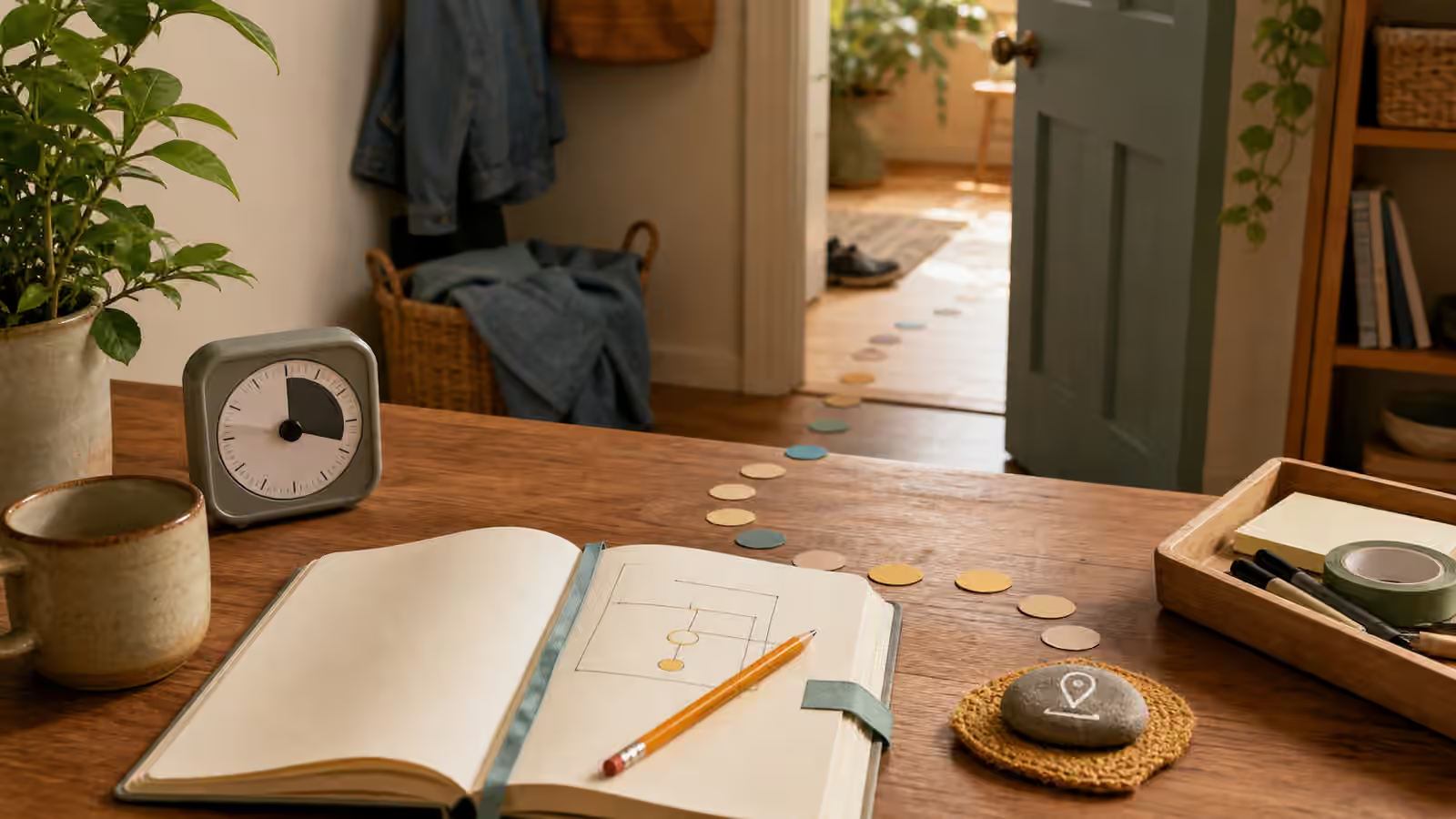
A return point is the breadcrumb you leave before the task vanishes. It tells you where to place your hands, eyes, or attention when you come back. It can be a note, a bookmark, a tray, a highlighted line, a half-finished setup, or a plain sentence that says what happens next. Return points are small, but they protect the energy you already spent getting started.
What this helps you make visible
Use return points when interruptions turn ordinary tasks into cold cases. The interruption may be a child asking for help, a phone call, a meeting, a noise, a delivery, a bathroom break, or your own attention jumping to something else. The problem is not that the interruption happened. The problem is returning to a task that has no visible entry point.
Many people try to solve this by promising to remember. That promise is fragile. Working memory is already carrying the task, the interruption, the emotion attached to being interrupted, and the next demand. A return point moves the restart cue into the room. It works with Working Memory Offloading because it treats memory as something to support, not something to scold.
Leave the next hand movement
The best return point is often physical. A bookmark at the exact paragraph is better than a vague memory that you were reading. A pencil placed on the next math problem is better than a clean closed book. A folder opened to the unfinished form is better than a stack of papers. A pan placed on the stove before cooking is better than a plan to make dinner later.
The return point should answer the question, “What do I touch first?” This is the same spirit as The Start Line , but the situation is different. A start line begins a task from outside. A return point restarts a task from the middle, where the context is easy to lose.
If the task is digital, the hand movement may be less literal, but it should still be visible. Leave the cursor where the next sentence starts. Put the needed document in front and close unrelated tabs. Rename the draft with a plain cue if that is part of your system. Write a short note at the top of the page before stepping away. The note does not need to be elegant. It needs to be findable.
Catch the task before it cools
Return points work best when created before the break, not after you have already drifted away. The moment you feel an interruption arriving, spend a few seconds freezing the task in a restartable shape. This can be as simple as writing, “next: add example from Tuesday,” but the exact words matter less than the habit of leaving a visible handle.
This habit is especially useful for tasks that are hard to begin. If starting took twenty minutes of wandering, clearing, bargaining, and warming up, the return point protects that investment. Without it, the restart may ask for the same twenty minutes again. With it, the task may still be annoying, but it no longer asks you to reconstruct the whole path from scratch.
Return points also reduce the resentment that can build around interruptions. When the task has a visible place to wait, the interruption feels less like sabotage. You still may not like it. You still may need boundaries. But the work is not left in a mental cloud, and that changes the cost of returning.
Match the return point to the kind of task
Reading tasks need a location cue and a reason cue. Marking the page helps, but adding a tiny note about why the page matters helps more. Writing tasks need the next sentence, next claim, or next example. Cleaning tasks need the next zone or object. Paperwork needs the missing item and the next action. Study tasks need the exact problem, card, or paragraph where the mind should re-enter.
The return point should not become a separate documentation project. If it takes longer to write the cue than to restart the task, shrink the cue. A crooked sticky note, an open drawer, a staged cloth, a parked tab, or a card on the keyboard can be enough. The test is whether a tired version of you can understand it later.
For transitions between tasks, pair return points with the ideas in Transition Routines . Leaving one task and entering another is easier when the first task has been parked and the next task has a start cue. Otherwise the transition becomes a memory contest, and memory is not a fair referee.
Use return points during unfinished work
Return points are not only for emergencies. They are useful any time a task will pause before it is complete. A student can leave the next homework problem circled before dinner. A worker can leave the next file open before a meeting. A parent can place tomorrow’s school note on the bag before bedtime. A person cleaning a room can leave the basket in the next doorway instead of relying on a promise to continue.
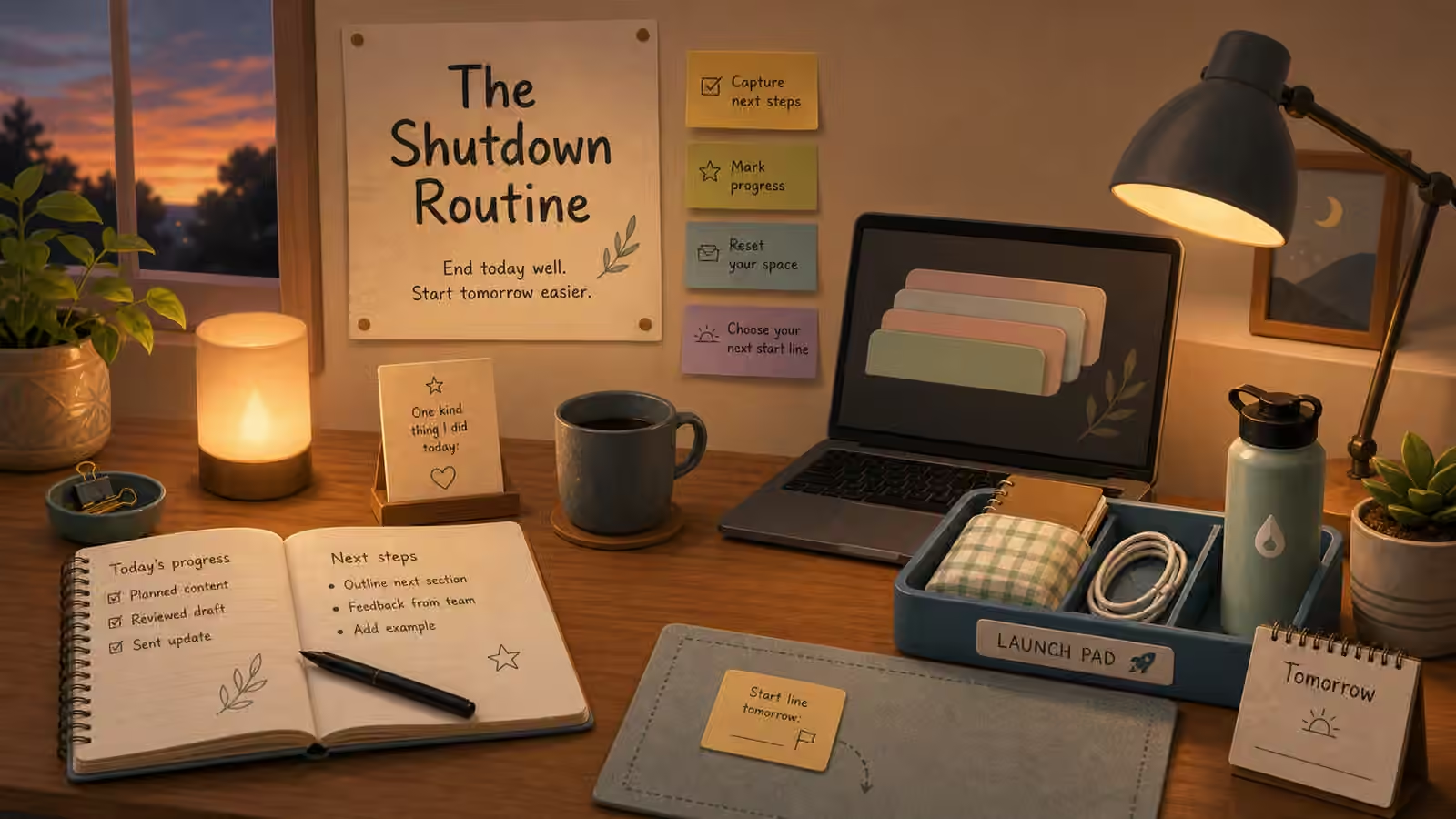
This is why return points fit naturally with The Shutdown Routine . Shutdown is the formal version. Return points are the small daily version. They say: the task is not done, but it is not lost.
The tone matters. A return point is not a guilt trap. Do not leave yourself a dramatic note about failure or laziness. Leave a practical cue. You are building a bridge, not a courtroom. The next version of you should feel oriented, not accused.
Practice with one recurring interruption
Choose one task that is often interrupted and design one return point for it. If reading is the task, leave the bookmark and a reason note. If dishes are the task, leave the sink cleared in one small zone and the towel visible. If schoolwork is the task, leave the book open to the exact page and the pencil where work resumes. If email is the task, leave the draft open with the next sentence started.
Practice before trying to redesign your whole day. Return points work because they are small enough to use when conditions are imperfect. They do not prevent interruptions. They make interruptions less expensive. When you return and the next move is visible, the task has not disappeared. It has been waiting with a handle.