Some days have enough fuel for deep work. Some days only have enough for opening the document, moving the laundry, or placing tomorrow’s bag by the door. The mistake is treating those days as if they require the same task shape. When the available capacity is low and the task list still expects a high-capacity version of you, every option can feel like failure before it starts.
An energy-matched task menu gives the day more than two choices. Instead of “do the full task” or “do nothing,” it offers useful starts at different sizes. The menu does not pretend energy is perfectly predictable. It gives you a way to choose a task that fits the current conditions without turning the choice into another argument with yourself.
Capacity Is Not Character
Capacity changes for ordinary reasons. Sleep, noise, hunger, illness, stress, interruption, weather, conflict, boredom, and the shape of yesterday can all change how expensive a task feels. You do not need to explain every variable before choosing a smaller start. The practical question is what the current version of the day can honestly support.
This matters because many task systems are written as if the main problem is deciding what matters. Sometimes the problem is simpler and more annoying: the important task is known, but the available energy does not match the full version. If the only acceptable version is the full version, the task may stay untouched. If there is a smaller version that still moves the situation forward, the day can keep a thread of momentum.
Task Triage When Everything Feels Urgent helps decide which responsibility deserves attention. The energy-matched menu helps decide what size of attention is realistic right now.
A Menu Is Different From a Backlog
A backlog is a holding place for everything that might need attention. A menu is a short set of starts you can actually choose from. The difference is emotional as much as practical. A backlog often grows until it becomes a wall. A menu stays small enough to scan when you are already tired.
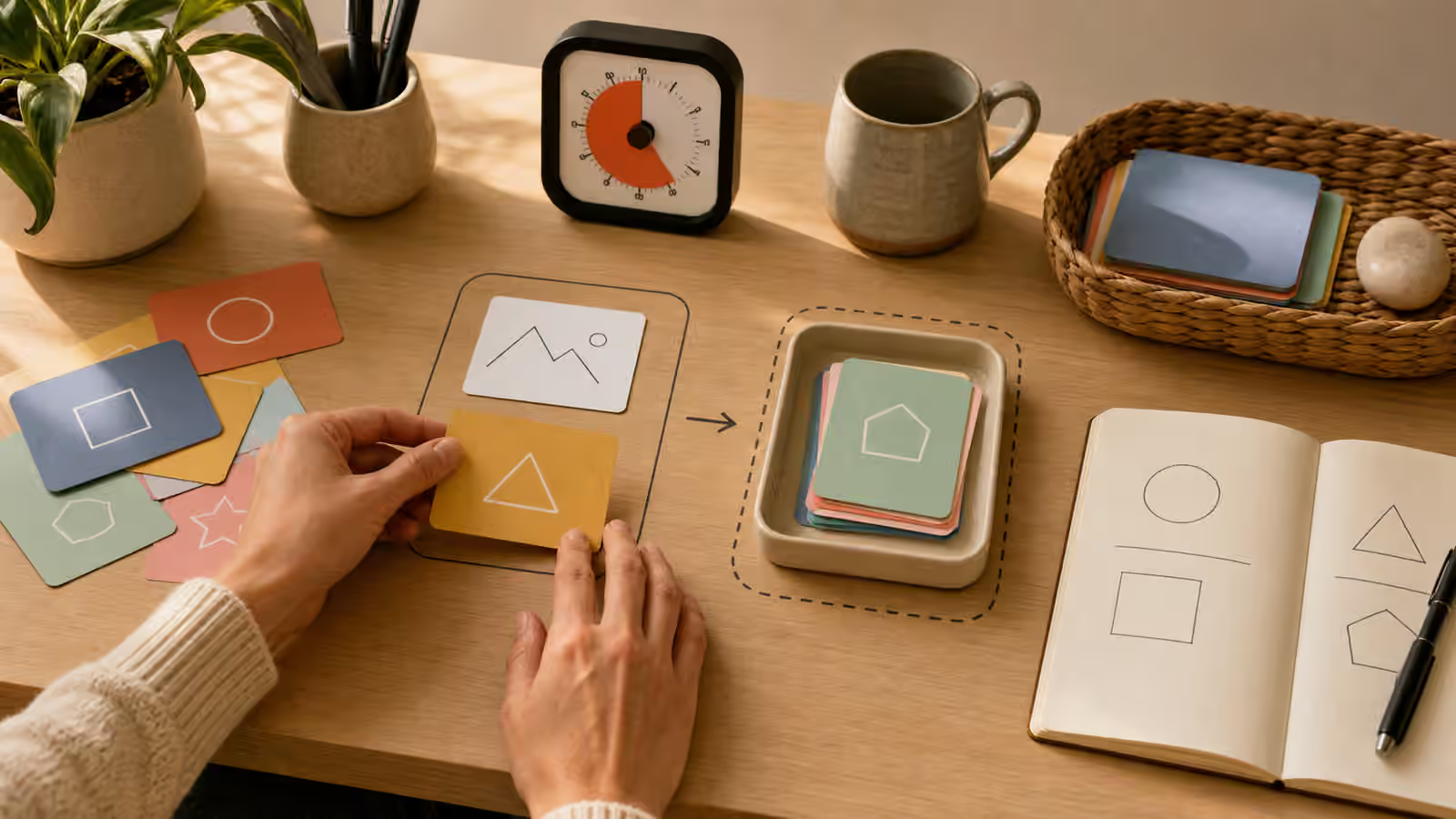
The useful menu has a very small option, a middle option, and a focused option. The very small option keeps the thread alive. It might be opening the file, placing the form on the desk, washing the pan needed for dinner, or writing the next sentence as a return point. The middle option creates a real dent without asking for the whole task. It might be drafting one paragraph, folding one basket, clearing one paper pile, or preparing one meal component. The focused option is the deeper session for the day that has enough runway.
Those are not ranks of moral worth. They are sizes. A low-capacity start is not fake work if it changes the next start. Opening the file and writing where to resume can prevent tomorrow from beginning cold. Moving the laundry to the dryer can stop the cycle from turning into a floor pile. Placing the appointment papers in the bag can protect the morning. A menu lets these moves count without pretending they are the entire project.
Write Starts, Not Aspirations
An energy-matched menu works best when each option begins with a physical move. “Work on essay” is too vague for a low-energy moment. “Open the essay file and paste the prompt at the top” is easier to enter. “Clean kitchen” is a wish. “Clear the left side of the sink” is a start. “Handle email” is a fog. “Open the message and write the factual sentence” gives the hands something to do.
This is where The Start Line becomes the backbone of the menu. Each menu item should have an object, a place, and a motion. The smaller the available energy, the more literal the start line should be. If you are fresh, you may be able to hold the plan in your head. If you are tired, the plan needs to sit in the room.
Do not fill the menu with tasks that require negotiation before they can begin. A menu item that says “figure out taxes” may be technically important, but it is not a low-energy start. A better entry might be “put tax folder, laptop, and calculator on the table.” Once that happens, the next move can be chosen with more evidence.
Use the Menu to Protect Deep Work
The menu is not a way to avoid hard work forever. It can protect hard work by keeping low-capacity periods from consuming the setup. On a difficult morning, the right move may be preparing the first materials so the afternoon can begin faster. On a noisy evening, the right move may be leaving a return point rather than forcing a brittle session. On a waiting-mode day, the right move may be a bridge task that can stop cleanly before the appointment.
Waiting Mode Bridges uses the same logic. Not every time block can hold every task. Matching the task size to the shape of the time prevents a half-available hour from becoming a disappointing battle with deep work.
A menu also reduces the tendency to spend all available energy deciding what to do. If three reasonable starts are already visible, the choice is less dramatic. You can ask which size fits the next twenty minutes instead of reopening the entire life backlog.
When Low Energy Meets Real Deadlines
Energy matching does not erase deadlines or responsibilities. Some tasks truly cannot wait. In those moments, the menu still helps because it separates the emergency from the first move. If the whole task must be handled today, the first start can still be small. Open the form. Gather the documents. Send the brief status note. Ask for the missing detail. Clear the desk. Put the timer where you can see it.
If another person is affected, communication may be the start. A short message that names the next concrete action can reduce pressure without promising a heroic version of the task. Asking for Help Without the Spiral goes deeper into that kind of request. The useful pattern is to ask for a specific next support rather than explaining the entire backlog.
When the deadline is real and the capacity is low, avoid pretending that perfection is the entry fee. The first move should make the next ten minutes more possible. A task that has started can be steered. A task that remains a looming shape in your head keeps draining attention without producing evidence.
Reset the Menu After Use
An old menu can become background noise. Once a task is done, parked, or no longer relevant, remove it from the visible menu. If a menu item keeps appearing and never starts, audit it for hidden friction rather than copying it forward forever. It may be too vague, too large, missing a material, or waiting for a decision that has not been named.
Friction Audit: Find the Hidden Step is useful when a menu item keeps resisting every size. The problem may not be energy. It may be a missing object, unclear instruction, or emotional snag that needs a different support.
Keep the menu ordinary. A sticky note, index card, whiteboard corner, or notebook page is enough. The point is not to build a beautiful dashboard. The point is to give a changing day a few honest entry points, so a low-energy hour can still leave tomorrow with something to hold.