A digital file can disappear while still being on the device. The download exists, the screenshot exists, the class handout exists, the form exists, and the photo of the receipt exists, but the task cannot begin because the file is hiding behind a vague name, a crowded folder, a different device, or the memory of where you meant to put it. The search becomes its own task. Then the real task waits behind it.
Startable Life Lab does not treat file management as a personality test. The goal is not to build a perfect digital archive. The goal is to make the next file findable enough that the task can start. A work block should not spend its best attention proving that the document exists. A form should not require a tour through downloads, messages, desktop clutter, screenshots, and email attachments before the first field is visible.
Name the Search Before It Spreads
The search spiral begins when one missing file becomes a full tour of the device. You open downloads, then the desktop, then the email thread, then a messaging app, then photos, then the cloud folder, then the browser history. Each place feels plausible. None of them clearly wins. After a few minutes, the search has collected enough irritation that the original task feels even harder than before.
The first repair is to name the search before it spreads. Instead of “find the file,” write or say what kind of file you are looking for and what it is supposed to help you do. “Find the signed school form so I can upload it” is clearer than “forms.” “Find the receipt photo so I can send the reimbursement email” gives the search a boundary. The file has a purpose, not just a vague existence.
This is a digital version of The Start Line . The start line may be “open downloads and sort only today’s files” or “search the exact sender, then stop.” It should not be “organize computer.” When the search is named narrowly, you can stop after the relevant places instead of letting the whole device become the task.
Make One Active Landing Place
Most people do not need a perfect folder system before they can function. They need one active landing place for files that are part of live tasks. That place might be a desktop folder, a cloud folder, a temporary project folder, or a tray-like folder named in your own words. The name does not need to impress anyone. It needs to be findable when attention is already tired.
Working Memory Offloading explains why this matters. A file left in downloads asks memory to remember why it matters. A screenshot left in photos asks memory to remember what it captured. A form saved under a default name asks memory to decode a string of dates, letters, and random words later. The active landing place lets the outside world hold the connection between file and task.
Keep the landing place limited. It is not a permanent library. It is a work surface. Files that are waiting for action can live there while they are active. Once the task is done, the file can be archived, deleted if appropriate, or left in the completed place your household, school, or workplace uses. If the landing place becomes a second junk drawer, give it a small reset during The Weekly Reset Without the Overhaul rather than redesigning the whole system.
Rename for Future-You, Not for Beauty
File names often fail because they were created by another system. A download may use a long code. A scanner may use a date. A screenshot may use a timestamp. Those names are not morally bad. They are simply not designed for the moment when you need to restart a task. Renaming a file is not decoration. It is a return point.
A useful name can be plain: school-form-signed, receipt-chair-return, meeting-notes-may, apartment-photo-leak, project-draft-question, passport-scan-copy. The name should contain the object and the reason you will look for it. It should avoid private details when privacy matters, especially on shared devices, but it should still be recognizable to the person who has to find it later.
This pairs with Return Points After Interruptions . A renamed file tells interrupted work where to come back. If you stop halfway through an upload, a clear file name protects the next start from another search. If you are helping someone else, a clear file name reduces the number of questions needed before the next move.
Stop Mixing Capture With Cleanup
Digital tasks often fail because capture and cleanup are treated as the same moment. You download the form and then feel pressure to organize all downloads. You take a screenshot and then notice hundreds of old screenshots. You open the folder and suddenly every file name looks wrong. The real task disappears inside digital housekeeping.
Separate capture from cleanup. During the active task, move or rename only the file that matters for the next action. If the surrounding folder is messy, make a note for later or place the mess in an Open-Loop Parking Lot where it will not invade the current start. A file search is allowed to be ugly if it gets the real file into view.
Tiny Admin Batch is a better home for cleanup. A batch can handle old downloads, duplicate scans, stale screenshots, and unlabeled folders when that is the actual task. During a school submission, work form, reimbursement email, or appointment upload, the goal is narrower. Find the file, make it recognizable, put it where the task begins, and continue.
Pair Digital Files With Physical Cues
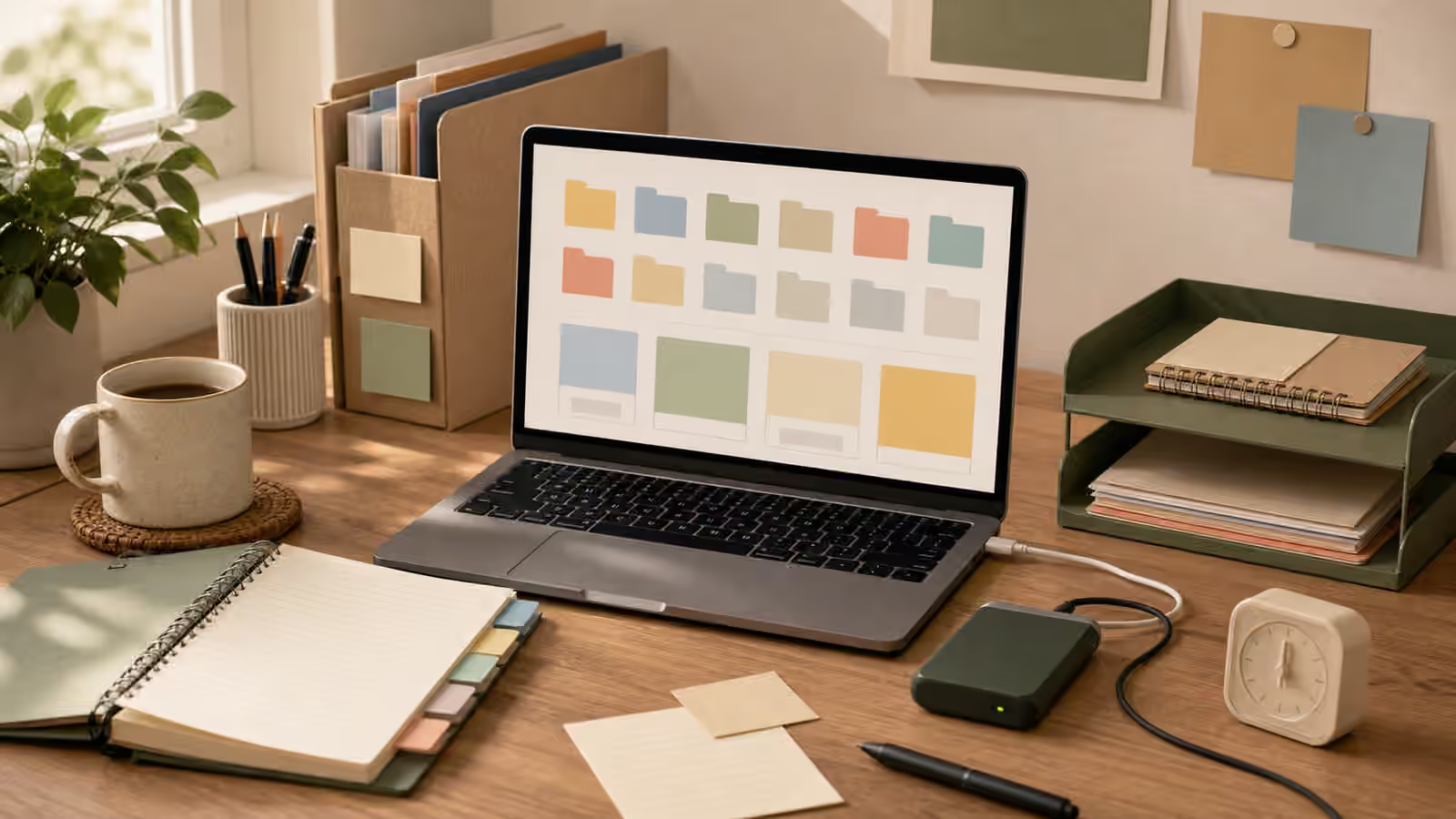
Digital work becomes more startable when it has a physical cue. A notebook page can name the one folder. A paper form can sit beside the laptop until the scan is uploaded. A sticky note can remind you that the receipt photo is already in the active folder. An external drive can stay on the desk only while the task needs it. The cue keeps the file from living entirely inside memory.
This is especially helpful when a task crosses paper and screen. Paperwork Without the Pile uses the same principle for forms, mail, school papers, and household admin. If the paper starts the task but the file finishes it, the two should meet somewhere visible. Put the form, device, and file name in the same scene. If the task is an email reply, connect it to Email Replies Without the Spiral by placing the attachment before drafting the perfect wording.
The physical cue should not become a permanent reminder shrine. Once the file is uploaded, sent, printed, or parked, remove the cue or move it to the proper waiting place. A cue that never leaves the desk becomes background noise. A cue that appears only while the task is active can keep its meaning.
End With a Findable Next State
The end of a digital file task should answer one quiet question: where will this be when I need it again? If the file has been sent and will not be needed, the next state may be done. If it may be needed again, the next state might be saved in the active folder, archived in the project folder, printed and placed with papers, or noted in the calendar. The important part is that the next state is not “somewhere.”
The Shutdown Routine is useful here because digital tasks leave invisible debris. Browser tabs stay open, downloads remain unsorted, files sit in temporary places, and the mind assumes it will remember. A small shutdown can close the task without forcing a full cleanup. Confirm the file name, move it to the landing place, close unrelated tabs, and leave one plain return cue if the task is unfinished.
The search spiral loses power when files have a path: capture, name, active landing place, task, next state. The path can be imperfect. It can be simple. It can change by project. What matters is that the file no longer depends entirely on a tired memory and a crowded device. Once the file is findable enough, attention can return to the task the file was supposed to support.