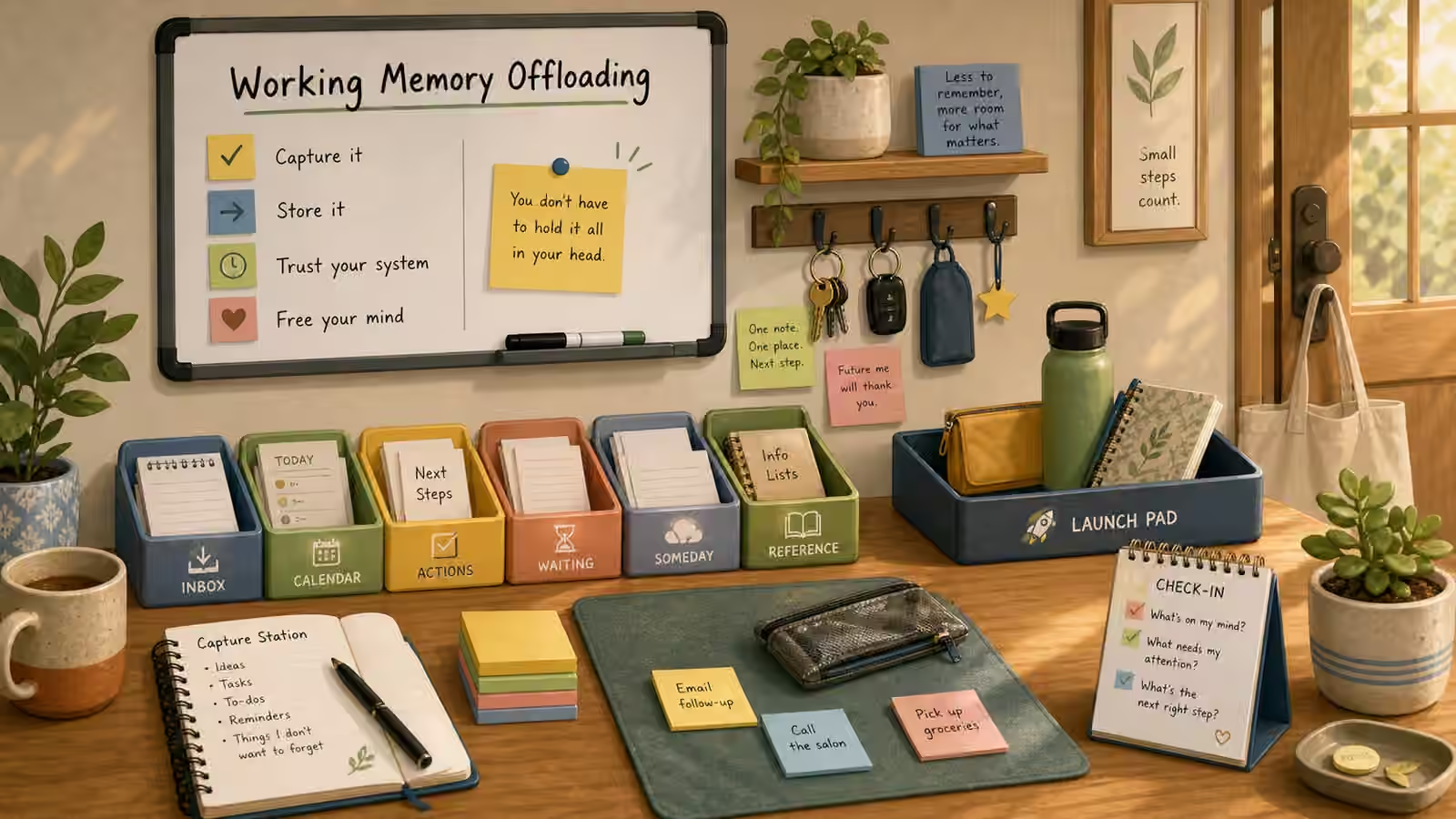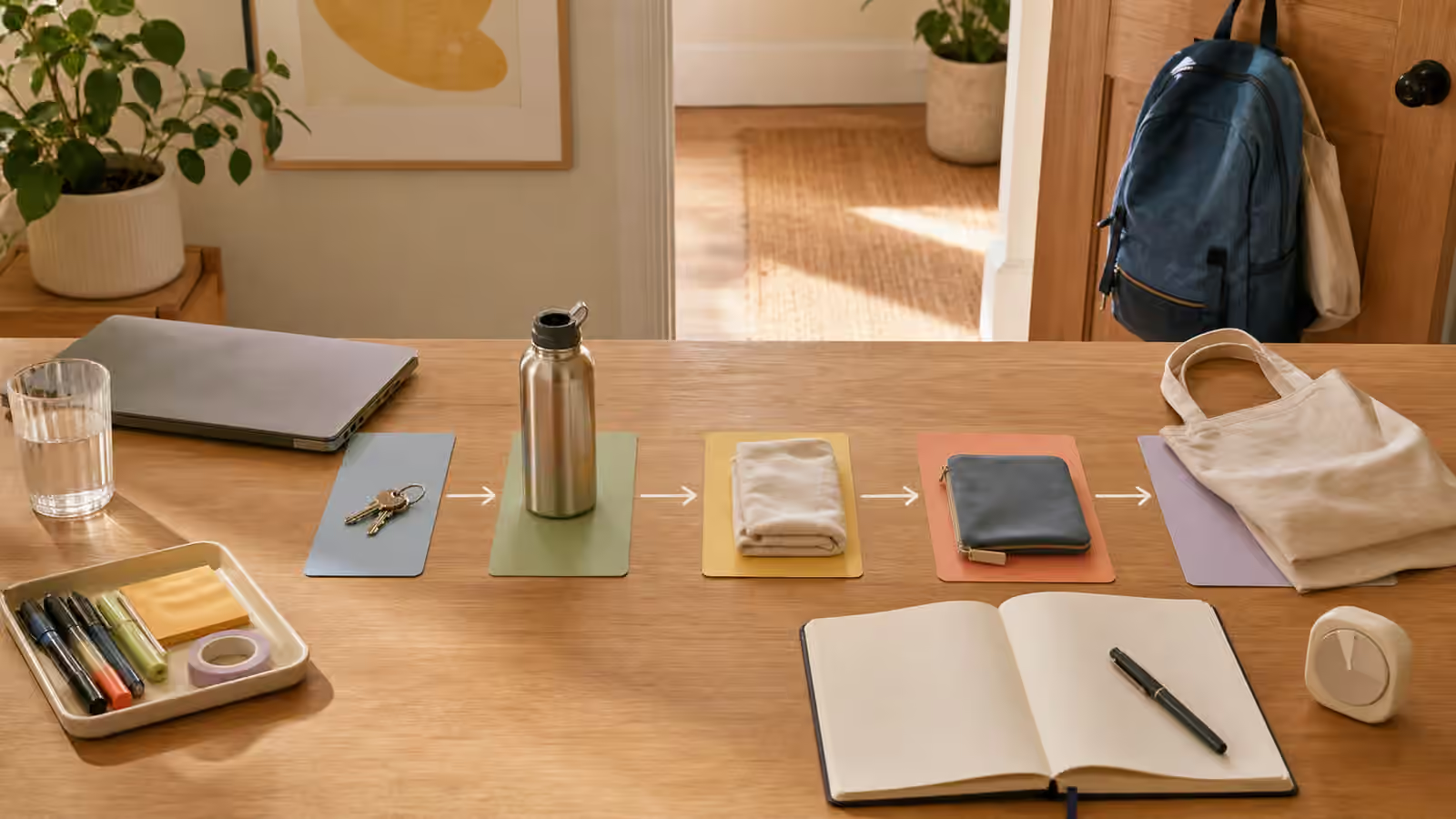
A capture inbox sounds simple until it starts collecting every loose object in the house. At first it is a relief. The bill has a place. The receipt has a place. The idea that arrived during breakfast has a place. The permission slip, return label, appointment card, charger, and half-written note no longer have to live in memory. Then the place fills, the meaning blurs, and the inbox becomes another pile with a nicer name.
The Startable Life version of a capture inbox has a narrower job. It catches loose inputs long enough for them to become visible, then it sends them onward. It is not a storage system, a personality test, or a museum of unfinished intention. It is a landing step between “I must not forget this” and “I know what happens next.”
Give Loose Inputs One Door
Loose inputs are different from tasks. A loose input may be a paper, a text to answer, a thought about dinner, a link to read, a package label, a school notice, a library receipt, or a question you need to ask later. It becomes heavy when your mind has to keep holding it while you are trying to do something else.
Working Memory Offloading explains the broader idea: the outside world can hold fragile reminders better than a tired scratchpad can. A capture inbox is one of the smallest forms of that outside world. It gives the reminder a door so it does not wander through the whole day.
The door should be obvious. A tray near the place where papers arrive, a notebook beside the chair where ideas show up, a single digital note for links, or a small basket on the counter can all work. The container matters less than the rule that loose inputs go there first. If a paper can land on any surface, every surface becomes part of the remembering system. That is too much memory work for a home or desk to ask.
The inbox should sit where capture actually happens, not where an ideal person would process everything calmly. If mail lands in the kitchen, the first container belongs near the kitchen. If ideas arrive while you work at a laptop, the first note belongs within reach of that laptop. If a child empties a backpack by the door, the capture place needs to be close enough that the paper can land before it vanishes into a room.
Separate Capture From Processing
Many capture systems fail because they ask every item to be processed at the moment it appears. That sounds efficient, but it turns capture into a decision checkpoint. You pick up the paper and now must decide whether to file it, reply to it, pay it, recycle it, scan it, ask someone about it, or schedule it. If the moment is busy, the paper goes back down somewhere vague. The system has asked too much too early.
Capture is allowed to be rough. Its job is to preserve the input and its basic meaning. Processing is the later act of deciding what the input is for. Those two actions can be close together, but they should not be glued together. A person making dinner, leaving for work, helping with homework, or trying to start a desk task may only have enough capacity to catch the input. That still counts.
This is why the container should not be too decorative or too hidden. A beautiful box with a lid can make capture feel formal, and a formal system is easy to avoid. A tray, shallow basket, or plain notebook page often works better because it lets the item remain visible enough to be processed later. If privacy matters, the visible cue can be a closed folder or envelope, but the next action should still be clear.
For digital capture, the same separation matters. A saved link does not have to become a full research session. A screenshot does not have to be organized immediately. Digital Files Without the Search Spiral is useful here because digital capture can become cleanup very quickly. The startable version says, “This is the active link for the current task,” or “This screenshot needs one decision later,” and then stops.
Keep the Container Small Enough to Review
A capture inbox needs an edge. Without an edge, it becomes a backlog. The edge can be physical, such as a tray that only holds a modest stack, or temporal, such as a review before lunch, after work, or during a weekly reset. The edge is what tells the system when capture has ended and processing must begin.
The review should be smaller than a life overhaul. If the inbox contains twelve items, the review may simply ask what needs action, what belongs elsewhere, what can be thrown away, and what needs a return point. That is enough. If the review becomes a full planning ceremony, you may avoid the inbox because it now represents a long appointment with every unfinished part of life.
The Weekly Reset Without the Overhaul can hold the larger rhythm, but a capture inbox often needs a lighter reset too. A daily review might only move papers to the active tray, copy one task to the visible board, and clear obvious trash. A student might empty the backpack pocket after school. A worker might process the desk tray before closing the laptop. A household might scan the entry basket before tomorrow’s morning launch.
The small container teaches honesty. If the tray is full, it is not asking you to buy a bigger tray. It is telling you the capture step has done its work and the next step is processing. That signal can be uncomfortable, but it is useful. It prevents the inbox from pretending to be a solution after it has become storage.
Use Action Language, Not Categories
Categories can be tidy and still unhelpful. A folder labeled “papers” does not tell you what the paper needs. A basket labeled “miscellaneous” admits defeat before the task starts. A note that says “important” may feel urgent, but it does not say whether to call, sign, pay, file, ask, read, or bring.
Action language makes the next contact easier. The capture inbox itself can stay simple, but individual items benefit from plain cues. “Ask about date” is more useful than “school.” “Bring to car” is more useful than “return.” “Reply with availability” is more useful than “email.” You do not need full sentences or pretty labels. You need enough language that future-you can reenter without solving the same mystery again.
This connects to The Open-Loop Parking Lot . An open loop that has no action language will keep reopening. A capture inbox can catch the loop, but it should not leave the loop nameless. Even a small pencil mark on a blank card can distinguish the form that needs a signature from the form that only needs filing.
When sensitive information is involved, action language can stay indirect. A note does not need an account number or private detail to be useful. It can say “find login,” “ask office,” “check portal,” or “bring folder.” The cue should point to the next move without exposing information that belongs somewhere safer.
Protect the Start That Comes After Capture
The danger of capture is that it can become a substitute for starting. Writing everything down feels productive, and sometimes it is. But if the inbox only grows, the task has been postponed in a more organized way. The system needs a bridge from captured item to start line.
Choose one item at a time and give it a first physical move. The paper moves to the desk. The return package moves to the door. The link opens in the correct browser window, not beside a dozen unrelated tabs. The idea becomes a blank document with a title placeholder. The reminder becomes a calendar-to-start bridge with the needed object staged nearby.
The Start Line is the companion guide for this moment. It keeps the inbox from becoming abstract. “Handle captured items” is too large. “Move the appointment card to the phone-call station” is startable. “Sort links” is too vague. “Open the one saved form and rename it with the task name” gives the hands somewhere to begin.
The inbox should make starts easier, not create a second layer of management. If you notice yourself rewriting, decorating, recategorizing, or migrating the system instead of moving one item forward, shrink the next action. A captured item does not need to enter a perfect workflow. It needs enough support to stop floating.
Reset Before It Becomes Scenery
Every capture place eventually becomes invisible if it is never reset. The tray blends into the counter. The notebook becomes background. The digital note becomes a long scroll. The basket near the door starts to look like part of the furniture. Once that happens, the system is no longer holding attention; it is borrowing space.
A reset returns meaning to the container. Empty what is done. Move what has a next home. Throw away what no longer matters. Keep only what still needs action and give each remaining item a plain cue. The reset does not need to clear life. It only needs to make the capture place readable again.
If the reset reveals too much, do not treat that as proof the system failed. It may be proof that the capture step worked and the processing step needs a smaller anchor. Pair it with Tiny Admin Batch when several small items need movement, or with Task Triage When Everything Feels Urgent when the captured items all seem loud.
A capture inbox is not meant to hold everything forever. It is a small pause in the path. It catches the thing before memory drops it, keeps it visible long enough to understand, and then sends it toward a start line, a parking place, a reply, a file, a trash bin, or a calendar bridge. The pile loses power when the path keeps moving.