Open tabs can look like a harmless trail of what you meant to do. One tab holds the bill portal, one holds the article you need for a report, one holds a recipe, one holds a search result, one holds a form, and three more hold pages you opened because you did not want to lose the idea. By the end of the session, the browser has become a memory system, a task list, a reading queue, and a worry shelf at the same time.
That is too much work for a row of tiny rectangles. A tab can be useful while it is part of the task in front of you. It becomes a spiral when every open tab asks future-you to remember why it mattered. The Startable Life approach is to separate the live session from the parked material before the browser turns into a hidden backlog.
Name the Session Before Sorting the Tabs
A browser session becomes harder to leave when it has no name. “I am on the computer” is too wide. “I am finding the form,” “I am drafting the reply,” or “I am collecting three sources for the report” gives the session a border. Once the session has a border, tabs can be judged by whether they belong to that border.
Start by naming the work in plain language on paper or in a small note. The name should describe the active task, not the whole backlog. If you opened the browser to pay a bill, the session name is not “money admin” and not “sort finances.” It is “find bill and reach payment screen” or “save account number for later review.” If you opened the browser to study, the session might be “watch lesson and write two unclear terms.” The narrower name keeps the tab cleanup from becoming a second project.
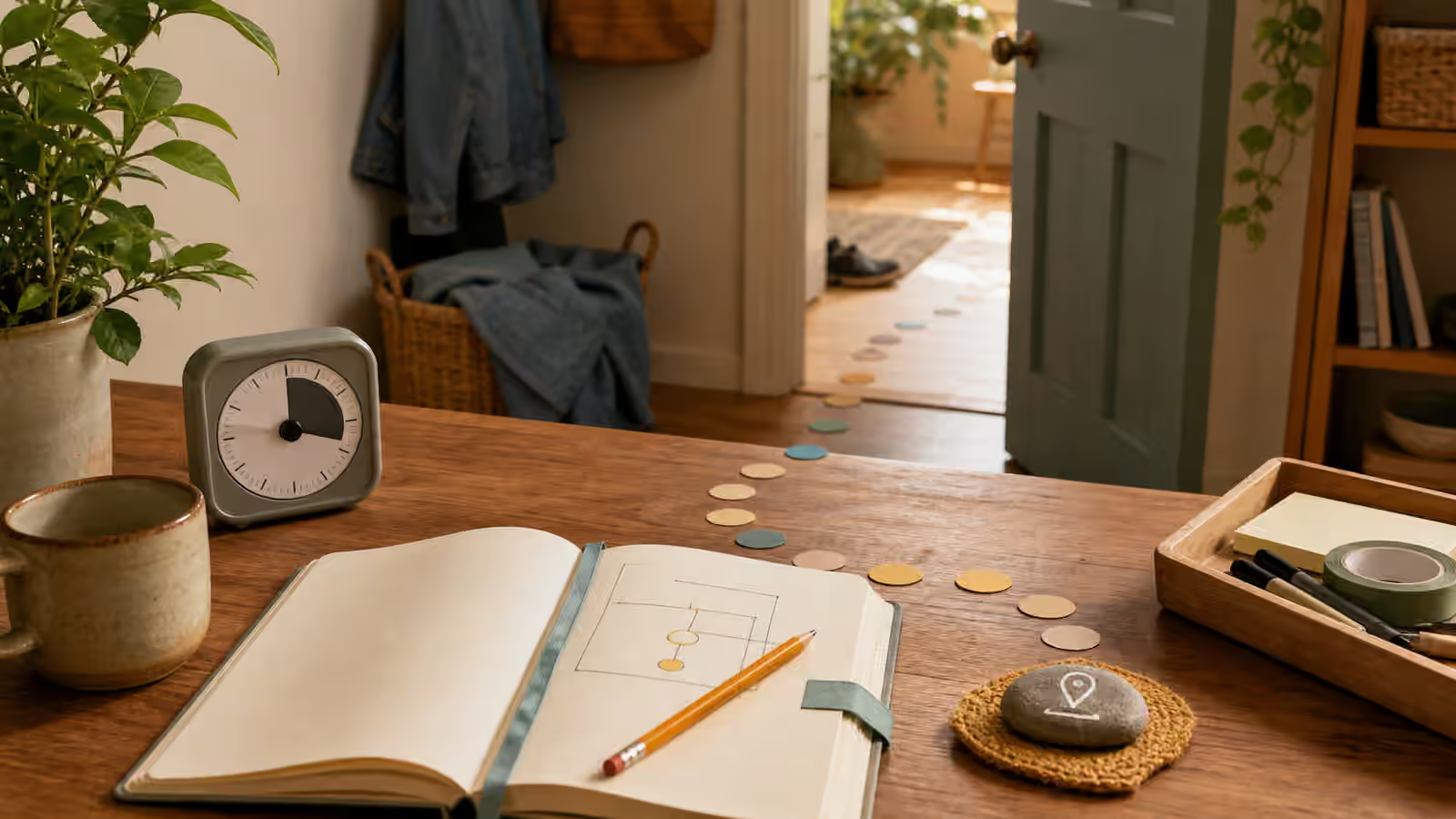
This pairs well with The Start Line because a tab session needs a first physical move too. The move may be opening one saved page, placing the notebook beside the keyboard, or closing every window except the one that belongs to the current task. Without that move, tab sorting can feel like productivity while the original task stays untouched.
Keep a Live Window Small
The live window is the place where the current task happens. It should hold only the tabs needed for the next stretch of work. That may be one page, or it may be a small cluster: a document, a reference, and a submission portal. The live window should not hold every possible related page, every article you might read someday, and every loose idea that arrived while searching.
When the live window is crowded, the task asks you to choose again every time your eyes move. That choice load is easy to miss because all the tabs feel related. The brain still has to interpret them. Which tab was the form? Which tab was the source? Which tab was the distraction? Which one has the page you were afraid to lose? A small live window makes the next click more obvious.
The Digital Distraction Map is useful here because not every tab is equal. Some tabs are tools. Some are exits. Some are parking spaces pretending to be tools. If a tab repeatedly pulls you away from the named session, it does not belong in the live window even if it is interesting or useful later.
Park Links With a Reason
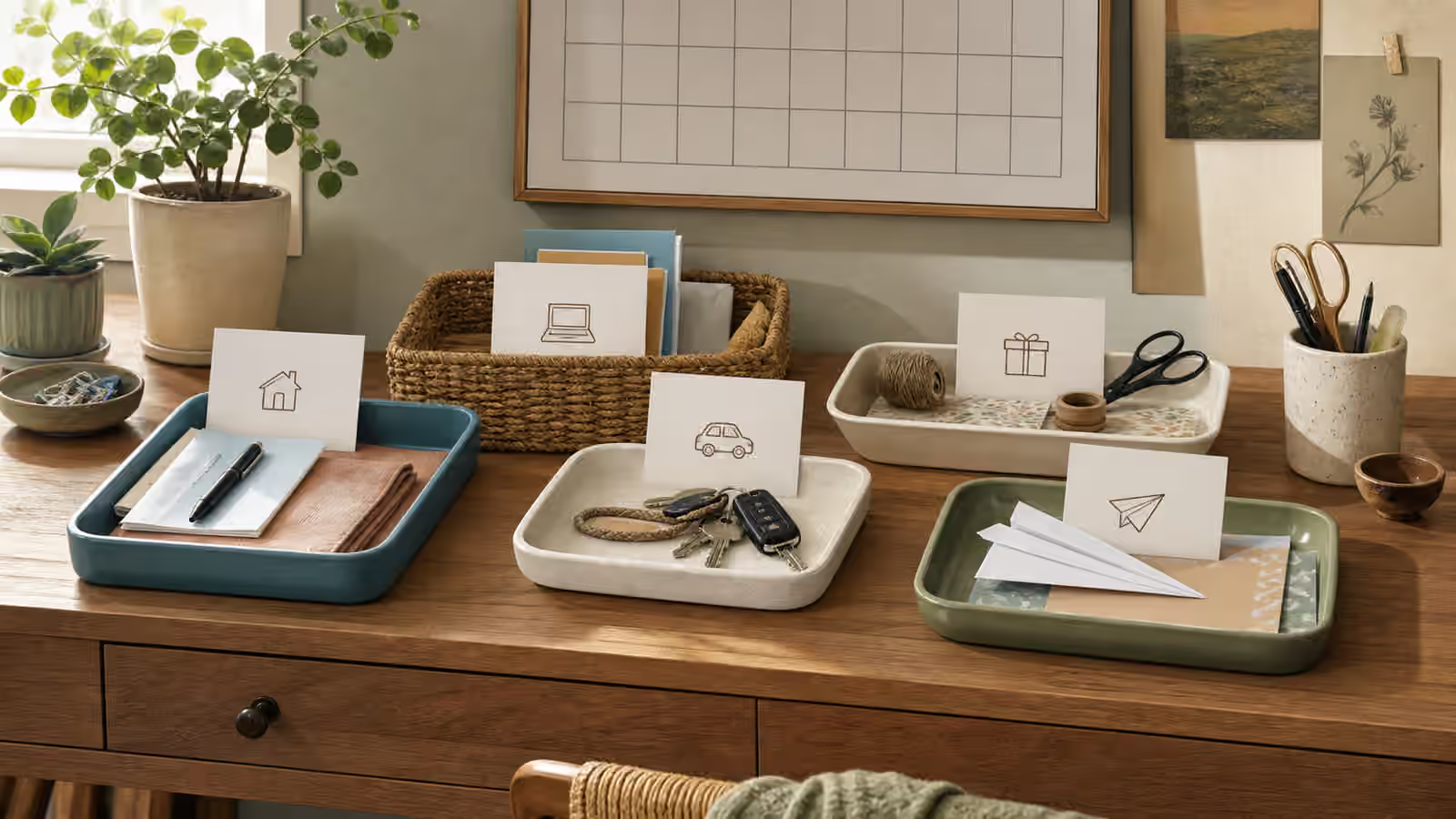
Closing a tab can feel risky when the tab is carrying an unfinished thought. The answer is not to keep every tab open. The answer is to park the link with a reason. A parked link needs a short phrase that tells future-you why it mattered and what kind of return it needs. “For report examples,” “recipe to compare on Saturday,” or “ask about this form field” is enough.
The reason matters more than the storage tool. You can use a note, bookmark folder, read-later app, task card, project document, or paper list beside the computer. A folder full of unnamed links is only a quieter tab row. A parked link with a reason becomes a return point. It tells you whether the page is reference, waiting, optional reading, admin evidence, or a possible next action.
If the parked material is actually a loose task, send it to an Open-Loop Parking Lot instead of hiding it in bookmarks. If it is a file you need again, connect it to Digital Files Without the Search Spiral so the link and the downloaded object do not separate.
Close With a Reentry Note
A good tab session ends before the browser is perfectly clean. It ends when the active task has a return point. The reentry note says where you stopped, which page matters next, and what the first click or body move should be. It can live in the document, on paper, in the project note, or on a visible task card.
For example, a reentry note might say that the form is saved, the missing field is the account date, and the next move is to check the paper folder. It might say that the report source search found two useful pages and the next move is to paste one quote into the outline. It might say that the recipe search is parked, no cooking decision is needed tonight, and the next move is grocery list review tomorrow.
This is the same logic as Return Points After Interruptions . You are leaving a breadcrumb while the context is still alive. Future-you should not have to reopen six tabs just to discover what past-you meant.
Stop Treating Tabs as Proof of Care
Many people keep tabs open because closing them feels like admitting the task does not matter. That feeling is understandable. Open tabs can become a visible record of effort, curiosity, responsibility, or fear of forgetting. The problem is that the record becomes expensive. Each tab asks for a tiny bit of attention, and the total cost can make the next start heavier.
Closing a tab is not the same as dismissing the task. A link with a reason, a note with a next move, or a parked card can carry the responsibility better than an open tab can. The browser is strongest when it supports the task you are touching now. It is weaker as an archive, planner, and conscience.
If tab cleanup becomes its own avoidance pattern, use Visible Task Board Without the Planner Spiral as the boundary. Put one card on the board for the current digital task, one place for parked links, and one reentry note for the next session. Then leave the browser alone until the work needs it again.
Make the Browser Returnable
The goal is not a blank tab bar. Some days end messy. Some tasks require several pages. Some projects genuinely need a cluster of sources. A startable browser is not sterile; it is returnable. The live window tells you what you are doing now. The parked links explain why they matter. The reentry note shows where to begin after the interruption.
Try this on one task that usually leaves a trail of tabs. Give the session a narrow name, keep the live window small, park links with reasons, and close with a reentry note before you run out of energy. The next time you sit down, judge the system by one question: can you restart without reconstructing the whole session from memory? If the answer is closer to yes, the tab row is no longer carrying the whole task alone.