This guide explains AAC access methods as practical communication pathways, not as a shopping list of devices. It is educational background, not an AAC evaluation, equipment recommendation, school decision, therapy plan, or substitute for a licensed speech-language pathologist, occupational therapist, assistive technology professional, physician, audiologist, teacher, vision specialist, or qualified local team. See Augmentative and Alternative Communication for the professional reference behind this topic.
AAC can include speech, gesture, signs, writing, picture boards, communication books, tablets, speech-generating devices, switches, eye gaze, partner-assisted scanning, and many blended systems. The access method is the way the person reaches the message. If access is wrong, the vocabulary may be excellent and still remain out of reach.
Access is not only a motor question
People often talk about AAC as if the main decision is low tech or high tech. That matters, but it is not the first practical question. The first question is whether the person can actually use the system when they have something to say. A tablet that works on a clinic table may not work from a wheelchair tray. A picture board that is perfect during breakfast may disappear during recess. A switch that works in the morning may become exhausting by afternoon. Eye gaze that looks smooth in a demonstration may become harder with glare, head position, fatigue, medication changes, or a crowded room.
Access includes movement, vision, hearing, cognition, language, attention, posture, seating, sensory load, stamina, and partner behavior. It also includes dignity. A person should not have to perform a perfect movement before anyone believes they are communicating. A person may reach, point, look, vocalize, lean, blink, type, tap, reject, or wait. Good AAC planning treats those signals as information. It asks what can be made more reliable without narrowing the person to one acceptable response.
The AAC Basics guide explains why AAC is not a last resort. The AAC in Daily Routines guide explains why communication tools have to live inside ordinary routines. This page sits between those ideas. AAC access is the bridge between having a system and being able to use it in real life.
Direct touch can look simple until it is not
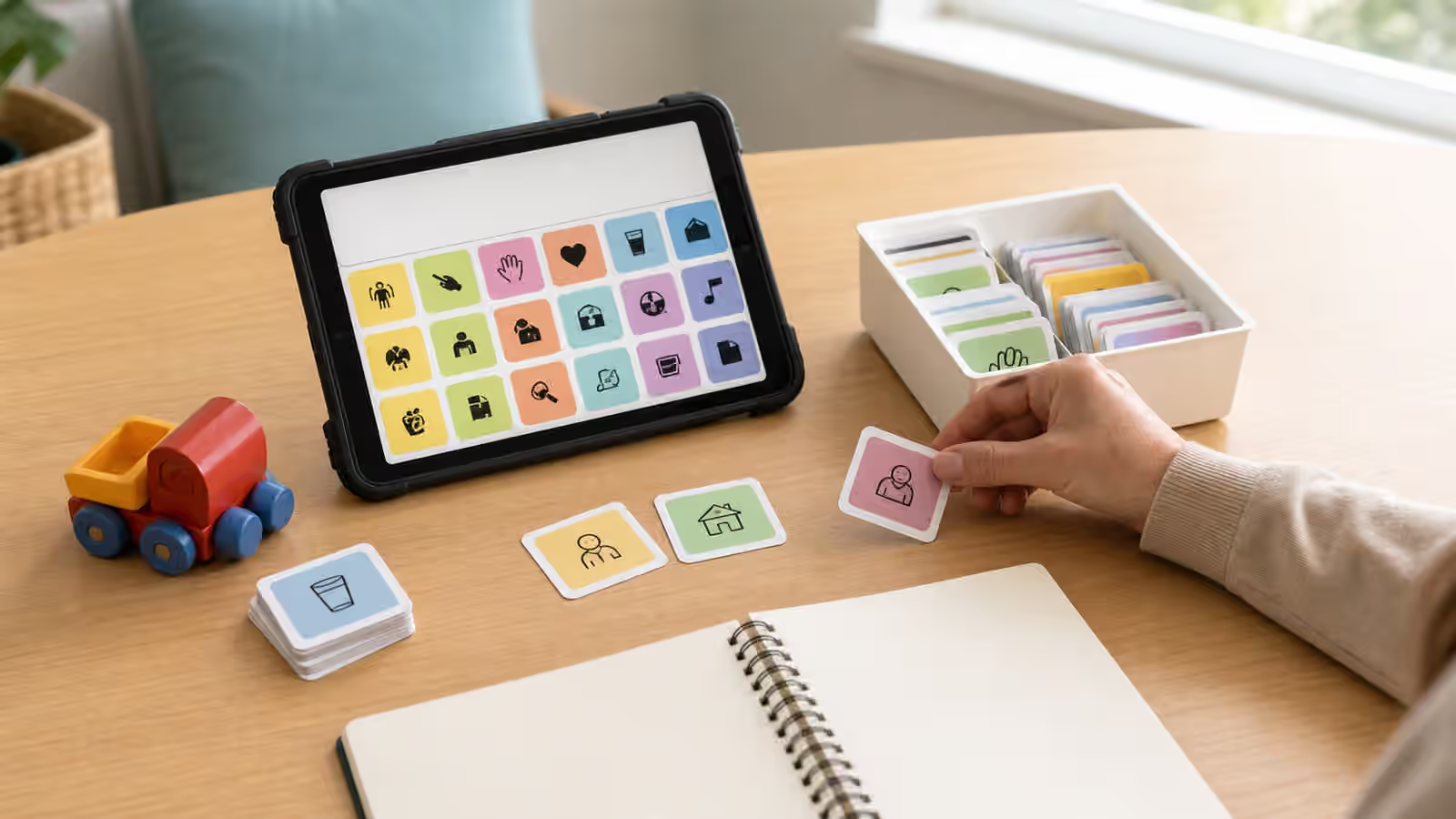
Direct touch is the access method many people picture first. The person touches a symbol, keyboard, word, or picture with a finger, hand, stylus, fist, knuckle, toe, or another body part. When it works, direct touch can be fast and flexible. The user can explore, correct mistakes, choose messages, and move through vocabulary without waiting for a partner to offer each option. It can also support privacy because the user can compose or select a message without another person scanning through the choices aloud.
Direct touch still needs careful observation. A child may tap the same corner because that movement is easiest, not because that symbol is intended. An adult may hit nearby buttons because of tremor, weakness, limited range, or poor positioning. A user may look inconsistent because the screen is too flat, the targets are too small, the device is too far away, or the chair does not support stable movement. Accuracy is not only a trait inside the person. It is a relationship between the body, the tool, and the environment.
Teams sometimes respond to inaccurate touch by removing vocabulary or requiring the person to slow down until every selection is perfect. That can make communication smaller. A better first question is what changes the access demand. Larger targets, different spacing, a keyguard, a different mount, dwell settings, touch sensitivity changes, a stylus, a hand rest, or a different position may make the same vocabulary easier to reach. Those choices should be made with qualified support when motor, vision, fatigue, or safety questions are involved.
Eye gaze and head pointing need real-world testing
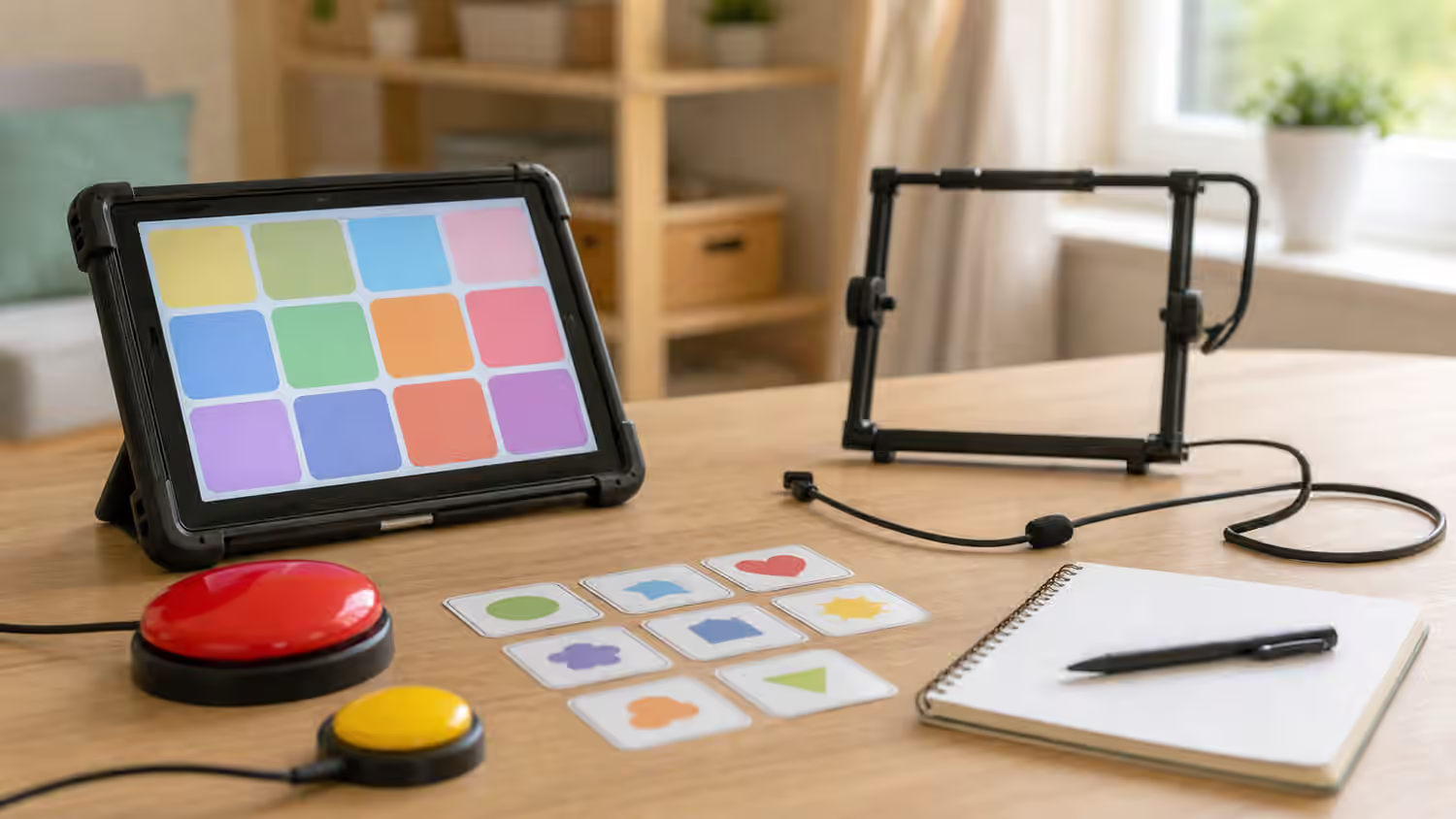
Eye gaze can be powerful for people whose hands are not the best access route. A camera-based device may track where the user looks. A low-tech eye-gaze frame may let the partner see which picture, letter, or area the person is looking toward. Head pointing can work with a laser pointer, head stick, mounted target, or another setup. These methods can open communication when direct touch is unreliable, unavailable, painful, or too tiring.
They also require humility from partners. Looking is not always choosing. A person may look at something because it moved, because it is bright, because they are listening, because they are tired, or because the partner is holding it near their face. Eye gaze systems can be affected by lighting, glasses, eyelashes, head movement, seating, calibration, visual attention, and the shape of the task. A person who uses eye gaze well in a calm room may need a different setup in a noisy cafeteria or medical appointment.
Low-tech eye gaze is especially partner-dependent. The partner has to present choices clearly, wait long enough, confirm without pressuring, and avoid steering the answer. If the partner wants a certain message, the whole system can become biased. A good confirmation routine might sound natural: “I think you looked at music. Did I get that right?” The person then needs a real way to say yes, no, not that, wait, or try again. That repair path matters as much as the first selection.
Switch scanning is slow but can be rich
Switch access often uses one or more switches to move through choices. The system may scan across rows, columns, pages, letters, words, or messages. The user activates the switch when the desired option appears. Some people use a hand switch. Others use a head switch, knee switch, foot switch, sip-and-puff system, or another access point chosen around reliable movement. Partner-assisted scanning uses a person instead of automated scanning: the partner offers choices, and the AAC user signals when to stop.
Scanning can be slow, and that slowness should not be mistaken for lack of language. The user may know exactly what they want to say while waiting for the system to arrive at the right choice. Partners can accidentally interrupt by guessing too soon, changing the list, or treating a long pause as refusal. The pace of scanning asks a lot from everyone in the conversation. It asks the user for attention and stamina. It asks the partner for patience and respect.
Because scanning takes time, vocabulary organization matters. A system with only basic wants and needs may be reachable but socially thin. A system with rich language may be unusable if the path to each message is too long. The right balance is individual. A person may need quick phrases for urgent repair, personal vocabulary for identity, topic pages for school or work, and a spelling route for messages no one predicted. The Communication Repair and Self-Advocacy guide connects here because every access method needs a way to handle breakdowns.
Backup communication is part of access
No AAC system works perfectly everywhere. Batteries die. Tablets break. Switches drift out of place. A page set gets changed. A mount is left in a car. A room becomes too bright for eye gaze. A person becomes tired, sick, overwhelmed, or unable to use the usual movement. Backup communication is not a sign that the primary system failed. It is part of a mature access plan.
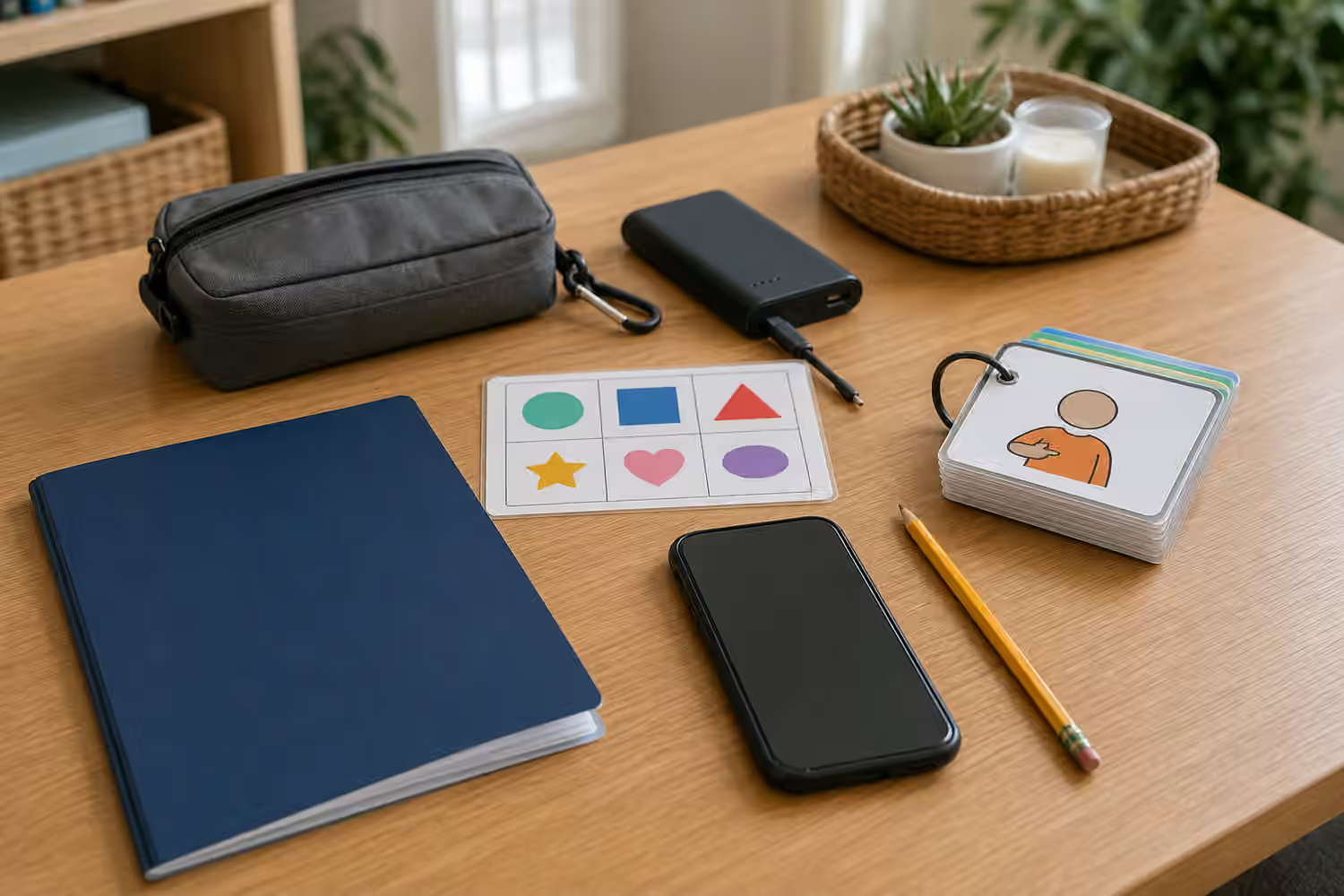
A backup might be a printed board, a partner-assisted scanning routine, a yes-no signal, an alphabet board, a small emergency card, a notebook, gestures, a phone note, or a simple choice system for high-stress settings. The backup should include more than emergencies if possible. People need ways to refuse, ask for help, explain pain, request privacy, choose people, change topics, and say that the system is not working. A backup that only lets someone answer yes or no may be better than nothing, but it should not become the whole voice.
Partners also need training. The best access method can be blocked by adults who move the device away, forget to charge it, talk over the user, demand speech first, or treat AAC as a reward after compliance. The Communication Partner Training guide is useful because access is shared work. A person should not have to fight the environment every time they want to communicate.
What to bring to an AAC team
Families, teachers, and caregivers can prepare without diagnosing the access method. Bring real observations. Describe when the person communicates most clearly, what movements are reliable, what seems tiring, what settings make communication harder, what partners understand, what gets missed, and what messages matter most. A useful note might say that direct touch works when the tablet is upright and close, but not when the user is reclined after lunch. Another note might say that the person looks toward preferred items accurately when choices are placed far apart, but partner confirmation is inconsistent.
The team may consider positioning, mounting, target size, visual layout, motor patterns, vocabulary, partner scanning style, fatigue, sensory load, and backup access. They may need to observe more than one session because access can change across the day. A person who looks inaccurate under pressure may become clearer when the task is meaningful and the partner waits. A person who seems fluent with one hand movement may still need another access route for illness, injury, or long days.
AAC access is successful when the person has more reliable ways to participate, not when the technology looks impressive. The goal is a communication system that can survive ordinary life: breakfast, school, errands, medical visits, friendships, boredom, jokes, conflict, privacy, and repair. If the method only works under perfect conditions, the next question is not whether the person is trying hard enough. The next question is what support, setup, or backup would make communication available when life is less perfect.