Solo Tabletop Studio treats analog play as a good option, not a moral upgrade over screens. Screens can hold friends, accessibility tools, PDFs, rules references, safety timers, maps, and games. A screen break is useful when it helps attention and rest, not when it becomes a judgment.
Choose the Positive Reason
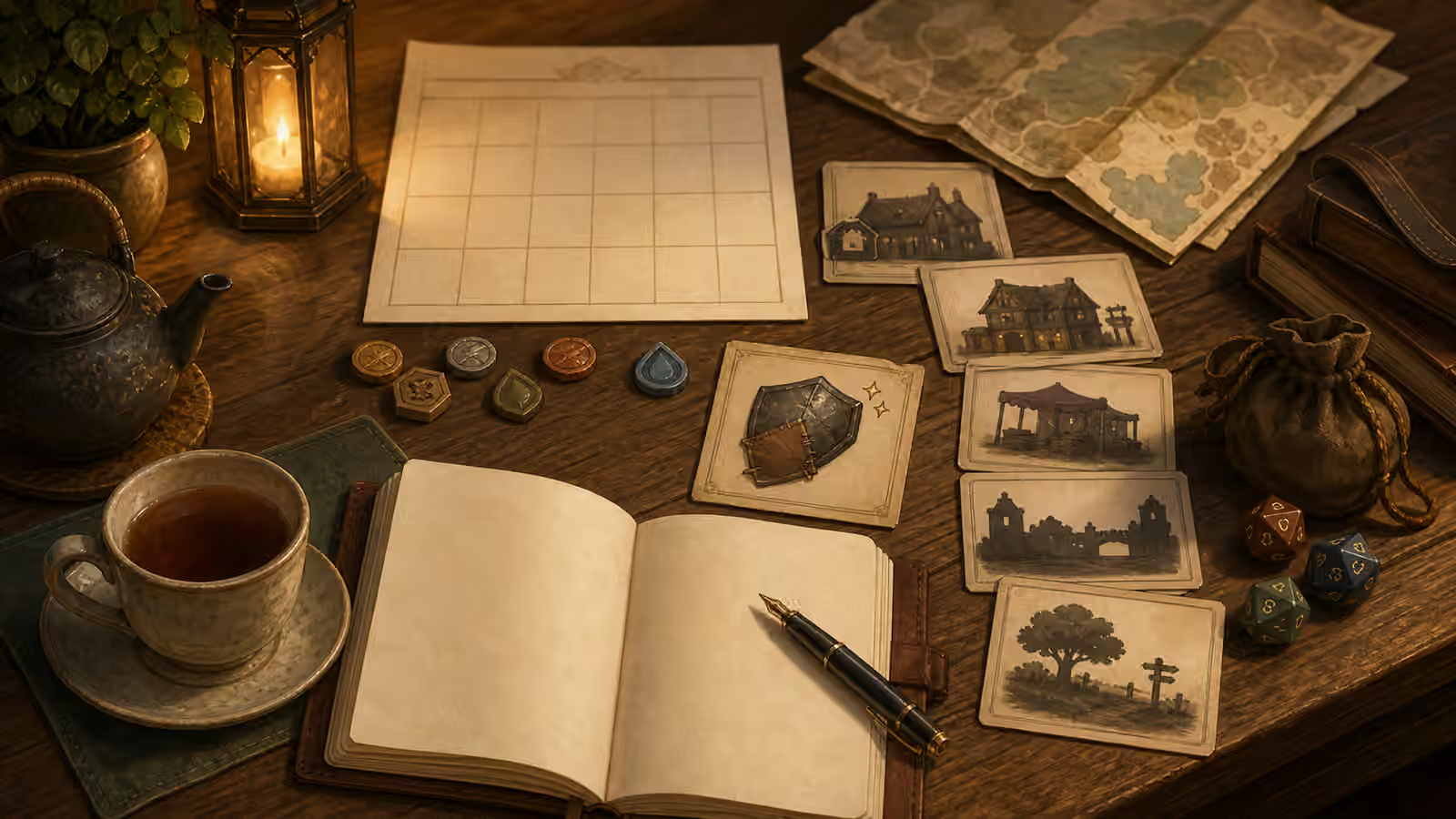
Say what the table gives you: tactile pieces, slower pace, private writing, quiet light, fewer notifications, or a creative ritual. Avoid defining the session by what screens supposedly lack.
Write the reason in one plain sentence before play. “I want a quiet tactile puzzle,” “I want to handwrite a scene,” or “I want a twenty-minute table ritual before bed” is enough. The sentence helps you choose materials and keeps the break from becoming a vague self-improvement project.
Keep Useful Screens Available
If a PDF, timer, magnifier, dice roller, music app, or notes app helps, use it. You can still have an analog session with digital support.
Accessibility tools count as part of the table, not an exception to it. A tablet can enlarge a rulebook. A phone can run a timer, hold a checklist, play low-volume music, or make a note you will not lose. If using the device keeps the session playable, use it deliberately and return attention to the table when the tool has done its job.
Make the Break Gentle
Set a time, play one scene, and close cleanly. If you return to a digital game or online friends afterward, that does not undo the value of the analog window.
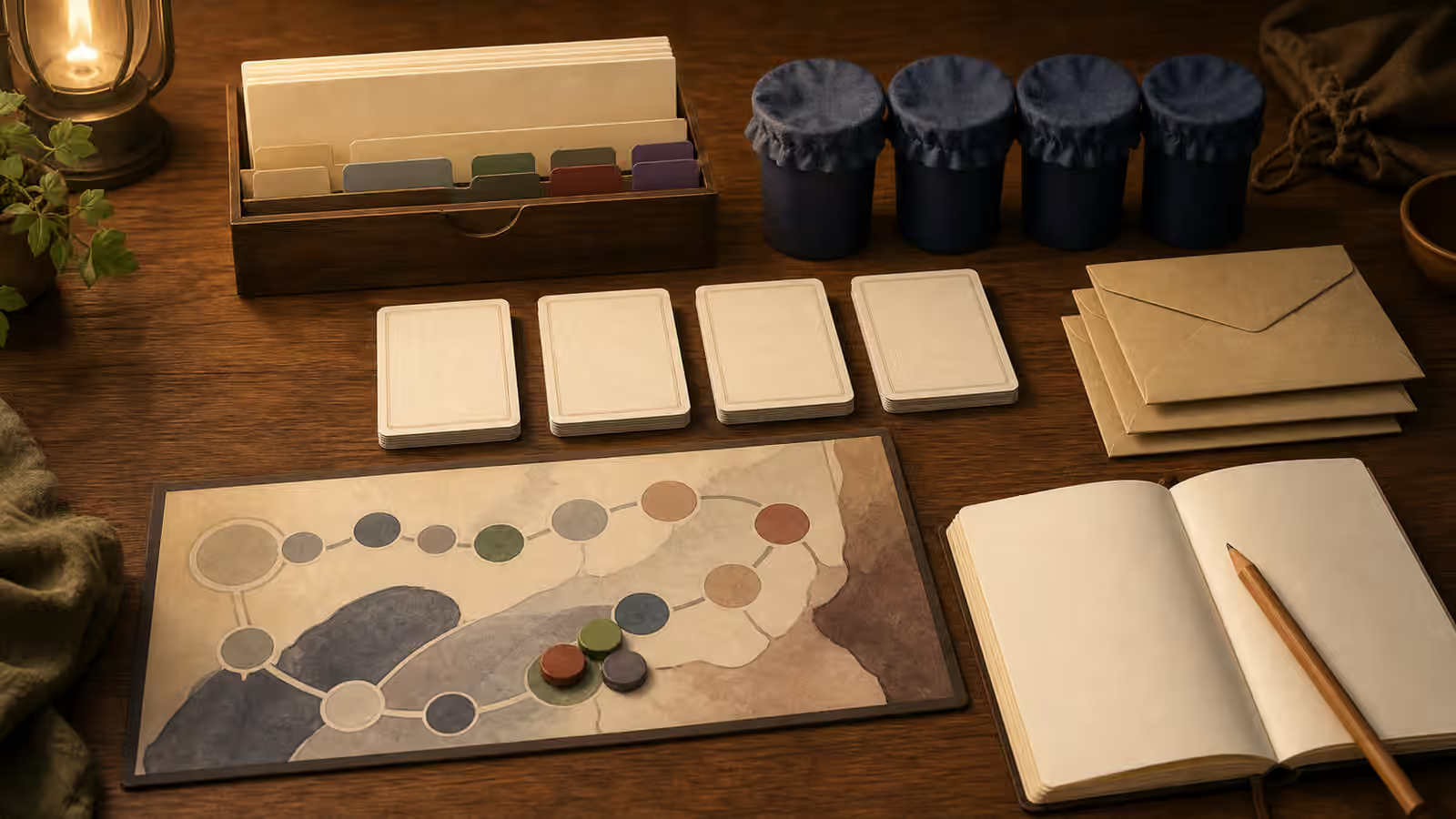
End with a return point instead of a verdict. Mark the current turn, write the next question, tuck loose components into one tray, and leave the notebook where you can find it. A screen break works best when it lowers friction for the next analog window and still leaves room for the rest of your play life.