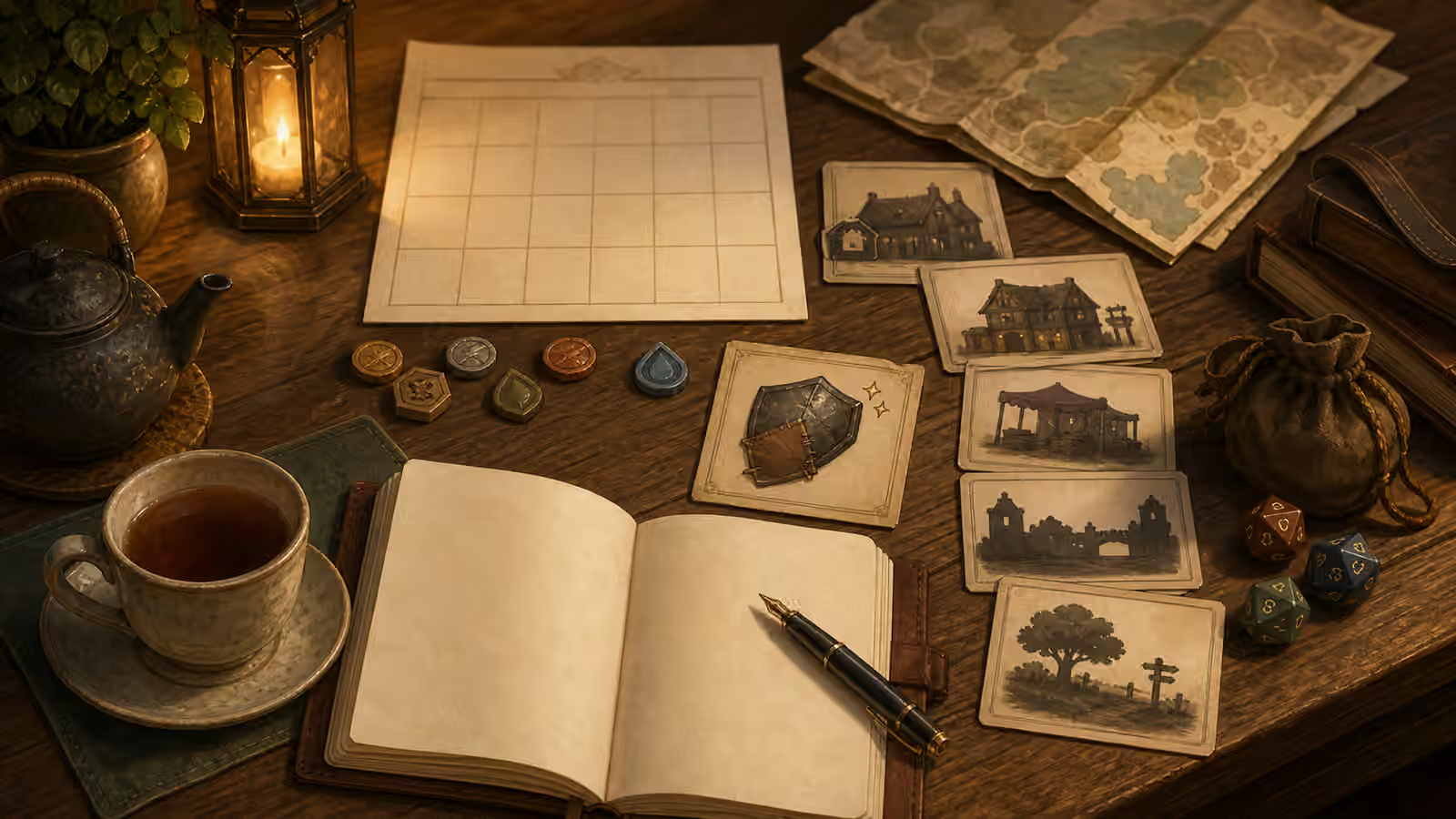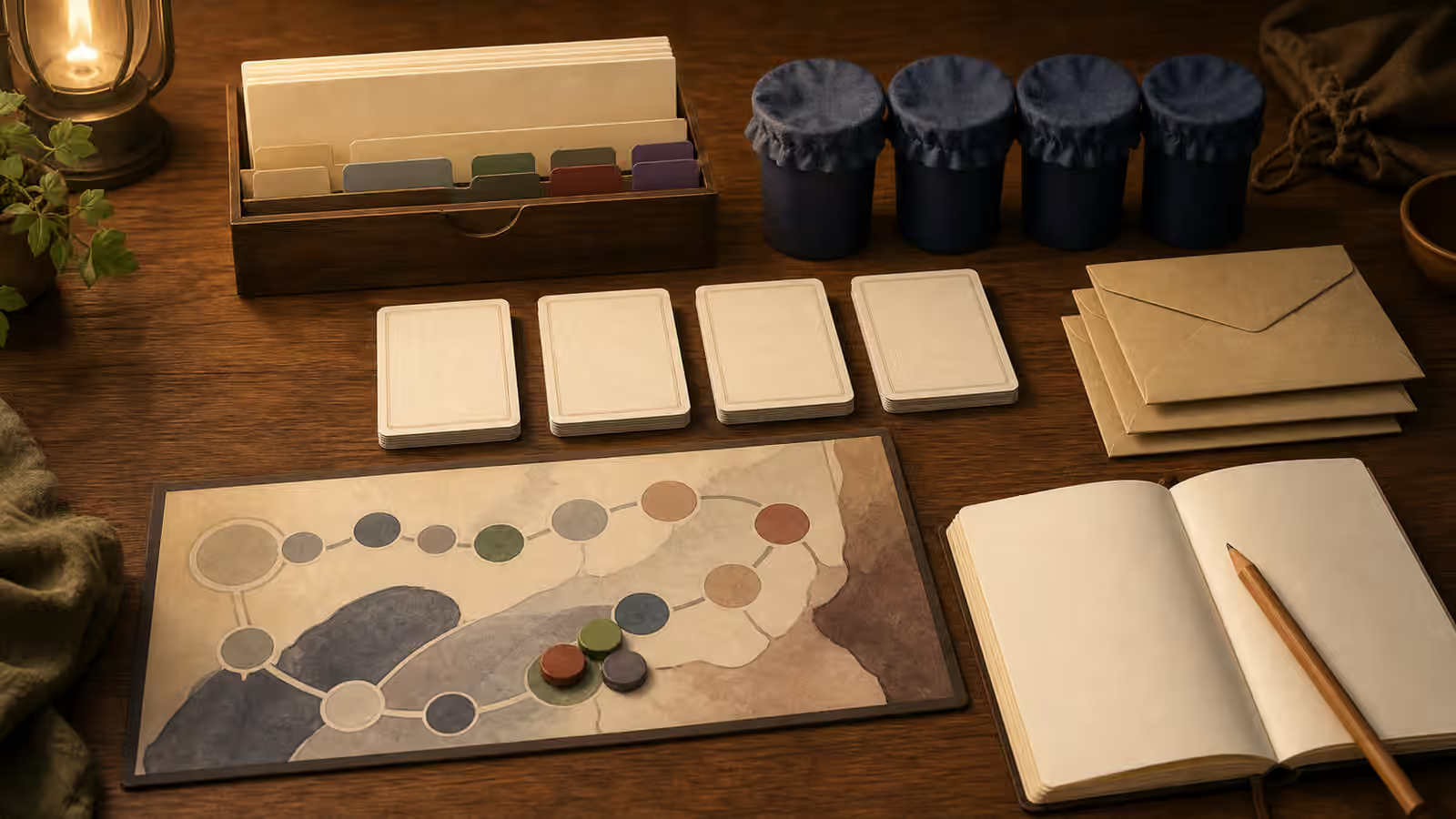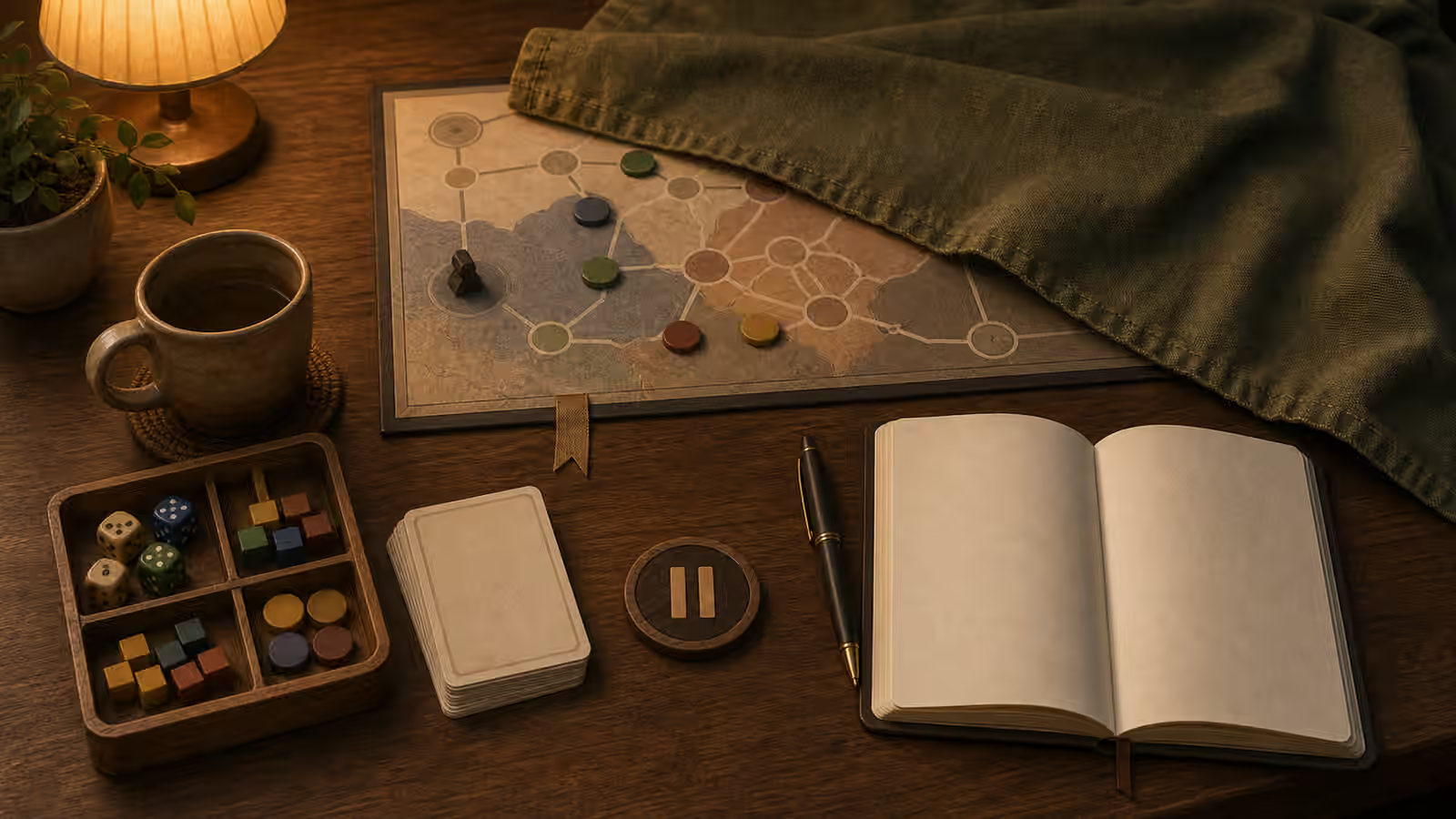
Photographing a table can be useful, but it is not required. Some players want privacy. Some tables include spoilers, copyrighted art, personal notes, or mature content. Some people simply do not want the session to become a photo task. A photo-free recap can still preserve what matters.
The goal of a recap is return, not proof. If a picture helps you restart a complex board, use one privately. If a picture makes the session feel performative, risky, or distracting, use another memory system. Solo play does not need to become a content pipeline to count.
A good photo-free recap answers the same questions a useful photo would answer: where was everything, what changed, what is still open, and what should happen first next time. It just answers them with words, sketches, lists, symbols, or audio instead of a camera roll.
Use Object Lists
Instead of taking a photo, list the objects that define state: red token on bridge, three cards in discard, lantern spent, map folded to west road, character wounded, rumor unresolved. Object lists are fast and searchable enough for return.
For board game campaigns, combine the official save process with one private object list. Do not rely on memory alone if the setup is complex.
An object list works because it records relationships, not beauty. A table photo may show a token near a bridge, but a list can say why it matters: “red token on bridge means patrol heard the bell.” That note is more useful than a pretty image when you return a week later.
Use a compact format:
| Field | Example |
|---|---|
| Location | Bridge map open to west road |
| Visible state | Red token on bridge, blue token at ferry |
| Cards or prompts | Three discard, market row saved in order |
| Resources | Lantern spent, two food, one favor owed |
| Open thread | Who moved the stones before I arrived? |
| First move | Ask ferryman before choosing route |
For games with many components, list only state that would be hard to reconstruct. You do not need to write “dice are in tray” unless the die face matters. You do need to write “weather die left on storm” if that die is part of the saved state.
Use a Snapshot Sentence
A snapshot sentence is a photo translated into one line. It describes the table state as if you were explaining it over the phone.
Examples:
- The party is stopped at the west bridge with the lantern spent, the river path unsafe, and the ferryman still unasked.
- The market row is saved in order, the rival card is active, and the next turn starts with upkeep.
- The mystery board has three confirmed clues, two rumors, and one disproven lead near the inn.
This sentence does not replace exact rules state. It restores orientation. Put it at the top of the recap so future you can understand the situation before checking details.
Snapshot sentences pair well with Campaign Log Review . The review tells you what happened, changed, remains open, and starts next. The snapshot sentence tells you what the table looked like in useful language.
Sketch What the Photo Would Have Solved
A rough sketch can replace a table photo. Draw zones, arrows, token positions, and labels in your own shorthand. The sketch does not need to be art. It only needs to show where things were and what mattered.
If drawing is hard, use boxes and initials. If writing is hard, use voice notes.
Sketch only the structure that matters. A board edge, card row, route branch, room map, or token cluster may be enough. Use rectangles for cards, circles for tokens, arrows for movement, and short private labels. The sketch should be faster than resetting the table.
Try a three-minute recap sketch:
- Draw the active area as simple boxes.
- Mark player position, threat position, and pending choice.
- Add one arrow for intended movement or next action.
- Add one note for any component order that matters.
- Stop before the sketch becomes an art project.
If sketches become hard to read, add a tiny legend. Use a triangle for danger, square for resource, star for clue, circle for rest, and slash for blocked. The Map Legend Symbols approach works for table recaps as well as campaign maps.
Make a Recap Card
A recap card is a small private aid that sits with the saved game state. It can be an index card, sticky note, envelope front, notebook page, or digital note.
Use this shape:
| Prompt | Fill it with |
|---|---|
| Table state | What pieces, cards, maps, or tracks matter? |
| Story state | What changed in the fiction or campaign? |
| Privacy note | What should not be photographed or shared? |
| Restart cue | What should happen first next time? |
The privacy note is useful even if you never share online. It reminds you that a later photo of the shelf, table, or notebook might accidentally include mature content, hidden scenario information, or personal writing. A recap card can say “no photos of map key” or “keep page private.”
If the game already has a save sheet, use the official sheet for exact state and the recap card for human memory: what the state means, why it mattered, and how to return.
Use Audio Without Making a Podcast
Voice notes can be the fastest photo-free recap. They help when handwriting is tiring, when the table must clear quickly, or when you want to capture tone before it disappears.
Keep audio short. Thirty to sixty seconds is enough:
- Where I stopped.
- What changed.
- What is open.
- What to do first.
Name the file or note with the campaign and date. Otherwise voice notes become another pile. If the note includes spoilers, private emotions, or mature content, store it with the campaign material rather than in a shared folder.
Do not perform for an imaginary audience. A voice recap can be quiet, partial, and practical. The point is return.
Reduce Copyright and Spoiler Risk
Photo-free recaps avoid accidentally posting art, scenario text, hidden information, or paid materials. If you share a recap, write your own summary and link to the creator. Mark spoilers.
This is especially helpful for mystery games and campaign boxes, where a single photo can reveal more than intended.
Photos can leak more than you notice: card titles, scenario numbers, map keys, puzzle layouts, legacy envelopes, character sheets, handwritten private notes, shelf labels, tabs, and even screens in the background. Photo-free recaps lower that risk because you choose what to translate into words.
Before sharing any recap publicly, ask:
- Would this reveal hidden setup, puzzle answers, or campaign twists?
- Does it include copied text, art, maps, cards, or official layout?
- Would it let someone skip buying or downloading the official material?
- Does it include personal notes, names, mature content, or private room details?
- Have I credited and linked the creator where appropriate?
If the answer is uncertain, keep the recap private or make it more general. “I ended on a route choice with a spent resource” is safer than showing the exact scenario board.
The related Copyright, Fan Content, and Respectful Solo Play Notes guide covers the broader habit: private notes can be specific, but public sharing needs permission-aware summaries.
Keep Mature or Personal Content Private
Some sessions include topics, feelings, or images that are not meant for a shared photo stream. A private horror campaign, grief-heavy journaling scene, medical theme, relationship note, or mature-content map may be safe for you at the table and still not belong in a camera roll.
Photo-free recaps let you control the boundary. You can write “intense scene, start next time in daylight” without preserving the exact private text. You can record a content note without putting a mature component in an image library. You can keep the experience real without making it visible to anyone who opens your photos.
This is not secrecy for its own sake. It is table care. Solo play can include material that deserves a quiet container.
Know When a Private Photo Is Better
Photo-free does not mean photo-forbidden. Sometimes a private photo is the best accessibility or save-state tool. Large boards, dense card rows, spatial puzzles, and interrupted sessions can be hard to preserve quickly any other way.
Use a private photo when:
- Position or order is too complex to describe quickly.
- The table must clear immediately.
- A visual reference makes access easier.
- You can store the image safely with campaign notes.
- The photo will not be shared accidentally.
Pair the photo with one sentence. Photos show where things were, but not always what was pending. Add: “next move is resolve enemy upkeep before drawing event.” That sentence turns the image into a usable save state.
If a photo contains spoilers or copied material, keep it private. Do not post it as a recap image just because it helped you resume.
Respect Screen Choices
This guide is not anti-phone. Photos, notes apps, and accessibility tools can help. The point is choice. If the camera makes play feel performative or risky, use another memory method.
Your session counts even if nobody sees the table.
Phones can support play through timers, audio notes, accessibility settings, PDFs, dice rollers, or private photos. They can also pull attention into sharing, checking, staging, and comparing. The decision is not moral. It is practical: does the tool support the session you are trying to have?
If you want a camera-light session, make the choice before play starts. Put the phone in a pouch, across the room, face down, or in a dedicated notes mode. If you need the phone for rules or access, decide which uses are in scope. Clear boundaries work better than vague guilt.
Close With a Return Bundle
A photo-free recap works best when it is stored with the thing it describes. Put the object list, sketch, recap card, or audio note reference inside the active kit, notebook, campaign envelope, or digital folder.
At the end, check that the return bundle answers:
- What changed?
- What is still open?
- What state must be preserved?
- What should I do first?
- What should stay private?
If those are answered, stop. You do not need a photo, a polished post, or a perfect page.
The recap succeeds when the next session feels reachable.