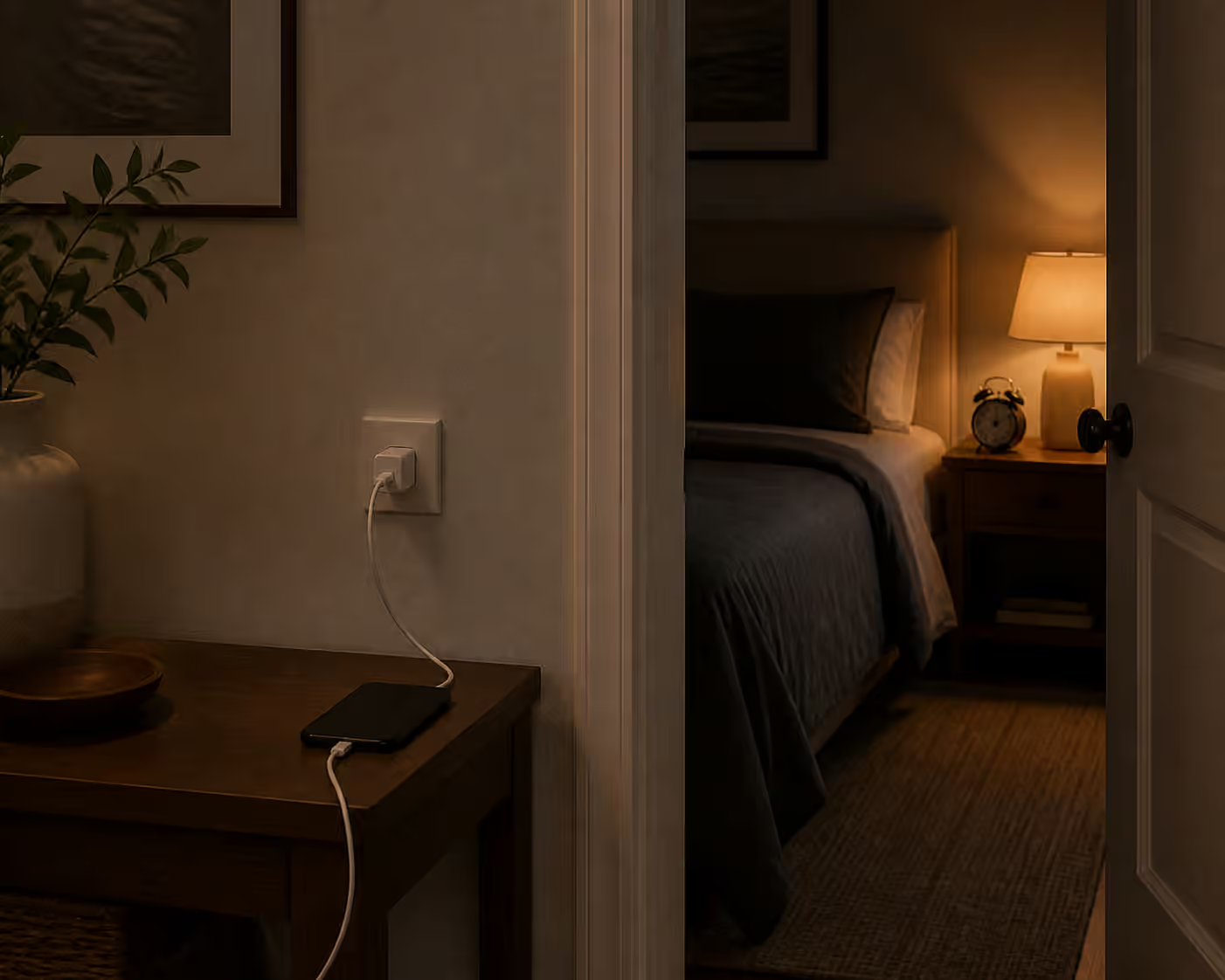
A nightstand can turn into a tiny electronics drawer: phone, watch, earbuds, lamp, alarm, sound machine, charger, cables, books, water, and receipts.
The goal is simple: keep the useful items reachable and make the distracting parts disappear.
Map the nightstand job
Give every object a reason to be there.
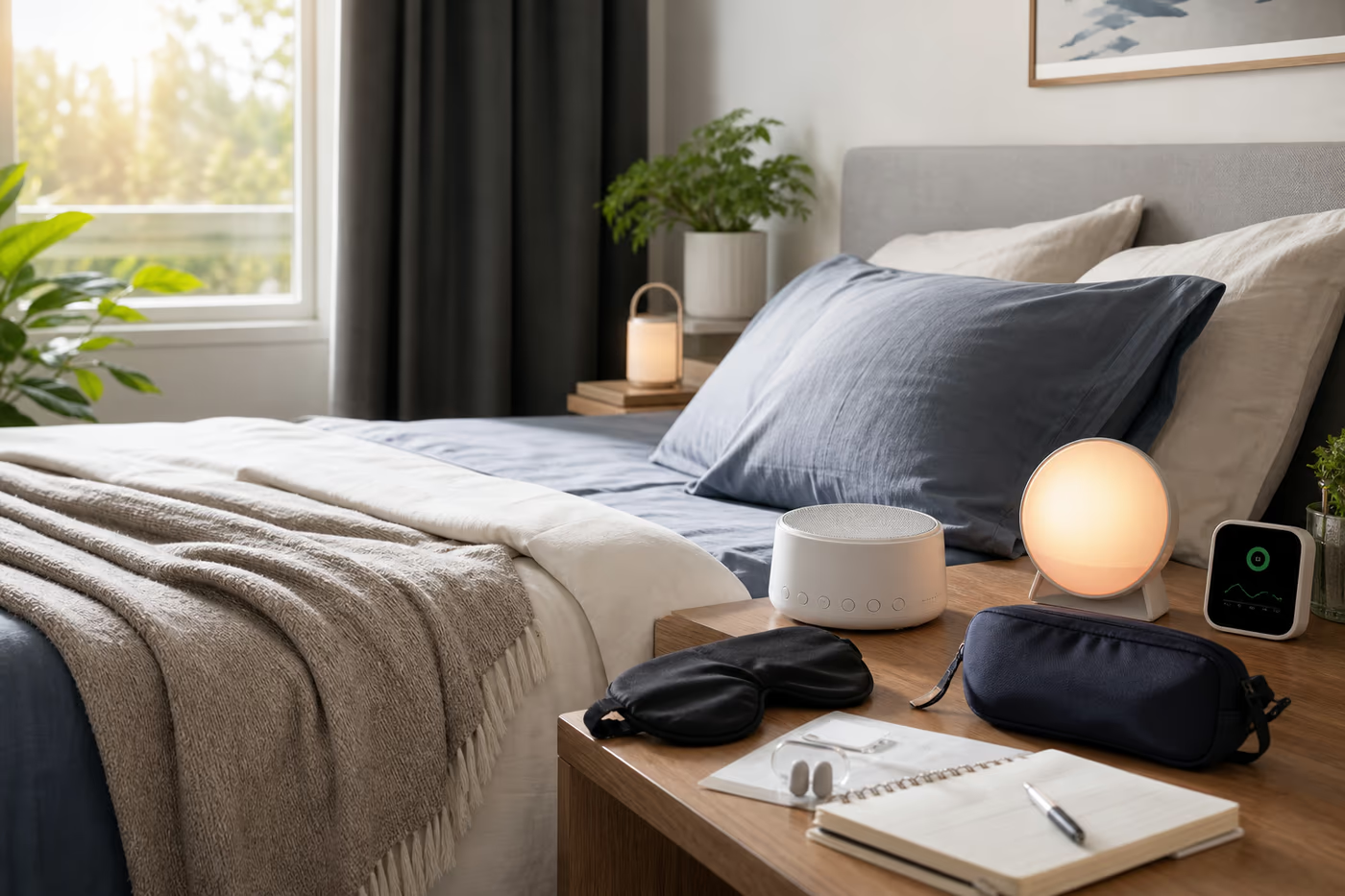
The phone belongs nearby only if it is the alarm, emergency contact, or necessary control. If it mostly invites scrolling or lights up the room, charging it farther away may be the better sleep setup. A watch or tracker belongs on the nightstand only if overnight charging makes sense and the display stays dark. A sound machine should sit where it masks the actual noise, which may be near the door rather than beside the pillow. A lamp earns its place when it supports reading or a safe path. Water belongs in a stable bottle, especially around electronics.
What to fix
Most nightstand problems are small frictions repeated nightly. Cable slack falls onto the floor. Bright charging LEDs aim at the bed. A phone screen faces up and wakes the room. Devices stack under a water cup. Charger blocks fight for one outlet. Alarm controls hide behind books, remotes, or a sound machine.
Buying order
Start with organization before new electronics.
Remove devices that do not need to live beside the bed. Give the main charger a fixed path with one clip or channel. Replace bright or noisy chargers only if placement, tape, or cable routing cannot solve the problem. Consider a compact charging station only when it removes multiple loose bricks without adding glare. Use a tray or drawer divider for earplugs, a mask, a watch band, or a remote, but keep it small enough that it cannot become another junk drawer.
Decide what gets to stay
The nightstand is not general storage. It is a launchpad for the last ten minutes of the night and the first ten minutes of the morning. If an item does not help either moment, move it somewhere else. That single rule makes cable decisions easier. One charger can have a permanent path. One light can be aimed well. One tray can hold small sleep items. When everything is allowed to stay, every object competes for reach, power, and attention.
Shopping shortcut
The highest-use purchases here are small: adhesive cable clips for fixed paths and a nightstand charging station only if it removes multiple loose bricks without adding light.
The mistakes to avoid
Do not buy a charging dock that is brighter than the problem it solves. Do not put water above a power strip. Do not route cables where bedding pulls them loose. Do not let the sound machine block the alarm controls. If small objects pile up every night, a nightstand with no closed storage may be asking too much from a single surface.
Good default
Use one fixed charging location and one cable clip. The best cable setup is boring enough that you stop noticing it.
Next step
Make one cable path permanent, then see what still feels annoying after a few nights. The remaining problem will be clearer once the obvious cable drift is gone.
Apply this guide as a decision record
Use Nightstand Charging and Cables: Keep Tech Useful and Quiet to turn a vague household question into a checkable one. Its scope is specific: How to organize nightstand charging, cable routing, device lights, and bedside clutter. Before changing the setup, write down the condition you are trying to change, the constraint that matters most, and the evidence you still lack.
For a first pass through nightstand charging and cables, compare the current state with a relevant baseline and record one observation, measurement, or conversation. Make the smallest reversible change available. Keep the manual, model number, room condition, schedule, or maintenance note beside the decision so a future check does not depend on memory. Keep nightstand, charging, cables in view as separate signals instead of treating them as one verdict.
A useful follow-up asks whether Nightstand Charging and Cables: Keep Tech Useful and Quiet improved the named problem without creating a new one. Check the tradeoff that fits this subject — heat, noise, comfort, water, power, wear, effort, or cost — and describe the result in plain language. If a boundary is safety-critical, stop at the guide’s limit and bring the details to a qualified local professional.
The conclusion for nightstand charging and cables should stay narrow. Record what was observed, which condition made the result possible, what maintenance keeps it dependable, and what would make you revisit the choice. That turns a guidebook into a decision record you can use again rather than a promise to remember.