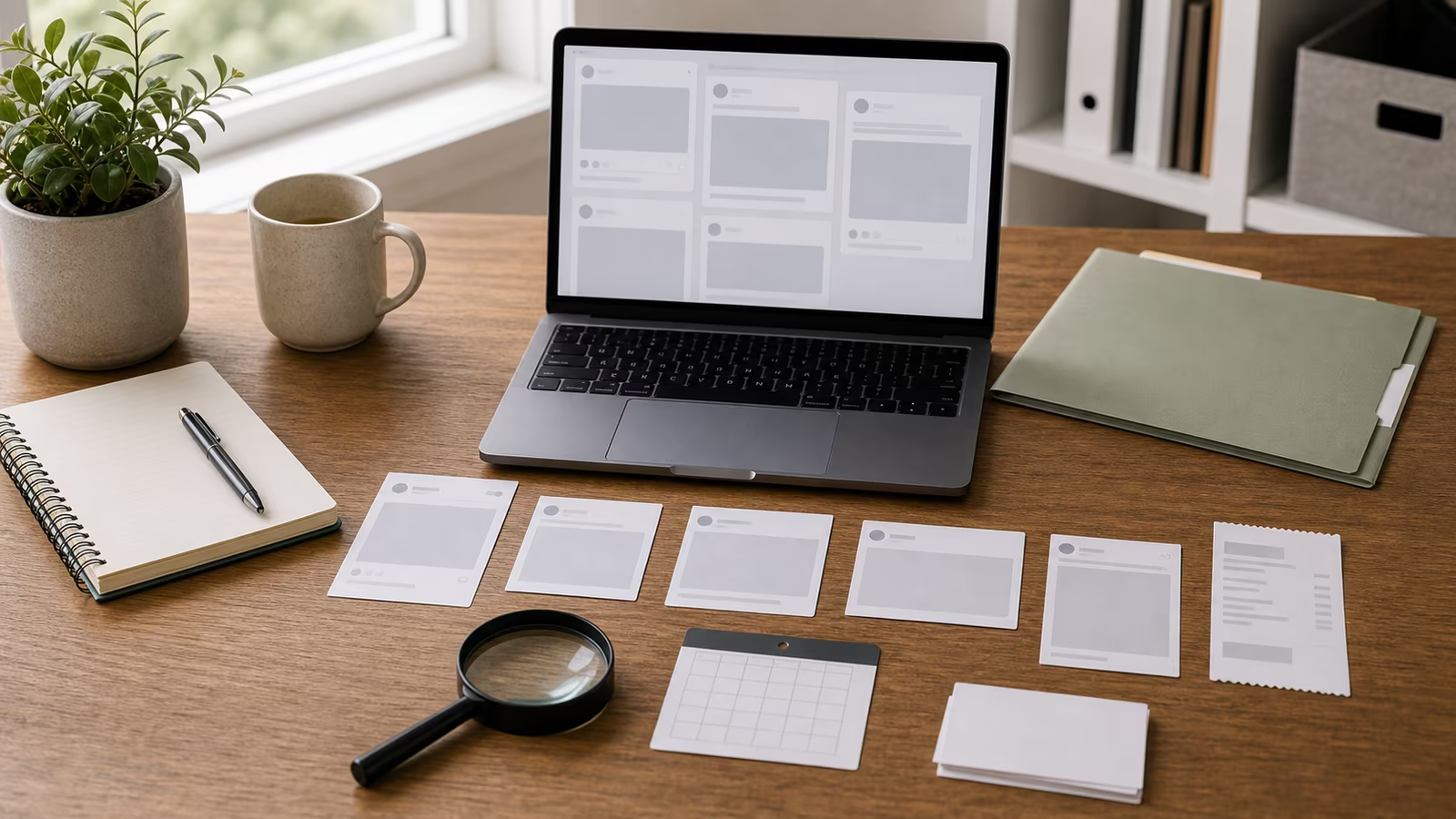
How to check screenshots of posts, chats, receipts, announcements, and claims without assuming they are real or fake. The useful move is not to become suspicious of everything. It is to slow the one decision in front of you, keep the evidence intact, and check the claim through a channel that was not supplied by the pressure message.
The human pattern underneath
Screenshots feel concrete because they look captured, but they are easy to crop, edit, stage, or detach from context. A screenshot of a payment, chat, headline, account page, or identity document may be useful evidence. It is not the same as the original source, a verified account state, or a record inside the platform where the action supposedly happened.
The reader does not need to become suspicious of every message, caller, image, seller, or appeal. The better skill is to notice when a situation is asking for trust faster than it is offering accountable proof. That gap is where most mistakes happen: not because someone is foolish, but because the request arrives wrapped in timing, emotion, and just enough detail to feel familiar.
A calmer way to make the next move
Ask what the screenshot is being asked to prove. If it proves payment, check the account through your own app. If it proves a statement, find the original post. If it proves identity, use a known channel. If it proves a listing, inspect the live listing and seller history. A screenshot should start a verification loop, not end it.
For screenshot verification, a good check should leave you with one of three outcomes. You can continue through a safer route, stop because the claim failed basic verification, or escalate because money, access, identity, threats, minors, intimate material, or legal concerns are involved. The win is not exposing a stranger on the internet. The win is making the next move from steady ground.
Quick facts
| Question | Practical answer |
|---|---|
| Level | Beginner |
| Time | 10 minutes |
| First move | Pause before clicking, paying, reposting, downloading, replying, sharing a code, or keeping a secret. |
| Stronger proof | Use a known channel, official source, original context, and preserved evidence instead of caller ID, screenshots, vibes, or one detector result. |
| Escalate when | Money, credentials, account access, intimate images, minors, threats, impersonation, or legal concerns are involved. |
What this helps you decide
This guide helps you decide whether a screenshot can be tied to an original source, needs uncertainty visible, or should not be shared.
Plain definitions
| Term | Plain meaning |
|---|---|
| Screenshot | A captured image of a screen that can be cropped, edited, staged, or detached from context. |
| Source post | The original post, message, announcement, receipt, or page the screenshot claims to show. |
| Context collapse | When a screenshot loses date, location, thread, account, or edit history. |
The practical workflow
| Step | What to do |
|---|---|
| Look for the original | Search exact phrases, usernames, dates, and official channels when safe. |
| Check the frame | Ask what is cropped out: timestamp, URL, replies, account name, or transaction details. |
| Compare channels | Look at official sites, verified pages, saved apps, and known contacts. |
| Keep uncertainty | Say what you know and what you could not verify. |
A grounded example
A buyer sends a screenshot that appears to show payment. The seller is told to ship immediately because the money is “processing.” The check is not whether the screenshot looks polished. The check is whether the money appears in the seller’s own account through the official app or site. The same rule applies to screenshots of headlines, chats, receipts, and IDs. A screenshot may be a useful clue, but it should not outrank the original place where the fact should exist.
Keep the decision reversible
The safest verification move is usually small, private, and reversible. Do not escalate the drama just to feel decisive. Save the message, close the pressure path, open the account or contact through a route you already trust, and ask one narrow question: what would I see if this were real? That habit protects money, accounts, relationships, and reputation because it avoids the two common overreactions: obeying too quickly or publicly accusing too quickly.
A good check also protects the future version of you who may need records. Keep links, handles, screenshots, times, payment details, and platform names in one private note. Do not send more codes, documents, deposits, or intimate material while the claim is unresolved. If the issue turns out to be legitimate, you can continue from a cleaner channel. If it fails verification, you have stopped without making a larger mess.
Common mistakes
- Believing a screenshot because it looks clean.
- Dismissing a screenshot because one visual detail feels off.
- Forwarding cropped receipts with private information visible.
- Treating an image of a post as equal to the post itself.
Try this next
- Use verification notes before reporting.
- Use community rumor verification for group-chat claims.
- Use viral claim check before reposting.
- Keep the next guide handy: Deepfake Video Call Red Flags Without Overconfidence .
- If you arrived here after another check, compare it with Reverse Image Search: A Practical Verification Workflow .
Related Fondsites path
Safety and source check
Do not use this guide to confront suspects, collect more dangerous material, or test whether you can trick someone back. Keep records private, use official support paths, and involve a trusted person when money, credentials, intimate images, minors, threats, or legal issues are involved.