How to use reverse image search to find older uses, alternate captions, reused photos, and original context. The useful move is not to become suspicious of everything. It is to slow the one decision in front of you, keep the evidence intact, and check the claim through a channel that was not supplied by the pressure message.
The human pattern underneath
Reverse image search is not a magic fake detector. It is a memory tool for the web. It can show that a photo is older than the caption, belongs to another country, was copied from a product page, or appears in a stock library. It can also miss new images, cropped versions, private posts, or images that have been changed enough to avoid matching.
The reader does not need to become suspicious of every message, caller, image, seller, or appeal. The better skill is to notice when a situation is asking for trust faster than it is offering accountable proof. That gap is where most mistakes happen: not because someone is foolish, but because the request arrives wrapped in timing, emotion, and just enough detail to feel familiar.
A calmer way to make the next move
Use it to ask better questions. Where else has this image appeared? What was the old caption? Does the same item appear with a different seller? Is the dramatic news photo from another event? If results are thin, that does not prove the image is real. It only means this tool did not find the trail. Pair it with source checking and known-channel verification.
For reverse image search, a good check should leave you with one of three outcomes. You can continue through a safer route, stop because the claim failed basic verification, or escalate because money, access, identity, threats, minors, intimate material, or legal concerns are involved. The win is not exposing a stranger on the internet. The win is making the next move from steady ground.
Quick facts
| Question | Practical answer |
|---|---|
| Level | Beginner |
| Time | 10 minutes |
| First move | Pause before clicking, paying, reposting, downloading, replying, sharing a code, or keeping a secret. |
| Stronger proof | Use a known channel, official source, original context, and preserved evidence instead of caller ID, screenshots, vibes, or one detector result. |
| Escalate when | Money, credentials, account access, intimate images, minors, threats, impersonation, or legal concerns are involved. |
What this helps you decide
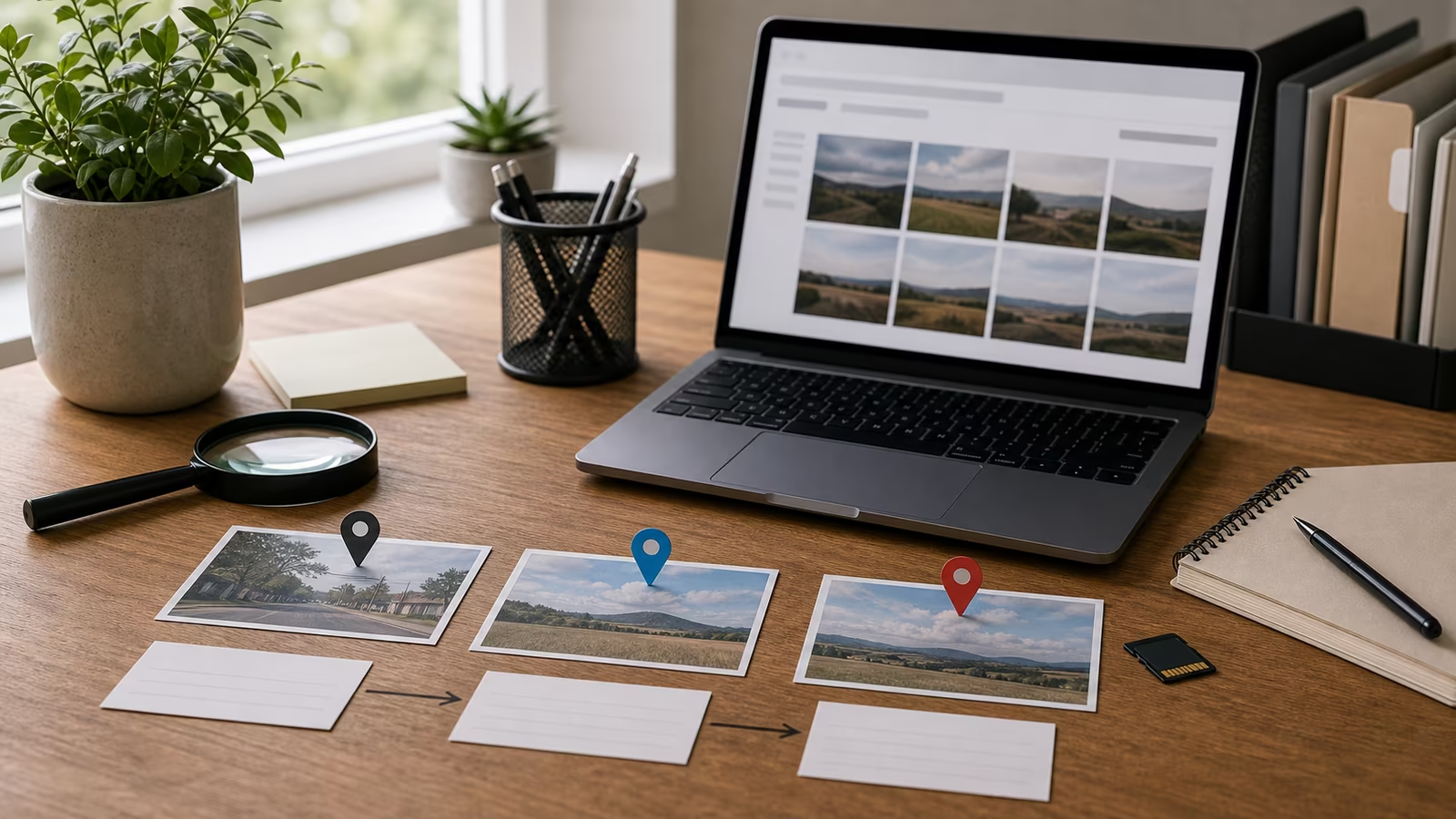
This guide helps you decide whether an image is old, reused, cropped, mirrored, taken from another event, or still unresolved.
Plain definitions
| Term | Plain meaning |
|---|---|
| Reverse image search | Searching with an image instead of words to find visually similar copies. |
| Original context | The earliest reliable source, caption, location, and date you can find. |
| Crop search | Searching a smaller part of an image to find a source when the full image fails. |
The practical workflow
| Step | What to do |
|---|---|
| Save the image | Use the clearest version available without reposting it. |
| Search the whole image | Look for older uses and matching layouts. |
| Try crops | Search faces only if appropriate, objects, landmarks, signs, or unique backgrounds. |
| Compare captions | Check whether different sources describe the same image differently. |
A grounded example
A rental listing uses a beautiful apartment photo at a price below the neighborhood average. Reverse image search finds the same kitchen on a real estate site from two years ago in another city. That does not require an argument with the seller. It gives you the next move: do not send a deposit, keep the evidence, and use a safer rental process. When search finds older context, the point is not to become a detective. The point is to keep your money out of a story that no longer fits.
Keep the decision reversible
The safest verification move is usually small, private, and reversible. Do not escalate the drama just to feel decisive. Save the message, close the pressure path, open the account or contact through a route you already trust, and ask one narrow question: what would I see if this were real? That habit protects money, accounts, relationships, and reputation because it avoids the two common overreactions: obeying too quickly or publicly accusing too quickly.
A good check also protects the future version of you who may need records. Keep links, handles, screenshots, times, payment details, and platform names in one private note. Do not send more codes, documents, deposits, or intimate material while the claim is unresolved. If the issue turns out to be legitimate, you can continue from a cleaner channel. If it fails verification, you have stopped without making a larger mess.
Common mistakes
- Stopping at the first match instead of checking date and source.
- Assuming no match means the image is new or real.
- Ignoring mirrors, crops, overlays, and screenshots of screenshots.
- Sharing the image while asking whether it is fake.
Try this next
- Use screenshot verification for posts and chats.
- Use viral claim check for breaking-news claims.
- Use Content Credentials when the image has provenance metadata.
- Keep the next guide handy: Screenshot Verification: Crops, Receipts, Context, and Fake Posts .
- If you arrived here after another check, compare it with AI Image Detection: What Tools Can and Cannot Tell You .
Related Fondsites path
Safety and source check
Do not use this guide to confront suspects, collect more dangerous material, or test whether you can trick someone back. Keep records private, use official support paths, and involve a trusted person when money, credentials, intimate images, minors, threats, or legal issues are involved.