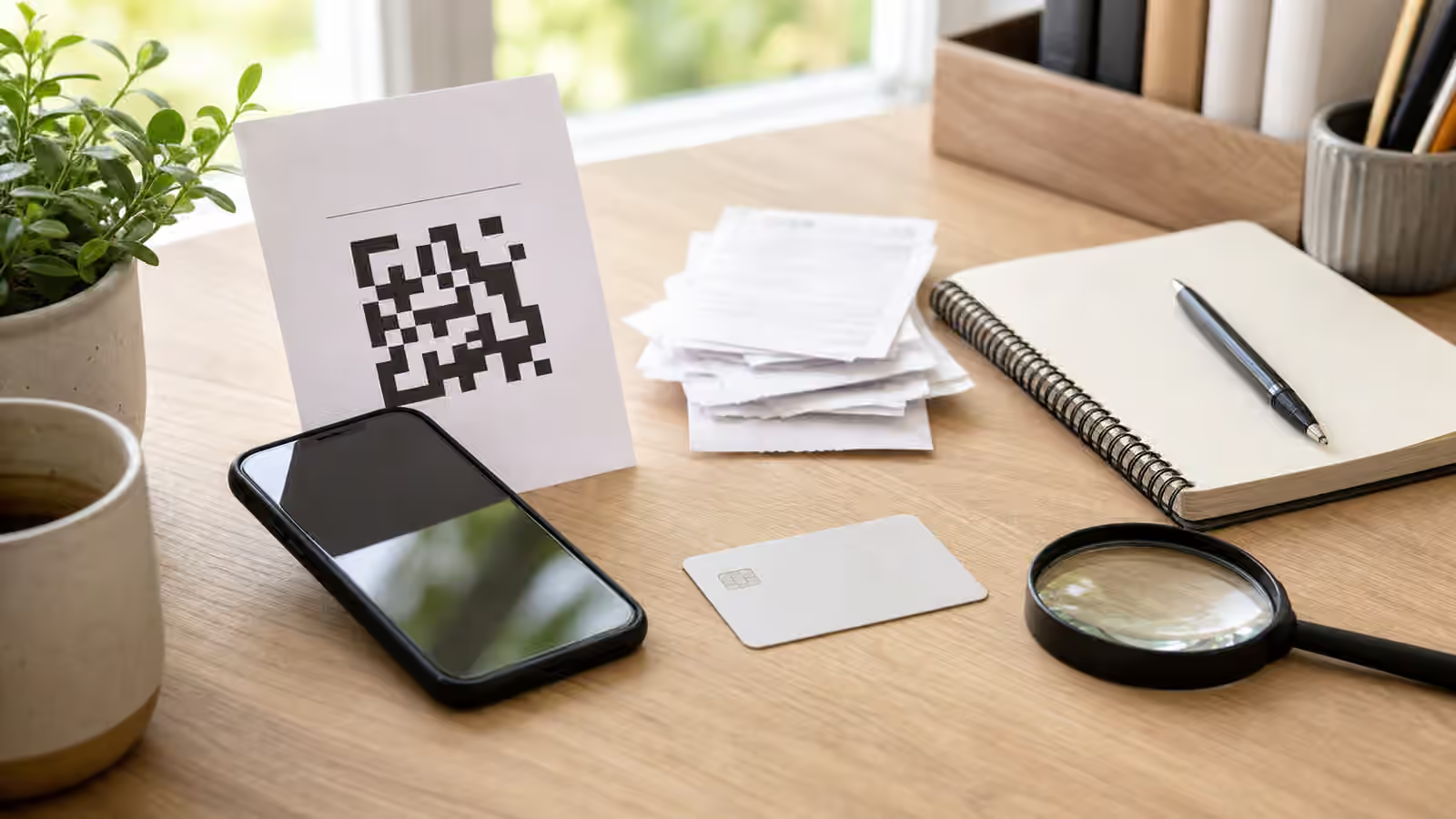
QR codes feel practical because they remove friction. A camera sees a square, the phone offers a link, and a task that used to require typing becomes one tap away. That is useful at a parking meter, a restaurant table, a conference booth, a charity table, a school fundraiser, a package notice, a clinic intake form, or a small business invoice. The same convenience also hides the part of the decision that usually gives you time to think. You may not see the destination until the phone is already asking whether to open it, and the physical object around the code can make the link feel more trustworthy than it has earned.
Why the square feels safer than the link
A QR code borrows trust from the place where you found it. If the square is printed on a laminated sign, taped to a counter, pasted on a meter, included in an email attachment, or posted in a community group, your eye often reads the surrounding setting before your phone reads the destination. That surrounding context may be legitimate, but it is not proof. A code can be replaced by a sticker. A printed handout can be copied. A screenshot of a poster can circulate after the original event has ended. A short payment link can be wrapped inside a neat black-and-white square that tells you nothing about the actual site until you ask.
The goal is not to treat every code as hostile. It is to keep the code from setting the pace. A legitimate organization can usually survive a slower scan, a staff question, a domain check, or a manual visit through an official app or website. A bad request often depends on the opposite: you are in a line, the meter is beeping, the fundraiser feels urgent, the delivery notice says a fee is due, or the invoice says payment is late. When the situation makes you feel rude or late for checking, that pressure is part of the evidence.
Start with the physical story
Before opening the destination, ask whether the physical story makes sense. A code on a permanent sign should look like it belongs there, not like a last-minute sticker placed over another code or taped beside official instructions. A code on a bill, receipt, or invoice should match the organization you already expected to hear from, not arrive as a surprise demand through a different channel. A code at a table, booth, counter, or event should have a person or official page that can explain what it does without asking you to trust the square first.
Public spaces deserve extra patience because they are easy to edit without touching the official system behind them. A parking sign, lobby notice, classroom flyer, charity poster, mailroom announcement, shared laundry room sheet, or community board can look familiar even when one small element has changed. If the code is asking for money, credentials, personal documents, remote access, or account recovery information, move away from the printed path. Use the official app, a saved bookmark, a number from an existing statement, a staffed counter, or a website you type yourself. That is the same habit behind the known-channel callback : the route you choose independently is stronger than the route supplied by the pressure moment.
Physical context can also be too vague to verify. A flyer that says to scan for a prize, refund, missed package, unpaid toll, parking discount, donation page, school payment, or event ticket may be imitating a real situation without being connected to it. The more generic the notice, the more it should be checked through a source that existed before the notice appeared. A real city service, venue, charity, school, landlord, employer, platform, or vendor should have another way to reach the same destination.
Read the destination before you continue
Most phones show a preview of the address before opening a QR code. That preview is worth reading slowly. Look for the actual registered domain, not the decorative words around it. A long address can include familiar words in the path while the real domain belongs to someone else. A shortened link can hide the final destination. A link that begins with HTTPS can still lead to a dishonest page. The phishing links guide covers domain reading in more detail, but the QR version has one extra trap: the code itself feels like the interface, so people skip the domain check they might have done in an email.
If the phone preview is too short, unclear, or hidden behind a scanner app that immediately opens the page, do not reward that design with trust. Use a scanner or camera flow that lets you see the destination first, or avoid the code and reach the service another way. When the request involves a payment, account login, document upload, software download, or identity check, the safer move is often not to inspect harder. It is to open the official app or site independently and see whether the same task appears there.
QR codes in messages deserve the same suspicion as other links. A code inside an email attachment, PDF invoice, text message, direct message, or social post may be trying to bypass link filters or make the destination harder to inspect. If a bank, utility, school, delivery company, employer, marketplace, or payment service supposedly needs action, start from the account or contact path you already trust. The code is only a pointer. It is not identity proof.
Payment links need a second pause
Payment links are risky because they combine destination uncertainty with financial momentum. A page may ask for a small fee, a donation, a deposit, a reservation charge, a parking payment, a replacement invoice, a ticket transfer, or a shipping correction. The amount may be small enough that arguing with it feels inefficient. That is part of why the pause matters. A small payment can expose card details, open an account-login page, confirm that your phone number or email is active, or lead to a larger follow-up request.
The useful question is not only “Can I afford this?” It is “Does this payment route match the relationship?” If a parking operator has an official app posted on permanent signage, use that route instead of a loose sticker. If a charity is collecting donations, look for the organization through its established site or a trusted donation platform rather than a code on a forwarded image. If a school, landlord, vendor, clinic, club, or event organizer asks for payment, check the request through a known contact or account portal. If a small business receives a QR-based invoice or bank-detail change, the workflow belongs with the small business invoice and vendor impersonation checks , not with a quick scan from a busy inbox.
Payment method also changes the risk. Some methods are easier to dispute or reverse than others, and some are designed to move funds quickly between people. This guide is not financial advice, and the exact recovery path depends on the provider and situation. The practical rule is simpler: do not let a code choose a high-risk payment path for you. If a request pushes you away from normal checkout, asks you to avoid the platform, demands a code or gift card, or says the offer disappears unless you pay through that exact link, leave the scan and verify through a route that can be accountable.
Printed notices can outlive their purpose
A code may have been legitimate when it was printed and confusing later. An old event flyer can stay on a wall after registration closes. A menu code can point to a service the restaurant no longer uses. A building notice can be copied into a group chat without the update that replaced it. A fundraiser image can be reposted without the original organizer’s context. A delivery or parking notice can be photographed and forwarded until nobody knows where it came from. The problem is not always malicious replacement; sometimes the code is simply separated from the authority that made it useful.
This is why original context matters. If a code is tied to a place, ask the place. If it is tied to an account, open the account. If it is tied to a person, contact the person through a route you already had. If it is tied to a public claim, look for the original source rather than the shared image. That same habit appears in the screenshot verification and verification notes guides: the artifact in front of you is evidence, but it is not the whole situation.
For families, schools, congregations, clubs, and small workplaces, a simple publishing habit helps. When you post a QR code for payment, forms, tickets, or registration, make sure the same destination is reachable from an official page or named contact. That gives people a way to verify without embarrassing themselves or interrupting the event. It also makes suspicious copies easier to reject. A good verification culture does not shame people for asking where a code goes. It makes the answer ordinary.
If you already scanned, logged in, or paid
If you scanned a code and then became uneasy, stop using that page. Do not keep entering information to see what happens. Save the destination address if you can do so safely, take a private screenshot if it does not expose sensitive material, and write down where the code appeared. If you typed a password, one-time code, recovery phrase, payment number, identity document, or account details, move into account or payment recovery through a device and route you trust. The shared code, password, or account access guide is the better next step for credentials, and what to do if you sent money to a scammer is the better next step if funds moved.
Keep the evidence private and organized. A useful note says where the code was found, what the preview showed, what page opened, what was requested, what you entered, what payment method was used, and when it happened. That is more helpful than posting the code publicly and asking strangers to scan it. Public posts can spread a harmful destination, reveal personal details, or invite recovery scammers who claim they can fix the problem for a fee.
A slower scan is still convenient
QR codes and payment links are not going away because they solve real problems. The safer habit is not to abandon them. It is to make scanning a two-step action instead of one reflex. First, read the physical and social context. Then read the destination and decide whether the code deserves to be the route. If the code asks for attention but not trust, it can be useful. If it asks for money, credentials, documents, downloads, remote access, secrecy, or urgent action, slow down and use a route that existed before the square appeared.
That small delay protects the convenience rather than ruining it. A real payment page, form, menu, event registration, donation campaign, or account notice should be able to meet you through an official path. A false one often needs the square to feel like a shortcut you are not allowed to question. Scan slowly, verify the route, and let the code be a doorway only after the door belongs where it says it does.