An unexpected login approval is not a question you should answer from surprise. It may be a harmless sync, a device you recognize, a session you just started, or a sign that someone else is trying to enter your account. The useful habit is to treat every unrequested approval prompt as a stop sign until you can connect it to an action you personally began.
The prompt is not proof of who is asking
Multifactor authentication is useful because it adds a second step, but the prompt itself can still be misused. If someone knows or guesses your password, they may trigger repeated approval requests and hope you tap yes just to stop the noise. If someone is on the phone pretending to be support, they may tell you that approving the prompt is necessary to cancel fraud, verify identity, or restore service. The prompt feels official because it comes from a real app, but the meaning depends on whether you started the login.
The first question should be plain: did I just try to sign in to this account from this device, browser, app, or location? If the answer is no, do not approve. If the answer is maybe, still do not approve until you check from a safer route. You can open the account through a bookmark or trusted app, review active sessions, and change the password if needed. You do not need to solve every detail before refusing an unrequested prompt.
Do not negotiate with the notification
Attackers benefit when a notification becomes a conversation. The prompt appears, a caller or message explains it, and your attention shifts from the account to the person narrating the emergency. That is how a security step turns into social pressure. The caller may say they are from the bank, employer, school, marketplace, delivery company, or platform. They may know your name, email address, or part of a recent transaction. None of that makes an approval safe.
Use the habit from Known-Channel Callback: The Simplest Scam Filter . End the pressure route. Open the account or contact the organization through a path you already trusted before the call or message. If a real support team needs action, the need should survive a callback through official channels. If the whole story depends on approving a prompt while the caller stays on the line, the story is asking for account access, not verification.
Codes and approvals are both sensitive
Many people know not to read out a one-time code, but they treat push approvals as less sensitive because no number changes hands. In practice, approving a login can be as consequential as sharing a code. It may give a stranger a session inside your account. It may allow a password reset, a payment change, a message to your contacts, or access to stored documents. Treat the approve button like a credential.
This guide pairs naturally with What To Do If You Shared a Code, Password, or Account Access . If you approved a prompt and then realized it was not yours, act as though access may have been granted. Use a trusted device, change the password, review sessions, revoke unknown devices, check recovery email and phone settings, and contact the service through official routes. The exact steps vary by service, but the principle is stable: regain control from inside a known channel, not through the person who pressured you.
Make the prompt less ambiguous
Good account hygiene makes future prompts easier to judge. Give your devices recognizable names when the service allows it. Remove old phones, browsers, and computers from trusted-device lists. Review recovery email and phone numbers. Use a password manager so a fake sign-in page is less likely to receive your password. Consider stronger authentication methods for accounts that protect money, identity, work, or family communication.
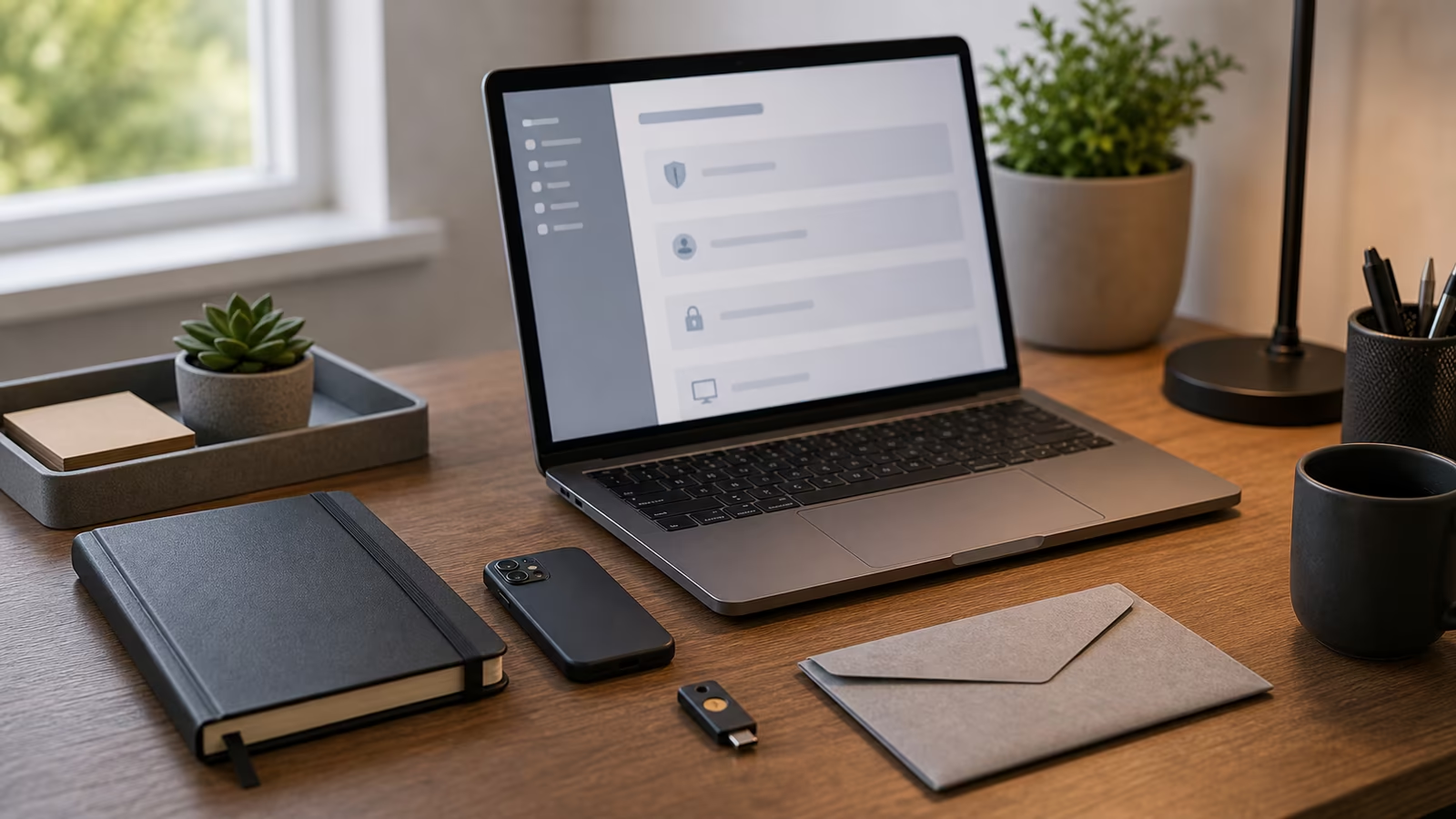
The Verification Kit: Password Managers, Passkeys, Security Keys, and Records explains these tools in a broader way. The point here is narrower: reduce the number of mystery prompts. If every device is named “iPhone” and every old session remains trusted, you will have a harder time deciding what is yours. A little cleanup turns the next prompt from a guessing game into a clearer signal.
Watch the fatigue pattern
Repeated prompts can wear people down. A phone buzzes during dinner, work, travel, or sleep. The prompt comes again. A message arrives saying the alerts will stop if you approve. That is not a reason to approve; it is a reason to secure the account. Repetition suggests that someone may have a password, a session, or enough information to keep trying.
When prompts repeat, change the password from a trusted route and make sure the new password is unique. Review account activity if the service offers it. Revoke unknown sessions. If the account is connected to work or school, tell the proper internal support channel instead of trying to handle it privately. If the account controls money, email, cloud files, or identity records, do not wait for perfect certainty before taking basic protective steps.
When a real login causes doubt
Sometimes the prompt is yours, but the details look odd. Travel, a VPN, a new browser, a company network, or a mobile carrier can make location or device information confusing. That is why the test should not rely only on geography. Ask whether you personally started a sign-in at that moment and whether the service, device, and route fit what you did. If you are unsure, cancel and start again from a clean known route.
Canceling a real prompt is usually less costly than approving a false one. You can sign in again. You can use a backup method. You can contact support through official channels. The extra minute may be annoying, but it keeps the approval tied to your own action rather than to a notification you do not understand.
Keep recovery routes private
After a suspicious prompt, you may receive messages offering help. Some may claim to be support, fraud prevention, or recovery specialists. Be careful. People who just failed to get into an account may pivot to asking for codes, screen sharing, identity documents, or payment for recovery. The recovery path should go through the service itself, your workplace help desk, your school support office, your bank, or another known organization.
Preserve the timing of prompts, caller numbers, messages, and any account alerts in a private note. If you need to report the incident, a short factual timeline helps. Do not post screenshots that reveal email addresses, phone numbers, device identifiers, recovery details, or partial codes. Verification is not performance. It is a way to keep control of the account.
The calmer test
A login approval should answer a request you initiated. If it appears without your action, deny it or let it expire. If someone pressures you to approve it, leave that conversation and verify through a known channel. If prompts repeat, secure the account instead of trying to make the notifications stop by cooperating.
The approve button is powerful because it is simple. That simplicity helps when you are signing in. It hurts when someone else is trying to make you hurry. The calm rule is enough for most situations: no prompt gets approved unless you can connect it to your own login, on your own route, at that moment.