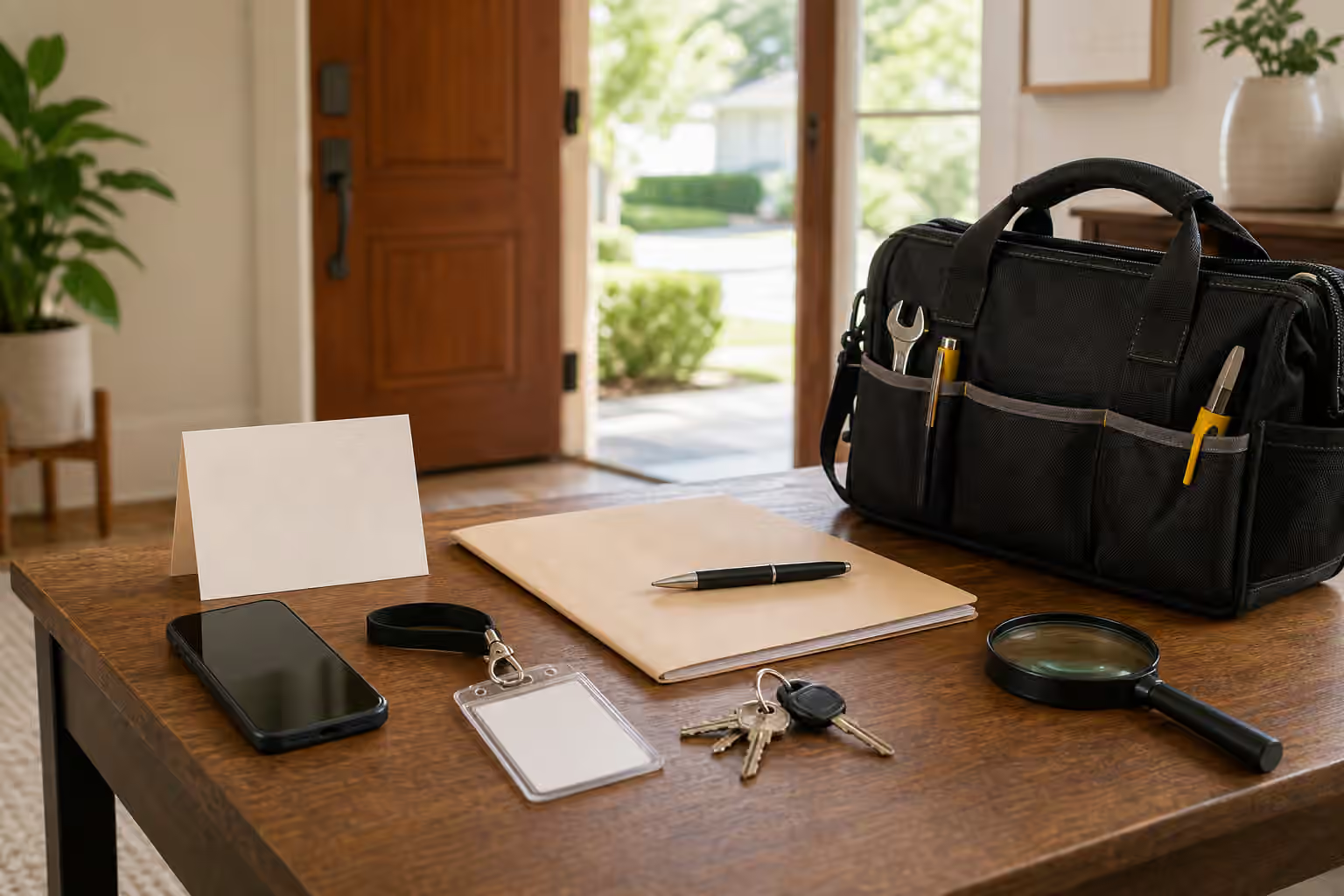
Doorstep and home-service requests blend digital pressure with physical presence. A text says a technician is arriving. A caller says a meter must be inspected. A person at the door claims to be from a utility, internet provider, delivery service, building office, warranty company, or contractor. A message says a repair slot will be lost unless you confirm now. The request may not feel like an online scam because it involves a real door, a real appointment, or a real-looking tool bag. That is why the verification route matters.
A Badge Is Not the Same as a Verified Route
Uniforms, badges, clipboards, vans, and confident language can make a visit feel official. So can a text with a tracking-style link or an automated voice call. None of those details is proof by itself. A legitimate worker may have some of them, and an impostor may imitate some of them. The useful question is not whether the visitor looks plausible. It is whether the visit can be confirmed through a route that you choose independently.
Many homes have normal service visits. Utilities inspect equipment. Internet providers send technicians. Property managers schedule repairs. Contractors return for follow-up work. Delivery companies ask about access. Local rules and building policies vary, so this guide does not try to define what every visitor is allowed to do. It focuses on the verification move: step away from the supplied contact path and check the appointment through a known number, portal, building office, lease contact, service account, or company route.
This is close to Contractor, Solar, Battery, and Home Rebate Scam Checks , but the doorstep version is more immediate. A person may be waiting outside. A phone may be ringing. A message may say access is needed now. The presence creates pressure. A calm rule keeps the decision from being made at the threshold.
Confirm Before You Open the Interaction Further
If a visit is unexpected, do not let the visitor define the verification process. You can keep the door closed, end the call, or pause the chat while you contact the company or property contact through a number you already trust. If the visitor provides a supervisor number, invoice link, QR code, or badge photo, treat that as information to verify, not as the verification route itself. A false setup can provide false confirmation.
For planned visits, compare the details with your own record. Does the time match the appointment you made? Does the company match the account or contractor you contacted? Is the task specific? Did you receive confirmation through the usual portal or contact? A mismatch does not prove fraud, but it does mean the visit should slow down. Real providers can usually tolerate a short confirmation call. A visitor who becomes angry, rushed, or private when you verify is giving you useful information.
Be especially cautious when the visit turns into a payment or access request. A technician may say an unpaid balance must be settled at the door. A caller may ask you to scan a QR code before the worker can begin. A delivery message may request a redelivery fee. A repair person may ask for a deposit in a personal payment app. A utility impostor may say service will be shut off unless you pay immediately. Those payment shifts belong with QR Code and Payment Link Checks and Payment App and Bank Transfer Request Verification , even though the setting is your home.
Watch the Story Around Access
Access is not only about opening a door. It can include letting someone into a garage, meter room, roof, building hallway, account portal, router settings, phone screen, smart-home app, or remote support session. A service story may ask for a code, Wi-Fi password, one-time login approval, account reset, copy of an ID, landlord contact, or photo of equipment. Some access is normal for a legitimate job, but the request should match a verified appointment and a clear task.
Remote access deserves particular caution. A home service call can shift from a visit to a screen-share, app install, router login, or account credential request. If that begins from an unsolicited message, search result, pop-up, or surprise call, compare it with Fake Customer Support Checks . A legitimate service provider may use digital tools, but control of your account or device should not be granted to a route you have not independently verified.
Documents need the same treatment. A property notice, warranty form, insurance claim, inspection report, or service agreement can be edited or attached to a false route. Before signing, uploading, or paying, verify the document source through the organization you already know. Document Attachment and E-Signature Verification is the better next step if the pressure depends on an attachment, signature page, or new portal.
Make a Household Verification Rule
Households work better when the rule is set before someone is at the door. Decide which contacts count as known routes for utilities, building management, landlord, homeowners association, internet service, warranty provider, contractor, and emergency maintenance. Keep those contacts in a place accessible to the people who may answer the door. If children, roommates, older relatives, house sitters, or staff may be present, give them a simple script: unexpected visits are verified through the household contact, not through the visitor.
The script should be polite and firm. “I need to confirm this through the office before we continue” is enough. You do not need to debate. You do not need to accuse. You do not need to disclose who is home, when someone will be back, or what accounts you have. If the situation feels unsafe, use local emergency or building security channels rather than trying to investigate the visitor yourself.
Keep private records when a request seems off. Note the time, claimed company, phone number, vehicle description if safely observed, link, payment request, and the route you used to verify. Do not post a public accusation while facts are thin. Share with the actual provider, property contact, platform, or appropriate local channel through routes you trust. The aim is to preserve useful evidence without escalating uncertainty into a public mess.
The Doorstep Pause
The core rule is short: unexpected home-service visits, urgent access requests, changed appointments, and doorstep payments wait until they are confirmed through a known route. That rule protects normal service as much as it blocks false pressure. If the visit is real, the worker can return, wait, or be confirmed. If the visit is false, you have avoided turning a confident knock, text, or badge into access, money, or account control.
The calmest verification habit is also the easiest to explain. The door does not decide. The newest message does not decide. The visitor’s phone number does not decide. Your known route decides.