Document scams are effective because documents feel formal. A PDF, shared file, invoice, contract, statement, school form, court-looking notice, tax-looking page, or e-signature request can make a message feel more accountable than it really is. The file may be harmless, misleading, malicious, or simply attached to a false story. The useful habit is to verify the sender, route, purpose, and next action before the document gets to set the pace.
A document is not a source
The first thing to separate is the document from the authority it claims. A file can use formal spacing, signatures, stamps, icons, reference numbers, and polite language without being connected to the organization named inside it. A signature block can be copied. A logo can be pasted. A PDF can be produced by anyone. An e-signature page can be part of a legitimate workflow or a wrapper around a false request. The question is not whether the file looks serious. The question is whether the request appears through a route that can be trusted independently.
That distinction matters because people often inspect the attachment while forgetting the channel. If the message arrived from a new address, a personal account, a text link, a social message, a search-result support page, or a surprising file-sharing notification, the channel is part of the claim. The phishing links guide helps with domains and link previews, but document verification needs one more step: confirm that the real organization, person, or account expected this exact document interaction.
Open the known route before the attached route
When a document claims to come from a bank, school, employer, platform, clinic, landlord, court, charity, insurer, delivery company, or vendor, start from a known route. Use the official portal, saved bookmark, number on an existing statement, contact in your address book, prior email thread, employer directory, school portal, or in-person channel. Do not use the phone number, login button, or reply address inside the suspicious message as the only way to confirm it. That is the same principle behind known-channel callback : a supplied route cannot prove itself.
This does not mean every unexpected attachment is fake. Work, school, home repairs, travel, health care, benefits, and purchases all generate paperwork. The pause simply moves the decision to a place where the document can be checked against a source of record. If the account portal shows the same bill, task, form, claim, ticket, or signature request, continue there. If the document exists only in a message that is pressuring you, treat the attachment as unverified no matter how polished it looks.
E-signature requests deserve a purpose check
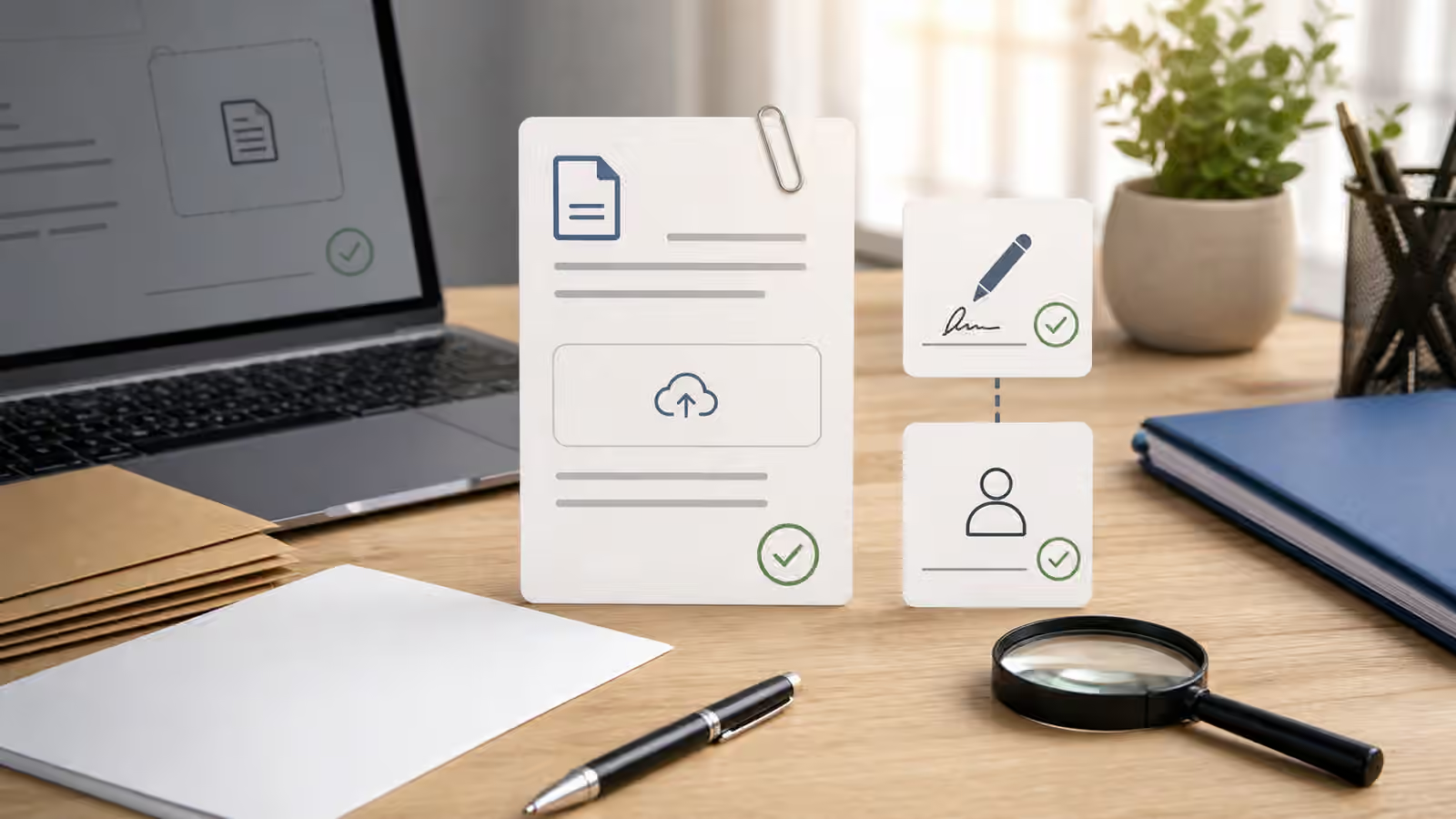
E-signature platforms are normal in many settings, which makes impersonation easier to miss. A real signature request should make sense in context. You should recognize the relationship, the document purpose, the timing, and the route. If a signature request appears after a vague call, unexpected invoice, rushed job offer, rental deposit, vendor change, scholarship award, refund promise, or customer support conversation, slow down before opening or signing. The signature page may be real software serving a false process.
Ask what the signature would authorize. A harmless-looking acknowledgement may authorize payment, consent to terms, release of information, identity verification, bank changes, employment onboarding, lease terms, settlement terms, or account recovery. This guide is not legal advice, and the meaning of a document can depend on the situation. The practical verification point is simpler: do not sign because the page feels official. Confirm the sender and purpose through a channel outside the message, then read the document in the context of that confirmed relationship.
Attachments can hide payment and access requests
Many attachment scams are not about the file itself. The file is a stage prop for the next action. It may ask you to log in to view a shared document, pay an invoice, scan a QR code, update payroll, download a viewer, enable a feature, upload identity documents, approve a refund, or call a phone number. Once the document has created a formal mood, the requested action can feel routine. That is the moment to separate content from route again.
If the document asks for payment, compare the request with payment app and bank transfer verification and any existing invoice, contract, portal, or known billing path. If it asks for identity documents or selfies, use the caution in ID document, selfie, and verification upload requests . If it asks for a code, password, or reset link, stop and move to shared code, password, or account access . Documents often look like paperwork while quietly becoming account access.
Look for mismatches without becoming a detective
Some clues are worth noticing, but none should become your whole verification method. A mismatched sender domain, odd reply-to address, unexpected file name, generic greeting, strange timing, unusual payment path, poor fit with prior conversations, or pressure to keep the matter private can all matter. So can a document that names an organization but sends you to a personal payment account, a form that asks for too much information, or an e-signature request that arrives before any real relationship exists.
At the same time, do not rely on typo hunting alone. Well-made false documents can look clean, and real documents can contain boring formatting mistakes. The stronger test is source consistency. Does the claim appear where it should appear if it were real? Does the sender match a route you already trust? Does the requested action match the normal process? Can a known person or official account confirm it without using the message’s own links? If those questions fail, the document does not get safer because the margins are neat.
Preserve evidence before experimenting
If a document feels wrong, avoid poking at it just to satisfy curiosity. Do not enable macros, install viewers, call numbers inside the file, log in through embedded links, scan embedded codes, or upload additional documents to see what happens. Save the message headers if you know how, the sender address, file name, visible link destinations, screenshots that do not expose sensitive contents, and any requested payment or account details. Keep that material private. The verification notes guide offers a cleaner way to record what happened without creating a public pile of personal information.
If the attachment appears to involve malware, workplace systems, a school account, a medical account, a legal matter, tax forms, identity documents, or money movement, use the relevant official support path quickly. For a workplace, that may mean forwarding to the internal security or help desk process rather than asking coworkers to inspect it casually. For a personal account, it may mean checking the portal, changing exposed credentials through a clean route, or contacting the provider. The right path depends on the stakes; the common thread is that the suspicious document should not supply the only doorway.
A calmer document routine
A good document routine is almost boring. Notice the request, preserve the message, step outside the supplied route, confirm the relationship, confirm the purpose, then decide whether to open, sign, pay, upload, report, or ignore. When a real document is waiting, that routine makes the next action cleaner. When a false document is pushing, the routine removes its power to rush you.
Documents deserve respect, but not obedience. A file can be formal and still be false. An e-signature page can be real software and still be attached to a bad story. A shared document can come from a familiar name and still be sent from a compromised account. Let the document be one piece of evidence, not the authority for the whole decision. The route, source, purpose, and requested action all need to line up before the file gets your signature, payment, login, or personal documents.