How to handle strange video calls, urgent requests, and possible synthetic faces while avoiding false certainty. The useful move is not to become suspicious of everything. It is to slow the one decision in front of you, keep the evidence intact, and check the claim through a channel that was not supplied by the pressure message.
The human pattern underneath
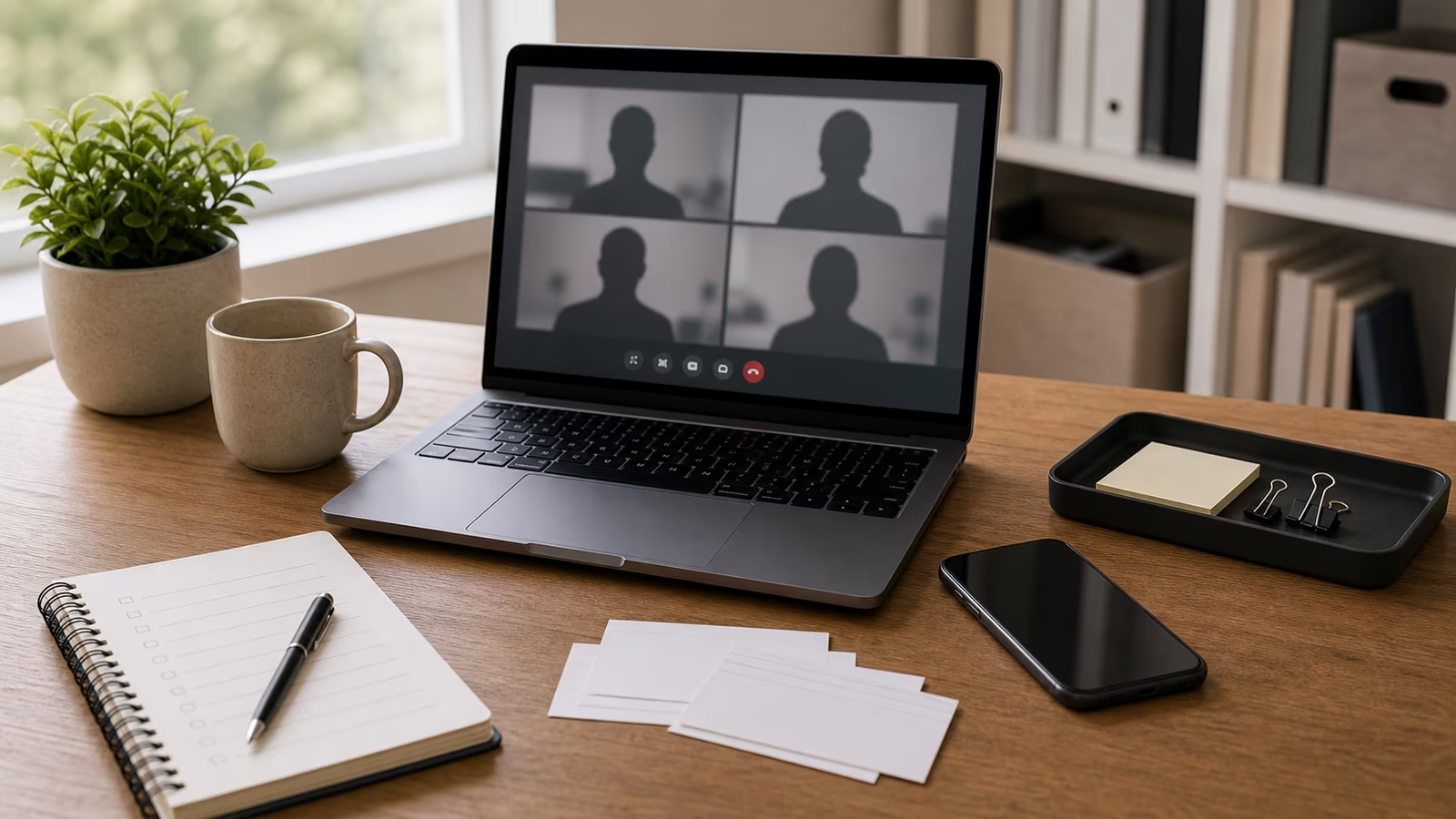
A video call feels live, which makes it feel true. That is exactly why it can be persuasive. Low bandwidth, camera glitches, muted microphones, short answers, and urgency can all be explained away as ordinary call problems while the request moves toward money, credentials, hiring, vendor changes, or secrecy.
The reader does not need to become suspicious of every message, caller, image, seller, or appeal. The better skill is to notice when a situation is asking for trust faster than it is offering accountable proof. That gap is where most mistakes happen: not because someone is foolish, but because the request arrives wrapped in timing, emotion, and just enough detail to feel familiar.
A calmer way to make the next move
The safer habit is procedural, not theatrical. If a call asks for an unusual action, use a separate known channel to confirm it. Do not accept “I am on the call right now” as identity proof for a payment, access change, document upload, or emergency request. Real colleagues, relatives, and clients can tolerate a callback. A manipulated interaction usually needs the call to remain the whole world.
For deepfake video call red flags without overconfidence, a good check should leave you with one of three outcomes. You can continue through a safer route, stop because the claim failed basic verification, or escalate because money, access, identity, threats, minors, intimate material, or legal concerns are involved. The win is not exposing a stranger on the internet. The win is making the next move from steady ground.
Quick facts
| Question | Practical answer |
|---|---|
| Level | Intermediate |
| Time | 11 minutes |
| First move | Pause before clicking, paying, reposting, downloading, replying, sharing a code, or keeping a secret. |
| Stronger proof | Use a known channel, official source, original context, and preserved evidence instead of caller ID, screenshots, vibes, or one detector result. |
| Escalate when | Money, credentials, account access, intimate images, minors, threats, impersonation, or legal concerns are involved. |
What this helps you decide
This guide helps you decide whether to slow a video call, refuse an urgent request, move to a known channel, or escalate a workplace approval step.
Plain definitions
| Term | Plain meaning |
|---|---|
| Deepfake | Synthetic or manipulated media that can make a person appear to say or do something. |
| Liveness clue | A behavioral or interaction clue that may help but does not prove identity. |
| Fallback channel | A trusted non-call path used when the call itself is suspicious. |
The practical workflow
| Step | What to do |
|---|---|
| Name the request | Money, credentials, file download, secrecy, payment change, or reputation pressure. |
| Slow the call | Do not accept urgency as the meeting agenda. |
| Ask for routine context | Use non-public details carefully, not as a game that teaches attackers. |
| Switch channels | Call back, message a known contact, or use workplace approval. |
A grounded example
A finance employee joins a video call where a familiar executive appears to approve a vendor payment. The face is there, the voice is close, and the request is urgent. The control should not depend on spotting a glitch in the chin or lighting. It should depend on process: payment changes need a separate approval route, and unusual requests need known-channel confirmation. Deepfake or not, a live-looking call should never be enough to bypass the rule that protects the money.
Keep the decision reversible
The safest verification move is usually small, private, and reversible. Do not escalate the drama just to feel decisive. Save the message, close the pressure path, open the account or contact through a route you already trust, and ask one narrow question: what would I see if this were real? That habit protects money, accounts, relationships, and reputation because it avoids the two common overreactions: obeying too quickly or publicly accusing too quickly.
A good check also protects the future version of you who may need records. Keep links, handles, screenshots, times, payment details, and platform names in one private note. Do not send more codes, documents, deposits, or intimate material while the claim is unresolved. If the issue turns out to be legitimate, you can continue from a cleaner channel. If it fails verification, you have stopped without making a larger mess.
Common mistakes
- Trying to prove fakery from blinking, lighting, or glitches alone.
- Letting a video call override payment policy.
- Sharing private challenge questions that become future clues.
- Recording or redistributing sensitive clips unnecessarily.
Try this next
- Use known-channel callback for the core move.
- Use small business invoice checks for workplace payments.
- Use content credentials for media provenance basics.
- Keep the next guide handy: AI Voice Clones: What Makes Them Convincing .
- If you arrived here after another check, compare it with Screenshot Verification: Crops, Receipts, Context, and Fake Posts .
Related Fondsites path
Safety and source check
Do not use this guide to confront suspects, collect more dangerous material, or test whether you can trick someone back. Keep records private, use official support paths, and involve a trusted person when money, credentials, intimate images, minors, threats, or legal issues are involved.