Warehouses are where robotics looks most practical because the work can be bounded.
The building has aisles. Inventory has identifiers. Workflows can be measured. Operators can be trained. Routes can be mapped. Objects can be packed into totes, cartons, shelves, and pallets. The environment is still messy, but it is far more controllable than a random home.
That is why warehouse robotics is not one robot category. It is a system of movement, perception, manipulation, software, safety, and operations.
The main robot types
AGVs
Automated guided vehicles follow fixed paths. Historically they used magnetic tape, wires, reflectors, markers, or other infrastructure. They are useful when routes are stable and repeatable.
AMRs
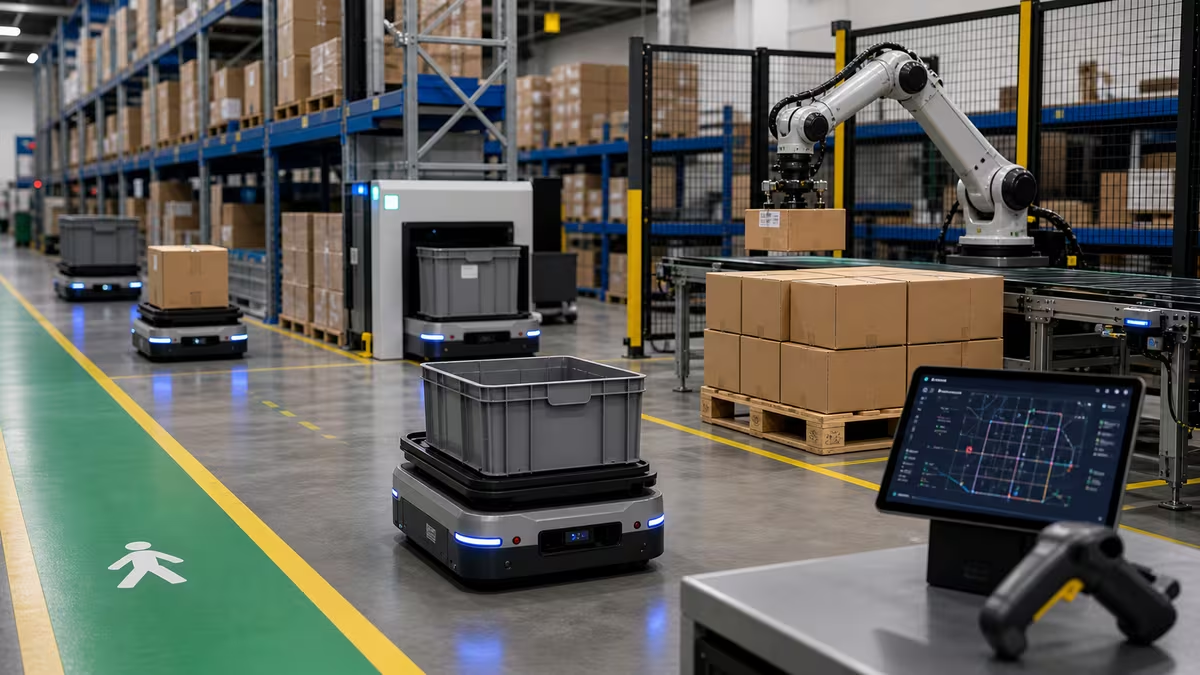
Autonomous mobile robots localize and navigate more flexibly. They use sensors and maps to move around people, carts, shelves, and other robots. They are common for moving totes, carts, racks, and materials between zones.
Robotic arms
Arms handle picking, packing, palletizing, depalletizing, machine tending, labeling, and inspection. They often work best when the object set and work cell are designed around them.
Goods-to-person systems
Instead of making a person walk to shelves, robots bring shelves, totes, or bins to workstations. This can reduce walking time, but it changes the whole warehouse workflow.
Sortation systems
Sortation robots and conveyors route parcels, totes, or items to destinations. The key is reliable scanning, induction, spacing, and exception handling.
Why warehouses fit robots
Warehouse work has several robot-friendly properties: repeated routes, known zones, measurable throughput, high walking burden, standardized containers, barcodes, labels, defined shifts, available maintenance staff, and clear safety training.
Robots improve most when the workflow is redesigned around them, not when they are dropped into a broken process.
The workflow map
A practical warehouse automation map includes:
- Receiving
- Putaway
- Storage
- Replenishment
- Picking
- Packing
- Sortation
- Palletizing
- Shipping
- Returns
Each zone has different robot requirements. Moving totes is not the same problem as identifying a single item in a cluttered bin.
Picking is harder than transport
Moving a tote across a warehouse can be easier than picking one product out of that tote.
Picking requires object recognition, pose estimation, grasp planning, collision-free arm motion, grip confirmation, damage prevention, placement accuracy, and exception recovery. Each step has to work repeatedly under warehouse lighting, dust, labels, damaged packaging, and time pressure.
This is why many facilities automate transport before item picking. Mobile robots can remove walking distance while people still handle complex manipulation.
Fleet software matters
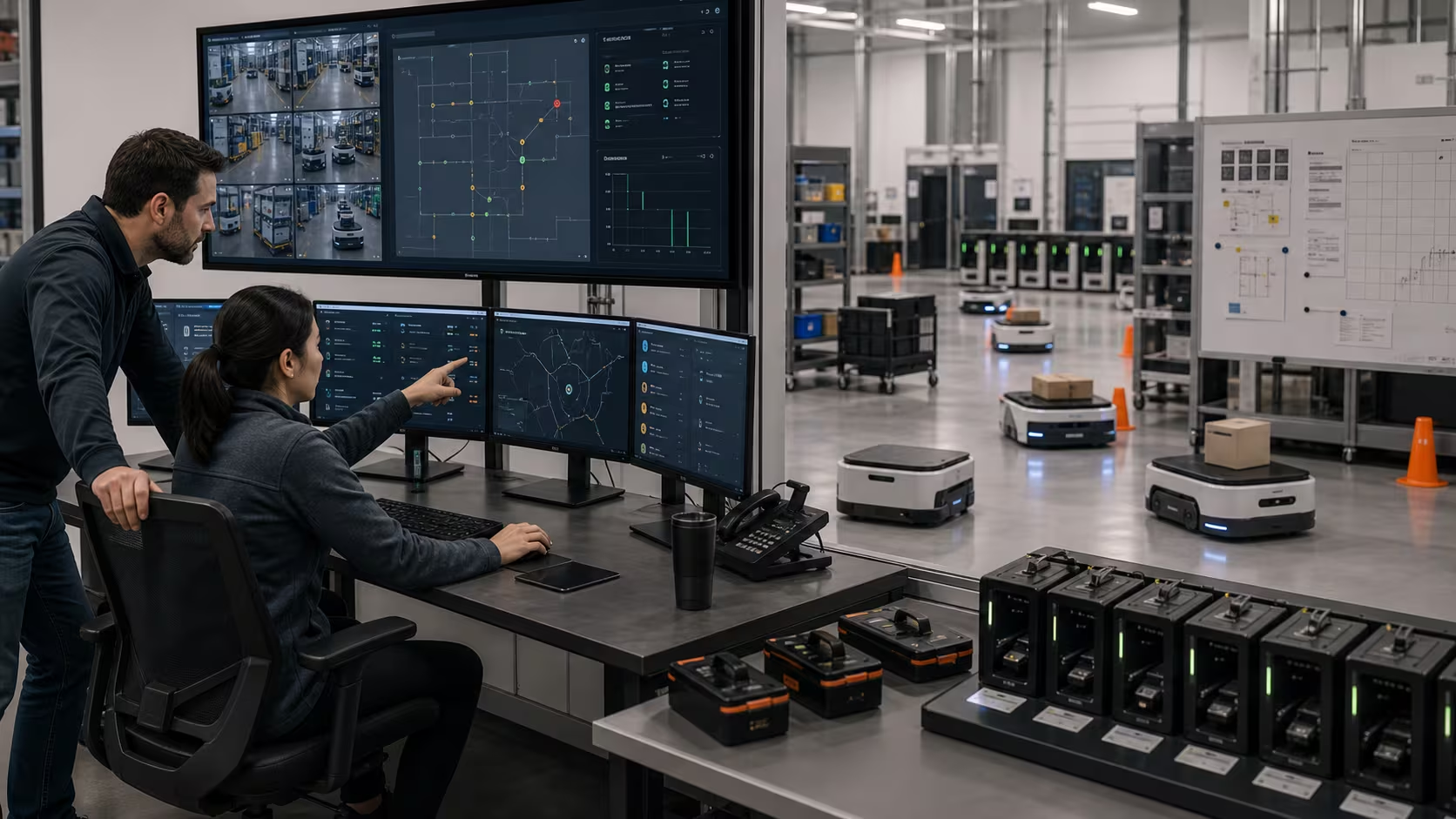
The fleet manager is the nervous system. It assigns jobs, avoids traffic jams, tracks battery state, manages charging, coordinates elevators or doors, integrates with warehouse management software, and records exceptions.
When a warehouse robot program fails, the reason is often not the robot alone. It is integration: bad task dispatch, weak exception handling, poor Wi-Fi or networking, unclear ownership, unsafe human traffic design, missing maintenance routines, or inaccurate inventory data.
Safety is operational, not decorative
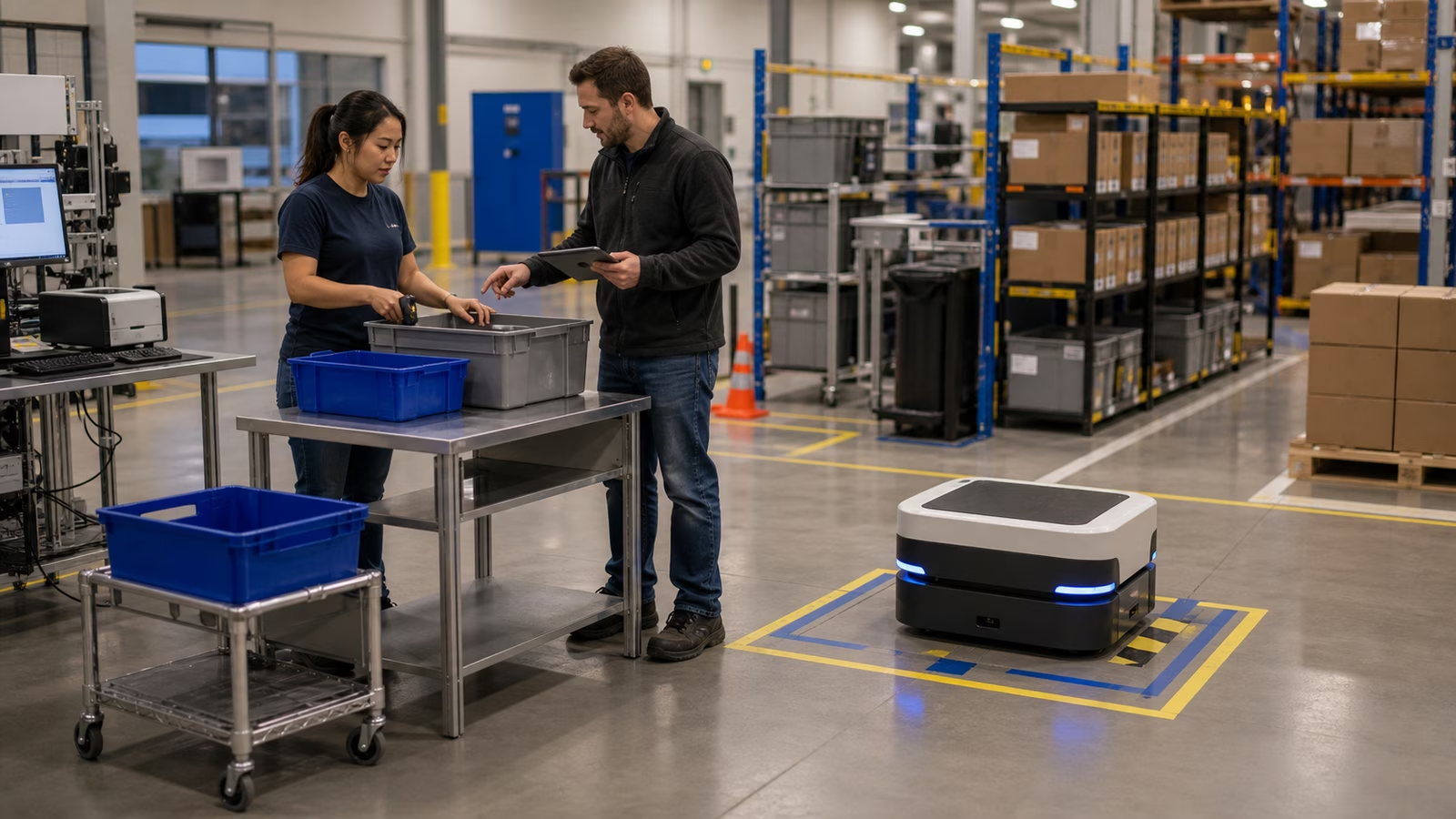
Warehouse robots share space with people, forklifts, pallet jacks, racks, docks, and heavy goods. Safety design includes speed limits, sensors, warning signals, right-of-way rules, marked zones, emergency stops, training, traffic studies, and incident review.
Do not treat “collaborative” as a safety case. The real question is what hazards exist in this exact environment.
Pilot questions
Before a warehouse robot pilot, define the workflow being automated and the throughput that counts as success. Name the exception path for missing labels, damaged items, blocked routes, and failed scans. Identify which warehouse systems must exchange data, what zones and speeds are safe, who cleans sensors and swaps parts, and which human tasks change. Then ask the scaling question early: what breaks when five robots become fifty?
Good first projects
Strong early candidates include point-to-point tote movement, cart towing, replenishment runs, goods-to-person transport, pallet movement in defined zones, simple palletizing, barcode-based sortation, and inventory scanning. These jobs are bounded enough to measure and improve.
Weaker first projects are usually the ones with too much variation too soon: chaotic returns, fragile mixed goods, highly variable item picking, crowded aisles with no traffic redesign, or workflows nobody can measure.
Buying and deployment notes
Compare robots by the workflow, not only by payload or speed.
Ask vendors for measured intervention rates, blocked-path behavior, network-outage behavior, fleet priority logic, relevant safety standards, required training, customer-owned maintenance, data handling, and peak-season limits. The answers matter more than a polished demo video.
Useful references
- NIST mobile robotics systems and standard test methods
- ISO 3691-4, driverless industrial trucks and systems
- OSHA Technical Manual, Industrial Robots and Robot System Safety
Next steps
Read Robot Autonomy to see the stack behind a warehouse robot route, then Robot Safety before comparing fleet claims.
Ground the idea in the physical world
Physical AI becomes serious when the robot meets friction, weight, light, dust, latency, humans, and maintenance. For Warehouse Robots: AMRs, Arms, and Real Workflows, the useful habit is to connect the concept to the workcell, room, warehouse, home, or field site where it would actually run. A demo can be clean while the deployment environment is messy.
Start with the task boundary. What object is moved, sensed, inspected, cleaned, delivered, opened, closed, lifted, or avoided? What counts as success, and what counts as a safe stop? The robot needs more than a goal. It needs limits that make sense when the world changes.
Then look for variability. Object shape, floor condition, lighting, wireless coverage, human traffic, payload, calibration drift, battery life, and cleaning routines can all decide whether a system works outside a video. Robustness is often built through boring details.
A good deployment leaves traces: logs, incidents, maintenance notes, operator feedback, and clear ownership. Without those traces, teams argue from memory. With them, the system can improve.
Warehouse Robots: AMRs, Arms, and Real Workflows should make the physical side harder to ignore and easier to manage. The future of robotics is not only intelligence. It is reliable behavior in places that refuse to be perfect.