Heat is one of the plainest ways a robot tells the truth about its work.
A demo can run for five minutes before anyone notices. A pilot can look strong while a machine rests between trials. A robot can lift, drive, infer, and communicate beautifully in a cool lab with covers removed and engineers nearby. Then the same robot is asked to run a shift, carry a heavier load, sit in a warm dock, work near dust, or process more sensor data than expected. The motion is the same on paper. The thermal problem is not.
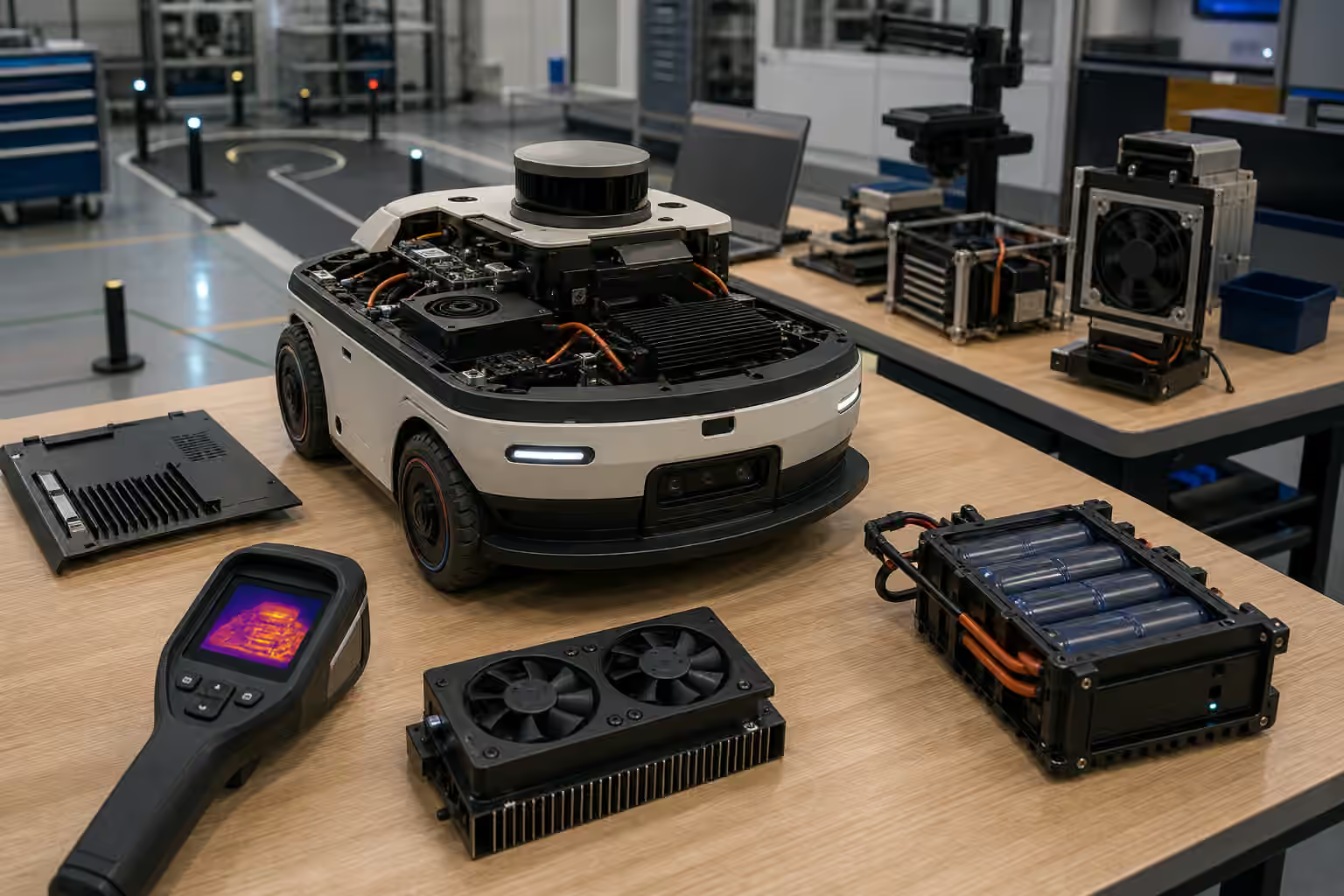
Thermal management belongs across the robot, not in one component. Motors create heat. Gearboxes and brakes create heat. Batteries warm under charge and discharge. Computers, accelerators, radios, lights, and sensors all produce or tolerate heat differently. Enclosures trap it. Fans move it. Dust blocks it. Weather, cleaning routines, and floor temperature change it. A robot that cannot manage heat cannot keep its promises for long.
Duty Cycle Is The Honest Question
The first thermal question is not whether the robot can do the task once. It is how often the robot can do the task before heat changes behavior. Duty cycle turns a capability into an operating pattern. A mobile robot may drive, stop, lift, wait, dock, and drive again. A robot arm may pick quickly for a short burst, then pause while a human restocks a tray. A humanoid may look capable while performing slow movements, but leg actuation, balance corrections, and onboard compute may limit continuous work.
This links directly to Robot Operational Design Domains . The supported domain should include thermal assumptions: ambient temperature, payload, speed, slope, run time, charging pattern, dust exposure, and allowed cooldown behavior. A robot that is safe and useful for intermittent operation may not be ready for continuous operation. That distinction should be visible before the site builds a workflow around the machine.
Thermal limits do not make a robot weak. Every physical system has them. The problem is hiding them behind broad claims. If a robot can run hard for twenty minutes and then needs a cooling period, that may still fit inspection, delivery, or lab tasks. It may fail a dense warehouse route or cleaning schedule. The engineering question is not pride. It is fit.
Motors And Actuators Heat Under Real Loads
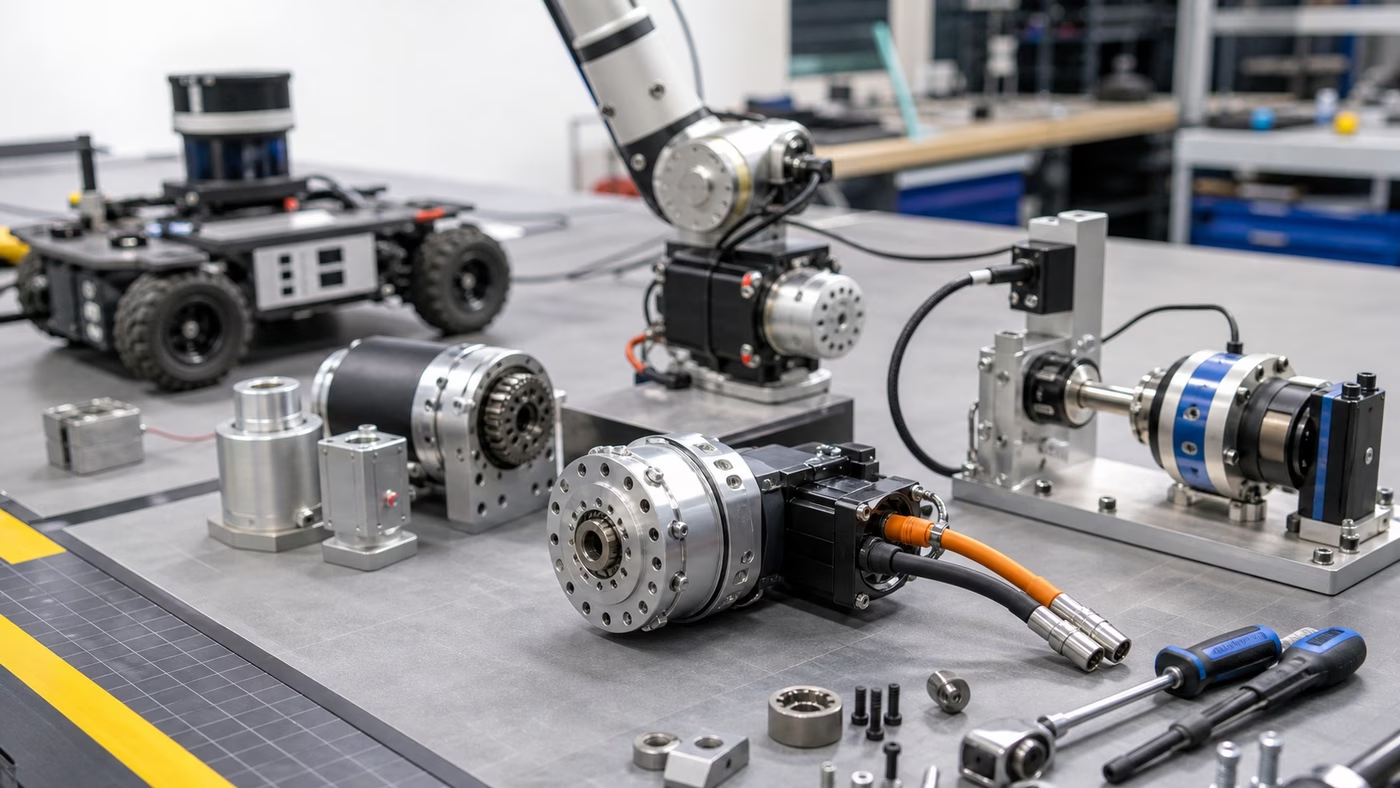
Actuators turn electrical energy into motion, and some of that energy becomes heat. The amount depends on load, speed, gearing, control strategy, braking, friction, and repetition. A joint that feels cool during slow demonstration may warm quickly when it holds a payload, resists gravity, or repeats short accelerations. A wheel motor may run comfortably on smooth floors and heat under ramps, rough surfaces, or frequent turns.
Robot Actuators and Motion Control explains the motion side. Thermal management adds the endurance side. A motor can have enough peak torque for a task and still be unsuitable for the task’s rhythm. A gripper can close firmly and still overheat if it spends too much time holding force. A mobile base can carry the rated payload and still run hot if the route makes it start, stop, and rotate constantly.
Thermal behavior also affects control quality. Heat can change friction, sensor readings, brake behavior, and actuator efficiency. A controller tuned on a cool machine may feel different after the robot has worked for hours. When teams investigate drift, overshoot, weak grip, or intermittent protective stops, temperature should be part of the evidence rather than a late guess.
Compute Heat Is Part Of Autonomy
Physical AI often depends on onboard compute, edge accelerators, cameras, lidar, radios, and sometimes cloud links. Those systems have thermal envelopes too. A perception stack that runs cleanly on a bench can throttle in an enclosure. A fan that sounds minor in a lab can clog with dust in a workplace. A processor that slows itself to stay within temperature may create latency that changes navigation, manipulation, or remote support behavior.
Robot Compute and Connectivity covers the infrastructure behind autonomy. Thermal design asks whether that infrastructure can keep working under the site’s load. More cameras, higher frame rates, larger models, local logging, video streaming, and remote assistance all have heat costs. If a robot is upgraded with a heavier model or more sensors, the thermal budget changes even if the mechanical frame stays the same.
The enclosure is often the hidden constraint. Sealing a robot against dust or water can reduce airflow. Adding a protective cover can trap heat. Moving a sensor mast can expose electronics to sun. Placing a dock near a hot machine, window, or heater can change the charging environment. Thermal decisions are therefore deployment decisions, not only hardware design decisions made in the first prototype.
Batteries Need Temperature Discipline
Batteries shape the robot’s daily rhythm, and temperature shapes batteries. Charging, discharging, storage, fast cycles, heavy payloads, cold rooms, warm docks, and aging all affect behavior. A battery pack may deliver less useful energy in conditions far from the lab. It may charge more slowly, report state imperfectly, or trigger protection logic that surprises operators who only see that the robot stopped.
Robot Charging and Energy Management is the broader guide to energy operations. Thermal management adds an important layer: the dock is also a heat environment. Charging stations need space, ventilation, and habits that do not trap warm packs under covers or beside other heat sources. Battery swaps, if used, need storage practices that make sense for the chemistry and vendor instructions without turning the operator into an improvising technician.
Battery heat should be logged as operational evidence. If one route, payload, or shift pattern consistently warms packs faster than others, the deployment is learning something. The response might be a route change, a payload limit, a speed adjustment, a larger fleet, a different charging schedule, or a maintenance check. Treating every low-energy event as a generic battery problem hides the workload that produced it.
Cooling Systems Become Maintenance Items
Fans, vents, filters, heat sinks, ducts, thermal pads, and liquid cooling components are physical parts. They collect dust, wear, loosen, clog, leak, or get blocked by well-meaning operators who place supplies near a vent. A robot that cooled well when new can degrade quietly until heat becomes the first visible symptom.
This is why Robot Maintenance and Reliability belongs in the thermal conversation. Maintenance checks should include the cooling path. Is airflow clear? Are filters clean? Are covers seated? Is a fan louder than normal? Did a recent repair disturb a thermal pad or cable route? Does one machine in the fleet run hotter than its peers under the same work? These questions are simple only if the team expects to ask them.
Noise is part of the tradeoff. More cooling can mean more fan sound, which may matter in offices, homes, clinics, or customer-facing spaces. Robot Acoustic Noise and Social Comfort looks at the human side of that sound. Thermal and acoustic design often have to be tuned together because the quietest robot is not always the coolest one, and the coolest one is not always acceptable near people.
Temperature Should Change Behavior
A robot that senses heat but does nothing useful with the information has only a thermometer. Thermal state should influence behavior before failure. The machine may reduce speed, avoid a heavy task, return to dock, request service, spread work across a fleet, refuse a charge cycle, or enter a known cooldown mode. The important point is that heat becomes part of the operating policy.
That policy should be visible. An operator interface that says only “fault” turns a thermal condition into a mystery. A better interface explains that the robot is cooling before resuming, that a duty limit was reached, or that a service check is required. Robot Operator Interfaces matters here because people need to distinguish a normal cooldown from a failure that needs intervention.
Thermal behavior should also be tested during acceptance, not discovered during the first busy week. A useful test runs the robot through representative cycles with covers on, payloads loaded, chargers placed, networks active, logs recording, and the environment close to reality. If a task is meant to run for hours, a ten-minute demonstration is not thermal evidence. The robot has to prove not only that it can act, but that it can keep acting within the limits it claims.
Heat Turns Capability Into Operations
Thermal management is not a dramatic robotics topic, which is why it is easy to underweight. It rarely appears in the polished clip. It shows up in field logs, service calls, reduced speed, battery complaints, noisy fans, drift, throttled compute, and machines that need more rest than the workflow expected.
Good thermal design is an act of honesty. It connects the robot’s advertised capability to the rate, environment, and maintenance habits that make the capability repeatable. It tells the deployment team what work the robot can sustain, what changes need review, and which warnings deserve attention before damage or mistrust accumulates. Heat is not an enemy to be wished away. It is evidence that the body of the robot is doing real work.