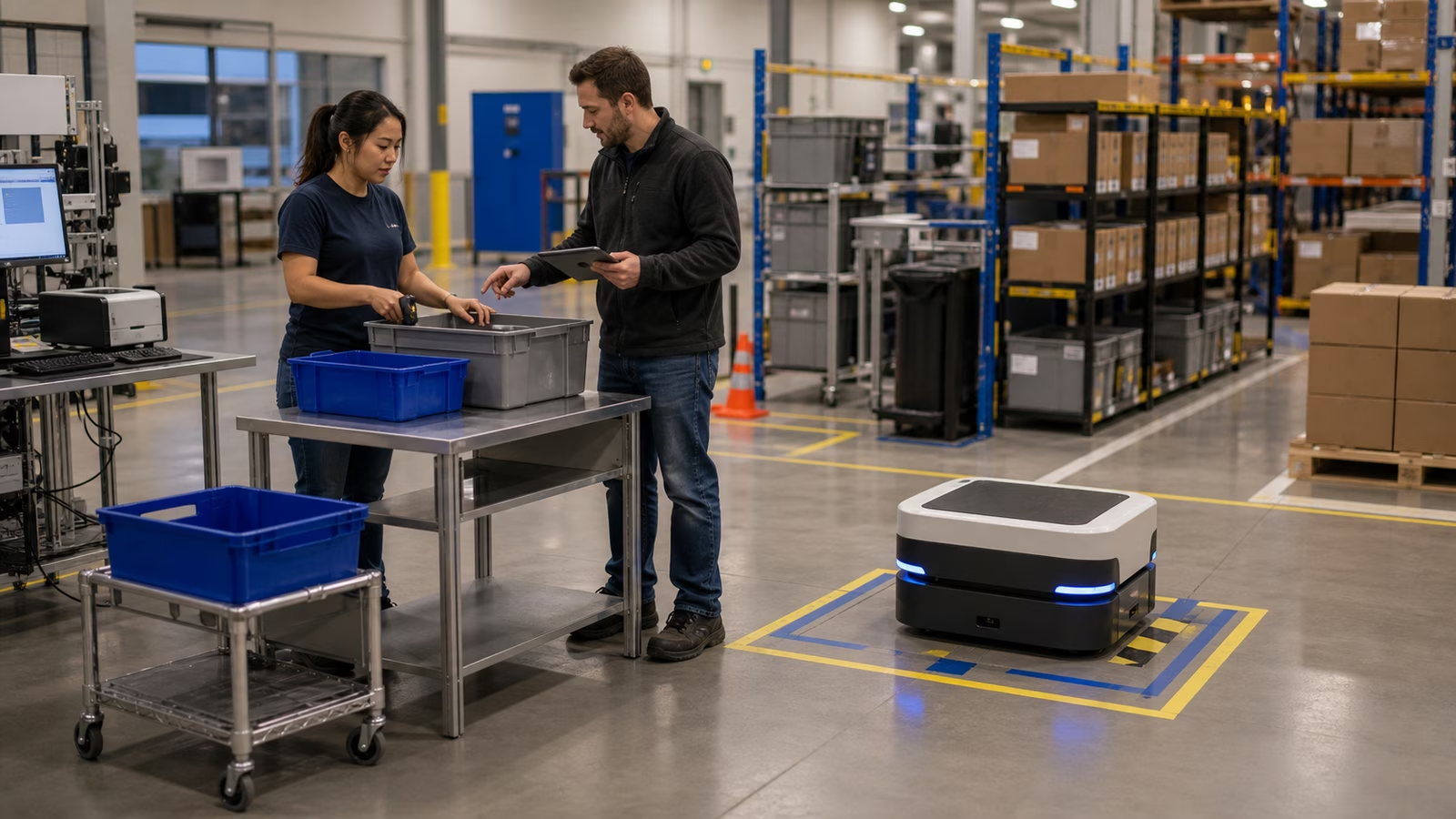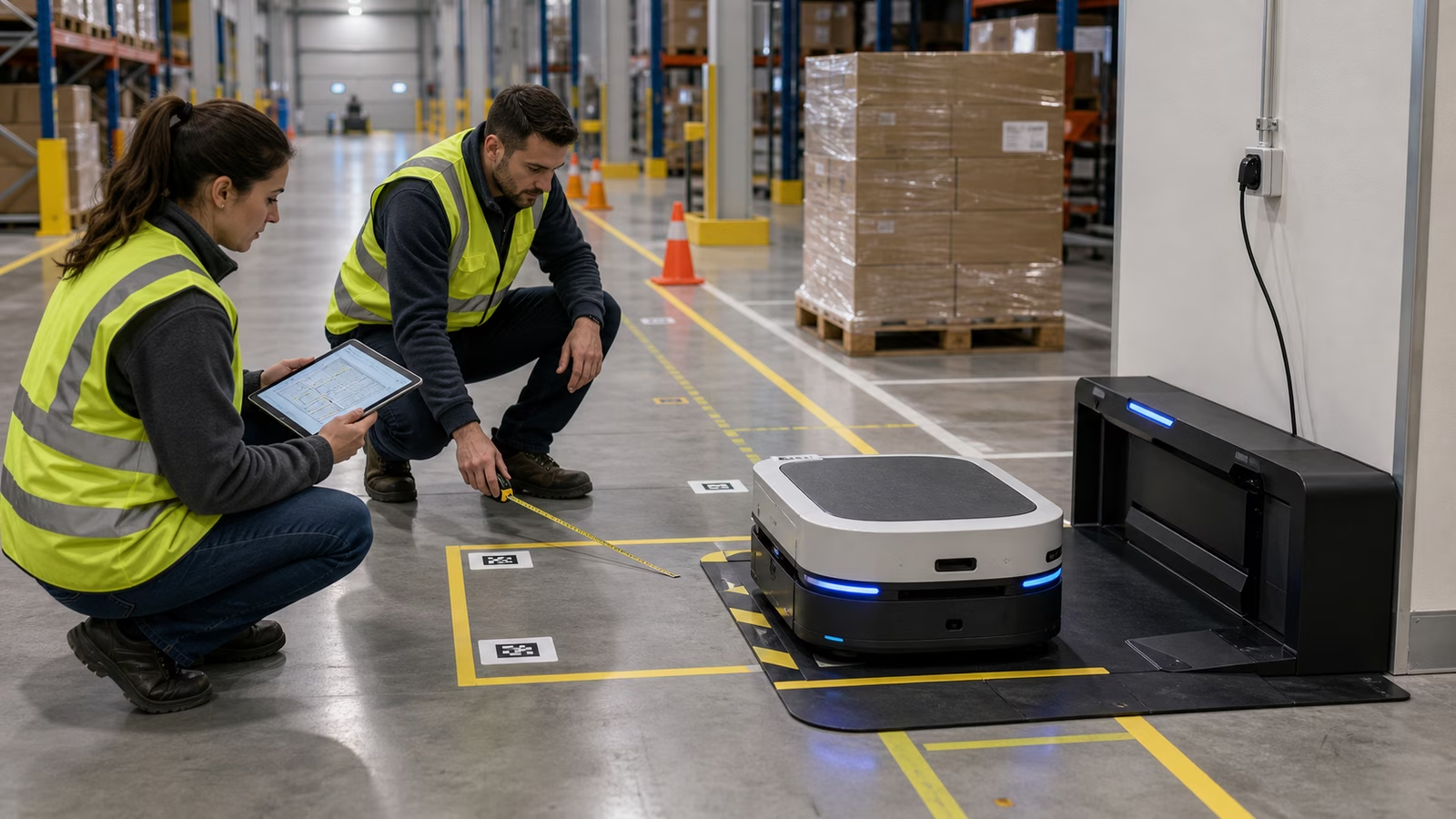
A robot deployment begins before the robot arrives. The video may start with a machine gliding through an aisle, picking a tote, scanning a shelf, or parking itself neatly at a dock. The real work starts earlier, when someone walks the building with a tape measure, a floor plan, a safety checklist, and the uncomfortable question of whether the site is ready for the machine people want to buy.
Site readiness is the unglamorous part of physical AI. It is not the autonomy stack, the foundation model, the hand, the camera, or the glossy demo. It is the floor surface, the dock placement, the Wi-Fi dead zone, the pallet that always drifts into the aisle, the doorway lip, the emergency exit route, the charging schedule, and the people who will live with the robot after the vendor team leaves.
This matters because robots do not work in abstract space. They work in buildings. Buildings have habits. A warehouse may look structured until you notice seasonal overflow, handwritten workarounds, wet floors near receiving, forklifts moving faster than the map expects, or a corner where empty cartons quietly accumulate every afternoon. A home may look simple until the chair moves, the rug wrinkles, the dog sleeps in the path, and sunlight blinds the camera. Site readiness is how the real world gets invited into the plan.
The Floor Is Part of the System
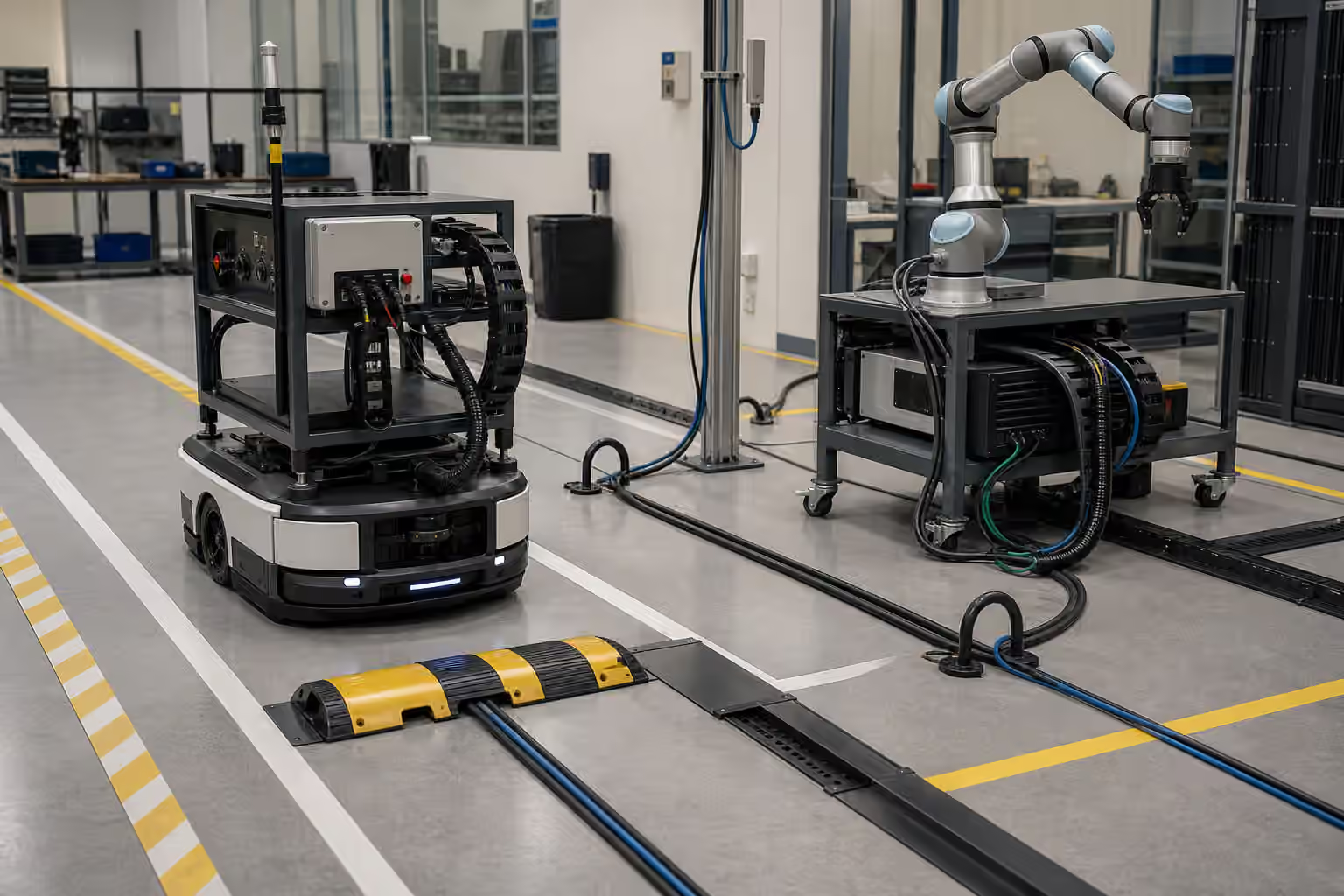
For mobile robots, the floor is not just background. It is infrastructure. Smoothness, slope, thresholds, seams, ramps, dust, water, cables, mats, and debris all affect navigation and reliability. A robot that behaves well on a polished demo surface may struggle in a building where the floor changes texture every twenty feet.
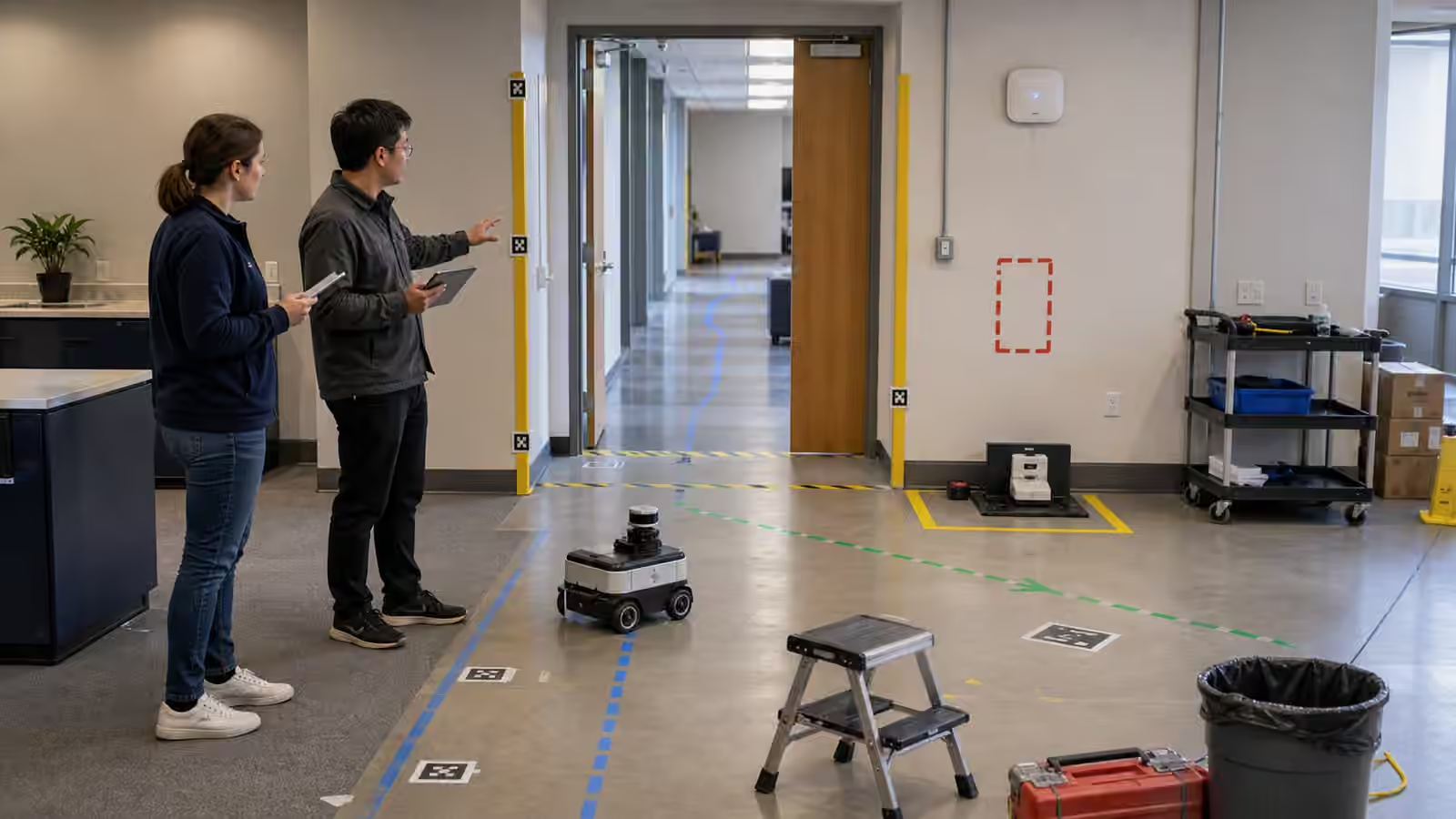
The first readiness walk should treat the floor as a sensor and safety surface. Where do wheels slip? Where do people leave stretch wrap, broken pallet pieces, or straps? Where does water appear? Where are floor markings clear, faded, or ignored? Where do temporary displays or overflow pallets narrow the route? A robot may be able to detect many obstacles, but deployment should not depend on the robot discovering every preventable problem at runtime.
This does not mean every building must become perfect. It means the deployment team needs to know what the robot is being asked to handle. Some issues can be fixed with better housekeeping, new route markings, dock relocation, or small physical changes. Others are signs that the task should be narrowed or delayed. A robot that spends its day recovering from bad site conditions is not autonomous in the useful sense. It is fighting the building.
Charging Has to Fit the Workday
Charging is easy to underestimate because it feels like a solved feature. The robot docks, fills the battery, and goes back to work. In real deployments, charging is a scheduling problem, a space problem, a safety problem, and sometimes a workflow problem. The dock needs power, clearance, protection from traffic, and a location that does not turn every charge event into a long commute.
Battery behavior also changes with age, workload, temperature, and duty cycle. A robot that can finish a shift when new may need more charging time later. A fleet that works on a quiet day may bottleneck when several robots need the same charging area after a peak period. If humans block the dock with equipment, the robot’s energy plan becomes theory.
Good site readiness asks how the robot will charge on ordinary days and bad days. What happens if a dock fails? What happens during peak demand? Can a low-battery robot reach the dock safely? Does the route to the dock cross human congestion? Is the dock obvious enough that workers do not treat it as unused floor space? Energy management is not a background feature. It is part of uptime.
Maps Need Maintenance
Robots often begin with a map, but the map is not the territory for long. Shelves move, lanes change, doors close, construction appears, seasonal inventory spills into new zones, and a shortcut becomes normal because people discover that it saves thirty seconds. A robot that depends on a stale map will eventually seem confused, even if its software is doing what it was told.
Site readiness should include map ownership. Someone needs to know who can change the map, who approves route updates, how temporary changes are handled, and how workers learn that the robot’s world has changed. If every change requires vendor intervention, the site may become dependent. If every local change is allowed without review, the robot may inherit unsafe assumptions.
The best map process is boring and visible. It gives operations people a way to report changes, test them, and roll them out without turning every aisle adjustment into a crisis. Robots make the physical layout more digital. That means layout changes need version control in spirit, even if the tool looks nothing like software development.
Workflow Fit Matters More Than Novelty
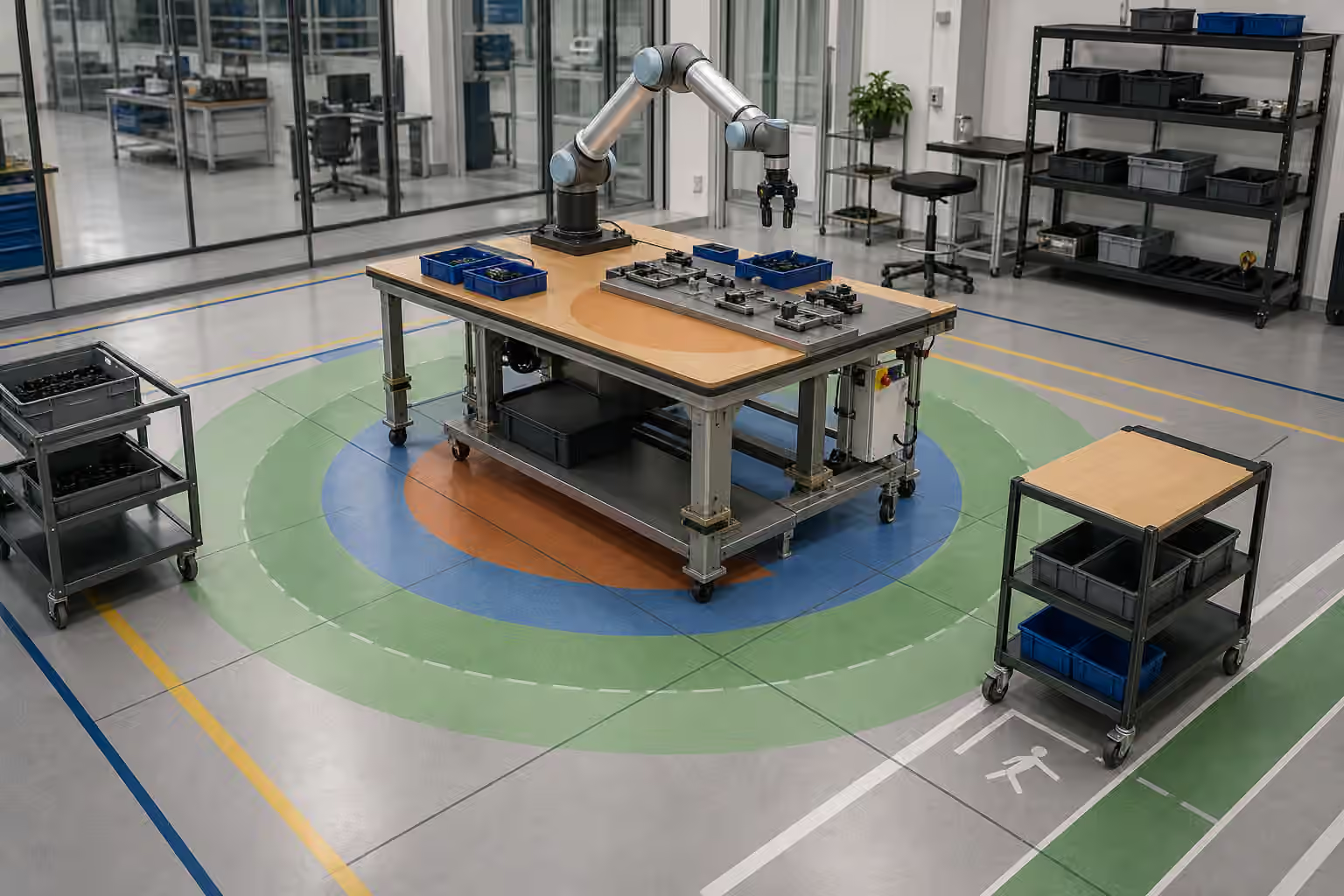
A robot should not be deployed because it can do something once. It should be deployed because it fits a workflow often enough to matter. Site readiness therefore includes watching the current work before redesigning it around the robot. How do people actually move materials? Where do delays happen? Which tasks are predictable? Which exceptions are common? Where does a human decision matter?
This observation can be humbling. The task that looked perfect for automation may be full of small judgments. The route that looked simple may be blocked twice a day. The item that looked standard may vary in packaging, weight, orientation, or urgency. The robot may still help, but the job has to be shaped around reality.
A good deployment usually starts with a narrow task that has clear success criteria. The robot does not need to transform the entire building on day one. It needs to do a useful job repeatedly without creating new confusion. Once the narrow task is stable, the team can expand with evidence instead of excitement.
People Need Their Own Readiness Plan
Workers are not obstacles to a robot deployment. They are part of the operating system. They need to know what the robot will do, what it will not do, how to interact with it, how to report problems, when to intervene, and when not to. If the first serious training happens after the robot is already in the way, resentment is predictable.
People also know the building’s hidden truths. They know which aisle floods, which door sticks, which scanner fails, which route is unofficial but essential, and which process exists only because an older system never worked correctly. A deployment that ignores that knowledge may look efficient in a planning meeting and fail on the floor.
Readiness includes trust. If workers think the robot is being used to judge them unfairly, replace them without honesty, or create more work while management celebrates innovation, the deployment will carry social friction. Clear communication will not solve every labor concern, but silence makes almost everything worse.
Acceptance Tests Should Look Like Real Days
The final mistake is testing only the happy path. A robot can pass a clean demo and still fail the site. Acceptance tests should include ordinary messiness within safe limits: normal traffic, real lighting, expected payload variation, shift changes, dock use, low-battery behavior, blocked routes, and the handoff from robot to human.
The question is not whether the robot can complete one perfect run. The question is what happens after the tenth run, the hundredth run, and the first annoying exception. Does it stop safely? Does it ask for help clearly? Does it recover without confusing people? Does the support team receive useful logs? Does the building keep working around it?
Site readiness is not a demand for perfection. It is a way to respect the fact that robots are physical systems in social spaces. A good site gives the robot a fair chance and gives people a clear way to live with it. That preparation may not look futuristic, but it is often the difference between a pilot that becomes infrastructure and a demo that becomes a story people tell with a sigh.
Before asking whether the robot is ready for the site, ask whether the site is ready for the robot. The answer will save more time than the demo ever shows.