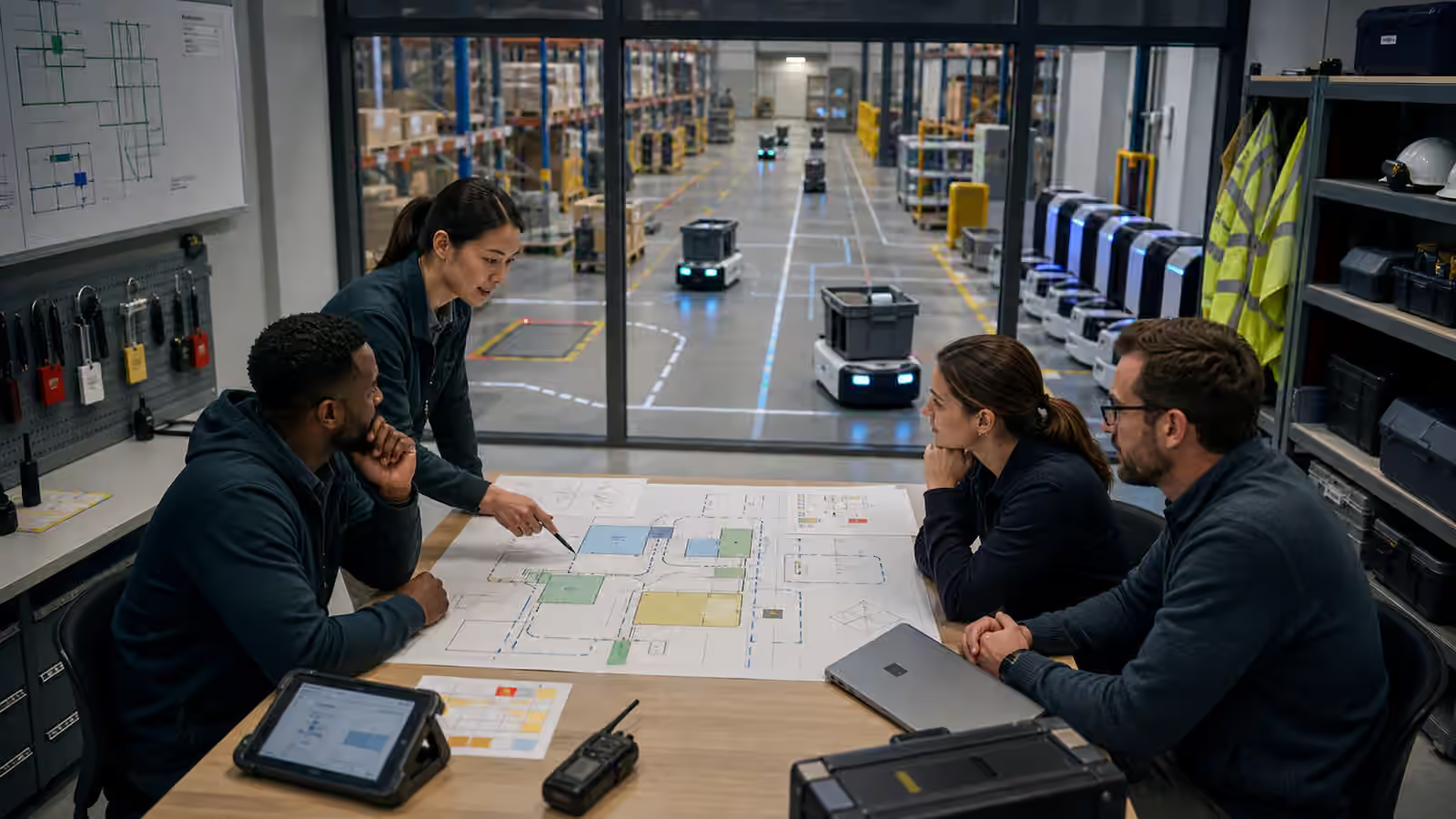
A robot is not only software with wheels, arms, cameras, and batteries. It is a machine that can move through a place, sense private activity, carry objects, receive remote instructions, and change the physical state of the room.
That is why robot security cannot be treated as an ordinary account settings problem. A weak password on a dashboard is bad in any system. In a robot deployment, weak access can become an unauthorized motion command, a leaked map, a disabled safety feature, a false maintenance instruction, or a quiet change to the software that people nearby will experience as physical behavior. The security boundary around a robot is also a boundary around people, property, workflow, and trust.
Security is closely related to Robot Safety , but it is not the same thing. Safety asks how the robot avoids causing harm during expected and foreseeable operation. Security asks who is allowed to change that operation, who can see what the robot sees, how the system resists misuse, and how the team knows the machine is still running the software and rules it was meant to run. A safe robot with poor access control is not safe for long.
The Robot Has More Doors Than It Seems
A deployed robot has several entry points. There may be an operator tablet, a fleet dashboard, a remote support console, an onboard service port, a charging dock, a software update path, cloud APIs, wireless networks, physical buttons, removable storage, logs, camera streams, map files, and technician tools. Some are obvious to a user. Others are visible only to engineers or support staff. All of them can matter.
This is where the ideas in Robot Compute and Connectivity become security questions. A robot may run important decisions onboard, rely on an edge server, or coordinate through a cloud service. Each boundary changes what happens when the network is unavailable, when credentials are stolen, when a remote service is misconfigured, or when an old software version keeps running after a fix exists. The security design should follow the actual architecture, not the sales diagram.
The physical body adds another layer. A person standing beside the robot may be able to press buttons, unplug sensors, block a camera, move the dock, attach something to the payload area, open a panel, or tow the base into a different room. Some of these actions are legitimate maintenance. Some are careless misuse. Some may be hostile. A robot security plan should not assume every important interaction arrives through a clean web login.
Access Should Match Responsibility
Good access control begins with a plain question: what should this person or system be allowed to do? A floor worker may need to pause a robot, acknowledge a blocked route, or send it back to a dock. A technician may need calibration tools, diagnostics, and controlled restart procedures. A remote support operator may need temporary camera access and limited recovery controls. An engineer may need logs and update authority, but not during a live shift without review. A home user may need simple privacy controls and a clear way to disable remote assistance.
If every role has administrator power, the deployment is fragile. If every minor action requires an expert, the deployment becomes unusable. The useful middle is role design that matches real work. The controls described in Robot Operator Interfaces should expose the right actions to the right people at the right time. A pause button should be easy to reach. A firmware update should not be one accidental tap away from a worker trying to clear an alert.
Temporary authority deserves special attention. Remote support is valuable because robots still need help when they get stuck, as Robot Teleoperation explains. But a support session should have a beginning, an end, a visible local state, and a record. People near the robot should know when a remote person can observe or control the machine. Remote operators should receive only the permissions required for the incident, not broad standing authority over the whole site.
Maps And Sensor Data Are Sensitive
Robot data is not only training material. It can describe a building, a schedule, a production process, a home layout, a worker habit, a storage area, or the location of valuable equipment. A map that looks like a technical file to an engineer may reveal how a site operates. A camera stream that looks routine during debugging may show private behavior or business-sensitive information. A log that helps diagnose an error may also expose names, routes, labels, object records, or timing patterns.
Robot Data Collection argues that robots need honest records to improve. Security adds a second requirement: records need boundaries. The team should know what is collected, where it goes, who can inspect it, how long it is retained, and how it is protected when a robot leaves the site for repair. That does not mean every deployment needs the same data policy. A lab trial, a warehouse fleet, and a home assistant carry different expectations. The stable principle is that useful data should not become uncontrolled data.
Sensor access should also be designed for the task. A remote operator may need a cropped view of an obstacle, not a full room feed. A fleet manager may need robot position and task state, not raw video. An engineer debugging a perception failure may need detailed logs, but only under a process that leaves a record of access. Privacy is easier to protect when interfaces ask what decision a person is making instead of simply exposing every stream the robot can produce.
Updates Change Physical Behavior
Software updates are security events because they change what the robot may do. A navigation update can change routes and stopping behavior. A perception update can change which objects the robot recognizes. A manipulation update can change grip force, timing, and retry policy. A fleet update can change charging schedules and dispatch priorities. Even when the update is beneficial, it deserves care because the result is not only a new screen. The result is motion in a shared place.
The update path should therefore answer practical questions. Where did the software come from? Was it approved for this robot model and site? Can the robot verify that the package has not been altered? Can the team roll back if the update creates a field problem? Does the operator interface show which version is running? Are updates staged so that one bad release does not disable an entire fleet at once? These questions are not glamorous, but they decide whether a deployment can recover from mistakes as well as attacks.
Updates also interact with acceptance tests. The task definition in Robot Task Design and Acceptance Tests should not be treated as permanent after software changes. If the robot’s autonomy, sensing, control, or recovery behavior changes, the team needs enough validation to know that the original task is still satisfied. A secure update process protects the package. A disciplined deployment process protects the work the package is meant to perform.
Security Failures Often Look Like Operations Failures
Not every security problem announces itself as an intrusion. A robot may start using an unusual route. A dashboard may show jobs assigned by the wrong account. A remote session may remain active after support should have ended. Logs may disappear just before a failure review. A dock may be moved or imitated badly enough that charging becomes unreliable. A technician account may still work after a contractor leaves. A robot may run old software because a certificate, network rule, or update service silently broke.
These events can look like ordinary operations problems, which is why security has to share evidence with operations. Robot Fleet Management focuses on dispatch, charging, maps, maintenance, and utilization. Security should be visible in the same operational life. Who changed the map? Who approved the new route? Which account started the remote session? Which robot accepted an update? Which machines are outside the expected version range? Which local controls were used during a stop?
The point is not to turn every operator into a security analyst. The point is to preserve enough context that suspicious behavior can be distinguished from normal friction. Robots already need logs for reliability and failure recovery. Security adds integrity to those logs: they should be hard to alter quietly, easy to search during incidents, and understandable enough that support teams can reconstruct what happened without relying on memory.
Physical Misuse Belongs In The Threat Model
Robots are deployed in places where people are busy, tired, curious, annoyed, or under pressure. Someone may ride on a robot that is not built for it, place extra weight on top, use it as a moving shelf, wedge a door open with it, cover a sensor to stop alerts, tow it by the wrong point, or press a service button without knowing what mode it enters. These actions may not be malicious. They still matter because they change the robot’s safety and reliability assumptions.
A practical security design treats physical misuse as part of the threat model. Panels can be locked or tamper-evident where appropriate. Service modes can require deliberate actions. The robot can record when covers open, sensors are blocked, payloads exceed expected limits, or emergency controls are used repeatedly. Interfaces can make the safe action obvious without exposing risky controls. Site training can explain the few behaviors that matter most, especially around moving robots, docks, and manual recovery.
This overlaps with Robot Site Readiness because the building participates in security. Dock placement, network coverage, storage for tools, controlled maintenance areas, and clear recovery procedures all reduce improvisation. A robot left in a hallway with exposed ports, ambiguous status lights, and no local owner will invite workarounds. A robot with clear boundaries and usable controls asks less guesswork from the people around it.
Degraded Modes Need Security Too
Security design is often imagined under normal operation, but robots spend plenty of time in degraded states. The network drops. The map is stale. A battery is low. A sensor is dirty. Remote support is unavailable. A safety stop has fired. A software update is incomplete. The robot is being transported, stored, repaired, or returned from service. These are exactly the moments when teams may be tempted to bypass controls to get the machine moving again.
Degraded modes should have their own permissions. A local stop should remain available. A recovery motion may require a qualified person nearby. A robot that cannot verify its software should not quietly resume normal work. A machine disconnected from the fleet manager may need to finish braking, preserve logs, and wait in a safe state rather than accepting stale jobs. A service tool should not become a universal back door because the main dashboard is offline.
Robot Failure Recovery is useful here because recovery is where many hidden assumptions appear. The best recovery path is not merely fast. It is controlled, visible, logged, and limited to the authority of the person performing it. A robot that can be rescued securely will lose less time than one that requires unsafe shortcuts whenever the environment becomes inconvenient.
Security Becomes Trust Through Routine
Robot security is not a one-time hardening project. It becomes real through routine habits: reviewing access, retiring old credentials, testing update rollback, checking logs after unusual behavior, limiting remote sessions, protecting maps and sensor data, validating software changes, training operators, and designing physical controls that people can use under pressure. These habits are ordinary, but they are the difference between a robot that is merely connected and a robot that can be trusted in a shared space.
The standard for trust should be practical. A secure robot deployment does not pretend that nothing will fail. It makes failures harder to exploit, easier to notice, and safer to recover from. It gives people enough authority to do their jobs without giving every person every control. It protects data without starving the engineering loop. It treats software updates as changes to physical behavior. It remembers that a robot can be touched, moved, blocked, and misused by people who never open a dashboard.
Physical AI earns its place by acting in the world. That is also why its security matters. When a machine can sense, decide, and move, protecting the command path is part of protecting the room.