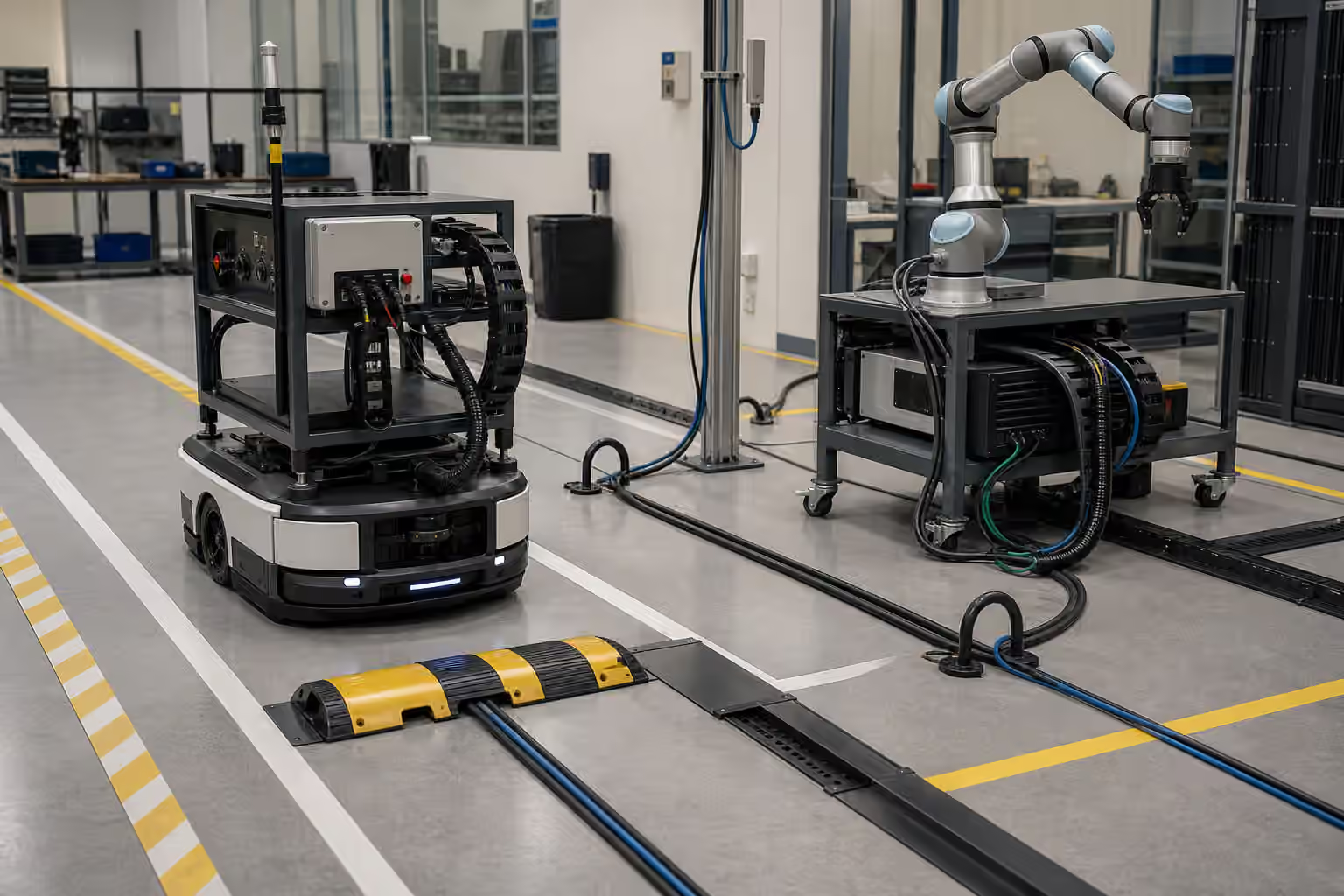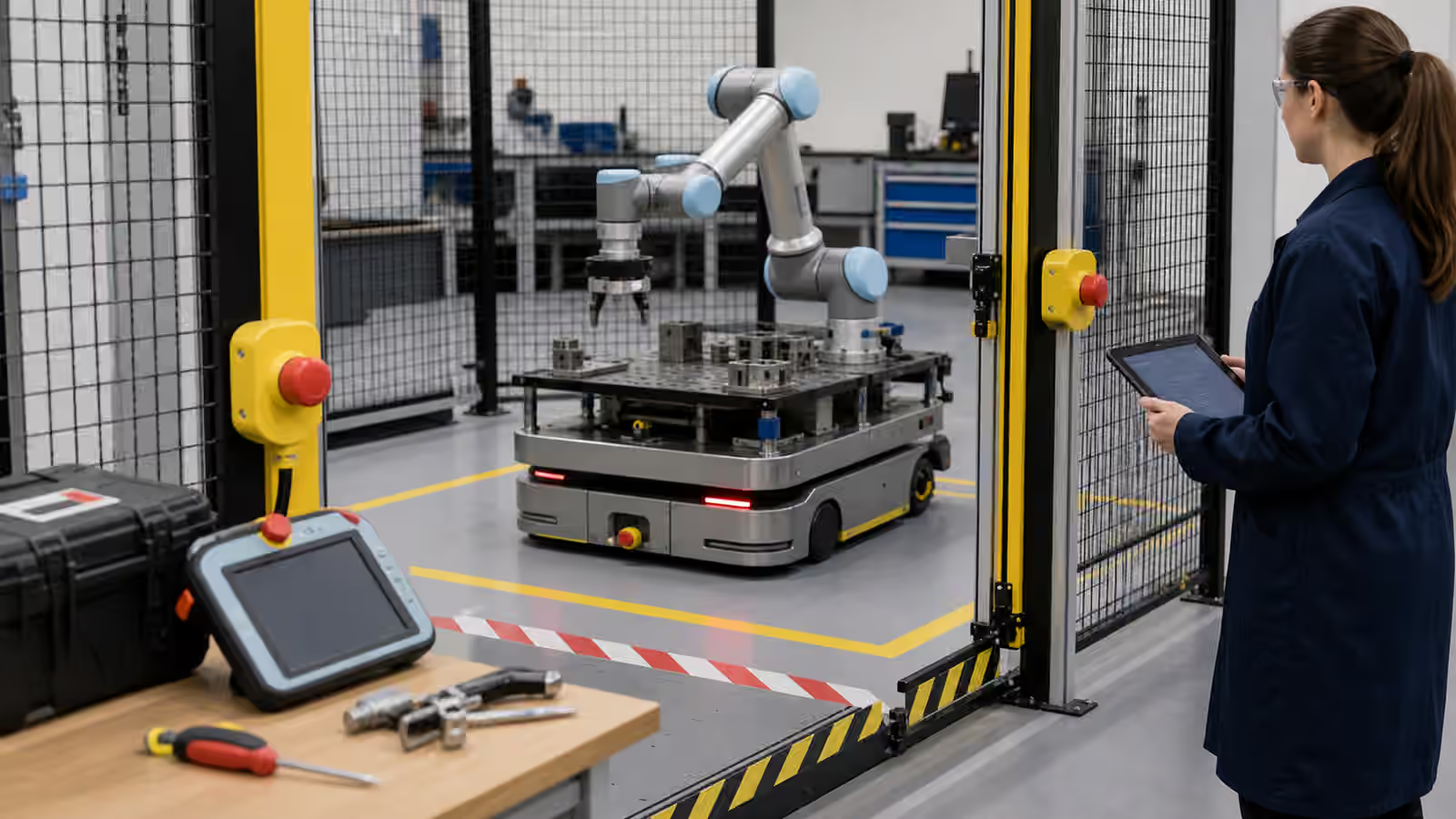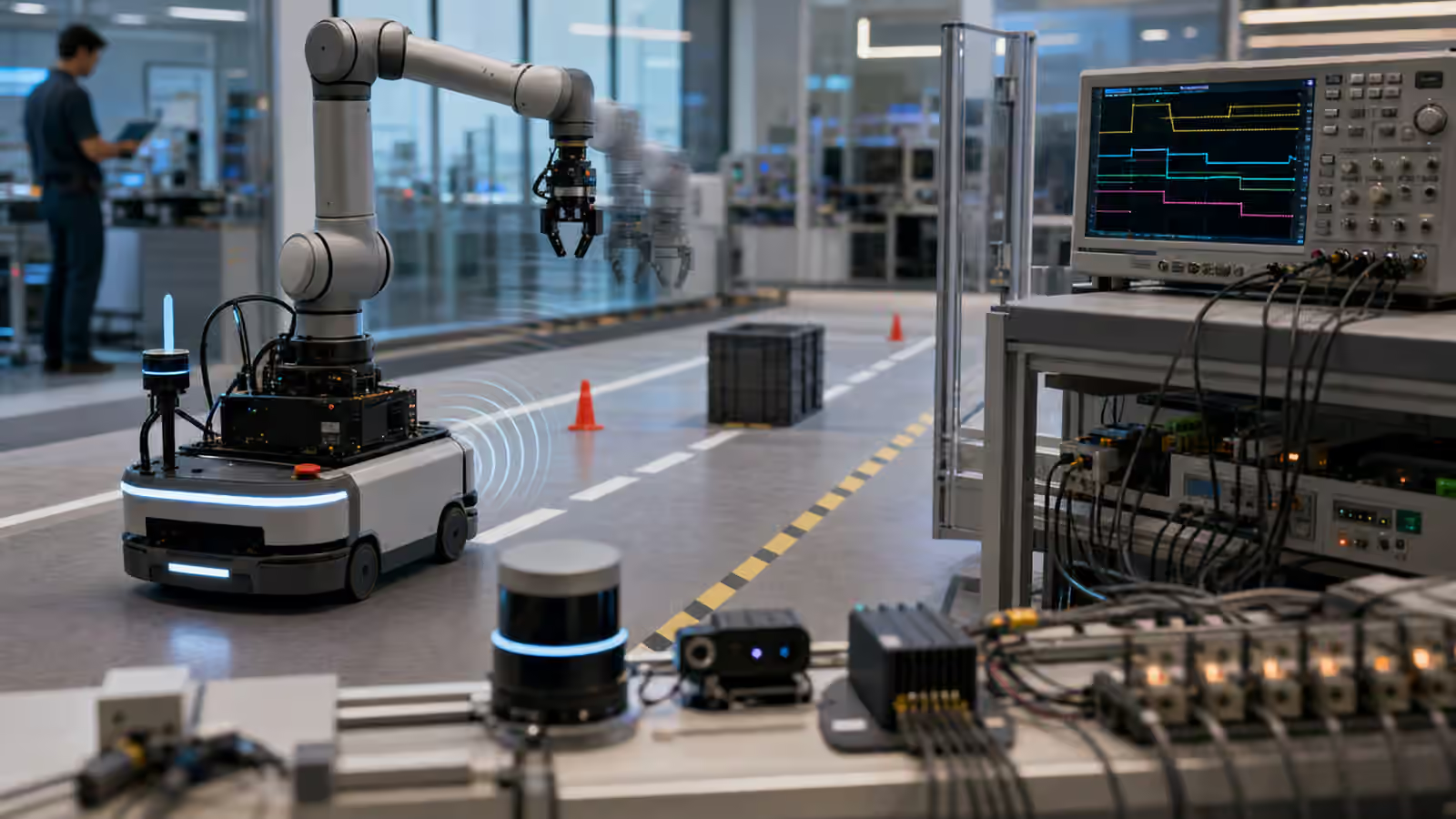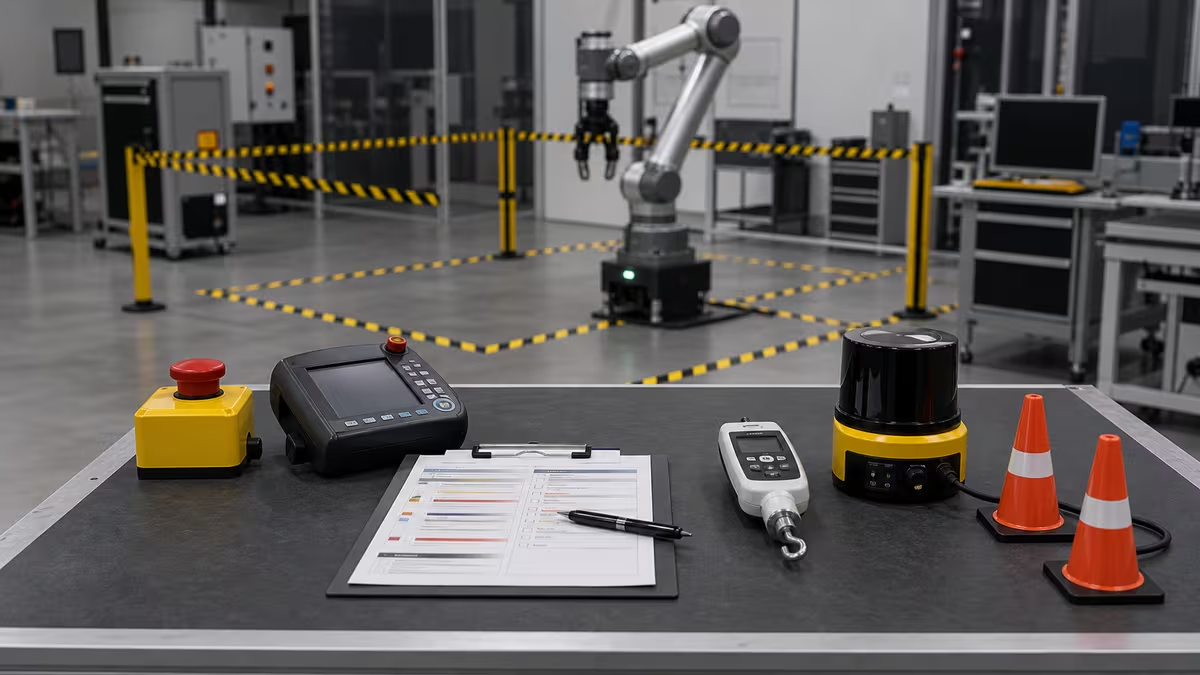
Robot safety starts with a simple fact: robots move through the same world as people.
They can pinch, crush, cut, trip, collide, startle, block exits, drop payloads, expose private data, or behave unpredictably when sensors fail. A robot is not unsafe because it is a robot. It is unsafe when hazards are not identified, bounded, tested, monitored, and maintained.
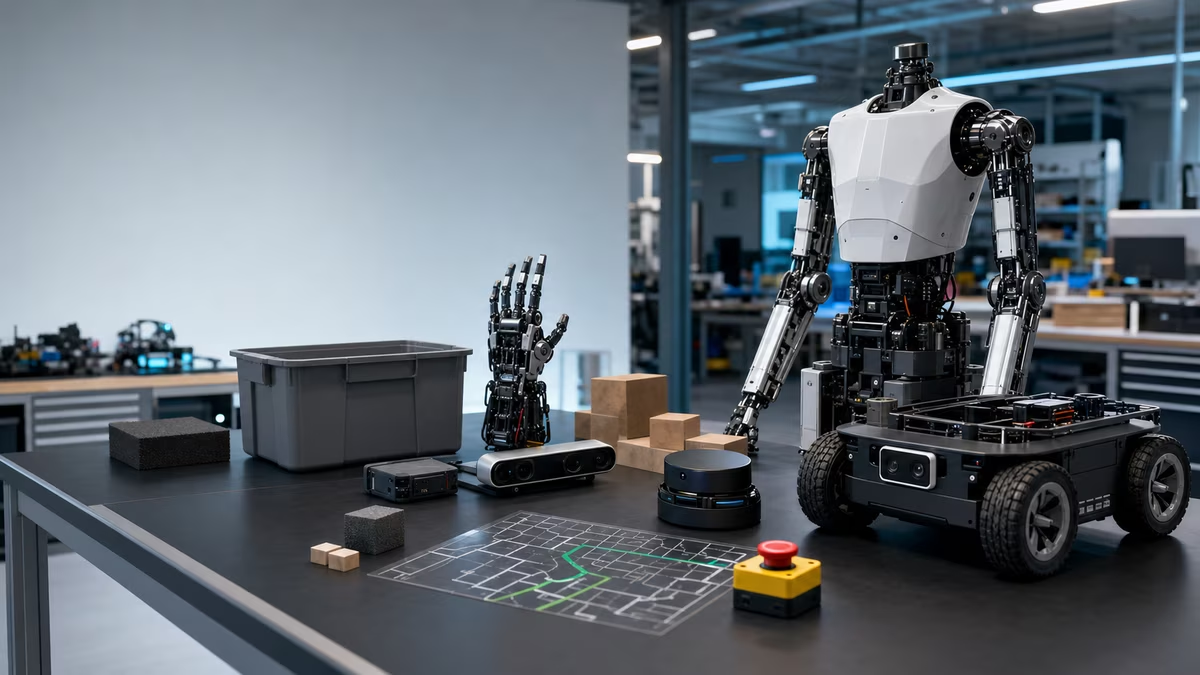
Safety is not one feature
Safety is a system, not a single component. It includes mechanical and electrical design, speed and force limits, emergency and protective stops, sensors, guarded zones, software constraints, user training, maintenance, incident review, and documentation. Each piece covers a different way the robot can hurt someone or create confusion.
No single sticker, lidar, or AI model replaces the whole safety case.
Hazard-first thinking
Start with hazards, not robot categories.
Common hazards include collision with people, pinching or crushing at joints, sharp tools or end-effectors, dropped payloads, unstable loads, blocked aisles, unexpected startup, heat, battery faults, charging problems, camera and microphone privacy, cyber compromise, and poor maintenance. A safety review should treat all of those as real until the design proves otherwise.
For each hazard, ask:
- Who can be exposed?
- How severe could harm be?
- How likely is exposure?
- How can the hazard be eliminated or reduced?
- How will you verify the control works?
Collaborative does not mean automatically safe
“Collaborative robot” is often misunderstood. It does not mean a robot can safely do anything near people. It means the system is designed for specific forms of human-robot collaboration under defined limits and risk assessment.
A small arm moving slowly with a foam gripper is different from a heavy arm carrying a sharp tool. A mobile robot moving an empty tote is different from one moving a heavy pallet near pedestrians.
The task, tool, speed, force, payload, workspace, and human behavior matter.
Emergency stops and protective stops
An emergency stop is a deliberate human-triggered stop for danger. A protective stop is an automatic stop caused by a safety system or condition.
Good systems make stop behavior easy to access, easy to understand, tested regularly, logged, and recoverable only through a safe restart. Operators should know what stopped, why it stopped, what changed in the work area, and who is allowed to restart it.
Do not hide the stop plan in a manual nobody reads.
Speed, force, and distance
Robots need enough distance to detect, decide, and stop. Faster speed, heavier payloads, slippery floors, poor sensor coverage, and crowded spaces all increase risk.
For mobile robots, the practical questions are stopping distance, turning radius, blind corners, intersections, loading docks, narrow aisles, forklifts, pallet jacks, and distracted pedestrians. A robot that is safe in an empty demo lane may be risky in a busy aisle where people step out from behind carts.
For arms, the risk lives in the reach envelope: pinch points, tool hazards, unexpected contact, dropped objects, part ejection, and any motion that can catch a sleeve, finger, cable, or workpiece.
Home robot safety
Home robots bring different safety questions because the environment is less controlled and the users are not trained operators. A useful review asks whether the robot can fall down stairs, catch fingers or hair, drag cords, smear pet messes, expose blades or batteries to children, record private spaces, confuse guests, or become hard to disable quickly.
Consumer robots need plain-language safety because the user is not a trained operator.
Autonomy and safety boundaries
AI-driven robots need explicit boundaries: allowed rooms, allowed tasks, prohibited objects, maximum speed and force, privacy zones, approval gates for risky actions, safe stop conditions, and logs that people can review later.
The robot should know when a command is outside its authority. “Bring me that knife” and “clean the spill near the power strip” are not ordinary language tasks. They are safety decisions.
Standards and documentation
Standards help teams avoid inventing safety from scratch. They do not replace task-specific risk assessment.
Relevant references include industrial robot safety standards, mobile robot and driverless truck standards, personal care robot safety requirements, and workplace guidance. Which one matters depends on the robot, environment, region, and use case.
When in doubt, involve qualified safety professionals and follow applicable local regulations. This guide is educational, not legal or engineering approval.
Safety review checklist
Use this before a pilot:
| Area | Questions |
|---|---|
| Task | What exactly will the robot do and not do? |
| People | Who can enter the area, including visitors and cleaners? |
| Contact | What happens if the robot touches a person? |
| Payload | Can it drop, spill, crush, or tip anything? |
| Tools | Are there sharp, hot, powered, or chemical hazards? |
| Stops | Are emergency and protective stops tested? |
| Autonomy | What decisions can the robot make alone? |
| Data | What does it record, store, and transmit? |
| Maintenance | Who checks sensors, brakes, grippers, batteries, and software? |
| Incidents | How are near misses logged and reviewed? |
Useful references
- OSHA Technical Manual, Industrial Robots and Robot System Safety
- ISO 10218, Robotics safety
- ISO 13482, Personal care robot safety
- ISO 3691-4, Driverless industrial trucks and systems
- NIST mobile robotics systems and standard test methods
Next steps
Read Robot Autonomy to see where safety boundaries fit in the software stack. If you are comparing humanoid demos, keep Humanoid Robots open beside this checklist.