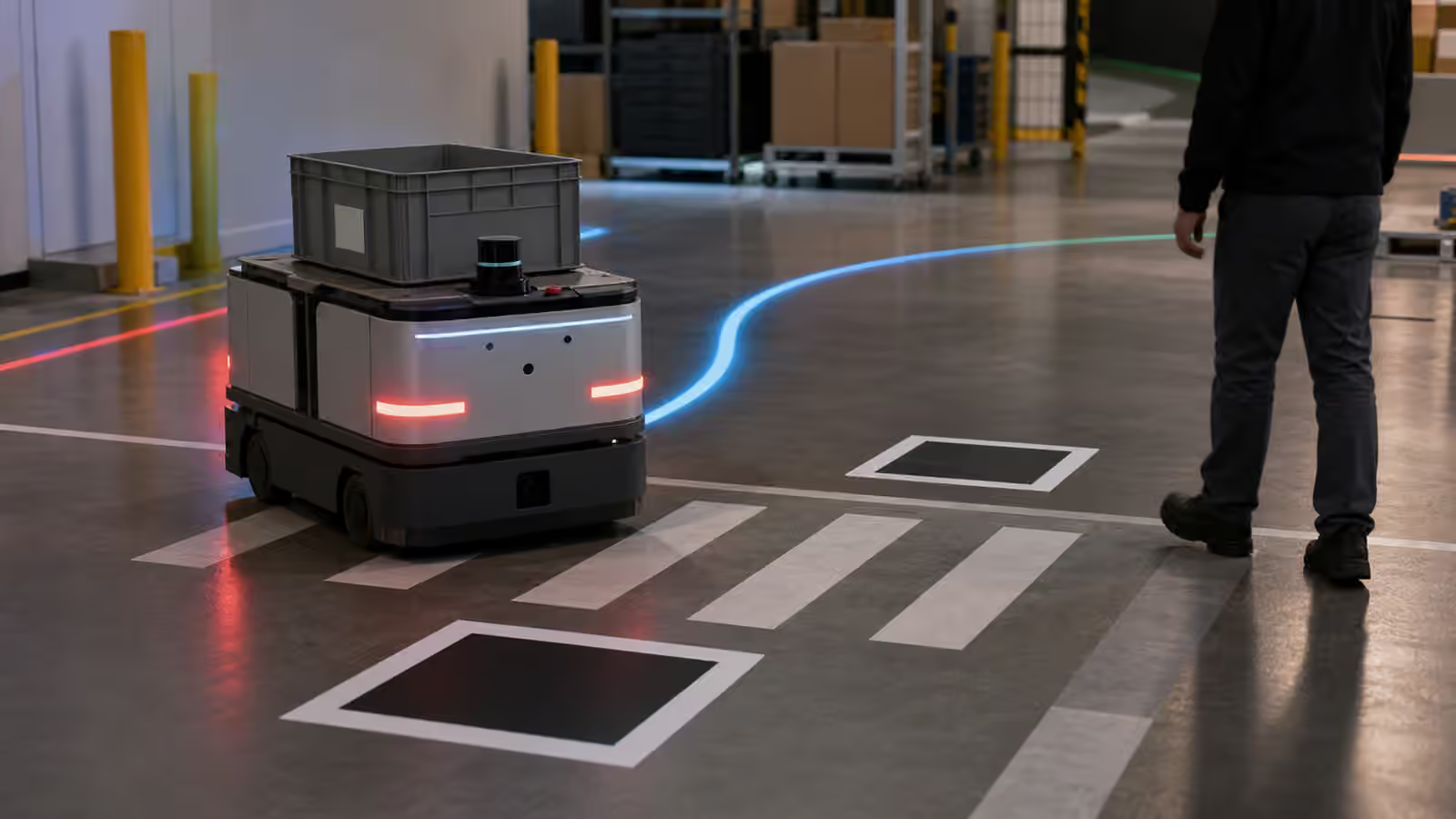
A useful robot has to communicate before it needs rescuing.
That sounds obvious until a robot gets stuck in an aisle, stops beside a doorway, refuses to pick an object, or returns to its dock without finishing the job. The machine may have good reasons. Its map may disagree with the room. Its battery may be low. A protective stop may have fired. A camera may be dirty. A person may be standing inside a safety zone. A grasp planner may be uncertain about the object pose. To the people around it, though, the first visible fact is simpler: the robot stopped, and now someone has to decide what to do.
The operator interface is the place where that decision becomes possible. It may be a tablet on the robot, a rugged console in a warehouse, a fleet dashboard, a remote support station, a handheld device, or a small status panel with lights and a few hard controls. The form matters less than the job. The interface has to turn the robot’s internal state into information a person can act on without becoming a robotics engineer.
This is why operator interfaces belong inside the story of physical AI, not beside it. Robot Teleoperation explains the human in the loop when remote control or supervision is needed. Robot Fleet Management explains what changes when one robot becomes many. The operator interface is where those ideas meet ordinary work. It is the screen, signal, and control surface that says what the robot believes, what it is trying to do, what it needs, and what the human is allowed to change.
The Interface Is Part Of The Robot
It is tempting to treat the operator interface as a skin added after the autonomy is built. That is a mistake. A robot that can act physically must also be understandable when it pauses, warns, retries, asks, and fails. If the interface is vague, the deployment becomes dependent on a few experts who know how to read logs or guess from behavior. If the interface is honest, trained staff can handle many ordinary events without turning every exception into a support call.
The interface also shapes trust. A robot that says only “error” teaches people to ignore it or fear it. A robot that explains too much in a dense technical panel can overwhelm the person who simply needs to clear a blocked route. The useful middle is specific enough to guide action and restrained enough to fit the moment. “Front lidar blocked” is more useful than “navigation error.” “Wait for robot to finish braking before moving cart” is more useful than a generic warning. The point is not to make the robot sound friendly. The point is to make its state legible.
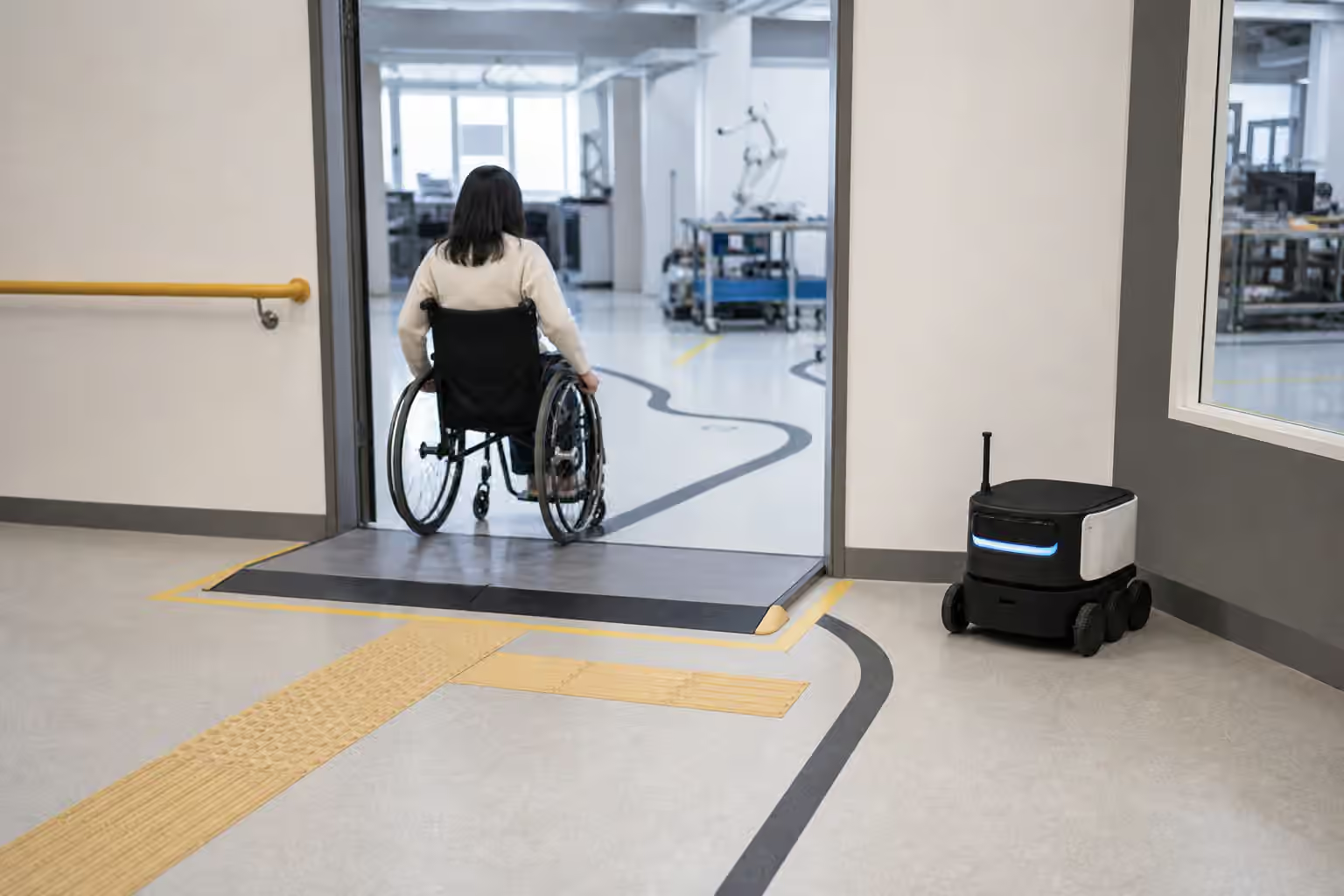
This legibility has to be designed around the actual site. A warehouse associate needs different controls from a remote support engineer. A home user needs different language from a robotics technician. A lab operator running repeated trials needs fast access to detailed state that would be noise in a commercial product. The same robot may need several interfaces because different people meet it at different distances from the problem.
State Comes Before Commands
Good robot interfaces start with state, not buttons. Before a person commands a robot, they need to know what the robot is doing, where it is, what task it believes it owns, what mode it is in, whether it is safe to approach, and whether it is waiting for a human decision. Without that context, a command can make things worse.
Mode confusion is one of the quiet hazards of robotics. A robot may be autonomous, paused, manually controlled, charging, updating, recovering, or waiting for remote review. If those modes look similar from the outside, people will invent their own interpretations. Someone may think a stopped robot is safe to move when it is about to resume. Another person may assume a robot is broken when it is waiting for a protected zone to clear. The interface should make mode visible in plain operational terms.
Location is part of state as well. For a mobile robot, the map view should help an operator understand where the robot is relative to routes, docks, restricted zones, and nearby work. For a manipulator, the relevant location may be the current joint pose, tool frame, object pose, and workcell boundary. Robot Mapping and Localization explains why keeping place is hard. The operator does not need every localization detail, but they do need to know when the robot is confident, uncertain, or lost enough that human help is required.
Task state matters because robots often fail between human-defined milestones. A person sees “deliver tote to packing,” but the robot may be between substeps: navigating to pickup, aligning at the station, waiting for clearance, confirming payload, rerouting, or returning to charge. An interface that exposes those substeps can prevent unnecessary intervention. It also helps people notice when the robot is looping through retries rather than making progress.
Alerts Need Judgment
An alert is not useful because it appears. It is useful because it arrives at the right person, at the right time, with the right level of urgency and a clear next action. Robotics makes this hard because many events are technically abnormal but operationally ordinary. A temporary blocked path may not deserve a loud alarm. A repeated protective stop near people may deserve immediate attention. A low battery may be routine if the robot is already headed to a dock and serious if it is stranded far from charge.
Bad alert design teaches people to tune out. If every pause becomes a red warning, the interface becomes background noise. If important conditions are buried in diagnostic panels, people learn about them only after a failure. The interface needs a vocabulary of severity that matches the workflow. It should distinguish information, waiting, degraded operation, requested assistance, and urgent stop conditions in ways the site can understand.
The wording should be tied to action. “Obstacle detected” may be true, but it does not tell a floor worker whether to move a cart, wait, call a supervisor, or leave the robot alone. “Route blocked by movable object near receiving lane” is better if the system can support that specificity. When it cannot, the interface should admit uncertainty rather than invent confidence. A robot that says “unable to verify clear path” is more honest than one that implies it knows exactly what happened.
The alert history matters too. A single blocked path may be a normal interruption. The same blocked path every afternoon is a site pattern. Robot Site Readiness treats the building as part of the deployment, and alerts are one way the building speaks back. A well-designed operator system lets teams see repeated exceptions without forcing every worker to remember them from yesterday.
Exceptions Are Workflow, Not Embarrassment
Robots are often judged by how smoothly they perform the happy path. Operators live in the exception path. The robot cannot find the object. The shelf is empty. The dock is blocked. A tote handle is broken. A person moved the fixture. A map update has not reached every machine. A sensor cover is dusty. None of these events should feel like the system has fallen off the edge of the product.
An operator interface should make exceptions first-class. It should show what happened, what the robot has already tried, what choices are available, and which choices require a qualified person. Clearing a benign obstacle should not need the same authority as overriding a safety stop. Restarting a navigation task should not look like resetting a robot arm inside a workcell. The interface has to respect risk, not merely convenience.
This is where Robot Failure Recovery becomes practical. Recovery is not only a software behavior. It is a human procedure supported by controls, messages, locks, logs, and permissions. The operator should know when the correct action is to wait, when to remove an obstacle, when to send the robot home, when to call remote support, and when to keep people away from the machine until a technician arrives.
Good exception design also prevents blame from drifting to the wrong place. If the robot repeatedly stops because a workstation leaves carts in a route, the interface should help the team see the route problem. If a gripper fails because a fixture presents parts inconsistently, the record should point toward the physical setup. If a remote service is unavailable, the operator should not be left guessing whether the robot, network, or cloud system is at fault. The interface cannot solve every problem, but it can stop problems from becoming folklore.
Remote Help Still Needs Local Authority
Many robot systems use remote assistance. A support operator may review a camera view, approve a navigation decision, recover a stuck robot, annotate a scene, or guide a manipulation task. Remote help can make robots useful before autonomy is complete, and it can reduce the burden on local staff. It also introduces questions about latency, privacy, responsibility, and control authority.
The interface should make the handoff between local and remote control explicit. Local staff need to know when someone else is observing or controlling the robot. Remote operators need to know what people near the robot can see, hear, and do. The system should avoid silent authority changes, especially around motion. A robot that suddenly behaves differently because a remote person took control can confuse the people standing beside it.
Privacy belongs in this design. A robot interface may expose camera feeds, maps, inventory, home layouts, worker activity, or operational patterns. Robot Data Collection explains why records matter for learning and debugging, but the operator surface should still collect and display only what the job requires. If a remote operator needs a cropped sensor view rather than a full room feed, that difference matters. If local users need to know when data is being recorded, the interface is the natural place to show it.
Local authority also matters during network failure. A robot should not become impossible to understand when the remote dashboard is down. The onboard or local interface should preserve basic status, safe stop behavior, and recovery instructions appropriate to the site. Robot Compute and Connectivity makes the broader point: autonomy depends on infrastructure, and the system should be designed from degraded conditions backward.
Logs Should Serve People, Not Only Engineers
Robots generate logs because engineers need evidence. Operators need a different kind of record. They need to know what happened during a shift, which robots had repeated trouble, what actions were taken, and whether an issue is still active. The same event can be stored in a detailed diagnostic stream for developers and summarized in plain operational history for the floor.
This distinction is important because field support often begins with a person describing what they saw. “It stopped near the dock” is less useful than a timeline showing low battery, failed dock alignment, blocked charger, two retry attempts, and a human clearance. The interface can help by preserving the sequence in a way that does not depend on memory. It can also make support conversations shorter because the local operator and remote engineer can look at the same event record.
The record should include interventions. If a human clears a route, changes a task, acknowledges an alert, retries a grasp, or powers down the robot, that action becomes part of the story. Without it, the team may misread the robot’s performance. A robot that “completed the route” after three unrecorded human rescues did not complete the route in the operational sense. Robot Demo Evaluation asks for the denominator behind a good clip. Operator logs create that denominator in daily work.
Design For Busy People
The best operator interface is not the one with the most visible intelligence. It is the one that fits the attention available. A warehouse worker may glance at a robot while carrying another task. A technician may troubleshoot under time pressure. A home user may be annoyed, not curious. A remote operator may watch several machines at once. The interface has to respect those conditions.
That means information should appear at the level of the decision. A worker clearing a route needs a simple message and a safe way to acknowledge completion. A technician diagnosing sensor drift needs calibration and health detail. A manager reviewing fleet performance needs trends, not camera feeds. A remote assistance operator needs enough scene context to act without drowning in raw telemetry. One screen cannot serve all of those people equally unless it has been carefully layered.
Physical controls still matter. Emergency stops, enable switches, mode selectors, dock buttons, lights, and audible signals remain important because screens can fail, gloves exist, glare happens, and urgent motion should not depend on finding the right menu. A good interface combines digital richness with physical clarity. It lets people see what the robot is doing and stop it without negotiation.
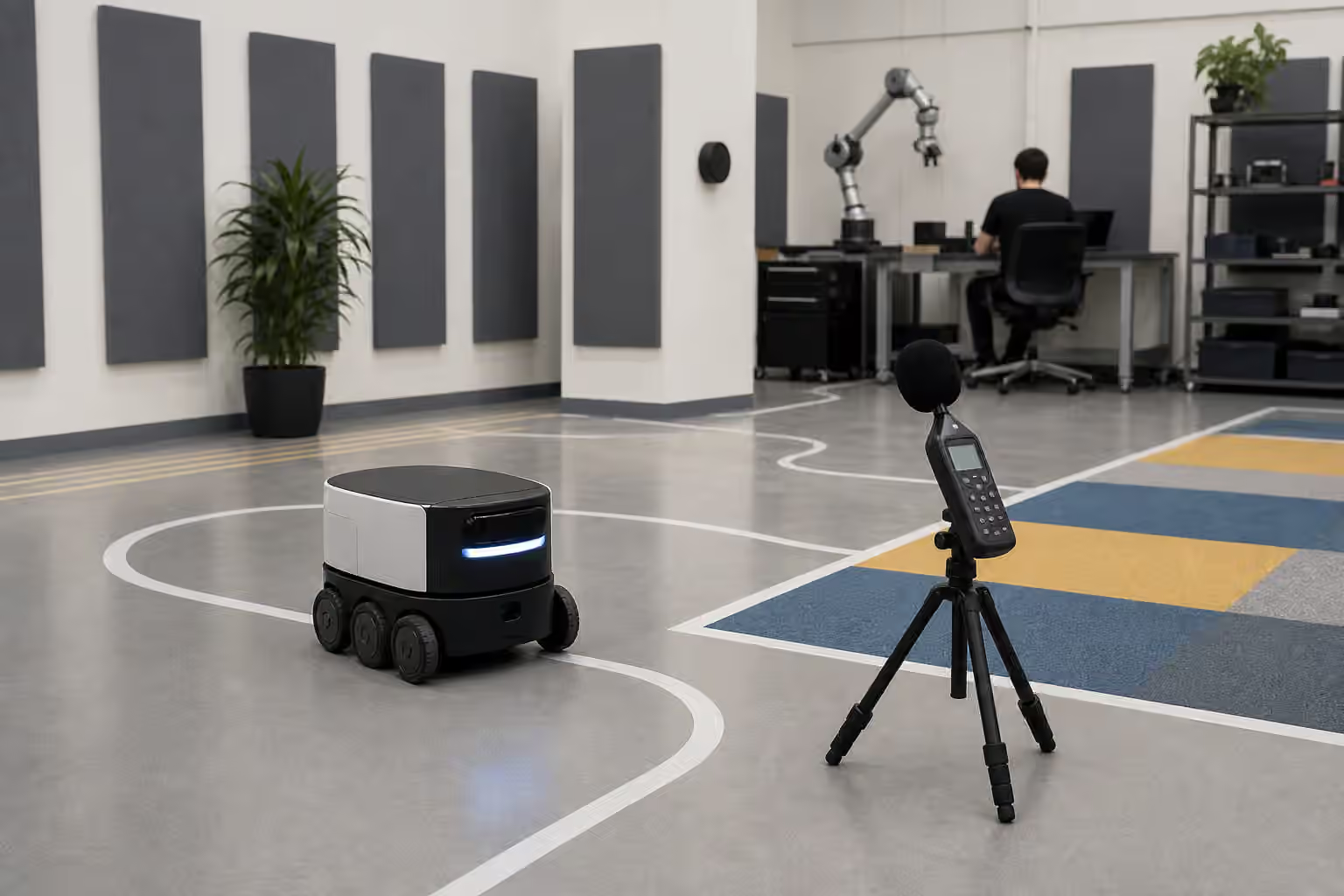
The language should be tested in the real place where the robot works. A term that makes sense to engineers may mean nothing to staff. A color scheme that looks clear in a lab may be ambiguous under bright warehouse lights. A sound that seems helpful during testing may become irritating across a long shift. Operator design is not finished until it has survived the people, lighting, noise, gloves, fatigue, and shortcuts of actual work.
The Practical Test
To evaluate a robot operator interface, watch what happens when the robot cannot finish cleanly. Does the interface explain the state before offering commands? Does it show whether the robot is safe to approach? Does it separate routine waiting from real trouble? Does it guide the right person to the next action? Does it record interventions? Does it preserve enough context for later debugging? Does it work when the network, map, sensor, dock, or workflow is less cooperative than the demo?
These questions do not make the interface secondary to autonomy. They show that autonomy is a relationship between machine behavior and human operation. A robot that acts well but communicates poorly will still be hard to deploy. A robot that admits uncertainty, asks clearly, supports recovery, and leaves an honest record may feel less magical, but it is easier to trust and easier to improve.
Physical AI is not finished when the model chooses an action. It is finished, for the moment, when the robot and the people around it can keep the work moving through success, delay, confusion, and recovery. The operator interface is where that shared work becomes visible.