A robot often fails long before its fingers close.
The object may be reachable in the ordinary human sense, but not reachable in the robot sense. It sits too close to a bin wall. It is half hidden under another item. Its shiny side faces the camera. Its handle points away from the gripper. The shelf lip blocks the wrist. The tray is placed a few inches off the mark. The object is technically present, but the work has not been presented to the machine in a way the machine can perform reliably.
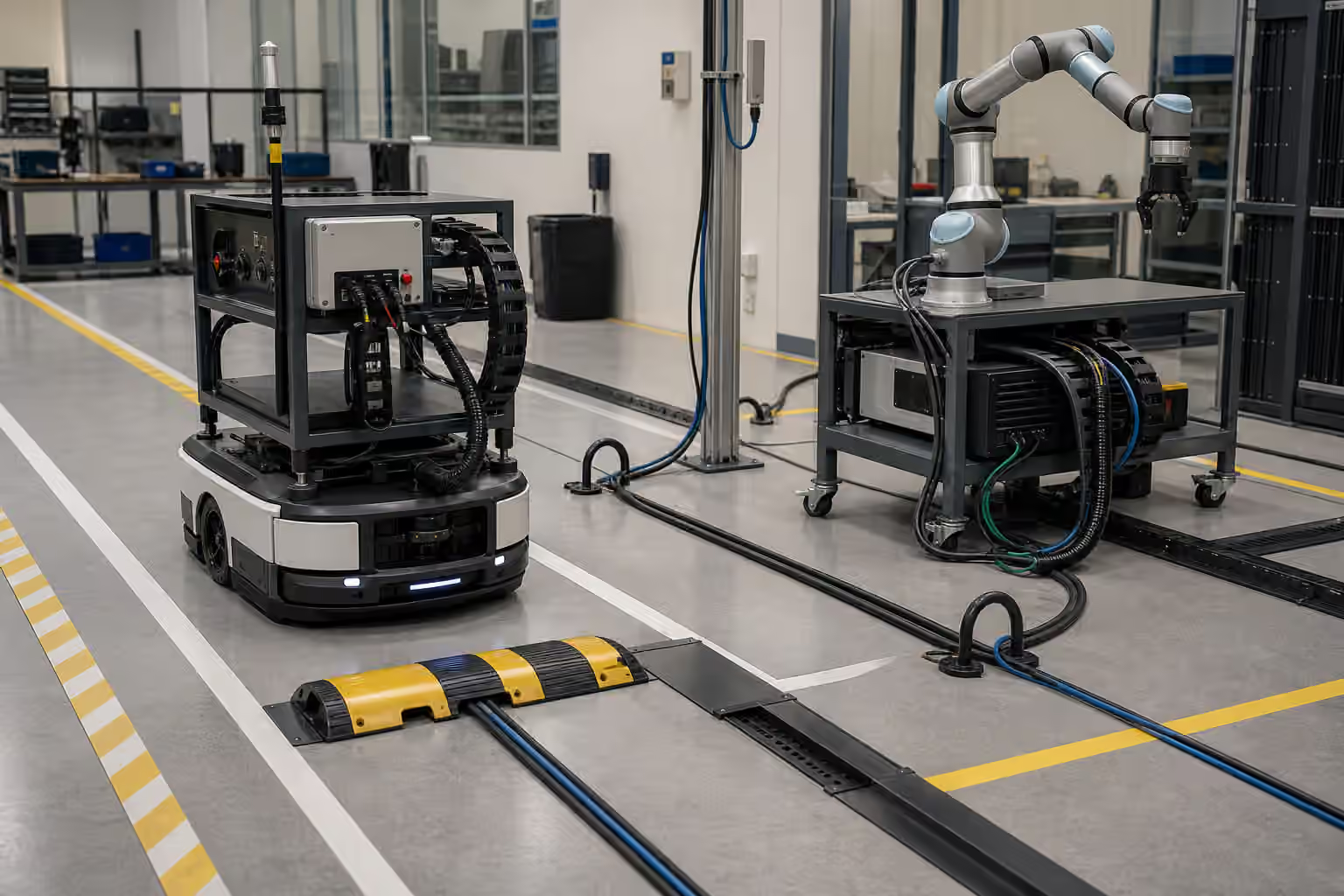
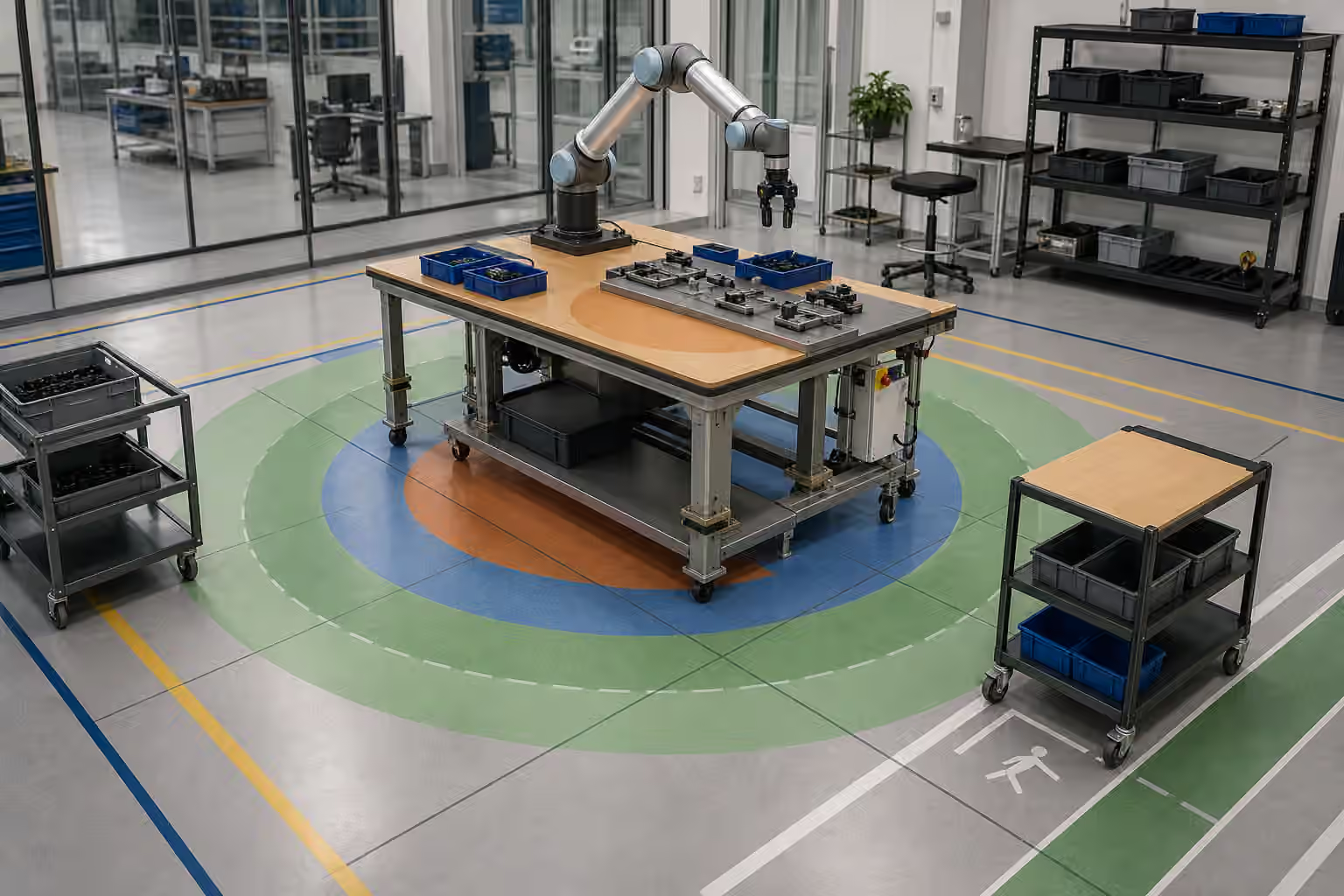
Object presentation is the practical art of arranging the world so perception, planning, and contact have a fair chance. It is related to Robot Grasping in Real Homes , but it belongs in warehouses, labs, kitchens, clinics, stores, and repair benches as well. Better hands matter. Better models matter. Yet many useful deployments are won by changing the tray, the shelf, the tote, the fixture, the lighting, or the handoff point instead of asking the robot to solve a messier version of the task.
Presentation Is Part Of The Task
People tend to describe object presentation as setup, as if it sits outside the real automation. The robot picks the part, so the tray is merely background. The robot loads the machine, so the rack is merely storage. The robot fetches the item, so the shelf is merely a shelf. In field work, that separation becomes expensive. The way the object arrives often decides whether the robot can see it, reach it, grip it, move it, and prove that it finished.
A task definition that ignores presentation is usually incomplete. “Pick a bottle from the bin” hides more than it reveals. Is the bottle upright, lying down, nested with other bottles, wrapped in plastic, wet, transparent, partly under a divider, or pressed against the tote wall? Can the robot approach from above, from the side, or only at an angle? Does the gripper need clearance around the neck, the body, or the cap? Does the robot need to avoid crushing a flexible package? These are not small details after the autonomy stack is finished. They are the physical grammar of the task.
This is why presentation belongs near Robot Task Design and Acceptance Tests . A good acceptance test should not only ask whether the robot can pick the object. It should describe how the object is allowed to appear. If the task assumes a seated tray, a visible handle, or a limited pile height, that assumption should be part of the contract. Otherwise a successful pilot can turn into a daily argument about whether the robot or the site failed.
Bins Are Not Neutral
A bin seems simple until a robot has to use it. The wall height changes camera angles. The corner radius changes how small parts settle. The color changes segmentation. A deep tote can hide low objects from a wrist camera. A shallow tray may expose objects well but spill when workers move it. A clear bin can create glare. A black bin can swallow dark parts. A flexible container can deform under load and shift the object pose between scans.
For people, these differences are often minor. A hand can sweep through a bin, feel around a corner, and adapt to surprise. A robot may need the tote to present a predictable volume, a stable base, and enough clearance for the gripper to approach without colliding. The best container is not always the tidiest one. It is the one that lets the robot inspect, reach, and recover without turning every pick into a new problem.
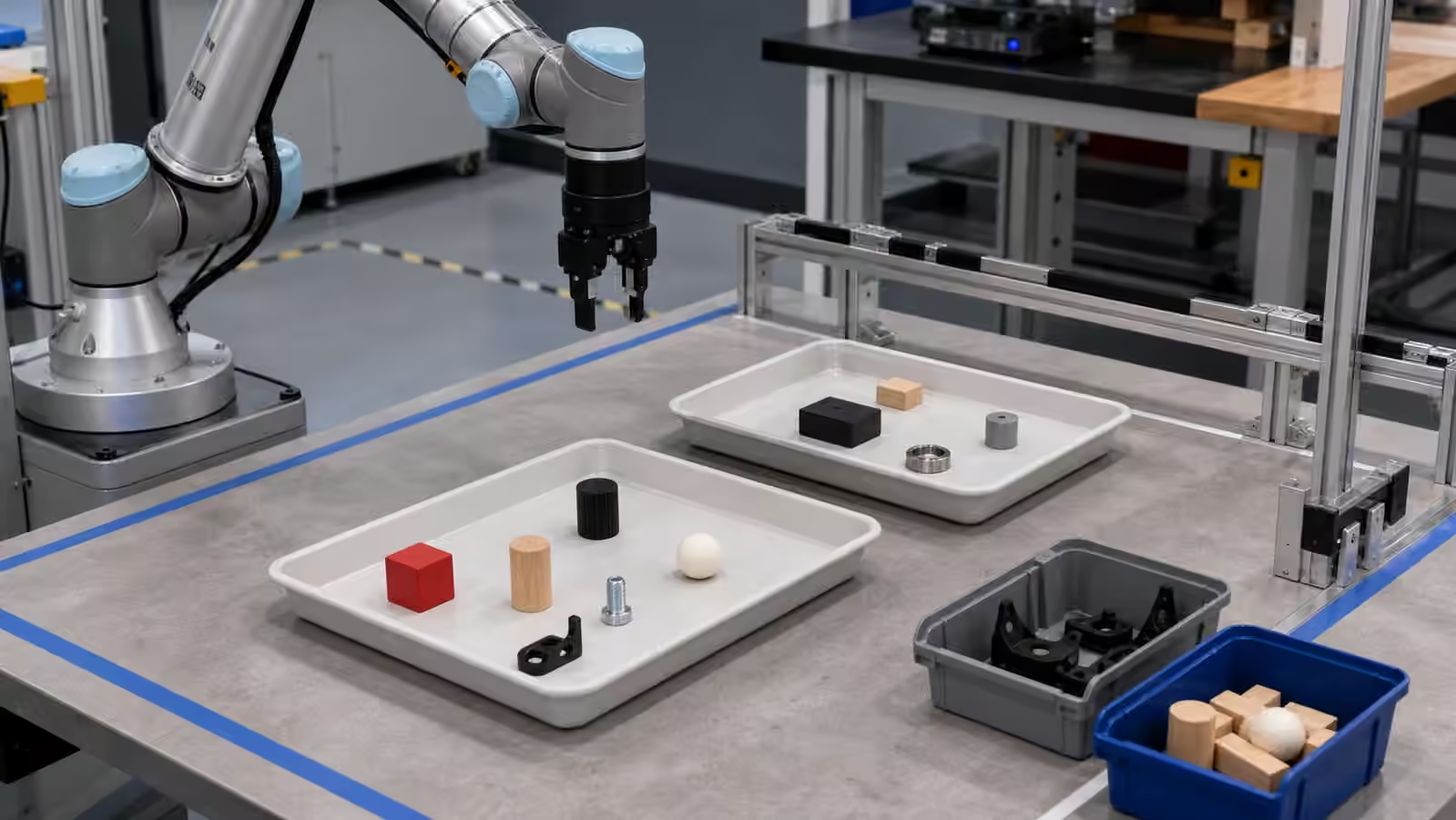
Singulation is one of the plainest examples. A single object in a tray may look wasteful compared with a pile, but it can make the task dramatically easier. A lightly separated layer may be enough. A shaped pocket may be better for fragile parts. A small tilt may reveal an edge. A stop may align a box without needing precise placement by a person. These are not cheats. They are how physical work becomes legible.
Fixtures Reduce Ambiguity
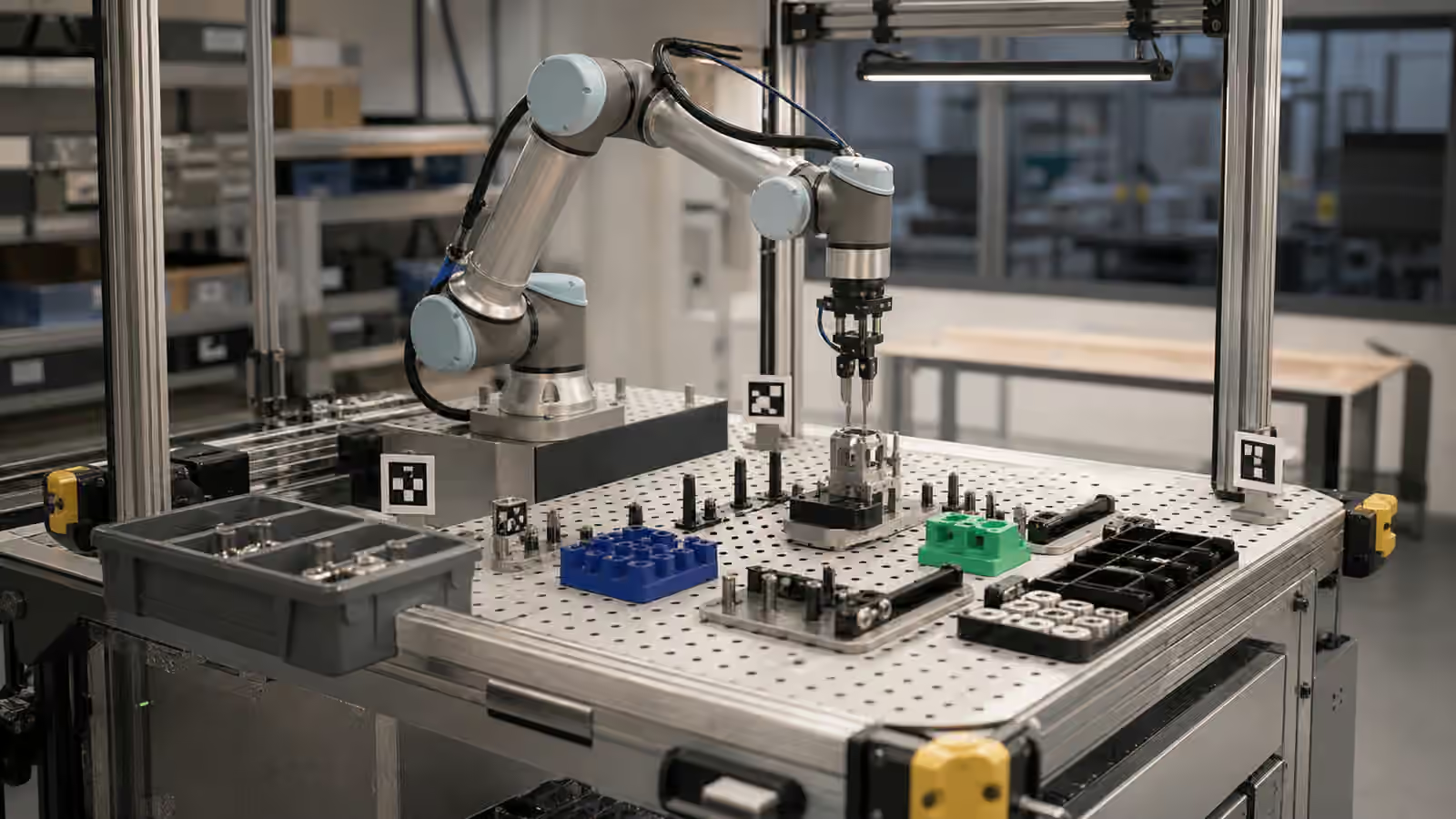
Fixtures have a quiet reputation because they are not as exciting as general-purpose manipulation. They deserve more respect. A fixture can turn a vague scene into a known scene. It can seat a part, expose a grasp point, protect a surface, constrain rotation, and provide a repeatable end state. It can also make human loading faster because the worker no longer has to guess what the robot expects.
Robot Workcell and Fixture Design covers this from the cell outward. Object presentation brings the same thinking down to the item. The fixture should not exist for engineering elegance alone. It should answer a concrete question. What uncertainty is it removing? What contact is it making safer? What visual feature is it exposing? What mistake is it preventing? A fixture that slows people, traps debris, wears quickly, or accepts the object in a wrong orientation can create as much trouble as it solves.
Good fixtures also acknowledge change. A plate that holds one part perfectly may fail when packaging changes by a few millimeters. A pocket that works with dry parts may collect dust, oil, or fragments. A magnetic stop may help with one material and confuse another. Presentation design should include tolerance, cleaning, inspection, and replacement, not just the first clean demonstration.
Perception Needs A View
The robot cannot reason from a view it never receives. A camera looking into a tote may miss the side of an object needed for classification. A wrist camera may see the target clearly until the gripper blocks the approach. A depth sensor may struggle with transparent plastic, reflective metal, black rubber, or a dark cavity. The object might be present, but the scene does not offer usable evidence.
Presentation improves perception by giving sensors the right kind of view. A tray color can create contrast. A shallow angle can expose edges. A matte surface can reduce glare. A known staging zone can keep the object away from confusing background features. A light shield can protect the camera from sun or overhead reflection. The goal is not to make the robot fragile by demanding perfection. The goal is to avoid wasting intelligence on avoidable ambiguity.
This links directly to Robot Perception and Robot Sensor Fusion and Uncertainty . When the sensors disagree, the task policy needs a safe answer. Better presentation reduces how often that disagreement happens, and it makes uncertainty easier to interpret. If the object should be inside a marked tray and the robot sees only a partial shape near the edge, the system has context for caution.
The Gripper Needs Space
Many object presentation failures are really approach failures. The robot can see the object and knows what it wants to do, but the hand cannot get there. The bin wall blocks the wrist. A neighboring object blocks the fingers. A shelf overhang makes the approach angle impossible. A cable crosses the path. A tall object leaves no room for top-down grasping. A soft package collapses before the grip develops.
Robot End-Effectors and Tooling explains why tool choice matters. Presentation decides whether that tool can work in the scene. A suction cup needs a clean patch and a reliable seal. A parallel jaw needs opposing surfaces and clearance. A fork needs an opening. A magnetic tool needs compatible material and a release plan. A dexterous hand still needs enough space to place the fingers without scraping the environment.
This is where people sometimes overestimate “human-like” manipulation. A person can pinch from a strange angle, change hands, brace the object, and use touch to improvise. A robot can do some of that in narrow systems, but deployments usually benefit from making the grasp obvious. The object should offer a place to approach, a place to hold, and a path away from the presentation area.
Presentation Is A Human Workflow
Someone has to load the tray, restock the shelf, place the cart, empty the tote, or clear the handoff point. Object presentation is therefore a human workflow, not just a robot input. If the robot requires careful placement that slows people down, the site may quietly drift away from the design. Workers will put objects where they fit, not where the diagram says, especially when the line is busy.
The best presentation systems make the right action natural. A fixture that only accepts the part one way can be easier than a written instruction. A tray that nests into a marked dock can be faster than manual alignment. A shelf face that exposes pickable items can help both people and robots. A reject area that is physically distinct from the input area can prevent rework. Robot Handoffs and Human Workflows is useful here because the presentation point is often the first handoff.
Training should explain why the presentation matters without making workers feel responsible for compensating for a weak machine. If a tray must be seated, say so and make it visible. If a bin must not be overfilled, design an obvious fill line that does not rely on tiny text. If the robot cannot handle tangled objects, give people a quick way to divert them instead of letting the cell fail repeatedly.
Data Comes From The Presented World
Robot learning inherits the presentation habits of its data. If training examples show neatly spaced objects in bright trays, the deployed robot should not be expected to solve dark piles in deep totes without additional evidence. If examples come from one fixture, a new fixture can change the visual and contact distribution. If people curate away awkward cases, the model may look stronger in evaluation than it is in production.
Robot Dataset Curation and Annotation matters because object presentation creates categories that should be recorded. Was the item centered, near the wall, occluded, tilted, stacked, damaged, shiny, transparent, or deformed? Did the robot succeed because the scene was easy, or because the policy handled a difficult presentation? Without that context, data can flatter the system and hide the work done by trays, fixtures, and people.
The practical answer is not to make presentation harder for the sake of learning. It is to be honest about the range. Start with presentation that supports useful work, then expand the range deliberately when the robot and the operation can absorb it. A deployment that learns from staged work can still become more flexible, but only if the team knows what has changed.
Reachable Work Is Designed
A good object presentation system often looks ordinary. It may be a tray, a shelf lip, a fixture, a marker, a docked cart, a chute, a pocket, a color contrast, or a simple rule about not overfilling a bin. Its value is not glamour. Its value is that the robot spends more time doing the task and less time discovering that the world was handed to it in a hostile shape.
This does not make the robot less intelligent. It makes the job more truthful. Physical AI is not only a model inside a machine. It is a relationship among sensors, tools, objects, people, and spaces. When objects are presented well, the robot can use its intelligence where it matters: choosing action under real variation, recovering from ordinary exceptions, and producing work that people can trust.