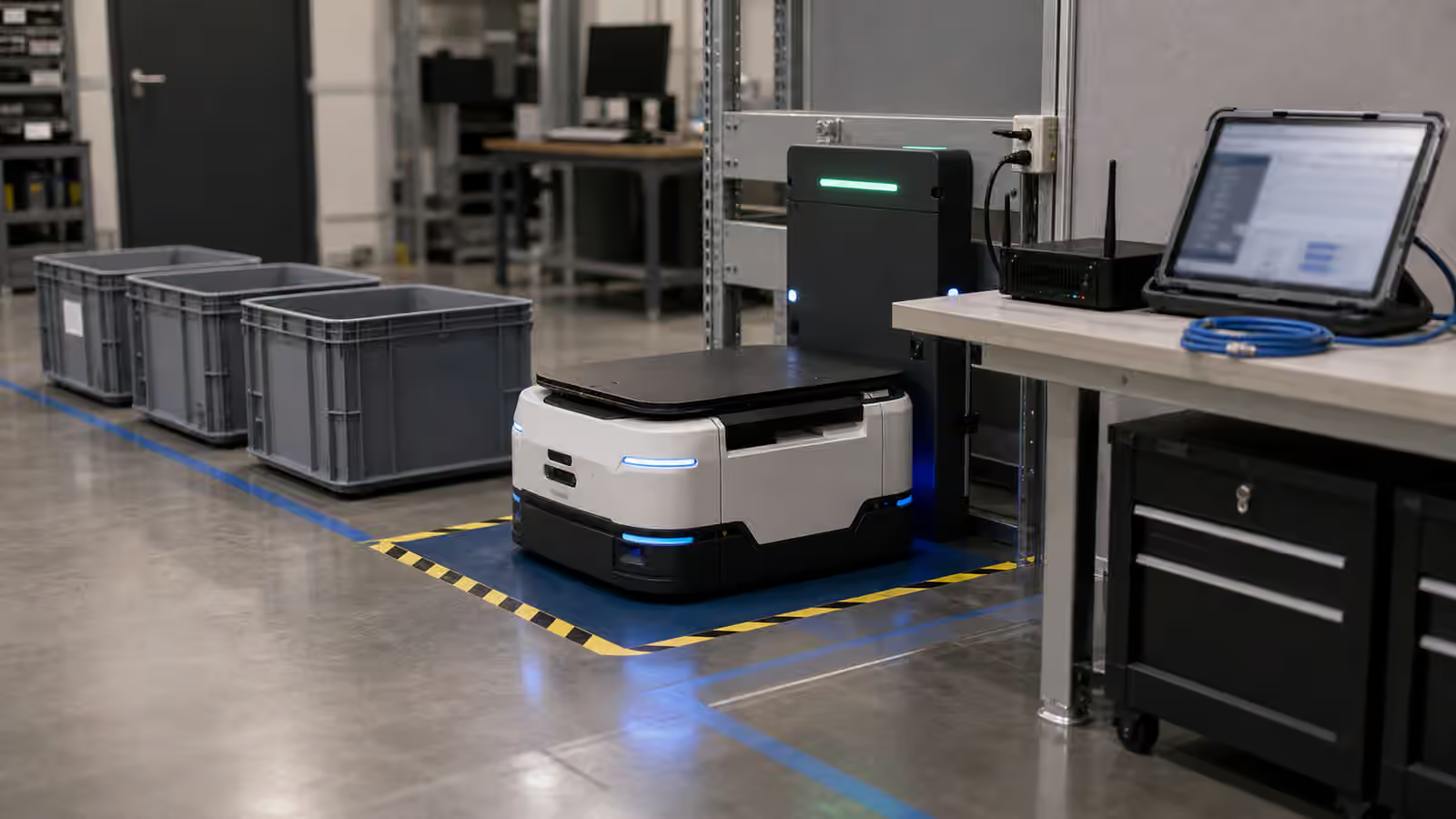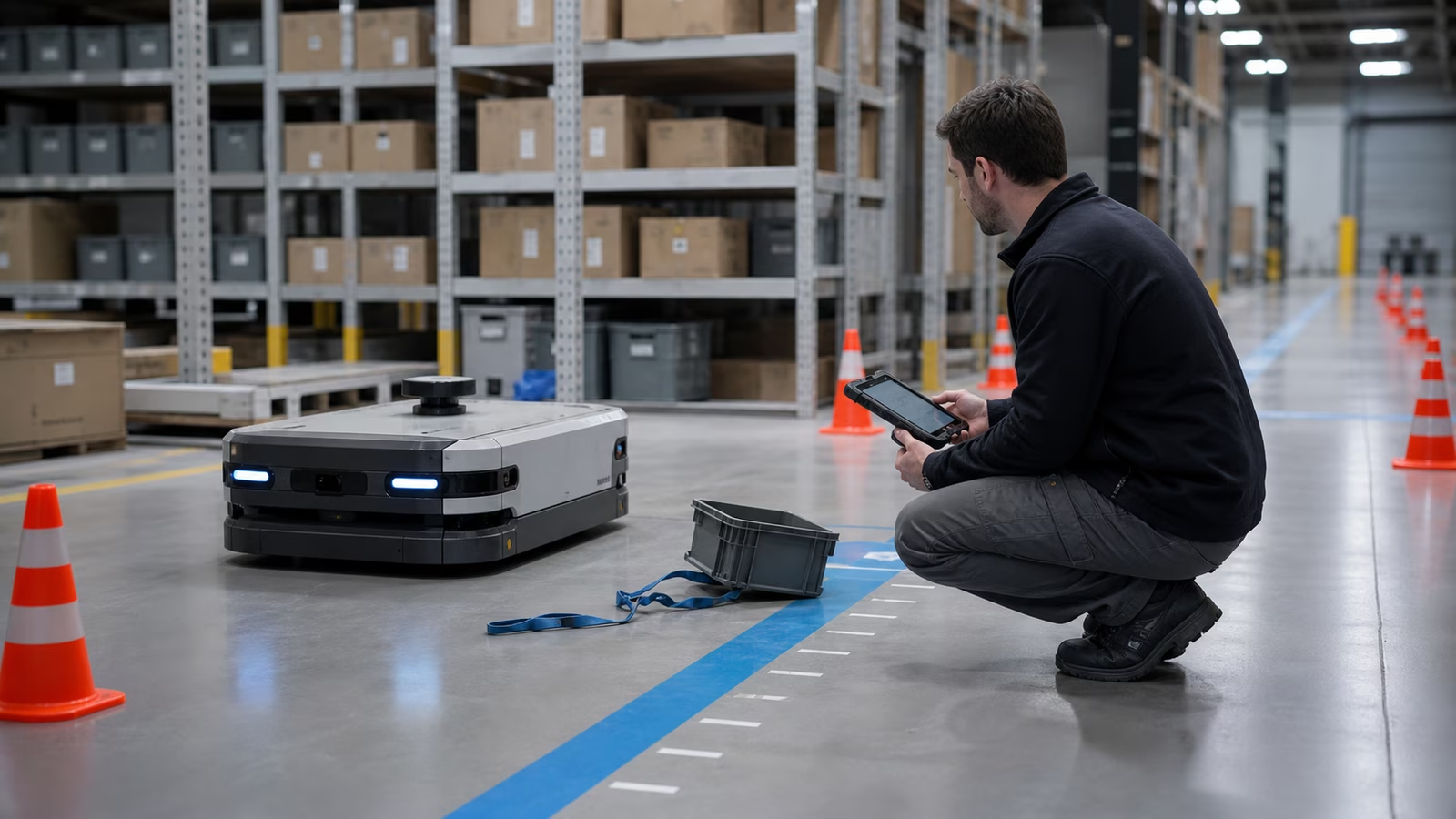
A robot does not become trustworthy because it never gets stuck. It becomes trustworthy because the people around it know what happens when it does. The robot pauses at a doorway, stops near a pallet, loses confidence in a map, drops an object, refuses to dock, or asks for help after seeing something it cannot classify. At that moment the important question is no longer whether the demo looked smooth. The question is whether the site has a recovery path.
Failure recovery is the practical middle ground between autonomy and field work. It includes the robot’s safe stop behavior, the signals it gives, the people who respond, the tools they use, the logs they preserve, and the decision to return the machine to service. It is related to Robot Safety , but it is not only a safety topic. It is related to Robot Maintenance and Reliability , but it is not only maintenance. It sits where software uncertainty, physical obstacles, human judgment, and operating pressure meet.
Good recovery design accepts that robots will encounter situations their builders did not fully predict. That acceptance is not pessimistic. It is how a deployment becomes durable.
A Safe Stop Is the First Recovery Feature
The first job of recovery is to make the situation boring. When a robot is confused, blocked, unstable, or uncertain, it should enter a state that protects people, protects the machine, and preserves enough information to understand what happened. A dramatic failure may be memorable, but most useful recovery begins with an uneventful pause.
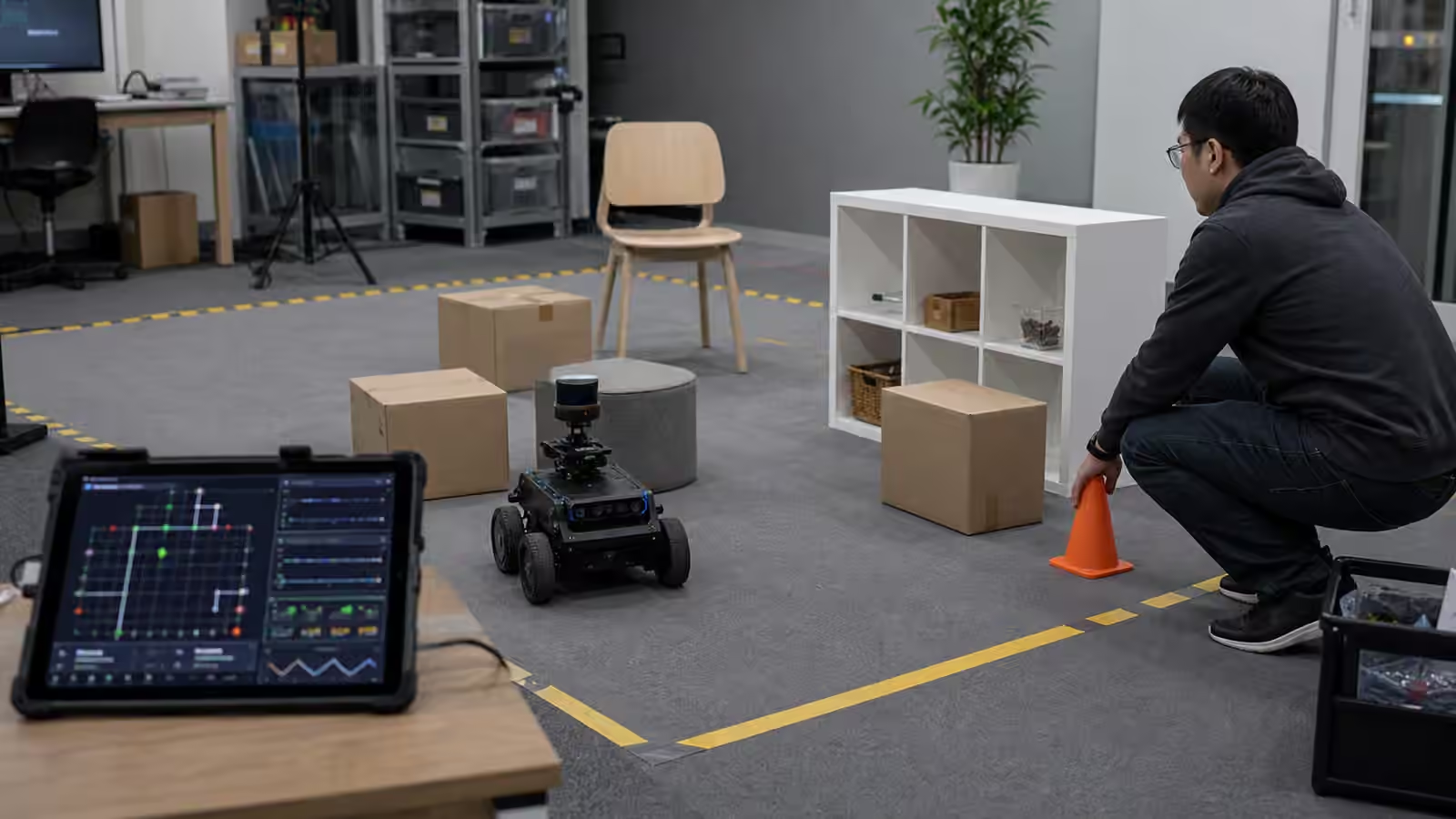
For a mobile robot, that may mean slowing, stopping outside a travel lane if possible, holding position, turning on a clear status signal, and waiting for help. For an arm, it may mean stopping motion, maintaining a safe posture, releasing force where appropriate, or holding a payload only if dropping it would be worse. For a home robot, it may mean refusing a risky action around a pet, a stair edge, a cable, or an unknown object. The exact behavior depends on the machine, but the principle is the same. The robot should not make its uncertainty everyone else’s emergency.
This is why recovery cannot be bolted on at the end. A robot that stops in the worst possible place, blocks a fire route, traps a worker’s cart, or hides its state behind a cryptic light has already turned a small exception into an operational problem. The safest stop is usually designed through routes, speed limits, field-of-view assumptions, clearance zones, and human training long before the first incident.
Robot Site Readiness matters here because the building shapes the stop. A clear aisle, protected charging area, marked handoff point, and agreed parking zone give the robot better choices when something goes wrong. A cluttered site with no recovery space leaves the machine to improvise inside a bad layout.
Stuck Is Not One Condition
“The robot is stuck” sounds simple, but it can mean many different things. The robot may be physically trapped by a cable, pallet, threshold, chair leg, rug, or loose strap. It may be navigationally stuck because its map no longer matches the building. It may be perceptually stuck because glare, dust, smoke, reflections, darkness, or clutter makes the scene uncertain. It may be procedurally stuck because the next human step did not happen. It may be energetically stuck because the battery is too low to continue but the dock is blocked.
Those differences matter because the recovery action is different. A blocked path may need a person to move an object. A stale map may need a route update. A dirty sensor may need cleaning. A confusing handoff may need workflow redesign. A battery fault may need the robot removed from service. Treating every stop as the same generic failure encourages people to poke at the machine until it moves, which is not a recovery process. It is improvisation.
A mature deployment gives operators a vocabulary for common stop types without asking them to become robotics engineers. The robot’s status should point toward the class of problem, not bury the person in internal codes. “Blocked route near receiving” is more useful than a raw planner failure. “Dock approach failed” is more useful than a silent refusal to charge. The goal is not to hide technical detail from support teams. It is to route the first response correctly.
The Human Responder Needs a Clear Role
Recovery often begins with a person who has other work to do. A warehouse associate, nurse, lab technician, facilities worker, or home user may be the first one near the stopped robot. If that person does not know what they are allowed to do, the site will invent its own rules. Some people will avoid the robot. Some will move it casually. Some will reboot it every time. Some will call support for issues they could safely clear in ten seconds.
The deployment should define the responder’s role in plain operational terms. The person may be allowed to clear loose debris, confirm that a handoff is complete, press a local pause or resume control, guide the robot through a documented recovery step, or call a supervisor. They may be explicitly told not to drag the robot, lift a cover, bypass a sensor, restart after a collision, or send the machine back into traffic after a safety event.
This is not bureaucracy for its own sake. It protects trust. Workers are more likely to cooperate with a robot when they know what interaction is expected and what responsibility remains with the vendor, supervisor, or maintenance team. Recovery instructions that shame people for touching the robot while also depending on them to rescue it will fail quickly. Instructions that treat people as part of the operating system have a better chance.
Robot Handoffs and Human Workflows covers the planned moments when automation meets a person. Recovery covers the unplanned moments. In both cases, the human side cannot be treated as scenery.
Remote Help Should Narrow the Problem
Many robots use remote support, teleoperation, or supervisory tools when autonomy reaches its limit. That can be valuable, especially when a trained operator can inspect the scene, select a recovery behavior, drive the robot out of a tight spot, or decide that local assistance is needed. Remote help can turn a confusing stop into a short interruption.
It can also hide fragility if the deployment pretends the robot is fully independent while a remote team is quietly rescuing it all day. Robot Teleoperation is useful precisely because it makes the human layer visible. There is nothing wrong with supervised autonomy when it is designed and described honestly. The problem begins when remote recovery becomes the unmeasured glue holding a product together.
Good remote support narrows the problem. It should show the robot state, recent commands, sensor context, map position, battery state, fault history, and local safety status. It should make clear whether the issue can be solved remotely, needs a nearby person, requires maintenance, or demands that the robot stay out of service. A remote operator with poor context may simply retry the action that failed, which can turn a safe stop into repeated nuisance.
The best systems also respect the site. Remote support should not surprise workers by moving a robot without clear local signals. It should not require a person to stand in a risky place to help. It should not turn every recovery into a long call with someone reading from a script. The remote layer exists to reduce confusion, not export it.
Logs Keep the Incident Honest
Recovery should leave evidence. Without evidence, a stopped robot becomes a story, and stories drift. One person remembers that the aisle was clear. Another remembers a pallet nearby. Someone says the robot almost hit a cart. Someone else says the robot was nowhere near it. The next morning, the machine is restarted and the same issue returns.
A useful recovery log connects robot state, time, place, sensor confidence, route, battery level, operator action, human intervention, and outcome. It does not have to be perfect to be valuable. Even a modest event record can show that stops happen after a lighting change, near one doorway, during shift change, after a map update, or when a particular type of cart is present.
Logs also help distinguish a robot problem from a site problem. If a robot repeatedly stops because people block the dock, the recovery plan may involve floor markings and training. If it stops because its docking approach is unreliable, the fix belongs in the robot. If it stops after a software release, the release process needs scrutiny. Evidence makes responsibility more specific.
The log should also record return-to-service decisions. If a robot was restarted after a bumper event, sensor fault, dropped payload, failed dock, or manual move, the team should know who cleared it and why. That record is not about blame. It is about preventing casual restarts from becoming the default answer to every physical warning.
Restarting Is a Decision, Not a Reflex
The easiest recovery action is often the worst habit: turn it off and on, clear the fault, send it back to work. Sometimes that is reasonable. Software can hang. A transient network issue can clear. A harmless blocked-path stop can be resolved after someone moves a cart. But a restart should not erase uncertainty that matters.
If the robot contacted something, tipped a payload, lost localization badly, reported a safety sensor fault, failed to brake as expected, or behaved differently after an update, returning it to service requires more care. The team may need to inspect hardware, clean sensors, validate the map, check logs, test a short route, or call support. A robot that has been physically moved may need to relocalize before driving. An arm that has hit a fixture may need calibration or inspection before manipulating again.
This is where recovery connects back to maintenance. The machine is not only a software endpoint. It has wheels, joints, sensors, mounts, connectors, covers, batteries, and payload interfaces. Restarting software does not repair a loose camera bracket or a damaged wheel. A good recovery process remembers that physical systems carry physical consequences.
Recovery Design Shapes Trust
People learn a robot through its bad moments. A flawless run is pleasant, but an honest recovery can build more trust than a perfect demo. If the robot stops safely, explains itself clearly, asks for the right kind of help, preserves the record, and returns only when the issue is understood, workers begin to treat it like equipment. If it stops mysteriously, blocks work, needs rescue with no explanation, and gets rebooted until the same problem returns, workers learn to work around it.
This trust is practical, not sentimental. A site that trusts its robot will report issues early, keep routes clear, protect docks, preserve logs, and use the machine when pressure rises. A site that distrusts its robot will bypass it during busy periods, hide problems, or treat every alert as another nuisance.
Recovery is therefore part of the product, part of the deployment, and part of the relationship with the people who share space with the robot. It is not proof that autonomy failed. It is proof that autonomy was designed for the world it actually enters.
The question to ask is not whether the robot can avoid every exception. It cannot. The better question is what the next ten minutes look like after the exception appears. If those ten minutes are calm, legible, and useful, the robot has a much better chance of becoming ordinary infrastructure instead of a machine everyone remembers for the day it got stuck.