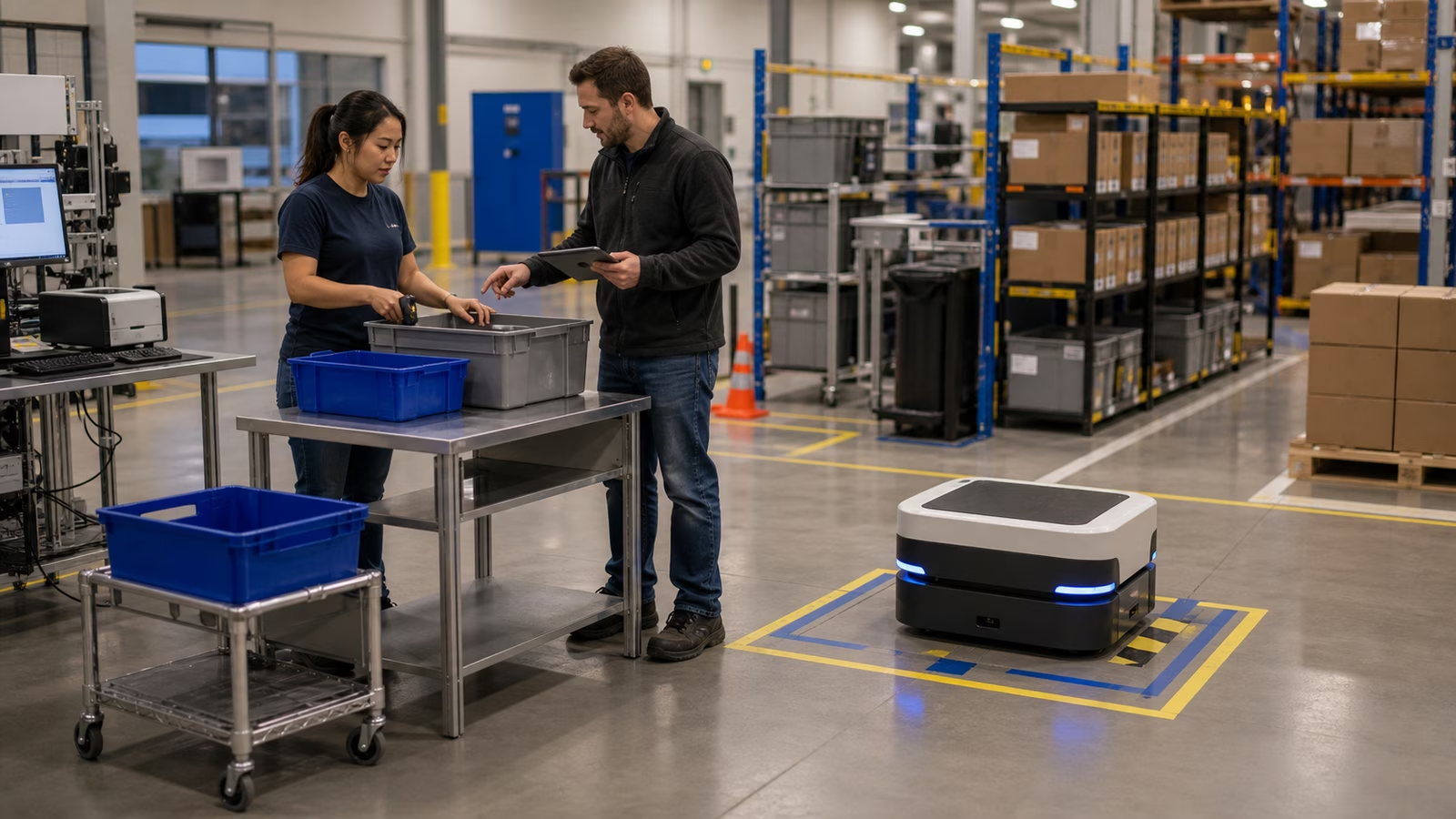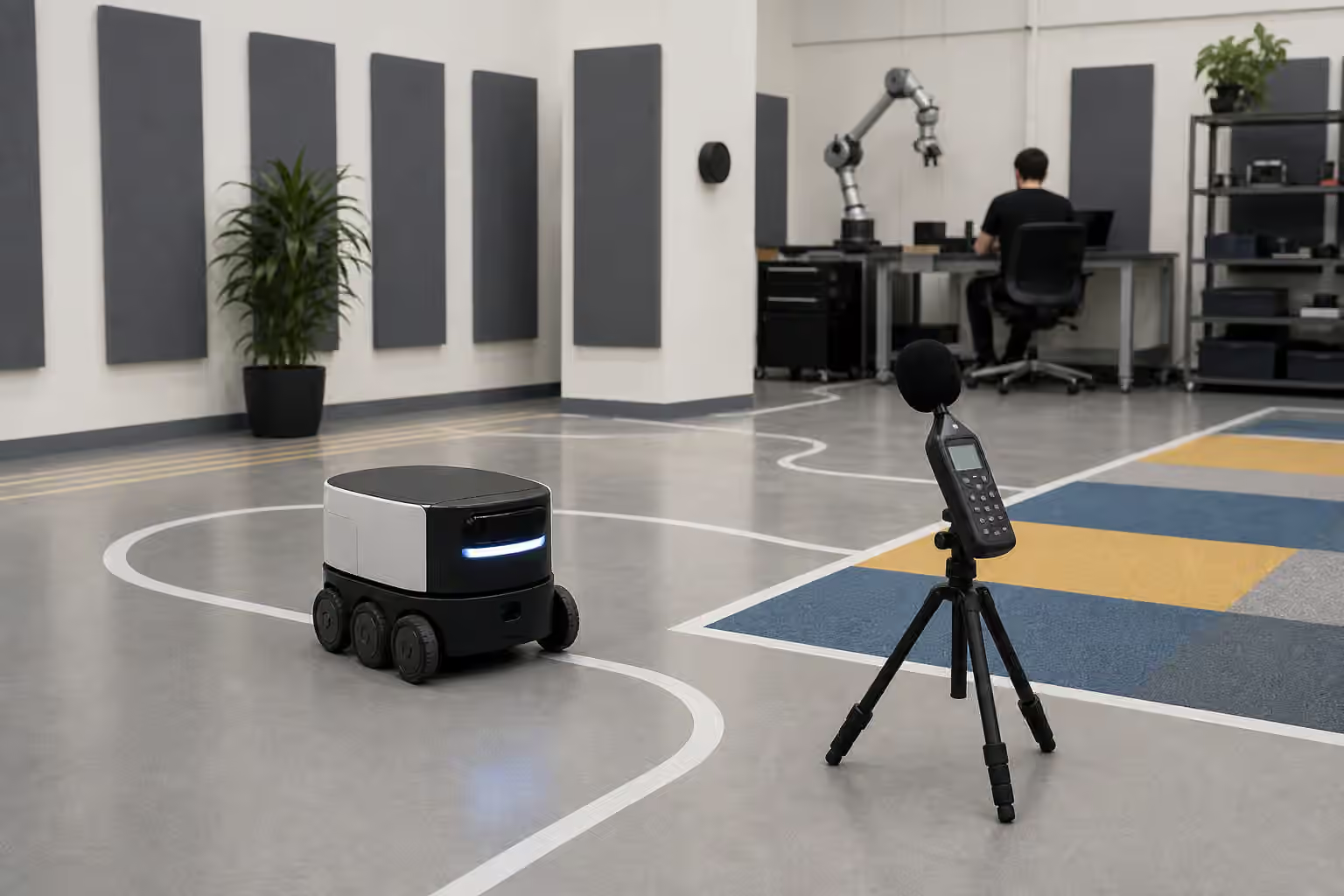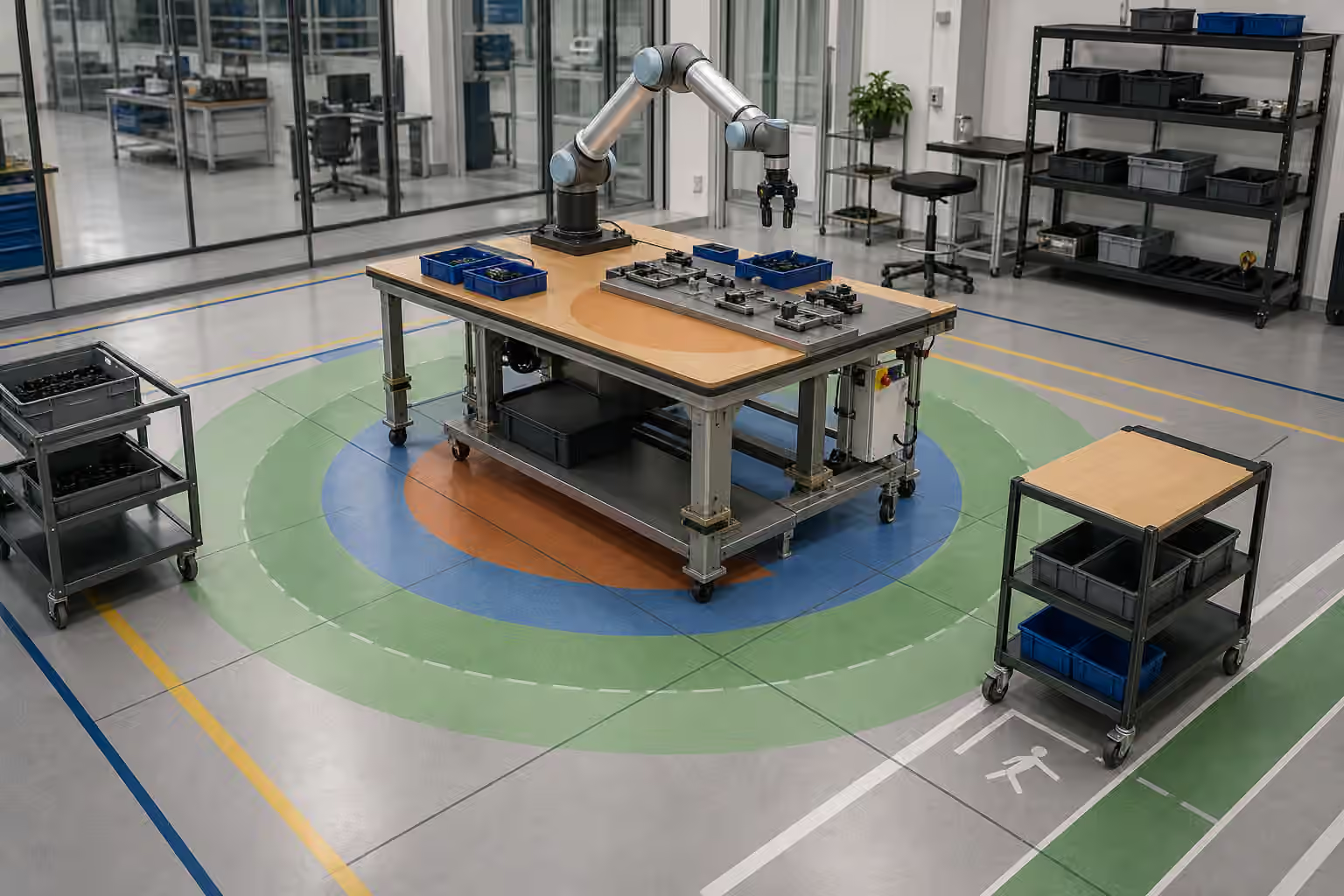
A robot station can be efficient for the machine and exhausting for the people around it. That is not a small design flaw. It is often the beginning of deployment drift.
The robot may reach the tray perfectly while a worker bends awkwardly to load it. The arm may have clearance for a pick while a cart blocks the person who needs to remove finished work. A shelf may be arranged for camera visibility but force staff to twist, stretch, or walk around the robot’s protected zone. The automation works in a narrow technical sense, yet the shared task becomes worse because the station was designed around robot reach alone.
Robot ergonomics is the design of physical work so both people and machines can use it without hidden strain. It is not only about comfort. It affects speed, consistency, trust, safety, data quality, maintenance, and whether people keep following the intended workflow after the deployment team leaves.
Reach Is A Contract
Reach sounds simple until it belongs to two bodies at once. A robot has a reachable volume shaped by joints, tool length, singularities, payload, collision limits, and perception. A person has comfortable reach shaped by height, posture, strength, fatigue, training, and the need to avoid awkward twisting. A good station respects both.
Robot Workcell and Fixture Design explains how fixtures and cell boundaries shape automation. Ergonomics asks who has to touch those fixtures and how often. A fixture that seats a part beautifully may still be poor if a worker has to lean across a guard to load it. A tray that exposes objects well to a camera may still be a bad station if it is too low for repeated handling. The robot’s clean motion does not compensate for human strain.
This is why reach should be treated as a contract, not a guess. The station should define where raw work arrives, where the robot acts, where finished work leaves, where rejects go, where tools sit, and where a person stands during normal and abnormal events. Those positions should be tested with the actual carts, bins, payloads, shift rhythms, and recovery procedures. A diagram drawn from above rarely captures the shoulder, back, wrist, and line-of-sight problems that appear during repeated work.
Height Changes The Task
Station height is one of the fastest ways to change a task without changing its description. “Load the tray” means something different at knee height, waist height, chest height, or above shoulder height. The robot may not care if the tray is lower, as long as the kinematics and camera view work. The person loading it may care every few minutes.
Height also changes robot behavior. A low tray may force the arm near joint limits or create awkward approach angles. A high shelf may improve human visibility but block a wrist camera. A cart deck may sag under payload, changing the object’s pose. An adjustable bench may solve one problem and create another if its position is not part of the operating record.
Robot Object Presentation and Staging is the close neighbor. Object presentation makes work reachable to the machine. Ergonomics makes the same presentation sustainable for the people who feed, clear, inspect, and maintain it. The best designs often make the human action obvious and the robot action reliable at the same time: a tray drops into a dock, a cart nest aligns naturally, a shelf face presents parts without deep reaching, and the robot sees the result without asking people to perform precision placement all day.
Carts And Shelves Are Moving Interfaces
Many robot deployments depend on carts, racks, shelves, totes, and movable fixtures. These objects look like background equipment, but they are interfaces. They decide how work enters the robot’s domain. They also decide how much physical effort the site adds around the machine.
A cart that is easy for people to push may not locate precisely enough for a robot. A cart that locates precisely may be hard to maneuver when loaded. A shelf that makes inventory visible to a camera may be inconvenient to restock. A tote that fits the gripper may be too heavy when full. If the station ignores these tradeoffs, people will adapt in ways that change the robot’s inputs. They may leave carts slightly off mark, overfill bins, stack objects where the robot cannot see them, or bypass the automated step when the line gets busy.
Robot Handoffs and Human Workflows is useful because carts and shelves are often handoff points. The design should say what a good handoff looks like physically. Where does the person stop? How does the robot know the cart is seated? What happens if the cart is absent, overloaded, or reversed? Can a worker clear a fault without reaching into a risky zone? These questions belong in the station design before they become habits.
Clearance Protects More Than Motion
Robotics teams naturally think about robot clearance. The arm should not hit the fixture. The mobile base should not clip the shelf. The tool should not collide with the bin wall. Human clearance deserves the same care. A person needs space to approach, observe, load, remove, clean, and step away without feeling that the robot has claimed every useful route.
Clearance also affects trust. If a worker has to squeeze behind a mobile robot or reach near an arm because the station has no comfortable service path, the deployment teaches risky behavior. If every recovery requires a supervisor to move carts, release guards, or crawl around a dock, the robot becomes a physical nuisance even when it completes tasks.
Robot Shared-Space Traffic covers routes at the facility level. Reach-zone ergonomics brings the same thinking into the station. People should not have to guess where to stand during robot motion. The station should make safe waiting, loading, inspection, and intervention positions visible through layout, not only through instructions. Floor markings can help, but the geometry has to back them up.
Recovery Posture Matters
The happy path is often easier to design than the recovery path. During normal work, the robot picks from the tray and places into the fixture. During recovery, someone may need to remove a jammed part, clean a sensor, reset a cart, inspect a gripper, or clear a dropped object. Those actions can expose the worst ergonomic choices because the worker is no longer following the smooth designed sequence.
Robot Failure Recovery explains why recovery should be part of the product. Ergonomics asks whether recovery can be performed without awkward reach, hidden pinch points, unclear footing, or blocked view. If the only way to retrieve a failed object is to lean across the cell, the failure procedure is not finished. If a sensor that needs daily cleaning is mounted where only the tallest technician can see it, the maintenance plan is fragile.
Good recovery design reduces blame. People are more likely to follow procedures when the procedure respects their body and time. They are less likely to invent shortcuts if the normal recovery path is reachable, visible, and quick enough for the pace of work. A robot that fails gracefully but is miserable to reset still fails the site.
Ergonomics Should Be Measured In Use
Ergonomic problems are easy to miss during a short walkthrough. A tray that feels acceptable once may become irritating after hundreds of cycles. A shelf that seems reachable in a quiet demo may be difficult when the worker is wearing gloves, moving quickly, or handling a heavy object. A cart route that looks open may conflict with traffic at shift change.
The answer is to watch the work, not only the robot. Where do people pause? Where do they stretch? Which objects do they avoid placing correctly? Which recovery step gets skipped? Which station attracts improvised stools, wedges, tape marks, or extra carts? Those small changes are field evidence. Robot Observability and Field Logs can capture machine events, but the deployment team should also capture physical adaptations around the machine.
Ergonomics is not separate from performance. Better reach can improve object placement. Better cart alignment can improve perception. Better service access can reduce downtime. Better standing positions can make operators more willing to trust status signals and intervene early. A robot’s ability to work depends on the physical ecology around it, and people are part of that ecology.
Shared Work Needs Shared Geometry
The strongest robot stations feel calm because the geometry explains the workflow. The robot has a clear domain. People have comfortable access. Carts and trays land where they should. Recovery does not require contortion. Sensors see what they need. Finished work leaves without crossing active motion. The station does not ask humans to become flexible fixtures for an inflexible machine.
That calm is not accidental. It comes from treating human reach and robot reach as one design problem. Physical AI becomes more useful when the machine’s task is engineered together with the human work that surrounds it. A station that respects both bodies is easier to train, easier to maintain, and harder to drift away from during real operations.