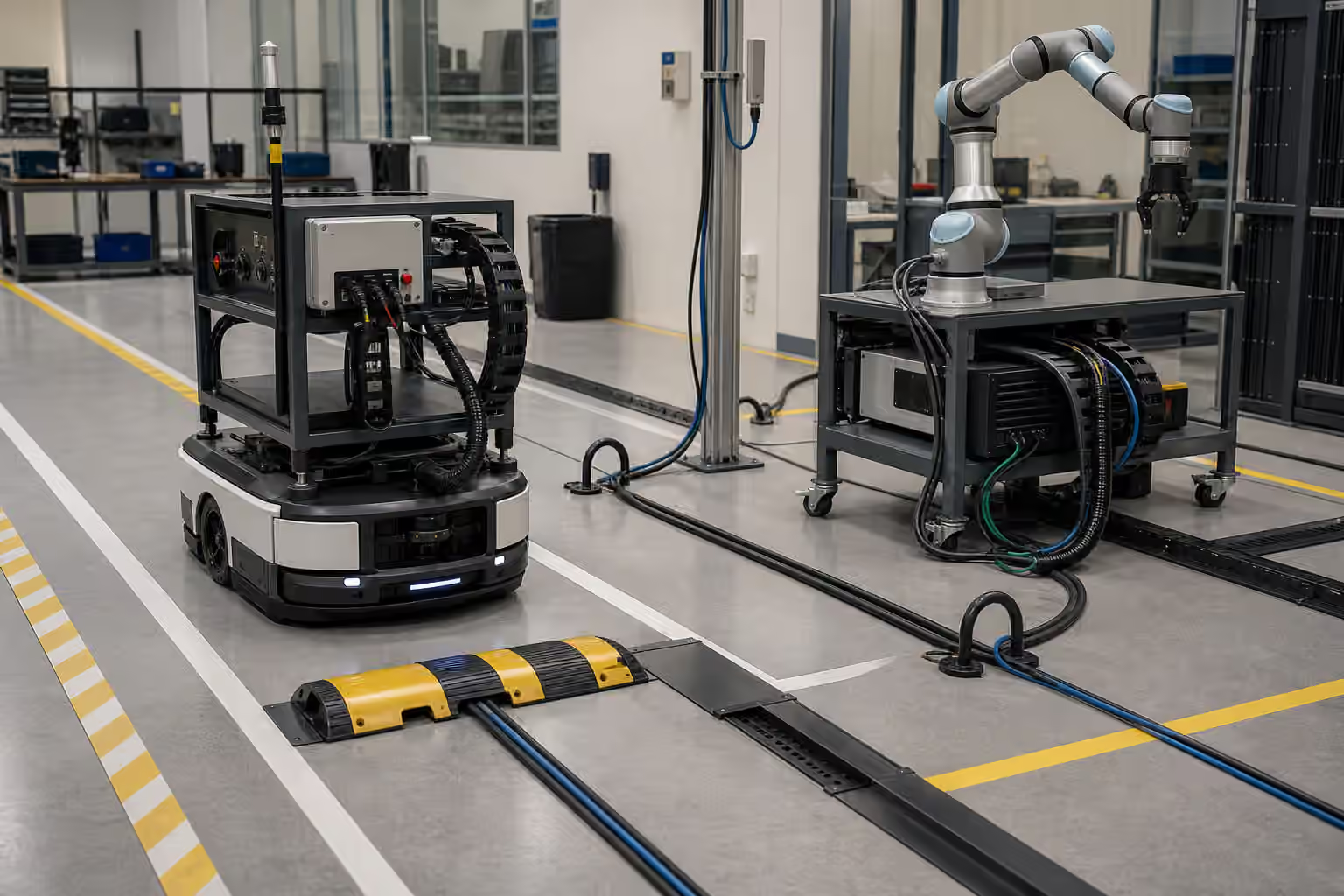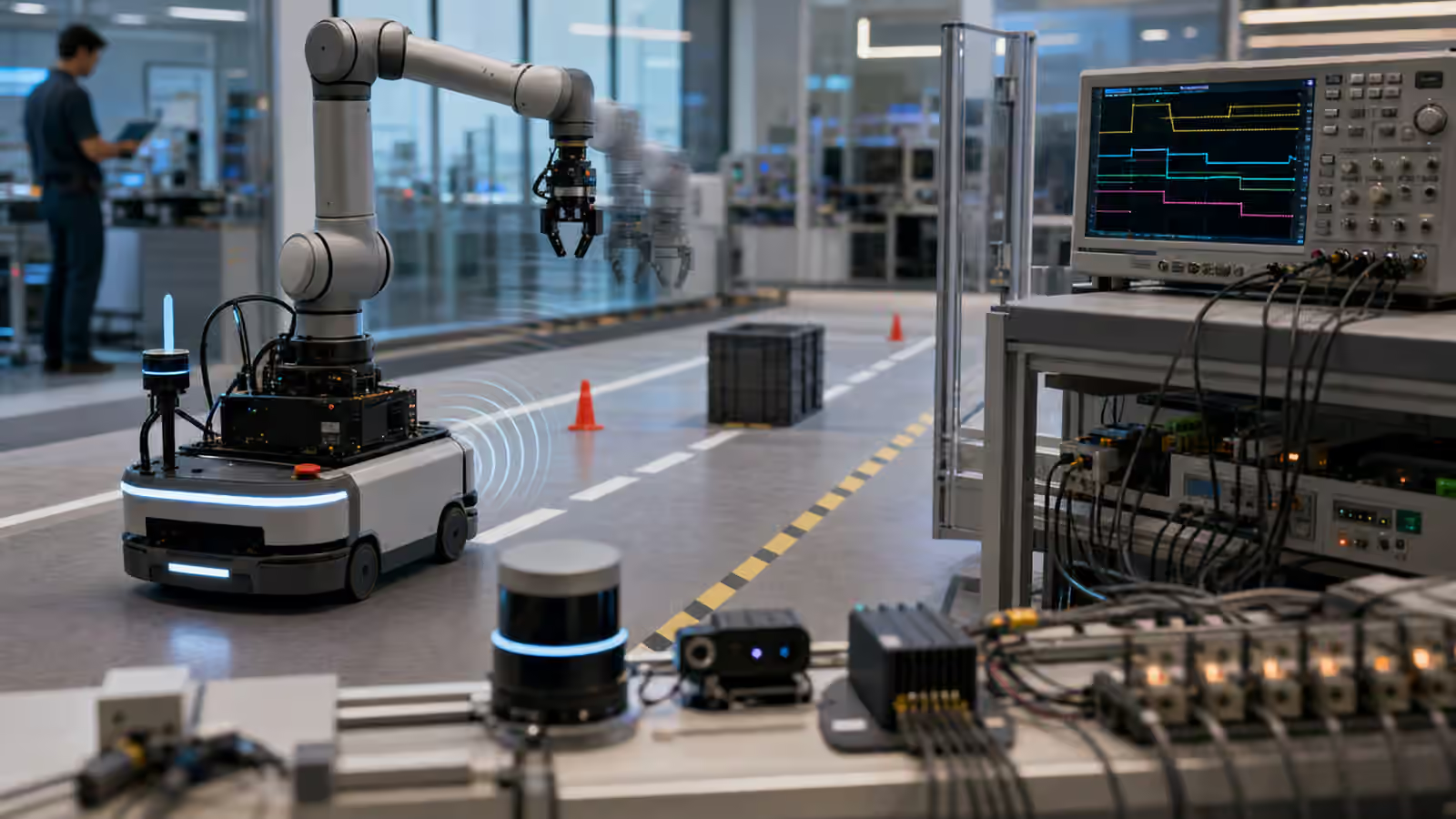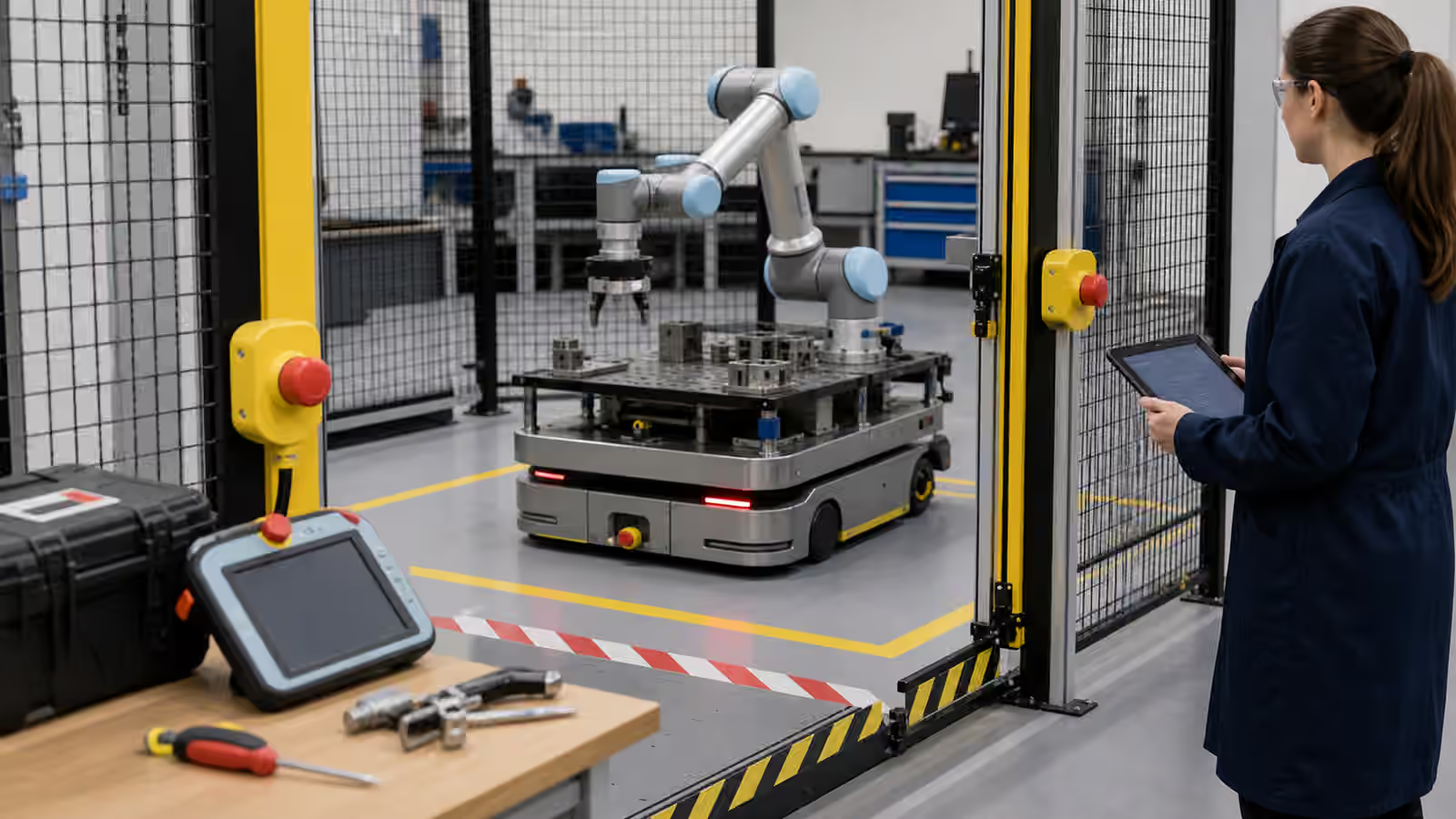
Stopping a robot is not the end of a safety event. It is the middle.
The machine has paused, but the workcell still contains people, payloads, stored energy, tools, software state, and uncertainty about what just happened. A mobile robot may be blocking a route with a load still raised. A robot arm may be holding a part in an awkward pose. A gripper may have lost vacuum. A person may have entered the area to clear a fault. The stop matters because it creates time to prevent harm, but the restart decides whether the same risk returns.
Robot Safety introduces emergency stops and protective stops as part of a larger safety system. This guide looks at the operational behavior around them: who can stop, what the robot does when stopped, what evidence is preserved, how people know the difference between stop types, and what must be true before motion resumes.
Stop Authority Should Be Obvious
A person should not need to negotiate with a robot in order to stop it. Stop controls need to be reachable, recognizable, tested, and respected by the system. That sounds basic until a deployment spreads across a building, a fleet, a remote support team, a dashboard, and several kinds of workstations. The question becomes less about one red button and more about authority.
Different stops serve different purposes. An emergency stop is a human-triggered response to danger. A protective stop is an automatic response to a safety condition. A normal pause may be a workflow action. A software hold may be a dispatch decision. If these states feel the same to operators, people will either overreact to routine pauses or underreact to serious stops. Trust depends on legible behavior.
Robot Status Signals and Floor Cues is useful here because a stopped robot is still communicating. Lights, sounds, screen states, physical posture, brake state, and route blocking all tell people what the machine believes is happening. The signal should not be theatrical. It should help a nearby person decide whether to stay away, inspect, wait, call support, or follow a trained restart process.
Stopping Changes The Physical State
A stop does not freeze the world. Loads settle. Fluids drip. Vacuum decays. Brakes heat. Arms sag if the mechanical design allows it. People move closer. Other robots route around the blocked area. A conveyor may keep running unless it is integrated into the stop chain. A gripper may hold an object safely for a short time and poorly for a long time. The safety design has to account for what happens after motion ends.
This is where Robot Payload and Load Handling and Robot End-Effectors and Tooling become part of stop behavior. A stopped robot with an empty tray is different from one carrying glass, hot material, a hanging load, or a tool that stores energy. Restart rules should understand the payload and tool state rather than treating every stop as a generic button event.
Mobile robots add their own problems. A stopped base can become a trip hazard, block a fire route, obstruct a forklift lane, or strand a delivery in a handoff zone. The safe response may be to keep brakes engaged, lower a load, request trained assistance, or allow a controlled manual move. The right answer depends on the design, site, and task. What matters is that the stop plan has been decided before someone is standing next to the robot under pressure.
Protective Stops Need Clear Causes
Protective stops are valuable because they make the robot conservative when a safety condition is violated. They become frustrating when the cause is hidden. A worker who sees a robot stop repeatedly with no explanation may start treating the machine as unreliable. A technician who cannot reconstruct the event may clear the fault without fixing the cause. A manager who sees only downtime may pressure the team to reduce sensitivity without understanding the risk.
A protective stop should leave evidence. The system should know whether a scanner field was entered, a gate opened, a speed limit was exceeded, a joint force threshold was crossed, localization became unreliable, a payload shifted, a collision was detected, or a controller lost timing. Robot Observability and Field Logs gives the broader evidence model. Stop events deserve special care because they are moments where safety and productivity meet directly.
The cause should also be understandable at the right level. A floor operator may only need to know that the safety zone is occupied. A technician may need the sensor, timestamp, and state. An engineer may need a deeper trace. A safety reviewer may need the chain of events and restart history. One event can have several views without becoming vague.
Restart Is A Controlled Transition
Restarting should not mean returning to motion because the button is no longer pressed. A safe restart asks what changed during the stop. Is the person out of the hazard area? Is the object still held? Is the route clear? Is the robot still localized? Has the gripper state changed? Is the task still valid? Did someone move the robot manually? Is the software state consistent with the physical state?
The more capable the robot, the more important this transition becomes. A simple machine may resume a known cycle after guards are closed and checks pass. An autonomous robot may need to reobserve, replan, or abandon a task because the world changed while it was stopped. Robot Task Planning and World Models explains why state honesty matters. Restart behavior is one of the places where dishonest state becomes dangerous.
Restart authority should also be explicit. Some stops may allow a trained operator to resume. Some may require maintenance. Some may require a safety review. Some may require clearing a fault locally rather than remotely. A remote support team can help diagnose, but it should not casually resume motion in a space it cannot verify. Robot Remote Support and Escalation is relevant because support power must match evidence and site responsibility.
Do Not Hide Frequent Stops
Repeated stops are not just downtime. They are signals from the deployment. A robot that protective-stops at the same aisle every morning may be facing a traffic design problem. A gripper that emergency-stops during one product variation may be exposing a task boundary. A mobile base that pauses near a reflective wall may be revealing a perception issue. A workcell that stops whenever a person reaches for material may have poor ergonomics or station layout.
Robot Incident Review and Near Misses belongs close to this topic. Not every stop is an incident, but stop patterns are near-miss evidence waiting to be interpreted. If teams only count serious events, they miss the quieter warnings. If they only count downtime, they may treat safety behavior as waste rather than information.
The goal is not to make stops disappear by making the robot less cautious. The goal is to understand which stops reveal real hazards, which reveal poor site design, which reveal weak task definitions, which reveal sensor problems, and which are acceptable friction in a shared space. A stop that teaches nothing will happen again.
Training Lives At The Button
Stop behavior is where training becomes practical. Operators should know what different stop states look like, when they are allowed to approach, how to call for help, what not to move, and when a restart is outside their authority. Maintenance teams should know how to inspect the physical system after a stop. Supervisors should know how stop data affects scheduling and rollout decisions.
Robot Worker Training and Floor Etiquette covers the human side of shared autonomy. Emergency stops deserve special emphasis because they are one of the few controls that everyone near the robot may need to understand. A person should not hesitate because they fear causing downtime. They also should not clear a serious stop casually because they have learned that the robot often complains.
Good training uses the actual machine, not only a slide. People need to see the stop controls, hear the signals, practice calling the right support path, and understand what restart looks like. The physicality matters. In an emergency, people act from habit.
Good Stop Design Builds Trust
A robot that stops clearly and restarts carefully may look less smooth than one that pretends every pause is routine. In practice, the careful robot is easier to trust. It tells people when authority has shifted from autonomy to human review. It preserves evidence. It recognizes that the world changed while it was paused. It requires the right checks before motion resumes.
The safety story is not that the robot can stop. It is that stopping creates a disciplined state where people and machines know what happened next. Physical AI earns trust when it handles that state without drama, ambiguity, or hidden shortcuts.