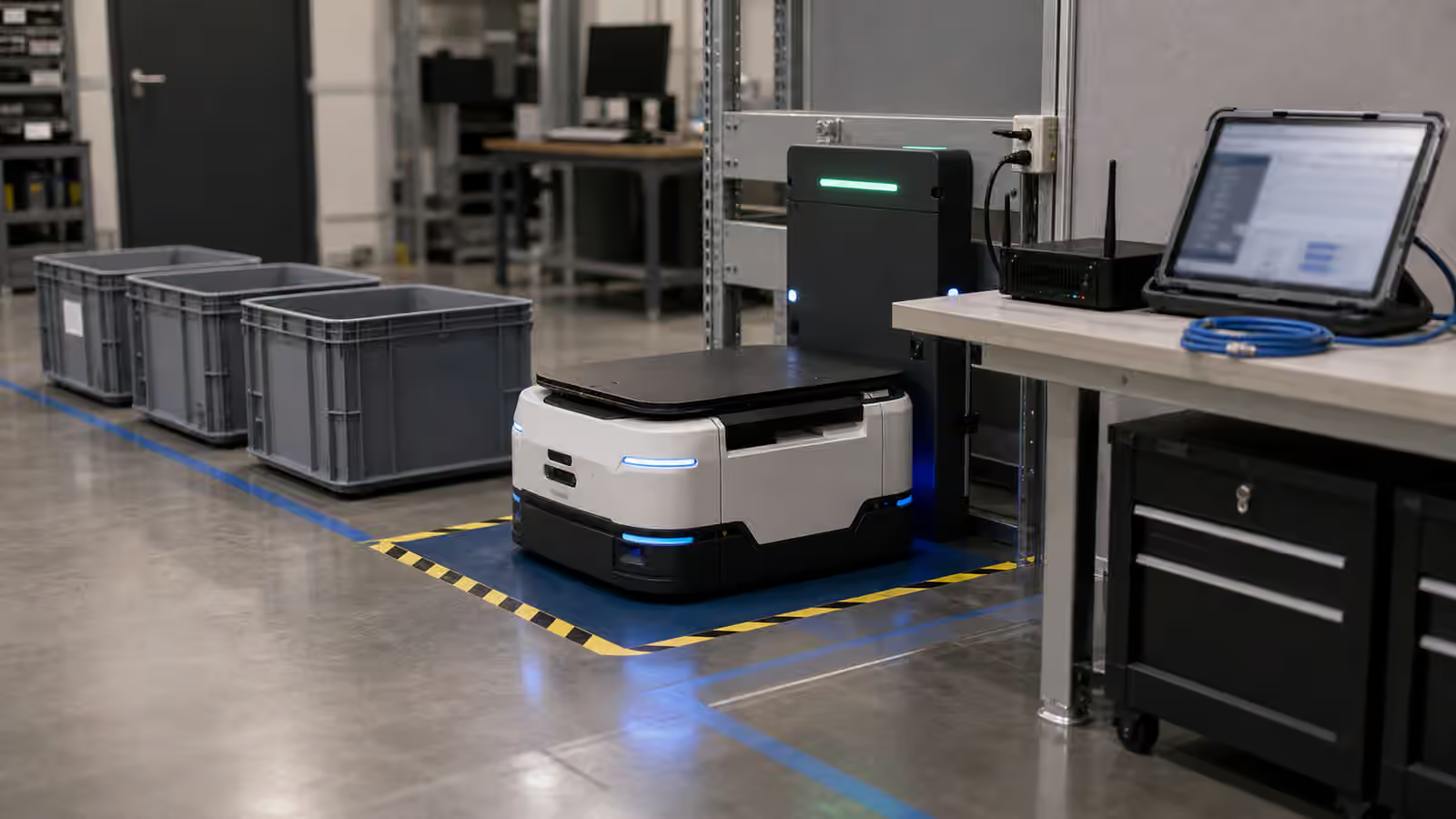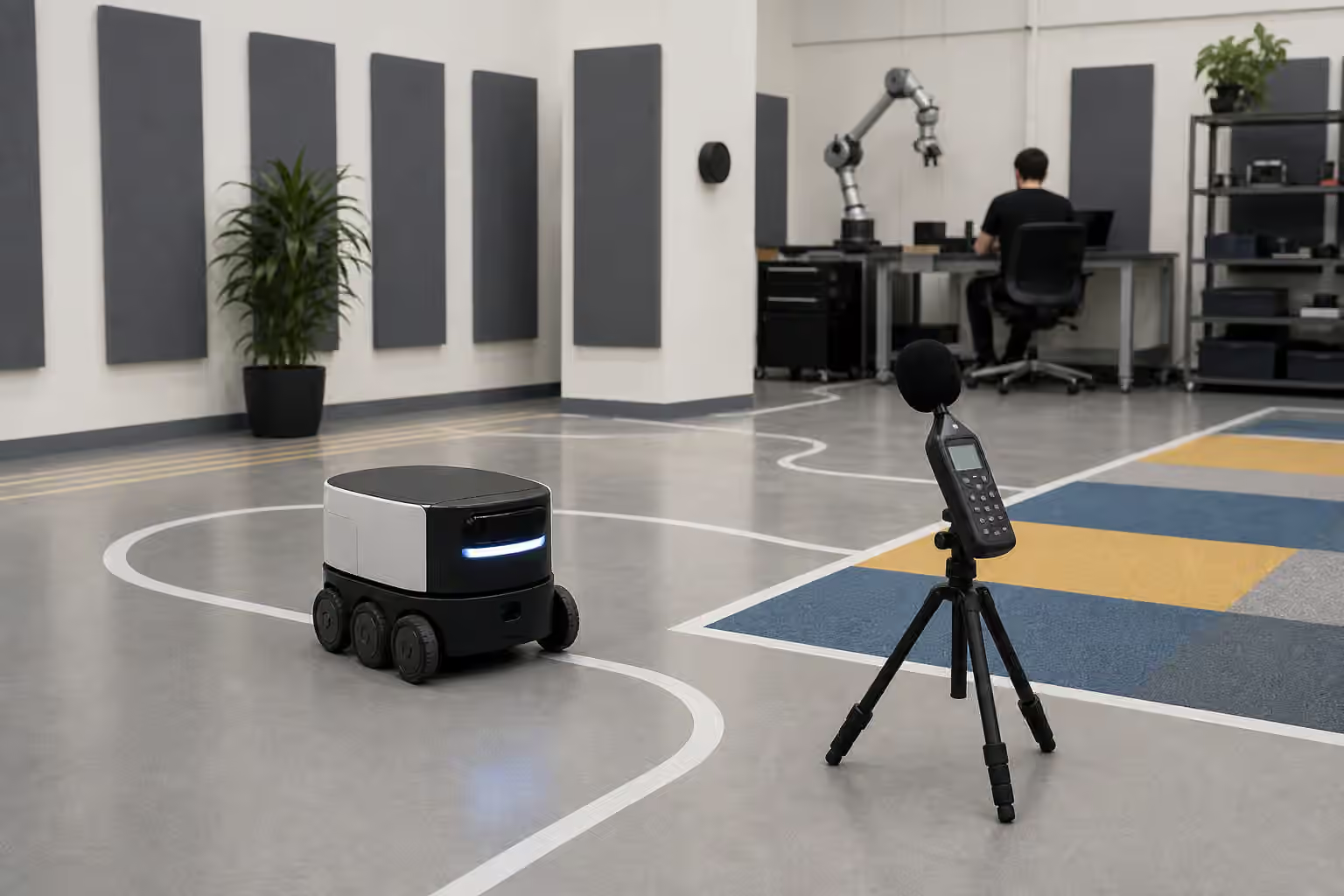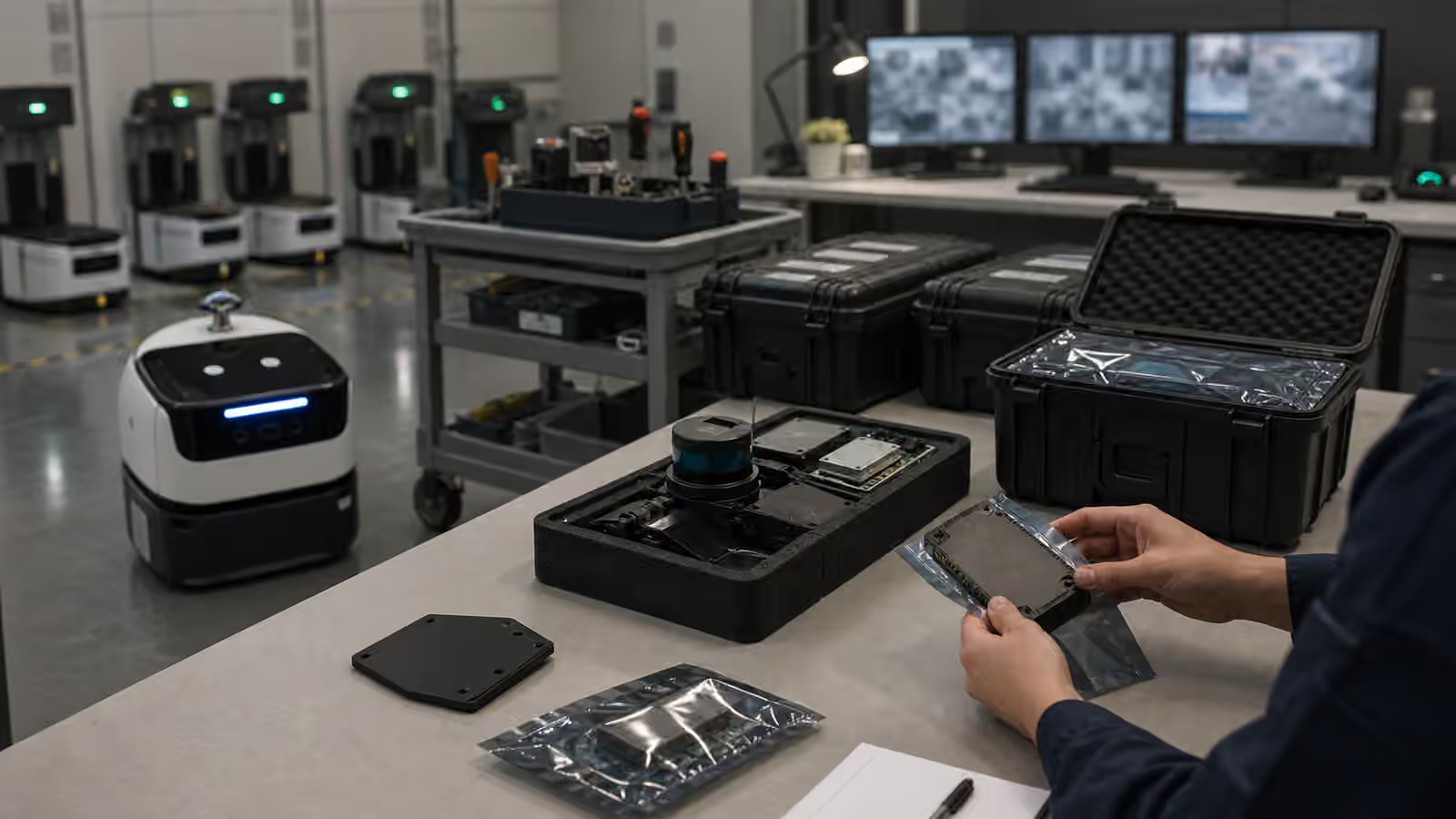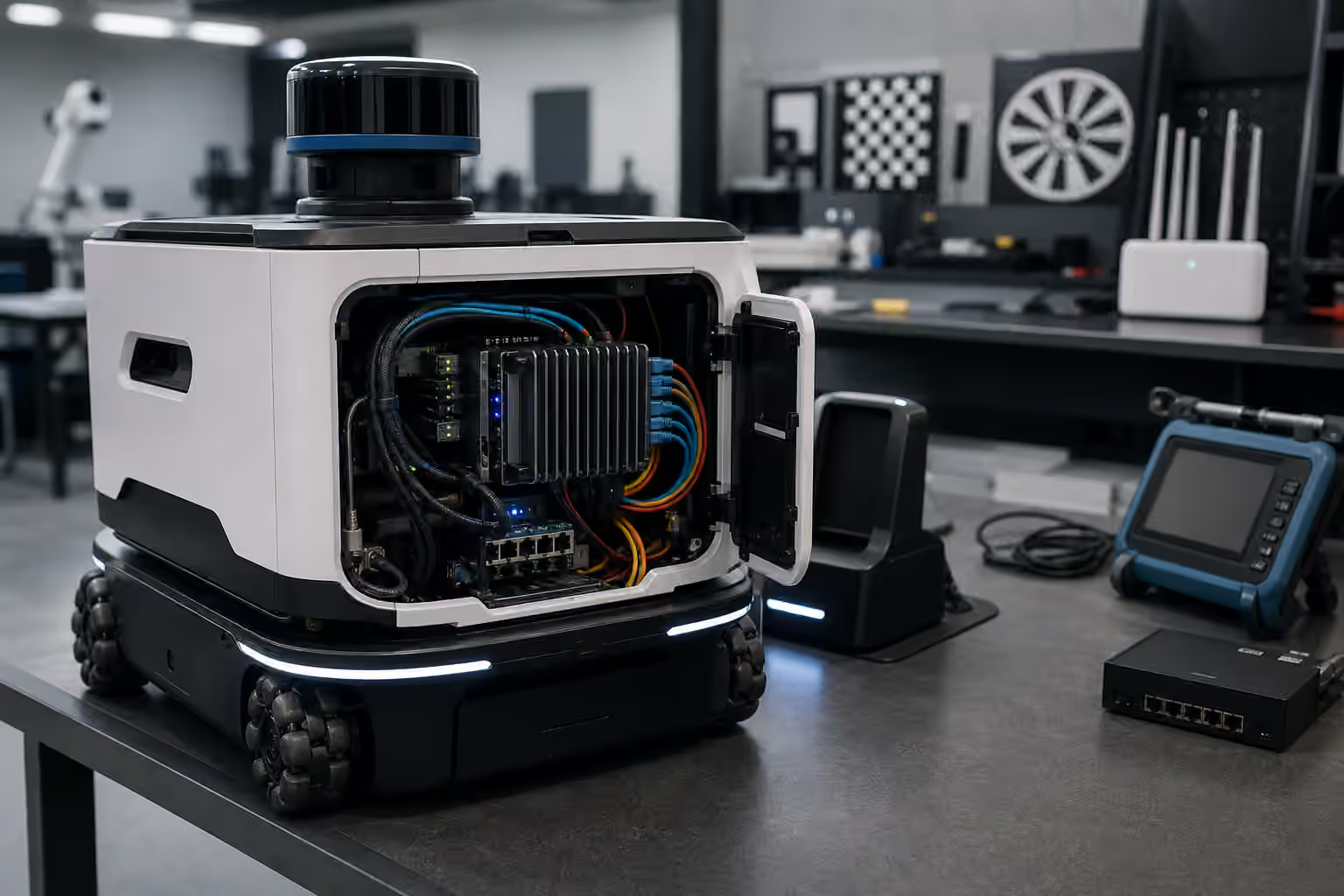
Robot compute is easy to miss because it hides behind the more expressive parts of the machine. Cameras, arms, wheels, hands, docks, and sensors are visible. The processors deciding what those parts mean are tucked behind panels, under heatsinks, inside rugged boxes, or across the network in a server room. When everything works, compute looks like silence. The robot sees, decides, moves, logs, and asks for help without making the machinery of thinking obvious.
That silence is earned. A physical robot has to turn sensor data into action under time, power, heat, and reliability constraints. It cannot wait indefinitely for a perfect answer. It cannot assume the wireless network will remain clean. It cannot spend so much power on inference that the battery budget collapses. It cannot stream every private camera frame to a remote system just because the remote system is easier to scale. The computing plan is not a back-office detail. It shapes what the robot can safely attempt.
This guide belongs next to Robot Autonomy: The Stack Behind the Demo because autonomy is not only a model choosing a task. It is a chain of perception, localization, planning, control, supervision, logging, and fallback behavior running on hardware that must survive real deployment. It also belongs beside Robot Teleoperation and Robot Data Collection because connectivity decides when a human can help, what data can be recovered, and what happens when the link gets worse.
Compute Is A Physical Constraint
A robot computer does not live in a climate-controlled abstraction. It rides on a moving body. It feels vibration, dust, heat, battery sag, service mistakes, cable strain, and occasional impacts. The robot may start cold in the morning, warm up during a long duty cycle, then drive near a loading dock or sunny window that changes its thermal margin. If the compute module throttles, perception may slow. If perception slows, obstacle handling may become more cautious or less reliable. If logs fall behind, the team may lose the evidence needed to understand a failure.
This is why the best compute choice is rarely the largest processor a team can afford. The useful choice fits the task envelope. A small delivery robot may need dependable localization, obstacle detection, fleet communication, and conservative recovery, but not a heavyweight language model running continuously onboard. A manipulation robot may need fast camera processing, precise timing, and enough headroom to react to contact. A humanoid may need a much wider compute budget because balance, whole-body control, manipulation, vision, speech, and safety monitoring all compete for resources.
The processor is only part of the system. Memory bandwidth, storage endurance, sensor interfaces, power regulation, cooling, connectors, cable routing, and service access all matter. A robot that technically has enough compute can still fail because a camera saturates a bus, a storage device wears out under heavy logging, a cable loosens, or a fan pulls dust into the enclosure. Physical AI turns ordinary infrastructure into field behavior.
Onboard First, Remote When Useful
Some decisions belong on the robot because the robot needs them even when the network is weak. Obstacle detection, protective stops, low-level control, basic localization, emergency behavior, and safe docking cannot depend on a round trip to a distant server. If a person steps into the path, the robot should not be waiting for cloud approval to slow down. If the connection drops, the robot should have a known local behavior rather than becoming an expensive object with wheels.
Remote compute is still valuable. It can help with heavy map processing, fleet optimization, software updates, long-term analytics, model training, human review, and tasks where latency is acceptable. A warehouse fleet may use local robots for immediate sensing and control while an edge server coordinates traffic and a cloud service analyzes trends. A home robot may keep sensitive perception local while sending compact diagnostic summaries. A research system may upload selected logs after a run so engineers can replay failures without tying up the machine.
The boundary should be designed from the failure case backward. If the remote service disappears, what can the robot still do? Can it finish the motion it is already making? Can it pull over, stop, return to a dock, ask a local operator, or preserve data until the link returns? A good architecture does not pretend connectivity is constant. It decides which parts of autonomy need local authority and which parts can tolerate delay.
Latency Changes The Robot’s Personality
Latency is not only a network measurement. It is a behavior people can feel. A robot that hesitates at every doorway may look polite, underpowered, or confused depending on the setting. A teleoperated robot with delay may feel heavy even when the motors are strong. A manipulator using old camera frames may appear clumsy because it reacts to where the object was, not where it is.
The timing budget begins at the sensor. A camera captures a frame. The image is transferred, processed, fused with other signals, interpreted by a model, passed through planning, checked against safety constraints, and translated into motion. Each step has cost. Some costs are predictable. Others appear when the system is busy, hot, updating, logging, or competing with another process. The robot’s apparent intelligence depends on whether this whole loop remains timely enough for the task.
Different tasks tolerate different delays. A floor-cleaning robot can often move slowly and recover from coarse decisions. A robot hand adjusting grip during slip needs much faster feedback. A remote operator approving a high-level action can wait longer than a collision monitor. The mistake is treating all intelligence as one pipeline. Physical robots need several loops running at different rates, with the fastest and most safety-critical loops closest to the hardware.
Heat And Power Are Part Of The Autonomy Budget
Compute consumes energy and turns some of it into heat. That simple fact connects artificial intelligence to batteries, chargers, fans, vents, duty cycles, and service schedules. A model that works on the bench may be impractical if it shortens runtime too much or pushes the enclosure into thermal throttling during a shift. A robot that spends half its time charging because its compute plan is wasteful may be technically impressive and operationally weak.
Robot Charging and Energy Management explains the battery side of this problem. Compute adds another layer. The robot may need a low-power mode while waiting, a high-performance mode during manipulation, and a conservative fallback when temperature rises. It may need to schedule heavy processing while docked, upload logs during quiet periods, or reduce sensor rates when the task allows it. Those choices are not cosmetic. They decide whether the robot can keep working after the demo.
Cooling design also affects maintenance. Fans fail, filters clog, dust collects, vents get blocked, and heat sinks only help when they can move heat somewhere useful. Passive cooling is attractive because it removes moving parts, but it may limit peak performance. Active cooling can preserve headroom, but it adds noise, wear, and ingress paths. The right answer depends on the body, task, environment, and service model.
Connectivity Is An Operating Condition
A network diagram drawn in a lab rarely survives a real building unchanged. Wireless coverage changes near metal shelving, elevators, glass, concrete, loading bays, dense crowds, and competing devices. A robot may roam through dead spots, switch access points, lose packets, or meet bandwidth limits exactly when it needs to upload logs after a failure. Fleet systems and teleoperation tools should assume imperfect connectivity rather than treat it as an exception.
For Robot Fleet Management , connectivity is the difference between one machine acting alone and a group behaving like infrastructure. Dispatch, map updates, traffic coordination, charging queues, maintenance alerts, and remote support all depend on communication. The fleet does not need every robot to stream everything all the time, but it does need enough shared state to avoid confusion. If the network degrades, the fleet should degrade gracefully instead of producing conflicting instructions.
The same is true at home, only with different stakes. A household robot may operate on a consumer router, share bandwidth with streaming devices, and move through rooms where privacy expectations are high. The system should be honest about what needs a connection, what works locally, what data leaves the home, and how the robot behaves when the internet is unavailable. A robot that loses basic usefulness whenever a remote service is unreachable is not only inconvenient. It is revealing where the autonomy actually lives.
Bigger Models Are Not The Whole Answer
It is tempting to describe robot progress as a contest of model size. Larger models can help with language, perception, planning, and generalization, but deployment is less tidy. A model has to fit within memory, run at a useful speed, share resources with other processes, and produce outputs that the robot can verify before acting. A slow brilliant answer may be worse than a modest reliable answer for a robot approaching a person or holding a fragile object.
This is where Embodied AI meets systems engineering. A robot may use a large model for high-level interpretation while smaller specialized models handle local perception or control. It may cache common scene understanding, use distilled models onboard, ask a remote system only for uncertain cases, or separate language planning from fast motion loops. The important design question is not whether the robot uses AI. It is which decisions need learned judgment, which decisions need deterministic control, and which decisions need a human or remote service in the loop.
The right architecture often looks uneven. Some components are heavy and semantic. Some are small and fast. Some are old-fashioned for good reasons. A safety monitor may be deliberately simple because it must be testable. A controller may be conventional because the physics are well understood. A learned model may sit above those layers, suggesting goals or interpreting scenes without being allowed to override the limits that keep the machine sane.
Updates, Privacy, And Debugging Are Compute Problems Too
Robots need software updates, but updates are physical events. A bad update can strand machines, change safety behavior, break a calibration assumption, or make a fleet inconsistent. Mature systems stage releases, preserve rollback paths, record versions, and avoid changing every robot at once without evidence. The update process is part of reliability, not an administrative afterthought.
Privacy also lives in the compute architecture. Robots can collect images, maps, audio, locations, task history, operator interventions, and failure logs. The system should minimize what it collects, protect what it keeps, and make intentional choices about local processing versus remote upload. Robot Data Collection is valuable because learning needs records, but useful data collection does not excuse careless handling of sensitive spaces.
Debugging requires its own compute budget. Engineers need timestamps, sensor health, inference latency, dropped frames, network state, thermal readings, battery state, software versions, and enough event history to replay important failures. If a robot cannot explain what happened when it stopped, the support team is left with guesses. Observability may seem dull compared with a new model, but it is what turns field trouble into repairable evidence.
The Practical Test
When evaluating a robot, ask what happens when the easy assumptions fail. The network drops during a task. The processor gets hot. A log upload stalls. A remote service is slow. A model takes longer than expected. A camera produces more data than the bus can comfortably carry. A software update changes timing. A technician replaces a compute module and a calibration record no longer matches the hardware. These are not exotic cases. They are ordinary ways that infrastructure becomes behavior.
Robot Demo Evaluation teaches the habit of looking past the clip. Compute and connectivity are part of that habit. A video may show a smooth task, but it rarely shows inference latency, thermal headroom, network dependency, local fallback, software versioning, or diagnostic depth. Those hidden details decide whether the same robot can work for hours, across rooms, with other robots, under supervision, and after the environment stops cooperating.
Robot compute is not the brain in a romantic sense. It is more practical than that. It is the timed, powered, cooled, connected, logged, updateable machinery that lets perception become action without losing the thread. The robots that feel calm in the world are usually not calm because one model is magical. They are calm because the compute plan respects physics, delay, uncertainty, privacy, and failure before the robot starts moving.