Robots in demos often appear fully awake. They roll into frame, perform the task, and disappear before anyone asks how long they can keep doing it. The battery is hidden by editing, scheduling, or the simple fact that a short clip does not need to survive a full shift.
Deployment is different. A useful robot has to manage energy as part of its job. It has to know when to work, when to charge, when to return to a dock, when to slow down, when a battery is aging, and when a task should be handed to another robot. Energy is not a footnote under the specification sheet. It is one of the main limits on what the robot can actually do.
The more physical the work, the more this matters. Moving mass, lifting objects, running sensors, computing perception, maintaining wireless links, heating or cooling electronics, and navigating real spaces all cost energy. A robot that cannot manage that cost becomes a clever machine waiting beside a charger.
Battery life is a workflow question
Battery life is often advertised as a number of hours. That number can be useful, but it is not the whole story. A robot’s real endurance depends on the task, payload, route, floor surface, speed, stops, sensor use, compute load, temperature, battery age, and how often it can opportunistically charge.
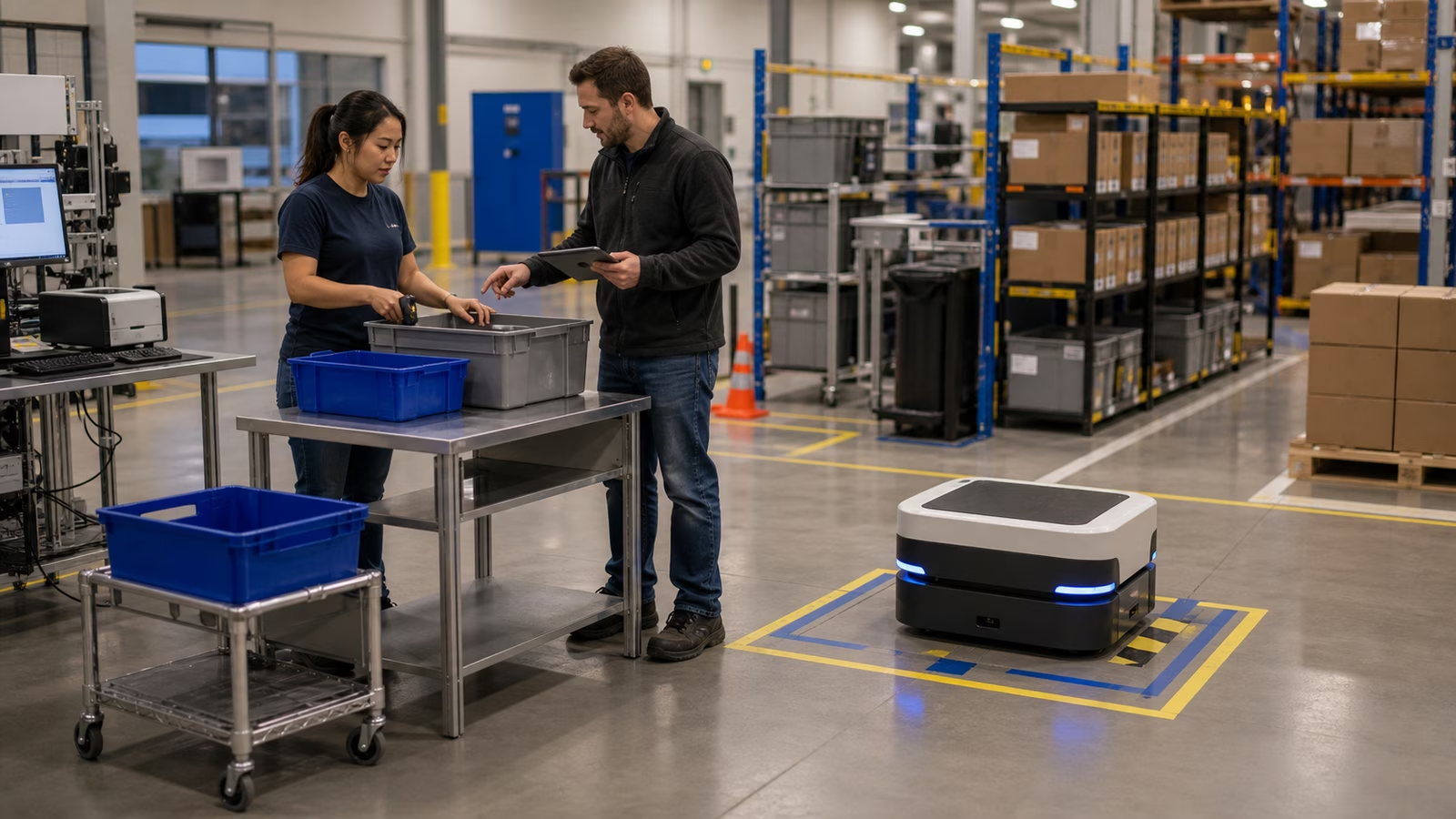
A warehouse robot that carries light loads along smooth routes has one energy profile. A mobile manipulator that stops, lifts, perceives, repositions, and computes more heavily has another. A home robot that spends half the day idle and occasionally cleans or patrols has another. A humanoid platform managing balance, perception, arms, and locomotion has a much harder energy problem.
What Robots Can Actually Do asks readers to judge robots by task and environment. Battery life belongs in that same judgment. The question is not “How long does it last?” The better question is “How long does it last doing this job, in this place, with this fallback plan?”
Charging docks are part of the robot
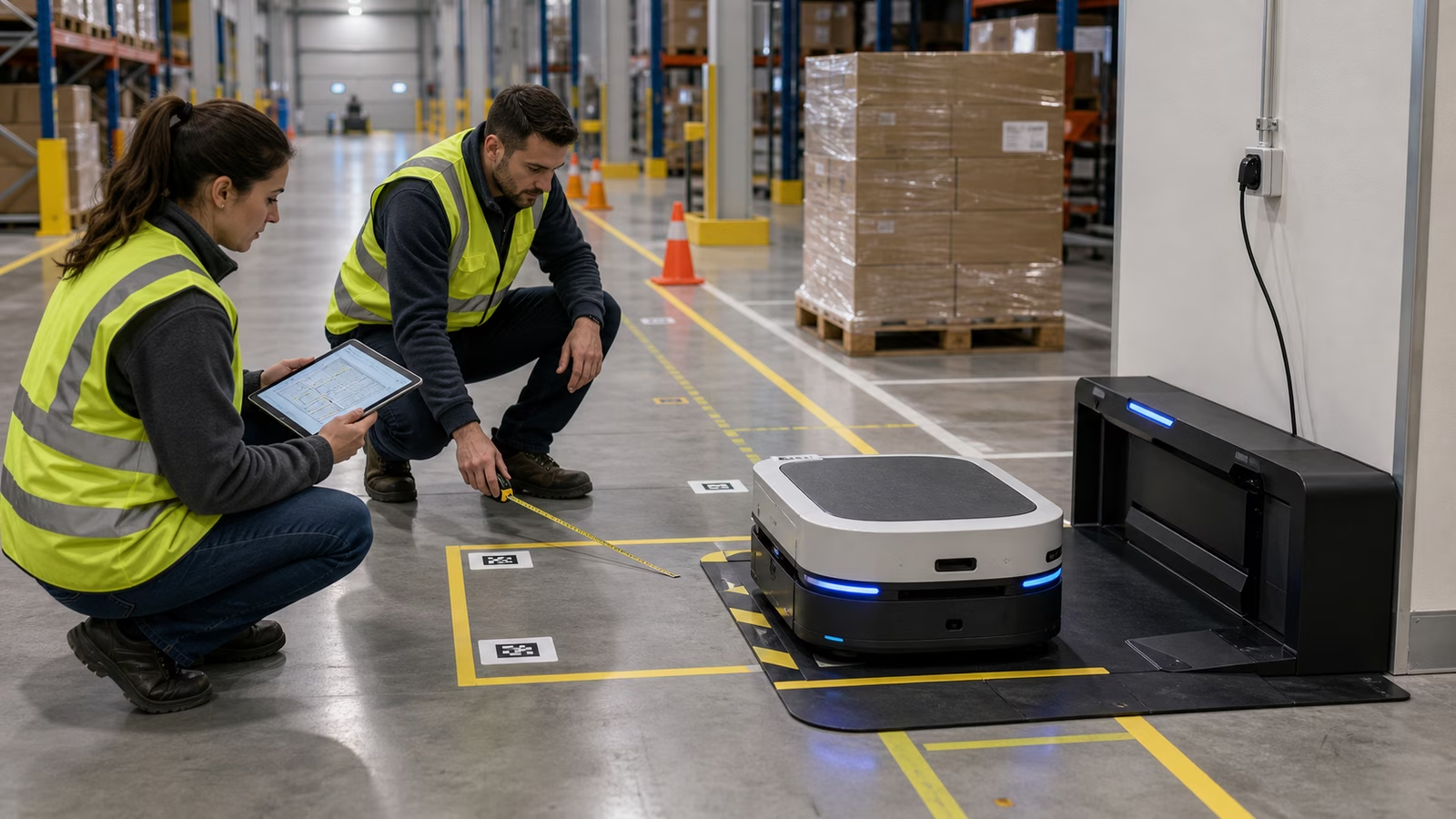
A charging dock can look like an accessory, but in deployment it becomes infrastructure. The robot must find it, align with it, connect reliably, charge safely, and leave when needed. The dock needs space, power, network planning, physical protection, cleaning access, and a location that does not block people or workflows.
Poor dock placement can ruin a good robot. If the dock sits far from the work area, the robot wastes energy traveling to energy. If it sits in a busy aisle, people move around it or bump it. If several robots need the same dock, charging becomes a queue. If the dock is hard to clean or inspect, small problems can become recurring failures.
The dock is where robot autonomy meets facilities planning. It may not be glamorous, but a robot that cannot charge predictably cannot be scheduled honestly.
Duty cycles decide whether one robot is enough
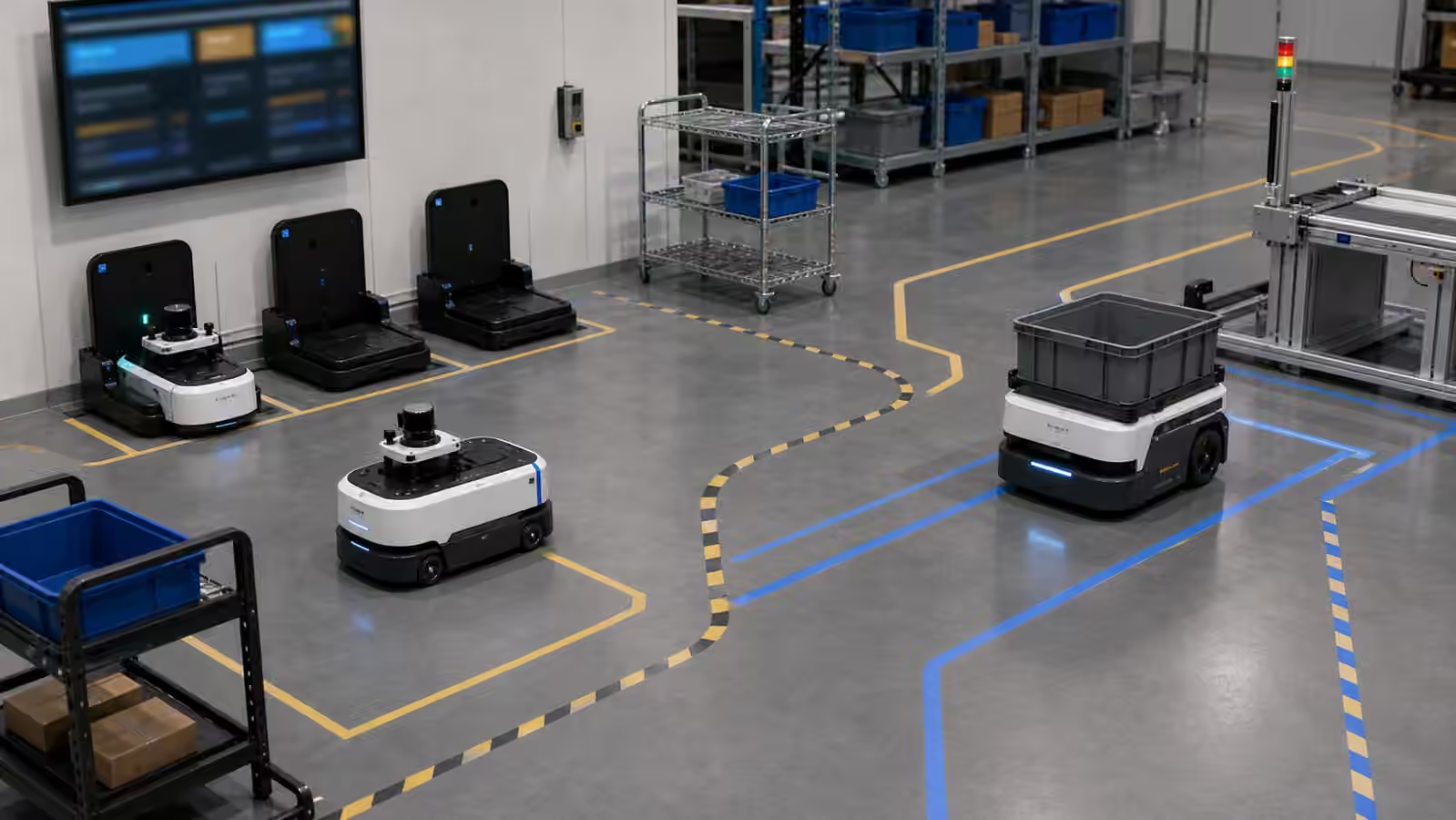
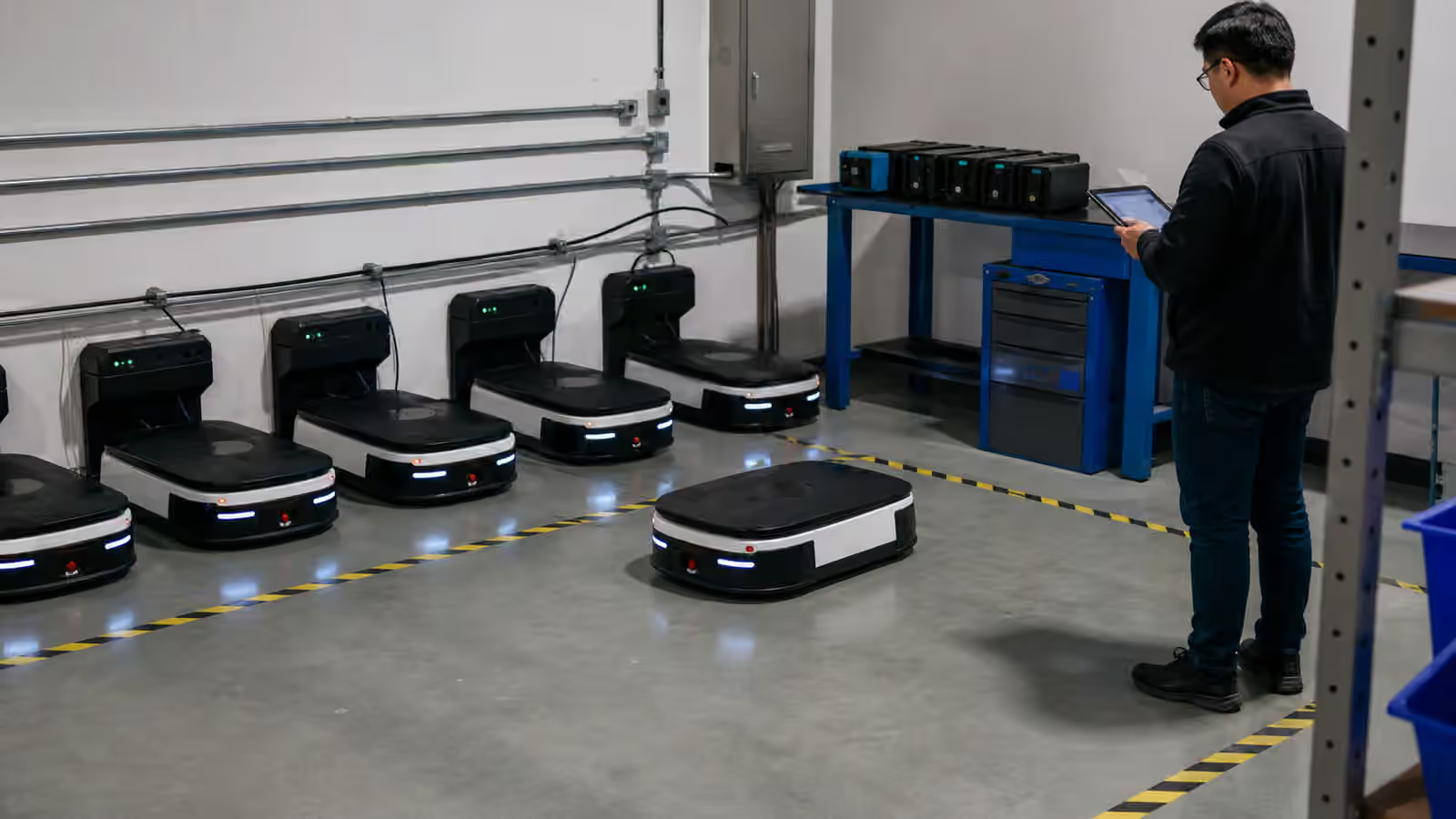
A duty cycle describes the pattern of work and rest. A robot may work for several hours, charge for one, then return. Another may need short frequent top-ups. A fleet may rotate robots so some work while others charge. The duty cycle decides how many robots are needed to cover a job.
This is where simple buying decisions become operational decisions. One robot may demonstrate the workflow. Two may cover the workflow for part of a shift. Three or four may be needed for full coverage once charging, maintenance, traffic, and exceptions are included. A buyer who ignores charging may think a deployment is failing when the real issue is that the schedule was never energy-aware.
Robot Fleet Management picks up this larger picture. Charging is one of the reasons a fleet manager exists. Dispatch, routing, maintenance windows, and charging schedules all have to cooperate.
Batteries age into operations problems
A new battery and an old battery are not the same promise. Over time, batteries lose capacity, charge more slowly, behave differently under load, and require closer monitoring. This is ordinary, but it has to be planned. If a deployment assumes every robot will perform like it did on day one, the schedule will slowly become fiction.
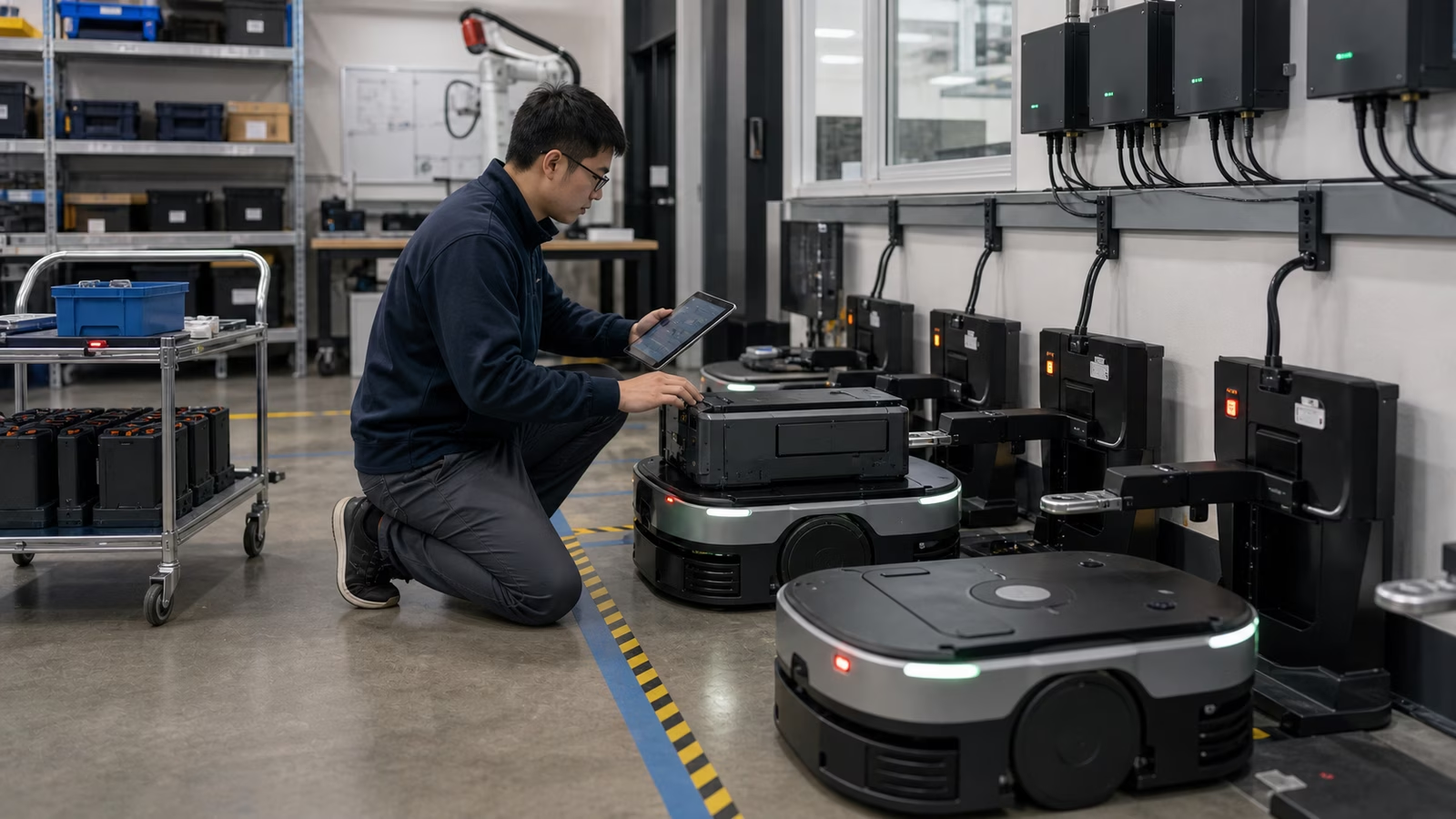
Good operations tracks battery health. It notices when a robot returns to charge more often, when a pack heats unusually, when runtime falls, or when charging errors repeat. It treats batteries as maintained components, not hidden magic inside the shell.
Robot Maintenance and Reliability belongs next to this guide because energy problems often look like performance problems at first. A robot may seem less productive, less available, or more error-prone when the underlying issue is battery health, dock contact, cable wear, or charging behavior.
Energy changes robot behavior
A robot with plenty of energy can choose one set of behaviors. A robot with a low battery needs another. It may slow down, avoid long tasks, finish its current route, refuse a new assignment, return to dock, ask for help, or transfer work to another robot. These choices should be designed, not improvised.
Bad low-energy behavior is easy to recognize. A robot dies in the aisle. It accepts work it cannot finish. It blocks a charger. It strands a payload. It creates a manual rescue job. Good low-energy behavior is less dramatic. The robot protects the workflow by leaving early enough that nobody has to think about it.
This is also a safety issue. A robot should not risk a heavy lift, crowded route, ramp, or complex manipulation if its energy state makes recovery uncertain. Battery thresholds are not only productivity settings. They can be safety boundaries.
Charging safety is ordinary and serious
Robot charging involves electrical systems, batteries, connectors, heat, software controls, and sometimes high-current equipment. Most of the time, everything should be boring. Boring is the goal. But boring only happens when the system is designed and maintained well.
Facilities teams need to understand power requirements, cable management, ventilation where relevant, access control, emergency procedures, inspection routines, and manufacturer guidance. Operators need to know what normal charging looks like and what should trigger a stop. A damaged battery, repeated charging fault, unusual heat, or compromised connector should not be treated as a minor annoyance.
This does not mean every robot dock is dangerous. It means charging should be part of the safety case, not an afterthought hidden under a desk.
The best robots manage absence
Energy management is partly about managing absence. A robot that is charging is not doing the task. A robot in maintenance is not doing the task. A robot waiting for a dock is not doing the task. Deployment planning has to account for these absences without pretending they are failures.
The mature deployment does not ask every robot to be constantly busy. It asks the fleet to be available when work needs it. That may mean staggered charging, spare batteries, enough docks, realistic task assignment, and honest monitoring. The point is not to squeeze every minute from every battery. It is to keep the workflow reliable.
Robot energy is easy to ignore because batteries do not make the robot look smarter. They do not produce the impressive moment. But after the demo, energy is one of the things that decides whether the robot belongs in the building.
A robot with good perception, planning, and manipulation still has to return to a dock. The future of physical AI will depend not only on intelligence, but on charging bays, battery logs, duty cycles, maintenance habits, and the humility to design around the fact that every machine eventually needs to plug in.