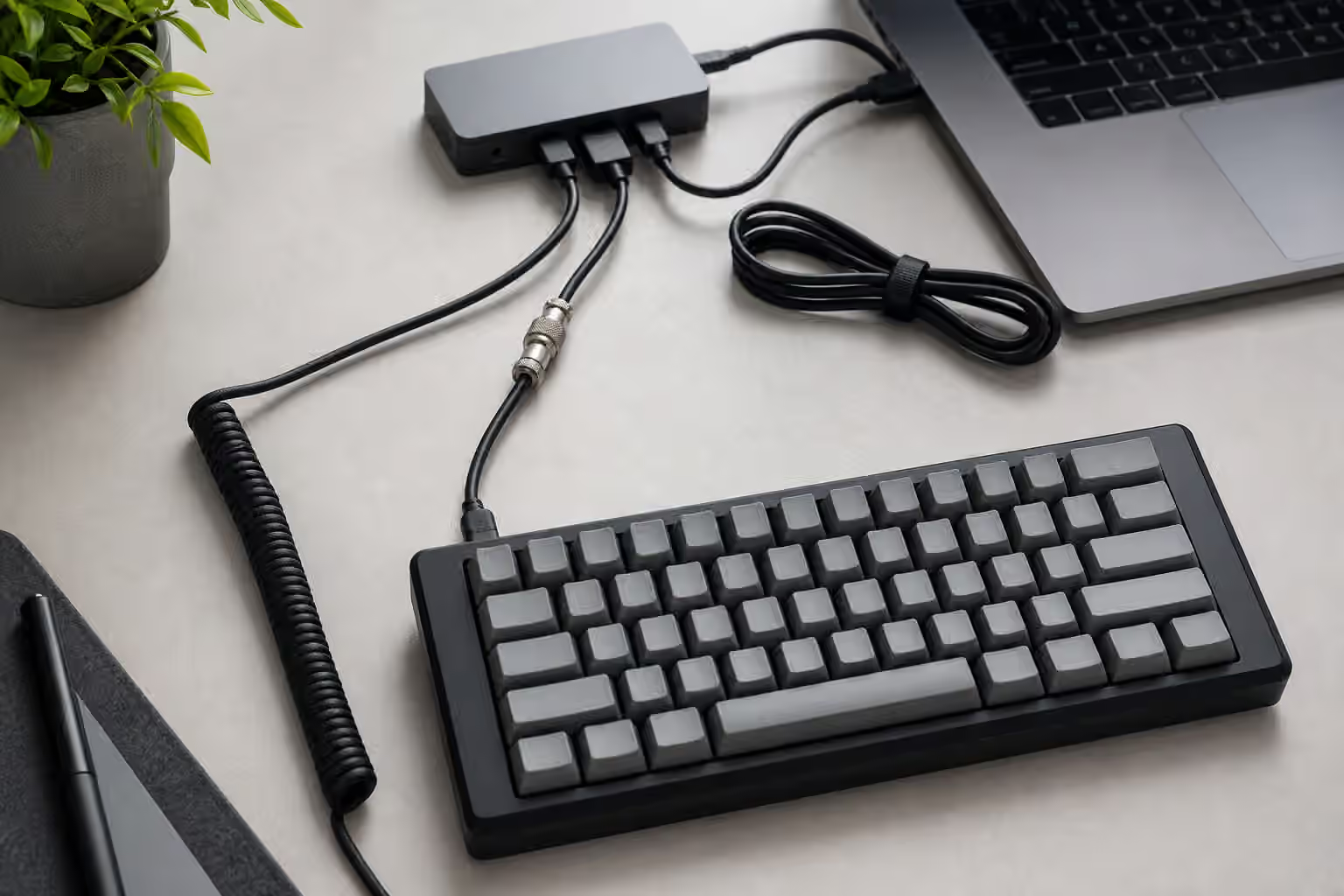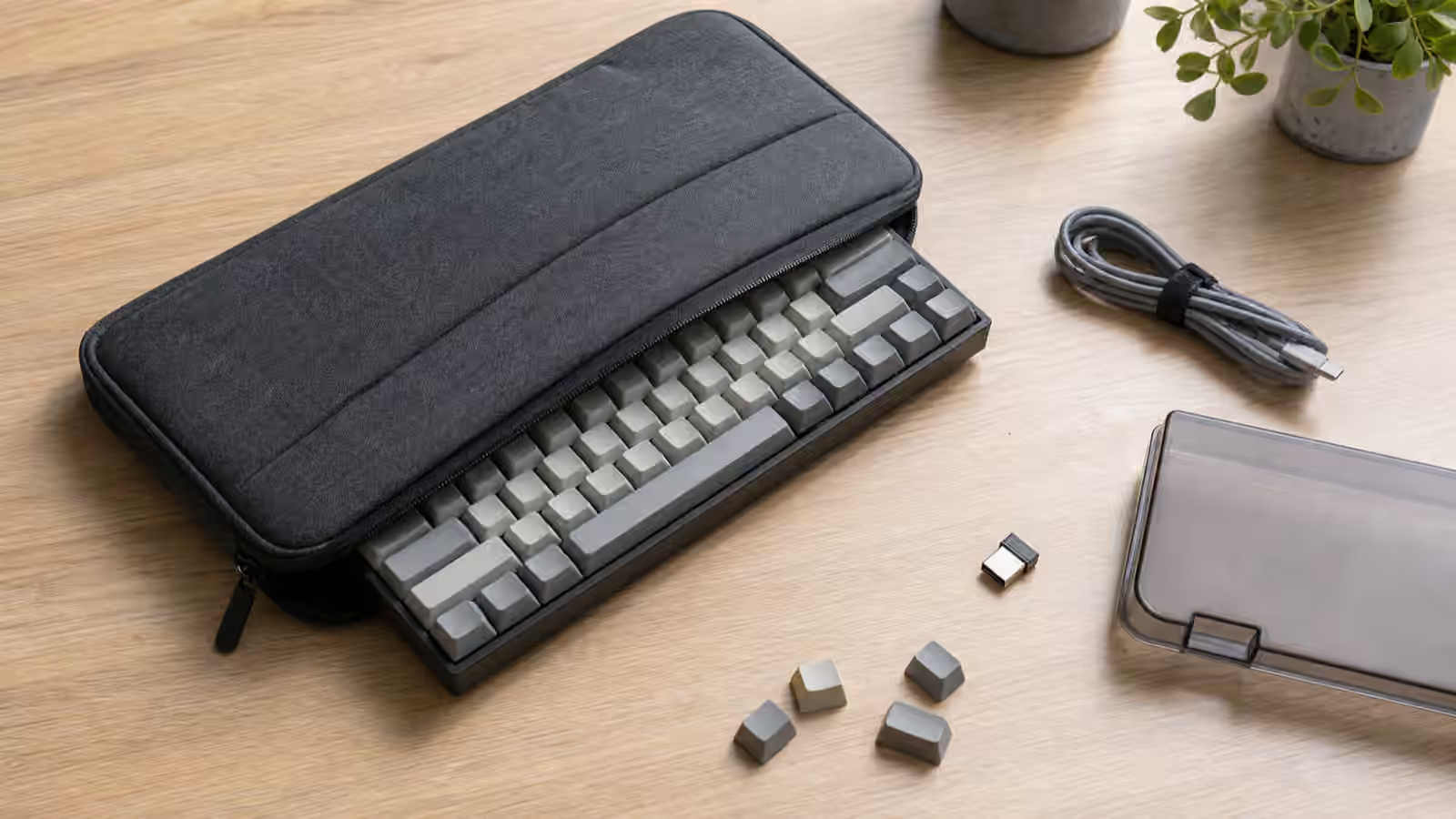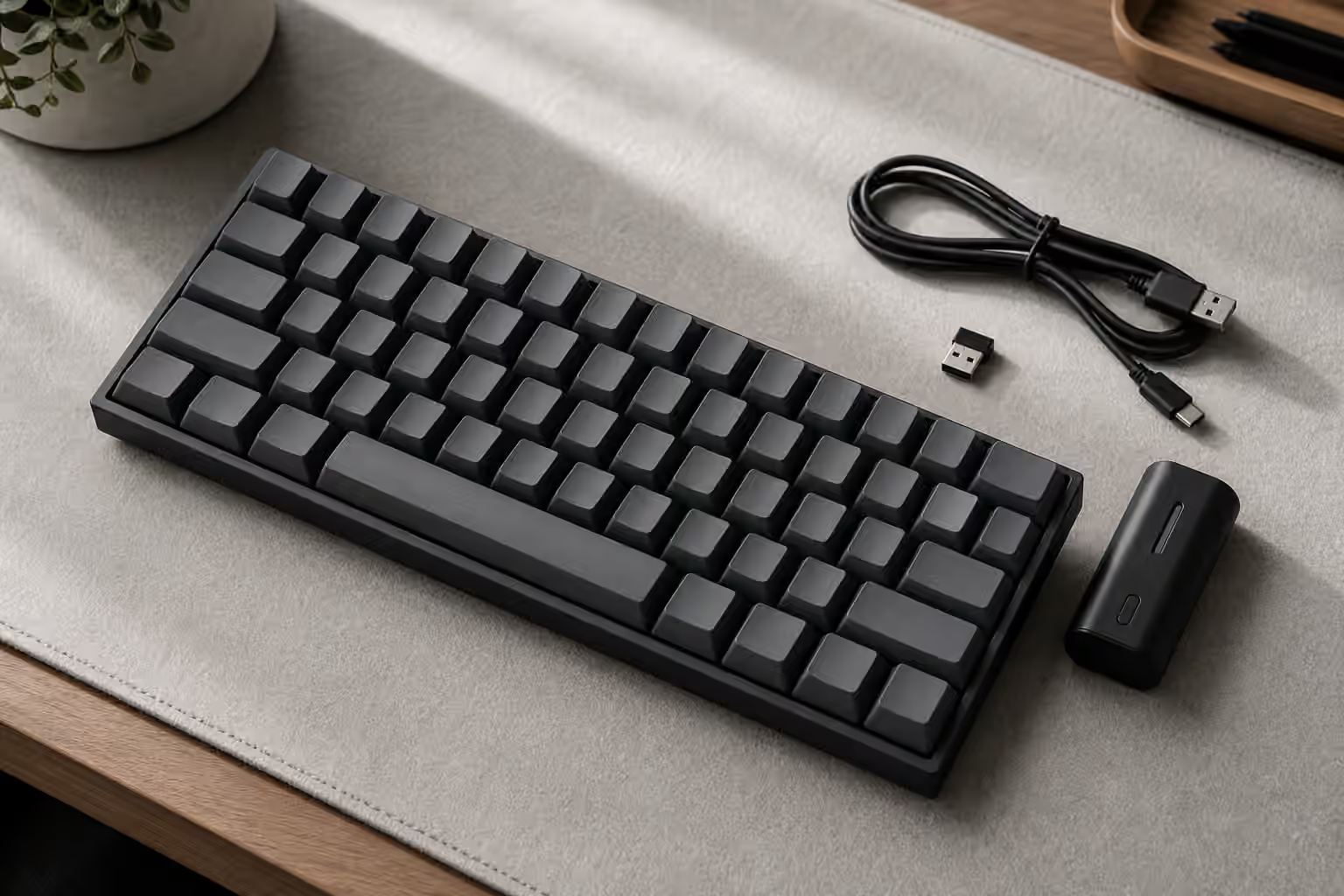
A wireless mechanical keyboard sounds simple until you try to choose one. The box may promise Bluetooth, 2.4 GHz, USB-C, multi-device pairing, low latency, long battery life, and full software support, but those words do not all mean the same thing. A keyboard can be excellent over a cable and merely tolerable over Bluetooth. Another can feel ordinary as a keyboard but become the right desk tool because it wakes quickly, switches between a laptop and tablet without drama, and leaves the workspace free of another cable.
The useful question is not whether wireless is better than wired. It is what job the keyboard has to do when the cable is gone. A travel board has different priorities from a gaming board. A living-room keyboard has different needs from a writing keyboard that spends all day in front of one monitor. Wireless is a desk decision, a battery decision, and sometimes a firmware decision, not just a feature checkbox.
If you are still choosing your first board, read the keyboard buying guide first. Switches, size, and layout matter more than the radio inside the case. Once the basics are clear, wireless becomes easier to judge because you can ask a sharper question: does this connection method support the keyboard you already know you want?
Bluetooth is for convenience first
Bluetooth is the most common wireless mode because it works with laptops, tablets, phones, and many desktops without a dedicated receiver. That makes it ideal for a board that moves between devices or sits on a clean desk where every USB port is already spoken for. A good Bluetooth keyboard can pair with several hosts and switch between them with a key combination. For someone who writes on a desktop, answers messages on a tablet, and occasionally controls a media computer, that convenience is real.
The trade-off is that Bluetooth is a shared radio environment. It lives near Wi-Fi, headphones, mice, controllers, speakers, and everything else trying to talk through the same crowded air. Most typing does not need extreme speed, so a small amount of latency is rarely noticeable in normal writing. The more obvious problems are wake delay, missed first keystrokes after sleep, unstable pairing, or a board that behaves differently depending on the host. A keyboard can feel instant after it is awake and still be annoying if the first password character disappears because the board was saving power.
Bluetooth also depends on the computer as much as the keyboard. The same board may behave better with one laptop than another because radios, operating systems, USB adapters, and power settings differ. That is why Bluetooth should be judged in the actual place it will live. Pair it with the devices you use, let it sleep, wake it, switch hosts, type into a password field, and see if the small delays bother you. A keyboard that feels fine during a five-minute test can reveal its personality after a few days of ordinary sleep and wake cycles.
2.4 GHz dongles are built for responsiveness
A 2.4 GHz keyboard uses a small USB receiver that talks directly to the board. It is still wireless, but it does not use your computer’s general Bluetooth stack. In practice, this mode is usually the better choice when responsiveness matters, especially for gaming or fast shortcut-heavy work. The receiver gives the keyboard a dedicated path, and good implementations feel close enough to wired that most typists stop thinking about the connection.
The cost is portability and dependency on the dongle. If the receiver is missing, broken, or left in another bag, that wireless mode is gone. Some keyboards include a storage slot inside the case, which is useful for travel. Others make the dongle easy to lose. Desktops also complicate placement. A receiver plugged into the back of a metal computer under a desk may perform worse than the same receiver on a short USB extension sitting near the keyboard. When a 2.4 GHz board stutters, the fix is often not mysterious. Move the receiver closer, avoid hiding it behind metal, and keep it away from noisy hubs when possible.
For gaming, 2.4 GHz is usually the wireless mode to prefer. That does not mean every dongle keyboard is automatically excellent. Polling rate, firmware, receiver quality, sleep behavior, and switch implementation all matter. But if a board offers both Bluetooth and 2.4 GHz, the usual pattern is clear: Bluetooth is the flexible multi-device mode, and 2.4 GHz is the performance mode.
Wired fallback should still be boring
Wireless keyboards need a cable at some point. The cable charges the battery, and on many boards it also provides a true wired mode. That fallback matters more than it sounds. A keyboard that behaves normally over USB is easier to trust when the battery is low, when firmware needs attention, or when a machine refuses to pair. A board that only charges over USB while still typing wirelessly is less flexible.
The best wired fallback is uneventful. Plug in the cable, and the keyboard works like a normal USB keyboard. No driver hunt, no confusing mode switch, no need to keep the battery alive just to type. This is especially important for anyone who changes computers often or uses disk encryption, BIOS screens, boot pickers, or recovery environments where wireless pairing may not be available yet.
The connector also deserves a glance. USB-C is common, but not every port is equally pleasant. A deeply recessed connector may reject thicker custom cables. A flimsy daughterboard or awkward case opening can make the cable feel fragile. For build-focused details around connectors and PCB decisions, the building guide gives useful context even if you are buying prebuilt.
Battery life is about habits, not only capacity
Battery capacity is easy to advertise and hard to interpret. A large battery helps, but lighting, sleep settings, radio mode, case design, and daily use can change the real experience. Bright RGB can drain a board much faster than plain typing. A board that sleeps aggressively may last longer but feel sluggish when it wakes. A board that stays alert all day may feel better and need charging more often.
Think about how charging fits your desk. If the keyboard stays in one place, charging every week or two may be harmless because the cable is nearby. If the board lives in a bag, an unpredictable battery is more irritating. If the keyboard is used for work, the low-battery warning should arrive early enough that you are not forced into a cable at an awkward moment. Some boards provide clear indicator lights or software battery reporting. Others make you guess until the connection becomes unstable.
Rechargeable lithium batteries prefer ordinary care. Do not store the board dead for long periods, and do not treat the battery compartment as a place to pack foam, tape, or loose metal parts during sound mods. If the keyboard uses removable cells, use the type the manufacturer specifies and keep the contacts clean. The maintenance guide covers the broader habits that keep boards reliable, including the simple habit of turning wireless boards off before cleaning or travel.
Case material changes wireless behavior
Mechanical keyboard people love heavy cases because they feel stable and can sound refined. Wireless hardware sometimes has a different opinion. Radios need a path out of the case. A dense aluminum shell can reduce range if the antenna is buried poorly, while a plastic or polycarbonate case may be friendlier to wireless performance. This does not make metal wireless boards bad. It means the board needs to be designed around wireless from the start.
That distinction is important in custom builds. A wired-first kit may have no safe battery location, no power switch opening, no antenna plan, and no sensible charging workflow. Trying to improvise wireless into that kind of case can create a keyboard that is cramped inside, awkward to charge, and inconsistent on the desk. If wireless is important, choose a board or kit intended for wireless use instead of treating the radio as a late mod.
Internal dampening can also interfere with practical design. Foam that fits neatly in a wired board may press against a battery or cable in a wireless one. Tape mods and metal films should stay away from battery contacts, antennas, and charging circuits. Sound tuning is still possible, but wireless boards deserve a little more restraint. The goal is not to win a sound test at the cost of basic reliability.
Firmware support may narrow the field
Many keyboard enthusiasts want VIA or QMK because remapping keys and layers makes compact boards easier to live with. Wireless can complicate that expectation. Some excellent programmable keyboards are wired because open firmware support, power management, and wireless certification are not trivial to combine. Some wireless boards use proprietary software because the manufacturer controls the whole radio and battery system. Others offer a lighter remapping layer that is good enough for normal use but not as deep as full QMK.
This matters most on small layouts. A 60 percent or compact split board depends heavily on layers. If the wireless model has limited remapping, the physical layout may become frustrating even if the connection is stable. Before buying, check whether you can move the keys you actually need: arrows, delete, backspace, function keys, media controls, and any operating-system shortcuts you use daily. If the board supports VIA or another live editor, make sure that support applies to the exact model and connection mode, not just a related wired version.
The QMK and VIA firmware guide is worth reading before choosing a wireless compact board. It explains why layers and remaps are not hobby decorations. They are the way a small keyboard becomes comfortable. A wireless board that cannot express your layout may look clean on the desk and feel clumsy in the hands.
Match the connection to the room
Wireless is most valuable when the room benefits from it. On a small desk, removing one cable can make space feel calmer. In a shared setup, multi-device pairing can let one keyboard serve a laptop, tablet, and desktop without rearranging hardware. In a living room, wireless may be the feature that makes a mechanical keyboard practical at all. In those situations, accepting occasional charging is a fair trade.
On a fixed work desk with one computer, wired may still be the simpler answer. A cable is stable, predictable, and immune to battery anxiety. It is also one less variable when diagnosing missed keystrokes, firmware issues, or wake problems. There is no virtue in wireless if the cable does not bother you. The point is to remove friction, not to add a battery and radio just because the spec sheet looks modern.
Noise can be part of the room decision too. Wireless boards often get used on couches, shared tables, and small desks where sound travels differently. A board that is quiet on a mat may sound sharper on a wooden coffee table. If the keyboard will live near other people, combine the wireless decision with the low-noise keyboard setup principles: avoid clicky switches in shared rooms, control stabilizer rattle, and give the case a surface that does not amplify every bottom-out.
A calm way to choose
Start with the keyboard, then choose the radio. Pick a layout that fits the work, using the layout guide if you are unsure how much board you actually need. Pick switches you can type on for a long session. Decide whether firmware flexibility matters. Only then decide whether the board should be wired, Bluetooth, 2.4 GHz, or all three.
Choose Bluetooth when device switching and cable-free convenience matter more than peak responsiveness. Choose 2.4 GHz when you want wireless but still care about fast, steady input. Keep wired mode available when reliability matters more than a clean desk. Pay attention to battery warnings, receiver placement, case material, and software support because those small details decide whether wireless disappears into the background or becomes the thing you keep troubleshooting.
A good wireless mechanical keyboard should not make you think about wireless very often. It should wake when expected, type without drama, charge without ceremony, and fall back to USB when the situation calls for it. When that happens, the missing cable stops being the main feature. The board simply fits the desk better.