Switch wobble is easy to feel and hard to judge fairly. Place a finger on a keycap, nudge it side to side, and almost every mechanical keyboard will move a little. That movement can come from the switch stem, the switch housing, the plate, the keycap stem, the stabilizer, or the way the board is mounted. Some wobble disappears during normal typing. Some becomes distracting because it makes the key feel loose, noisy, or imprecise. The useful question is not whether wobble exists. The useful question is whether it changes the way the keyboard works under your hands.
This guide sits between switch choice and build diagnosis. If you are comparing whole switch types, read the Complete Switch Guide first. If the switch housings themselves feel loose or sound uneven, the Switch Films and Housing Fit guide explains one possible mod. Here the focus is the everyday stability you feel at the top of the keycap.
Where wobble comes from
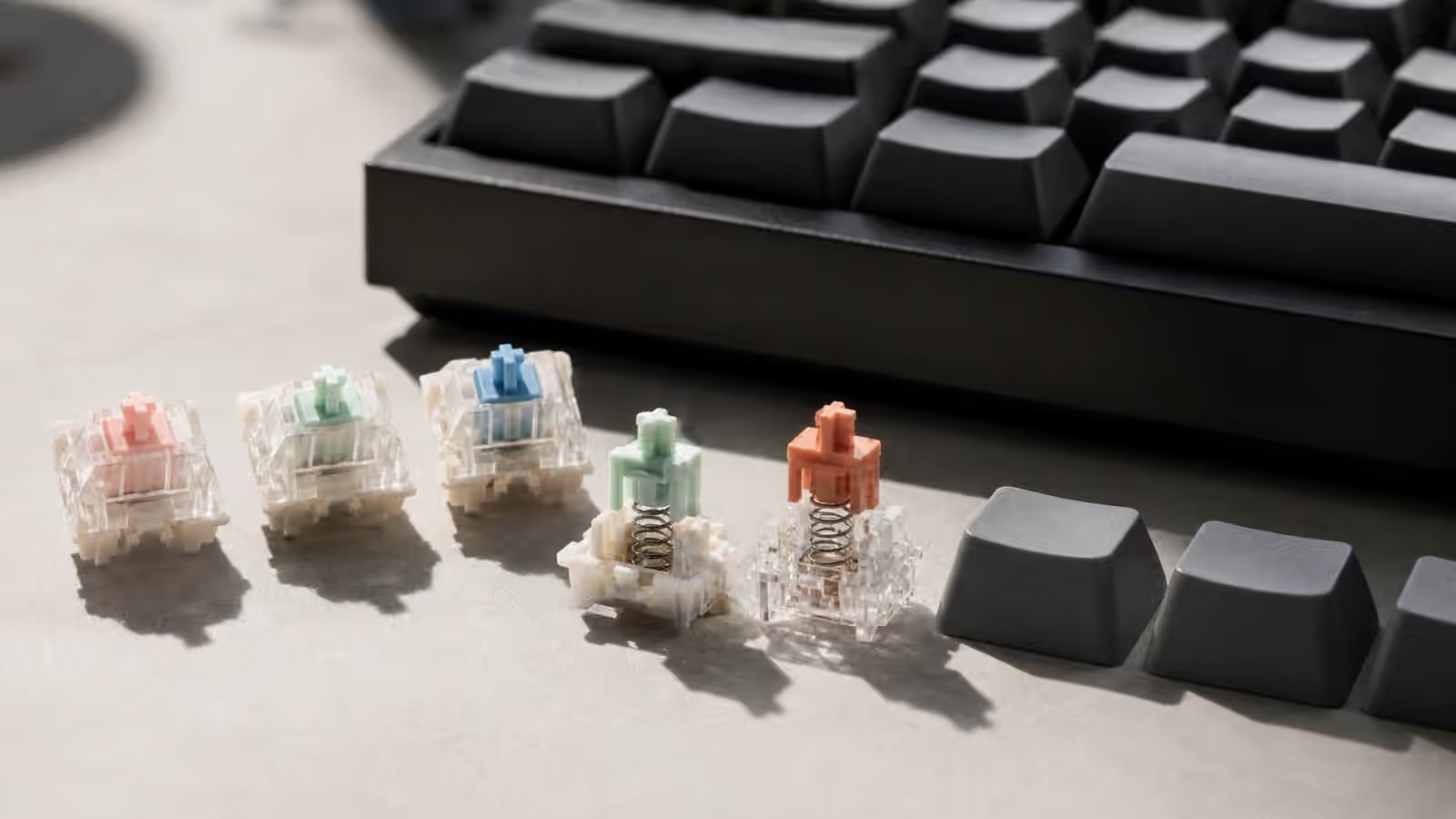
An MX-style switch has a stem moving inside a top housing and bottom housing. The stem needs clearance to move freely. If the tolerances are too tight, the switch can bind, scratch, or fail to return smoothly. If the clearances are generous, the stem can lean slightly before and during the press. That lean becomes more noticeable once a keycap sits on top, especially a tall keycap that gives your finger more leverage.
The switch is only one layer. A keycap stem can fit tightly or loosely on the switch cross. A plate can grip the switch housing firmly or let it move. A hot-swap socket can hold the electrical pins, but it does not turn a loose plate fit into a soldered joint. A keyboard case can flex enough that the whole assembly moves when you press near an edge. Stabilized keys add wires, housings, inserts, and long caps, so they deserve their own diagnosis.
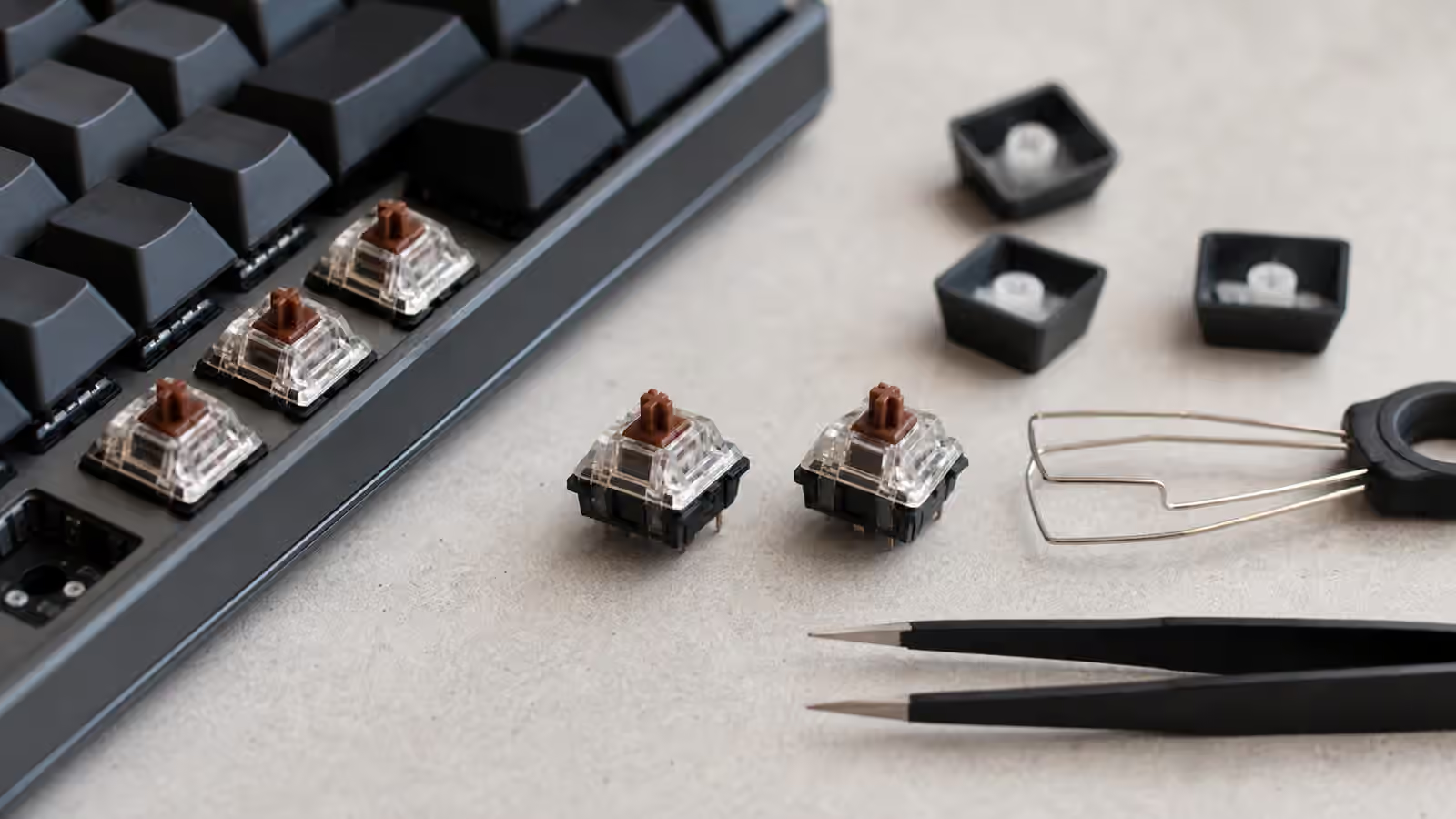
This is why wobble should be traced, not guessed. If one key feels unstable, remove the keycap and gently test the switch top. Then try the keycap on another switch. If the wobble follows the cap, the cap fit or profile is involved. If it follows the switch, the switch stem or housing is involved. If it stays with the position on the board, plate fit, socket support, or stabilizer setup may be the issue.
Tall keycaps magnify movement
Keycap height changes wobble perception. A tall sculpted profile makes small stem movement easier to feel because your finger is farther from the pivot point. A lower profile can make the same switch feel more stable. The switch has not changed, but the lever above it has. This is one reason a switch can feel tidy in one keycap set and a little vague in another.
Keycap shape also matters. Wide caps, deep dishes, and angled row profiles can invite your finger to press from the side instead of straight down. If you type with a glancing motion, the cap will show more lateral movement. That does not mean your technique is wrong. It means your preferred keycap profile and switch fit should agree with the way your fingers actually land. The Keycap Profile Height and Typing Feel guide gives more context on how cap shape changes leverage and comfort.
Material and wall thickness influence the impression too. A thicker cap may sound and feel more planted, even if the measured wobble is similar. A thin cap can make small movement feel cheaper because it adds a brighter sound and less mass. Surface texture changes perception as well. A slippery cap can make a stable switch feel less controlled, while a textured cap may help your finger settle.
Housing wobble is different from stem wobble
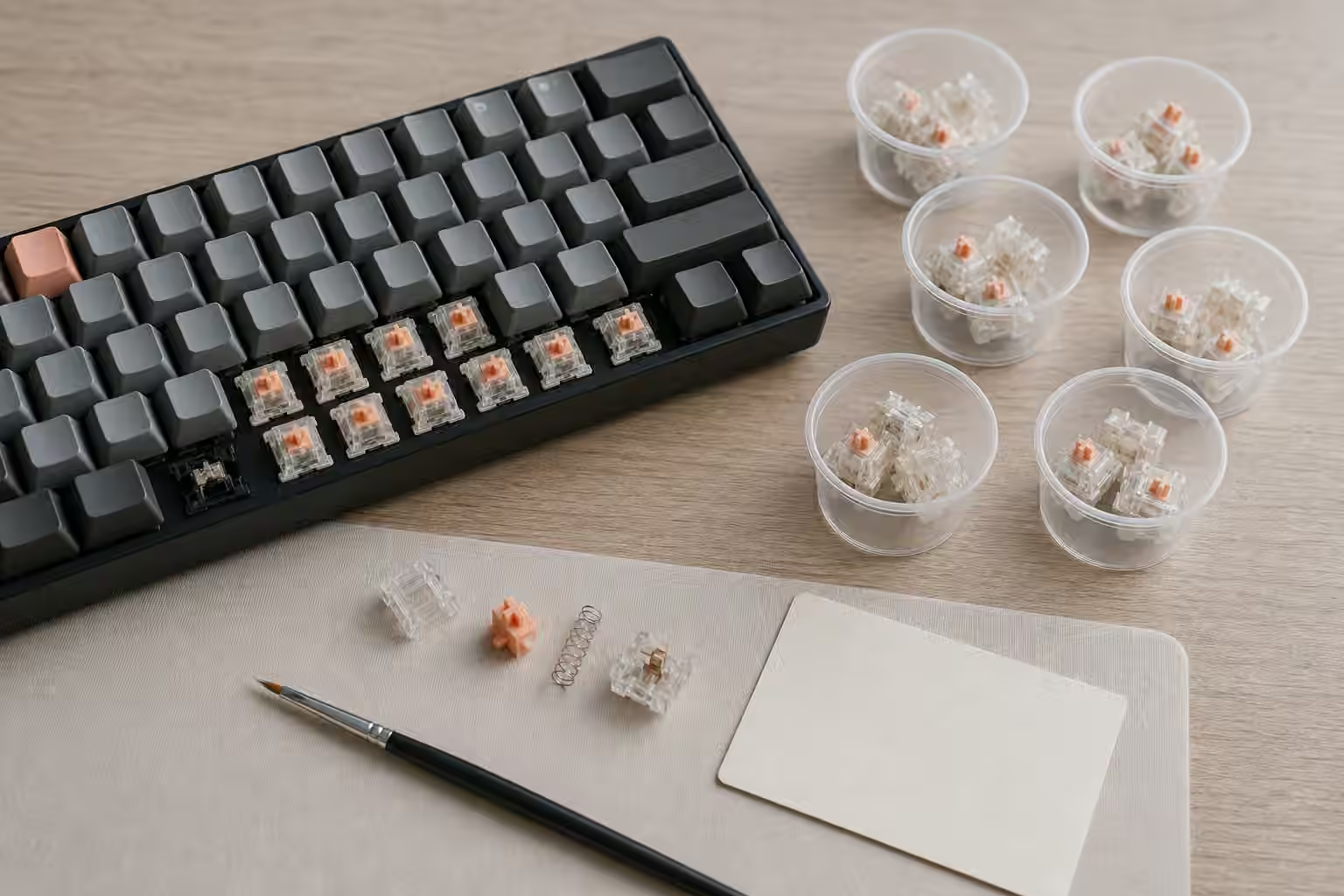
Stem wobble is the movement of the colored or central slider inside the switch. Housing wobble is movement between the top and bottom switch housings, or movement of the entire switch in the plate. These problems can feel similar at the keycap, but they have different causes. A switch film can sometimes reduce housing movement by filling a small gap between the top and bottom housings. It cannot make a loose stem perfectly guided, and it cannot repair a plate that barely grips the switch.
Some switches are designed with tighter stem guidance, while others accept more movement in exchange for smoothness, sound, or manufacturing tolerance. Tighter is not always better. A very tight switch can feel controlled but scratchy if the surfaces are not smooth. A looser switch can feel fluid but less precise. The Switch Sample Testing guide is useful because wobble is one of the traits that a loose switch tester can reveal early, though a full keyboard still gives the better test.
Hot-swap boards add another place to look. When a switch is removed and reinstalled often, the plate tabs can wear slightly or the switch clips can weaken. If the switch is not fully seated, the top may rock. Bent pins can also keep the switch from sitting flush. The Keyboard PCBs and Hot-Swap Sockets guide explains why insertion angle and socket support matter before you blame the switch.
Stabilized keys need a separate ear
Large keys do not wobble like letter keys. A spacebar can rock because the stabilizer wire is uneven, the inserts are loose, the cap is warped, or the switch under the center has more play than expected. It can also feel unstable because the key is long enough to amplify a small mismatch between the left and right sides. Press the spacebar near the left edge, center, and right edge. Listen and feel for differences. A stable spacebar should return cleanly without one side dragging or ticking.
Do not treat a bad spacebar as evidence that every switch is loose. The stabilized key system has its own parts and failure modes. A switch swap may change the center feel, but it will not straighten a warped cap or balance a stabilizer wire. The Spacebar Tuning guide is the better starting point for long-key issues.
Backspace, enter, and shift can reveal different problems because they are shorter than a spacebar but still stabilized. If all stabilized keys feel messy, the stabilizer setup may need attention. If only one large key feels wrong, compare the cap and wire before opening the whole board. Careful diagnosis keeps a small wobble complaint from turning into unnecessary disassembly.
When wobble is worth fixing
Wobble is worth addressing when it makes typing less accurate, creates uneven sound, or distracts you every time your finger lands. It is less important when it only appears during deliberate side-to-side testing. Many pleasant keyboards have visible movement if you look for it. A keyboard is a tool for pressing keys, not a laboratory fixture that must remain rigid under sideways poking.
The first fix is often matching parts better. A different keycap profile, a switch with tighter stem guidance, or a plate that grips switches more securely may solve the problem without mods. If the switch housing is the issue, films may help when compatible. If the plate is too loose, replacing switches with housings that clip better can matter more than lubricating anything. If the board has hot-swap sockets, reseating the switch carefully is worth trying before buying parts.
Lubing switches usually does not solve wobble. It can make motion smoother and sound softer, but excess lubricant can hide feedback without adding stability. In some tactile switches, careless lubing can reduce the tactile event and make a loose switch feel even less defined. The Switch Lubing by Hand guide is useful if smoothness is the goal, but wobble needs a fit-based diagnosis first.
Judge during real typing
The best wobble test is boring: type a page of normal text, use your usual shortcuts, and notice which keys call attention to themselves. Then test those keys directly. If every key feels acceptable during real work, the board may be fine. If the same letters feel unstable at speed, compare switch, cap, and board position until the cause follows one part.
A mechanical keyboard does not need zero movement to feel good. It needs movement that feels controlled. A little lateral play can coexist with a smooth, satisfying press. A small amount of cap motion may vanish once your hands settle into rhythm. Chasing absolute rigidity can lead to stiffer plates, tighter switches, and heavier parts that do not actually make the board more pleasant. Stability is valuable when it supports typing. Once the key lands cleanly, returns cleanly, and stops distracting you, the wobble problem is solved enough.