The standard full-size keyboard puts the numpad on the right because that is where it has lived for decades. That placement is familiar, but it is not neutral. It pushes the mouse farther away for right-handed users, widens the desk footprint, and assumes numeric entry should happen with the same hand that may already be controlling a mouse. Southpaw and left-side numpad layouts challenge that inheritance.
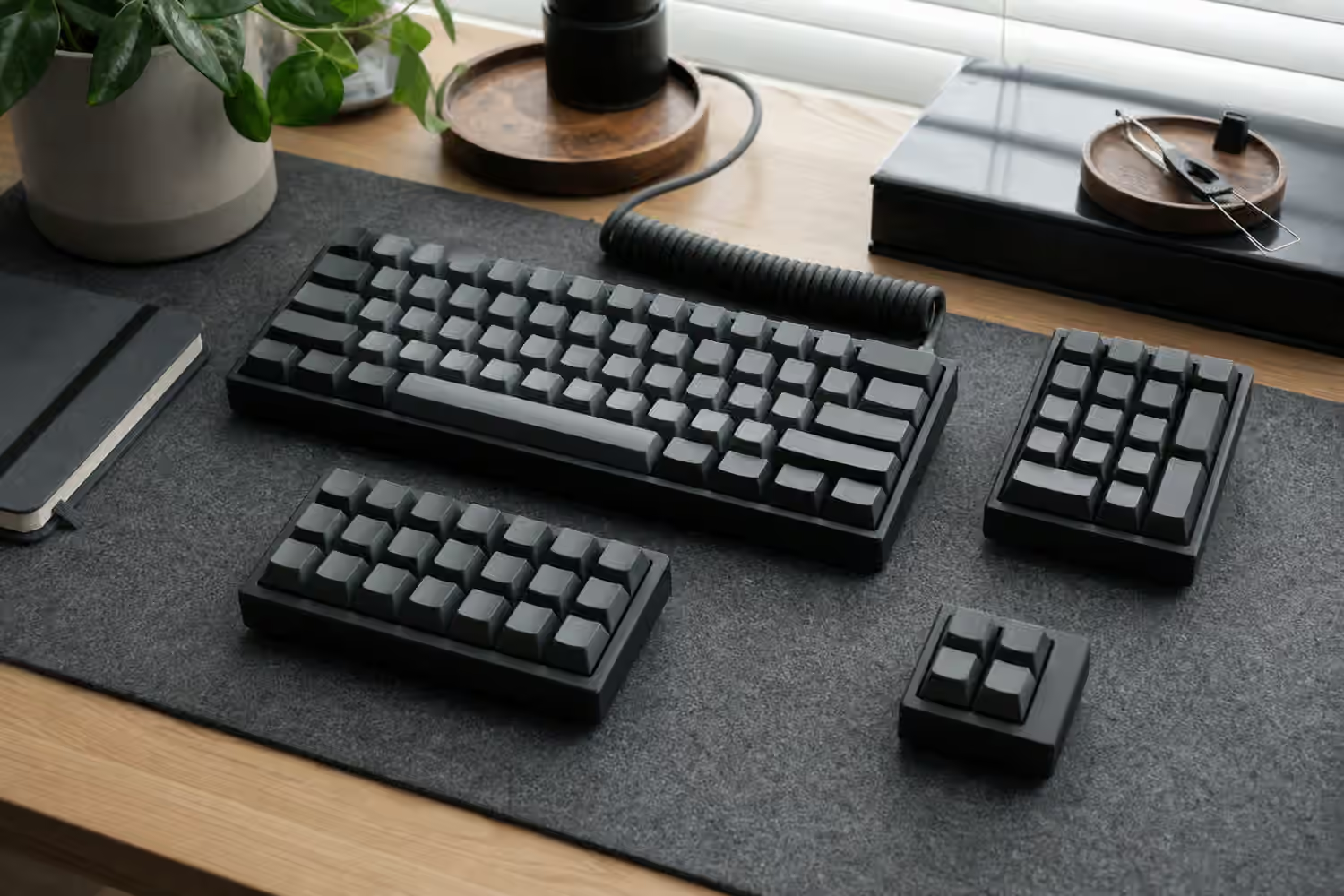
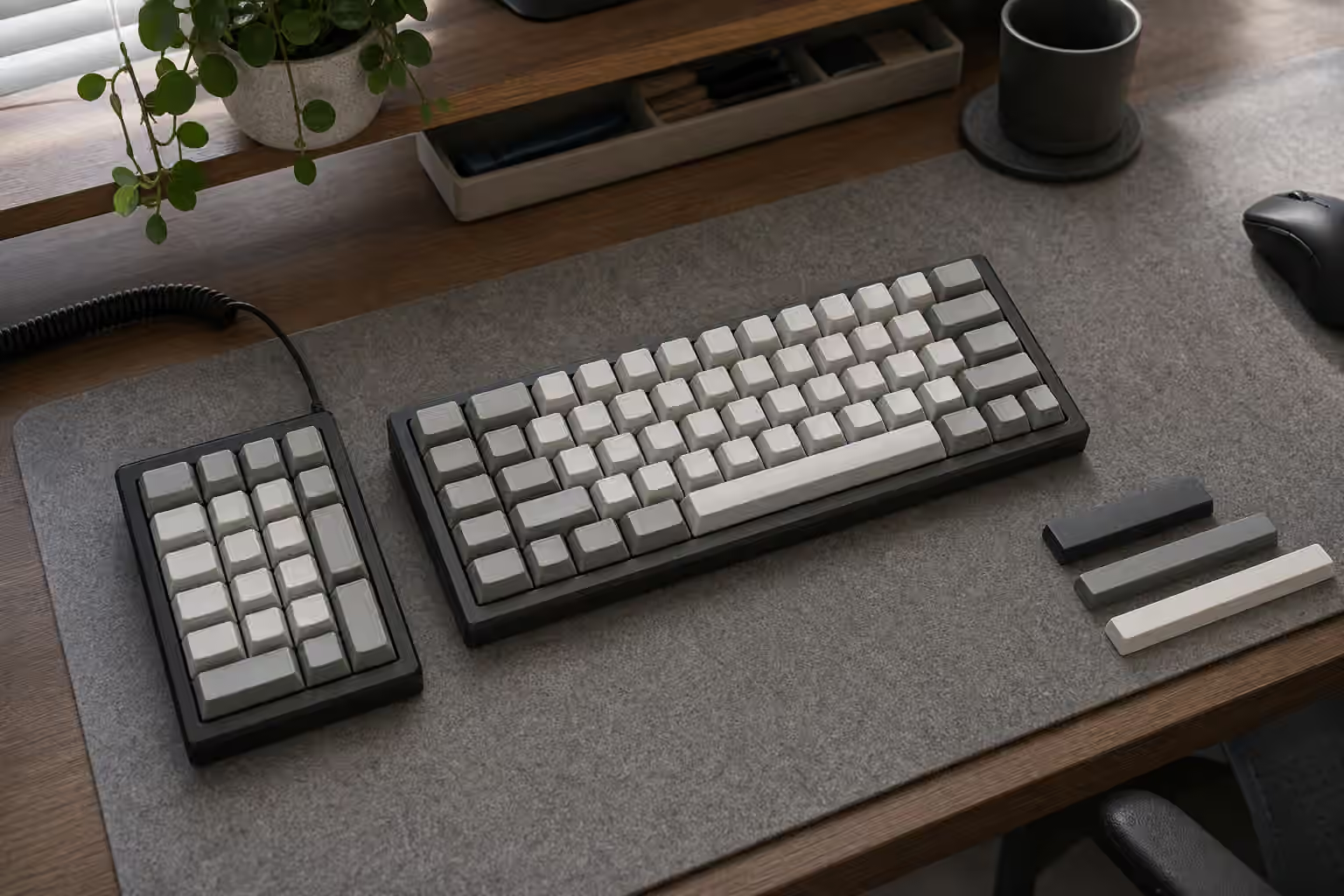
A southpaw keyboard moves the numpad to the left side of the main typing area. A separate left-side numpad keeps the main keyboard compact and places the number pad wherever it works. Both choices can make a desk feel more balanced. They can also feel awkward at first because muscle memory is stubborn. The point is not that left-side numpads are automatically better. The point is that numpad position is a layout decision, not a law.
If you are still deciding how much keyboard you need, read the broader Keyboard Layouts Guide first. If you already use a compact board and miss number entry, the Numpad and Macropad Modules guide is the closest companion. This guide focuses on what changes when the number pad moves left.
Why move the numpad left
The most common reason is mouse reach. A full-size keyboard can force the mouse several inches farther to the right than a tenkeyless or 75 percent board. Over a long workday, that reach can make the shoulder sit open and the wrist approach the mouse from an angle. Moving the numpad left lets the main typing block sit closer to the mouse hand while preserving dedicated number keys.
That benefit is strongest for right-handed mouse users who still need a numpad often. Accountants, spreadsheet-heavy workers, CAD users, data-entry staff, finance teams, and anyone who enters repeated numbers can feel trapped between a full-size board and a compact board. A left-side numpad creates a third path. The mouse stays near the body, and the number pad remains available.
Left-side placement can also split work between hands. The right hand can point, select, or navigate with the mouse while the left hand enters numbers, confirms fields, or triggers macros. That can be useful in spreadsheets, editing tools, and workflow software where the hands alternate between pointer and numeric input. The arrangement takes practice, but once it clicks, it can feel less cramped than moving the right hand back and forth between mouse and numpad.
Southpaw board or separate module
A one-piece southpaw keyboard looks tidy because the numpad is built into the case. It gives the desk a single object, keeps angle and height consistent, and avoids another cable or wireless device. For people who always want the numpad on the left, that simplicity is appealing. It can also make the keyboard feel intentional rather than assembled from modules.
The trade-off is commitment. The numpad is always there, even when you do not need it. The board is still wide, just wide in the other direction. If your desk has a monitor arm, notebook, audio controller, or other object on the left, the southpaw case may create a new reach problem. One-piece layouts also have less product variety than ordinary full-size and compact boards, so switch options, firmware, case materials, and keycap compatibility may narrow.
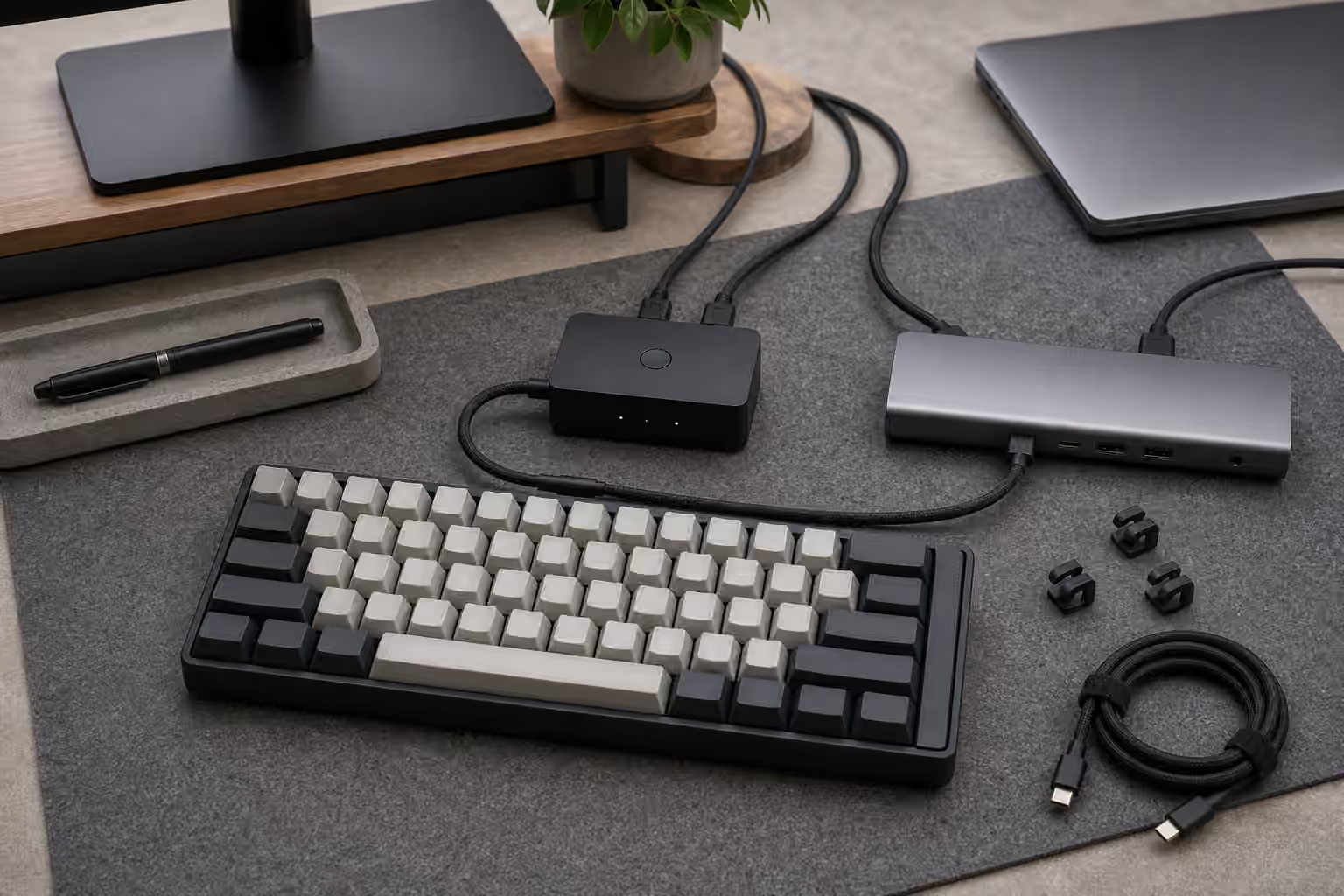
A separate numpad is more flexible. It can sit left, right, above the keyboard, angled slightly, or stored away when not needed. It can be replaced without replacing the main board. It can use its own layers and macros. The cost is a second device to connect, charge, position, and keep at the same comfortable height. A separate module also needs desk discipline. If it drifts around, the setup loses the repeatability that makes numeric entry fast.
Learning the left hand
Moving the numpad left changes muscle memory. The key arrangement may be the same, but the hand is different. A right-handed numpad habit often relies on the middle finger finding five and the hand moving from there. The left hand can learn the same grid, but it may need a few focused sessions before it stops feeling backwards.
Do not judge the layout by the first afternoon. Start with ordinary calculator-style entry, then spreadsheet cells, then mixed mouse-and-number work. Keep the numpad in the same location during the learning period so the hand has a stable target. If the module moves every day, the body has to learn position and key grid at the same time.
Some users mirror the numpad layout for the left hand, but that is a specialized choice. A mirrored pad can make certain finger motions feel natural, but it breaks the standard numpad grid that many people already know. It also complicates shared use and legends. For most users, the normal numpad arrangement on the left is easier because the key positions still match calculators, full-size boards, and software expectations.
Desk fit and mouse space
The benefit of a left-side numpad only appears if the main keyboard and mouse land in better places. Put the alphas near the center of your body, then place the mouse where the right shoulder can stay relaxed. After that, place the numpad where the left hand can reach without twisting. If the numpad forces the main keyboard too far right, the setup has only moved the problem.
Desk depth matters too. A separate numpad above the left side of the keyboard may work on a deep desk but feel crowded on a shallow one. A one-piece southpaw board may need more left clearance than expected. A thick cable exiting the left side can interfere with notebooks or desk accessories. The Keyboard Desk Fit and Ergonomics guide covers the larger posture and reach questions. Southpaw layouts are one tool inside that broader setup.
Mouse sensitivity can change the result. If you use a very low mouse sensitivity, open right-side space matters more because the mouse travels farther. If you use a trackball, pen tablet, or compact pointing device, the full-size keyboard’s right-side numpad may bother you less. The best layout depends on the whole desk, not only on the keyboard.
Firmware and layers
Southpaw boards and separate numpads benefit from flexible firmware. The left pad can stay numeric, but it can also hold navigation, media controls, application shortcuts, layer keys, or repeated symbols. A separate numpad can become a numeric pad during spreadsheet work and a macro pad during editing. That dual role is one reason modular setups are attractive.
The Keyboard Macros and Shortcuts guide is useful here because a left-side module is not limited to numbers. The danger is overloading it with clever functions before the basic numeric habit is comfortable. If every key has a hidden behavior on day one, learning the pad becomes harder. Start with a familiar numpad layer, then add workflow keys where your hand naturally pauses.
Operating-system behavior can also matter. Some software treats numpad Enter, numpad decimal, and navigation keys differently. If you rely on those distinctions, confirm that the board or module sends the expected keycodes. A generic macro layer may not be enough if your work depends on true numpad inputs.
Keycaps and visual orientation
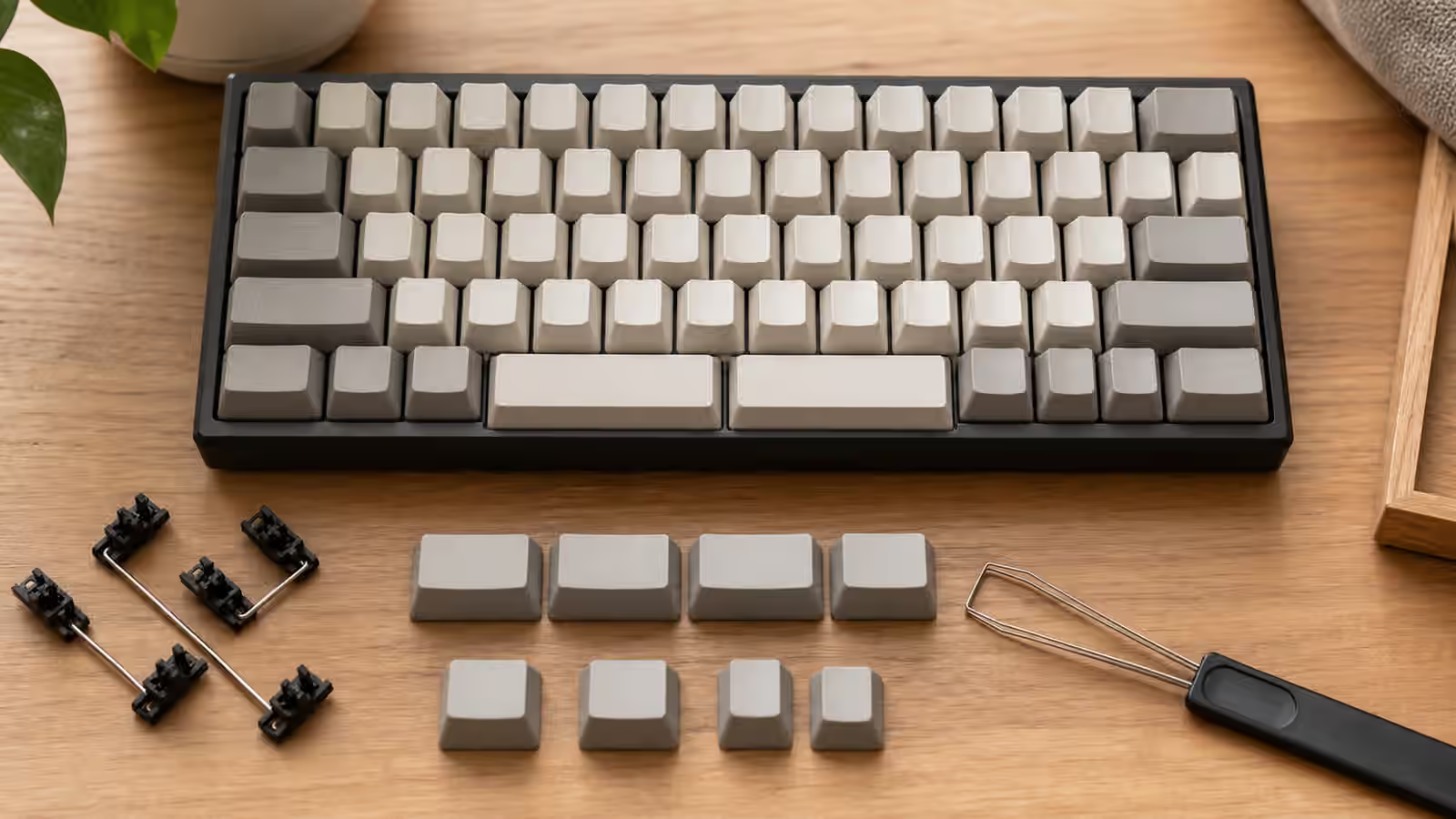
Keycap support for southpaw layouts is usually manageable but worth checking. A one-piece southpaw board may use a standard numpad cluster, just moved left. That is easy if the keycap set includes numpad keys. Separate modules are also easy when they use ordinary 1u keys and standard large keys. Problems appear with unusual legends, mirrored layouts, nonstandard rows, or sculpted profiles rotated into new positions.
The Keycap Kitting and Layout Coverage guide explains the buying side in more detail. For a left-side numpad, legends are partly about orientation. A standard numpad legend set still reads normally from the typist’s position, but novelty or custom legends may look odd if the pad is angled sharply. Blank keycaps avoid that issue, though they are less friendly on a shared desk.
Height should match the main keyboard if the pad is used constantly. A tall numpad beside a low-profile keyboard can make the left hand climb. A low pad beside a high custom board can feel disconnected. Matching does not need to be perfect, but if the module is part of daily input rather than occasional use, case height and keycap profile deserve attention.
Who should try it
A left-side numpad is worth trying if you need numbers often but dislike the mouse reach of a full-size keyboard. It is especially compelling when the right hand is already busy with a mouse and the left hand can take over numeric entry. It is less compelling if you rarely use a numpad, share the keyboard with people who expect the standard layout, or have a desk where the left side is already crowded.
The easiest experiment is a separate numpad. Put it on the left for a week, keep the main board centered, and use real work as the test. If it only feels strange but the mouse position improves, keep practicing. If it creates new clutter or the left hand never adapts, return it to the right or store it until number-heavy tasks appear.
Layout choices should serve the desk instead of tradition. A southpaw board can look unusual, but the underlying idea is practical: put tools where the hands can use them with less reaching. For some people, that means a compact board with no numpad. For others, it means a full-size board. For a specific group of number-heavy, mouse-heavy users, the answer may be a numpad on the left, quietly making the right side of the desk easier to live with.