I didn’t know keyboards had a sound until I heard one that changed how I work.
For years, my office keyboard was a standard rubber-dome board that came free with a computer I’d bought in 2018. It made sounds—a mushy, plastic clatter that I’d tuned out the way you tune out an air conditioner. It wasn’t pleasant or unpleasant. It was nothing.
Then a colleague brought a new keyboard to the office. She set it on her desk, started typing, and the room changed.
The sound was deep, rounded, almost musical—a soft thock thock thock that had weight without volume. It sounded like fingers tapping on a hardwood table. Or rain on a window. Or something I didn’t have a word for but immediately wanted.
“What is that?” I asked.
“Boba U4T switches,” she said. “In a gasket-mounted aluminum case with PE foam and tape mod.”
I understood approximately none of those words. Three months later, I understood all of them—and my own keyboard sounded like rain on a window.
This is the story of how I learned to hear keyboards, and a practical guide to shaping the sound of yours.
Why keyboards sound different
Every keystroke produces sound through a chain of physical events:
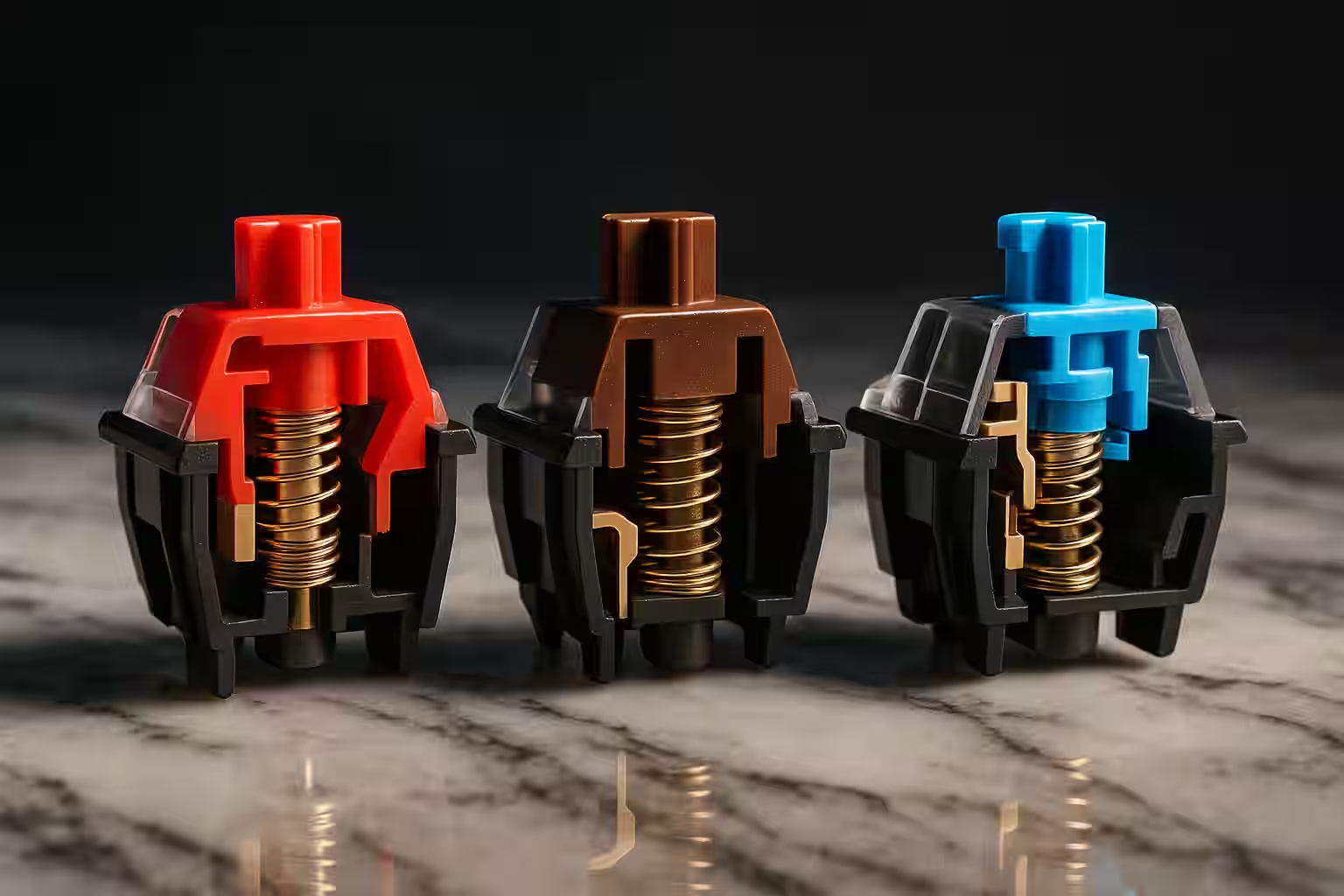
- The switch actuates. The stem pushes down, compresses a spring, and (in tactile or clicky switches) engages a mechanism that produces a bump or click.
- The stem bottoms out. The switch stem hits the bottom housing—the loudest moment in most keystrokes.
- The keycap resonates. The keycap, connected to the stem, vibrates at its own frequency based on its material, thickness, and profile.
- The plate transmits. The mounting plate (metal or plastic) vibrates in response to the impact, transmitting energy to the case.
- The case resonates. The case amplifies, dampens, or colors the sound based on its material, geometry, and mounting system.
- The desk reflects. The surface under the keyboard reflects sound back, adding another layer.
Every component in this chain contributes to the final acoustic character. Change any one of them and the sound changes. This is why two keyboards with the same switches can sound completely different—and why “sound modding” has become one of the most popular aspects of the keyboard hobby.
My starting point: the office rattle
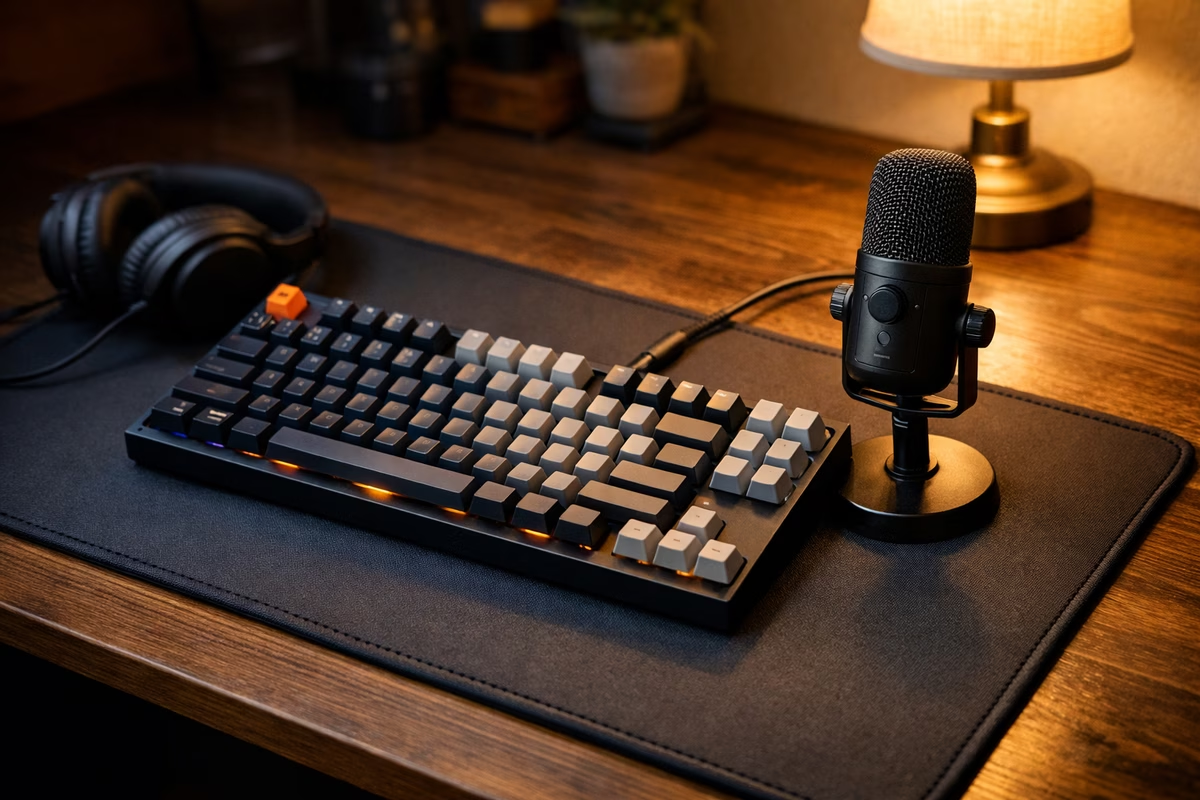
Before modding anything, I needed to understand what I was starting with. I borrowed my colleague’s USB microphone, recorded a 30-second typing sample on my stock keyboard, and listened back through headphones.
It was worse than I expected.
The dominant sound was a high-pitched ping—a metallic ringing that happened every time a switch bottomed out against the steel plate. Underneath the ping was a hollow, plastic resonance from the case, which was thin ABS with empty air space inside. And in the background, a constant rattle: the stabilizers on the larger keys (spacebar, shift, enter) were loose, unlubed, and clattering with every press.
The keyboard didn’t have a “sound.” It had three competing noises layered on top of each other, none of them intentional.
Listening to my colleague’s board through the same microphone, the contrast was stark. Her board had one unified voice: a deep, cushioned thock that was consistent across every key, with no metallic ping, no rattle, and no hollow resonance. Every keystroke sounded like the same instrument playing the same note at different pitches.
I asked her: “How do I make mine sound like yours?”
She laughed. “You can’t make that board sound like this. But you can build something new.”
The build: chasing a sound
Over the following weeks, I researched, ordered parts, and assembled my first sound-focused keyboard. Every component was chosen for its acoustic contribution.
The switches: Boba U4T (tactile, 67g)
The Boba U4T is famous in the community for its deep sound profile. It’s a tactile switch (you feel a bump at the actuation point) with a long, rounded bump and a nylon housing that absorbs higher-frequency vibrations.
Why it sounds the way it does: The nylon housing is denser than the polycarbonate used in most switches, which dampens the high-pitched components of the bottom-out impact. The longer stem pole creates a lower-pitched contact sound. The result is a keystroke that sounds deeper and softer than a comparable switch in a standard housing.
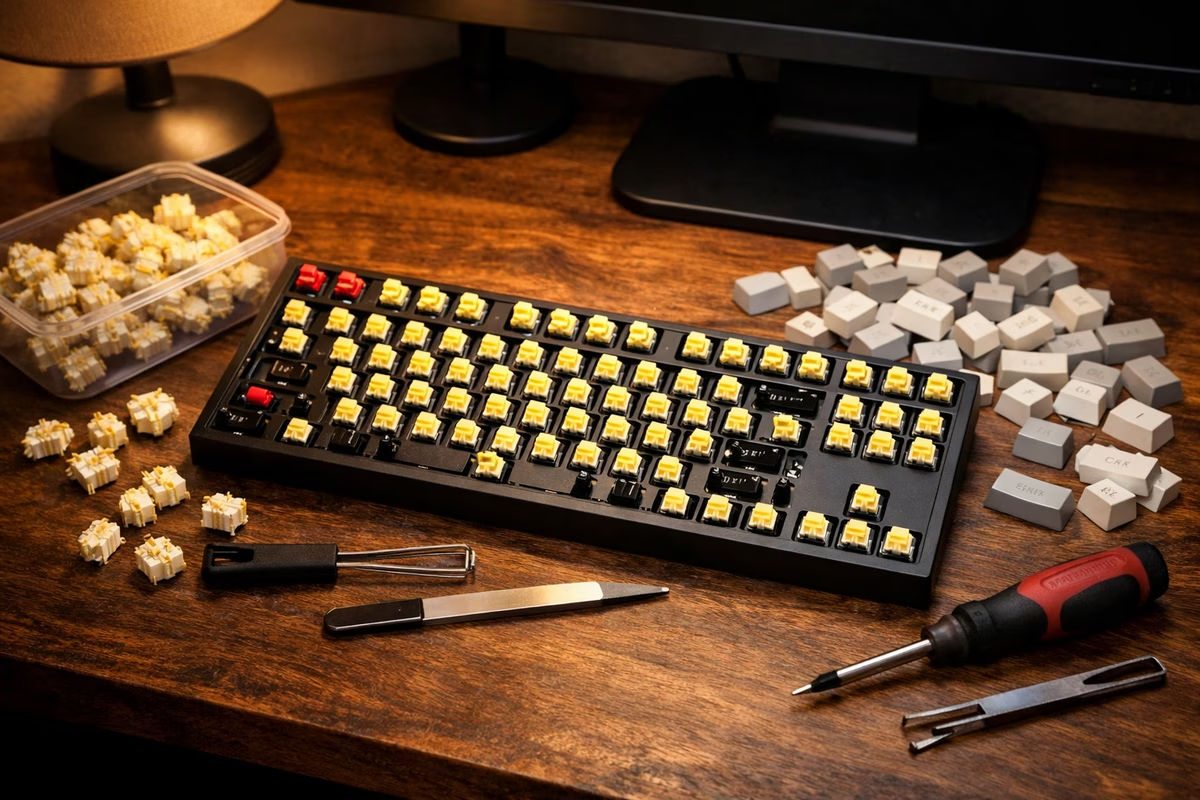
I also lubed each switch with Krytox 205g0—a thin grease applied to the spring and the contact points inside the switch. Lubing reduces spring ping (the metallic singing of the spring after compression) and smooths the downstroke. It takes about 2–3 minutes per switch and there were 67 switches to do. An evening project, meditative once you find the rhythm.
The case and mounting: gasket-mount aluminum
I chose a 65% aluminum case with a gasket mounting system.
Why it matters acoustically:
Aluminum is denser than plastic, which changes the resonance profile. It produces a lower-pitched, more controlled sound than ABS or polycarbonate cases. The tradeoff: it can add a slight metallic ring if not properly dampened.
Gasket mounting suspends the plate and PCB on small rubber or silicone gaskets instead of screwing them rigidly to the case. This decouples the typing surface from the case shell, reducing transmitted vibration and producing a softer, more cushioned sound. Think of it as the difference between tapping a drum directly on a table vs. tapping a drum suspended on rubber bands.
The plate: polycarbonate (PC)
Plates come in aluminum, brass, steel, polycarbonate, FR4, and carbon fiber. Each has a different acoustic signature:
- Aluminum: Bright, crisp, slightly metallic
- Brass: Dense, deep, heavy—often described as the “thockiest” plate material
- Polycarbonate: Soft, muted, flexible—absorbs high frequencies
I chose polycarbonate because I wanted warmth over brightness. The PC plate flexes slightly under typing force, which adds a cushioned quality to the bottom-out and reduces the sharp impact sound.
The dampening layers
Inside the case, between the PCB and the plate, and between the PCB and the bottom of the case, I added:
PE foam sheet (between switches and PCB): A thin polyethylene sheet that adds a poppy, marble-like quality to the sound. This is the “PE foam mod”—one of the most popular sound mods in the community because it’s cheap, reversible, and dramatically changes the acoustic character.
Case foam (in the bottom of the case): Poron or silicone foam that fills the empty cavity inside the case, eliminating the hollow resonance. Without this, the case acts like a drum—amplifying the impact sound. With it, the sound is tighter and more controlled.
Tape mod (3–4 layers of painter’s tape on the back of the PCB): Another community discovery. The tape adds mass to the PCB and changes its resonance. The effect is a deeper, more marbly sound—similar to PE foam but slightly different in character. It’s the most budget-friendly mod that exists: a roll of painter’s tape costs $4.
The keycaps: PBT, Cherry profile
Keycap material and profile affect sound more than most people realize.
- PBT (polybutylene terephthalate) produces a lower-pitched, more muted sound than ABS (acrylonitrile butadiene styrene). PBT is denser and less resonant.
- Cherry profile keycaps are shorter than SA or MT3 profiles, which means less air inside the keycap cavity and less high-pitched resonance.
I chose thick PBT Cherry-profile keycaps in a muted colorway—dark grey alphas, light grey modifiers. They looked restrained and sounded dense.
The stabilizers: where most sound problems live
Stabilizers (stabs) are the mechanisms that balance larger keys—spacebar, shift, enter, backspace. They use metal wires and plastic housings, and when unmodified, they’re responsible for most of the unpleasant sounds on a keyboard: rattle, tick, and wire ping.
I did the full stabilizer treatment:
- Holee mod: Small pieces of fabric bandage inside the stem housing to eliminate wire rattle.
- Dielectric grease on the wire ends: A thick grease that cushions the wire-to-housing contact.
- Krytox 205g0 on the stem: For smooth, quiet actuation.
- Wire balancing: Checking that each wire is straight and clipping it into the housing cleanly.
After modding, the spacebar—which on my old keyboard had been the loudest, most rattly key—became the quietest. A deep, satisfying thomp instead of a plasticky rattle. This alone justified the entire build.
The first sound test
When everything was assembled—switches lubed and seated, stabilizers modded and mounted, foam layers in place, keycaps pressed on—I plugged it in and typed a sentence.
The sound was deep. Rounded. Consistent across every key. Each keystroke had a thock that started full and faded quickly—no ring, no rattle, no lingering vibration. The spacebar thumped softly. The modifier keys matched the alphas in tone. Even the backspace, which is notoriously hard to get right, sounded clean.
I recorded a typing sample and played it back.
This was a keyboard that sounded like one voice, not a collection of noises. The PE foam added a subtle pop to each keystroke. The gasket mount cushioned the impact. The polycarbonate plate softened the attack. The aluminum case gave it body without brightness.
It sounded, as my colleague had described hers, like rain on a window.
I typed for an hour that evening, not because I had anything to type, but because the sound made typing feel good. There’s a feedback loop in a well-sounding keyboard: the pleasant sound encourages you to type, which produces more pleasant sound, which encourages you to type more. Productivity apps wish they could create this kind of motivation.
Understanding your preferences
After building the thocky board, I realized something: not everyone wants the same sound.
My colleague and I had similar tastes—deep, muted, rounded. But at a keyboard meetup (yes, they exist), I encountered boards that sounded completely different and were equally loved by their builders:
- A brass-plate linear build that was sharp, bright, and assertive—almost like typing on glass. The builder said it helped him think clearly because each keystroke felt decisive.
- A silent switch build (Boba U4, the silent version of the U4T) that made almost no sound at all. The builder worked from home and shared a room with a partner. Silence was a design goal, not a compromise.
- A vintage Alps build in a heavy steel case that sounded like a typewriter from the 1980s—clicky, mechanical, and absolutely joyful in a way that modern keyboards rarely match.
None of these were wrong. They were preferences, articulated through component choices.
For the complete switch guide, see Switches, and for the science of acoustics, see Sound Profiles.
The ending: the sound of work
The keyboard has been on my desk for eight months now. I’ve changed the keycaps once (tried SA profile—too tall, too echoey, went back to Cherry). I’ve relubed the spacebar stabilizer once (it developed a faint tick after six months). Otherwise, it’s unchanged.
Every morning, when I sit down and type the first sentence of the day, the sound greets me. A soft, deep thock thock thock that fills the desk area without filling the room. My coworker across the office can’t hear it. But I can, through every keystroke, and it makes the act of typing—something I do eight hours a day—into something that sounds like it matters.
My colleague, the one who started all this, stopped by my desk last month. She listened to me type for a few seconds and smiled.
“You hear it now,” she said.
I did. And I can’t unhear it.
Next steps
- Read Sound Profiles for the full technical breakdown of keyboard acoustics
- Explore Switches for how switch type affects sound and feel
- See Stabilizers for eliminating rattle on large keys
- Try Modding for foam, tape, and dampening techniques
- Check The Board That Sounded Like Rain for the broader custom build journey