The email from HR was polite but unmistakable.
“Hi—We’ve received feedback from several colleagues about noise levels at your workstation. Could you please be mindful of your typing volume? We appreciate your cooperation in maintaining a comfortable shared workspace.”
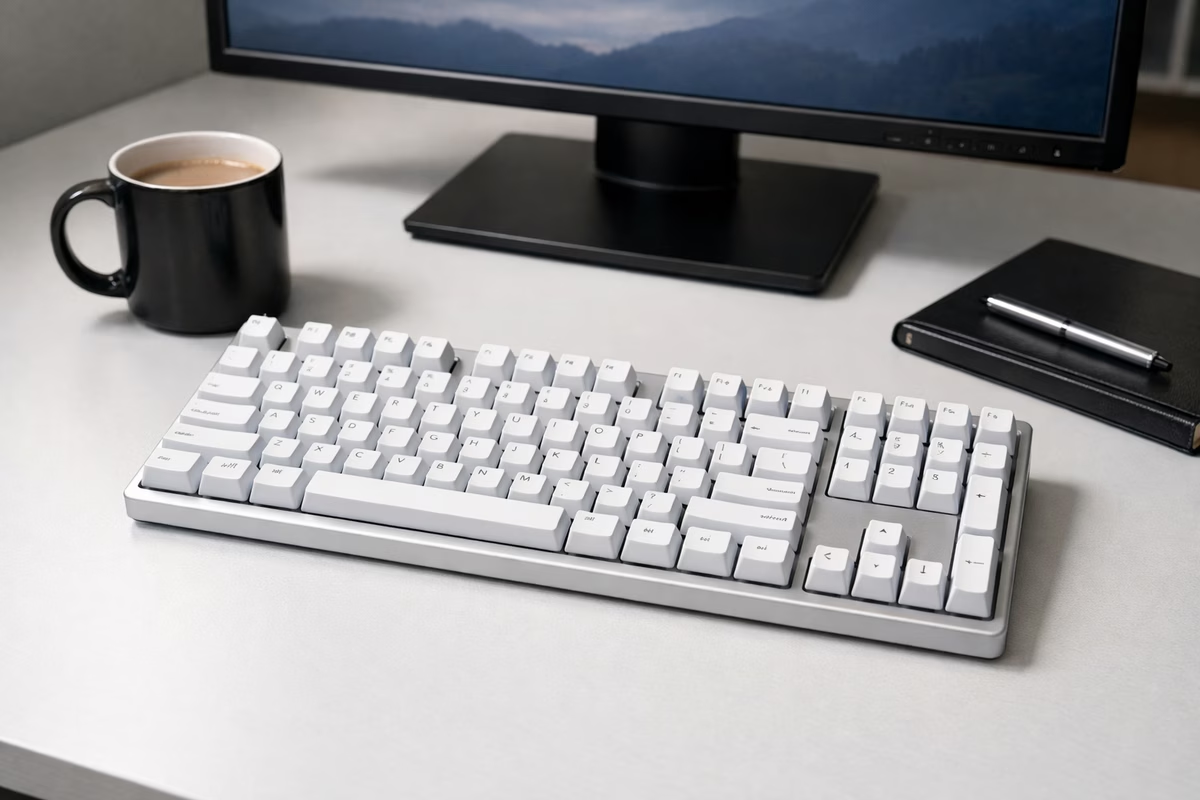
I looked down at my keyboard—a Cherry MX Blue board I’d brought from home because the office-issued membrane keyboard felt like typing on wet bread. The Blues were magnificent: crisp, clicky, tactile, with a satisfying CLICK-CLACK that made every keystroke feel like an accomplishment. Unfortunately, that accomplishment was audible three cubicles away.
I had two choices. Go back to the membrane—which felt like surrendering my fingers to mediocrity. Or find a mechanical keyboard that felt good but sounded like nothing.
I chose rebellion. Quiet rebellion.
Why office keyboards are terrible (and why you notice)
If you’ve ever typed on a standard office keyboard—the flat, membrane-based kind that companies buy in bulk for $12 each—you know the feeling. Mushy. Imprecise. Every keystroke bottoms out with a dull thump against a rubber sheet, and your fingers learn to compensate by pressing harder than necessary, which leads to fatigue, which leads to the vague sense that typing is a punishment rather than a skill.
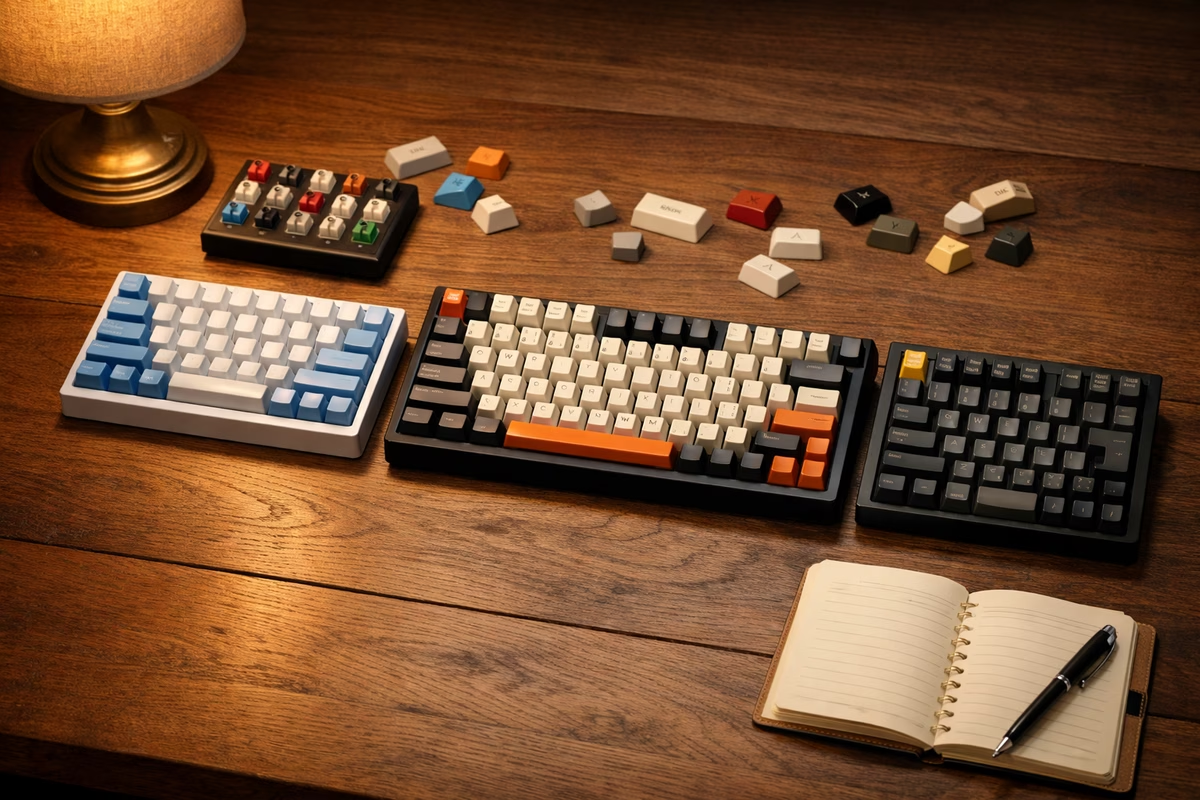
Mechanical keyboards fix this by giving each key its own independent switch mechanism. Press a key on a mechanical board and you feel a defined actuation point—the exact moment the keypress registers. You don’t have to bottom out. You can type lighter, faster, and with more precision. After a week on a mechanical keyboard, going back to membrane feels like trying to play piano wearing oven mitts.
The problem is that many mechanical switches are loud. Clicky switches (Cherry MX Blue, Kailh Box White) are deliberately noisy—the click is the point. Even standard tactile switches (Cherry MX Brown, Boba U4T) produce a noticeable thock that, in a quiet office, carries.
This is where silent switches come in. And they’ve gotten remarkably good.
Silent switches use the same mechanical actuation as regular switches but add dampening pads at two key contact points:
- Bottom-out dampener: A small rubber or silicone pad that cushions the stem when the key is fully pressed. This eliminates the clack of bottoming out.
- Top-out dampener: A pad that cushions the stem when the key returns to its resting position. This eliminates the tick on key release.
The result is a switch that retains the mechanical feel—the defined actuation, the consistent spring resistance—but reduces the sound to a soft, muffled thup that’s quieter than most membrane keyboards.
The feel is slightly different from non-dampened switches. The bottom-out is softer, more cushioned. Some people describe it as “typing on clouds.” Others miss the crisp bottom-out of a standard switch. Personal preference drives the choice.
The silent switch landscape
Linear silent switches (smooth, no bump)
These are the quietest option—smooth from top to bottom with no tactile bump and no click. Combined with dampening pads, they’re nearly inaudible.
Cherry MX Silent Red: The original silent linear. Light spring (45g), smooth travel, minimal sound. Available everywhere. The safe, well-known choice.
Gateron Silent Red/Black: Smoother than Cherry, slightly cheaper. The Gateron Silent Black has a heavier spring (60g) for people who prefer more resistance.
Gazzew Bobagum: An enthusiast favorite. Extremely smooth, tight housing (no wobble), and some of the best dampening in the business. If you want silent and smooth, this is the benchmark.
Tactile silent switches (bump, no click)
These retain the tactile bump—the feedback that tells your fingers the key has registered—but silence the impact sounds. Best of both worlds for many typists.
Gazzew Boba U4: The gold standard of silent tactile switches. A pronounced, round tactile bump with excellent dampening. Feels satisfying to type on. Sounds like almost nothing. This is the switch that made me throw away the Blues.
Cherry MX Silent Brown (coming) and Outemu Silent Lemon: Other options in this space, but the Boba U4 remains the most recommended in the enthusiast community.
What about dampening existing switches?
If you already have a mechanical keyboard with non-silent switches, you can add aftermarket dampening:
- O-rings: Rubber rings placed on keycap stems to cushion bottom-out. Cheap ($5-$10 for a full set) but they reduce key travel and feel mushy to many users.
- QMX clips: Small dampeners that clip onto Cherry-style switches. Better feel than O-rings, but more expensive and harder to install.
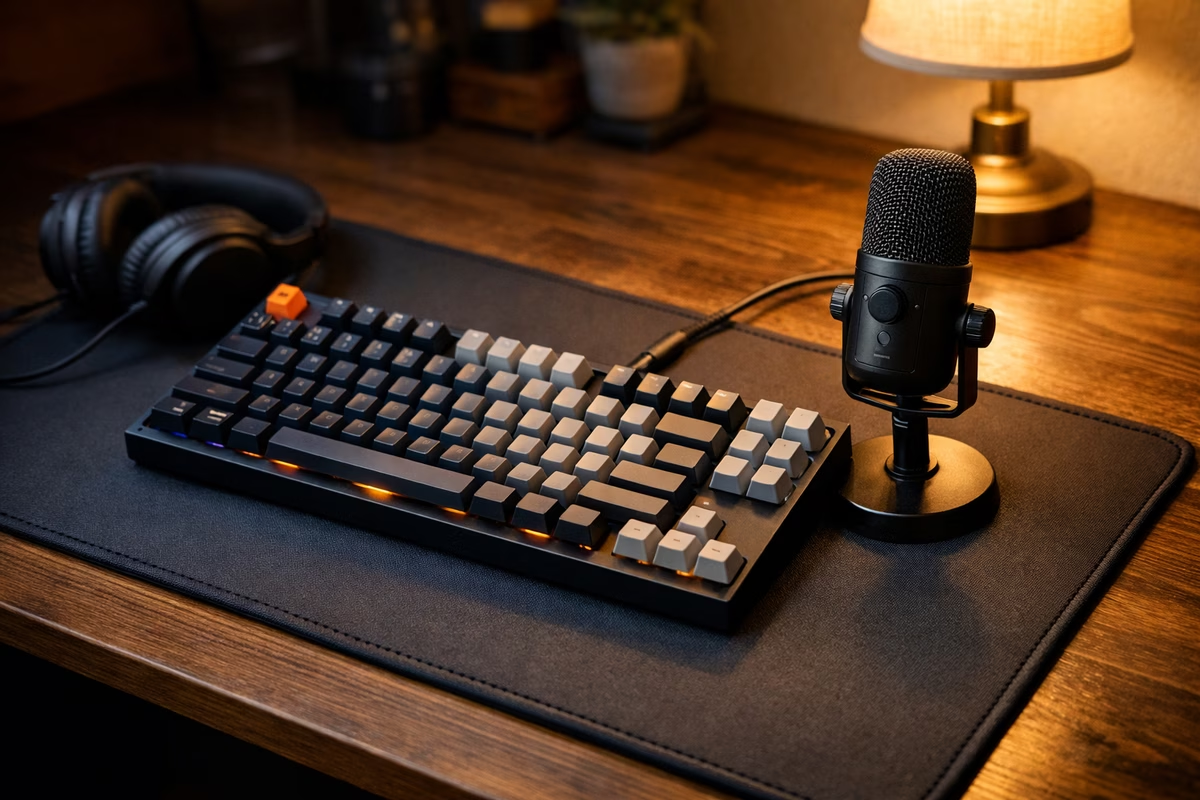
- Desk mat: A thick desk mat under the keyboard absorbs vibration and reduces transmitted sound. This is the simplest upgrade and helps with any keyboard.
- Case foam: Adding foam inside the keyboard case (PE foam, silicone pour, shelf liner) dampens hollow resonance. This is a popular mod that works with any switch type.
For maximum quiet with mechanical feel:
- ✅ Silent switches (Boba U4 or Bobagum)
- ✅ Lubed stabilizers (unlubed stabilizers rattle and that carries)
- ✅ Case foam (PE foam or silicone dampening)
- ✅ Desk mat (absorbs transferred vibration)
- ✅ PBT keycaps (slightly deeper, more muted sound than ABS)
- ✅ Gasket or silicone mount (softer mounting style reduces case resonance)
With all six elements combined, you can type aggressively on a mechanical keyboard that’s quieter than the average membrane board. It sounds like soft rain on a window. People in the next cubicle won’t hear a thing.
My office keyboard journey
After the HR email, I spent a weekend researching. Here’s what I built:
Board: Keychron Q1 (75% layout—compact enough for a desk but retains function row and arrow keys) Switches: Gazzew Boba U4 (silent tactile, 62g spring) Keycaps: ePBT Grayscale (neutral, office-appropriate, PBT material) Mods: Gasket mount with extra silicone dampening, lubed Durock V2 stabilizers, thin PE foam between PCB and plate
The total cost was about $250—admittedly more than a $12 office keyboard, but I type 8+ hours a day, 250 days a year. Per keystroke, it’s the cheapest upgrade I’ve ever made.
The first day back
I set the new board on my desk on a Monday morning. A colleague walked by, saw it, and said: “Oh no, not another loud keyboard.”
“Type something,” I said.
She sat down, typed a sentence, and her eyebrows rose. “I can barely hear it,” she said. “But it feels… really good? Like, I can feel the keys but they’re not bottoming out hard.”
“Silent tactile switches,” I said, trying not to sound evangelical and failing.
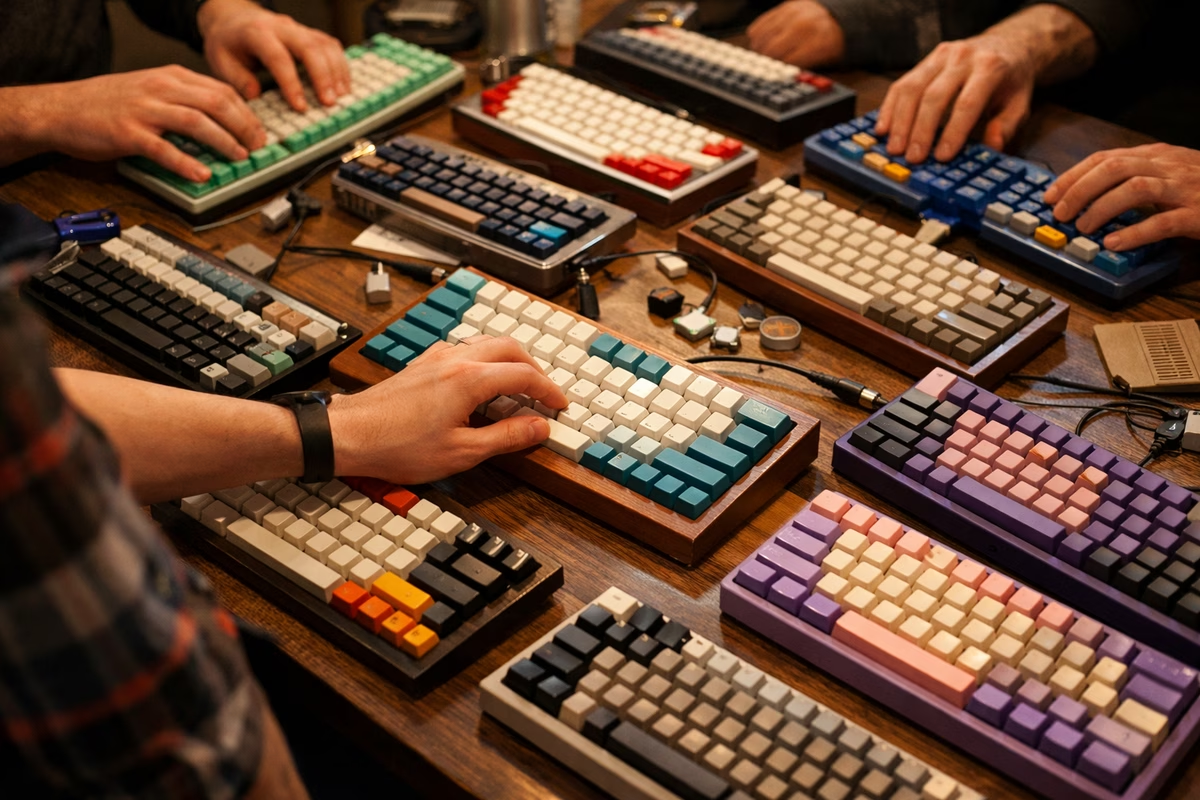
By Friday, she had ordered her own mechanical keyboard. By the end of the month, three more people in our pod had switched. HR never emailed me again.
Choosing the right silent keyboard (without building one)
Not everyone wants to build a custom board. Here are excellent pre-built silent options:
Budget ($50-$100):
- Royal Kludge RK84 with silent red switches: Wireless, hot-swap capable, and available with factory silent switches. Remarkable for the price.
- Keychron C1/C3 with silent red option: Wired, simple, solid. Hot-swap PCB lets you change switches later.
Mid-range ($100-$200):
- Keychron Q1/Q2 with silent switch option: Aluminum case, gasket mount, hot-swap. Choose the factory silent red option or buy Boba U4 switches separately.
- Leopold FC750R with Cherry MX Silent Red: One of the best pre-built keyboards in existence. No frills, no RGB, just superb typing quality.
Premium ($200-$400):
- HHKB Professional Hybrid (Topre switches): Topre switches are a different technology—rubber dome over spring—that’s inherently quiet and has a uniquely satisfying feel. Beloved by programmers.
- Realforce R3 (Topre): Full-size Topre. Whisper-quiet. The typing feel is often described as “refined” or “mature.”
The test: If possible, type on a keyboard before buying. What feels silent and satisfying to one person feels mushy and unsatisfying to another. Switch testers ($10-$20) that include silent switch options are a low-cost way to find your preference.
The psychology of office typing
There’s something worth acknowledging: the reason people care about keyboard feel at work isn’t just ergonomics or efficiency. It’s that typing is the primary physical act of most office jobs. If you’re a knowledge worker, you type more than you do almost anything else with your hands. A keyboard that feels good transforms the dominant physical experience of your workday from an unpleasant necessity into a small, continuous pleasure.
I type about 60,000 keystrokes a day. That’s 60,000 tiny interactions with my primary work tool. If each one feels precise, satisfying, and quiet—instead of mushy, vague, and fatiguing—the cumulative effect on my day is measurable. I type faster. I make fewer errors. I take fewer breaks to shake out stiff fingers. And I enjoy the act of putting words on a screen in a way I never did with the $12 membrane.
Is a $250 keyboard necessary? No. Is it worth it? After two years and roughly 30 million keystrokes: absolutely.
The social protocol
One final note on office keyboard etiquette:
Always test volume before bringing a board to work. Type on it at home, in a quiet room, and ask yourself honestly: would this annoy me if someone else were typing on it six feet away?
Bring a desk mat. Even with silent switches, keyboard vibration transfers through a hard desk. A mat eliminates this completely.
Keep a membrane backup. If you’re in a particularly quiet meeting room or shared space, having a fallback shows consideration.
Don’t evangelize unsolicited. Let people ask. When they see (and don’t hear) your keyboard, curiosity does the work. The silent revolution is best spread silently.
Next steps
- Read Switches Guide for the full taxonomy of switch types
- Explore Sound Profiles to understand what makes keyboards sound different
- See Quickstart Guide if you’re completely new to mechanical keyboards
- Read Modding Guide for switch lubing, foam mods, and other sound improvements
- Check Maintenance Guide for keeping your office board clean and performing