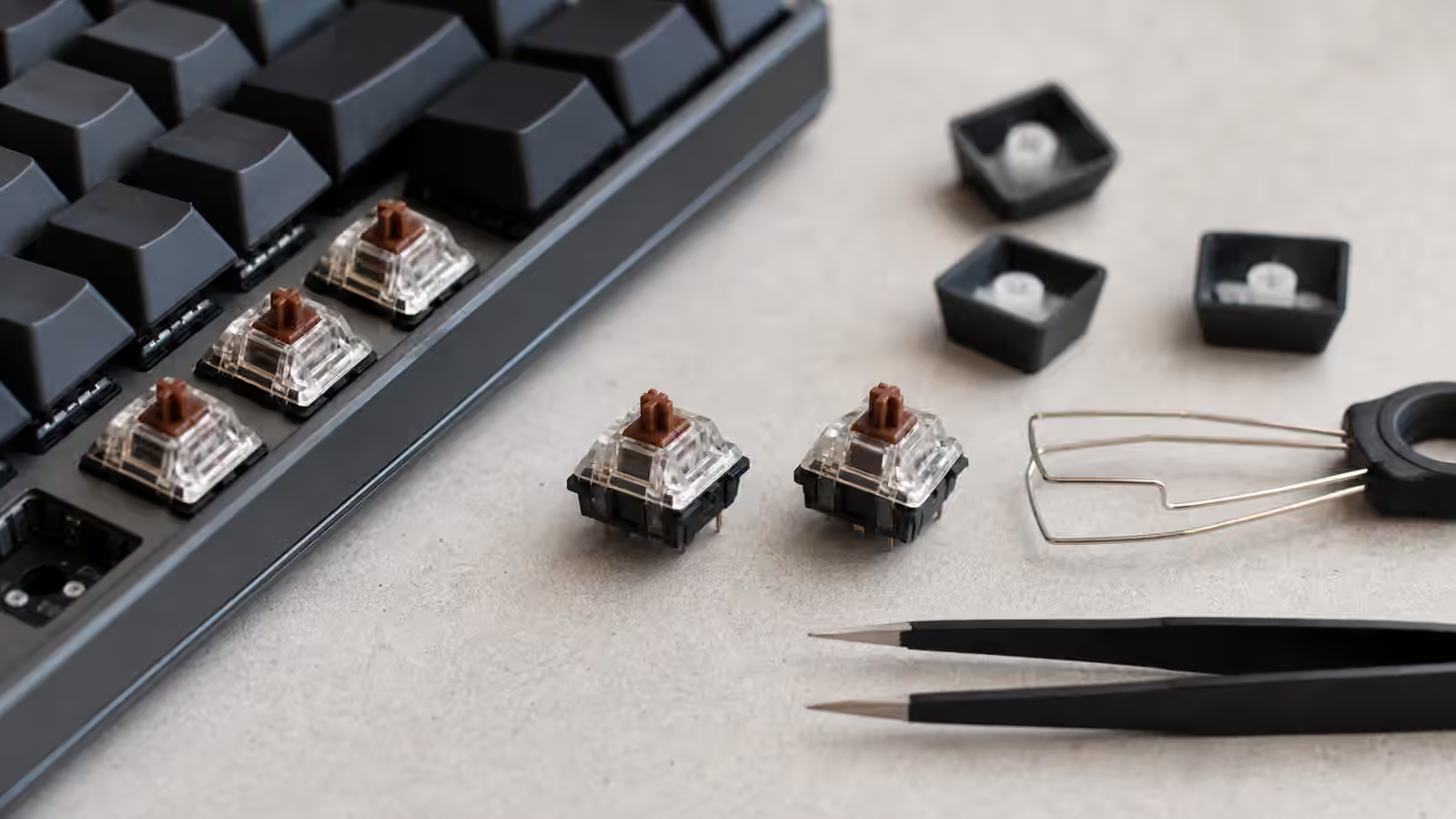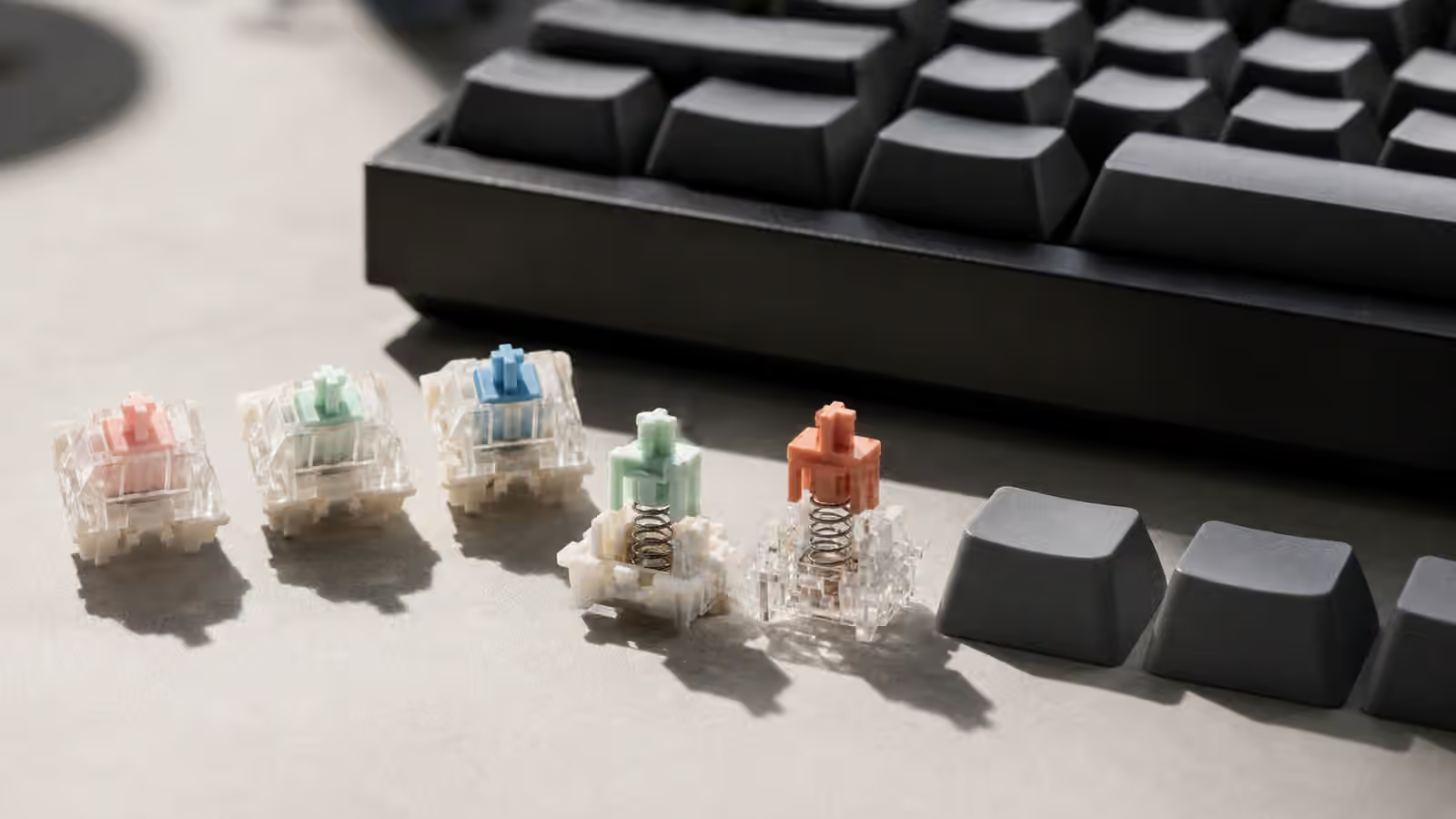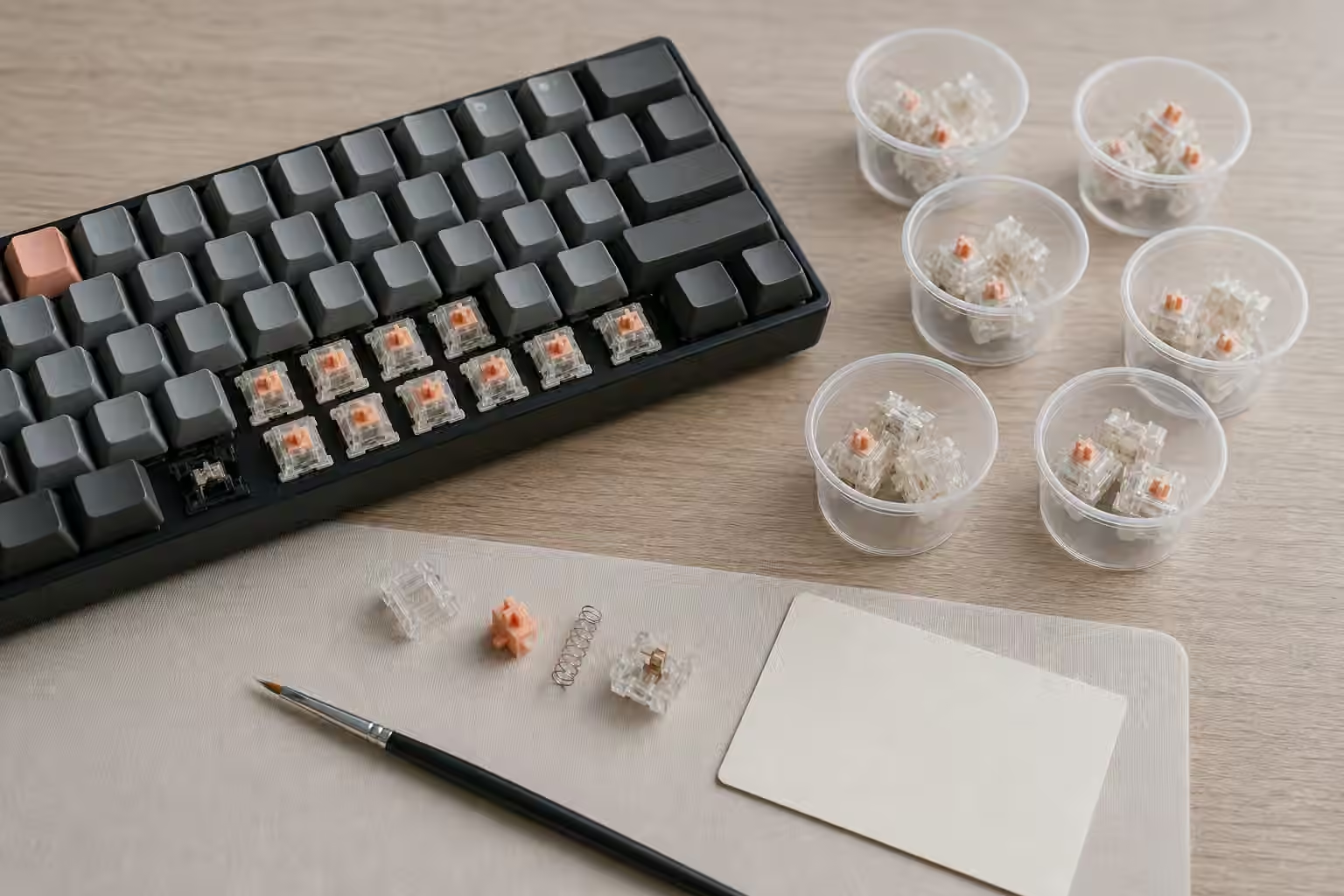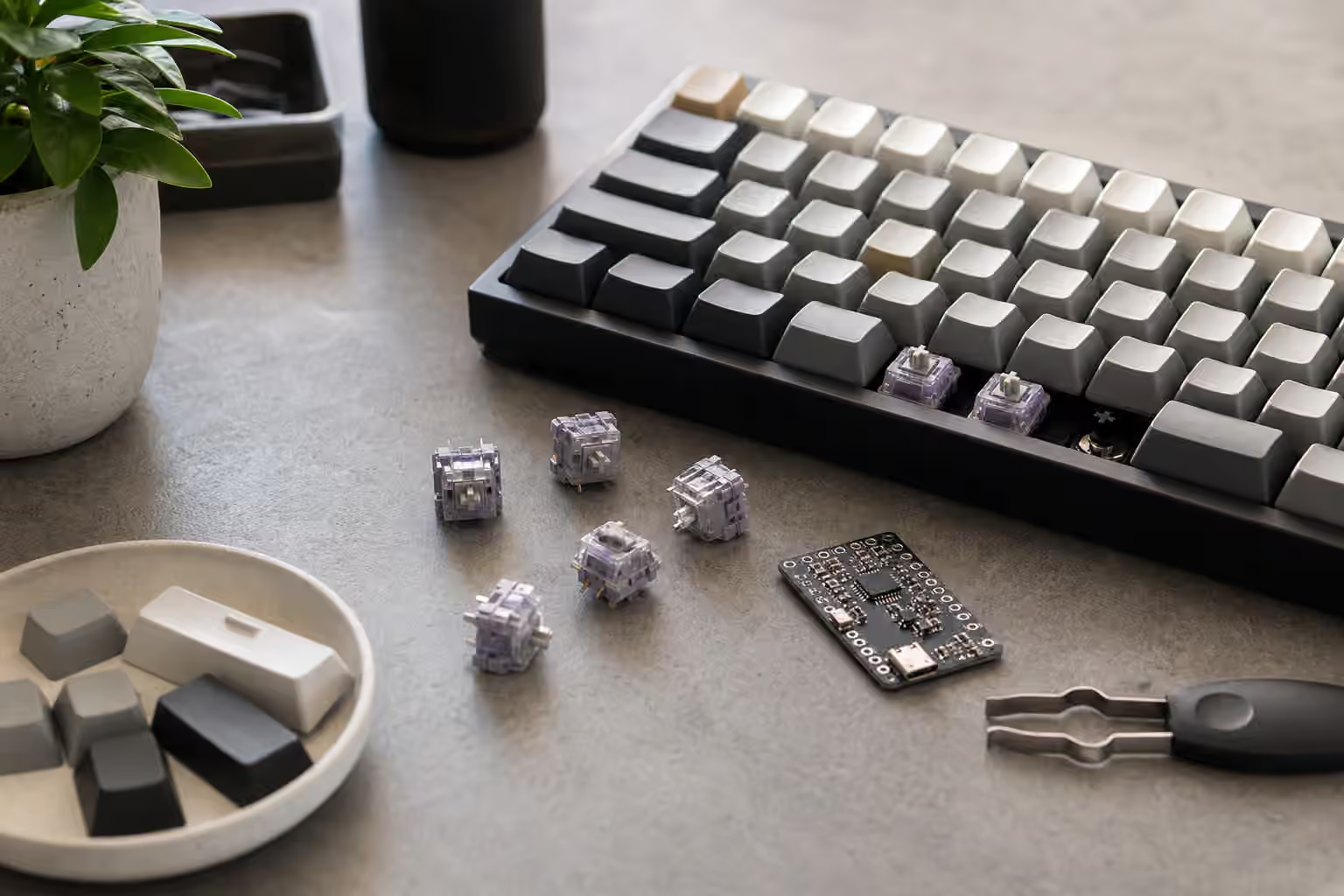
Magnetic switches look familiar from above. They still wear keycaps, sit in rows, and move under your fingers like other mechanical switches. The important difference is hidden below the stem. Instead of relying on two metal contacts to close at a fixed point, a magnetic keyboard measures the position of the switch stem as it moves. That measurement can let the firmware decide where a press begins, where it releases, and how the key should behave while it is still in motion.
That sounds more dramatic than it feels during ordinary writing. If the keyboard is configured conservatively, a magnetic switch can feel like a smooth linear switch with a few software options attached. The appeal appears when the keyboard uses position sensing to change actuation depth, reset distance, and repeated key behavior. Those features can be useful for fast games and specialized workflows, but they also introduce settings that make a board feel strange if they are chosen without care.
If you are still learning switch feel, read the Complete Switch Guide first. Magnetic sensing does not erase the usual questions about travel, spring weight, wobble, keycaps, and sound. It adds a second layer: the keyboard is no longer only asking which switch you installed. It is also asking how the firmware should interpret that switch’s movement.
How magnetic switches sense motion
Most magnetic keyboard switches in this category use Hall effect sensing. A small magnet moves with the switch stem, and a sensor on the PCB reads changes in the magnetic field. The controller can estimate where the stem is along its travel. The exact implementation varies by board, but the key idea is simple: the switch gives the keyboard a position range, not just an on-or-off contact.
Traditional MX-style mechanical switches have a physical actuation point designed into the switch. A linear switch might actuate around the middle of its travel and reset after the contacts separate on the way back up. The keyboard can debounce that signal and report the keypress, but it cannot decide that the same switch should actuate much higher or lower on the next profile. With a magnetic switch, the firmware can choose a threshold within the measured travel. A shallow threshold can make the key feel eager. A deeper threshold can make it harder to trigger accidentally.
This is why magnetic keyboards belong near both switch and firmware discussions. The hardware creates the possibility, but the software decides how it behaves. The QMK and VIA Firmware Guide explains layers and remapping for ordinary boards. Magnetic boards often use their own configuration tools because they need calibration screens, actuation sliders, and per-key motion settings that a normal keymap editor may not expose.
Adjustable actuation is not just speed
Adjustable actuation is often sold as a speed feature, but speed is only one use. A very shallow actuation point can help when a light tap needs to register quickly. It can also create accidental presses if your resting fingers brush the keys or if the desk shakes. A deeper actuation point can make typing feel calmer, especially on keys you often graze while reaching. The useful setting is not always the lowest number available.
Think about different keys having different jobs. A movement key in a game may benefit from a short actuation point and a short reset distance. A layer key on a compact board may need a more deliberate press so it does not fire while you are typing. A spacebar can feel better with a slightly deeper threshold if your thumbs rest heavily. Some users keep letter keys moderate, tune a few gaming keys aggressively, and leave rarely used keys close to a normal mechanical feel.
The adjustment also changes how the stroke feels mentally. If a key actuates high in the travel, the bottom of the press becomes less relevant to the computer even though your finger still feels it. That can make a board seem fast, but it can also make typing feel disconnected if the physical landing and the reported input are too far apart. A magnetic switch is still a switch you press with a hand, not only a sensor to optimize.
Rapid trigger and release behavior
Rapid trigger is the feature that most clearly separates magnetic keyboards from ordinary linear boards. In a traditional switch, the reset point is fixed by the switch contact behavior. The key must rise far enough for the keyboard to consider it released before another press can register. With position sensing, the firmware can treat small upward movement as release and small downward movement as another press. The key can reset relative to its recent motion rather than waiting for a fixed physical point.
For games that depend on quick directional correction, this can feel immediate. A key stops sending input as soon as the finger lifts enough, then begins again when the finger changes direction. For writing, rapid trigger can be distracting if it is too aggressive. A slight tremor, partial lift, or uneven finger rhythm may create repeats that feel like chatter even though the switch is not electrically failing.
This is where the Keyboard Chatter and Double Inputs guide becomes useful. Magnetic rapid trigger can imitate some symptoms of a bad switch if the settings are extreme or the board is not calibrated. Before replacing parts, check the actuation profile, reset behavior, and any per-key sensitivity options. A board that behaves perfectly in a conservative profile but misfires in a rapid profile is giving you a settings problem, not necessarily a hardware fault.
Calibration and consistency
Position sensing needs calibration because each switch, sensor, and PCB position can vary slightly. A good keyboard handles this quietly, but it is still worth knowing where the calibration tool lives. If a key feels inconsistent after a switch swap, firmware update, or hard reset, recalibration may be the correct first step. It is also useful after changing magnetic switches, because not every compatible-looking module has the same travel or magnetic behavior.
Calibration should be done on a stable desk with the keycaps and switches seated properly. If a switch is not fully inserted, the measured travel may be wrong. If a keycap rubs against the case or neighboring caps, the firmware may see a messy movement curve. The Keyboard PCBs and Hot-Swap Sockets guide covers the physical seating habits that matter here. Magnetic sensing is sophisticated, but a crooked switch is still a crooked switch.
Different boards expose different calibration depth. Some offer simple automatic calibration. Others let you set dead zones, reset sensitivity, and per-key curves. More control is not automatically better for every user. If you only want a stable typing board with optional fast profiles, a simple tool may be enough. If you want very specific key behavior for games or macros, deeper software matters more than the marketing term printed on the box.
Switch feel, sound, and compatibility
Magnetic switches are often linear because smooth, uninterrupted motion works well with position sensing. That does not mean all of them feel the same. Spring weight, stem fit, housing material, factory lubrication, top-out sound, bottom-out sound, and keycap stability still matter. A magnetic board can be fast and still sound hollow. It can support adjustable actuation and still have wobbly stems. It can use impressive sensors and still ship with keycaps you dislike.
Compatibility is narrower than with normal MX hot-swap. A hot-swap MX board expects metal pins and common switch footprints. A magnetic board expects switches designed for its sensing system. Even if the housing looks similar, the magnet position, stem travel, and PCB sensor design need to match. Treat replacement switches as board-specific unless the manufacturer clearly documents compatibility. This is one place where the broad Switch Sample Testing habit needs adjustment: do not buy a random handful of magnetic switches and assume they fit every magnetic PCB.
Sound tuning also behaves a little differently. Because many magnetic switches are linear and gaming-oriented, they may arrive in lightweight cases with bright keycaps or aggressive stabilizer tuning. Foam and desk mats can help, but rapid actuation settings will not make a board quieter. If sound matters, keep the Keyboard Sound Profiles Guide and Keyboard Foam and Dampening in the same decision stack.
When magnetic keyboards make sense
A magnetic keyboard makes the most sense when the input behavior is the reason you are buying it. If you play games where quick release and re-press behavior matters, the feature can be worth learning. If you like tuning per-key actuation for different jobs, it can be satisfying. If you simply want a pleasant writing keyboard, the extra sensing may matter less than layout, switches, stabilizers, keycaps, and case quality.
There is no need to treat magnetic sensing as the future every typist must adopt. It is a tool. For some desks, a normal hot-swap board with a good linear switch is easier to maintain, easier to modify, and easier to understand. For other desks, adjustable actuation solves a real input problem that a fixed-contact switch cannot address. The best choice is the one whose complexity you will actually use.
Start with moderate settings, type for a few days, and only then make sharper profiles. A magnetic keyboard can be tuned into something quick and precise, but it can also be tuned into something nervous. Let the board prove its baseline before chasing the lowest actuation number. The point is not to make every key fire as soon as possible. The point is to make each key respond at the moment your hand expects.