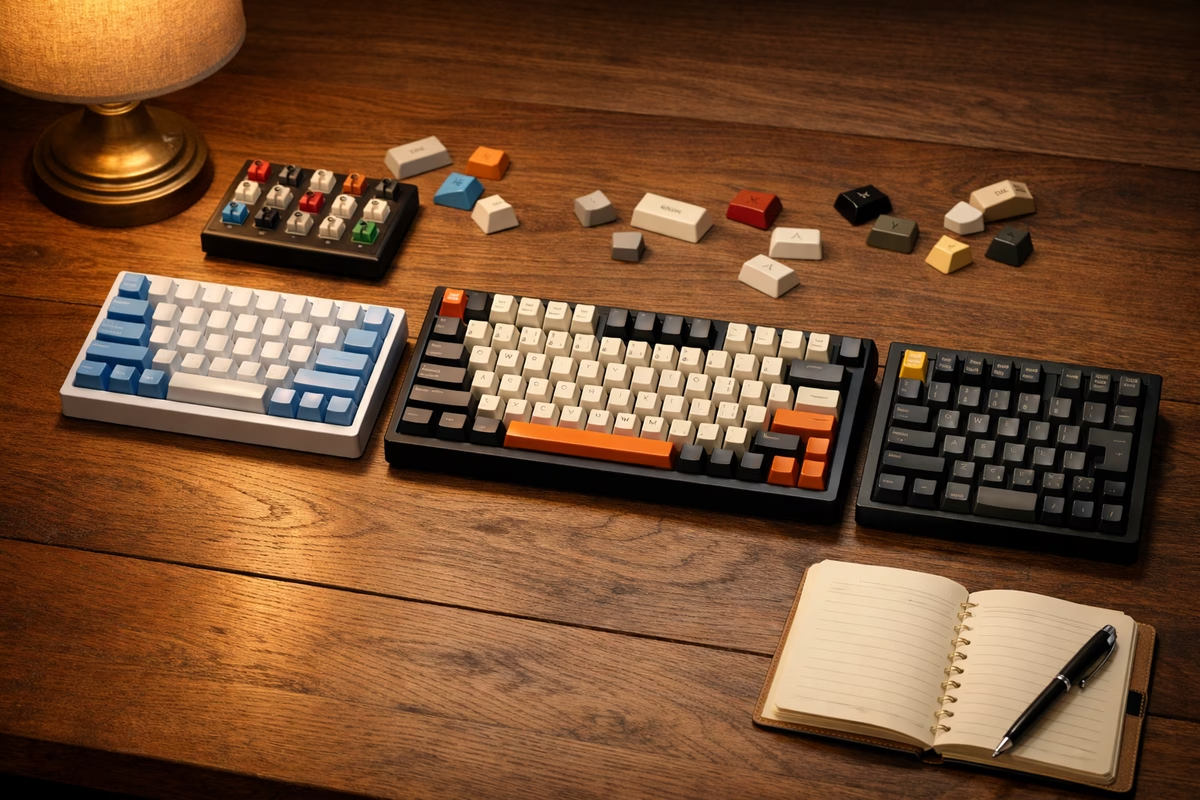
Low-profile mechanical keyboards sit in the space between laptop boards and full-height customs. They promise a shorter front edge, a shallower keypress, and a desk setup that feels less like a small machine shop under your wrists. For some typists, that is exactly right. For others, the first week feels oddly flat, as if the familiar rhythm of a mechanical keyboard has been compressed too far. The difference is not just height. Low-profile boards change switch travel, keycap shape, case geometry, sound, repair options, and the way your hands approach the desk.
The easiest mistake is treating low-profile as a simple upgrade for anyone who wants something slimmer. It is better understood as a separate keyboard format with its own strengths. A full-height board can feel sculpted, resonant, and deeply customizable. A low-profile board can feel quick, direct, portable, and easier to settle into without a wrist rest. Neither format is automatically more serious. The right choice depends on what bothers you about your current board and what kind of feedback you want under your fingers.
If you are still sorting out switch families and layout sizes, read the Complete Switch Guide and Keyboard Layout Guide first. Low-profile keyboards use many of the same words, but the parts are not always interchangeable with standard MX builds. This guide explains where the format behaves like the rest of the hobby and where it quietly asks for different expectations.
What low-profile really changes
The visible difference is height. A low-profile keyboard usually has a thinner case, shorter switches, and flatter keycaps. That combination lowers the front edge and reduces the vertical distance from desk to fingertip. On a full-height mechanical keyboard, especially one with tall keycaps, your hands may need to hover higher or sit on a wrist rest. On a low-profile board, many people can keep a more relaxed wrist angle directly on the desk, although desk height and chair position still matter more than the keyboard alone.
The feel difference comes from travel. Standard MX-style switches commonly have more total movement than low-profile switches. Low-profile switches tend to actuate and bottom out over a shorter distance, so the keypress can feel quicker and more abrupt. That can be pleasant if you like laptop keyboards but want cleaner switch feedback. It can be disappointing if you enjoy the long, cushioned motion of a full-height linear or the roomy bump of a large tactile switch.
Short travel also changes your typing habits. A heavy-handed typist who bottoms out every key may notice the impact sooner because there is less distance to absorb the press. A light typist may enjoy the immediacy, especially on compact boards used for writing, travel, or desk setups where a tall keyboard feels intrusive. The board is not forcing better technique by itself. It is simply giving you less vertical room, which makes your existing habits more obvious.
Switch choice is narrower, but not empty
Low-profile switches come in familiar broad families: linear, tactile, clicky, and sometimes silent or speed-oriented variants. The names help, but they do not translate perfectly from full-height switches. A tactile low-profile switch has less physical room to build a bump, so it may feel sharper, smaller, or more compressed than a full-height tactile. A linear low-profile switch can feel fast and clean, but it may not have the same smooth glide that people chase when they lube standard linears. Clicky low-profile switches can be crisp and fun, though they still need a tolerant room.
The important question is not whether a low-profile switch is good in the abstract. It is whether its shorter motion fits the job. For fast shortcuts, travel keyboards, and people who like laptop-style actuation, low-profile linears can feel natural. For writing, a mild tactile can add enough confirmation without making the board tall or loud. For a shared office, the switch is only one part of the sound chain, so the Low-Noise Keyboard Setup guide still matters. Shorter switches can reduce some movement noise, but thin cases and flat caps can create their own sharper sounds.
Compatibility is the catch. Standard MX switches usually cannot be dropped into a low-profile board, and low-profile switches are not one universal standard. Different makers use different stem shapes, pin positions, stabilizer arrangements, and keycap mounts. A hot-swap low-profile board may still be limited to a specific switch family. Before buying switches for one, confirm the exact socket and switch standard, not just the words low-profile and hot-swap.
Keycaps are part of the format
Keycaps do more than change color on a low-profile board. They decide how much of the slim format you actually feel. Flat, wide caps keep the board low and laptop-like. Slightly sculpted caps give the fingers more orientation from row to row. Taller caps can make the board look more mechanical, but they may also defeat part of the reason for buying low-profile in the first place.
The Keycaps Guide explains material and profile in the standard keyboard world, but low-profile buyers have to pay closer attention to mount compatibility. Many full-height keycap sets are built around MX cross stems and standard stabilizer spacing. Some low-profile boards use MX-like stems, while others do not. Even when the stem fits, the underside clearance, row shape, and stabilizer sizes may not behave the way a normal set expects.
This is why low-profile boards are often best bought as complete keyboards rather than open-ended projects. You can still customize many of them, but the ecosystem is smaller and more fragmented. If the keycaps are a major reason you enjoy mechanical keyboards, check replacement availability before committing. A board with an unusual cap mount may be perfectly usable for years, but it will not offer the same casual mix-and-match freedom as a common full-height layout.
Sound is thinner unless the design helps it
A low-profile keyboard has less internal volume, shorter switch travel, and usually less keycap mass. Those traits tend to push sound toward a tighter, higher, or more percussive character. That does not mean every slim board sounds bad. It means the familiar vocabulary of deep, rounded, or heavily damped customs is harder to achieve when there is less material and less space for the sound to develop.
Case construction matters a lot. A very thin plastic case can sound bright or papery if the switches and caps are also light. A better-built slim case can sound controlled, especially when the plate, dampening, and stabilizers are tuned as a system. Desk surface matters too. A low board sitting directly on a hollow desk can still transfer vibration, while a simple desk mat can make the tone calmer. The same principle shows up in full-height boards, but low-profile cases leave less room to hide poor acoustic choices.
Stabilized keys are worth special attention. The spacebar, Enter, Backspace, and Shift keys can decide whether a low-profile board feels refined or cheap. Short travel does not excuse rattle. If the larger keys sound loose, check whether the board uses stabilizers that can be tuned or replaced. Some slim designs are less serviceable than enthusiast customs, which makes this a buying decision rather than an easy weekend fix.
Ergonomics depend on the whole desk
Low-profile keyboards are often described as ergonomic because they reduce height. That can be true, but it is incomplete. A lower front edge can help your hands rest at a calmer angle, especially if you dislike wrist rests or type from a laptop most of the day. It can also make a compact board feel less intrusive on a shallow desk. The benefit is strongest when chair height, desk height, monitor position, and mouse placement already make sense.
The shape of the board still matters. A low-profile full-size keyboard can keep your mouse far to the side, just like any other full-size board. A low-profile 75 percent or tenkeyless board may be easier to center. A low-profile split board can change shoulder and wrist position more dramatically, which overlaps with the ideas in Split Keyboards and Ergonomic Layouts . Height is one variable, not the whole ergonomic story.
There is also a learning curve. If you are coming from a tall board with sculpted caps, a flat low-profile layout may make it easier to drift out of home position at first. Your fingers lose some of the row landmarks that taller keycaps provide. That can improve after a few days, but it is worth noticing. The board may be lower and still feel less certain until your hands relearn the surface.
Wireless and portability suit the format
Low-profile boards often pair well with wireless features because the format already favors clean desks and travel. A slim board is easier to slide into a bag, easier to move between a desktop and a tablet stand, and less awkward in small workspaces. Bluetooth or 2.4 GHz support can make that even more convenient, especially for people who switch between devices.
The trade-offs are the same ones covered in Wireless Mechanical Keyboards , but the slim case makes them more visible. Battery size, antenna placement, metal cases, lighting, and sleep behavior all matter. A very thin board has less room for a large battery, and heavy lighting can shorten time between charges. A good wired fallback is still useful, not because wireless is unreliable by default, but because a keyboard should not become useless when it needs power.
Portability also changes durability expectations. A travel board may face bags, cables, crumbs, and uneven tables. Low keycaps can be less snag-prone than tall caps, but thin cases can flex if they are poorly built. If the board will travel often, look for a rigid case, a sensible cover or sleeve, and keycaps that will not polish smooth after a few months of hard use.
When low-profile is the right choice
Low-profile makes the most sense when you already like short travel or want the desk benefits of a slimmer keyboard. It is a strong candidate for people moving from laptop keyboards who want cleaner switches without jumping all the way into a tall custom. It can also be a practical second board for travel, shared desks, or setups where a full-height keyboard feels visually and physically heavy.
It is less ideal if your favorite part of mechanical keyboards is deep switch travel, dramatic keycap profiles, open-ended modding, and the acoustic richness of larger cases. You can find satisfying low-profile boards, but they usually do not offer the same parts ecosystem or sound-tuning range as standard MX customs. If you want to experiment with plates, foam, switches, stabilizers, and keycaps every few weeks, a full-height hot-swap board remains the more flexible playground.
The best way to choose is to name the problem you are solving. If your current keyboard feels too tall, pushes your wrists into an awkward angle, or makes travel awkward, low-profile deserves a close look. If you only want a different sound, a different switch weight, or a smaller layout, the answer may be inside the standard keyboard world instead. Low-profile is not a shortcut to a better keyboard. It is a format with a clearer purpose: shorter movement, lower desk height, and a typing feel that trades depth for immediacy.