A loud keyboard is not always a bad keyboard. Some boards are built for sound: crisp tactility, bright clack, deep thock, or the old-school chatter of clicky switches. The problem starts when the board lives in a shared room, an apartment with thin walls, a call-heavy office, or a late-night desk beside someone trying to sleep. Then sound stops being a personal preference and becomes part of the room.
The good news is that making a keyboard quieter does not mean making it lifeless. A low-noise setup can still feel precise, smooth, and satisfying. The goal is not silence in the absolute sense. The goal is removing the sounds that travel: sharp bottom-out, rattly stabilizers, case ping, desk resonance, spacebar slap, and click mechanisms that cut through a room.
Find the noise before buying parts
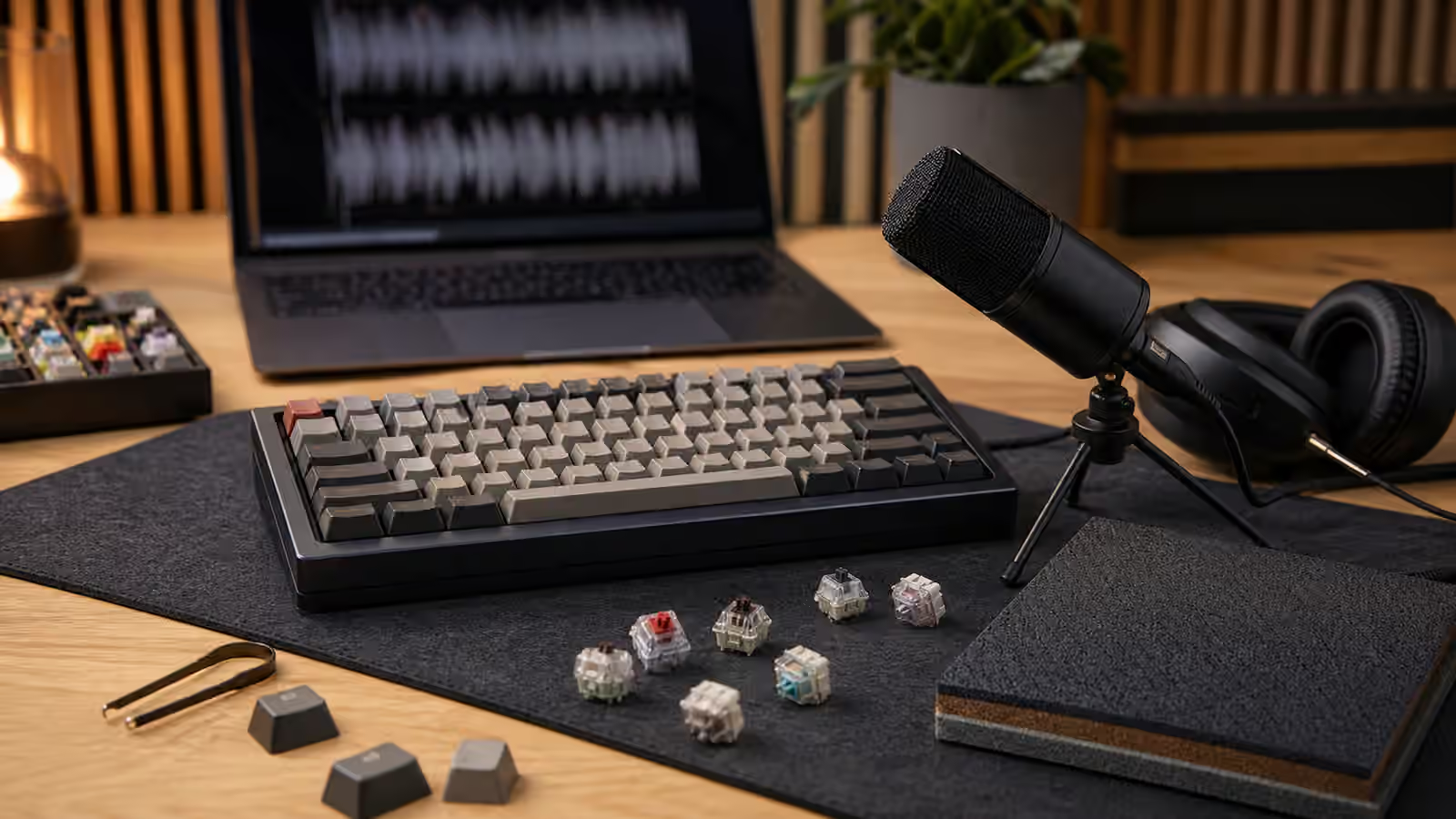
Start by listening to the board in the room where it is actually used. A keyboard can sound pleasant on a desk mat in a video and harsh on a hollow desk at home. Type normally, then type more gently. Press the spacebar, backspace, enter, and shift keys on their own. Tap the case lightly. Move the board from the bare desk to a folded towel or desk mat and listen again. This quick test tells you whether the loudest problem is the switch, the stabilizers, the case, the desk, or your typing.
Switch noise is the most obvious because every key uses one, but stabilizers often cause the most annoying sound. A rattly spacebar can make a quiet board seem cheap. A hollow case can amplify even moderate switches. A bare desk can turn each keystroke into a drum hit. Heavy typing can bottom out switches so hard that no part swap fully solves the problem.
The order matters because a quiet switch will not fix a rattling spacebar, and foam will not make a clicky switch appropriate for a library. Diagnose first. Buy second.
Switches set the ceiling
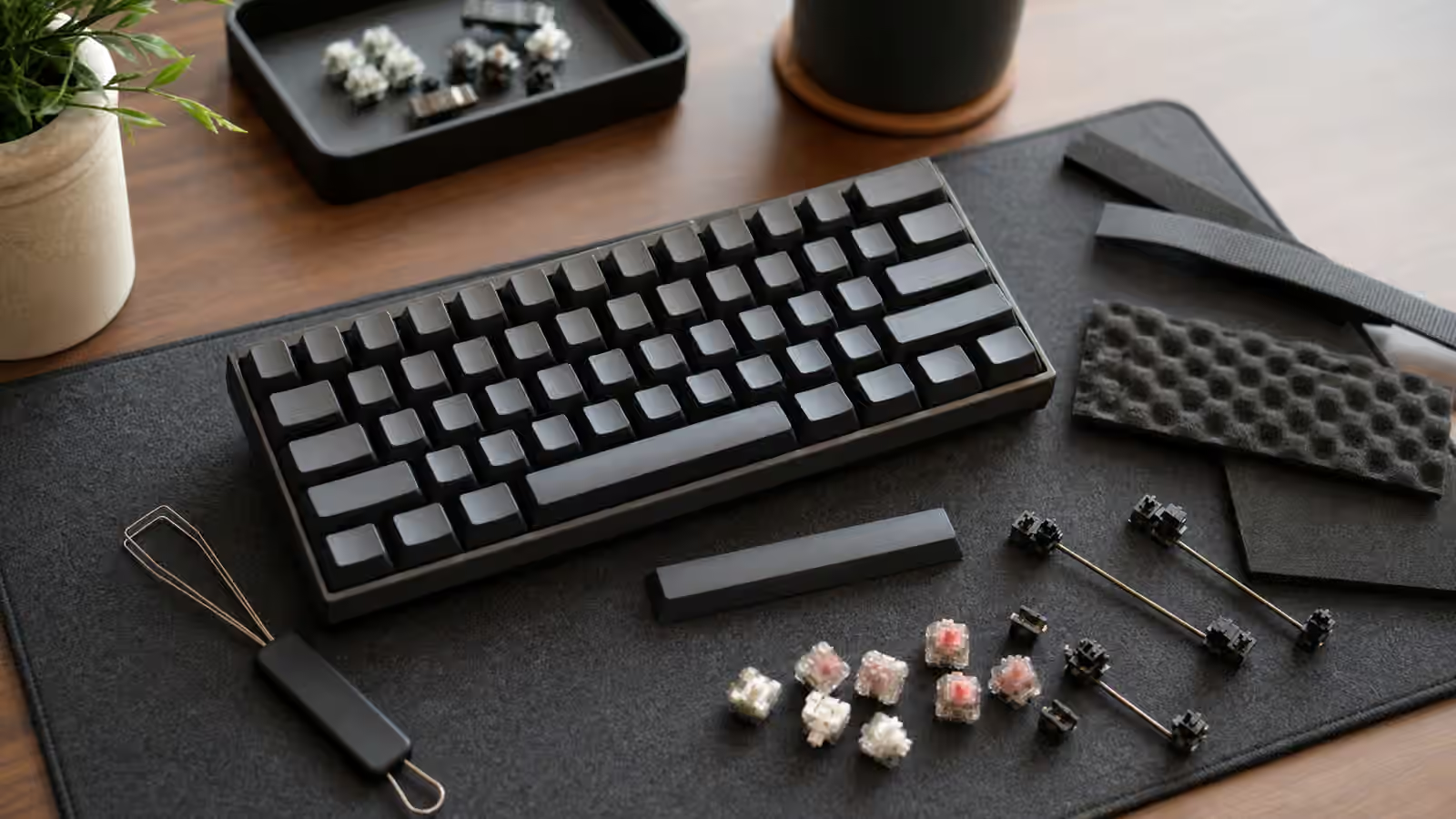
If the board uses clicky switches, there is only so much quieting you can do. Clicky switches are designed to make an audible click. You can soften the case, add a desk mat, and type lightly, but the click remains. For shared spaces, linear or tactile switches without click mechanisms are usually the better starting point. Silent switches go further by adding small dampening pads or design features that soften top-out and bottom-out.
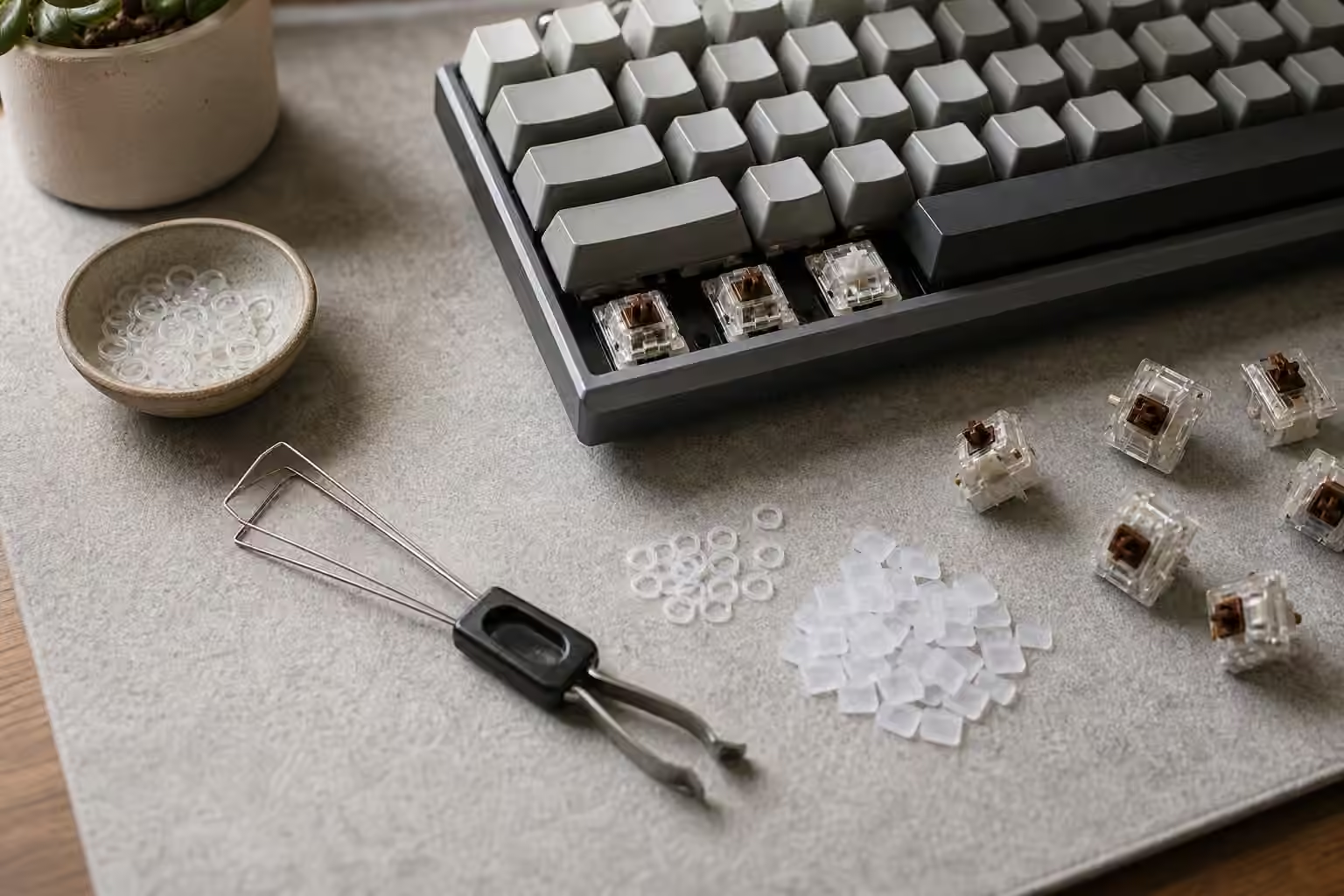
Silent switches vary widely. Some feel cushioned and soft. Some feel clean and controlled. Some feel mushy to people who like a crisp bottom-out. That is why testing matters. A switch tester or small sample pack can save money, but only if you test the switches in a board or at least press them enough to notice return feel, wobble, spring weight, and dampening character.
Heavier switches are not automatically quieter. They may reduce accidental bottoming for some typists, but they can also cause fatigue or encourage harder typing. Lighter switches can be quiet if you type with control, but they can feel too easy to bottom out. The right weight is the one that lets your hands relax while keeping keystrokes deliberate.
Stabilizers are the shared-space giveaway
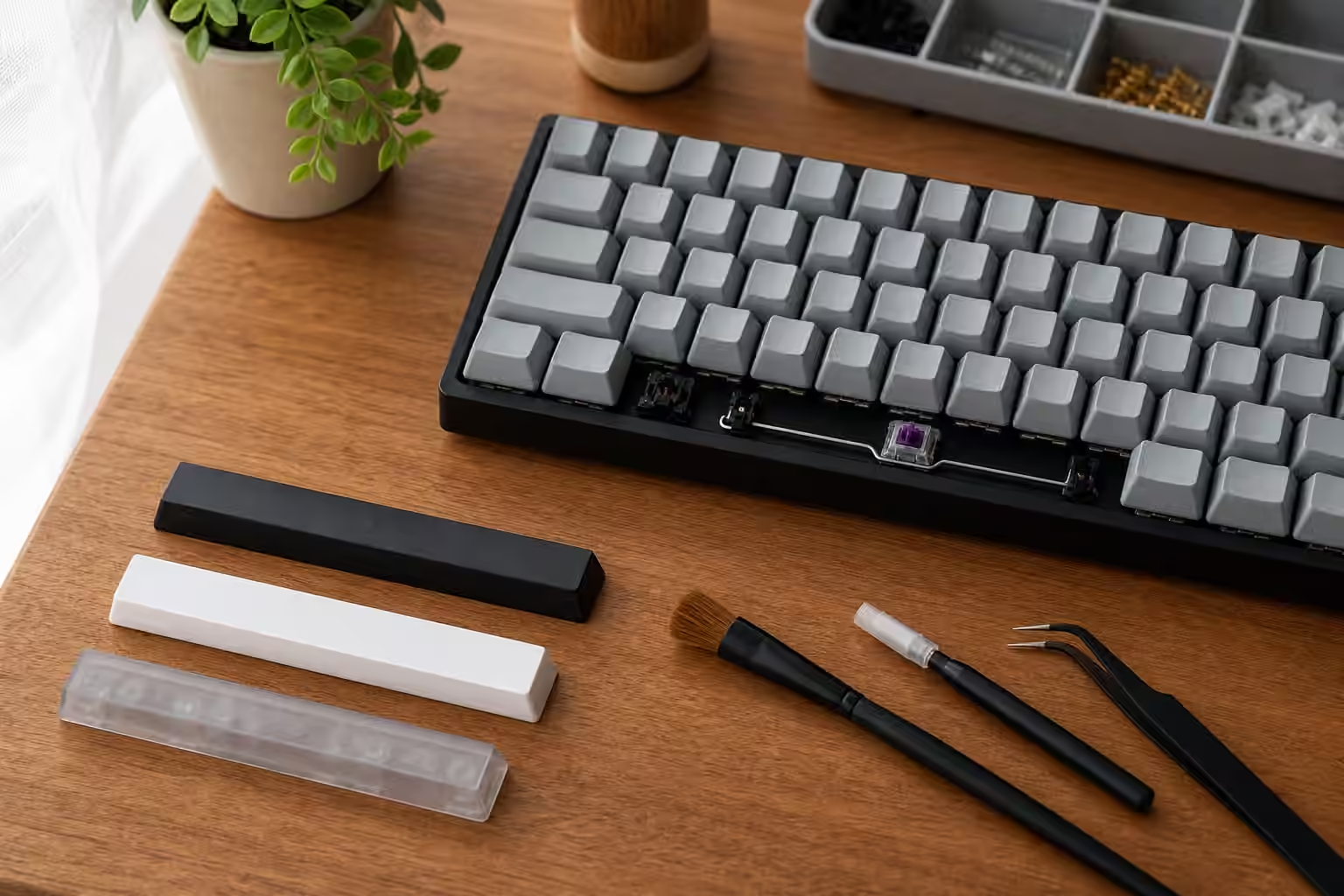
Large keys expose keyboard tuning. Spacebar, enter, shift, and backspace use stabilizers so the key moves evenly. If those stabilizers are loose, dry, warped, or poorly fitted, the board will rattle no matter how refined the switches are. A single bad spacebar can dominate the whole sound profile.
For a prebuilt board, the practical first step is to listen to each stabilized key and compare it with the letter keys. If the spacebar sounds metallic, ticking, or uneven, stabilizer work may matter more than a new switch set. Depending on the board, that work might mean clipping, balancing, lubricating, replacing stabilizers, or adding small pads. Not every beginner should immediately disassemble a board, especially if warranty or soldering is involved, but the diagnosis is still useful. It tells you what to look for in the next board or what to ask a builder to tune.
The spacebar itself also matters. Long, thin, resonant spacebars can sound louder than the rest of the board. Keycap material, thickness, and profile can change that sound. A heavier or thicker keycap may lower the pitch, but it will not fix a bad stabilizer. Think of the spacebar as a small instrument. The stabilizer, cap, switch, case, and desk all participate.
The desk is part of the keyboard
Many people ignore the surface under the board. A hollow desk, glass top, metal frame, or empty tabletop can amplify vibration. A desk mat is often the simplest quieting tool because it decouples the board from the surface. It will not change the switch mechanism, but it can reduce sharpness and low-frequency desk resonance.
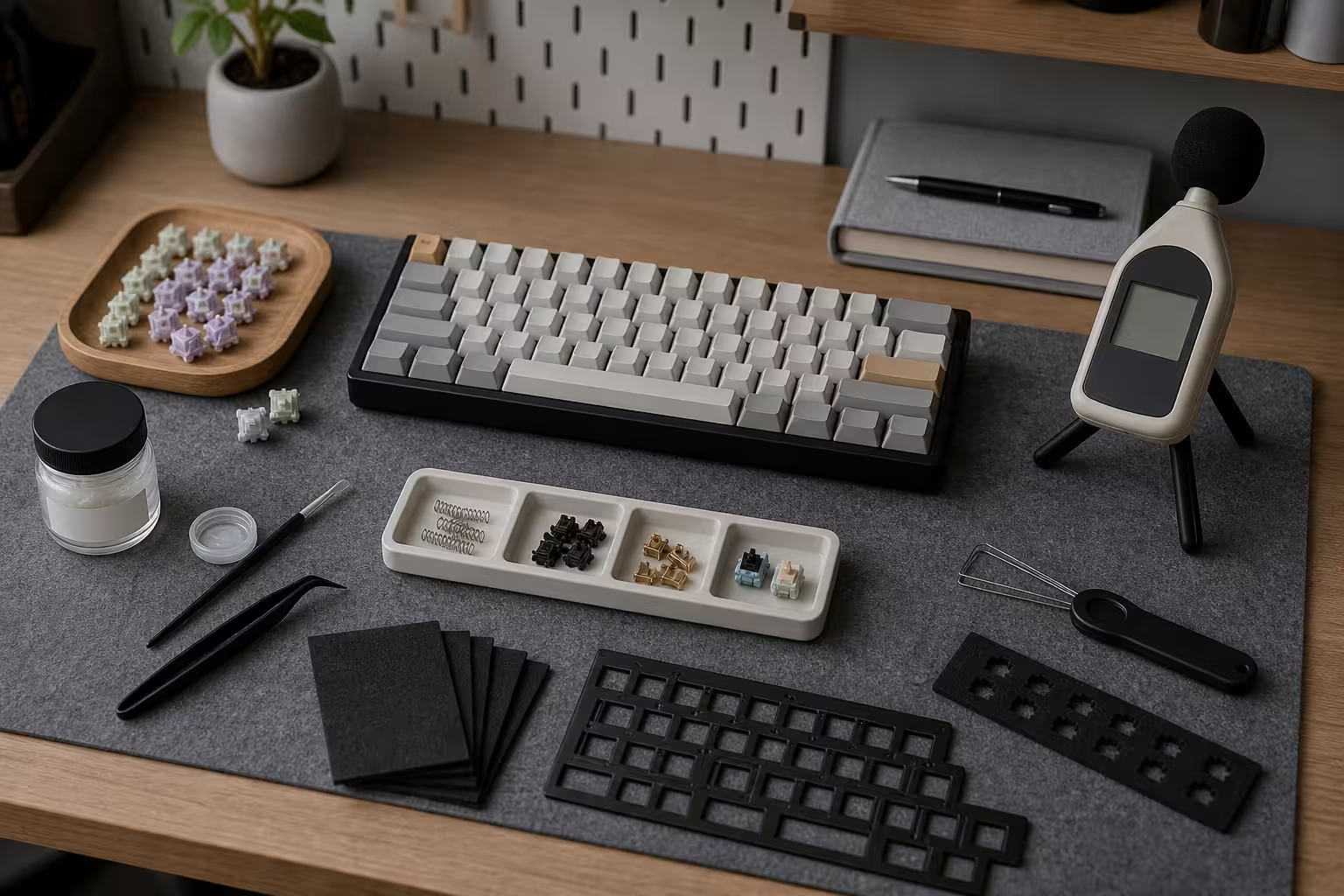
Case construction changes the sound too. Plastic cases can be soft or hollow depending on design. Aluminum can feel premium but sometimes pings or rings if the internal design is lively. Gasket mounting, plate material, foam, silicone, and internal dampening all influence sound, but they should not become magic words. A well-designed simple board can be quieter than an expensive case with bright switches and bad stabilizers.
Foam can help when the case sounds empty, but too much dampening can make a board feel dull. That may be fine for an office board. It may disappoint someone who likes acoustic character. The goal is not to stuff every cavity. The goal is to remove the part of the sound that bothers the room.
Typing style is a real mod
The cheapest quieting change is learning not to hammer the board. This sounds obvious until you record yourself typing. Many people bottom out every key hard because laptop keyboards, stress, or habit trained them that way. Mechanical switches actuate before the bottom. You do not have to bury each key into the plate.
A lighter typing style takes time, and it should not become self-conscious misery. But even a small change can reduce noise. Relax the hands, keep wrists comfortable, and let the switch return instead of snapping fingers upward. If a switch is too heavy, too scratchy, or too tall for your habits, better technique may not be enough. Still, typing style belongs in the sound plan because the board cannot absorb unlimited force politely.
Choose quiet for the actual setting
A keyboard for a private hobby desk can chase personality. A keyboard for a shared workspace should chase compatibility with the room. That may mean silent linear switches, tuned stabilizers, a desk mat, restrained keycaps, and a case that does not ring. It may mean a smaller layout so the mouse sits closer and the whole setup feels calmer. It may mean skipping the most exciting switch because the less exciting one lets everyone work.
Low-noise does not mean cheap, boring, or joyless. It means the board has manners. The best shared-space keyboard still gives your fingers something to enjoy, but it keeps the enjoyment close to the desk. When the switches are smooth, the stabilizers are controlled, the desk is damped, and the typing is relaxed, the keyboard stops announcing itself. It becomes what a good tool should be: pleasant for the person using it, forgettable for everyone else.