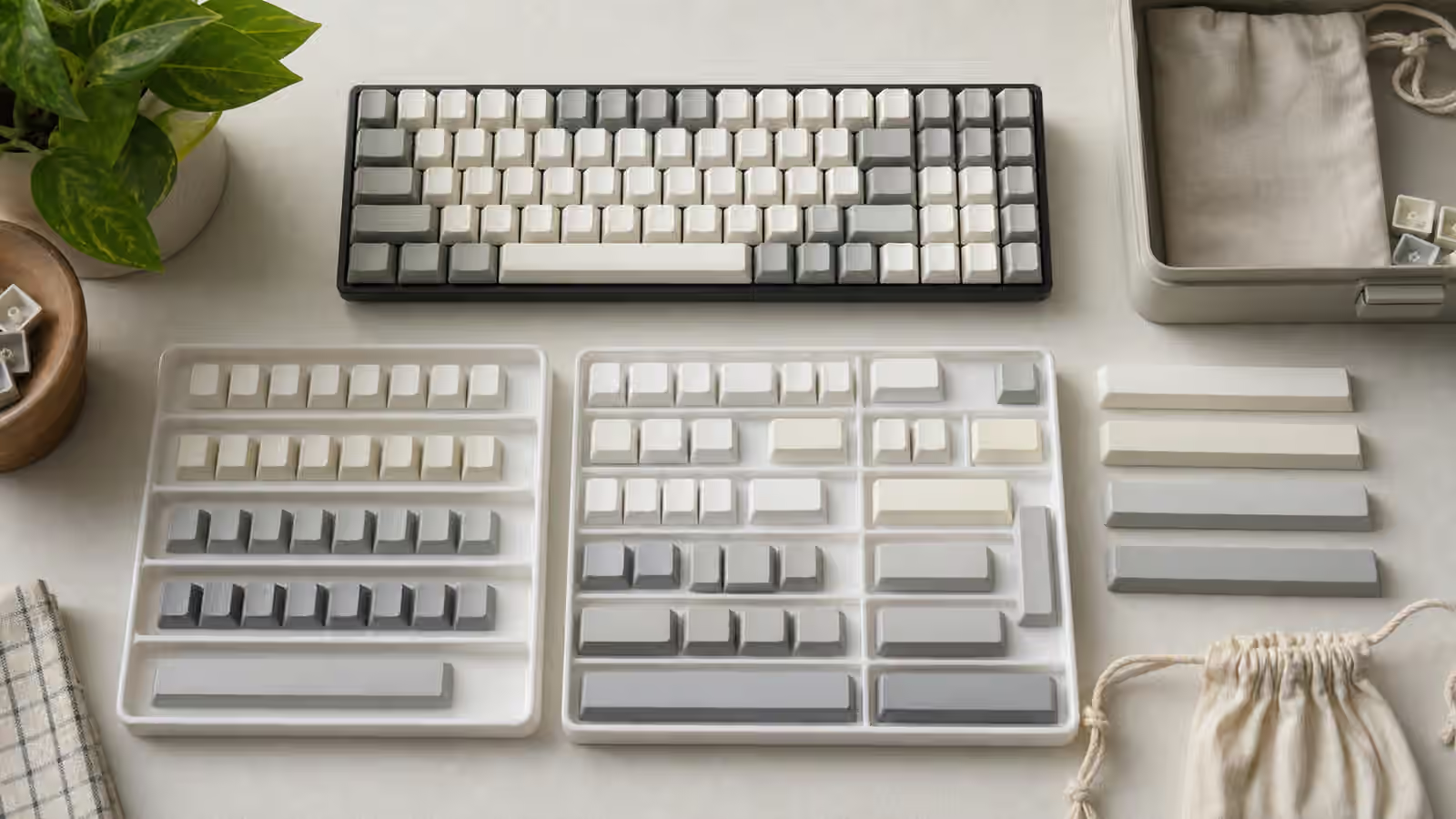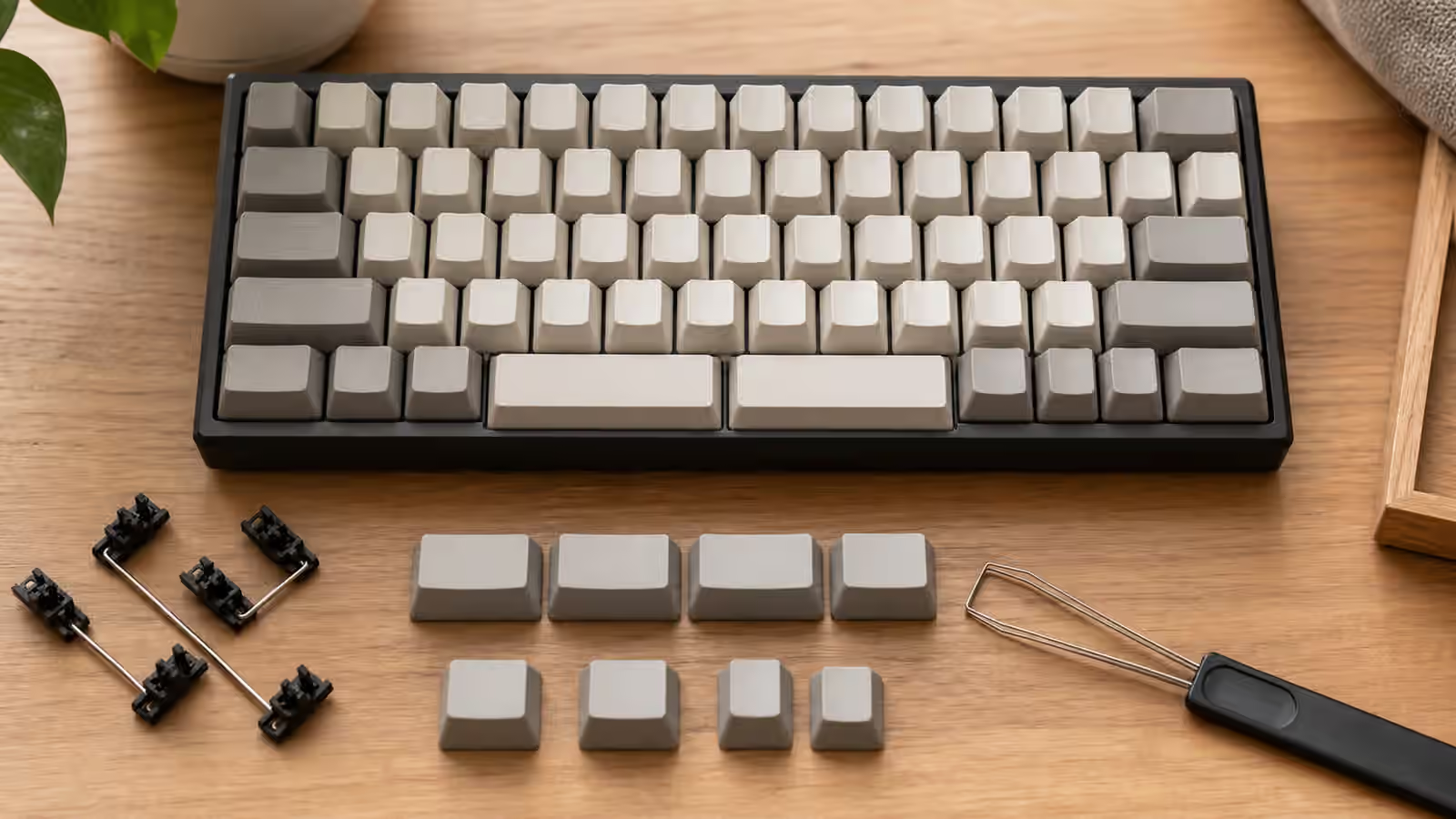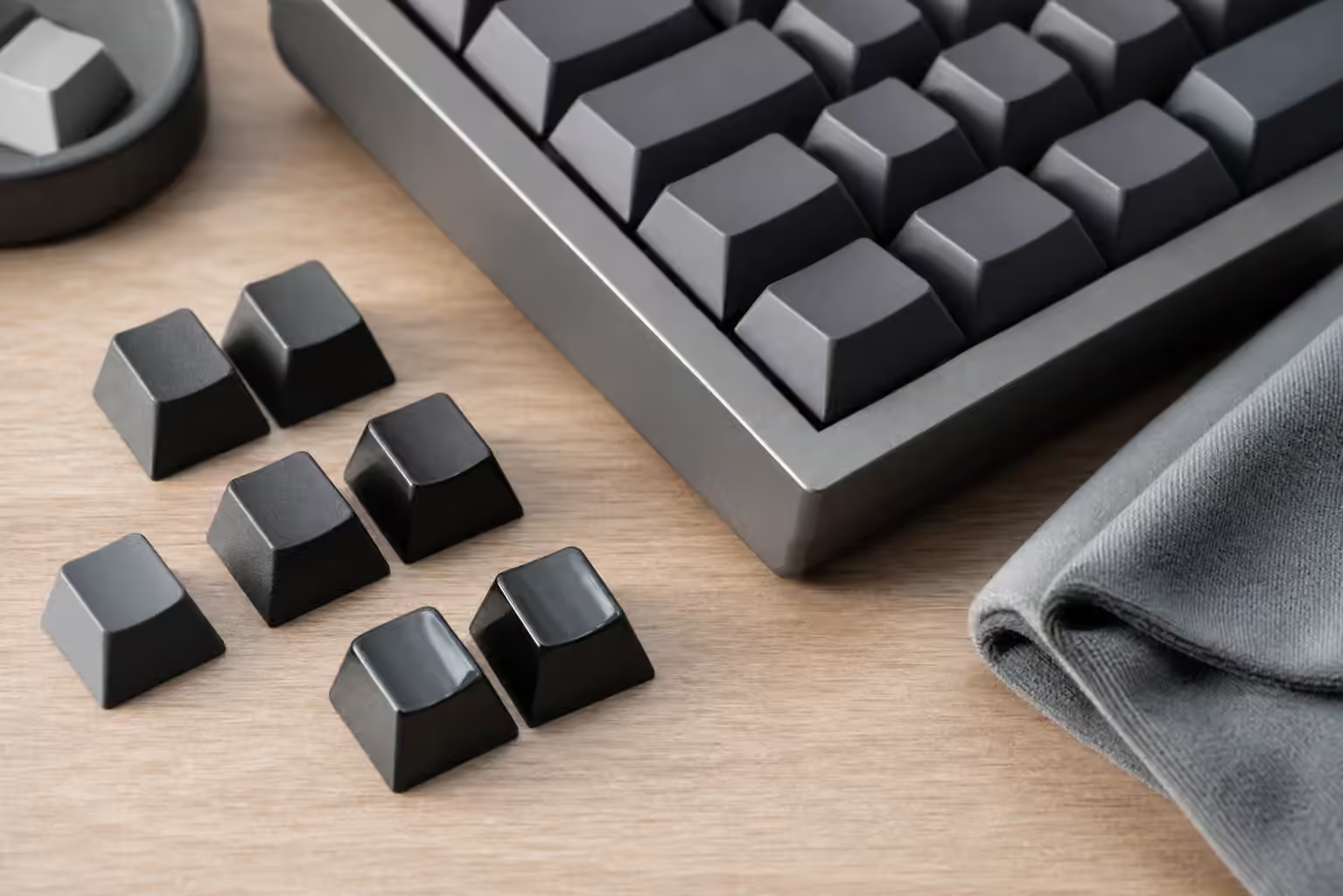
Keycap texture is one of the first details your fingers notice and one of the last details a product photo explains well. A set can look perfect on a desk and still feel too slick, too chalky, too sharp at the edges, or too smooth after a few months. Shine and wear are part of that story. They are not only cosmetic flaws. They change how the keyboard feels under the fingers and how the board ages as an object you touch every day.
Most keycap advice begins with material: ABS, PBT, POM, polycarbonate, or blends. Material matters, but surface finish, molding quality, profile, thickness, legends, cleaning habits, and typing style all shape the result. A high quality ABS set can feel excellent for years while developing shine as part of its character. A rough PBT set can resist shine but feel dry or uneven. The question is not which material wins forever. The question is what surface you want to live with.
For the broader background on caps, read the Keycaps Guide . For row shape and height, use Keycap Profiles . This guide focuses on the top surface: texture, gloss, wear, cleaning, and how to judge a set beyond its colorway.
Texture is grip, sound, and mood
A textured keycap gives the fingertip a little feedback before the switch moves. That texture can make a board feel controlled, especially if your hands are warm or the keycap profile is tall. A very smooth cap can feel quick and polished, but it can also feel slippery to some typists. The same surface can read differently depending on switch weight. A light linear switch under a slick cap may feel too eager. A heavier tactile switch under a matte cap may feel planted.
Texture also changes the way sound is perceived. It does not transform the board as dramatically as switches, plate, case, or desk surface, but the cap is part of the acoustic contact. Thicker caps with a slightly textured surface often feel and sound more muted than thin glossy caps. That is not a rule to apply blindly. It is a reminder that keycaps are not just decoration. They are the part of the instrument your fingers strike.
Edges matter too. Some caps have crisp top edges that help the finger locate the key. Others are more rounded and soft. On sculpted profiles, that edge interacts with row angle. On uniform profiles, texture may do more of the orientation work because the rows feel more similar. If you use compact layers or blank caps, surface feel can quietly help the hand find home position when legends are not doing the job.
Shine is wear, not failure by itself
Keycap shine happens when repeated contact polishes the surface. Oils, friction, cleaning, and plastic type all contribute. ABS is known for developing shine faster than PBT, but shine is not automatically a defect. Many classic ABS sets are loved despite, and sometimes because of, the way they polish with use. The keyboard begins to show where the hands live. For some people that patina feels warm and personal. For others it looks dirty no matter how clean the caps are.
PBT usually resists shine longer, but it is not immune to wear. A heavily used PBT spacebar or gaming cluster can smooth over time. Some PBT sets start with a sandy texture that softens. Others have a finer finish that never looked rough in the first place. Dye-sublimated legends, double-shot construction, and surface texture each age differently, which is why Keycap Legends and Manufacturing Methods is worth reading before judging a set only by material.
Shine becomes a problem when it bothers your hands or your eyes. If a polished spacebar feels greasy even after cleaning, the surface may no longer suit you. If the shine is only visible under harsh light but typing still feels good, it may not deserve attention. Online photos often exaggerate or hide shine depending on angle. Your fingers are a better judge than a listing photo.
Cleaning helps oils, not permanent polish
Regular cleaning removes skin oils and grime. It does not reverse a surface that has been physically polished. Warm soapy water can make caps feel fresh again when the problem is residue. It will not restore factory texture to a worn ABS cap. Alcohol can damage certain plastics, coatings, or printed legends, so it should not be the default answer for keycap care. The Keyboard Maintenance and Care Guide covers safe cleaning rhythm in more detail.
The simplest care habit is clean hands and occasional gentle washing. Pull caps carefully, soak them in mild soapy water when needed, rinse thoroughly, and let them dry completely before reinstalling. Moisture trapped in stems is not worth the hurry. A microfiber cloth helps between deeper cleans, especially on smooth caps that show oils quickly.
Avoid treating keycaps like cookware. Aggressive scrubbing can make legends fade, change surface feel, or create uneven shine. Hot water can warp caps, especially long keys. Strong solvents can make small cosmetic problems permanent. The keycap is a consumable surface, but it is still part of a precise keyboard. Gentle cleaning keeps the surface honest without trying to sand time away.
Buying for wear means knowing yourself
If visible shine annoys you, choose caps with that in mind. PBT, finer texture, lighter colors that hide gloss better, and legends made to survive cleaning may all help. If you love smooth ABS sound and feel, accept that shine may arrive. If you rotate boards, wear spreads out. If one keyboard is your daily work tool, the home keys and spacebar will record that use faster.
Color can change the perception of wear. Dark caps often reveal glossy patches more clearly under desk light. Very light caps can show grime sooner even if the surface is not polished. Mixed sets may age unevenly if the accent keys use a different plastic or finish. Artisan caps may use resin, coatings, or shapes that need more careful handling, which the Artisan Keycaps guide covers.
Compatibility still matters more than texture if the set does not fit. A beautiful surface is not useful when the spacebar is wrong, the right Shift is missing, or the row profile does not match the layout. Use the Keycap Compatibility guide before buying a set for a compact, split, ISO, Alice, or low-profile board. The best keycap surface is the one you can actually install in the right places.
Let the keyboard age on purpose
No keycap set stays frozen. Matte caps soften. Glossy caps polish. Legends prove themselves or fail. The spacebar develops the clearest record because thumbs are strong and oils collect there. A keyboard that is used daily will show use unless it is constantly rotated, protected, or replaced. That is not a reason to panic. It is a reason to choose surfaces that age in a way you can tolerate.
When comparing keycaps, press them, do not only admire them. Notice the top texture, the edge shape, the sound, the warmth or coolness of the plastic, and the way the surface behaves after a few minutes of typing. A keycap set is clothing for your fingers. Color gets attention first, but texture decides whether the set feels welcome after the novelty fades.