A mechanical keyboard is easy to treat like a desk object because many of the nicest ones are heavy, tuned, and built around a permanent setup. But plenty of boards move. They go to offices, classrooms, meetups, shared work tables, hotel desks, repair benches, and shelves where they wait between rotations. The problem is that a keyboard is sturdy in one direction and surprisingly vulnerable in others. It is made to absorb thousands of straight keypresses. It is not made to have a USB plug levered sideways in a backpack, a spacebar pressed for hours under a laptop, or loose keycaps rubbing grit into the case.
Travel and storage are not about making a keyboard precious. They are about respecting the specific weak points. The switch stems can take normal typing but can bend under side pressure. Hot-swap sockets are convenient but dislike forced switches and repeated rough handling. USB-C ports are small mechanical parts, especially when mounted to a daughterboard or soldered directly to the PCB. Wireless dongles are easy to lose. Batteries prefer boring care. Keycap legends, case finishes, and plates all collect the evidence of careless packing. A little structure keeps the board useful instead of turning every move into a small repair risk.
If the keyboard never leaves your desk, the Keyboard Maintenance and Care Guide covers the cleaning habits that matter most. If the board moves because you want a cable-free setup or multi-device pairing, the Wireless Mechanical Keyboards guide explains the connectivity side. This guide sits between those two. It is about the physical routine around carrying, storing, unpacking, and setting up a board somewhere other than its usual home.
Choose the board by the trip, not the fantasy
The best travel keyboard is not always the smallest keyboard you can tolerate. A 40 percent or 60 percent board packs beautifully, but it also asks for comfort with layers, shortcuts, and missing dedicated keys. If the work day depends on function keys, arrows, navigation, and quick window management, a 65 percent or 75 percent board may be a calmer travel companion even though it takes more space. The Keyboard Layout Guide is useful here because portability is only one part of layout choice. A board that fits a bag but slows down every task is not really saving space.
Weight matters too. A thick aluminum case feels excellent on a stable desk and less charming when it rides in a shoulder bag all day. A lighter plastic or polycarbonate case may sound less dense, but it can be the right tool for commuting or hot-desking. Case material also changes how much protection you need. A soft plastic case may shrug off a small scuff but flex more under pressure. A sharp anodized aluminum case may resist flex while showing cosmetic marks more clearly. Neither is automatically better. The right answer depends on whether the board is a daily carry, an occasional office board, or a showpiece going to a meetup.
Low-profile boards deserve a separate thought. They are easier to slide into a bag, and their lower front edge can make temporary desk setups more comfortable without a wrist rest. They also have narrower switch and keycap ecosystems, so a broken cap or unusual stabilizer can be harder to replace. If height is the reason you want a travel board, read Low-Profile Mechanical Keyboards before assuming the shorter case is a simple version of a normal custom board.
Give the keys their own protected space
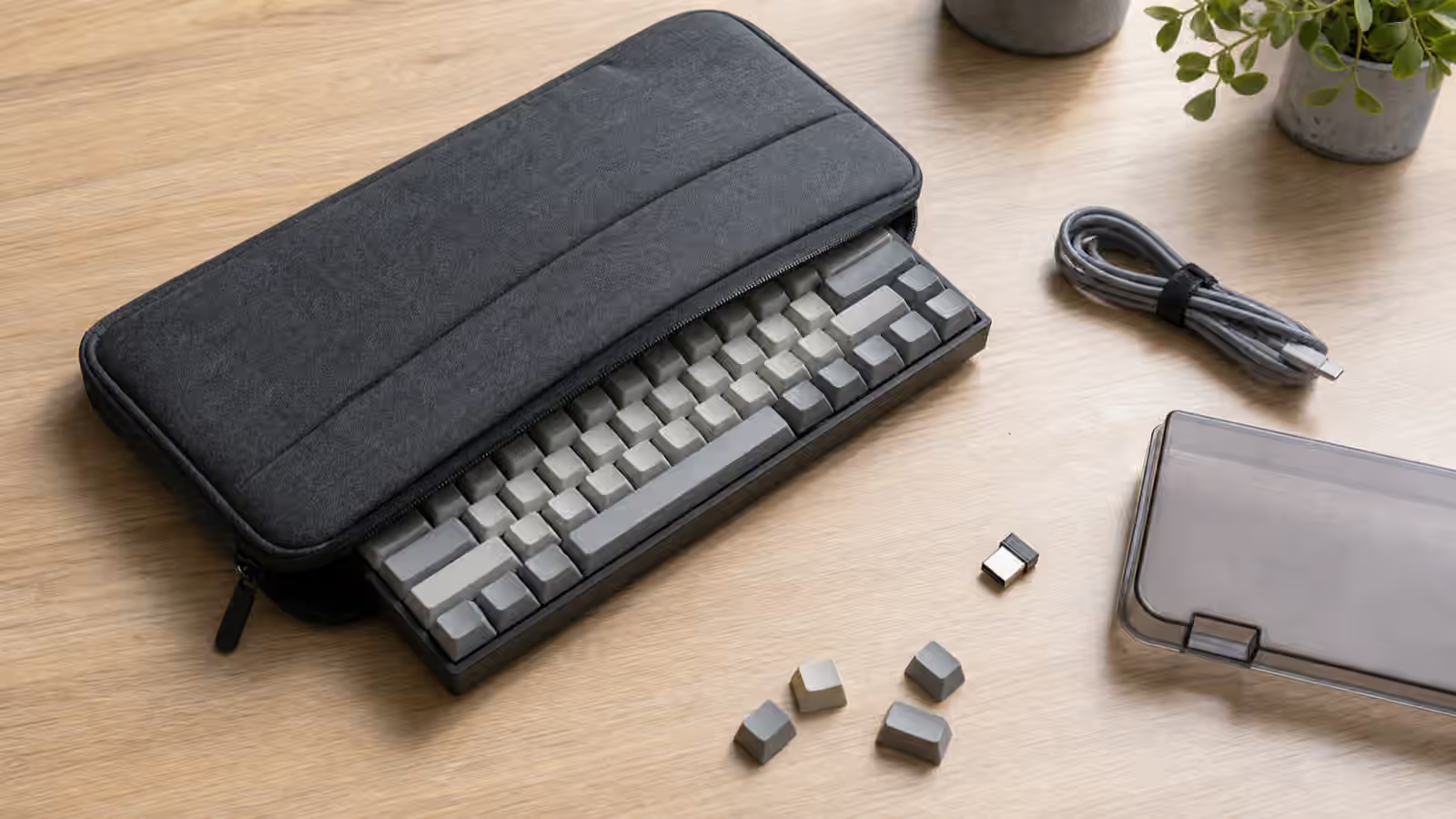
The most common packing mistake is letting the keycaps carry the load. A keyboard placed loose in a backpack can end up under a laptop, charger, water bottle, book, or lunch container. Even if nothing breaks, the pressure can hold switches down for long periods, rub the tops of keycaps, and push taller caps sideways. A soft sleeve is better than nothing, but the ideal travel case keeps pressure away from the key field. A firm top panel, molded interior, or enough padding above the keys makes a real difference.
A dust cover helps at a desk and can help in storage, but it is not the same as a travel case. Thin acrylic covers keep dust off and protect keycaps from light contact. They do not absorb a crush load from the side of a packed bag. If you use a dust cover inside a bag, it should sit inside a sleeve or case that keeps it from cracking and keeps pressure off the keyboard. The cover is the shield against dust and casual contact. The case is the structure that handles the bag.
Keycap height changes the space you need. Tall profiles such as SA and MT3 need more clearance than Cherry or low-profile caps, and sculpted rows can catch on fabric if the sleeve is tight. Artisan caps and novelty caps are more fragile than ordinary molded keys, especially if they have raised shapes or resin details. If a board has one decorative cap that would be annoying to replace, remove it before travel and carry it separately. That small habit is less dramatic than repairing a broken stem or hunting for a matching artisan after the damage is done.
Cables, ports, and dongles need routines
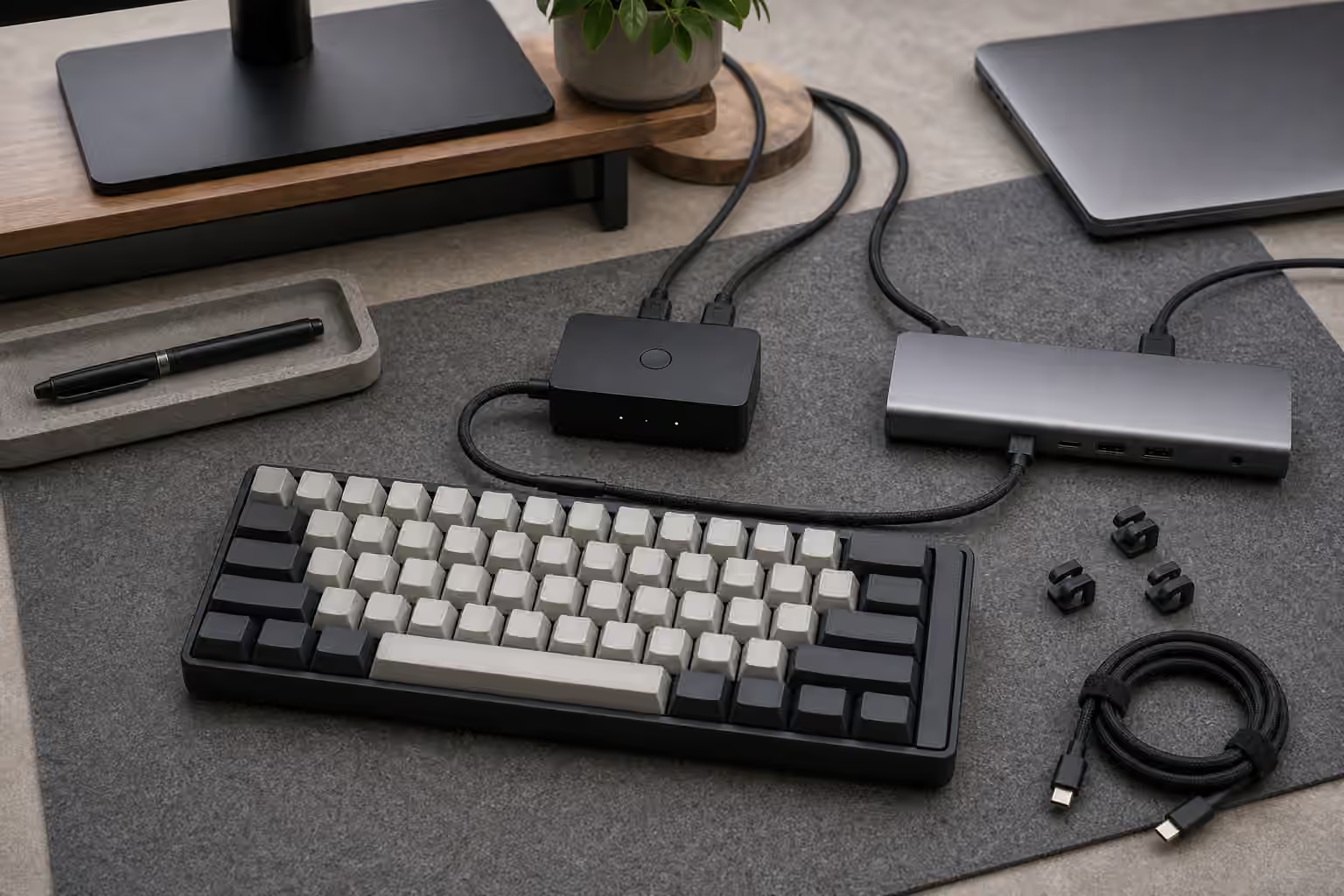
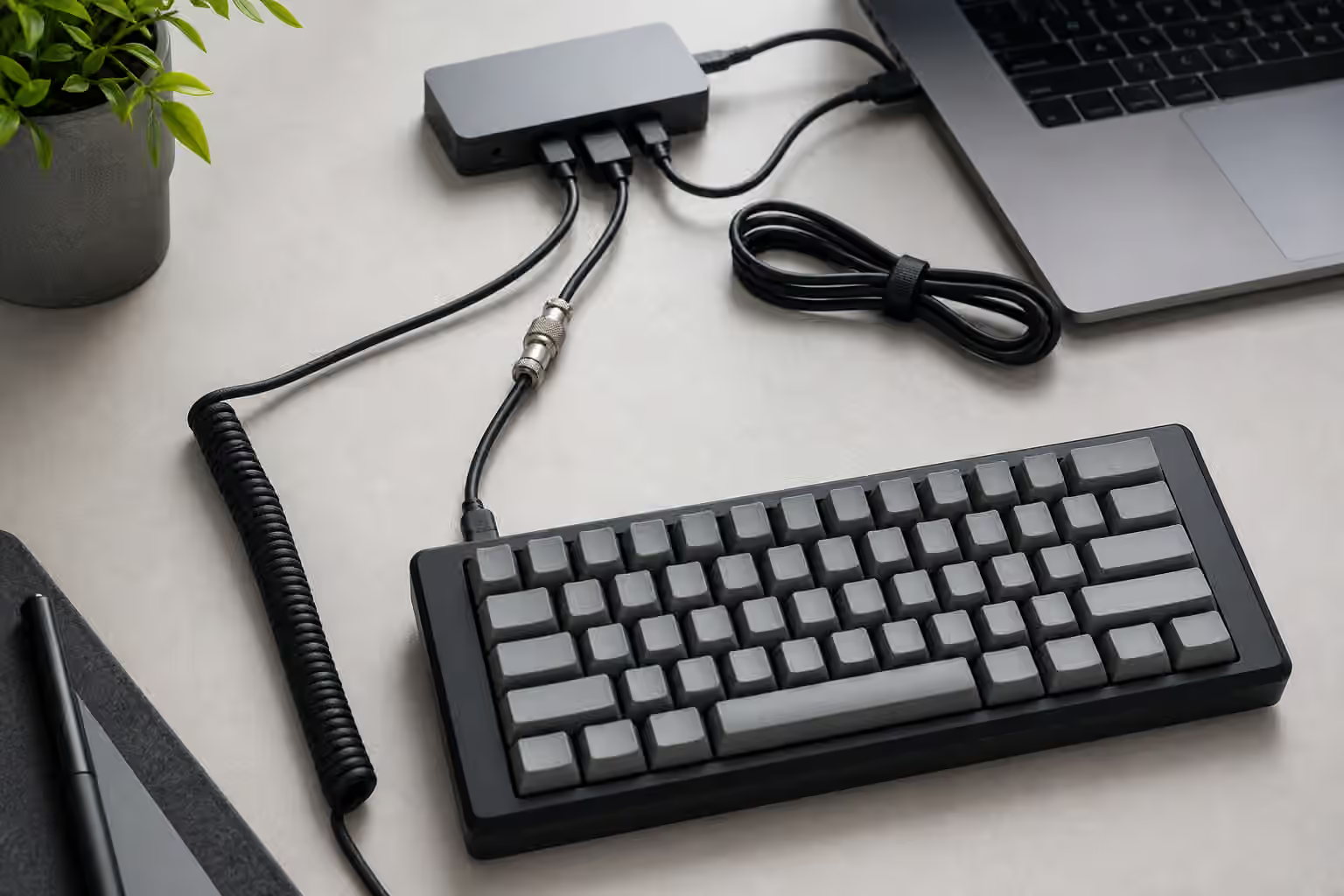
Never store a keyboard with the cable plugged in unless the case is designed around that exact connector clearance. A plugged-in USB-C cable becomes a lever. One sideways bump can stress the port, the daughterboard, the internal cable, or the solder joints. This is especially important for boards with recessed ports, angled case openings, or decorative custom cables with heavy connectors. Unplug the board by the connector, coil the cable loosely, and carry it in a pocket that does not press the plug against the keyboard case.
Cable choice should be practical before it is aesthetic. A short, flexible USB-C cable is often better for travel than a heavy coiled cable. Coiled cables look good on a permanent desk, but they add bulk and can tug on a small board when used on a shallow table. If the keyboard has a tight port opening, test the travel cable before leaving home. Some thicker housings do not fit into recessed cases. A cable that works at your desk can fail as a travel cable simply because its connector shell is too wide.
Wireless dongles need an equally boring routine. A 2.4 GHz receiver is small enough to vanish in a bag seam, a jacket pocket, or the bottom of a case. If the keyboard has a built-in dongle slot, use it every time. If it does not, keep the dongle in the same cable pouch or attached to a short USB adapter that is harder to lose. Bluetooth boards remove the dongle problem but add pairing and battery behavior. Before relying on a wireless board away from home, test it after sleep, after a restart, and on the actual devices you plan to use.
Pack for the desk you will actually have
A travel setup often fails because the destination desk is not like the home desk. The table may be narrow, glossy, hollow, high, low, or shared with someone else’s gear. A compact desk mat can do more than make the setup look finished. It keeps the keyboard from sliding, softens the sound that travels into the table, and gives the mouse a predictable surface. The Keyboard Desk Fit guide covers height, angle, wrist rests, and mouse reach in more detail, but the travel version is simpler: bring only the pieces that solve problems you actually meet.
For some people, that means a thin mat and a small cable. For others, it means a low wrist rest, a spare dongle adapter, or a folding stand for a tablet. The mistake is recreating a full desk in miniature. Every extra accessory becomes another object to forget, damage, or set up in a crowded room. A good mobile keyboard kit should unpack quickly and repack without a checklist. If it takes five minutes to make the keyboard usable, it will eventually stay in the bag.
Sound matters away from home too. A board that feels tasteful in a bedroom can sound sharp on a conference table. Clicky switches are the obvious issue, but stabilized keys, hollow cases, and bare desks can be just as noticeable. If the board will be used near other people, choose the keyboard and surface together. A quieter switch, tuned stabilizers, and a mat are usually more effective than hoping no one notices. The Low-Noise Keyboard Setup guide is worth reading before a board becomes part of a shared workspace.
Store keyboards like assembled tools, not loose parts
At home, storage is about dust, pressure, humidity, and remembering what belongs with what. A keyboard on a shelf should not sit under heavy objects, and it should not be stored with the cable pulling against the port. If the board is displayed, a dust cover keeps cleaning easier and reduces grit between keycaps. If it is boxed, make sure the box does not press directly on the caps. Original packaging can be excellent for long-term storage because it often supports the case rather than the key field, but only if the foam inserts are still clean and properly placed.
Humidity and temperature deserve ordinary caution rather than panic. Do not store a board where condensation is likely, where heat can soften adhesives or warp plastics, or where sunlight bakes one side of the case for months. PBT and ABS keycaps age differently, case finishes fade differently, and foam can compress or crumble over time. None of this means a keyboard needs museum conditions. It means a closet shelf is better than a car trunk, a damp floor, or a sunny windowsill.
If you rotate several boards, store each one with its matching cable, dongle, spare caps, and notes somewhere obvious. The notes do not need to be elaborate. A small card or digital note with the switch name, layout, battery type if relevant, and any quirks can save confusion later. This matters most for boards with nonstandard keycap coverage, unusual stabilizer sizes, custom firmware, or split layouts. The Keycap Compatibility guide explains why one missing spacebar or modifier can make an otherwise finished board awkward to use.
Check the board when it comes back
The first minute after travel is the best time to catch small problems. Look at the USB port before plugging in. Shake the case gently enough to notice loose parts without turning it into a stress test. Press the stabilized keys and listen for a new tick or rattle. Confirm that the wireless dongle came home. If a key feels crooked, remove the cap and inspect the switch stem rather than forcing it. If the board was packed under pressure and one key now misbehaves, treat it as a diagnosis problem, not a mystery.
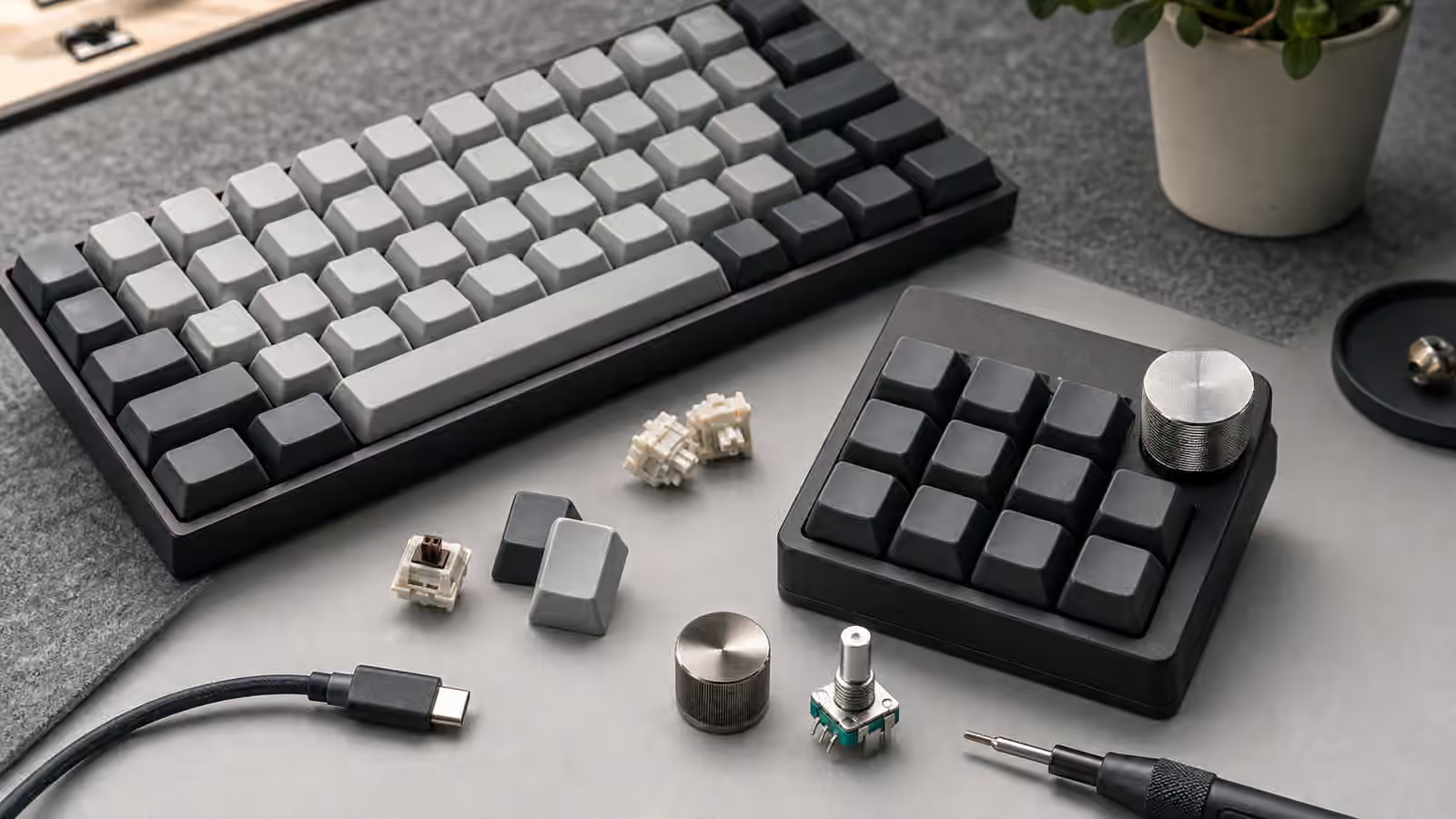
Hot-swap boards are especially easy to correct if a switch was nudged loose, but they also reward patience. Pulling a switch quickly because it feels odd can bend pins or stress a socket if the plate holds it tightly. Work slowly, use the right puller, and test one change at a time. If a board starts dropping keys, disconnecting, or typing repeats after travel, the Keyboard Troubleshooting guide gives a calmer path than replacing parts at random.
Travel and storage are mostly habits. Unplug the cable before packing. Keep pressure off the key field. Give the dongle a home. Use a case that matches the actual risk. Keep the setup small enough that you will use it. Store boards where dust, heat, moisture, and weight are not quietly working against them. A mechanical keyboard can move through ordinary life just fine, but it should move as a finished instrument, not as a loose rectangle of switches waiting for the bag to decide what breaks first.