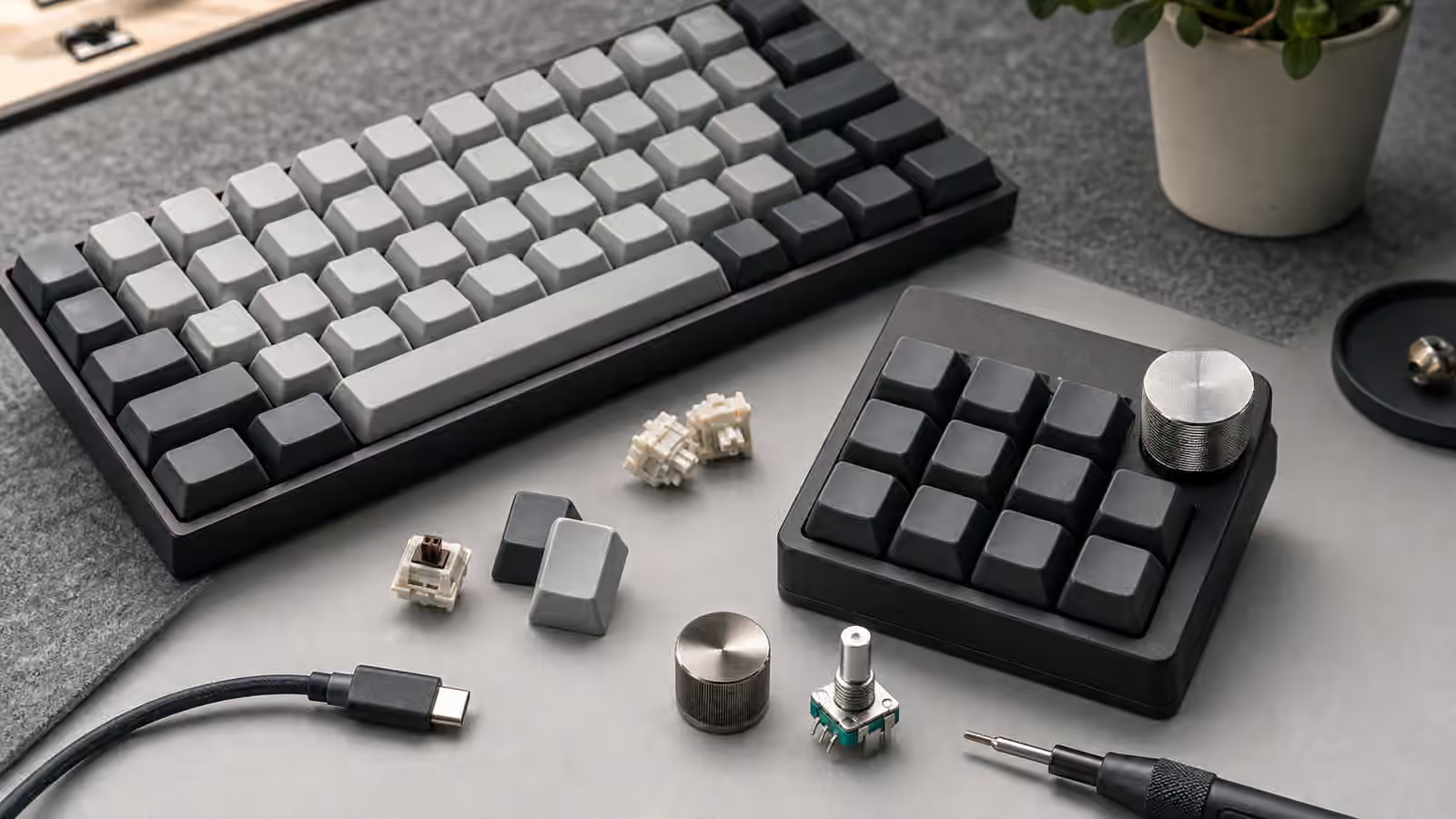
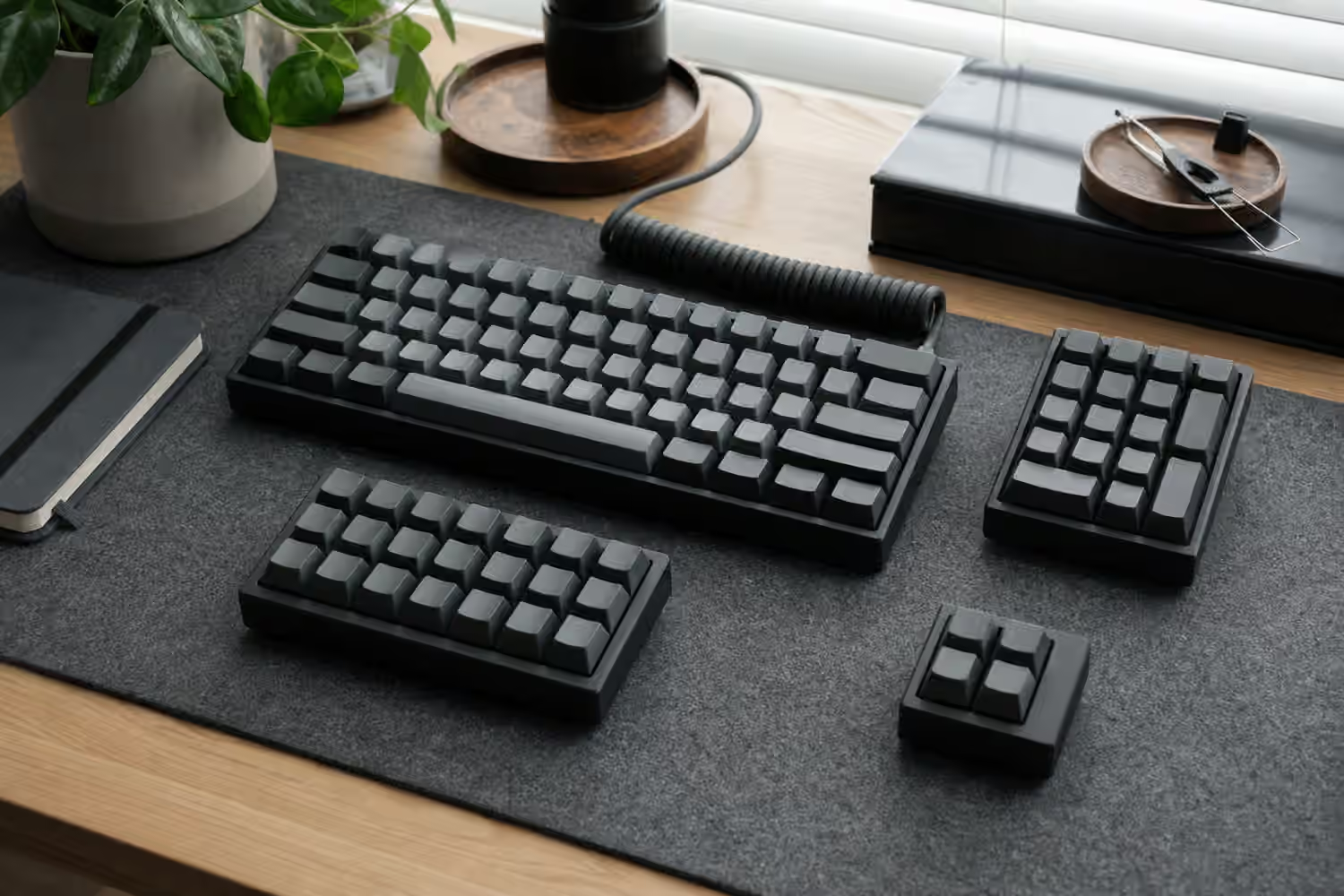
Keyboard performance specs are easy to misread because they borrow the language of precision without always explaining where the precision lives. A product page may promise N-key rollover, a high polling rate, low latency, anti-ghosting, a gaming mode, optical switches, or wireless speed that sounds almost identical to wired. Some of those claims describe real engineering. Some are shorthand for “this will not embarrass itself during normal use.” The hard part is knowing which spec solves which problem.
For everyday typing, a keyboard can feel excellent without chasing extreme numbers. For rhythm games, competitive shooters, fast shortcuts, stenography-like chorded input, or firmware-heavy compact layouts, the details matter more. The goal is not to buy the fastest-sounding board. The goal is to understand the path from finger to computer: the switch closes, the keyboard scans the matrix, firmware decides what happened, the USB or wireless link reports it, the operating system receives it, and the application responds. Latency is the sum of that chain, not a single magic number.
If you are still choosing the physical board, the Keyboard Layout Guide and Complete Switch Guide should come first. Layout and switch feel decide how you interact with the keyboard every minute. This guide covers the less visible layer: what happens after a key moves.
Rollover is about simultaneous keys
Rollover describes how many keys a keyboard can correctly register at the same time. The older shorthand is 2-key rollover, 6-key rollover, or N-key rollover. A 2-key rollover board can reliably handle two ordinary keys at once, often plus modifiers such as Shift or Control. A 6-key rollover board can handle six normal keys, again usually with modifiers. N-key rollover, often written as NKRO, means the board can report every pressed key independently, at least within the limits of its connection mode and firmware.
For ordinary writing, even modest rollover is usually fine. You rarely hold more than a couple of keys at once while composing a sentence. The exceptions arrive when your hands stop acting like a typewriter and start acting like a control surface. Gaming can require movement keys, a sprint key, a crouch key, a weapon key, and a voice key at the same time. Design software can stack modifiers with shortcuts. Compact boards put arrows, function keys, navigation, media, and symbols behind layers, so a normal command may involve two or three held keys before the final key is pressed.
Rollover should be judged by use, not by pride. Full NKRO is nice because it removes a class of worry. It does not make single-key typing faster. It does not make a switch smoother. It does not repair a bad layout. It simply means the keyboard matrix and firmware can keep distinct simultaneous keypresses from collapsing into confusion. If you use complex shortcuts or play games that rely on multiple held keys, it is worth having. If you type prose and occasionally use Shift, a reliable 6-key rollover implementation can already be invisible in the best way.
Ghosting is the failure rollover prevents
Ghosting is what happens when a keyboard reports a key that was not actually pressed, or fails to report one that was. The classic cause is a key matrix that cannot distinguish certain combinations. Keyboards are wired as rows and columns rather than one separate wire per switch. That design is efficient, but without the right electrical isolation and firmware handling, some three-key combinations can look like a fourth key to the controller.
Modern mechanical keyboards usually prevent this with diodes, one per switch position. A diode lets current flow in one direction, so the controller can scan the matrix without false paths lighting up. This is one reason a PCB is not just a flat carrier for switches. Its matrix design, diode placement, controller, USB behavior, and firmware support all shape the input result. The Keyboard PCBs and Hot-Swap Sockets guide covers the physical side of that board-level decision.
“Anti-ghosting” is a slippery phrase because it can mean different things on different product pages. Sometimes it means the board has proper diodes and strong rollover. Sometimes it means the manufacturer tested common gaming clusters, such as WASD and surrounding keys, while other combinations remain limited. That may still be enough for the intended buyer, but it is not the same claim as full NKRO. When the exact distinction matters, look for a clear rollover statement and real testing rather than relying on the phrase alone.
Polling rate is the reporting rhythm
Polling rate describes how often the keyboard reports its state to the computer. A common USB polling rate is 1000 Hz, which means the computer can receive an update every millisecond. Some boards offer higher rates. Older or simpler devices may report less often. The number sounds straightforward, but it only describes one part of the input path.
A high polling rate cannot report a keypress before the keyboard has detected it. The switch has to actuate. The matrix has to be scanned. Firmware has to debounce the signal, because mechanical contacts can chatter briefly as they close. Then the report has to travel over USB or wireless. If a board scans slowly or uses conservative debounce timing, a high USB polling rate alone will not make it feel instant. If the board already scans and debounces efficiently, moving beyond a solid baseline may produce smaller real-world differences than the marketing suggests.
This is why two boards with the same polling rate can feel different. One may scan the whole matrix quickly and report changes with little delay. Another may use the same USB report interval but spend more time deciding whether a press is real. Switch technology can matter too, but not always in the simple way ads imply. Optical and magnetic switches can avoid some mechanical contact behavior, and some designs can detect actuation positions in ways normal MX-style switches cannot. Still, firmware quality, scan design, and how the board is configured remain part of the result.
Debounce is a latency trade
Mechanical switches do not always close with one perfectly clean electrical event. The contact can bounce for a few milliseconds, producing a short burst of on-off noise before settling. Debounce is the keyboard’s way of ignoring that noise so one press becomes one character instead of a cluster of accidental repeats. Too little debounce can create chatter. Too much debounce can add delay.
Good firmware treats debounce as a practical balance. It waits long enough to avoid false repeats while staying short enough that the keyboard feels responsive. This is especially visible when a switch is worn, contaminated, or poorly matched to the firmware settings. A board that starts double-typing is not necessarily “low latency.” It may simply be accepting unstable signals too quickly. The Keyboard Troubleshooting guide is the better place to go when a board chatters, drops keys, or behaves inconsistently.
Custom firmware can expose some of these decisions. QMK, VIA-compatible firmware, and vendor tools may let you adjust mappings, layers, macros, and sometimes performance-related behavior depending on the board. It is tempting to treat every setting as something to optimize, but stable input comes first. A keyboard that occasionally misfires is worse than one that waits a tiny, consistent amount of time. For remapping and layer logic, read the QMK and VIA Firmware Guide ; performance settings should serve the keymap, not become a separate hobby by accident.
Wireless adds another path
Wireless keyboards have more work to do. The board has to read the keys, package the report, transmit it, manage interference, preserve battery, and reconnect cleanly when the link changes. Bluetooth is convenient for multi-device setups and travel, but it is not always the lowest-latency option. Dedicated 2.4 GHz dongles are often designed for quicker, more consistent reporting, especially on boards aimed at gaming or fast desktop use. Wired mode remains the simplest fallback because it removes battery state, radio conditions, and pairing behavior from the chain.
That does not mean wireless is bad. A well-designed wireless mechanical keyboard can feel immediate for normal typing and perfectly workable for many games. The important question is whether the board’s wireless mode matches the task. A living-room board, tablet board, or clean-desk writing board can prioritize battery life and device switching. A competitive gaming board should prioritize stable low-latency reporting, and it should have a wired fallback that behaves predictably. The Wireless Mechanical Keyboards guide covers the broader battery, case, antenna, and connectivity trade-offs.
Specs matter most when the workload stacks keys
The performance difference between keyboards becomes most visible when the workload stacks several demands at once. A 60 percent keyboard may require layer holds for arrows, function keys, and navigation. A game may ask for multiple movement keys and modifiers. A creative application may combine Ctrl, Shift, Alt, a tool key, and mouse input. A macro-heavy setup may fire sequences that depend on consistent timing. In those moments, rollover, firmware, and latency are no longer abstract.
Compact layouts are a good example because layers turn simple commands into combinations. If your arrow keys live under Fn, then Shift plus Fn plus an arrow is a normal selection gesture. Add Control or Option for word movement, and the board must handle a chord that would be unusual on a full-size layout. This does not mean compact boards are slower. It means their controller and firmware need to respect the way compact users actually work.
For gaming, the strongest setup is usually boring on paper: reliable rollover, stable wired or low-latency dongle mode, switches with a weight you can control, and a layout that does not make you fight for common keys. A very high polling rate cannot compensate for a keymap that puts an essential command in an awkward layer. A fast switch cannot compensate for a board that drops a chord. Performance is a system, just like sound and comfort.
How to test without overthinking
A keyboard tester in a browser can show whether the board registers the combinations you care about. Press the actual chords you use rather than trying to hold down half the keyboard for spectacle. Test movement clusters, modifier shortcuts, layer arrows, function keys, media keys, and any macro triggers that matter to your work. If the board has separate wired, Bluetooth, and dongle modes, test each mode because their behavior may differ.
For latency, home testing is harder because a screen, operating system, browser, game engine, and monitor refresh all add their own delays. You can still learn something by comparing boards in the same setup, especially with fast repeated taps or rhythm-sensitive tasks, but avoid pretending a casual test is laboratory measurement. The more useful question is whether the keyboard feels consistent. A stable 1000 Hz wired keyboard with good firmware is usually more trustworthy than an exotic spec sheet attached to uneven behavior.
Listen for the boring problems too. If a board sometimes wakes slowly, misses the first key after sleep, chatters on one switch, loses Bluetooth focus, or drops a layer chord, those issues will matter more than a headline latency claim. The best performance spec is the one you stop noticing because the keyboard always does what your hands asked.
The practical buying read
For most people, the performance target is clear. Look for reliable rollover, preferably NKRO in wired mode, clear behavior in wireless modes if you plan to use them, and firmware that supports the layout you want. A 1000 Hz wired polling rate is already a strong baseline for ordinary desktop use and many demanding setups. Higher numbers can be useful in specialized gaming boards, but they should not outrank build quality, layout comfort, switch feel, stabilizer quality, or software reliability.
If a keyboard is for writing, coding, office work, and general desk use, prioritize consistency. If it is for gaming, test the exact key combinations your games use. If it is for compact-layout productivity, test layers and modifiers together. If it is wireless-first, decide whether Bluetooth convenience or dongle responsiveness matters more. The good keyboard is not the one with the loudest performance claims. It is the one whose input path stays transparent, from the first keypress of the day to the last shortcut before you shut the desk down.