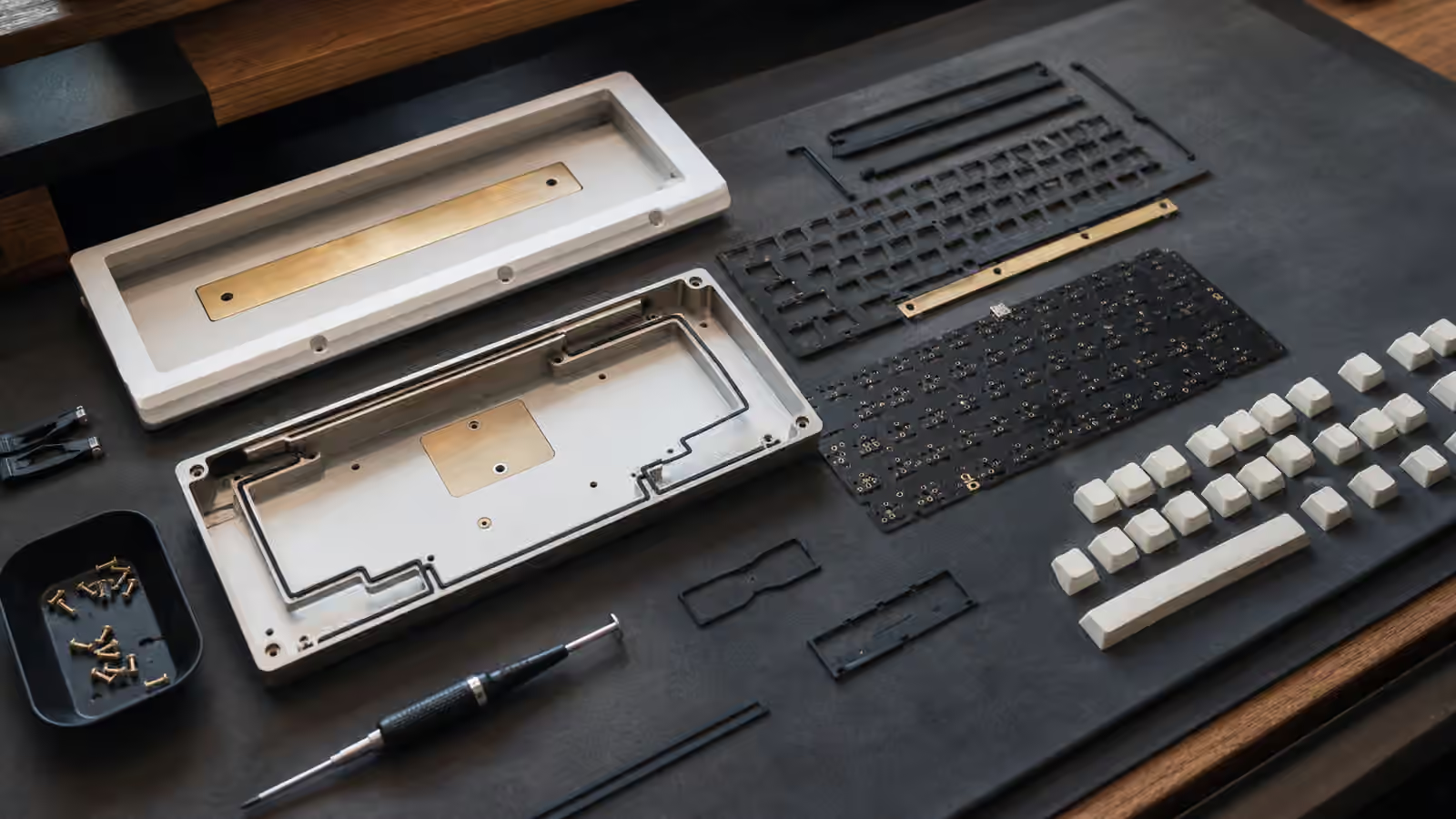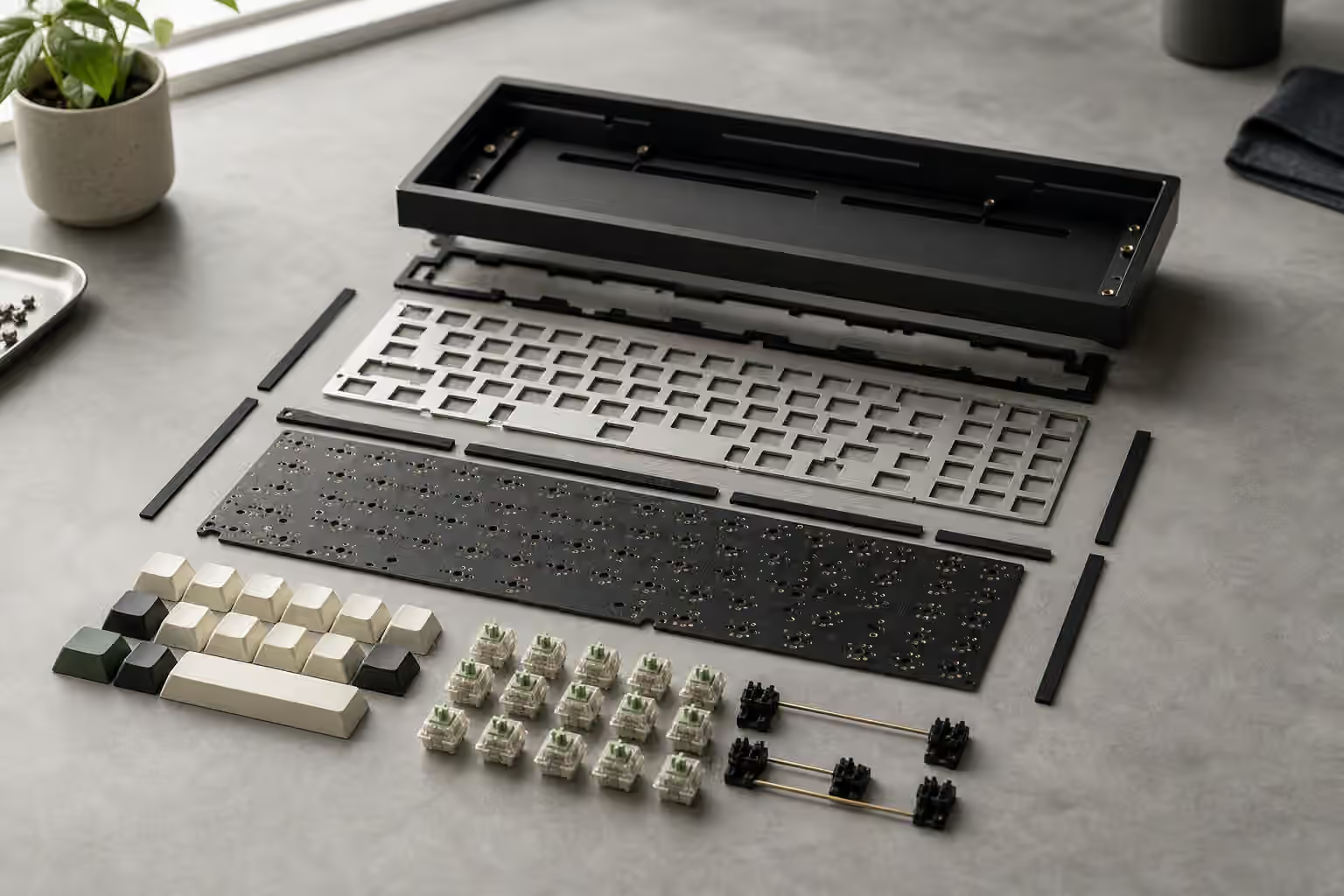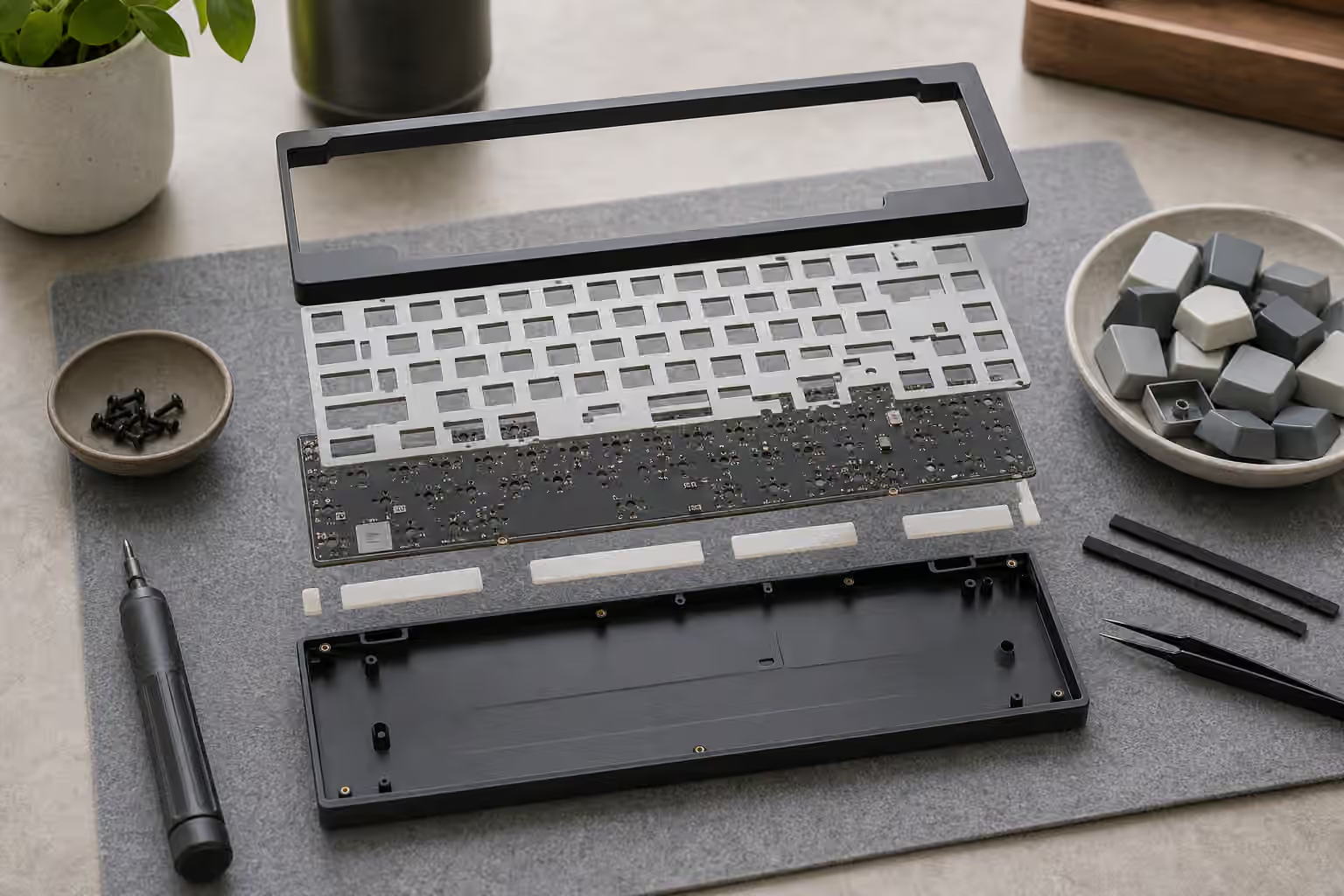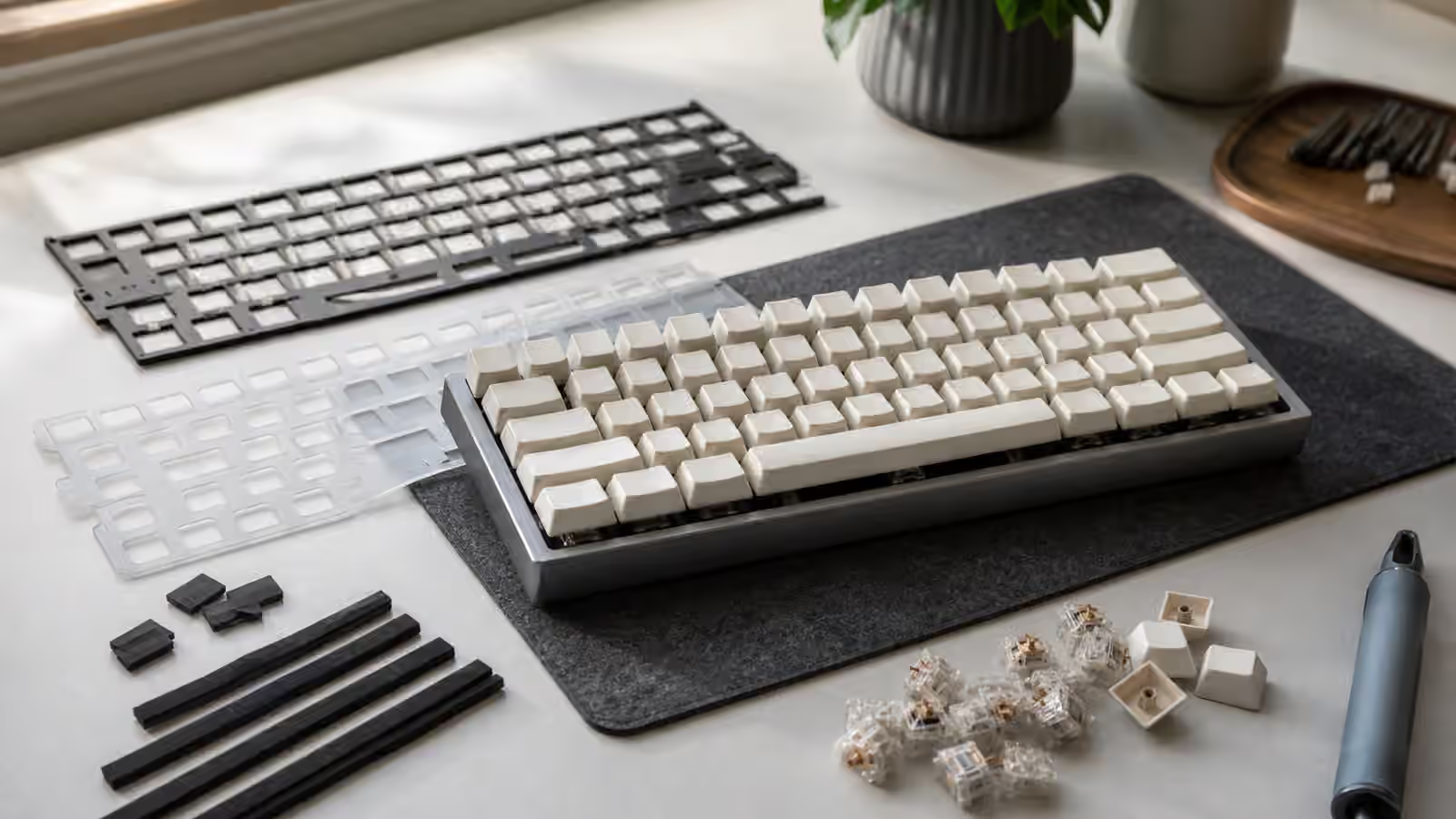
Plate flex is one of those keyboard ideas that sounds simple until you try to isolate it. A flexible plate can make a board feel softer, but it does not automatically make the keyboard comfortable. A stiff plate can feel precise, but it does not automatically make the board harsh. The plate sits in the middle of a system made from switches, keycaps, mount style, case shape, desk surface, and typing force. Its job is mechanical and acoustic at the same time: it holds switches in position, carries vibration, and decides how much the switch field moves under your fingers.
This guide focuses on what plate flex actually changes. If you need the broader build context, start with Keyboard Mounting Styles and Plate Materials . If your board feels hollow or loud rather than firm, read Keyboard Foam and Dampening as a companion. Flex is not a single upgrade path. It is one variable that should serve the way you type.
What the plate does
In an MX-style mechanical keyboard, the plate is the sheet that switches clip into before they reach the PCB. Some keyboards use no plate, but most modern boards do because the plate keeps switches aligned, supports the switch housings, and gives the build a predictable feel. When you press a key, the switch moves downward, the switch housing presses against the plate, and the plate either resists or moves slightly with that force.
A stiff plate spreads the force quickly. Metal plates such as aluminum, brass, and steel often give a more immediate response, though the exact result depends on thickness, mounting, and case design. A softer plate, such as polycarbonate or some plastics, can yield a little more before the force reaches the rest of the board. That movement can make bottom-out feel less abrupt. It can also change sound by shifting energy away from a sharp tap and toward a rounder note.
The important word is “can.” A flexible plate trapped in a rigid tray-mount case may have little room to move. A stiff plate in a well-designed gasket board may feel gentler than expected because the mount absorbs the force. A thin plate with many flex cuts may move noticeably in the center but stay firm near screws or edges. The plate material matters, but the support around it matters just as much.
Flex needs space to happen
Flex is not magic stored in a material. It is movement, and movement needs clearance. If the plate is pressed tightly against case foam, a battery, a lower case, or a stiff PCB with no relief, the assembly may not move much even if the plate itself is soft. This is why a board can advertise a flexible plate and still feel firm on the desk. The design may not leave enough room for the plate, PCB, and switches to travel together.
Mounting style controls much of that space. Gasket mounts usually put strips or pads between the plate assembly and the case, which can let the assembly move under load. Top mounts often feel controlled because the plate is fixed at the top case, while tray mounts tend to be firmer around screw points. O-ring and burger mount designs add their own forms of isolation. The Keyboard Case Fit, Tolerances, and Assembly Alignment guide goes deeper into why small assembly pressure changes can alter the final feel.
Flex cuts add another layer. These slots or relief shapes in the plate or PCB reduce stiffness in selected areas. They can make the alphas feel bouncier or make the whole board feel less slab-like. They can also create unevenness if the cuts are aggressive, the plate is thin, or the layout leaves some keys better supported than others. A little give can feel refined. Too much give can feel vague, especially for typists who press hard or rely on a crisp bottom-out.
Typing force changes the result
Two people can disagree honestly about the same plate because they are not applying the same force. A light typist may barely engage the plate’s deeper movement. They might notice switch smoothness, spring weight, and keycap texture more than flex. A heavy typist may drive the assembly into its lower travel and feel every difference between stiff and soft plates. The board has not changed; the input has.
Spring weight is tied to this. A heavier switch can keep some typists from bottoming out as hard, but it can also encourage more force from people who push through resistance. A light switch can make a flexible plate feel lively, but it may also become noisy if the typist bottoms out sharply. The Switch Spring Weight guide is useful here because spring choice and plate feel are not separate experiences under the fingers.
Keycap profile matters too. Tall keycaps can exaggerate a sense of movement because your fingers sit farther above the plate. Lower profiles may feel more direct. Thick keycaps can change the sound enough that a softer plate seems warmer, while thin caps may keep a sharper edge. Before blaming the plate for every sensation, consider how far your fingers are from the switch and how much sound the cap adds.
Sound follows the structure
Plate stiffness affects sound because it affects how vibration moves. A hard plate can produce a brighter, more immediate note. Brass is often associated with density and a sharper presence, while steel can be lively or ringing in some builds. Aluminum is common because it balances weight, cost, machinability, and predictable tone. Plastic plates may sound softer or lower, though they can also sound muted if the rest of the board is heavily damped.
The same plate can sound different after a desk change. A stiff board on a bare hollow desk may become louder than expected. A flexible plate on a thick mat may sound calm but lose some definition. The Keyboard Desk Mats and Surface Sound guide explains why the surface under the keyboard is part of the acoustic path.
Foam can hide plate character. Plate foam fills the space between switches and PCB, which can reduce sharpness but also reduce the distinct response of the plate. Case foam can reduce hollow resonance without touching switch support as directly. If the goal is to understand plate feel, test the board with the least risky configuration first, then add dampening only when you know what problem you are solving.
Stability still matters
Flex should not come at the cost of switch security. A plate that lets switches wobble, pop loose, or sit unevenly can make a board feel worse even if the material is fashionable. Hot-swap boards need enough support because switches are not soldered in place. A loose switch in a flexible plate can stress sockets or make keycaps feel unstable. The Keyboard PCBs and Hot-Swap Sockets guide covers the socket side of that risk.
Large keys deserve extra attention. Spacebar, enter, shift, and backspace connect the plate feel with stabilizer behavior. A soft assembly can feel pleasant under letter keys yet make a spacebar feel inconsistent if the stabilizers are poorly seated or the cap is warped. If the large keys rattle, tick, or return slowly, plate choice is probably not the main problem. Read Spacebar Tuning before chasing a new plate.
Choosing for your hands
Choose plate flex by asking what you want the board to do during ordinary typing. If you like a precise, immediate response and type with moderate force, a stiffer plate can be satisfying. If you want a calmer bottom-out and do not mind a little movement, a softer plate or more forgiving mount may fit better. If you write for long sessions, comfort may matter more than dramatic bounce. If you game or use fast shortcuts, stability and consistency may matter more than softness.
The safest way to judge flex is to compare one change at a time. Same switches, same keycaps, same desk, same typing sample, different plate or mount. That is not always possible, especially with prebuilts, but the principle still helps. Do not treat flex as a moral ranking where more is always better. Treat it as a tuning choice. The right plate is the one that lets the keyboard feel settled under your hands, with enough response to guide the fingers and enough forgiveness to keep the board pleasant after the first few minutes.